Devilutionx: Incorrect Blighthorn Steelmace Palette
Describe
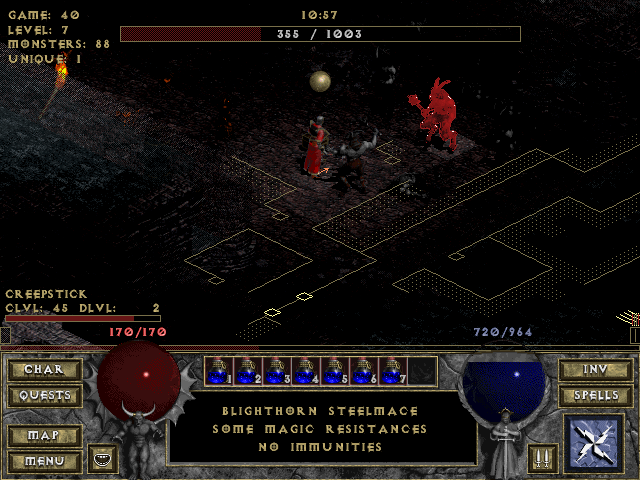
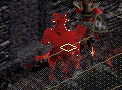
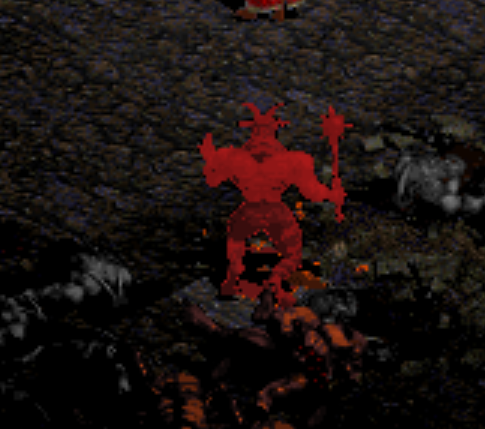
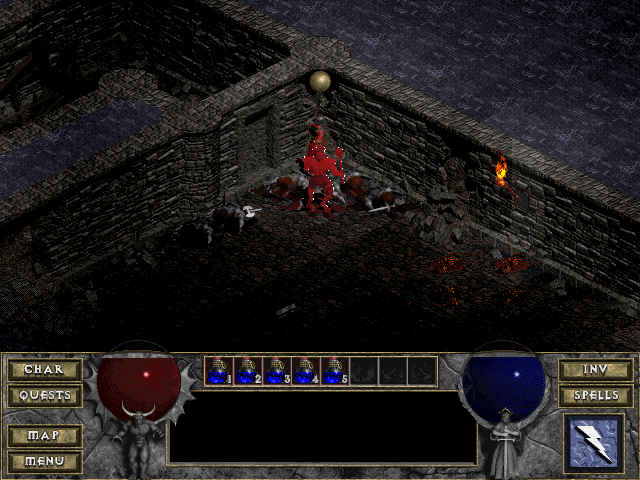
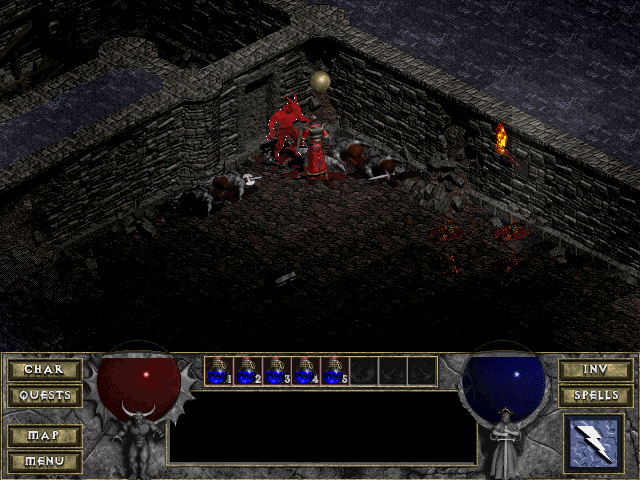
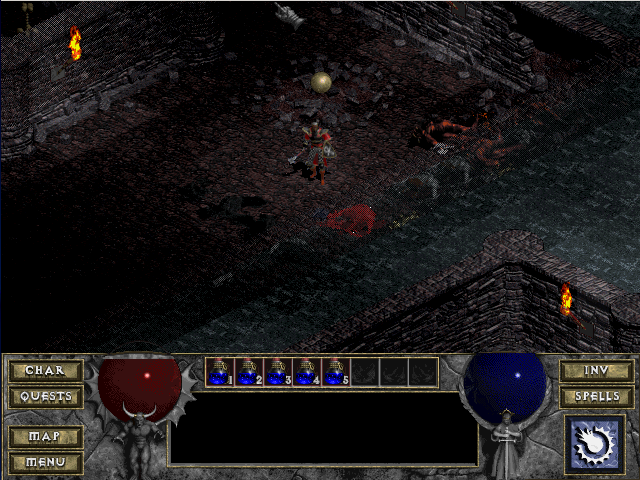
Blighthorn Steelmace palette is not showing the white pixels.
DevilutionX: | Vanilla
------------ | -------------
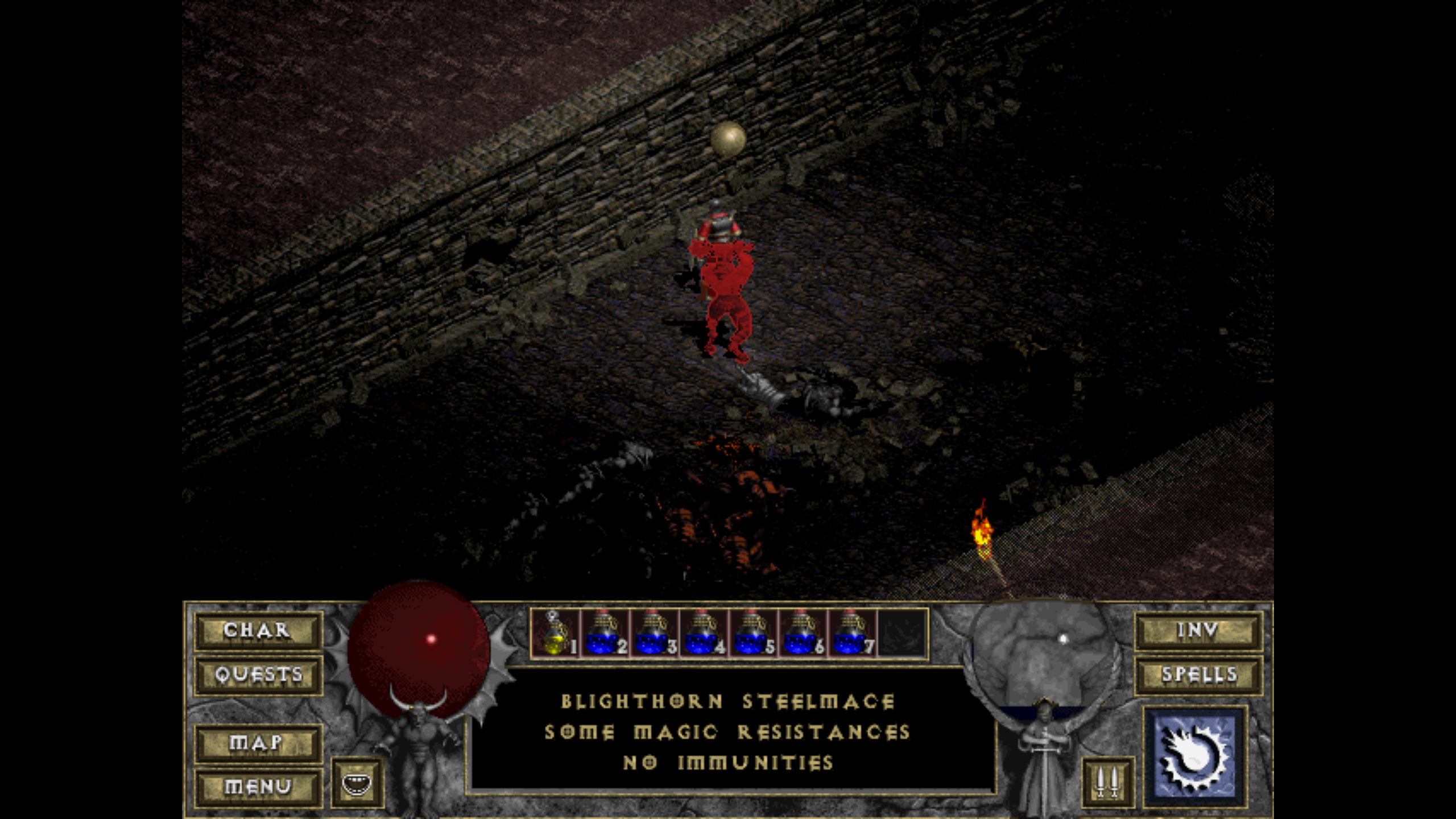 |
| 
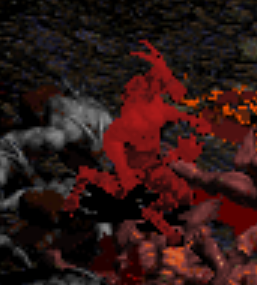 |
| 
 |
| 
Additional Info:
When using the monster.cpp info to recreate him in The Dark Graphics, the color is completely different.
Thanks KPhoenix for vanilla pics
 mgpat-gm
All 21 comments
he's using dungeon palette, why would you want him to show white pixels? It's ugly
 qndel
on 6 Sep 2020
qndel
on 6 Sep 2020
i dont remember this being explicitly fixed so interestibg to find out what changed
 AJenbo
on 6 Sep 2020
AJenbo
on 6 Sep 2020
are these 2 screenshots from the same save? Maybe you just had different dungeon palettes?
qndel
on 6 Sep 2020
Do the behaviours of last 3 pics present in vanilla too?
 sskras
on 6 Sep 2020
sskras
on 6 Sep 2020
he's using dungeon palette, why would you want him to show white pixels? It's ugly
It's sexy and you know it.
@qndel
are these 2 screenshots from the same save? Maybe you just had different dungeon palettes?
@sskras
Do the behaviours of last 3 pics present in vanilla too?
The first set of three images are from devilutionX. The second set of three are from retail version.
mgpat-gm
on 6 Sep 2020

How can this be vanilla?
 malvarenga123
on 7 Sep 2020
malvarenga123
on 7 Sep 2020
It's the torch mod monster health bar that works on classic/retail/vanilla Diablo.
mgpat-gm
on 7 Sep 2020
are these 2 screenshots from the same save? Maybe you just had different dungeon palettes?
I pieced together just now what you meant by that; Blighthorn uses the dungeon palette and if the dungeon palette changes, his display color would then possibly change.
You stated in #593 that quests can change the palette. Is there anything in multiplayer that could change the dungeon palette in vanilla?
mgpat-gm
on 7 Sep 2020
not sure about catas but church has 5 random palettes
qndel
on 7 Sep 2020
not sure about catas but church has 5 random palettes
Catacombs has quite a few as well:
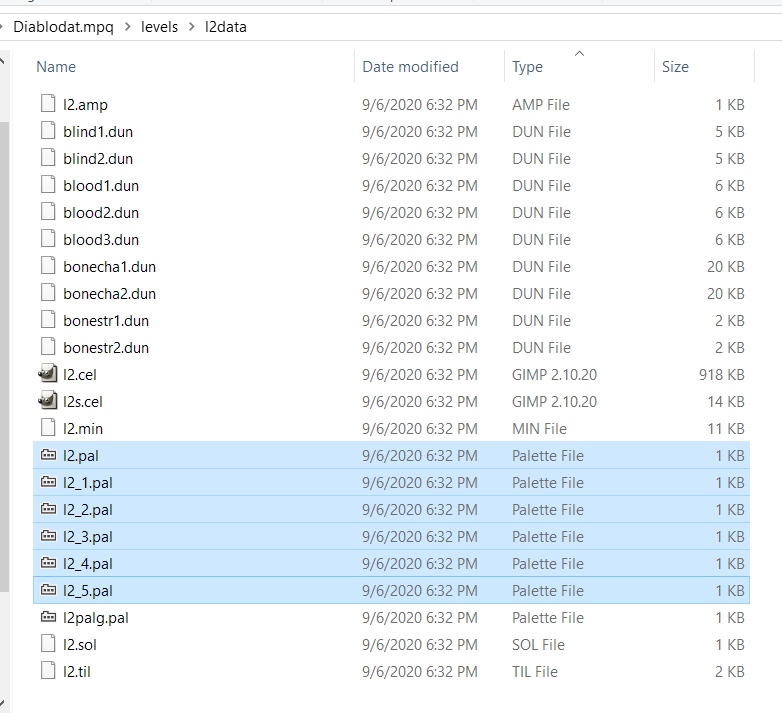
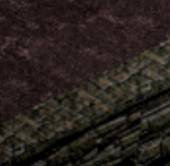
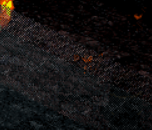
From the pictures provided, it is quite clear to me that level palettes are different. Notice the out of bounds area:
| Red/Brown (DevilutionX) | Blue (vanilla) |
| --- | --- |
|  |
|  |
|
Could this be a palette oversight in the original game as well? The random white pixels do seem like a bug to me on first glance. Perhaps they were never intended? Maybe Blizzard didn't properly test all monsters with all palettes?
@mgpat-gm , can you double check this using the exact same palette/seed across games?
 julealgon
on 10 Sep 2020
julealgon
on 10 Sep 2020
can you double check this using the exact same palette/seed across games?
I haven't a clue how to do that.
mgpat-gm
on 10 Sep 2020
I haven't a clue how to do that.
Since save files are compatible between DevilutionX and vanilla, you should be able to find the situation in vanilla first (with the white pixels), save your character there, then copy the save file and load it in DevilutionX.
julealgon
on 10 Sep 2020
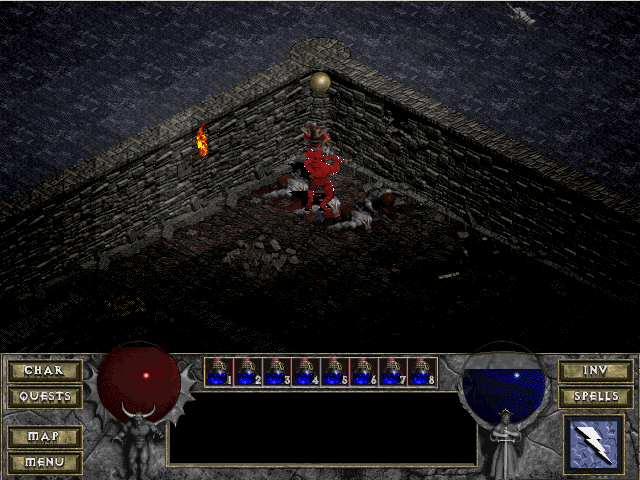
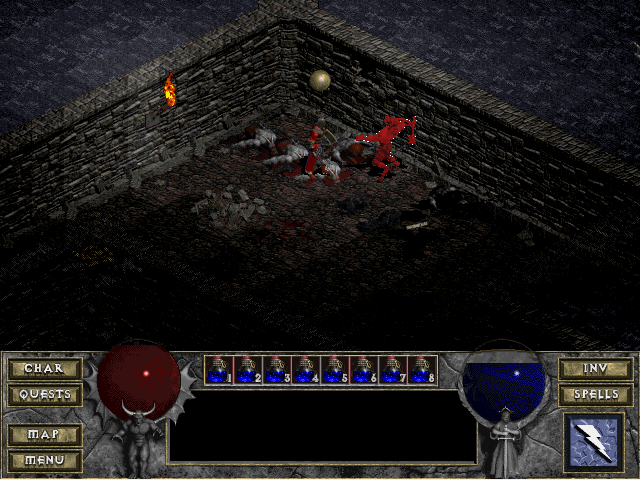
Test 1
Ubuntu Devilution 1.0.1 | XP VM Vanilla
------------ | -------------
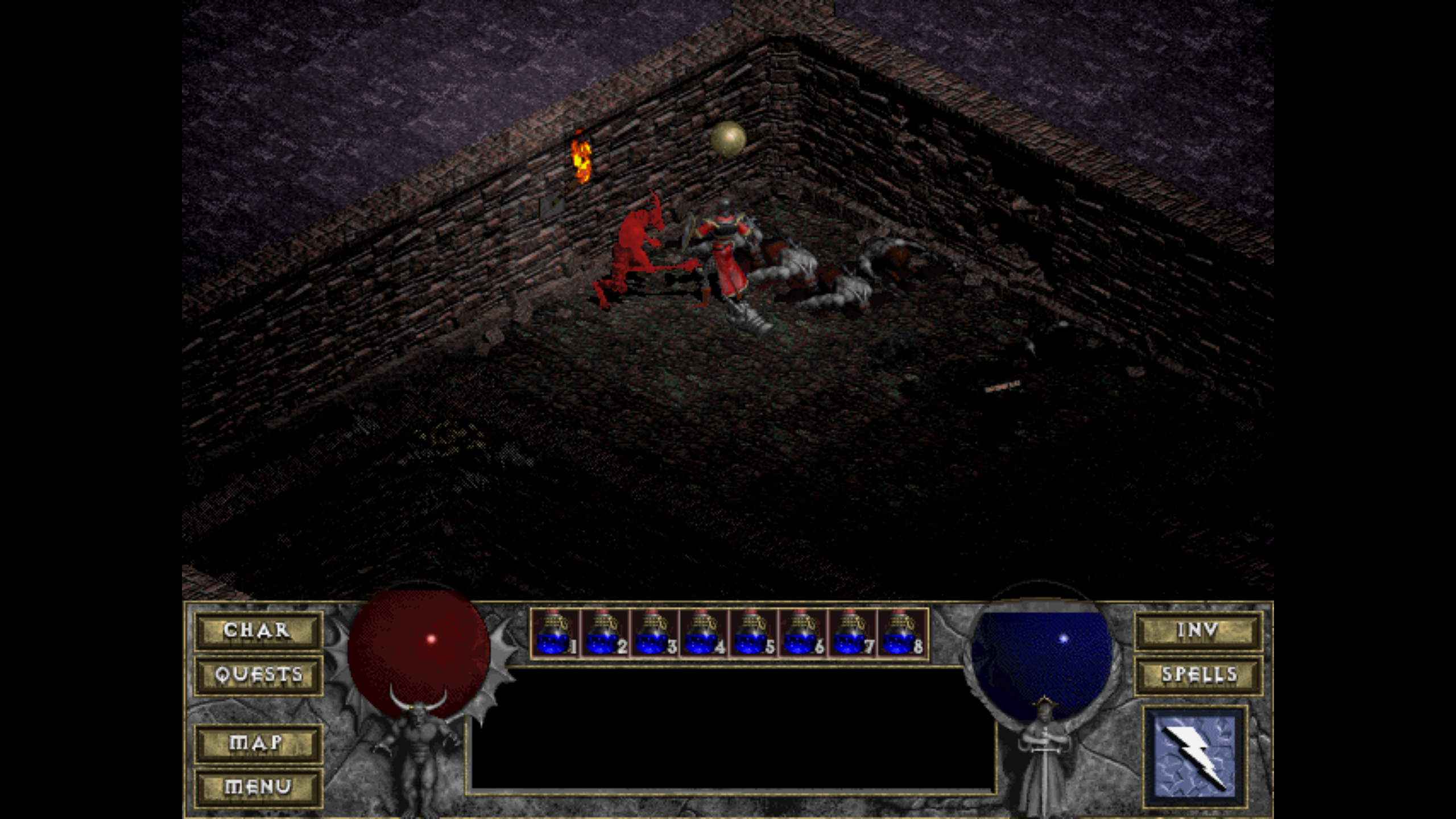 |
| 
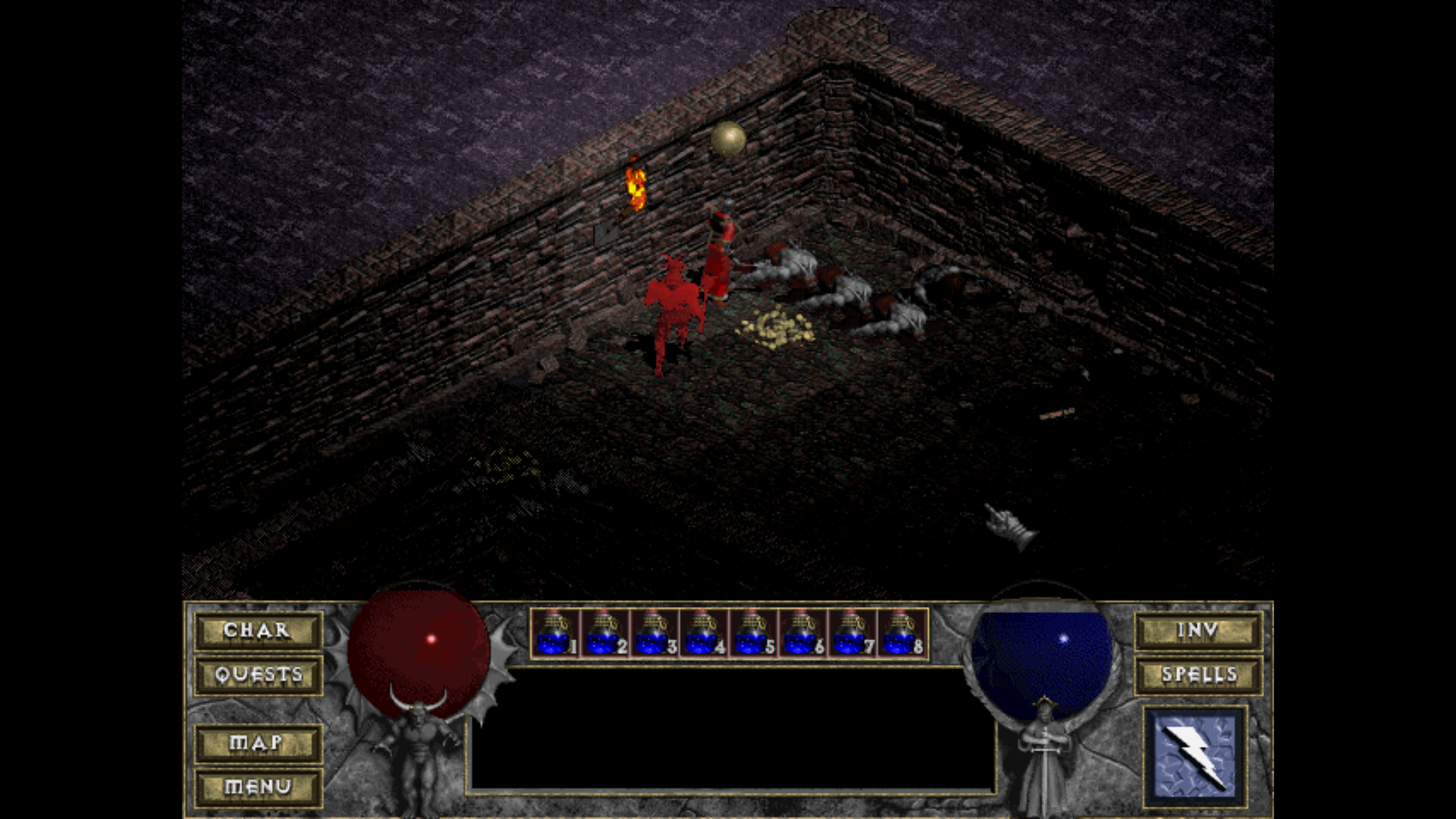 |
| 
Test 2
Ubuntu Devilution 1.0.1 | XP VM Vanilla
------------ | -------------
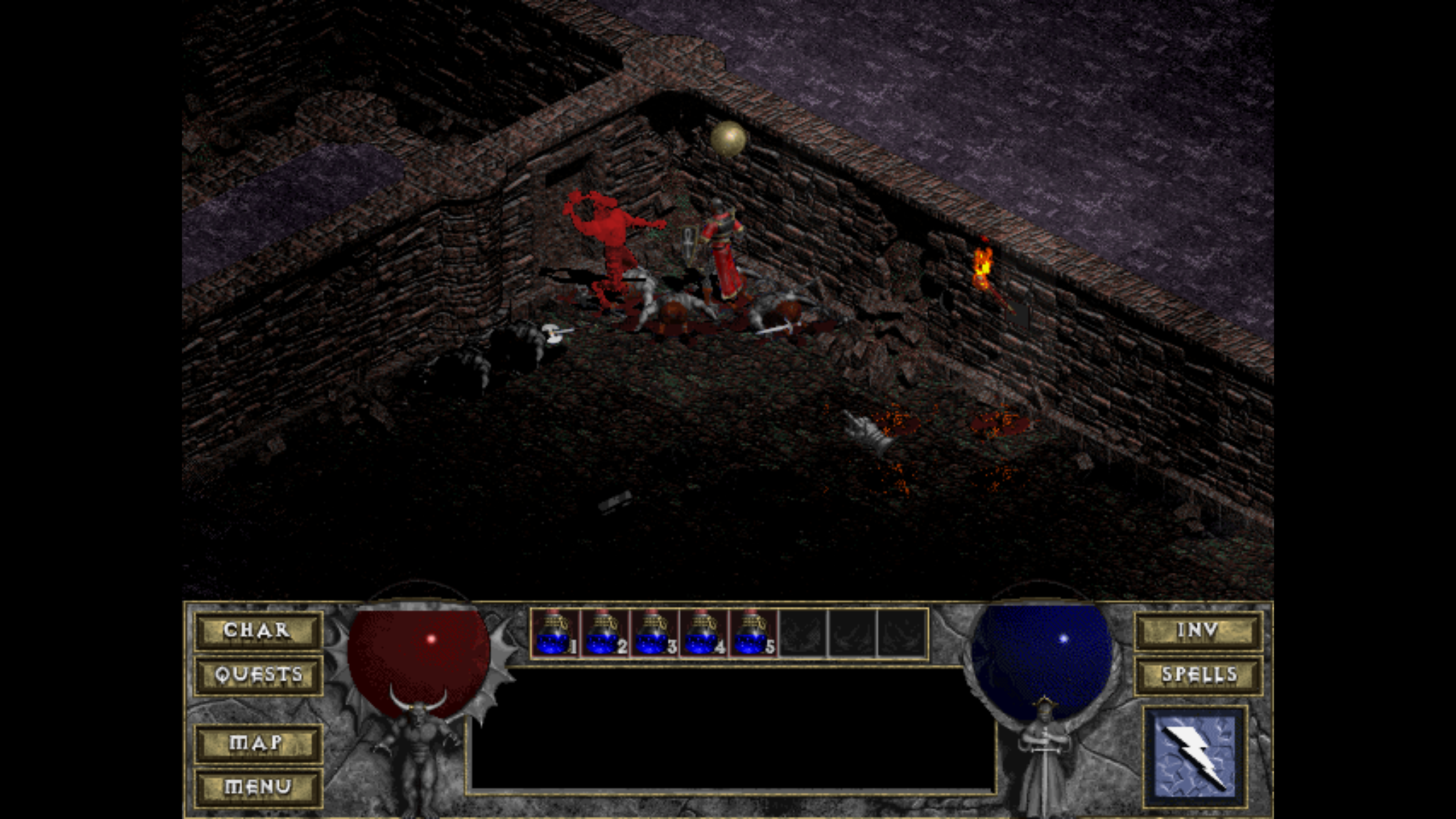 |
| 
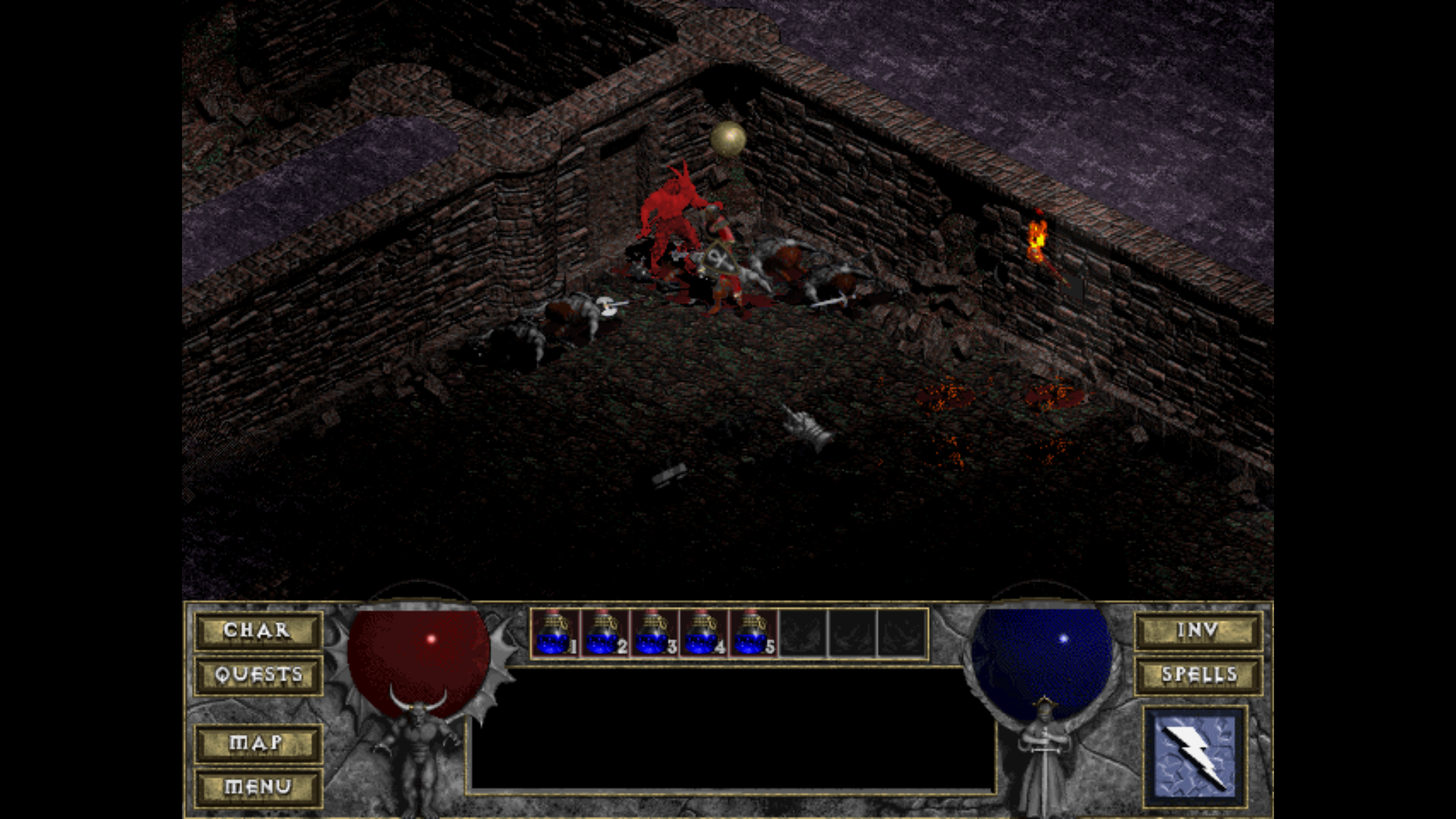 |
| 
Test 3
Ubuntu Devilution 1.0.1: | XP VM Vanilla
------------ | -------------
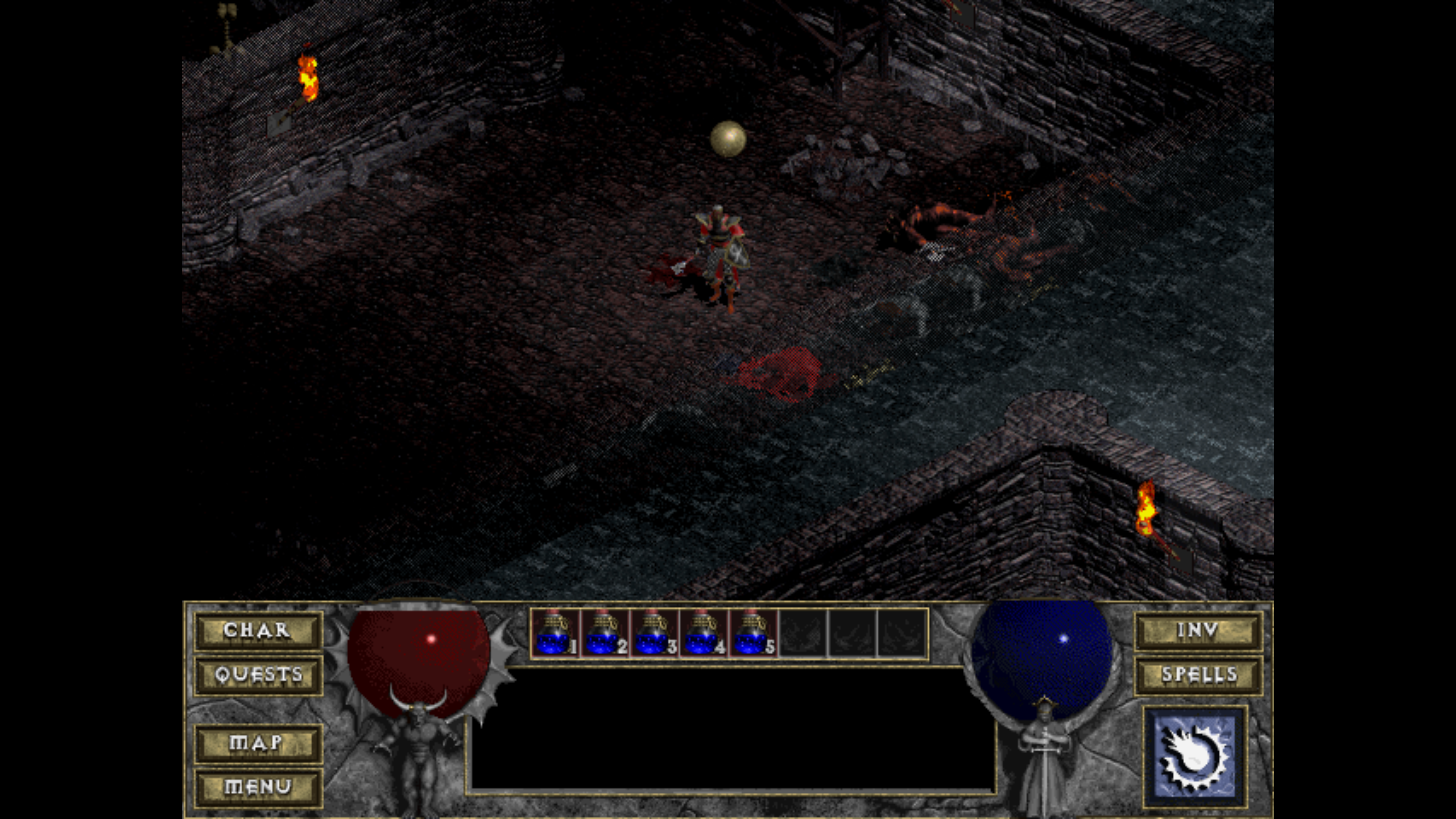 |
| 
Corresponding save files:
mgpat-gm
on 15 Sep 2020
Nice evidence @mgpat-gm , thanks for sharing.
I'm wondering now if this could be a gap in the original Devilution and not something DevilutionX caused. If it repros in original Devilution it should be fixed upstream first and propagated here.
Would need deeper investigation in any case.
julealgon
on 15 Sep 2020
Also of note in tests 1 & 2:
The color of the dungeon walls are different in devilution vs vanilla. The save(.st) files appear to be using the same palette.
mgpat-gm
on 15 Sep 2020
Time to bisect i guess
AJenbo
on 15 Sep 2020
Tested all releases back to 0.3.1 (Mar 20, 2019)
All of them render Blightorn the same.
@mgpat-gm could you provide PCX screen shots from both vanila and DevilutionX (preferably with Blightorn in the same position in both)? Using that I can say a bit more about what's going on.
AJenbo
on 27 Sep 2020
Ok by complete random chance while working on something else I noticed that if you change the gamma the game will render like the original Diablo, even if you lower it back to its original setting.
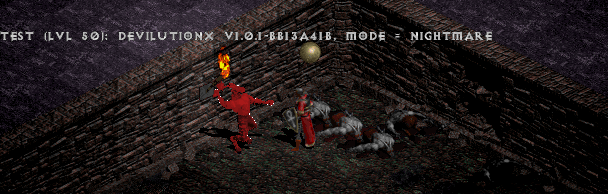
This actually seems to be a bug in the original game as the white pixels are now affected by fadeouts.
Also if you save the gamma and restart the game the rendering will again be correct with the non-default gamma applied:
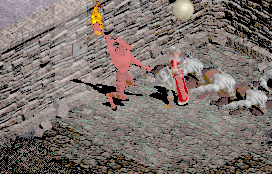 .
.
When generating the .trn files the original artist was probably working in an external tool like DeBabelizer where this issue was not present. Before claiming total victory though I would like to understand exactly why this happens, and also the behavior should be consistent when changing the gamma value.
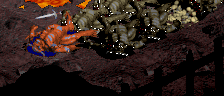
This bug was probably also the cause of similar issues with other monsters like the Toad Deamon corpses:
AJenbo
on 27 Sep 2020
Turns out this is actually a vanilla bug where only the first 255 colors are affected by the fadeout/fade-in. The fade is what actually loads to colors for DevilutionX so this in turn had the effect seen in this bug report.
AJenbo
on 28 Sep 2020
@AJenbo Wild! Should I open a different issue for the inconsistent color rendering of the walls?
mgpat-gm
on 29 Sep 2020
Sure, especially if you attache some save games that will make it as easy to debug as this one :)
AJenbo
on 29 Sep 2020
Related issues
 liberodark
·
28Comments
liberodark
·
28Comments
 flxs
·
14Comments
flxs
·
14Comments
 predator8bit
·
22Comments
predator8bit
·
22Comments
 Chance4us
·
15Comments
Chance4us
·
27Comments
Chance4us
·
15Comments
Chance4us
·
27Comments
Most helpful comment
Ok by complete random chance while working on something else I noticed that if you change the gamma the game will render like the original Diablo, even if you lower it back to its original setting.
This actually seems to be a bug in the original game as the white pixels are now affected by fadeouts.
 .
.
Also if you save the gamma and restart the game the rendering will again be correct with the non-default gamma applied:
When generating the .trn files the original artist was probably working in an external tool like DeBabelizer where this issue was not present. Before claiming total victory though I would like to understand exactly why this happens, and also the behavior should be consistent when changing the gamma value.
This bug was probably also the cause of similar issues with other monsters like the Toad Deamon corpses:
