Deltachat-desktop: Mac v0.100.0 not opening
- Platform (linux/mac/windows): mac mojave 10.14.2
- Delta Chat Desktop Version: v0.100.0
- Expected behavior: Open the client
- Actual behavior: error message
- Steps to reproduce the problem: install deltachat desktop
Screenshots:
firsttime opening error:
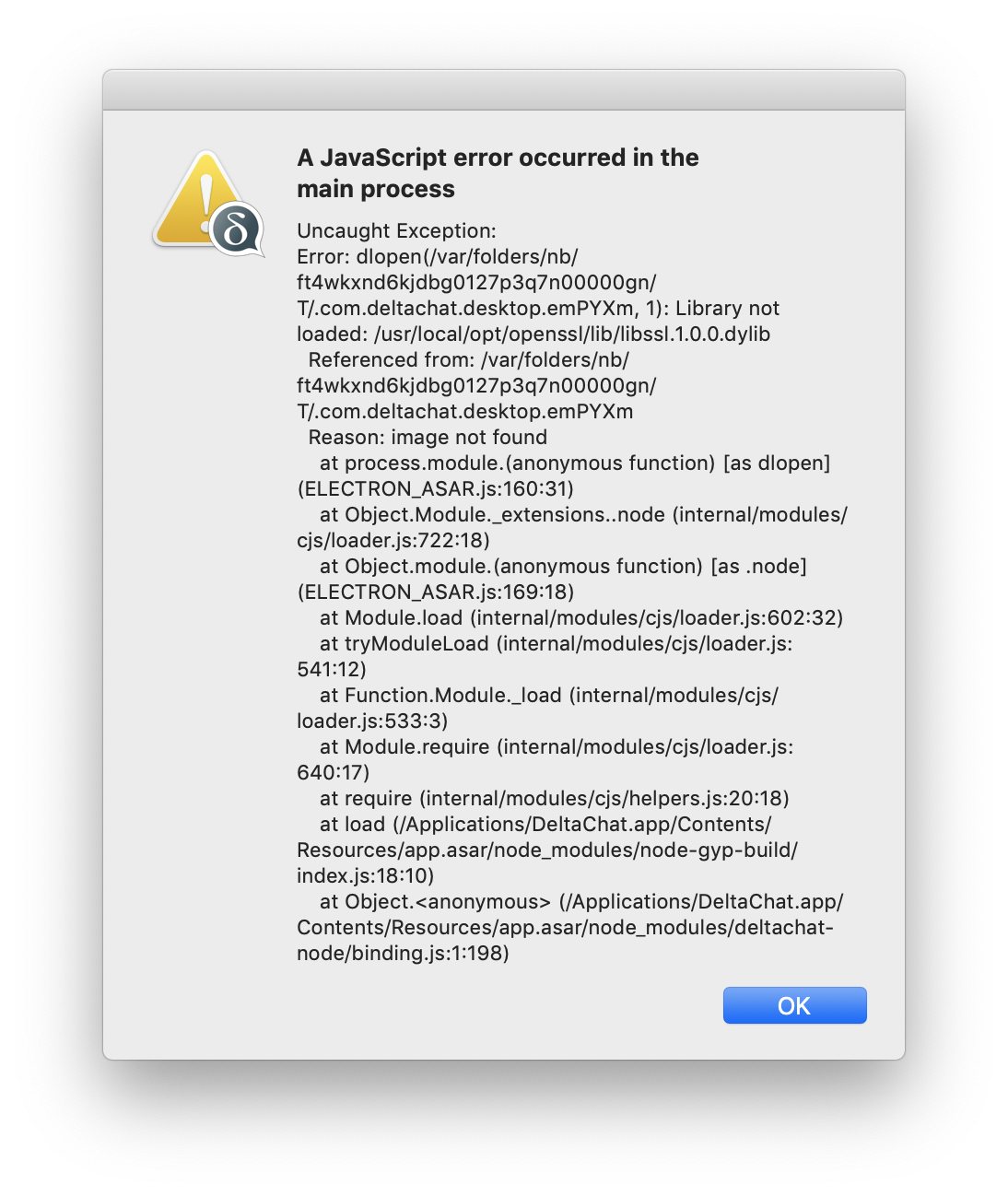
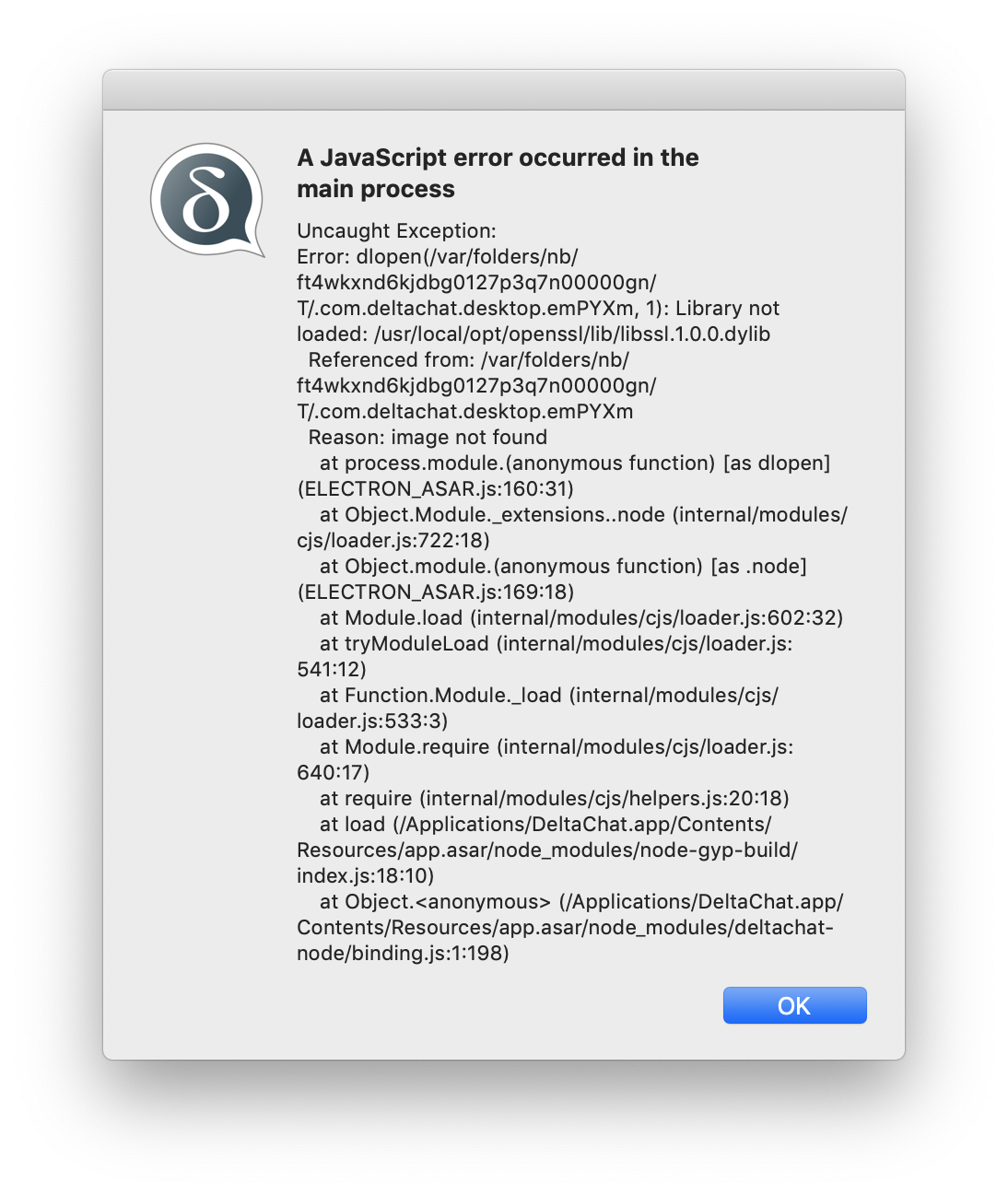
second time opening error:
Logs:
 zafai
zafai
All 11 comments
brew install openssl
 ralphtheninja
on 2 Feb 2019
ralphtheninja
on 2 Feb 2019
@zafai Did this help?
ralphtheninja
on 3 Feb 2019
@ralphtheninja yes thank you!
zafai
on 3 Feb 2019
Closed too early: same issue here (On Mac 10.12.16). I have openssl installed but with port instead of brew.
~: openssl version
~: OpenSSL 0.9.8zh 14 Jan 2016
Error comes with both: the dmg or the zip archive...
 nicodh
on 3 Feb 2019
nicodh
on 3 Feb 2019
Reopend for @nicodh
zafai
on 3 Feb 2019
It seems port installs at
/opt/local/lib/libssl.dylib -> libssl.1.0.0.dylib
but there is also the "default" openssl used by the system at
/usr/lib/libssl.dylib -> libssl.0.9.8.dylib
(the one which produced the console output above...)
nicodh
on 3 Feb 2019
At the moment desktop assumes openssl has been installed using brew and in /usr/local/opt. As a workaround maybe you can symlink from there into the port location.
ralphtheninja
on 3 Feb 2019
Yes if I add a symlink manually it works, but I just wanted to report the issue...
nicodh
on 3 Feb 2019
I guess we should put this in the install instructions? What's the "standard" approach on installing openssl on mac? Bundling it into the .dmg? Installing it seperately over brew? brew is not really a tool for non techy people i think.
 Jikstra
on 4 Feb 2019
Jikstra
on 4 Feb 2019
I think we should bundle it in the .dmg if possible.
There is an openssl library which is part of the system, but that is somewhat outdated (as you see above) and you can't "overwrite" it without disabling "System Integrity Protection“ and rebooting.
Brew is not a standard tool on Mac, only for developers...
nicodh
on 4 Feb 2019
Again, this boils down to the node bindings. And yes, with the information we have this far, they should bundle everything that's needed for all platforms. These problems are only going to get worse :)
ralphtheninja
on 4 Feb 2019
Related issues
 Simon-Laux
·
3Comments
Simon-Laux
·
3Comments
 Gozala
·
4Comments
Simon-Laux
·
3Comments
Jikstra
·
7Comments
Gozala
·
4Comments
Simon-Laux
·
3Comments
Jikstra
·
7Comments
 webratte
·
3Comments
webratte
·
3Comments