Windows-GPU with an Anaconda Env & DeepLabCut 2.1.8.2 (re-uploaded today)
OS: Windows
DeepLabCut Version: 2.1.8.2
Anaconda env used: DLC-GPU
Describe the problem
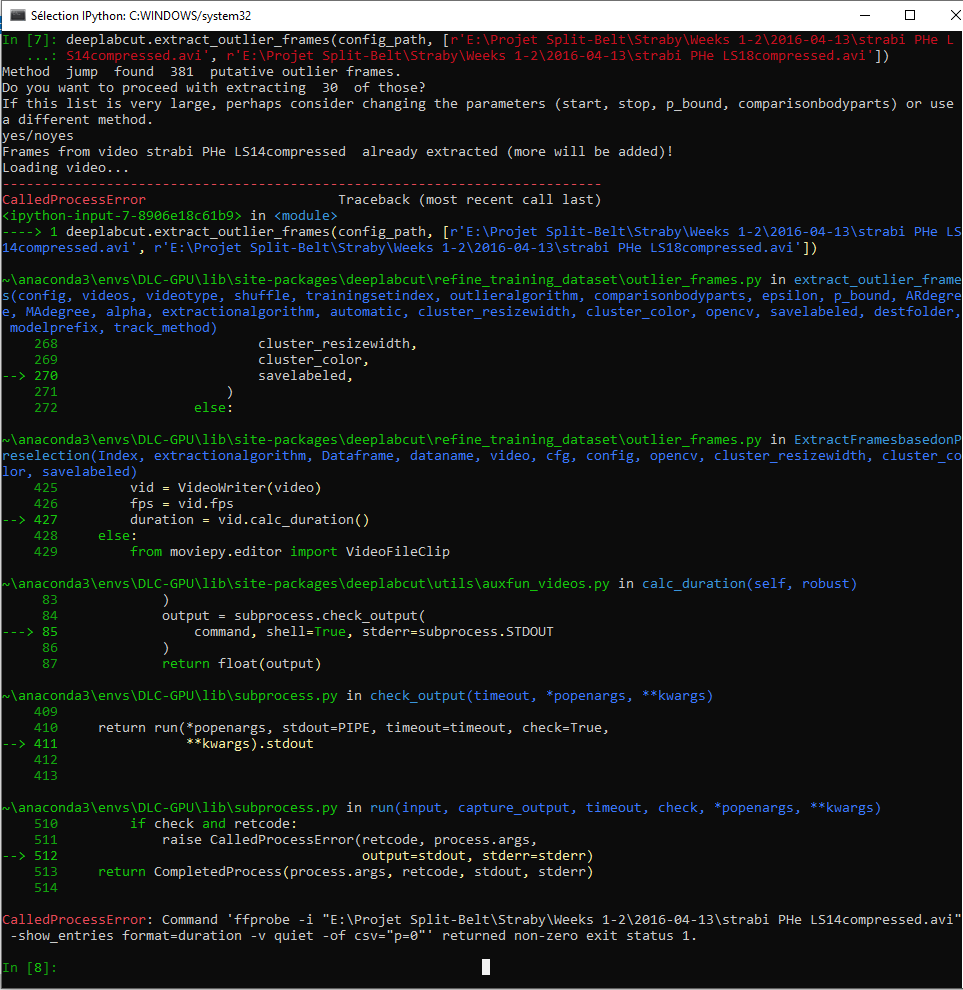
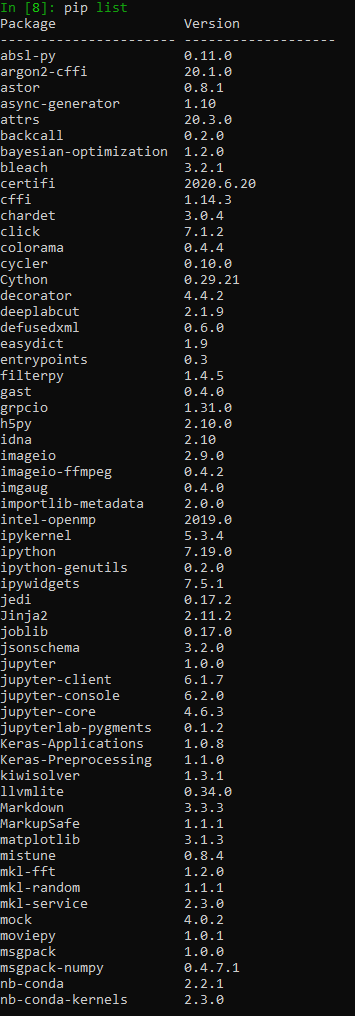
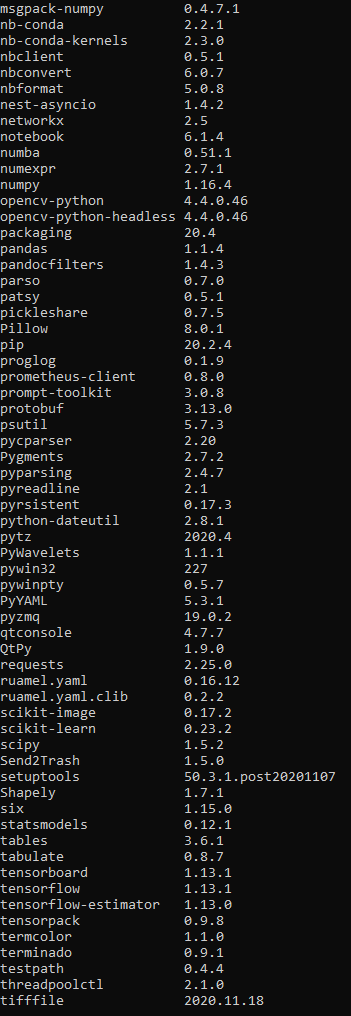
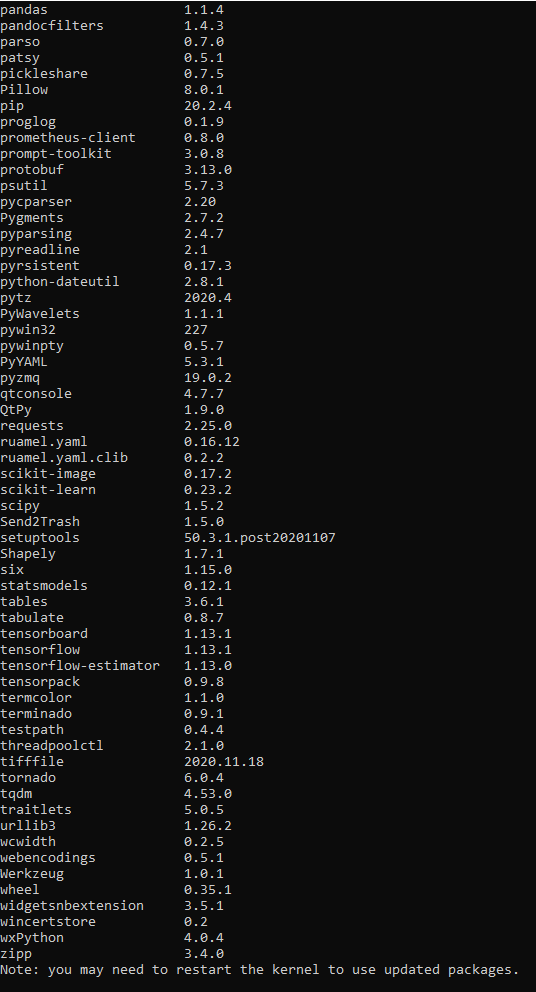
Hi developers, as of today and without any change in my environment or the way I use DLC, a "CalledProcessError" message appears without knowing why when I want to extract outlier frames. Have you ever faced this, and do you have a potential solution to my problem? I attach a screenshot of the terminal returning the error and all the packages of my configuration.
ScreenshotsCode output
 Charly77220
All 3 comments
Hey @Charly77220. Not a developer here but I've had problems with ffmpeg before on Windows, which is what it looks like you are having as well. I would try to re-install ffmpeg and see if that alleviates the problem.
 blogeman
on 22 Nov 2020
blogeman
on 22 Nov 2020
perhaps a windows update did you in; once in your env, run this: https://anaconda.org/conda-forge/ffmpeg
 MMathisLab
on 22 Nov 2020
MMathisLab
on 22 Nov 2020
Thanks for your two answers, it perfectly solved the issue !
Charly77220
on 23 Nov 2020
Related issues
 tvajtay
·
4Comments
tvajtay
·
4Comments
 guyts
·
3Comments
guyts
·
3Comments
 cathy-liu23
·
3Comments
cathy-liu23
·
3Comments
 dusa2
·
3Comments
dusa2
·
3Comments
 jennymsmith94
·
3Comments
jennymsmith94
·
3Comments
Most helpful comment
Hey @Charly77220. Not a developer here but I've had problems with ffmpeg before on Windows, which is what it looks like you are having as well. I would try to re-install ffmpeg and see if that alleviates the problem.