Deeplabcut: How to analyze 'one image' with deeplabcut
Anaconda Env. & DeepLabCut 2.1.6.4
OS: Windows 10,
deepLabCut Version : 2.1.6.4
Browser : chrome
Hello, I’m trying to analyze ‘only one image’ with deeplabcut.
I already got labeled video using demo video(mouse), and now, using this training network, I want to upload another one image(exactly, captured mouse image of demo video) to analyze and label it.
Do I need to create new project with this image? or Load existing project that I already finished labelling?
I have no idea.
Anyone can answer me?

->I trained demo video and got this labeled video
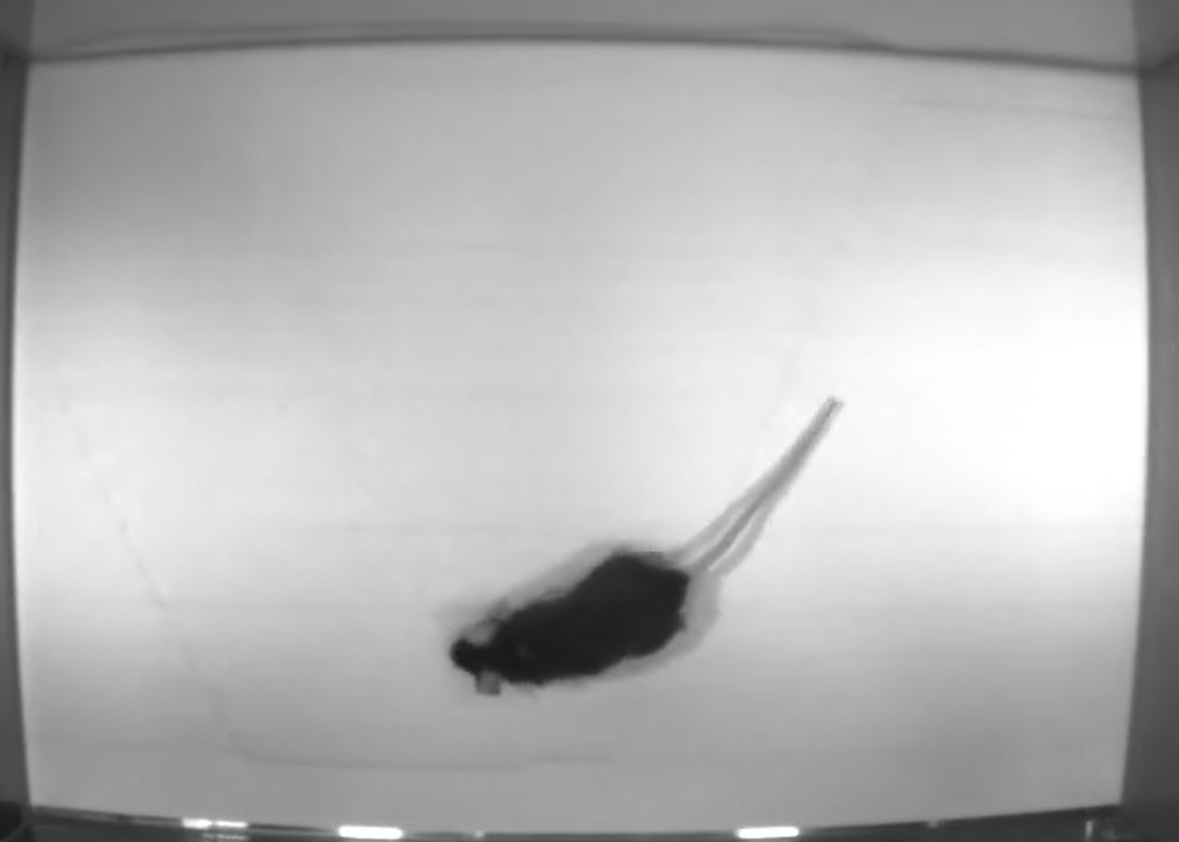
->This is an image that I want to analyze(label) using training network made above.
I think analyzing an image, not video, with deeplabcut is possible, because image is one of the frames of video.
But, when I try to include path of image(rather than video path) and extract frames, error occurs.
My ultimate goal is to analyze new images with training data created through video analysis.
If you know how, please reply me.
 Injee-Park
All 2 comments
yes, you can analyze images with:
deeplabcut.analyze_time_lapse_frames(config,directory,frametype='.png',shuffle=1,
                trainingsetindex=0,gputouse=None,save_as_csv=False,rgb=True)
 MMathisLab
on 19 Apr 2020
MMathisLab
on 19 Apr 2020
Thank you so much!!
Injee-Park
on 20 Apr 2020
Related issues
 cvKDean
·
4Comments
cvKDean
·
4Comments
 dusa2
·
3Comments
dusa2
·
3Comments
 ForgottenOneNyx
·
4Comments
ForgottenOneNyx
·
4Comments
 HaixinLiuNeuro
·
4Comments
HaixinLiuNeuro
·
4Comments
 jennymsmith94
·
3Comments
jennymsmith94
·
3Comments