Dash-to-panel: Super Key Not Working
Hello,
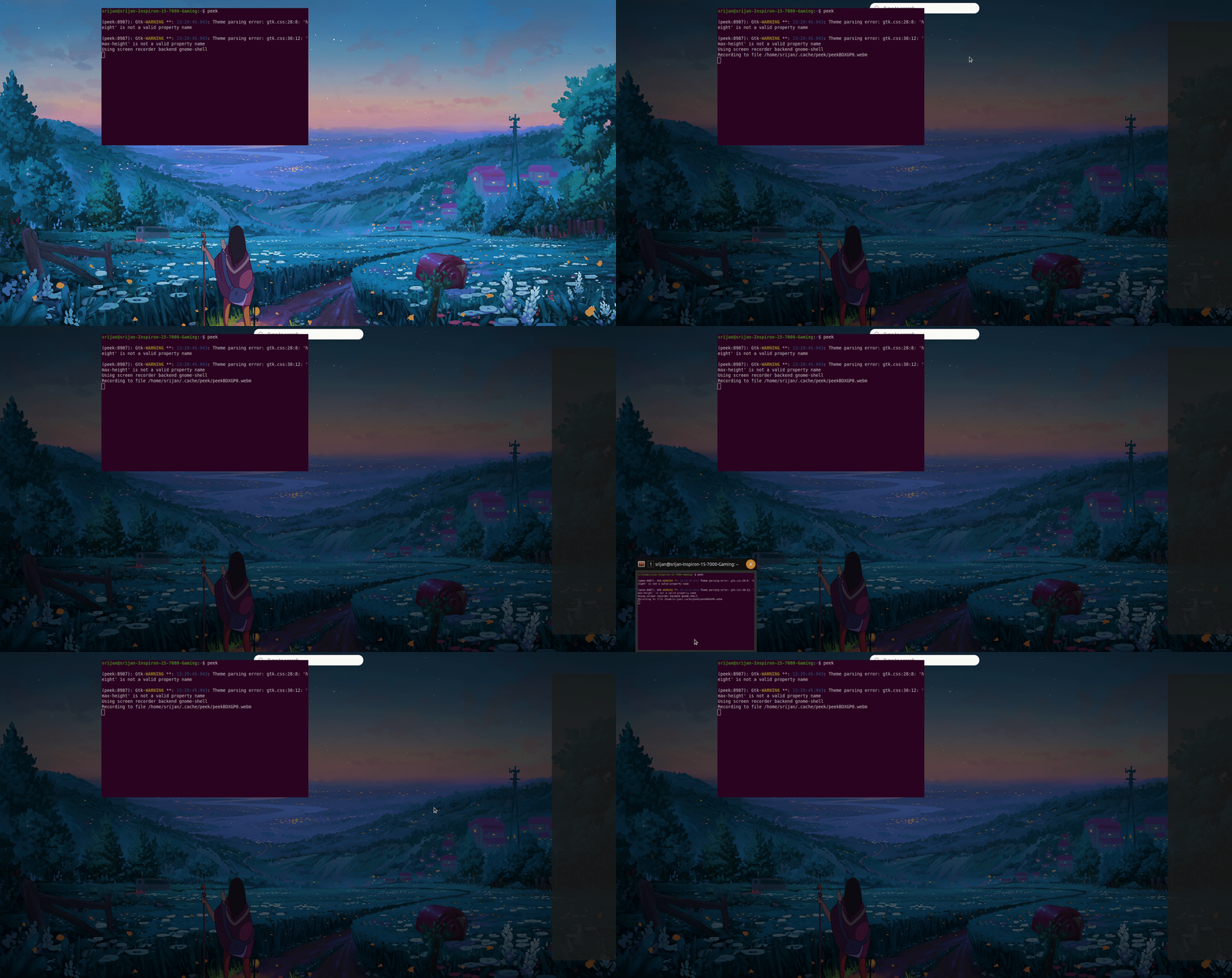
I just ran sudo apt update/ upgrade and the dash to panel extension is giving me errors. The super overview is not showing correctly and I cannot exit out of the super overview. The work-spaces are also not showing. The only way to exit overview is with alt-F2 + r.
This is in gnome-shell version 3.36.4.
bug
 Srijan1214
👍1
All 2 comments
Not reproduced with manually installed dash-to-panel v38.
For new ubuntu 20 users like me:
- download archive from https://extensions.gnome.org/extension/1160/dash-to-panel/
- unpack to .local/share/gnome-shell/extensions/[email protected]
- restart gnome shell by pressing Alt+F2, r, enter
- launch 'Extensions' app and enable manually installed extension
 VitalyOstanin
on 13 Aug 2020
VitalyOstanin
on 13 Aug 2020
❤1
@VitalyOstanin Following your instructions fixed it. I tried removing dash to panel with
sudo apt-get remove gnome-shell-extension-dash-to-panel
and reinstalling with
sudo apt-get install gnome-shell-extension-dash-to-panel
but that did not fix the issue.
But your method did. Thank You so much.
Srijan1214
on 13 Aug 2020
🎉1
Was this page helpful?
0 / 5 - 0 ratings
Related issues
 BoQsc
·
4Comments
BoQsc
·
4Comments
 Pointedstick
·
6Comments
Pointedstick
·
6Comments
 bmccorm2
·
5Comments
bmccorm2
·
5Comments
 andrewgazelka
·
6Comments
andrewgazelka
·
6Comments
 Steps65
·
5Comments
Steps65
·
5Comments