Dash-to-panel: Power, sound and other extension logo not showing up.
Describe the bug
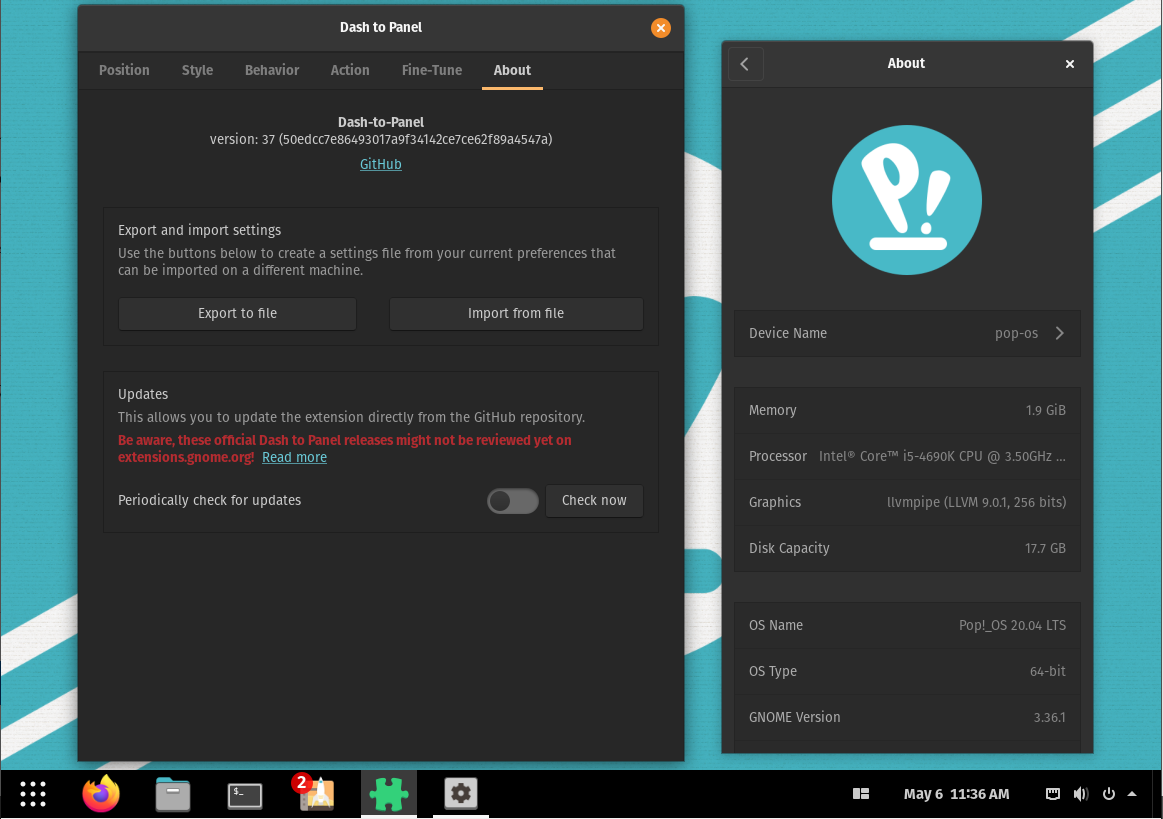
The part containing network connection and power off option is not showing up properly. It can not be seen when I hover over them or click them. When I turn the extension off it still is like this. But after hovering over them they got correct.Picture.
Linux distribution and version
Pop!_OS 20.04 Non-LTS
GNOME Shell version
GNOME Shell 3.36.1
Dash-to-Panel version
37
Where was Dash-to-Panel installed from?
The GNOME extensions website.
Screenshots / Video captures
Screenshot at the right part.
Additional Info
 Oymate
All 12 comments
Hello, v37 seems to work fine for me on Pop!_OS 20.04, do you have other installed extensions?
Thanks!
 charlesg99
on 6 May 2020
charlesg99
on 6 May 2020
Yes, I do indeed have other extension installed.(I have been using dock instead of panel after this issue started. Before that I used the dock extension but the update brock mine.
Here are a few screenshot of all the extensions I use.
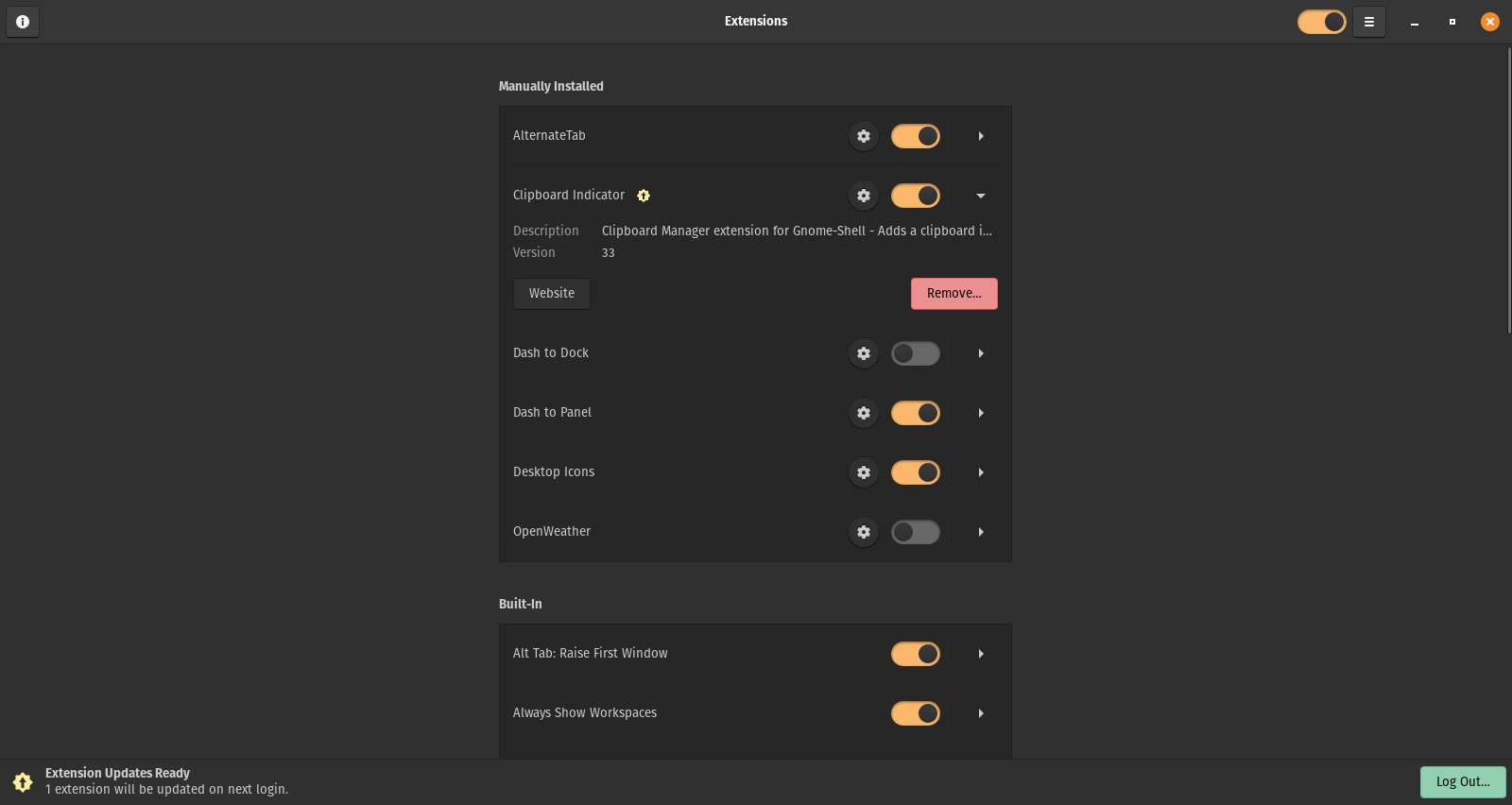
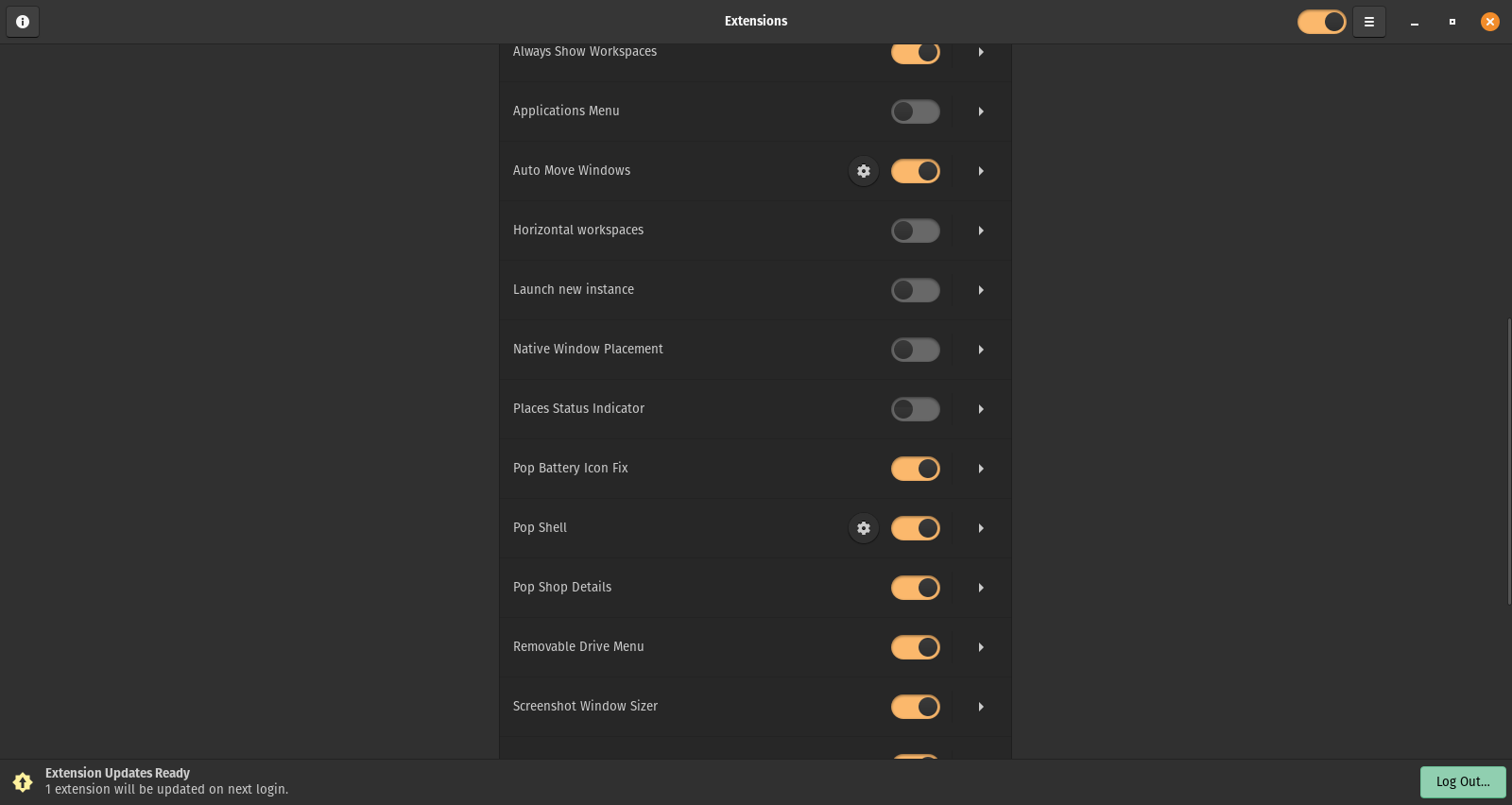
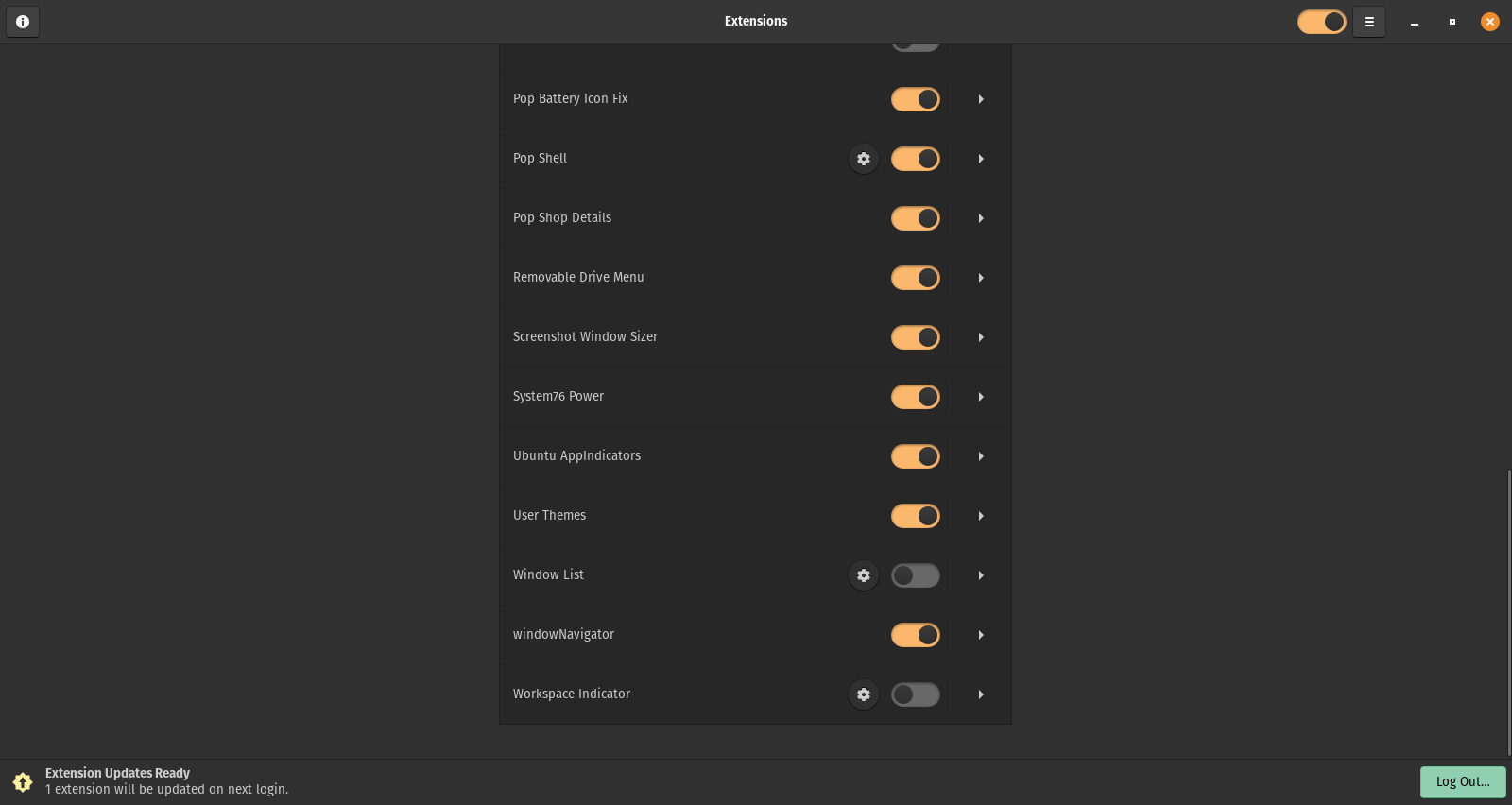
Also I seem to be not able to update should I reinstall?
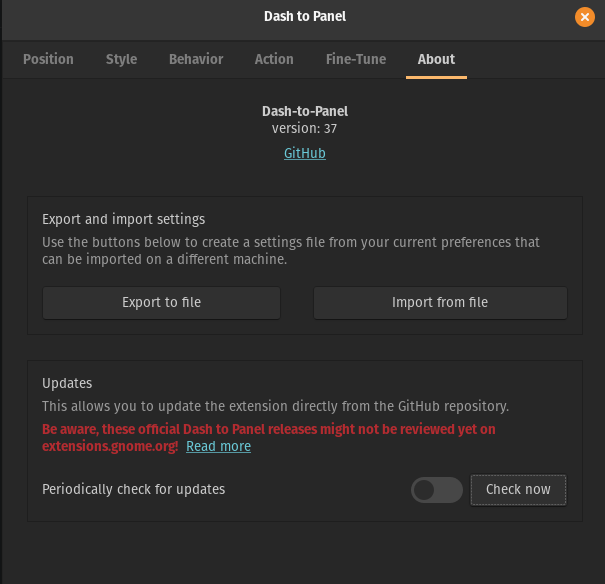
Oymate
on 7 May 2020
@Oymate We aren't aware of others having this issue, so you will need to disable all of the other extensions and then enable them one-by-one to see which one is conflicting.
 jderose9
on 20 May 2020
jderose9
on 20 May 2020
Ok, I will reply tomorrow.
Oymate
on 20 May 2020
@jderose9 I have tried and even uninstalled some software. But, it only showed "Do not disturb bell correctly.

Oymate
on 23 May 2020
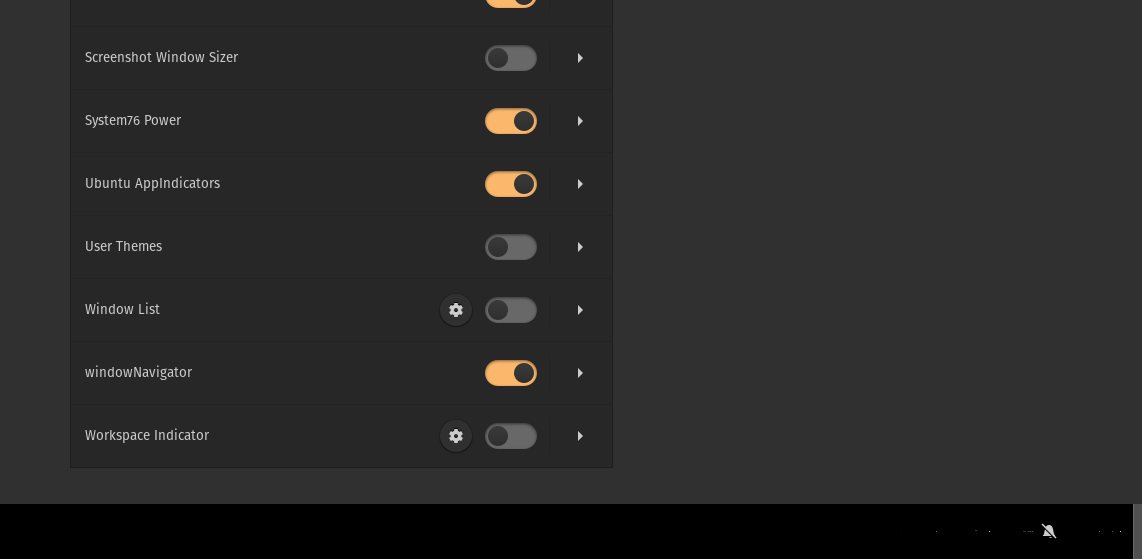
Hello Oymate, here are the extensions that I have enabled (pretty much Pop!_OS default). Please try to set yours like this as well, then restart gnome-shell and see if the issue presists. Thanks!
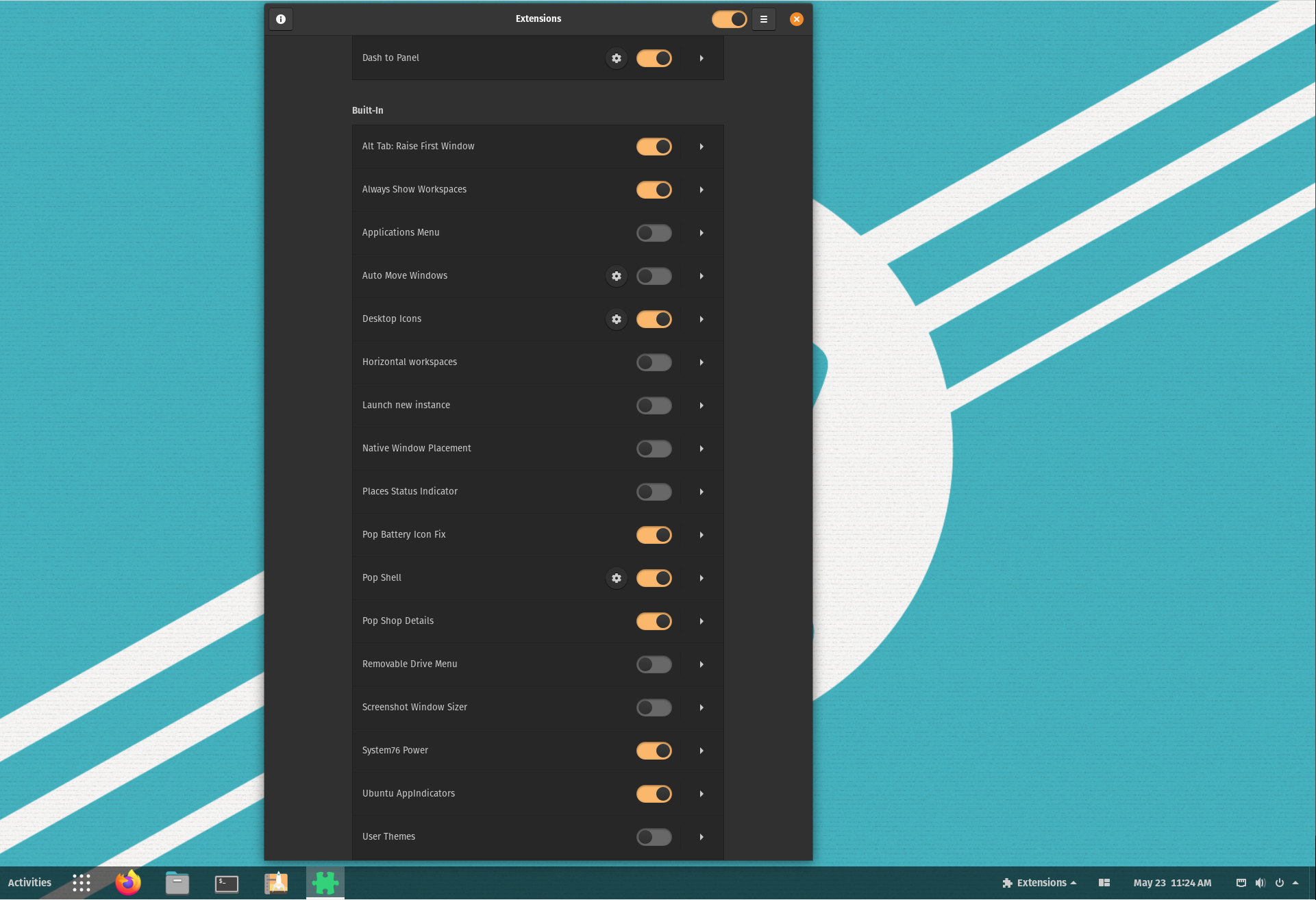
charlesg99
on 23 May 2020
Still no luck :(
Restarted with changed settings. And even switched to GNOME shell and back to Pop.
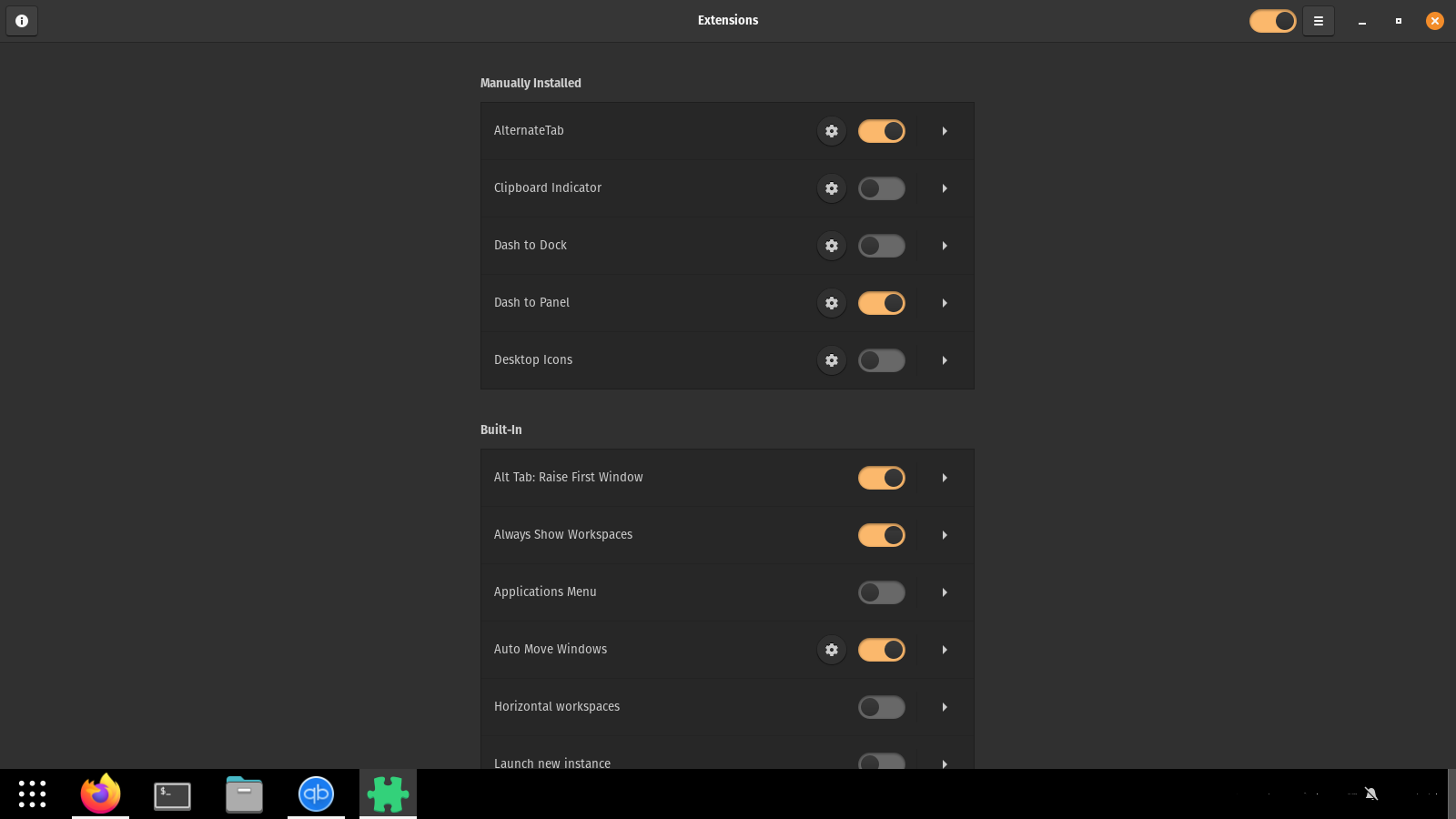
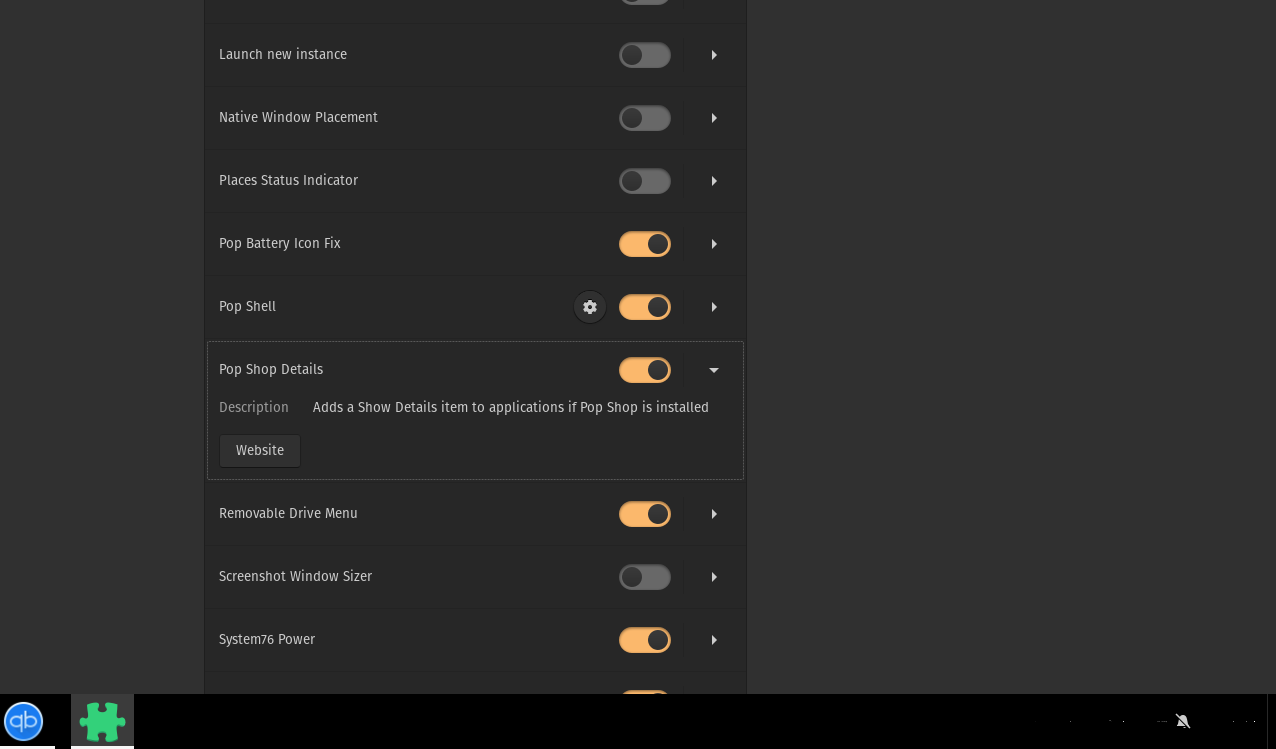
Oymate
on 24 May 2020
Should I give any config file or check the icon folder?
Oymate
on 24 May 2020
Could this issue be an extension of this one?
https://github.com/home-sweet-gnome/dash-to-panel/issues/998#issue-614970980
Oymate
on 24 May 2020
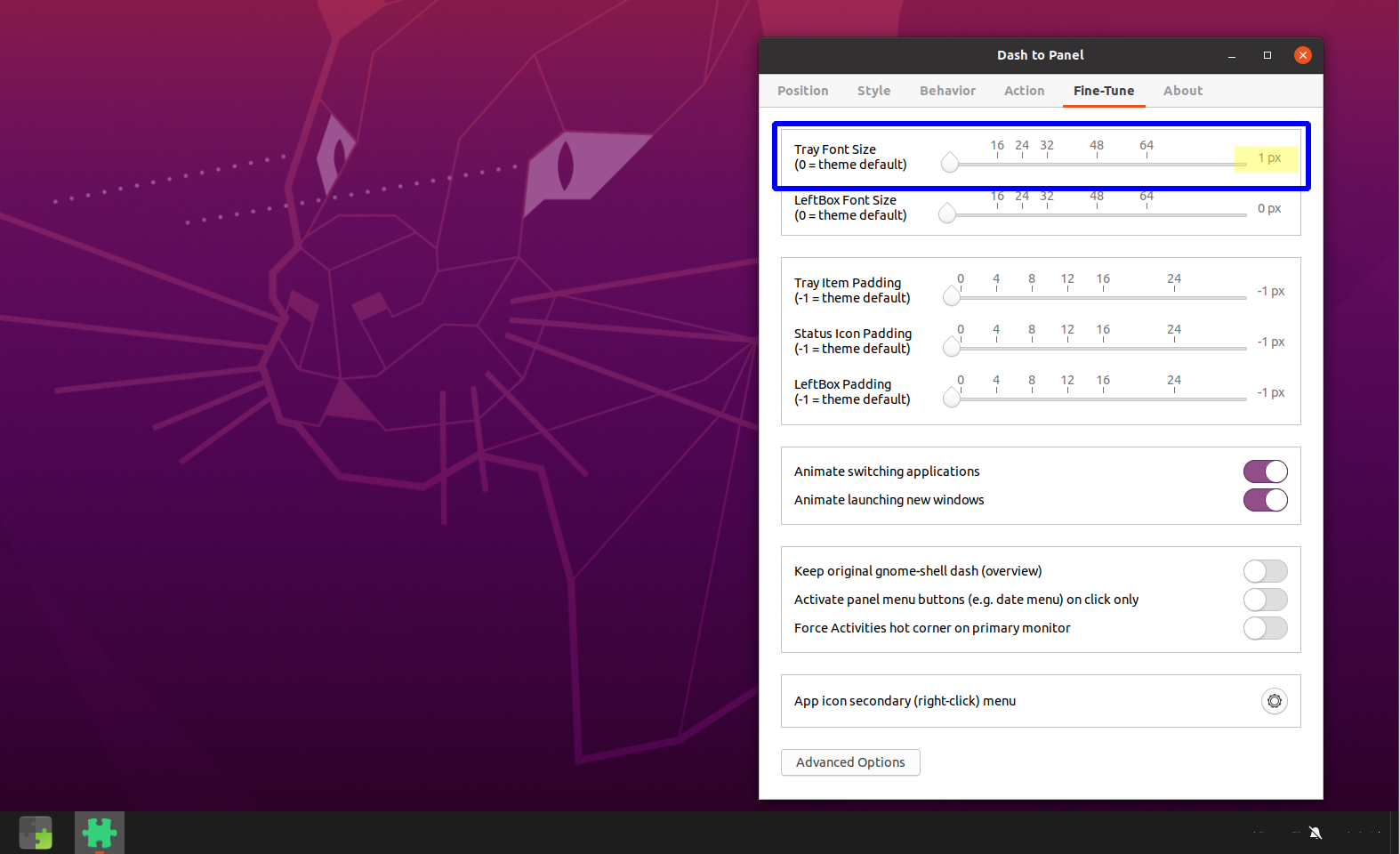
Omg I almost hope this isn't only this, but what is the value of your "Tray Font Size" slider under the Fine-Tune tab of the settings dialog?
charlesg99
on 26 May 2020
It is.
http://www.quickmeme.com/img/80/80cc0f4c808f3d976d72ee71d6527f49820f016c977145327776238a22e33957.jpg
Thanks for supporting me for so long though.
Oymate
on 26 May 2020
Lol I was almost sure I would see Picard when clicking your meme link, and there he was :) Glad it's resolved!
charlesg99
on 26 May 2020
Related issues
 MicleBrick
·
6Comments
MicleBrick
·
6Comments
 Rawleenc
·
6Comments
Rawleenc
·
6Comments
 RomanShumikhin
·
3Comments
RomanShumikhin
·
3Comments
 Pointedstick
·
6Comments
Pointedstick
·
6Comments
 andrewgazelka
·
6Comments
andrewgazelka
·
6Comments