Dash-to-dock: Not work at ArchLinux 3.35.91
Hi !
Thanks for your work at dash to dock! My archlinux bring a lot of software update today. And my Gnome Shell update to 3.35.91, it cause many plug-in can't work. dash to dock is one of them.
Dash to dock can't bring any new thing after I installed, there is a big "ERROR" at https://extensions.gnome.org/extension/307/dash-to-dock/ after I installed.
Well, the result gnome-shell --version is "GNOME Shell 3.36.0", but the version of setting show is 3.35.91……
 cathaysia
All 13 comments
Use git version if you updated to 3.36 (get it from tmp/gnome-3.36 branch, but expect some issues like #1113)
 hrdwrrsk
on 9 Mar 2020
hrdwrrsk
on 9 Mar 2020
OK. Thanks for your reply
cathaysia
on 9 Mar 2020
Another option is to downgrade gnome to 3.34.4, I used that archived repo:
Server = https://archive.archlinux.org/repos/2020/03/06/$repo/os/$arch
and then pacman -Syyuu
 sdolgikh
on 9 Mar 2020
sdolgikh
on 9 Mar 2020
Another option is to downgrade gnome to 3.34.4, I used that archived repo:
Server = https://archive.archlinux.org/repos/2020/03/06/$repo/os/$archand then pacman -Syyuu
Not a good option for regular Arch Linux users. Anyway this issue is a duplicate of #1084, can be solved using #1097:
Use git version if you updated to 3.36 (get it from
tmp/gnome-3.36branch, but expect some issues like #1113)
 dvorapa
on 9 Mar 2020
dvorapa
on 9 Mar 2020
I hope devs will sort this asap. Of all big extensions I tried, this is the only one that still doesn't offer 3.36 support, yet it's the only one that totally fits my usage. Duh!
 maboleth
on 10 Mar 2020
maboleth
on 10 Mar 2020
GNOME 3.36 is going to be released March 11 and I like your extension very much and hope it can be updated to include support for GNOME 3.36. Keep up the great work!
 Scotty-Trees
on 10 Mar 2020
Scotty-Trees
on 10 Mar 2020
Use git version if you updated to 3.36 (get it from
tmp/gnome-3.36branch, but expect some issues like #1113)
Can you explain me how to get it from "tmp/gnome-3.36" ?
Thanks..
 MasterB0t
on 10 Mar 2020
MasterB0t
on 10 Mar 2020
@MasterB0t steps to install from the source
First remove the extension folder in .local/share/gnome-shell/extensions/[email protected]
In the Terminal, run the follwing commands:
cd /tmp
git clone -b tmp/gnome-3.36 https://github.com/micheleg/dash-to-dock.git
cd dash-to-dock
make
make install
Reload the Shell with Alt + F2, enter the letter r and hit Enter key
 ismaail
on 10 Mar 2020
ismaail
on 10 Mar 2020
For what it's worth, I just used the tmp option above and I don't have the layout issue. Maybe it has been addressed?
 esa1975
on 11 Mar 2020
esa1975
on 11 Mar 2020
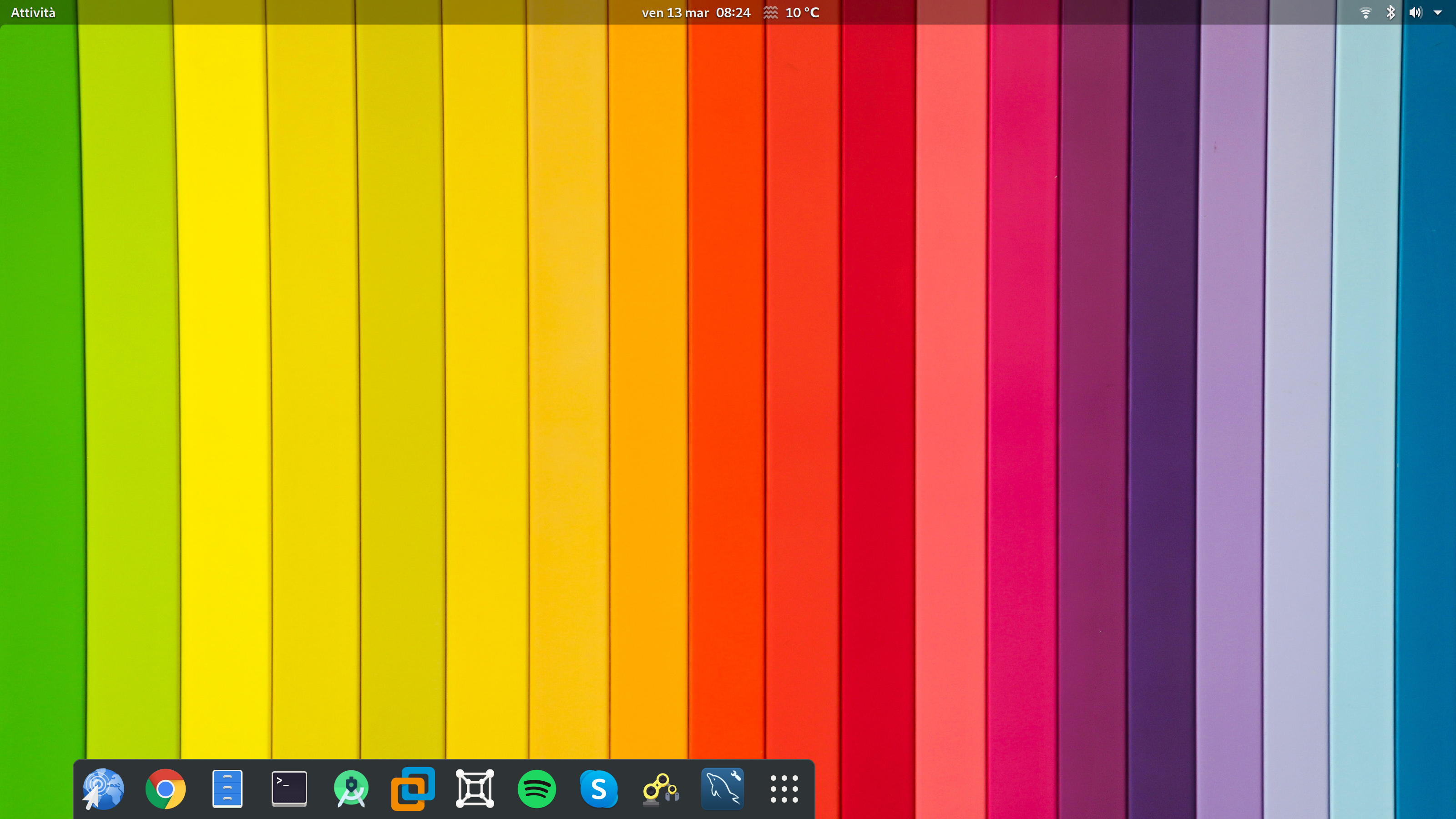
In my case it shows misplaced in GS 3.36, Wayland and HiDPI screen (tmp/gnome-3.36 branch)
 luca-viggiani
on 13 Mar 2020
luca-viggiani
on 13 Mar 2020
Most problems seem to be fixed now in the gnome-3-36 branch.
 mathieu-lemay
on 15 Mar 2020
mathieu-lemay
on 15 Mar 2020
If it's working, why this extension isn't official already? I'm sure even with slight misalignment, people would still be satisfied and get the job done.
So far I've been using Floating Dock extension. It's very nice but some features like auto-hide is missing, there's always one big blue dot on the screen. But overall, I'd switch easily to it if it had auto-hide working.
maboleth
on 15 Mar 2020
Duplicate of #1123
 3v1n0
on 18 Mar 2020
3v1n0
on 18 Mar 2020
Related issues
 yingw787
·
3Comments
yingw787
·
3Comments
 kauanmocelin
·
3Comments
kauanmocelin
·
3Comments
 DmitryAstafyev
·
6Comments
DmitryAstafyev
·
6Comments
 k0rbendallas
·
7Comments
k0rbendallas
·
7Comments
 nana-4
·
3Comments
nana-4
·
3Comments
Most helpful comment
@MasterB0t steps to install from the source
First remove the extension folder in
.local/share/gnome-shell/extensions/[email protected]In the Terminal, run the follwing commands:
Reload the Shell with
Alt + F2, enter the letterrand hitEnterkey