Darktable: Color/Spot picker can be used outside picture area, with different unwanted results.
darktable 3.0.0rc0+82~g4c6df92a0
Describe the bug
When using the color/spot picker you are able to use it outside the image area. This produces (severe) unwanted results.
Depending on the module you try this with it (three examples):
- freezes/crashes dt (exposure module)
- produces a black (or blue) image (filmic rgb module)
- produces a black screen (WB module with spot)
The last two can be recovered by resetting the module.
To Reproduce
Use a 'picker', any picker, and click/select outside the image area.
Expected behavior
I expect nothing to happen. Click/select outside the image area should be ignored. As it is in version 2.6
Platform (please complete the following information):
- OS: Linux Debian 10.1 (and also confirmed on up-to-date Gentoo)
- Version darktable 3.0.0rc0+82~g4c6df92a0
EDIT: words
 jade-nl
All 22 comments
I confirm this
same dt-Version
 AxelG-DE
on 9 Nov 2019
AxelG-DE
on 9 Nov 2019
very similar behavior here
 blitzgneisserin
on 9 Nov 2019
blitzgneisserin
on 9 Nov 2019
I couldn't reproduce the crash/freeze with the exposure module on an image first imported by recent master, however, on a random image from further back in time the freeze happened as soon as I clicked on the picker button, without any further action (image view was showing the default "image-minus-edges" selection)... so there might be more going on with this one.
 junkyardsparkle
on 9 Nov 2019
junkyardsparkle
on 9 Nov 2019
The situation with the gray value slider in filmic RGB is especially ugly; the resulting zero value is out of normal bounds, and the response of the black and white sliders is to go insane and hide their labels... the labels don't come back after gray is restored to a sane value, or even by reseting the module; the sliders must be double-clicked.
EDIT: this was mostly fixed with #3379
junkyardsparkle
on 9 Nov 2019
Stale issue message
![github-actions[bot] picture](https://avatars2.githubusercontent.com/in/15368?v=4&s=40) github-actions[bot]
on 15 Jan 2020
github-actions[bot]
on 15 Jan 2020
Update after getting a Stale issue message in my in-box:
This issue is still relevant for the current dt versions. Just re-checked using:
- 3.0.0 (stable)
- 3.1.0-362-g39a47f6aa
Only one thing has changed since initially posting this issue: I haven't seen any crashes/freezes when testing to see if this is still relevant.
Just in case the initial description wasn't clear enough:
The picker can be used in the grey "border" area around the image (crossing the border itself is _not_ possible).
jade-nl
on 15 Jan 2020
I asked Aurelien on IRC about the bot closing this issue even though activity has taken place. He said he disabled the bot and I was hoping that he would re-open this issue as well. Guess not.
Can somebody reopen it, this isn't solved and tags have been added.
jade-nl
on 26 Jan 2020
It seems that just commenting is not enough to prevent auto-close - one has to remove no-issue-activity tag from the issue. Do you have permissions to do it?
IMHO it wasn't the best idea to enable this bot.
 parafin
on 26 Jan 2020
parafin
on 26 Jan 2020
one has to remove no-issue-activity tag from the issue. Do you have permissions to do it?
I don't think I do. And if the bot is set up correctly I would think that a normal user shouldn't be able to do this.
IMHO it wasn't the best idea to enable this bot.
I agree. A good culling might be in order and certain issue's could/should be automatically closed but this particular bot needs to be tuned before it is let out of its box. Then again, this is just my 2c.....
jade-nl
on 26 Jan 2020
one has to remove no-issue-activity tag from the issue. Do you have permissions to do it?
I don't think I do. And if the bot is set up correctly I would think that a normal user shouldn't be able to do this.
I don't think it has anything to do with a bot. Either you can modify labels in the issue or you don't. Do you have a cogwheel icon on the right where labels are?
parafin
on 26 Jan 2020
Nope, no cogwheel. Just, in this case, 5 labels, nothing else.
Checked with 2 different browsers, just in case.
- Linux, Debian buster 10.2
- Firefox 68.4.1esr (64-bit)
jade-nl
on 26 Jan 2020
So it's very inconvenient - only developer can stop the issue from being closed.
@aurelienpierre, either disable this bot, or rewrite its logic. Having developer to do some manual action defeats the whole purpose of this automation. BTW, by removing a timeout for closing issue in config you haven't disabled it, it just reverted back to default setting, which is the same as it was before anyway. There is no way to disable auto-closing of the issues, but you can just specify a very large timeout (say a year).
parafin
on 26 Jan 2020
@parafin ok, will do. Sorry about the inconvenience.
 aurelienpierre
on 26 Jan 2020
aurelienpierre
on 26 Jan 2020
For people subscribed to all emails it is very difficult to spot the issues that one has logged and take necessary actions in the barrage of emails by the bot every day.
 chhil
on 27 Jan 2020
chhil
on 27 Jan 2020
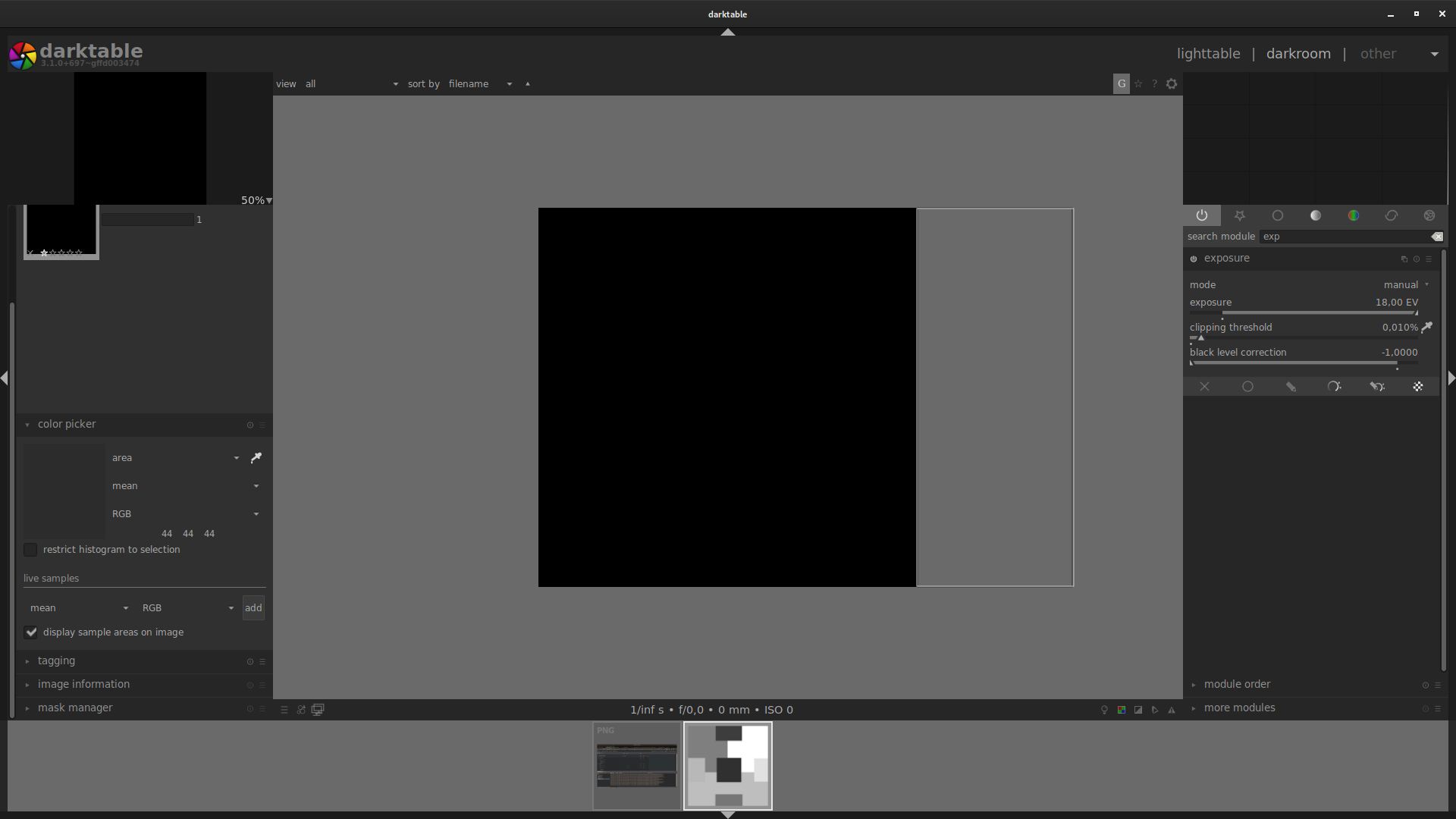
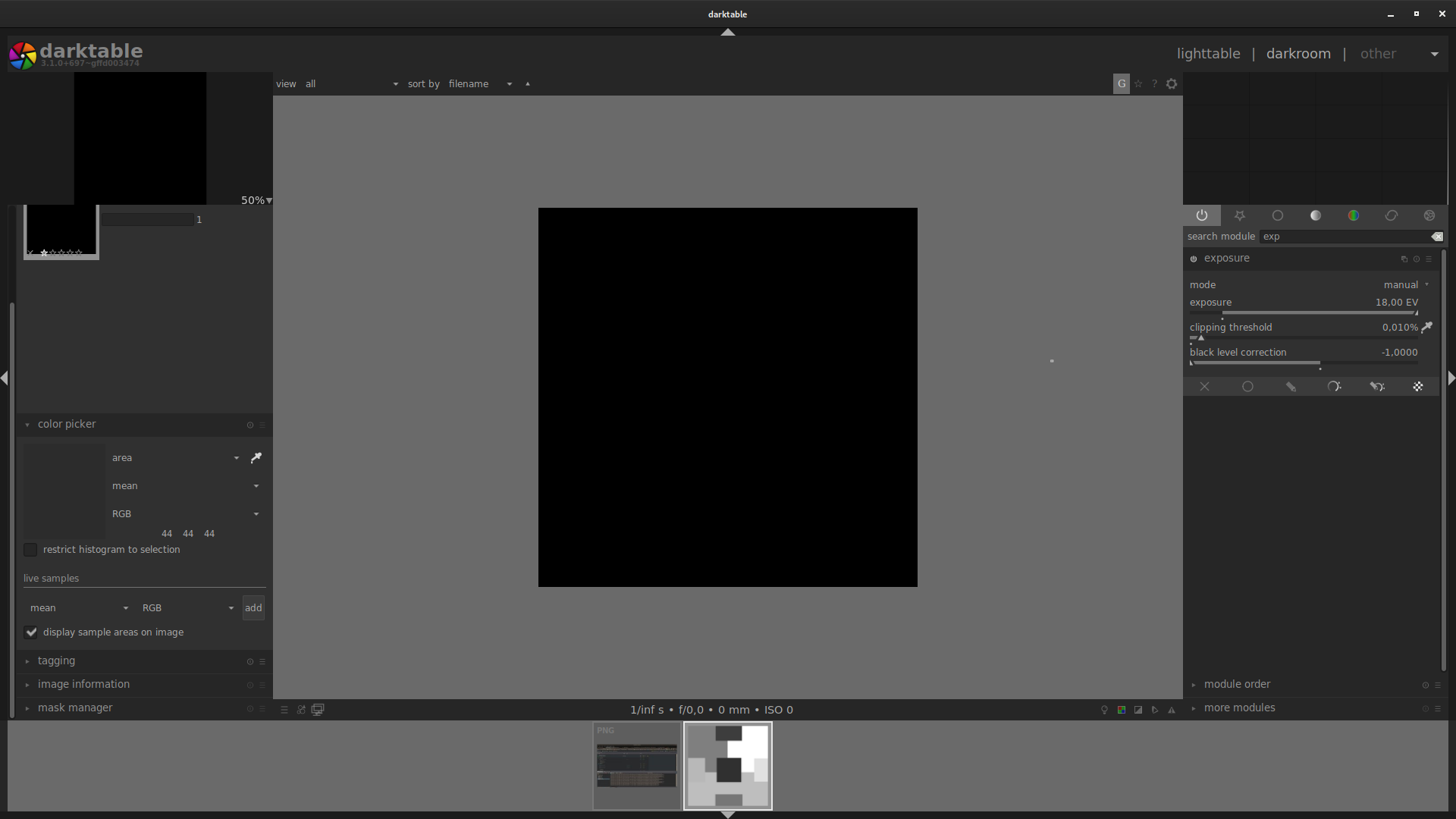
I've tried to follow code back to where it may cause problems. It seems that it's due to weird area clamping in color_picker_proxy.c but I can't find how it's bound to image area. With little bit of testing it seems that color picker area is bound between click-point and nearest image dimmension and you can't get past it (meaning that you can go from waaaay over corner to just about corner of image. any corner). this can be seen on all 6 screnshots (5th to show i can't get past top image corner and is bound by bottom corner despite me starting waay below bottom corner (like on 4th screenshot). Click without drag is possible on any area outside image (6th screenshot).
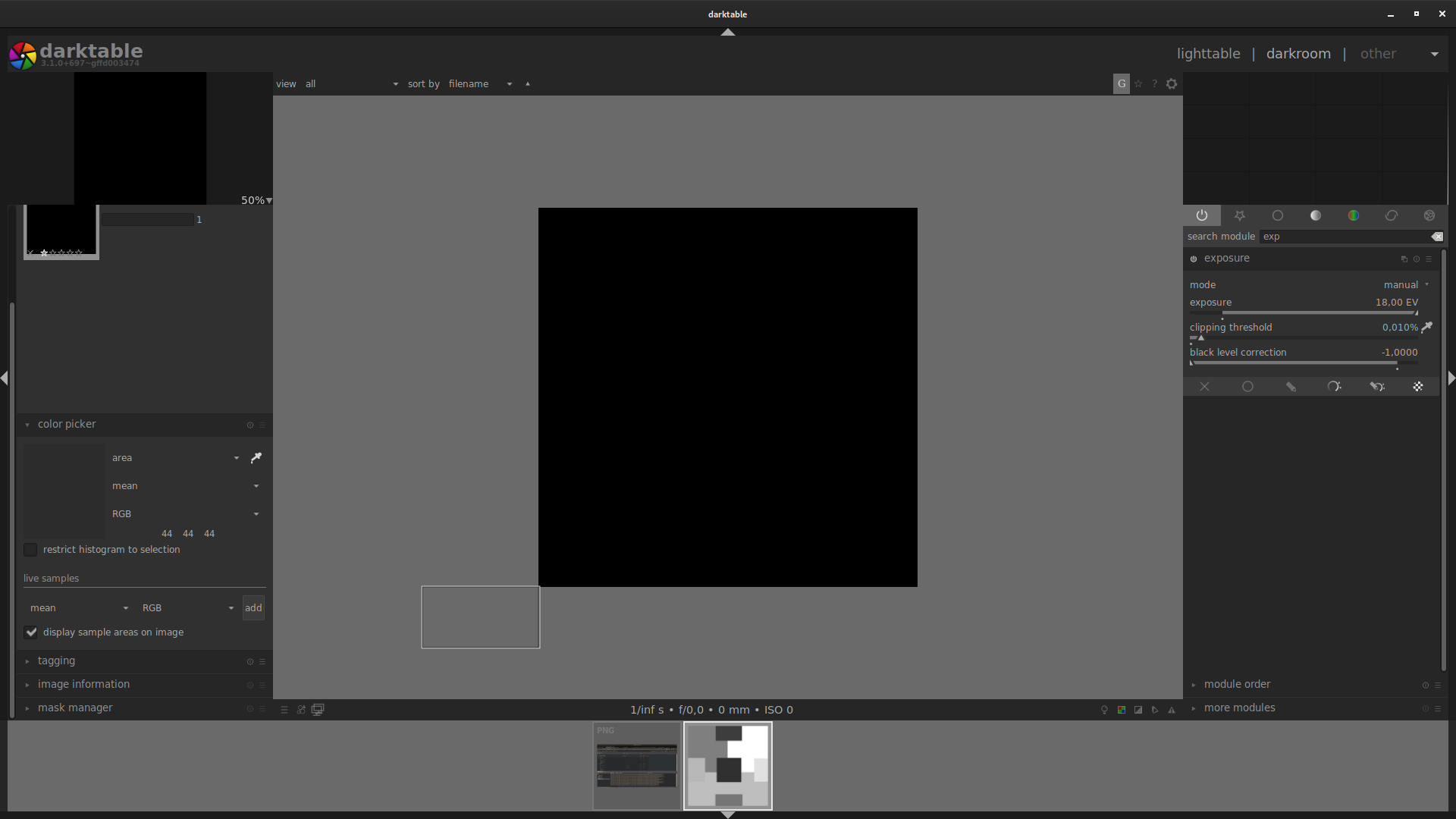
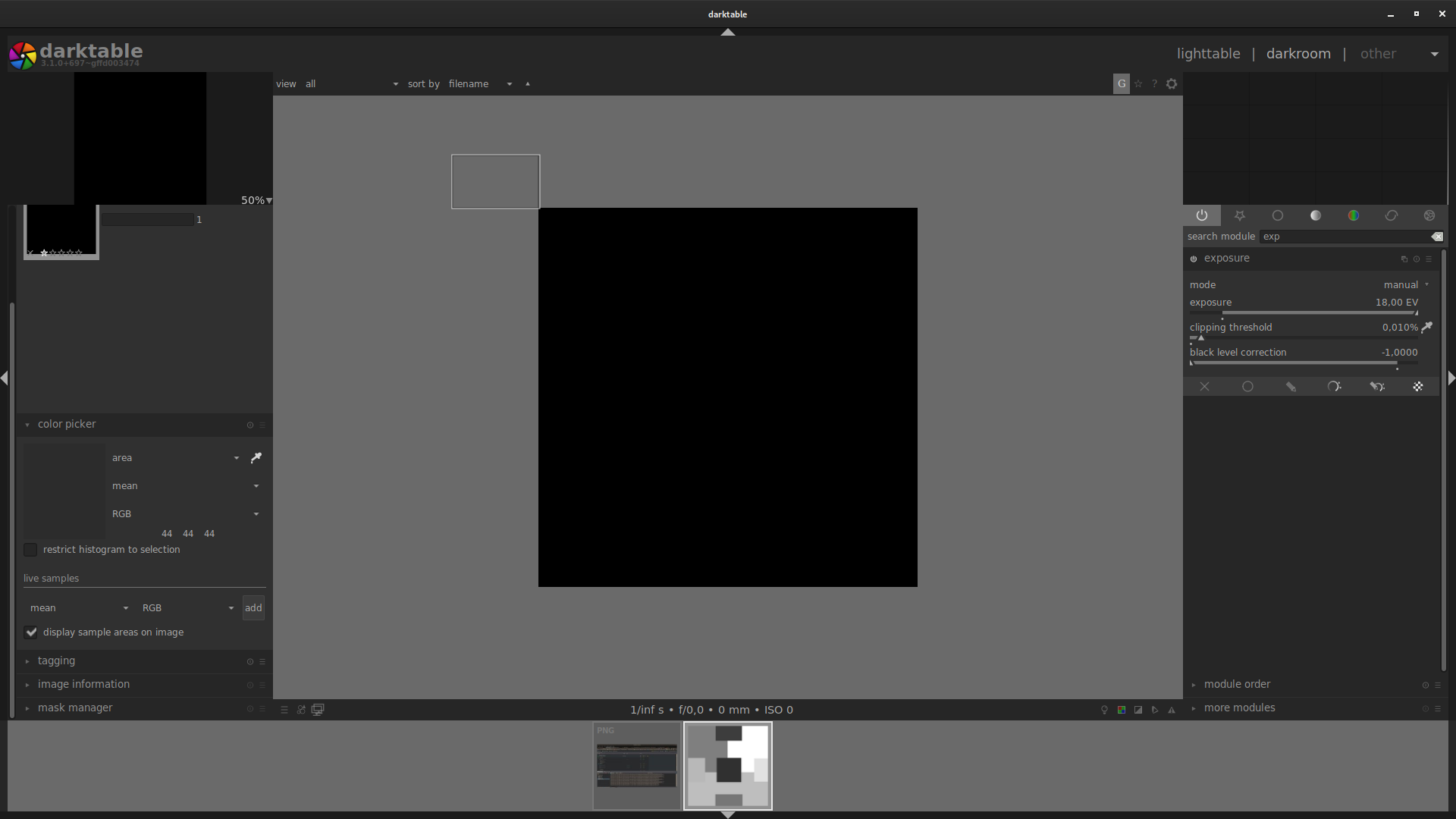
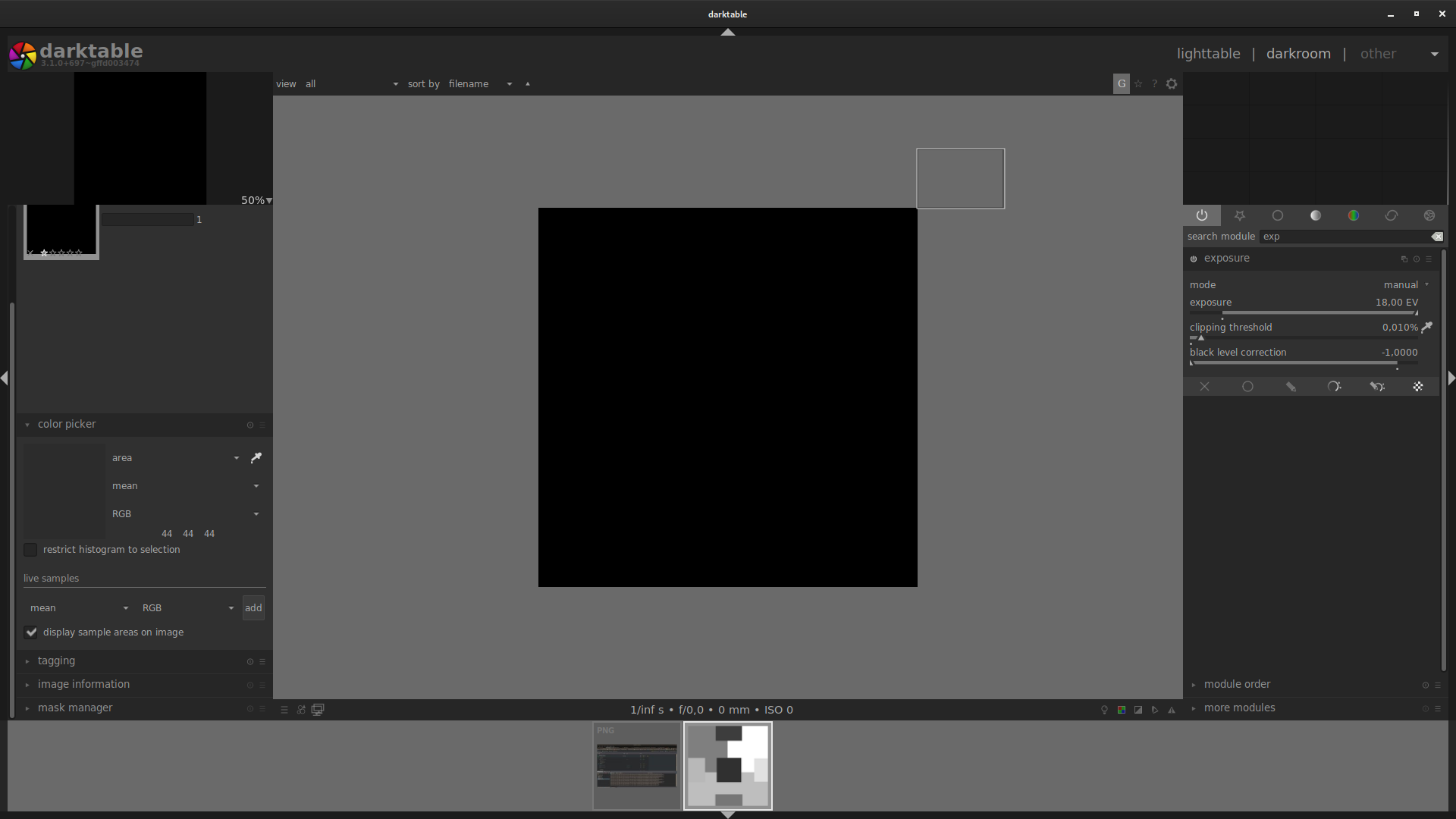
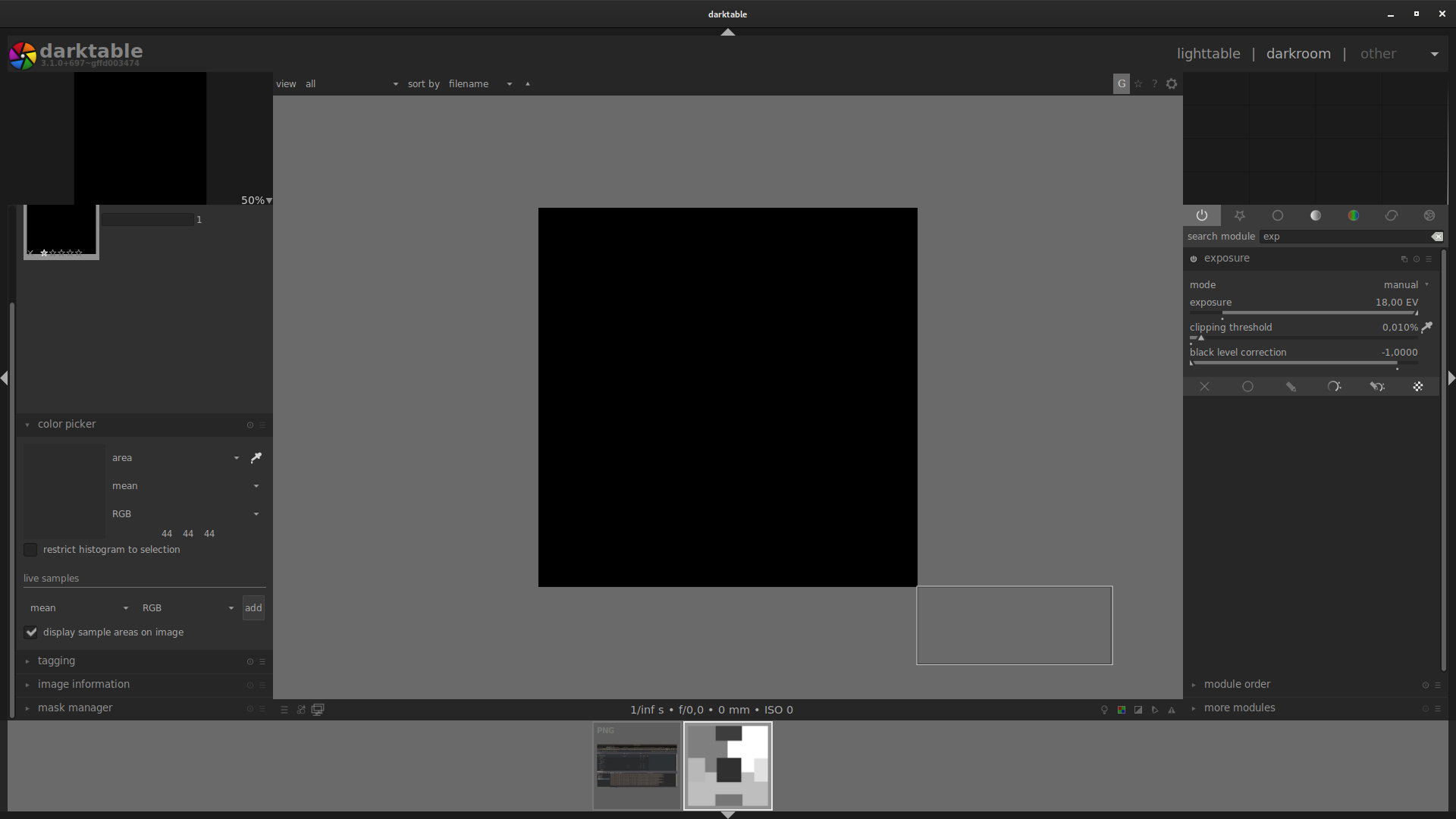
dragging from screenshot 4 location to screenshot 3 location shows area bound by image box:
clicking anywhere is possible (area is on the right - that small white dot)
Pinging @TurboGit since color_picker_proxy is mostly his work ;)
 johnny-bit
on 26 Feb 2020
johnny-bit
on 26 Feb 2020
@TurboGit: probably to be closed as solved by last #4431 PR
 Nilvus
on 7 Mar 2020
Nilvus
on 7 Mar 2020
Right, closing. Thanks for the notice.
 TurboGit
on 7 Mar 2020
TurboGit
on 7 Mar 2020
Yup, solves all problems I've mentioned earlier, so darktable 3.1.0+793~ged4000535 works and one cannot pick area outside of image. There are some issues with zoom + picking near border area but I'd need to formulate proper test case.
johnny-bit
on 7 Mar 2020
Fashionable late to my own party, but: Yes, issue is solved.
Thanks all!
jade-nl
on 7 Mar 2020
@TurboGit You still have this as todo in projects pipe reordering ...
 jenshannoschwalm
on 11 Apr 2020
jenshannoschwalm
on 11 Apr 2020
Are you speaking of this:
https://github.com/darktable-org/darktable/projects/4
I did not create this (Aurélien did I suppose) and I just found about it now, that's why I was confused!
TurboGit
on 11 Apr 2020
Right
jenshannoschwalm
on 11 Apr 2020
Related issues
jade-nl
·
3Comments
AxelG-DE
·
5Comments
 Praveen-Rai
·
5Comments
Praveen-Rai
·
5Comments
 bapBardas
·
6Comments
bapBardas
·
6Comments
 mjut
·
5Comments
mjut
·
5Comments
Most helpful comment
It seems that just commenting is not enough to prevent auto-close - one has to remove no-issue-activity tag from the issue. Do you have permissions to do it?
IMHO it wasn't the best idea to enable this bot.