Cwa-app-ios: CWA does not stop camera session when leaving the Scan screen
Describe the bug
After scanning my QR code and leaving the scan screen, I noticed, that the camera indicator on iOS 14 is still green which means, the app does not stop the camera session correctly.
Expected behaviour
The camera session should be stopped after leaving the scan screen and the green dot should disappear.
Steps to reproduce the issue
- Go to 'Informieren & helfen'
- Tap on 'Weiter'
- Tap on 'Dokument mit QR-Code'
- Tap on 'Erlauben'
- See green dot indicating that a camera session is started
- Try to scan a QR code. (Mine says "Befund wurde nicht gefunden")
- Leave the screen by tapping 'Abbrechen'
- See the green dot is still present
Technical details
- iOS Version: 14.2 beta 4
- Device: iPhone XS
Possible Fix
Just stop the camera session.
Internal Tracking ID: EXPOSUREAPP-3572
 trispo
All 11 comments
Dear @trispo,
Thanks for your contribution.
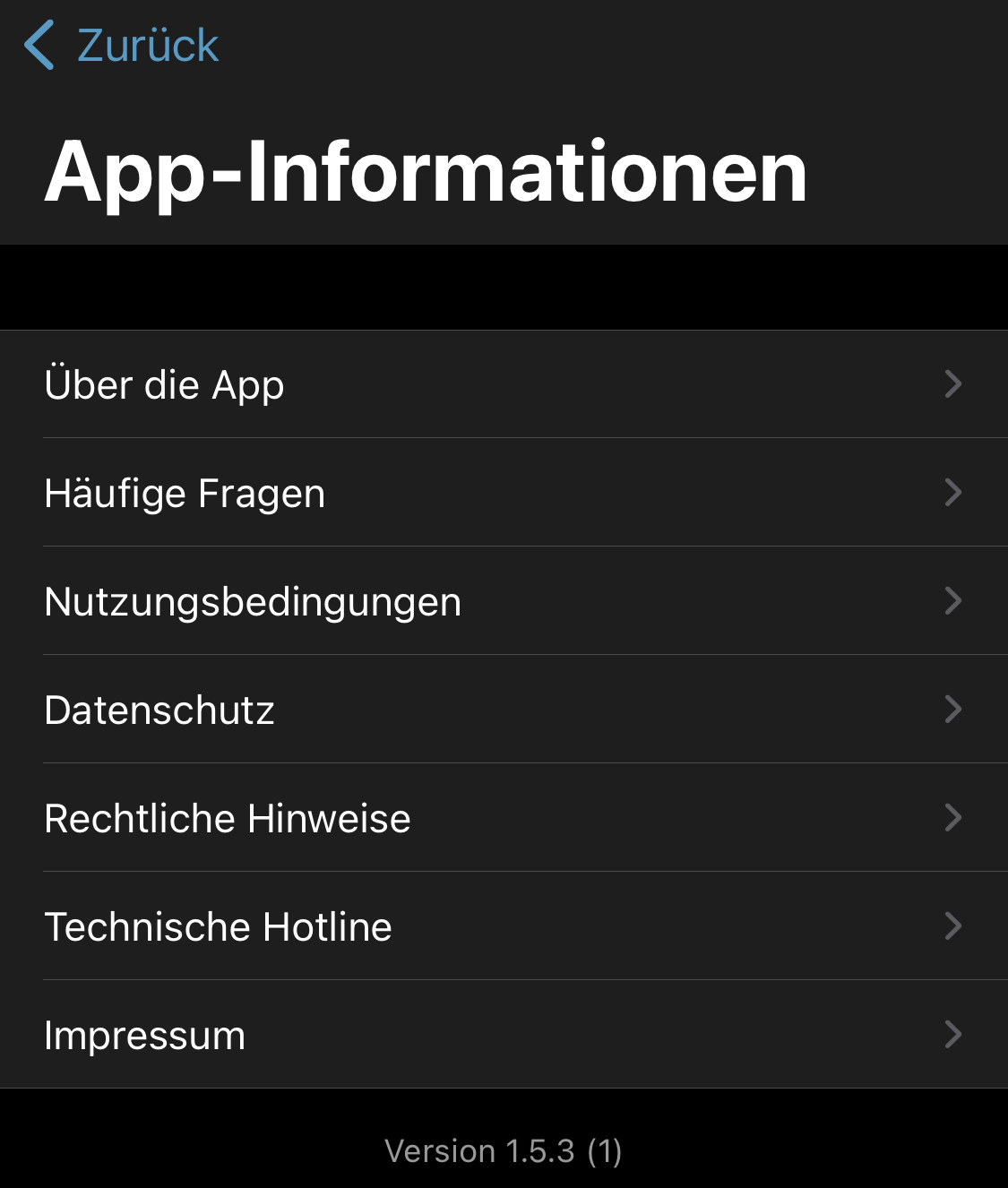
Can you confirm that you are using CWA version 1.5.3?
Actually, I can reproduce your issue in version 1.5.3, and it seems that only closing and re-opening the CWA closes the camera session. I add a screenshot for documentation purposes. We will let you know here when we have opened an internal tracking ticket for the developers.
Best wishes,
DS
Corona-Warn-App Open Source Team

 dsarkar
on 30 Oct 2020
dsarkar
on 30 Oct 2020
Yes, I confirm.
trispo
on 30 Oct 2020
Interesting, I can't reproduce on my iPhone XR with iOS 14.1 and newest CWA version and also can't reproduce on iPhone 6s with iOS 14.2 Public Beta 4
 Ein-Tim
on 30 Oct 2020
Ein-Tim
on 30 Oct 2020
Just updated to the iOS 14.2 GM. The issue still exists.
trispo
on 30 Oct 2020
Not reproducible from our side. We will try to fix this soon.
 thomasaugsten
on 31 Oct 2020
thomasaugsten
on 31 Oct 2020
@thomasaugsten But @dsarkar stated above that he can reproduce this...
Ein-Tim
on 31 Oct 2020
Would it help if I provide a video how to reproduce this?
trispo
on 31 Oct 2020
Hi this was a mistake by me I did a wrong path. Thanks for reporting this we will fix this soon.
thomasaugsten
on 31 Oct 2020
Dear @trispo, dear community,
Thanks again for your contributions.
We have created a ticket for the bug (Internal Tracking ID: EXPOSUREAPP-3550) in the internal Jira system. The developers will look into this issue now. Any further developments will be communicated here in this Github issue.
Best wishes,
DS
Corona-Warn-App Open Source Team
dsarkar
on 3 Nov 2020
This issue should be solved, just checked the latest version.
 KaiTeuber
on 26 Nov 2020
KaiTeuber
on 26 Nov 2020
Dear @trispo, @KaiTeuber, thanks for contributing. We will close this issue in that case.
Best wishes,
DS
Corona-Warn-App Open Source Team
dsarkar
on 26 Nov 2020
Related issues
 inforsgit
·
97Comments
inforsgit
·
97Comments
 MichaelElbflorenz
·
53Comments
MichaelElbflorenz
·
53Comments
 GHRob549
·
86Comments
GHRob549
·
86Comments
 gigiCom
·
71Comments
gigiCom
·
71Comments
 christianneu
·
166Comments
christianneu
·
166Comments
Most helpful comment
This issue should be solved, just checked the latest version.