Cwa-app-ios: Background checks are sometimes incomplete
Avoid duplicates
- [x] Bug is not mentioned in the FAQ
- [x] Bug is not already reported in another issue
Describe the bug
As reported by me here and by @alanrickhere the App sometimes don't download the correct amount of files in the background.
When you open the App manually after the incomplete check, 14 (or more) checks are done.
Today I had that behaviour again.
12 checks were performed in the background, 14 more after I opened the App.
Expected behaviour
The App should download the correct amount of files (in my case 14).
Steps to reproduce the issue
I couldn't find any pattern.
My only guess is that it could have to do with the internet connection, I had an unstable connection the first time this occurred.
Technical details
- iOS Version: 13.6/13.6.1
- Device: iPhone XR
- CWA Version: 1.2.1
Possible Fix
No idea.
Additional context
For me and @alanrick this wasn't a problem because we opened the App, but I wonder what would have happened if we wouldn't have opened the App.
It should be ensured that even with a weak internet connection (if that's the problem) all background checks are done.
Screenshots
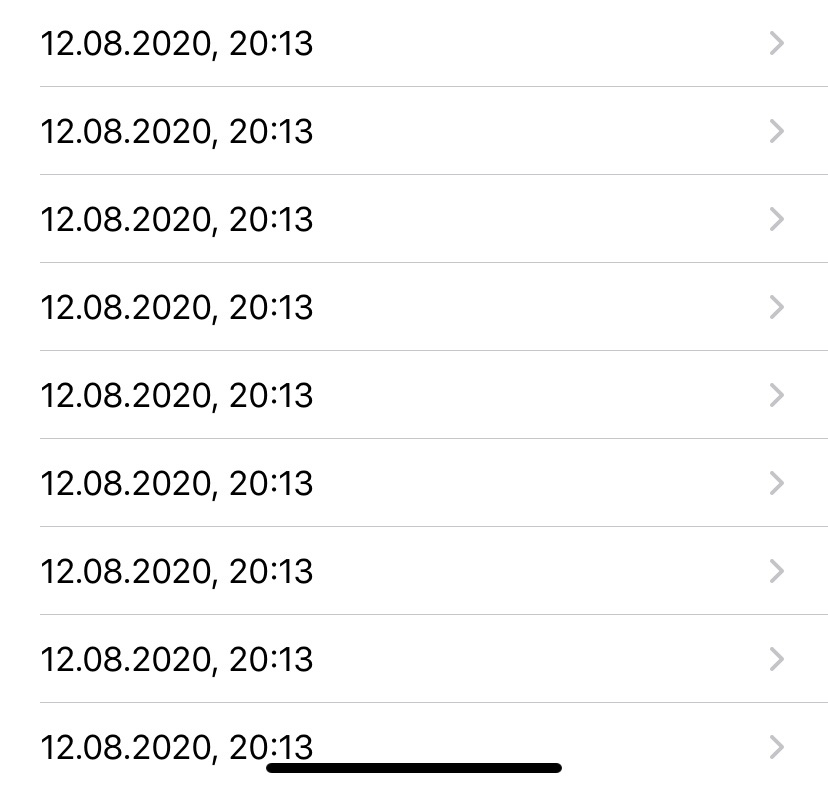

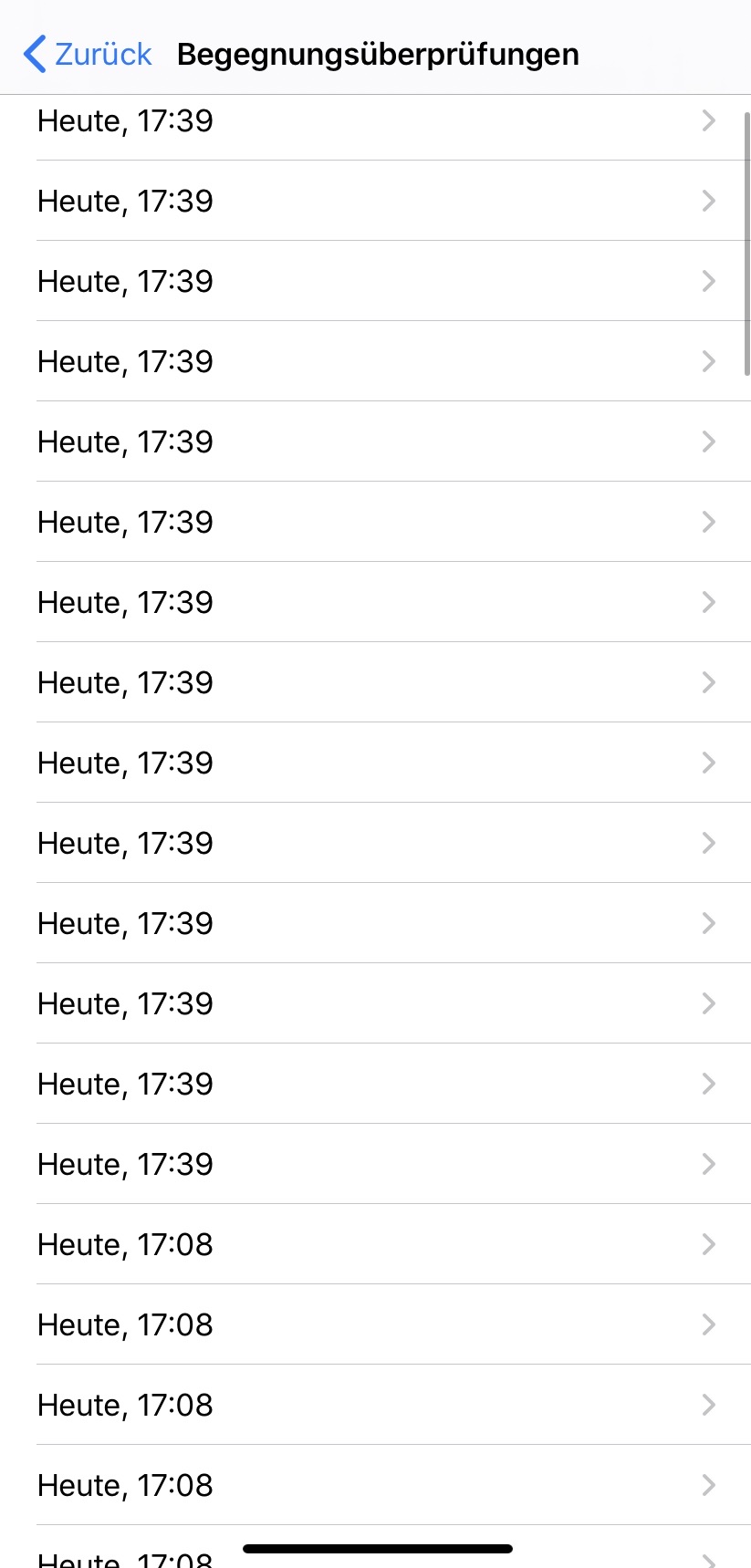
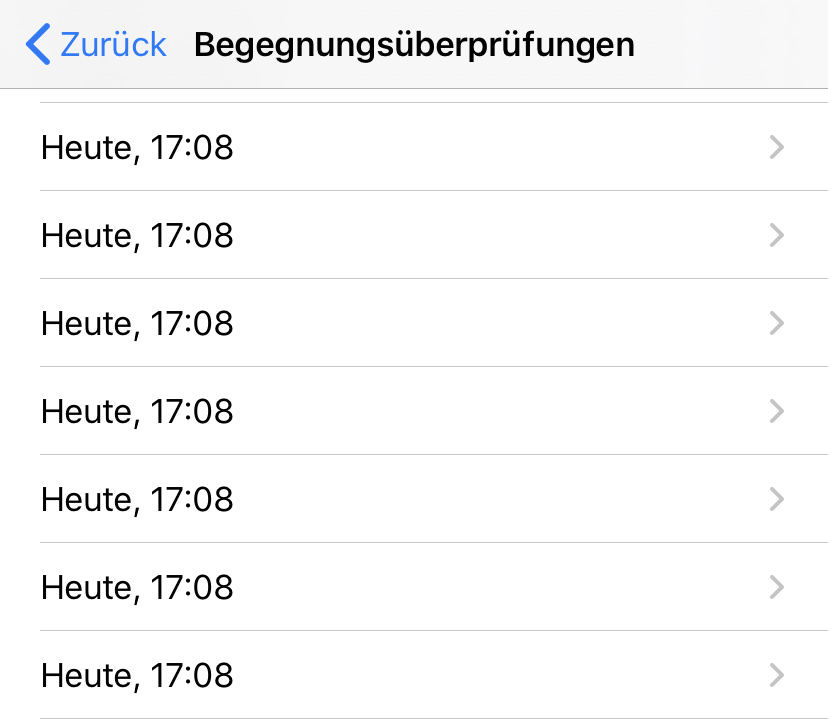
 Ein-Tim
All 12 comments
I would like to observe that "alanrick" wrote that he uses iOS 13.6 - which is not the newest version - and had deactivated the background app refresh.
 Jens07
on 18 Aug 2020
Jens07
on 18 Aug 2020
@Jens07 you're right, but I am
using iOS 13.6.1 at the moment and it happened again today.
Also he said
9 checks were performed when I entered my wifi zone at 12:20.
I understand this that 9 checks were performed at 12:20 in the background
Also he writes that 14 more checks are made when he opened the App.
Why he writes;
Background App Refresh: off
I don't know.
Ein-Tim
on 18 Aug 2020
This can sometimes happen that the ENF process can be interrupted normally the next try after 2hours is successful. If this happens continuously please inform us here.
 thomasaugsten
on 18 Aug 2020
thomasaugsten
on 18 Aug 2020
@thomasaugsten
Okay, If it happens again I will wait 2 (or more) hours and report back.
Thank you.
Ein-Tim
on 18 Aug 2020
I was about to post a similar issue...
Yesterday, my exposure log was checked 53 times (!) - I did not even know that was possible (no more rate limit in iOS 13.6?)
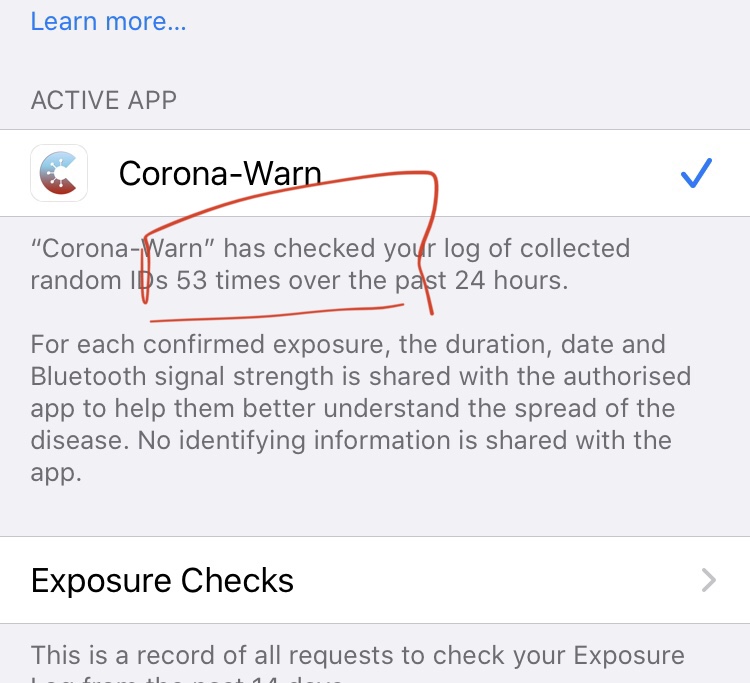
Apparently, yesterday's background failed three times: at 18:59, 20:59, 23:01
Then, at 23:46, I opened the app and the checks were done successfully.
cat ExposureChecks-2020-08-22.json | grep Timestamp | uniq
      ...
      "Timestamp" : "2020-08-21 18:59:00 +0200"
      "Timestamp" : "2020-08-21 20:59:14 +0200"
      "Timestamp" : "2020-08-21 23:01:40 +0200"
      "Timestamp" : "2020-08-21 23:46:23 +0200"
The thing that concerns me: What would happen if I never open the app? With the background job obviously failing silently all the time, would CWA be able to update its internal status and inform about potential exposures?
I have attached the logs. I'm using the latest versions of the app and iOS.
 sin-azucar
on 22 Aug 2020
sin-azucar
on 22 Aug 2020
iOS 13.6 is limited to 15 ENF calls. You can provide a sysdiagnose to me directly and I can forward to Apple to investigate why the exposure checks fails on your device. We will have a notification when the background task is failing over 36h we will plan this as well for a failing exposure check.
thomasaugsten
on 22 Aug 2020
@thomasaugsten
You know for which version this is planed?
Ein-Tim
on 22 Aug 2020
In iOS for failed background task in 1.3 for failed exposure check no fix version yet
thomasaugsten
on 22 Aug 2020
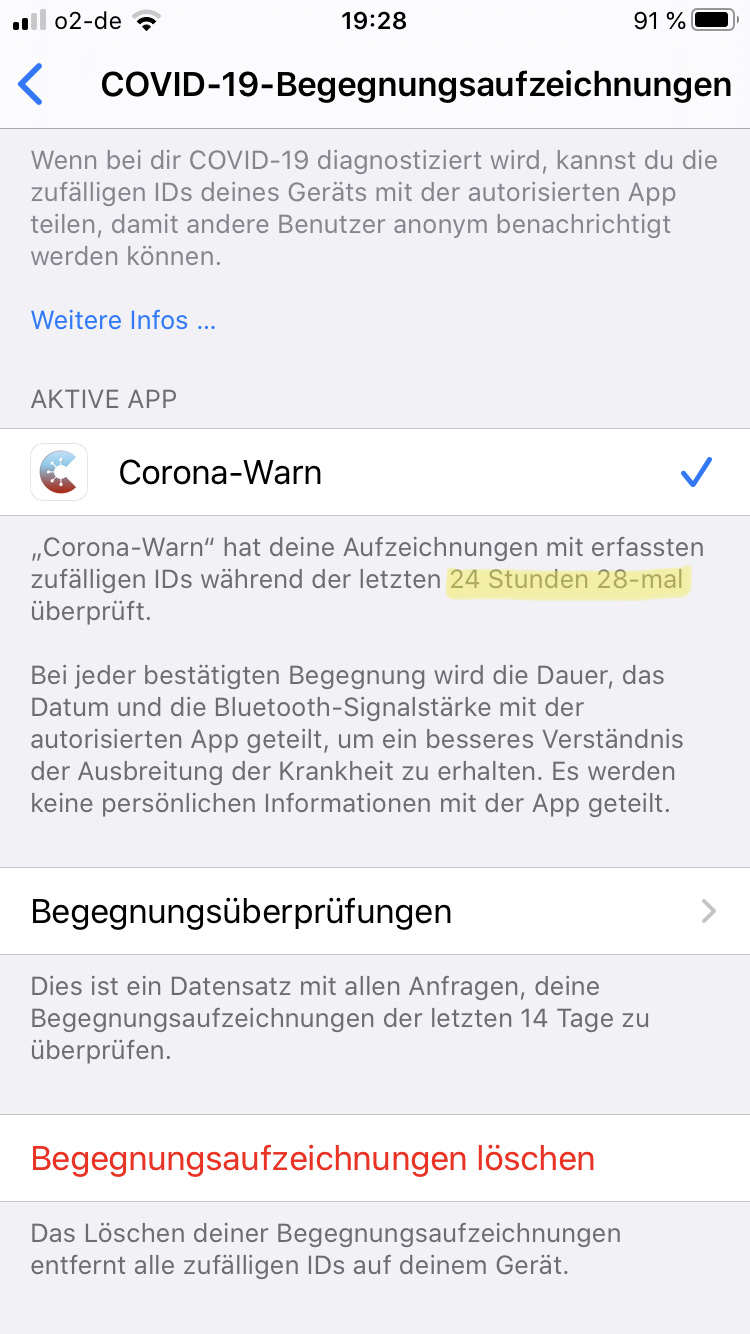
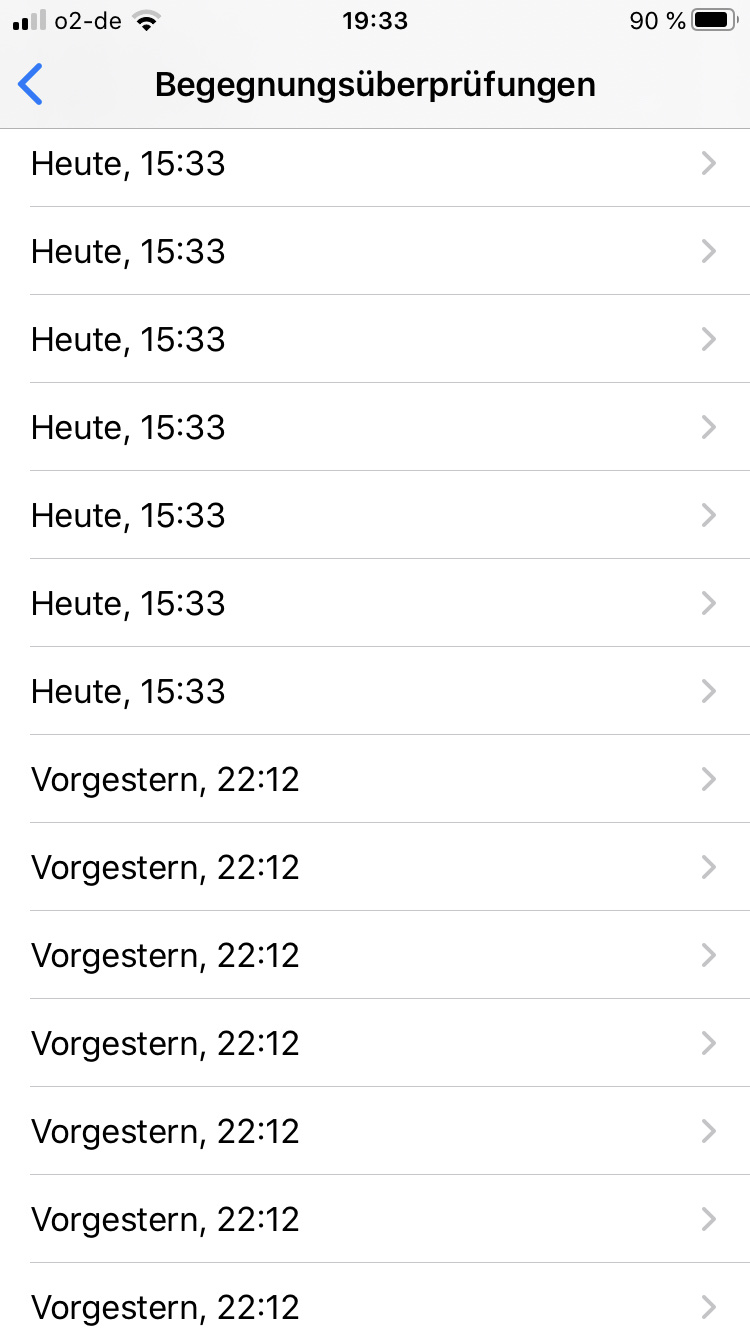
Just wanted to report that on the iPhone 8 from my father 28 checks were performed in the last 24 hours.
Before that the check failed yesterday...
Screenshot 1:
Screenshot 2:
I also wanted to ask something about this statement from @thomasaugsten:
iOS 13.6 is limited to 15 ENF calls
Is limited to 15 in 2 hours or in 24 or what?
Thanks for all your replies!
Appreciate it! 👍
Ein-Tim
on 22 Aug 2020
You can connect the phone to a macbook and check in the console for errors of the ENA process or you can create a sysdiagnose file( press Both Volume buttons and Standby for 1 seconds) or search for an ENA crash file in Data Privacy->Analytic files.
on iOS 13.6.1 it is 15 ENF calls with unlimited files all 24h. The background task will retry every 2h until it is succesfull.
thomasaugsten
on 22 Aug 2020
or search for an ENA crash file in Data Privacy->Analytic files.
Done this, nothing there
on iOS 13.6.1 it is 15 ENF calls with unlimited files all 24h. The background task will retry every 2h until it is succesfull.
Ah, now I understand.
Thank you! 👍
Ein-Tim
on 22 Aug 2020
Soo, update from me:
Yesterday the check included only 9 files on the first try, than 4 more at the second time and 1 more at the third time.
This is a little bit confusing but in whole this are 14 files and everything was done in the background, how @thomasaugsten said.
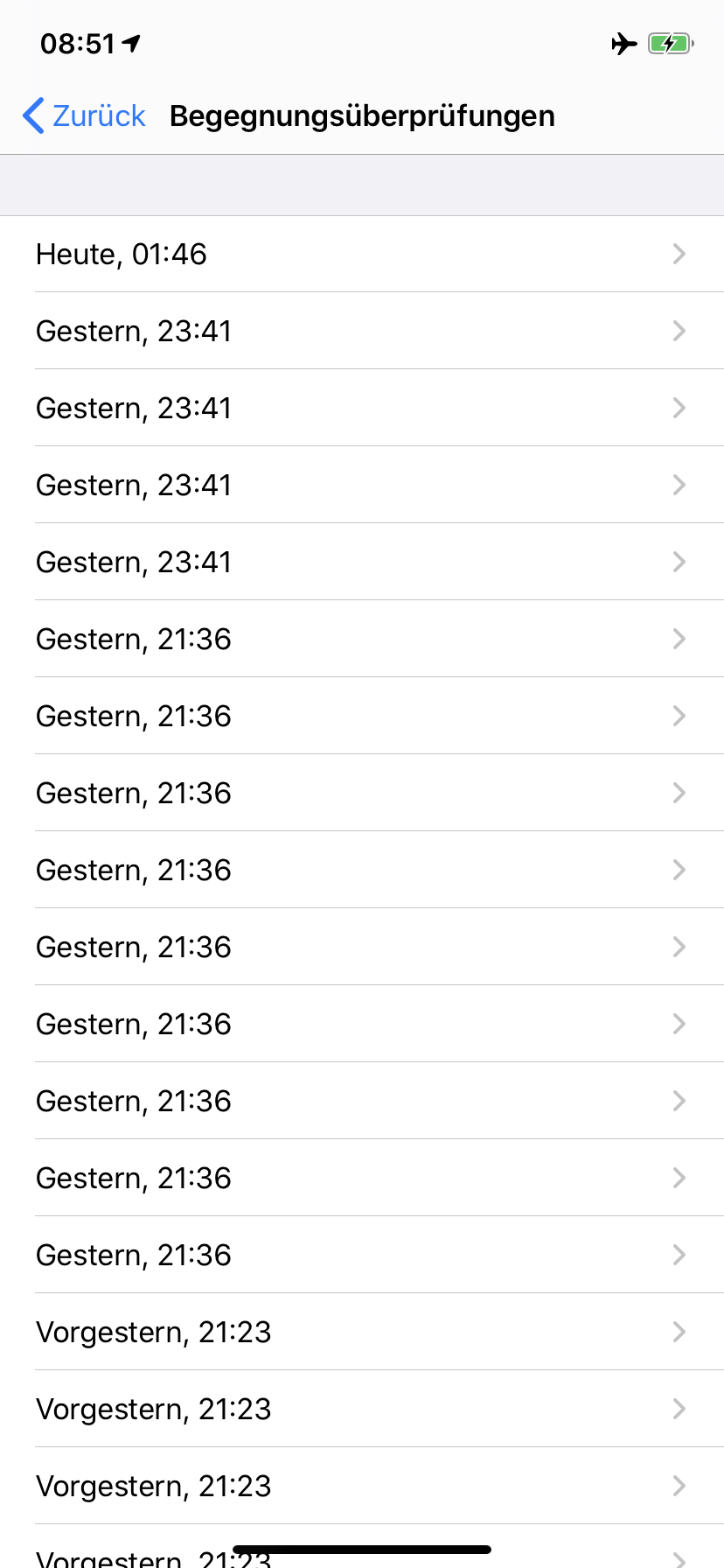
Thanks for all your (fast) replies, highly appreciated 👍
Will close this soon if thats ok for @sin-azucar
Ein-Tim
on 23 Aug 2020
Related issues
 Lhendrichs
·
3Comments
Lhendrichs
·
3Comments
 felixbohnacker
·
3Comments
felixbohnacker
·
3Comments
 wandoliver
·
3Comments
wandoliver
·
3Comments
 mw76
·
3Comments
mw76
·
3Comments
 benekuehn
·
3Comments
benekuehn
·
3Comments
Most helpful comment
This can sometimes happen that the ENF process can be interrupted normally the next try after 2hours is successful. If this happens continuously please inform us here.