Application version
(The version of the application this issue occurs with.)
4.6.1
Platform
(Information about the operating system the issue occurs on. Include at least the operating system and maybe GPU.)
Printer
(Which printer was selected in Cura?) Ultimaker S5
Reproduction steps
- (Something you did.) Added plugins for Cura
- (Something you did next.) Uninstalled and reinstalled as Cura was always removing itself each time I closed my laptop down. Then, completely removed Cura from anywhere on my laptop and began the fresh and new installation of Cura. About a dozen times.
Screenshot(s)
(Image showing the problem, perhaps before/after images.)
This is when Cura works:
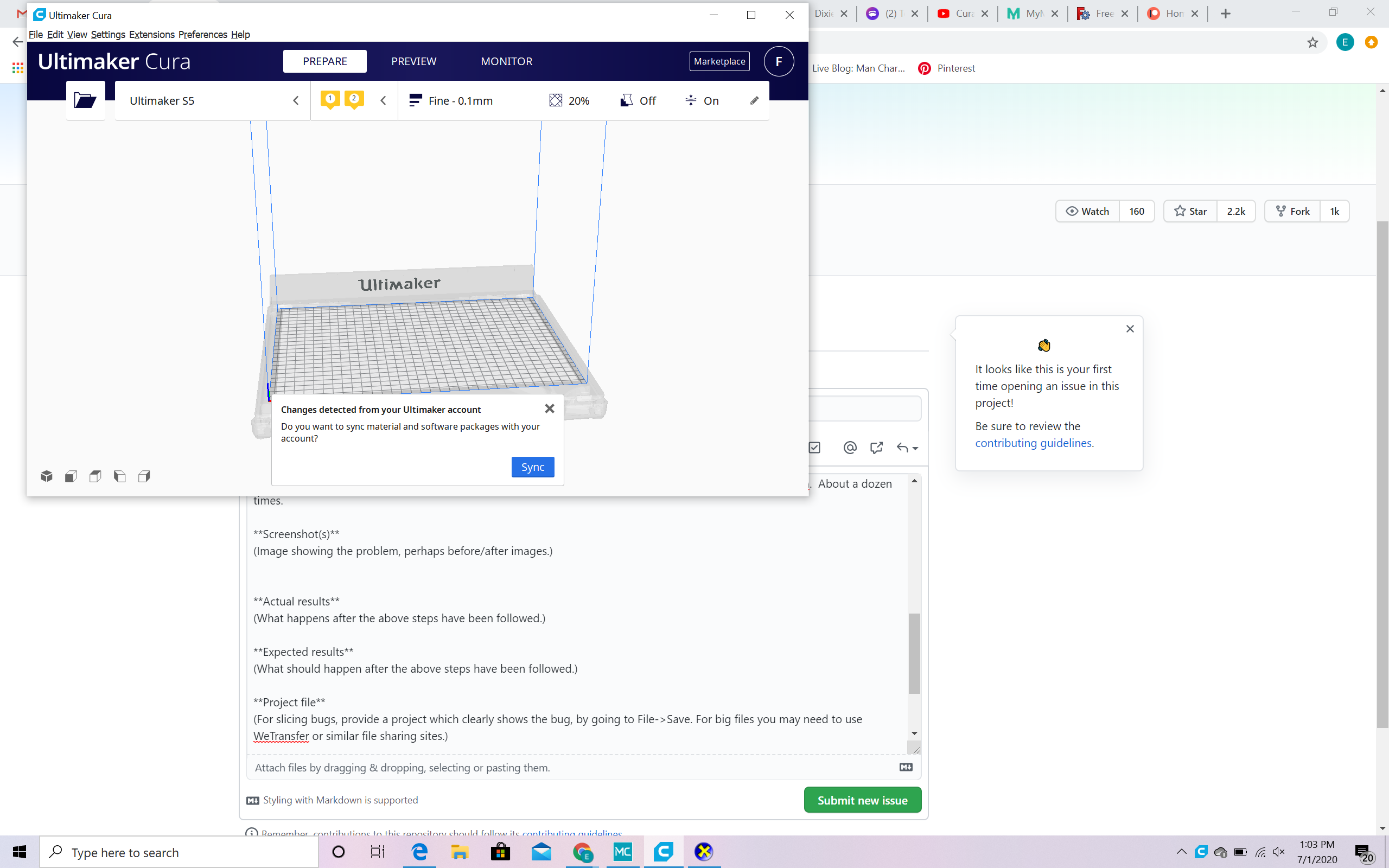
If I click sync, This is when it erases itself once I close my laptop:
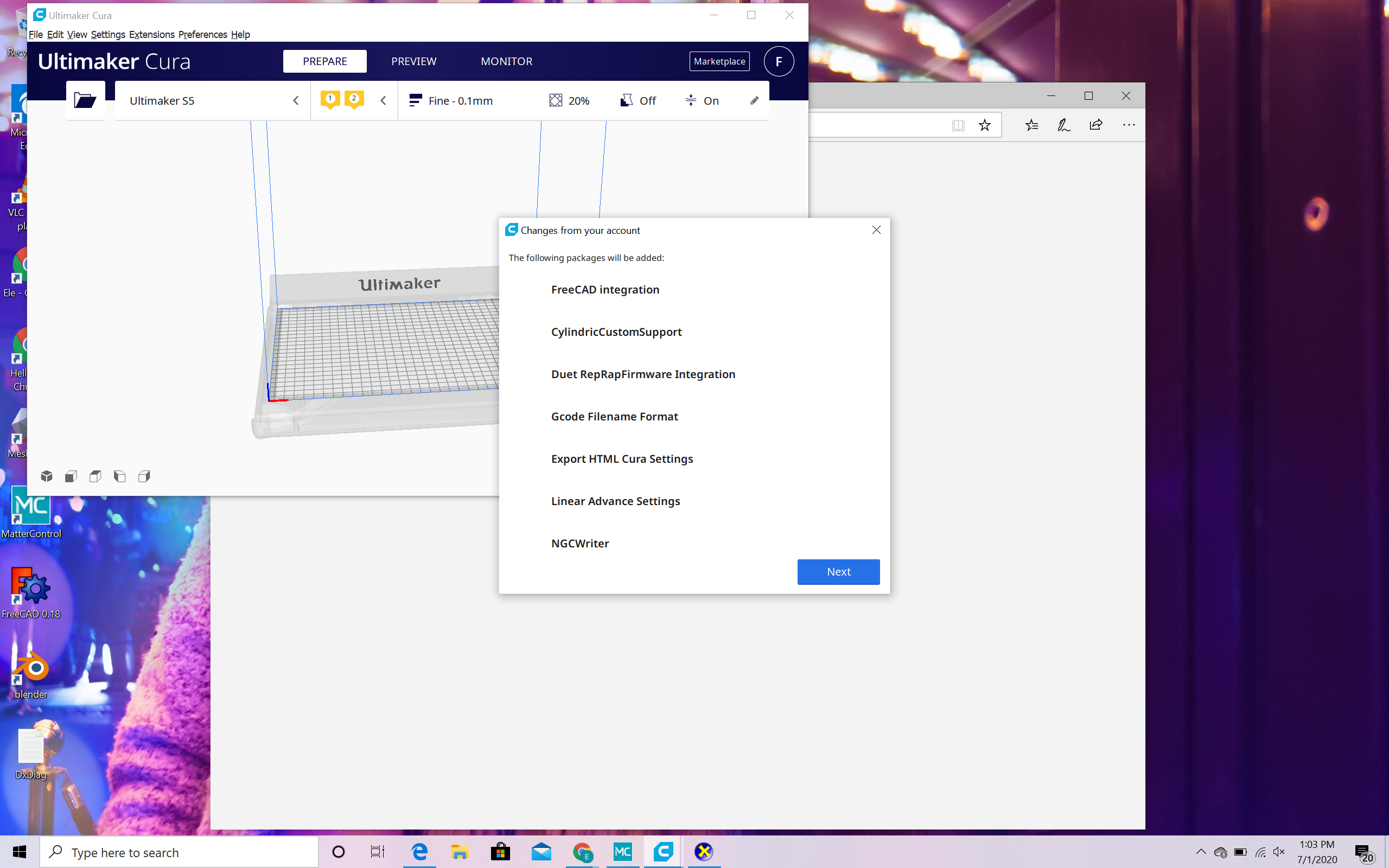
Actual results
(What happens after the above steps have been followed.)
Cura erases itself, even the icon on my desktop.
Expected results
(What should happen after the above steps have been followed.)
I should be able to open my laptop clamshell and use Cura...but its gone, with dust trails of me downloading it previously, but those links no longer work. So I completely erase anything to do with Cura, begin again, and only when I sync, does it erase itself once I shutdown my laptop
Project file
(For slicing bugs, provide a project which clearly shows the bug, by going to File->Save. For big files you may need to use WeTransfer or similar file sharing sites.)
Log file
(See https://github.com/Ultimaker/Cura#logging-issues to find the log file to upload, or copy a relevant snippet from it.)
Additional information
(Extra information relevant to the issue.)
I did add plugins. Can you tell me if one is corrupt or another issue maybe? Please help, been spending hours on trying to resolve on my own...thank you!
 ElePhoenix2020
All 20 comments
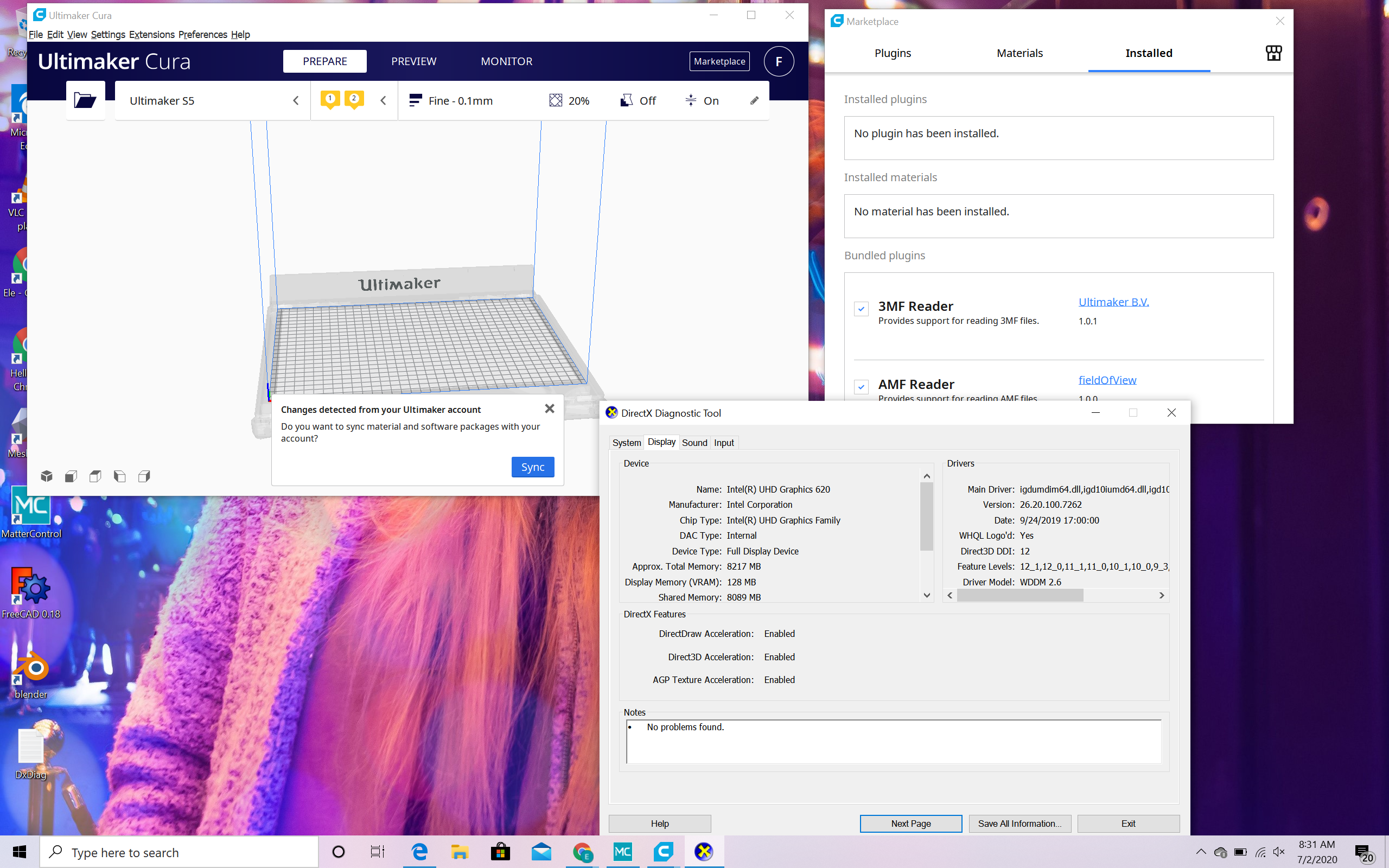
This is before I added plugins to Cura....Once I add plugins, it erases itself when I restart my laptop. Thank you!
ElePhoenix2020
on 1 Jul 2020
The dxdiag.txt file does not tell us what happened. Please see https://github.com/Ultimaker/Cura#logging-issues to find the log file to upload (which will be named cura.log).
 fieldOfView
on 2 Jul 2020
fieldOfView
on 2 Jul 2020
I can't find cura.log So, Ive spent so much time on this and if I just don't add the plugins I downloaded, Cura works fine. Are plugins on my hard drive? Cus I dunno which plugin is corrupt. How do I delete plugins?
ElePhoenix2020
on 2 Jul 2020
All the issues began when I downloaded the plugins off Ultimaker Marketplace. I added all of them from: https://marketplace.ultimaker.com/app/cura/plugins
ElePhoenix2020
on 2 Jul 2020
I can't find cura.log
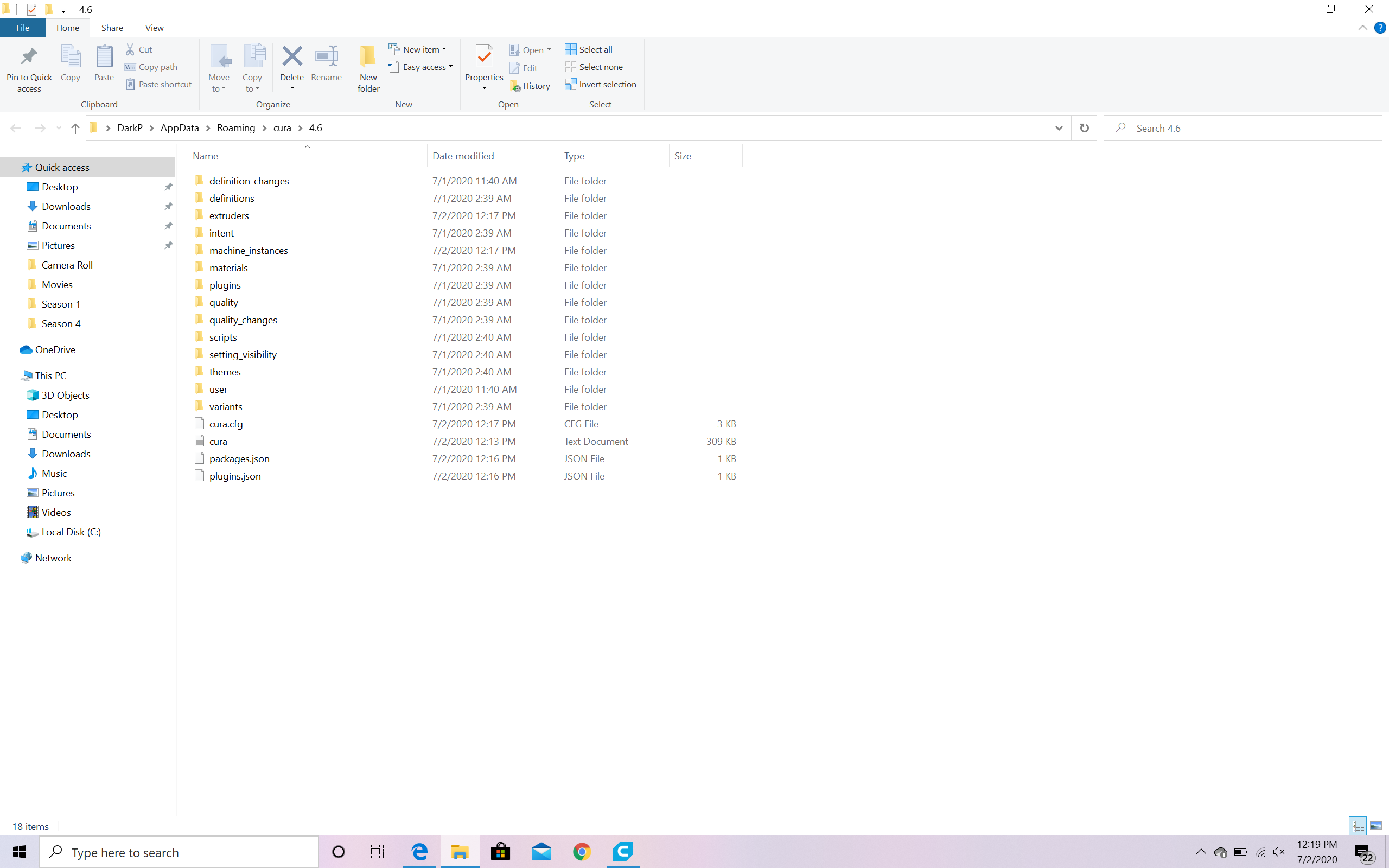
Go to help->show configuration folder. Cura.log should be in the folder that opens.
fieldOfView
on 2 Jul 2020
This is what I get:
I unlinked all the plugins I downloaded to my Cura from Ultimaker Marketplace. I am still getting a message to sync. I have installed MasterControl, FreeCAD, Blender and MeshMixer. Could these be corrupted? Should I try to sync? Cus every other time I synced, Cura deletes itself.....then I have to reinstall Cura.
ElePhoenix2020
on 2 Jul 2020
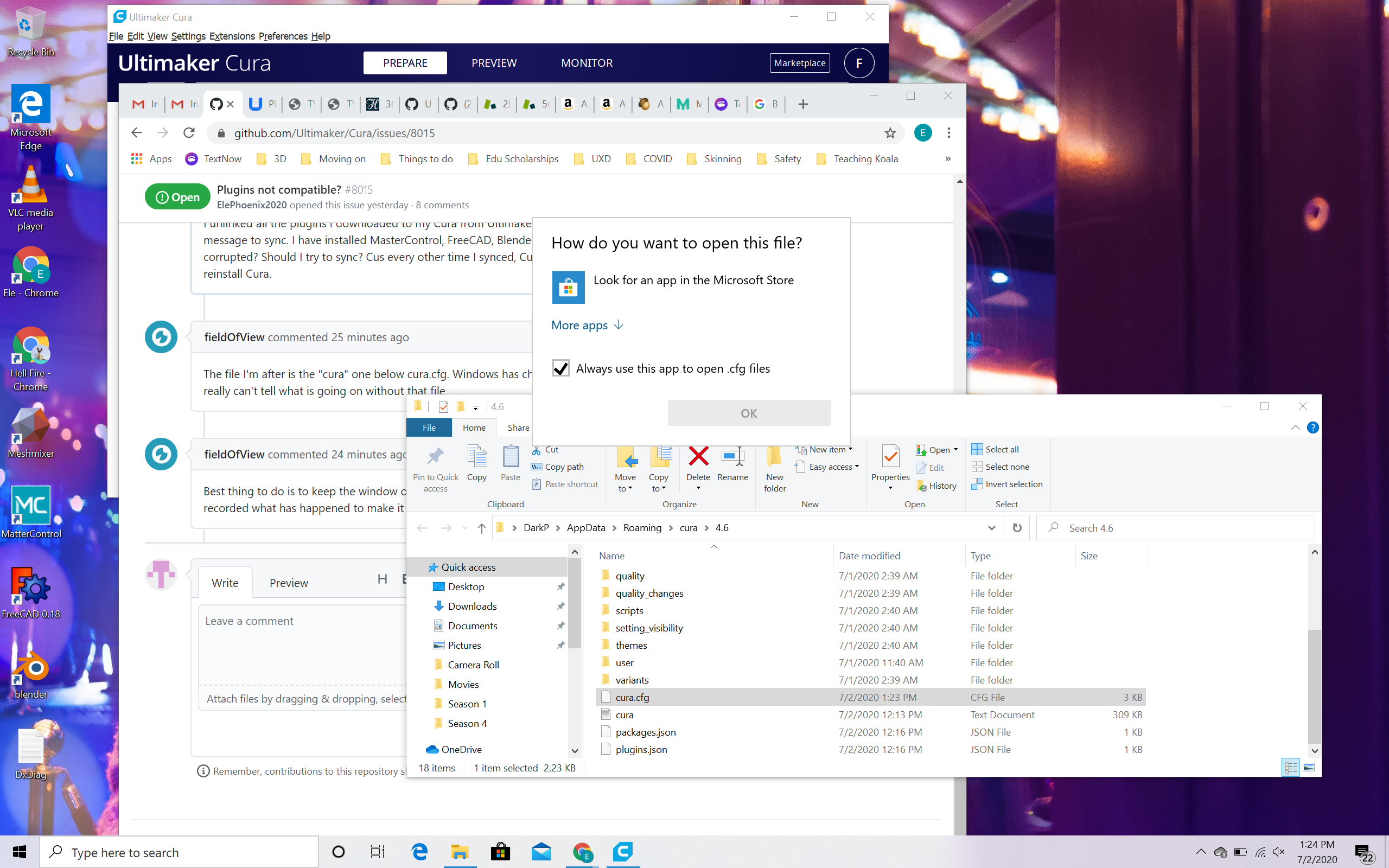
The file I'm after is the "cura" one below cura.cfg. Windows has chosen to hide the .log extension. I really can't tell what is going on without that file.
fieldOfView
on 2 Jul 2020
Best thing to do is to keep the window open, start Cura and then sync. If Cura goes away, it will have recorded what has happened to make it go away in that cura(.log) file.
fieldOfView
on 2 Jul 2020
What do I do now?
ElePhoenix2020
on 2 Jul 2020
OK, I will sync now and wait for your reply on what app I need to open the file
ElePhoenix2020
on 2 Jul 2020
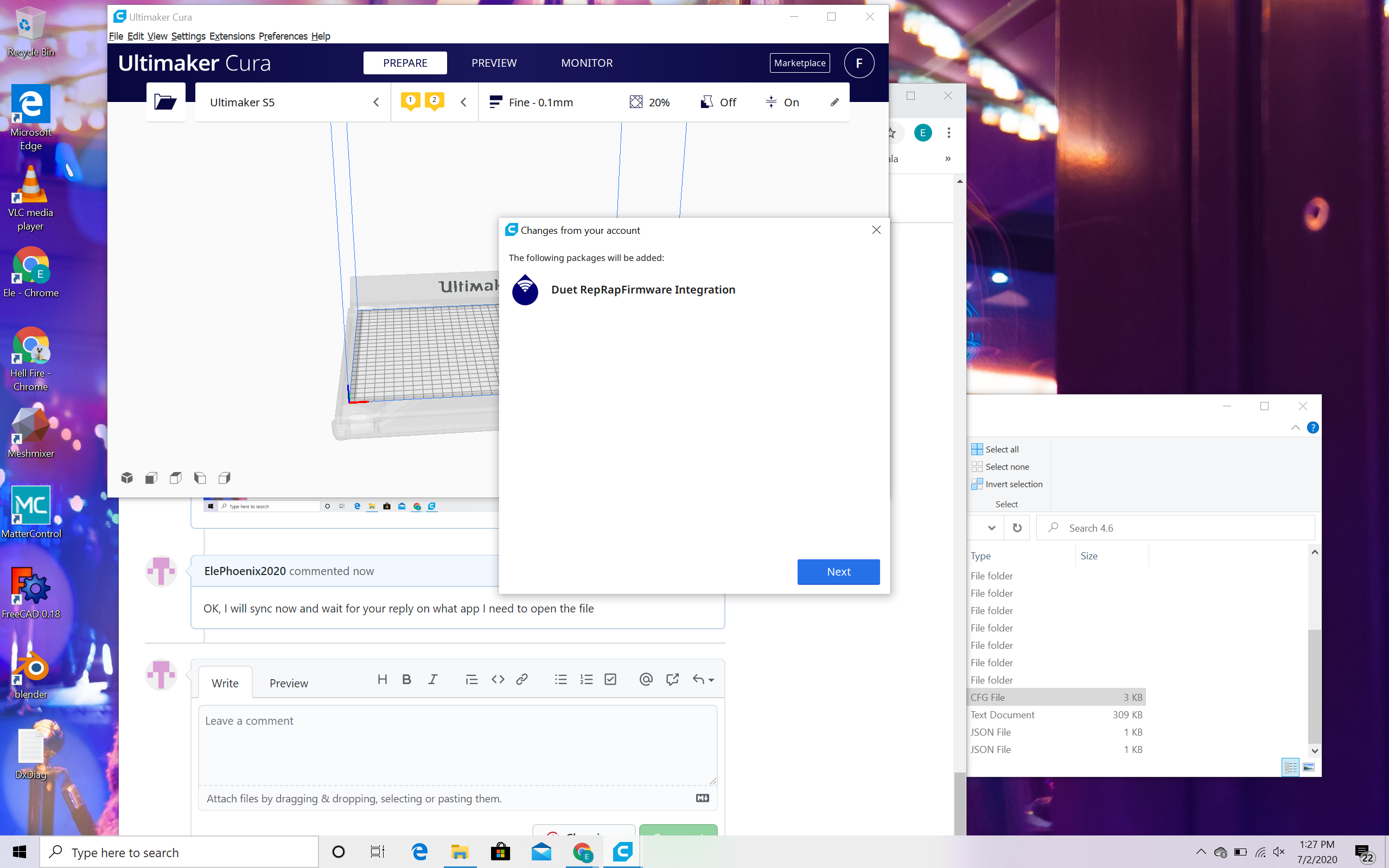
ElePhoenix2020
on 2 Jul 2020
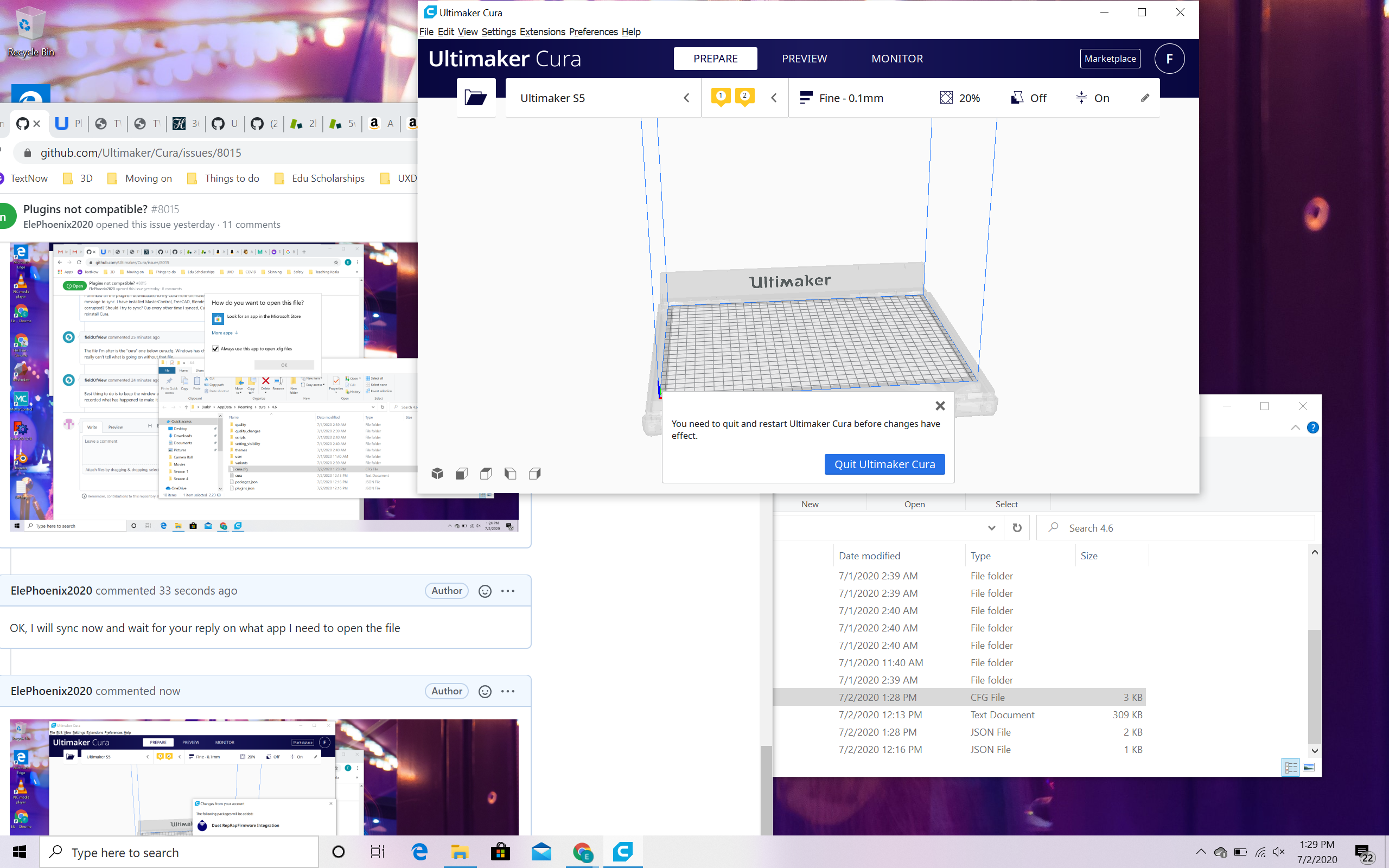
ElePhoenix2020
on 2 Jul 2020
You seem to have the wrong file. I need the "cura" one, not the "cura.cfg". You don't need to open it, you need to drag it into a comment here on github so it will get attched and uploaded.
fieldOfView
on 2 Jul 2020
Regarding your last image, you should Quit cura, as suggested. Then start it back up again.
fieldOfView
on 2 Jul 2020
I dragged Cura.cfg and the message from this site says it is not supported.
ElePhoenix2020
on 2 Jul 2020
I stopped Cura, and restarted
ElePhoenix2020
on 2 Jul 2020
I stopped Cura, and restarted
So it is still there then?
I dragged Cura.cfg and the message from this site says it is not supported.
I told you above, that's the wrong file! I'm not interested in "cura.cfg". I need "cura.log", which your Windows shows as just "cura".
This will be my last message for today; it is 10:40 PM here; way past work time.
fieldOfView
on 2 Jul 2020
Thanks.
ElePhoenix2020
on 5 Jul 2020
You'd need administrator rights to remove an application from your computer. Cura doesn't have administration rights, so it seems weird that Cura would be able to remove itself from your computer.
We'll need to see that cura.log (on your computer it shows as just cura) to see if anything unusual has happened. You should be able to drag that file here.
 Ghostkeeper
on 6 Jul 2020
Ghostkeeper
on 6 Jul 2020
This issue has been automatically closed because there has been no response to our request for more information from the original author. With only the information that is currently in the issue, we don't have enough information to take action. Please reach out if you have or find the answers we need so that we can investigate further.
![no-response[bot] picture](https://avatars2.githubusercontent.com/u/26350515?v=4&s=40) no-response[bot]
on 20 Jul 2020
no-response[bot]
on 20 Jul 2020
Related issues
 jornada812
·
3Comments
jornada812
·
3Comments
 rudowinger
·
3Comments
rudowinger
·
3Comments
 StanislavJochman
·
3Comments
StanislavJochman
·
3Comments
 wi1k1n
·
3Comments
wi1k1n
·
3Comments
 dstulken
·
3Comments
dstulken
·
3Comments