@Ghostkeeper @LipuFei @nallath
Application version
Cura 4.2.1
Platform
Win10/64/i5/16Gb/NV 750TI/
Printer
CFFFP
Reproduction steps
Reload *.3mf projects created with 4.2.1
Actual results
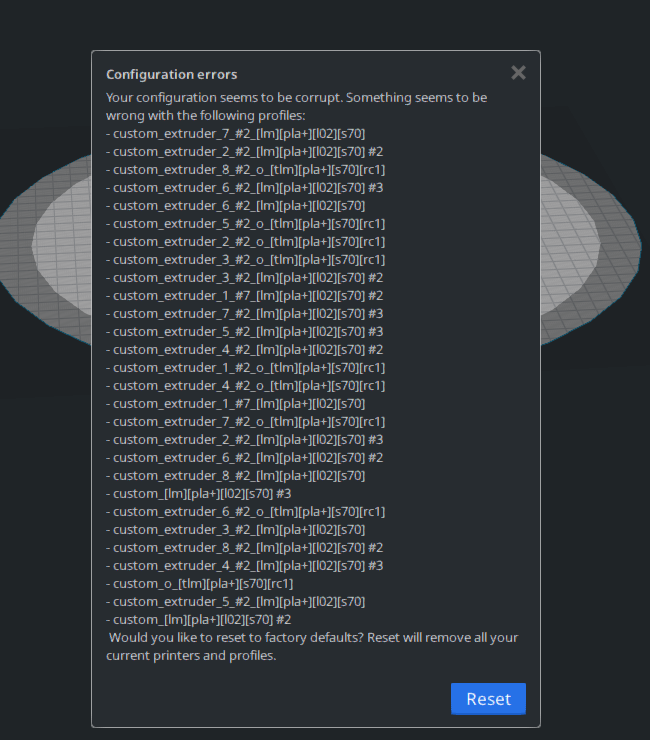
Expected results
I am here to ask a very simple question: When will be the last time I see these errors?
Why 3.6 was and apparently the one and only version which never prompt me these errors?
Additional information
I can't say I was happy to see these errors are back - i was hoping I would never see those again.
 Thisismydigitalself
All 17 comments
Log file contains private information.
if you want me to look for specific error in it let me know what to search for.
Thisismydigitalself
on 28 Aug 2019
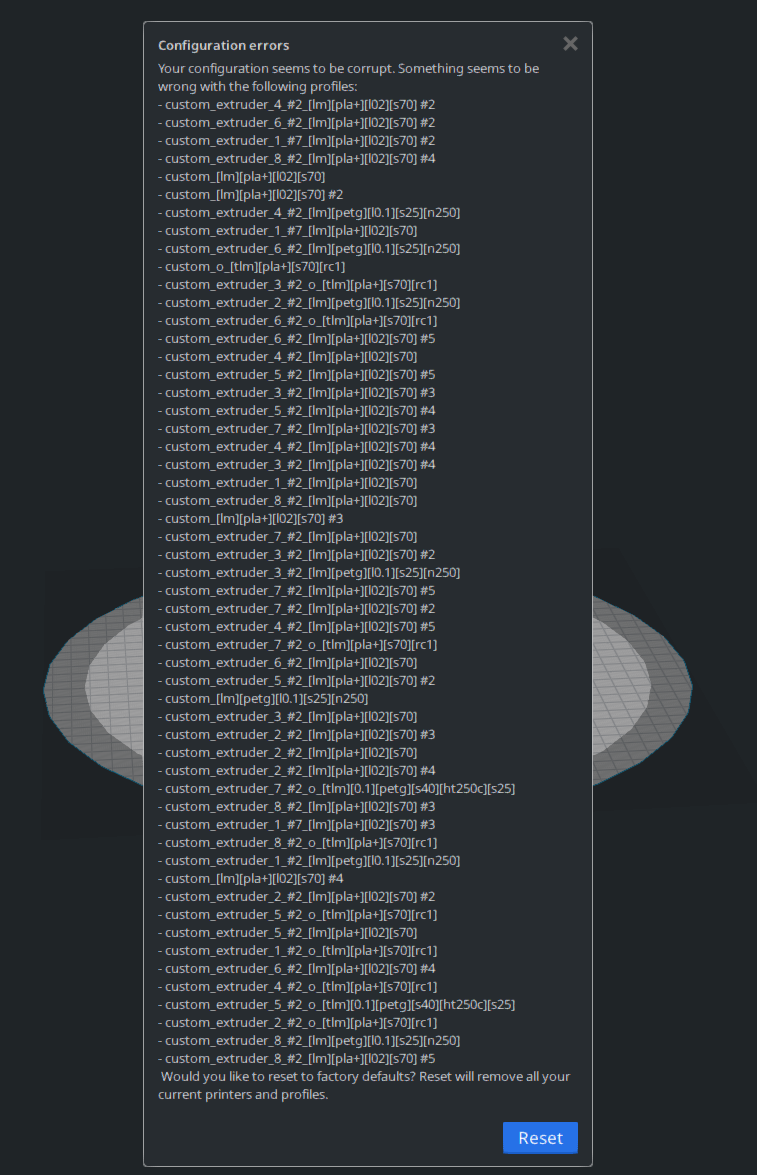
Everyday the list grows longer. I was hoping you guys can release a hot fix or at least tell us how to clear this error message, but not even one comment to this reported repeating issue.
Thisismydigitalself
on 31 Aug 2019
@Thisismydigitalself Could you provide the 3MF project file that can reproduce this issue? Thanks.
 LipuFei
on 2 Sep 2019
LipuFei
on 2 Sep 2019
i am not at my desk. could this be due to the fact that i jumped from 3.6 to 4.2.1?
i have no intention on installing any previous 4.x versions but if you think this is mandatory, i will do that only for fixing this issue
Thisismydigitalself
on 2 Sep 2019
@Ghostkeeper @LipuFei @nallath
3mf attached (change TEST.txt to TEST.3mf).
All i did was, within 4.2.1, saved a project and reloaded back.
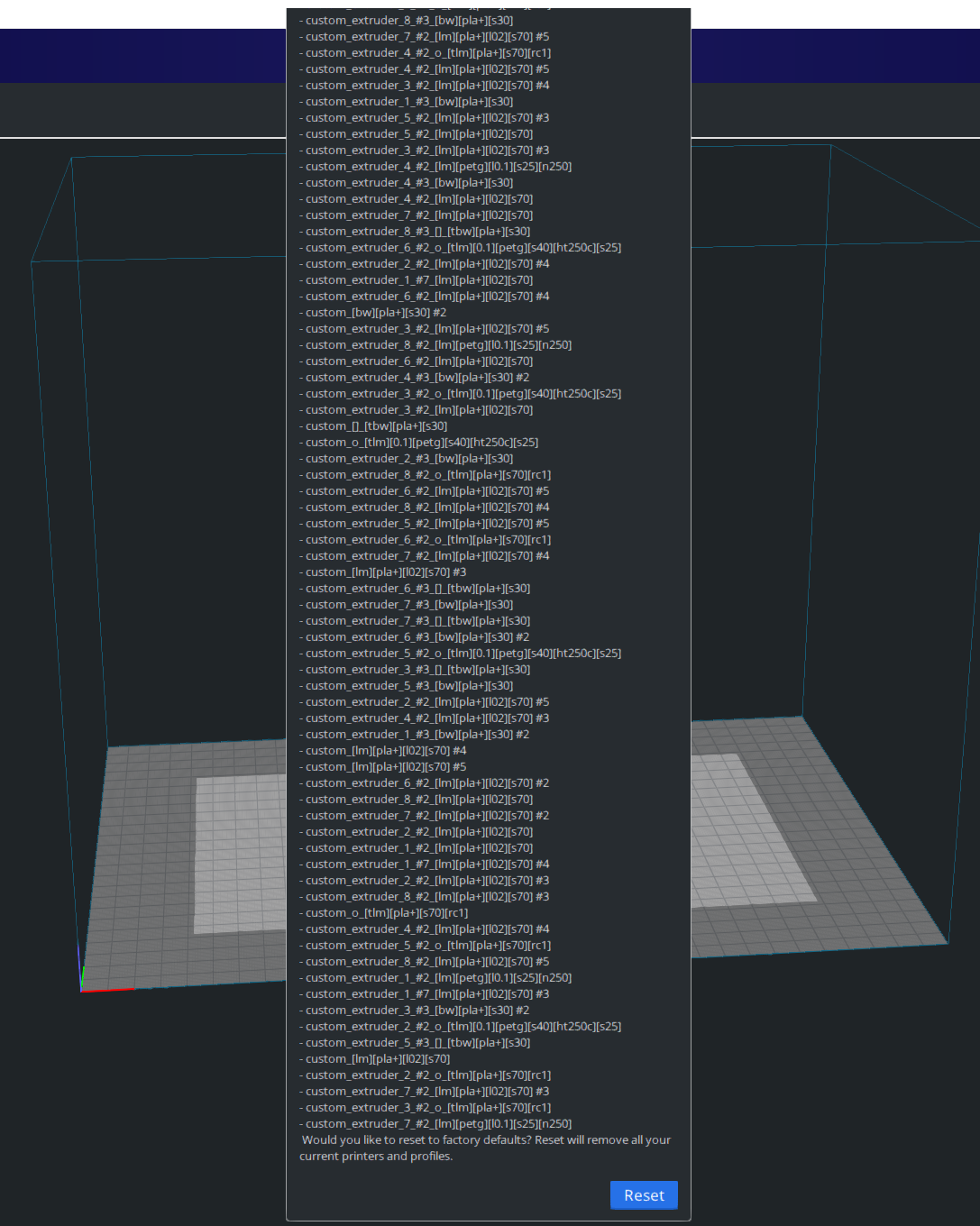
Please let me know what goes on cause the list of errors is now HUGE and i need a fix without resetting all my 4.2.1 profiles/settings.
TEST.txt
Thisismydigitalself
on 2 Sep 2019
@Ghostkeeper @LipuFei @nallath
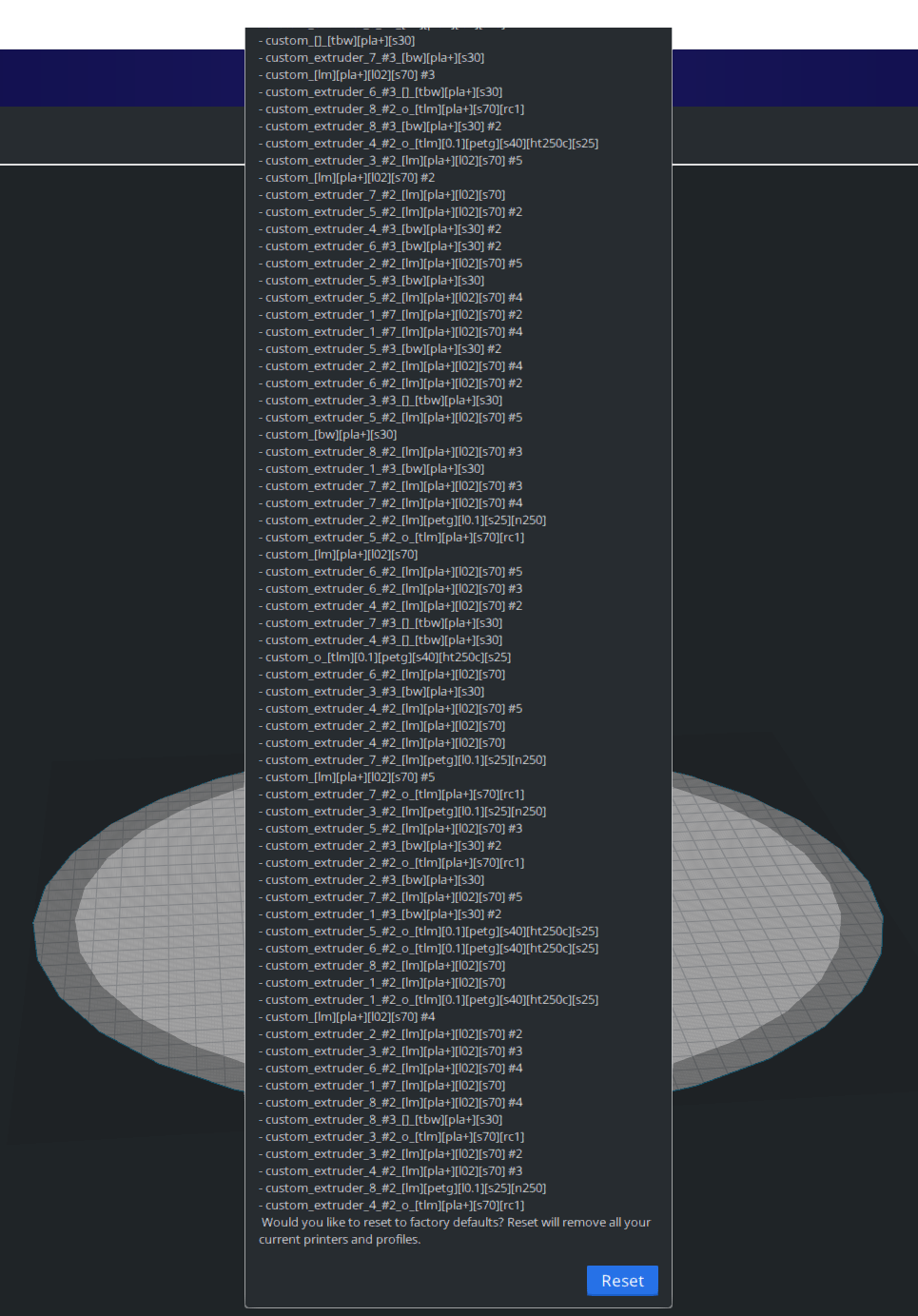
Well, things are worst than I thought. now when the list of errors is so long, I can't use 4.2.1 anymore as there is no way to close it and see the print bed (no X on top right corner to close the list).
Wow. I guess I am pushed to go back to 3.6.
What a mess! i don't know how to use my current 4.2.1 profiles with 3.6.
This is a BIG issue.
Thisismydigitalself
on 2 Sep 2019
I see a config error when reloading the saved project, but just a single one. This is indeed bad.
 rburema
on 3 Sep 2019
rburema
on 3 Sep 2019
I found out why. The ContainerRegistry is not performing correct searching for names with special characters such as []. They were reserved for special purposes but not taken into account the general fields such as "name", which can be any user input.
LipuFei
on 3 Sep 2019
thx. going to try to see if i have access to edit profile names. is this new to 4.x? i use this format since 3.6 and cant recall ever having this issue. my profile names must be clear for me to search for. i wonder what characters are reserved
Thisismydigitalself
on 3 Sep 2019
@LipuFei
Thank you, renamed all my profile's names, replacing '[ ]' with '-' and now Cura loads without errors. Now I need to reload all my 3mf projects which are based on old named profiles and see what will happen. I sure hope this will work as if not - this means troubles.
Thisismydigitalself
on 3 Sep 2019
FYI, loaded archived 3mf with [ ] named profile. this time chose to create new printer and new material. project loaded OK, there is now a new profile with [ ] in its name, and when i relaunch Cura - no error. so now even when there is a [ ] names profile in the list of profiles - no errors when Cura loads. i am confused. before my next test - this time UPDATING printer and profile during import.
Before I do so, I will backup all my new profiles.
Thisismydigitalself
on 3 Sep 2019
This is now when i reload a 3mf project containing [ ] in it's associated profile. this time I chose to update printers and materials and - I got this error.
Reloading projects is and always was tricky. Cura is not dealing with projects as good as I would have hoped for.
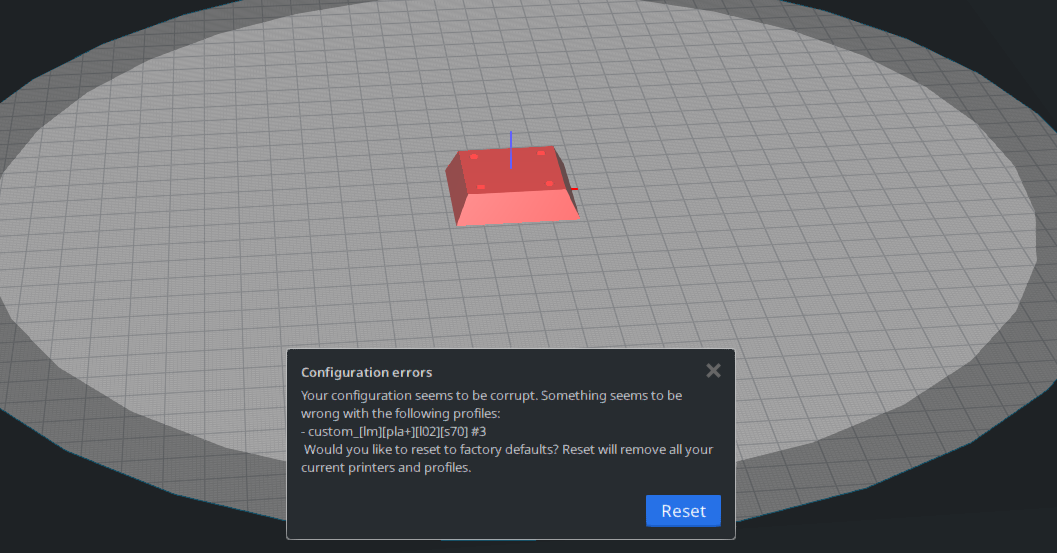
Thisismydigitalself
on 3 Sep 2019
Fixed in https://github.com/Ultimaker/Uranium/commit/5b1bbb0764ce0e05c3582c2ac9884909db02845d. It wasn't too difficult.
LipuFei
on 3 Sep 2019
@Thisismydigitalself If you rename your quality profiles to something that doesn't start and end with [], it should be ok. Another problem is that if you have seen this error message after loading a project file, it will create duplicate quality profiles, which causes the error message to occur. If you clean up your cura directory to have a clean start, and do not load any project file more than once which contains a [*] pattern custom quality file, you can avoid this bug.
This fixed in the current master branch.
LipuFei
on 3 Sep 2019
I think this is new in 4.0, for reference, the bug was introduced in JIRA issue CURA-6011. It was added last December. https://github.com/Ultimaker/Uranium/pull/433
I will close this ticket now.
LipuFei
on 3 Sep 2019
Thank you for your prompt help. Does this bug fix means next release will allow us users to use "[ ]" for profiles names?
Thisismydigitalself
on 4 Sep 2019
Yes, the fix will be in the next release. so the names you are using will be ok.
LipuFei
on 4 Sep 2019
Related issues
 StanislavJochman
·
3Comments
StanislavJochman
·
3Comments
 muhammadelmogy
·
3Comments
muhammadelmogy
·
3Comments
 JRRN
·
3Comments
JRRN
·
3Comments
 tomoinn
·
3Comments
tomoinn
·
3Comments
 ferociousdiablo
·
3Comments
ferociousdiablo
·
3Comments