i have a problema with my settings when i do mesh type
when i selecte "modify settings for infill other models, i can´t find "infill mesh" and is so anoying … i dont know to do
i already tried go to the settings and apears but when i do the "modify settings for infill … " doesn´t apears again… just apears "infill mesh order" … i dont know what to do
please help me!!
 pektrus
All 17 comments
i have the 3.6 upadate (november 2018)
pektrus
on 28 Jan 2019
If you select "Modify settings for infill of other models" as mesh type, that adds the infill mesh setting for you. You don't need to (and can't) set it any more than that.
 fieldOfView
on 28 Jan 2019
fieldOfView
on 28 Jan 2019
hi
i have another problem
when i finish to do multiple infill mesh in other parts on the model , i
go saving but when I open the file again, the model is completely diferente
…its complete diferente because when i open again, i dont know what happen
but the model that i used to divide the diferentes parts to do infill mesh,
its now part of the model … so when i open the file and this model joint to
the another model and i dont want that. I just use the model to separate
parts for diferentes infill meshs but when i save and open again the file …
that model joint to the other model
i dont know what to do …
Thanks ( i use the 3.6 upadte)
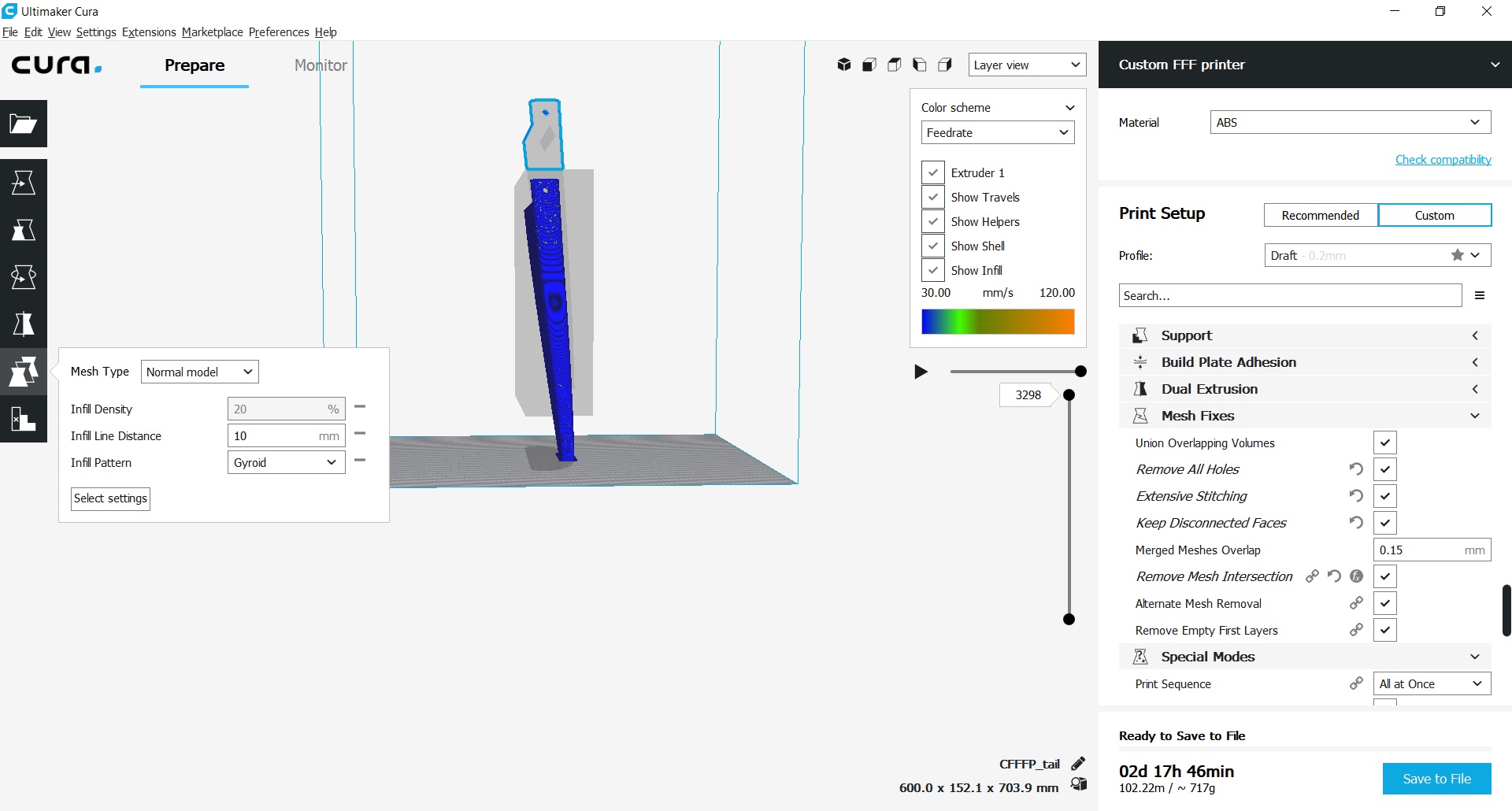
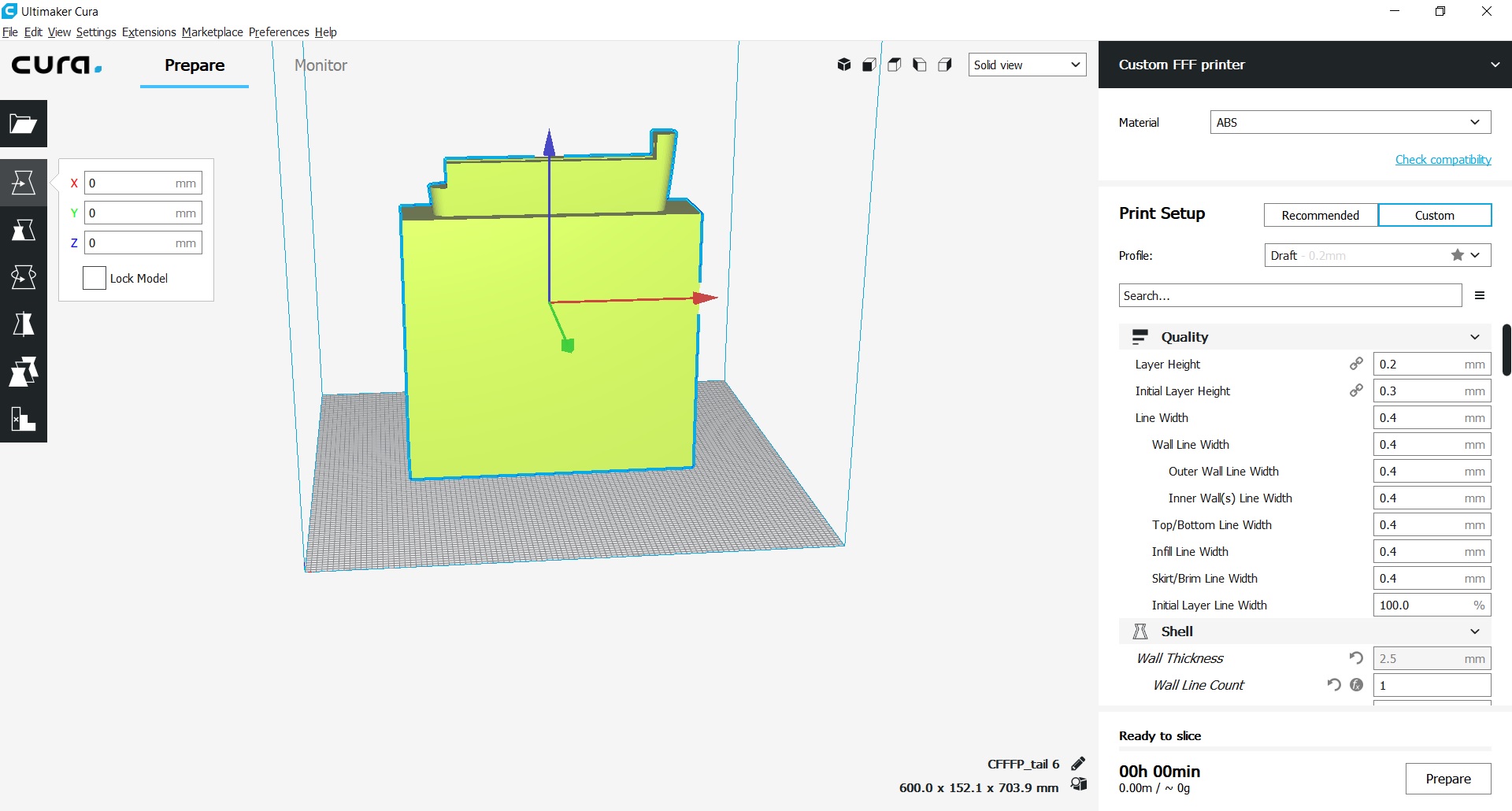
the first picture is the after i save and open the file again
[image: image.png]
[image: image.png]
pektrus
on 29 Jan 2019
Attachments don't come through when posting to github. Please add them via https://github.com/Ultimaker/Cura/issues/5228
fieldOfView
on 29 Jan 2019
If you "Save" your model it should retain stuff like the infill meshes. If you "Export" your model it saves the file in a format that is used for exchanging with other 3D model applications. It will lose your settings then (including which models are infill models).
 Ghostkeeper
on 29 Jan 2019
Ghostkeeper
on 29 Jan 2019
yeah but i don´t what happen
i save and when i open again, the model that i used to put diferentes
infill meshs , joint and became one piece …
so i dont know what i should do
please help
pektrus
on 29 Jan 2019
Maybe you can upload that file on github.com in your issue?
Ghostkeeper
on 29 Jan 2019
guys
i already out my problema in the site
https://github.com/pektrus/Cura/tree/pektrus-infill-mesh-save-issue
thanks
pektrus
on 29 Jan 2019
the tail just put 1000% (dimesnion) in z,x,and y
pektrus
on 29 Jan 2019
my problema is why the object joint to the model that i used to do
diferents infill mesh
i got some pictures
this pictures are the before and the after (after i save and open again)
my problema is that i think all right but when i save, the object joint to another (taht i used to separate diferentes infill meshs)
pektrus
on 29 Jan 2019
The files you uploaded are only STL files. These do NOT contain any Cura-specific information such as whether the object is an infill mesh or not. If you want to retain this information, you need to save it as a Cura project file, which is under File -> Save..., (NOT File -> Export...).
This seems to be behaving as expected, so far.
Ghostkeeper
on 30 Jan 2019
thanks so much
it really worked
now, i wuant to pass this file in * 3 mf to solidworks
its easy right? or I have to pass for STL file?
pektrus
on 31 Jan 2019
SolidWorks will not be able to interpret nor generate the "infill mesh" setting from Cura. It has no such notion. SolidWorks will read the 3D data from the 3MF file, but will not mark any mesh as being an infill mesh or anything.
Ghostkeeper
on 31 Jan 2019
There is any program that can read the infill mesh and simulate forces ??
SolidWorks will not be able to interpret nor generate the "infill mesh"
setting from Cura. It has no such notion. SolidWorks will read the 3D data
from the 3MF file, but will not mark any mesh as being an infill mesh or
anything.—
You are receiving this because you modified the open/close state.
Reply to this email directly, view it on GitHub
https://github.com/Ultimaker/Cura/issues/5228#issuecomment-459282424,
or mute the thread
https://github.com/notifications/unsubscribe-auth/As6WbcR_J9wIm4VRFJMx7rXYA3S0ScE2ks5vIrwxgaJpZM4aVDWb
.
pektrus
on 31 Jan 2019
Not as far as I know.
When you save a project from Cura (using Save...) it saves a 3MF file, which is actually a zip file (try opening it with an archiver application) but apart from the normal 3D data we also save the profiles and per-object settings in a separate folder. This is saved in Cura's own configuration format. As far as I know, no other application was ever implemented to read this format. Other applications should just ignore this additional folder.
Ghostkeeper
on 31 Jan 2019
That's so bad because you can't actually see the strength of your structure
So you have to impress to see
Not as far as I know.
When you save a project from Cura (using Save...) it saves a 3MF file,
which is actually a zip file (try opening it with an archiver application)
but apart from the normal 3D data we also save the profiles and per-object
settings. This is saved in Cura's own configuration format. As far as I
know, no other application was ever implemented to read this format.—
You are receiving this because you modified the open/close state.
Reply to this email directly, view it on GitHub
https://github.com/Ultimaker/Cura/issues/5228#issuecomment-459292715,
or mute the thread
https://github.com/notifications/unsubscribe-auth/As6Wbdo8sI6Lw7C1aa8OUtpluZH0KifMks5vIsQDgaJpZM4aVDWb
.
pektrus
on 31 Jan 2019
You would need to ask Dassault to implement that though. SolidWorks doesn't implement Cura's infill patterns, infill layer thickness, infill printing speeds, etc. so it won't be able to simulate forces on it.
You could try converting the g-code to a 3D model and simulating forces on that with FEM, but it'll be very slow and inaccurate.
Ghostkeeper
on 31 Jan 2019
Related issues
 wi1k1n
·
3Comments
wi1k1n
·
3Comments
 timherrm
·
3Comments
timherrm
·
3Comments
 Nemernemer
·
3Comments
Nemernemer
·
3Comments
 ferociousdiablo
·
3Comments
ferociousdiablo
·
3Comments
 probonopd
·
3Comments
probonopd
·
3Comments
Most helpful comment
If you select "Modify settings for infill of other models" as mesh type, that adds the infill mesh setting for you. You don't need to (and can't) set it any more than that.