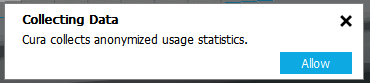
Cura: "Collecting Data" popup since v3.6.0
This annoying popup has been appearing every time I launch Cura, and I have to click the X each time. Cura doesn't seem to remember my selection between runs.
 lowlyocean
All 12 comments
Only options are "Allow" and/or "X" to close this window. No "Deny".
Nice try.
 Thisismydigitalself
on 18 Dec 2018
Thisismydigitalself
on 18 Dec 2018
So will Cura collect statistics even when I click the X? Why isn't Deny an option?
lowlyocean
on 18 Dec 2018
You can disable it in the preferences menu. Since it's anonymized data, we don't even need to mention (or ask) this in the first place, but we decided to be transparent about it.
It constantly asking is indeed a bug. What version are you running it on (I do recall that we fixed some things there some time ago, but i'm not a 100% sure)?
 nallath
on 18 Dec 2018
nallath
on 18 Dec 2018
I'm using 3.6.0 and see no place to disable in preferences menu. Can you provide screenshot?
lowlyocean
on 19 Dec 2018

Found it, but it's already as I would expect it should be to disable the popups... still getting the popups
Since it's anonymized data, we don't even need to mention (or ask) this in the first place, but we decided to be transparent about it.
Ehh.. that's a bit shifty IMO. Not everyone is OK with consuming their bandwidth for someone else's analytics crowdsourcing, even it it doesn't contain PII
lowlyocean
on 19 Dec 2018
in terms of bandwidth the data you send out is close to nothing.
in return you get a free slicer and still, you don't have to share anything.
Thisismydigitalself
on 19 Dec 2018
This bug is still present in Cura 4.0.
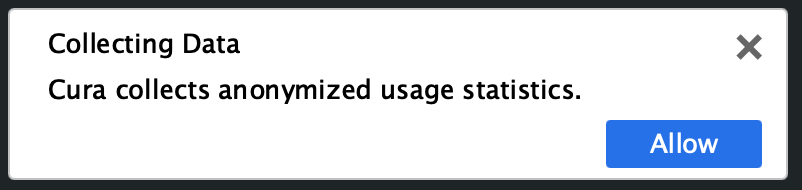
This notification is present at launch with the only options being Allow or close:
This setting is disabled:
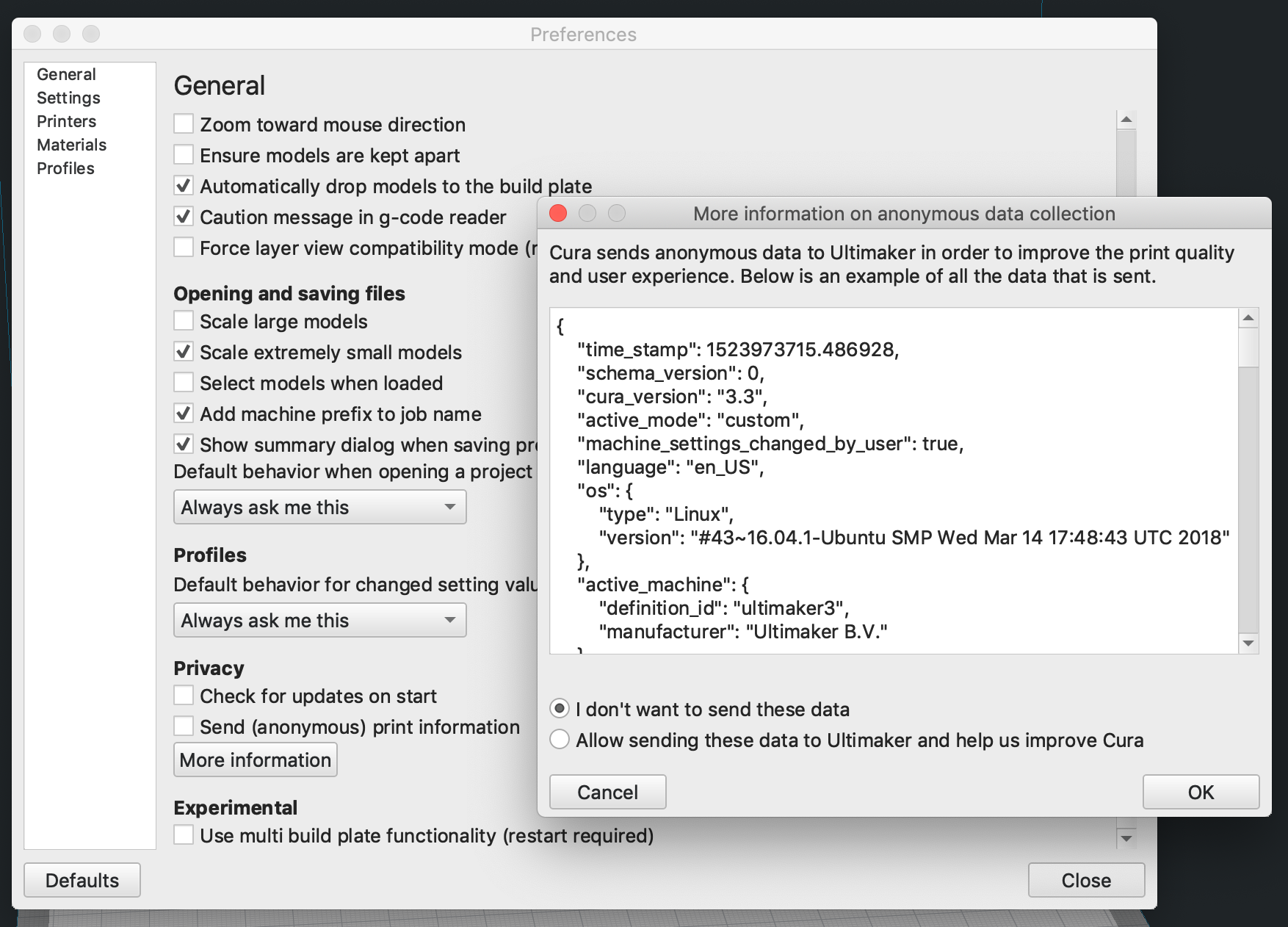
My firewall doesn't show any traffic to stats.ultimaker.com in recent months, but it's confusing and annoying to dismiss that popup when I've disabled the feature.
 thisiskeithb
on 19 Dec 2018
thisiskeithb
on 19 Dec 2018
I'll look into it!
nallath
on 19 Dec 2018
That's weird. With 4.0 I also have a "more info" link sitting next to the allow button. The message keeps popping up untill you pressed the allow button (once you do, it's gone for good).
nallath
on 19 Dec 2018
I can confirm I have always that popup.
 Liger0
on 23 Dec 2018
Liger0
on 23 Dec 2018
This issue is still present in 4.0.0 @LipuFei
lowlyocean
on 24 Mar 2019
This is fixed for 4.1
nallath
on 1 Apr 2019
Related issues
 jornada812
·
3Comments
jornada812
·
3Comments
 StanislavJochman
·
3Comments
StanislavJochman
·
3Comments
 dstulken
·
3Comments
dstulken
·
3Comments
 DmitryBychkov
·
3Comments
DmitryBychkov
·
3Comments
 mnswamp1
·
3Comments
mnswamp1
·
3Comments