Application Version
3.1 3.2 beta
Platform
Windows 10
Qt
PyQt
Display Driver
AMD Radeon HD 7400M 15.201.1151.1008
Steps to Reproduce
Generate gcode with 100 fill (other other fills) and .8 shell and .8 top/bottom. 1.5 layer height.
Actual Results
Generated RepRap gcode for
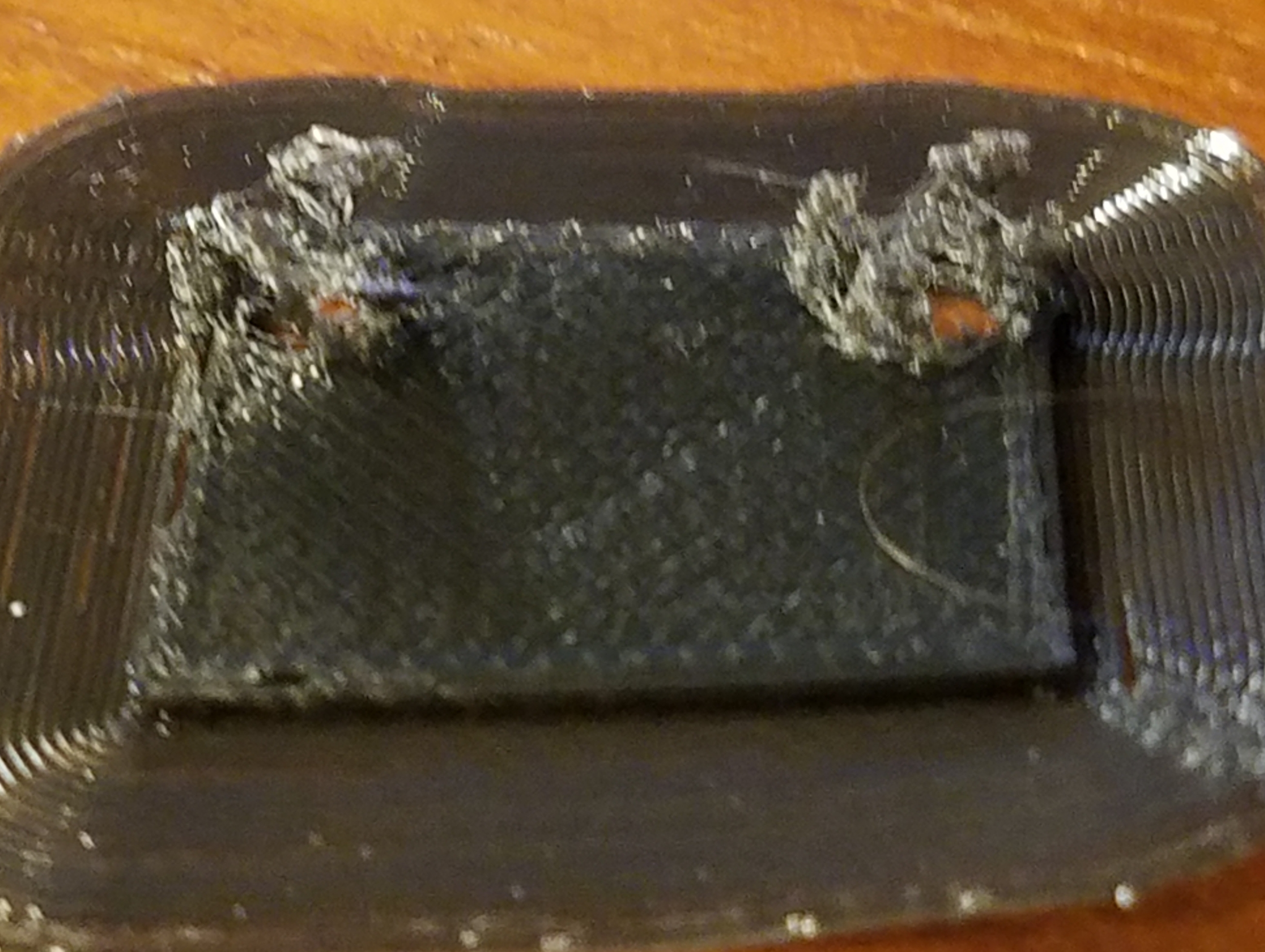
Printer doesn't extrude enough filament (my interpretation) to form a solid structure. The layer view doesn't indicate a problem (that I saw), and the print head seems to be moving as to make the correct structure.
Expected results
solid "tubes" on a small base, suitable for screws.
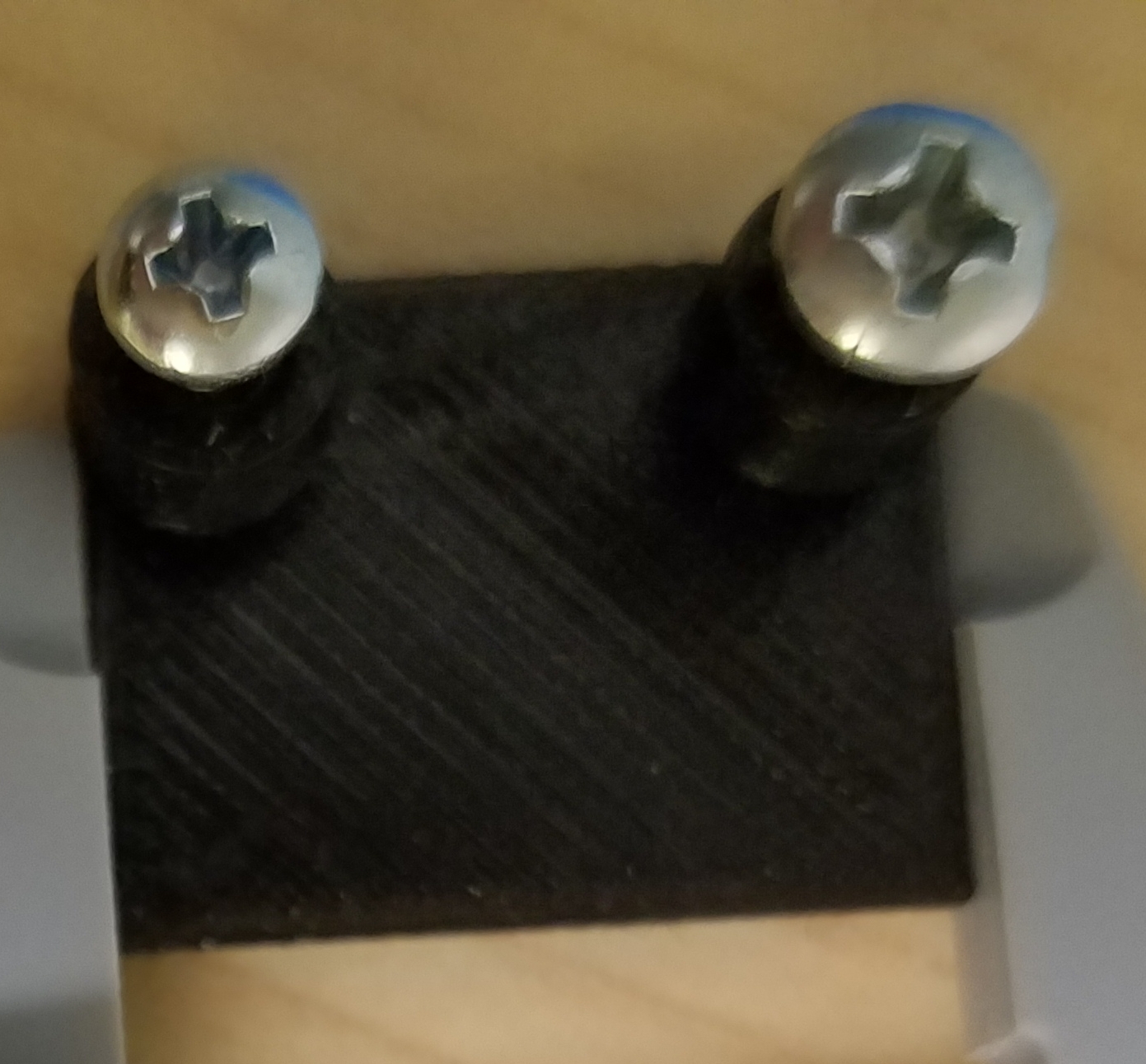
Additional Information
Works with original IIIP-i3 branded Cura software provided with Monoprice Maker Select v3 3D Printer. Software has no "About" box so no version information is available.
STL model was generated from Fusion360.
iotboard support.zip
 mayfield2333
All 18 comments
I'm guessing you are using relative extrusion and have a non-geared extruder?
 smartavionics
on 6 Feb 2018
smartavionics
on 6 Feb 2018
Just printed one using 200um layers and 0.5mm walls and it came out beautiful.
smartavionics
on 6 Feb 2018
I turned off "Enable Retract" and same results. No additional filament is being extruded during the printing of the posts. Here is my gcode file. Perhaps you can see something wrong with settings?
mayfield2333
on 7 Feb 2018
Thanks for the gcode file. Almost all of the extrudes used when printing those pillars are using less than 0.01 mm of filament so you need to have extruder steps/mm a lot greater than 100 to be able to accurately print them. How many steps/mm is your extruder set up for? If it's isn't geared then it's probably quite low.
smartavionics
on 7 Feb 2018
Where would I find this setting?
mayfield2333
on 7 Feb 2018
The extruder steps/mm is a printer firmware setting, not a slicer setting. So to find its value you need to look at the printer configuration. BTW, do you have a geared extruder or not?
smartavionics
on 7 Feb 2018
It seems odd to have to change firmware setting when the original (iiip branded cura) software still works.
mayfield2333
on 7 Feb 2018
I'm not suggesting that you change any firmware setting but I am trying to explain what is going wrong. Could you please tell me:
1 - do you have a geared extruder?
2 - if possible to find out (from the printer) what is the steps/mm of your extruder?
Thanks.
smartavionics
on 7 Feb 2018
Apparently I have a WANHAO DUPLICATOR I3 V2.1I didn't configure Cura for that. I can try that, instead of the "Prusa mendal" option.The steps/mm default is 96.The extruder is geared.
mayfield2333
on 7 Feb 2018
The steps/mm default is 96.
Right, that's the problem. Your extruder resolution is around 0.01mm so when the slicer asks for extrusions of less than that amount (which it is, as mentioned above), your printer is probably extruding nothing. Using absolute extrusion mode rather than relative mode should give you better results but it still won't be ideal. The real solution is to increase the resolution of the extruder which may be possible in your printer's configuration. Otherwise, it's replace the extruder with another that has better resolution.
smartavionics
on 7 Feb 2018
I didn't build the printer, so replacing the extruder doesn't seem like an option. The printer is under warranty, and was pre-assebled and sold by Monoprice (6 screws/bolts to complete assembly).
I tried the Cura 3.2 Monoprice mini v2 option (fixed the bed size and gantry height values).
The print result was the same.
So the original IIIP-i3 branded software that came with the printer, must have some compensation for this?
mayfield2333
on 8 Feb 2018
The 'gcode' generation indicated Marlin for Monoprice MIni, which is absolute extruder positioning.
The print results are now as expected, but the start/end code must be wrong as the printer doesn't indicate it is done, and steppers are not disabled.
mayfield2333
on 8 Feb 2018
You could keep all the settings in Cura the same except the extrusion mode which needs to be absolute for your machine.
smartavionics
on 8 Feb 2018
We can't figure out for you what sort of compensation is necessary, but if you know some modification we need to make to support it, we can take a look at that. If setting it to absolute extrusion (which is the default iirc) works just as well, then I think nothing needs to be modified on Cura and we'll close the issue.
 Ghostkeeper
on 2 Mar 2018
Ghostkeeper
on 2 Mar 2018
No new information, closing.
 ChrisTerBeke
on 23 May 2018
ChrisTerBeke
on 23 May 2018
@smartavionics Don't mean to necro this issue, but can you explain why relative extrusion wouldn't work on this printer while absolute extrusion would? Is the difference between two E moves not the same for both (relative E vs difference between two moves)? If so, the why would one work and not the other?
 foodbandlt
on 26 Dec 2018
foodbandlt
on 26 Dec 2018
Hi @foodbandlt , yes, the difference between 2 E moves is the same when using relative and absolute extrusion but the result you get depends on the resolution of the printer and also, when using relative extrusion, whether the printer will accumulate the steps lost due to low extruder resolution. Let's take an example...
Imagine a particular curved wall is made up of a sequence of small lines where each small line requires, say, 0.005 mm of filament. When printing using absolute extrusion, the E values will be something like E2092.471, E3092.476, E3092.481, E3092.486 and so on. The equivalent relative values would be E0.005, E0.005, E0.005 and so on. If the extruder steps/mm is only around 100 (as in the above discussion) it has low resolution and so it cannot extrude less than 0.01 of a mm. Depending exactly on how the printer firmware works, the results can vary.
For the absolute values what may happen is that the printer treats the sequence of E values as if they were like this: E2092.47, E2092.48, E2092.48, E2092.49, i.e. they are rounded to the nearest multiple of 0.01. You can see that the flow would be uneven but at least there would be some filament extruded for every other line.
If the printer was using relative extrusion it could either behave the same with every other line getting some filament or, if the firmware doesn't accumulate the missing steps then it may print nothing at all!
Hope this makes things clearer.
smartavionics
on 26 Dec 2018
@smartavionics Thanks for the outstanding explanation! Makes perfect sense.
foodbandlt
on 26 Dec 2018
Related issues
 timherrm
·
3Comments
timherrm
·
3Comments
 jellewie
·
3Comments
jellewie
·
3Comments
 konvoj
·
3Comments
konvoj
·
3Comments
 Liger0
·
3Comments
Liger0
·
3Comments
 mnswamp1
·
3Comments
mnswamp1
·
3Comments