Cura: prints 1st layer only 1/2 then full on 2nd layer
prints 1st layer only 1/2 then full on 2nd layer
 gummybearoz
All 10 comments
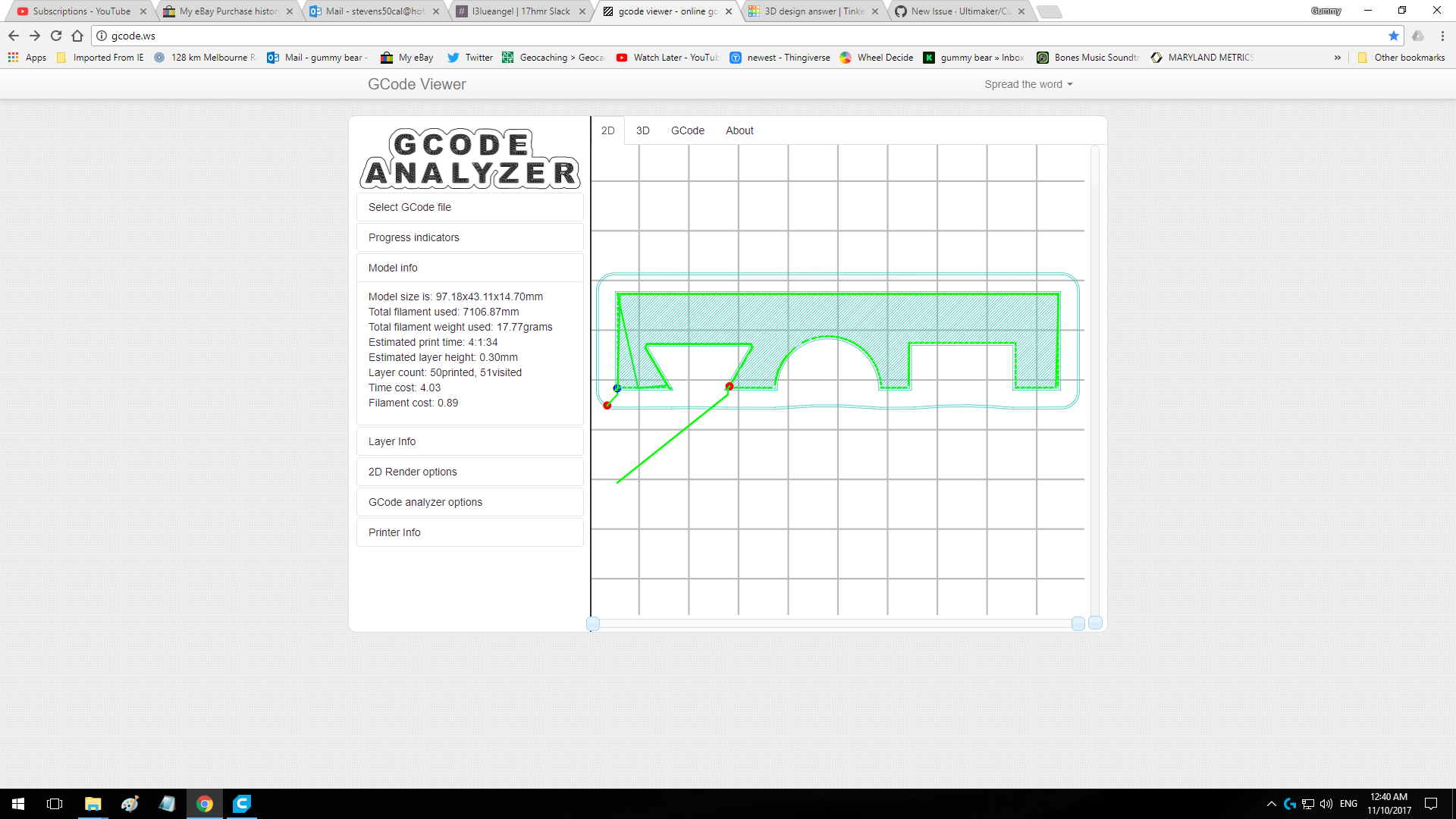
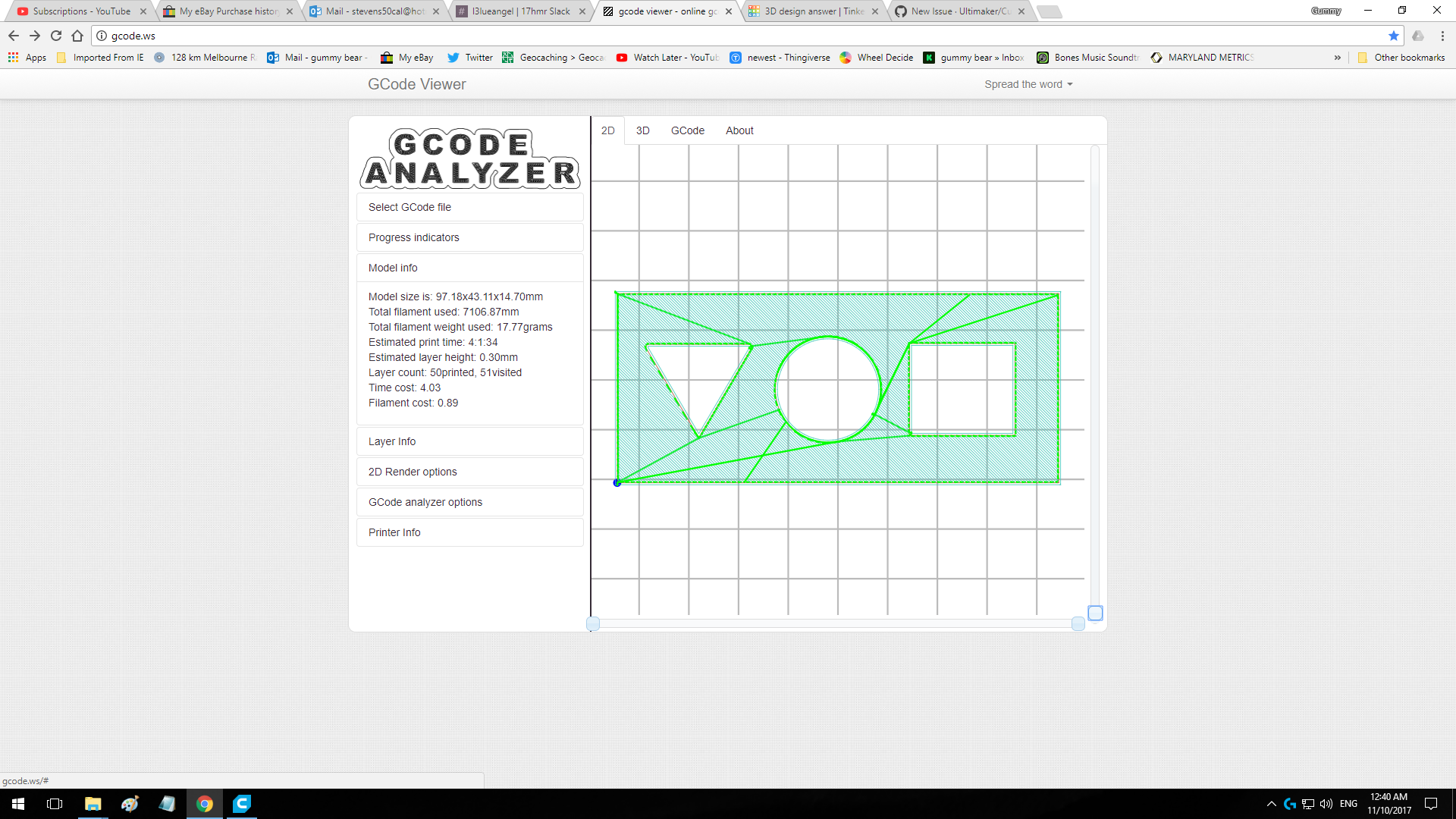
Seems like the bottom surface of your model is not entirely flat (or angled).
 ChrisTerBeke
on 10 Oct 2017
ChrisTerBeke
on 10 Oct 2017
iv seen this comment on many other posts
is this your go to cut past
im not this silly
iv done that test and cut a clean face then lowered it to 0-zero so this dis prooves the its not flat argument
gummybearoz
on 10 Oct 2017
In Cura, did you do 'lay flat' (click the rotate-icon on the left, then the lay flat-icon)?
If that solves it, it may get printed at a (slight) angle, so it might be better to correct it in the model (make the surface completely horizontal).
 DDDirk
on 10 Oct 2017
DDDirk
on 10 Oct 2017
If you post the model here I can double check for you, but it's not the first time I've seen an issue with screenshots like these....
ChrisTerBeke
on 10 Oct 2017
gummybearoz
on 10 Oct 2017
You have a link that doesn't force me to create an AutoDesk account?
ChrisTerBeke
on 10 Oct 2017
In Cura, did you do 'lay flat' (click the rotate-icon on the left, then the lay flat-icon)?If that solves it, it may get printed at a (slight) angle, so it might be better to correct it in the model (make the surface completely horizontal).
yes this worked but iv never had to lay flat before in last year of printing with cura
thank you for the tip ill make it part of my must do before saving.
as said above iv cut a new face then lowered to zero so my model is flat.
gummybearoz
on 10 Oct 2017
how to upload .stl didn't let me on making this post
in zip?
gummybearoz
on 10 Oct 2017
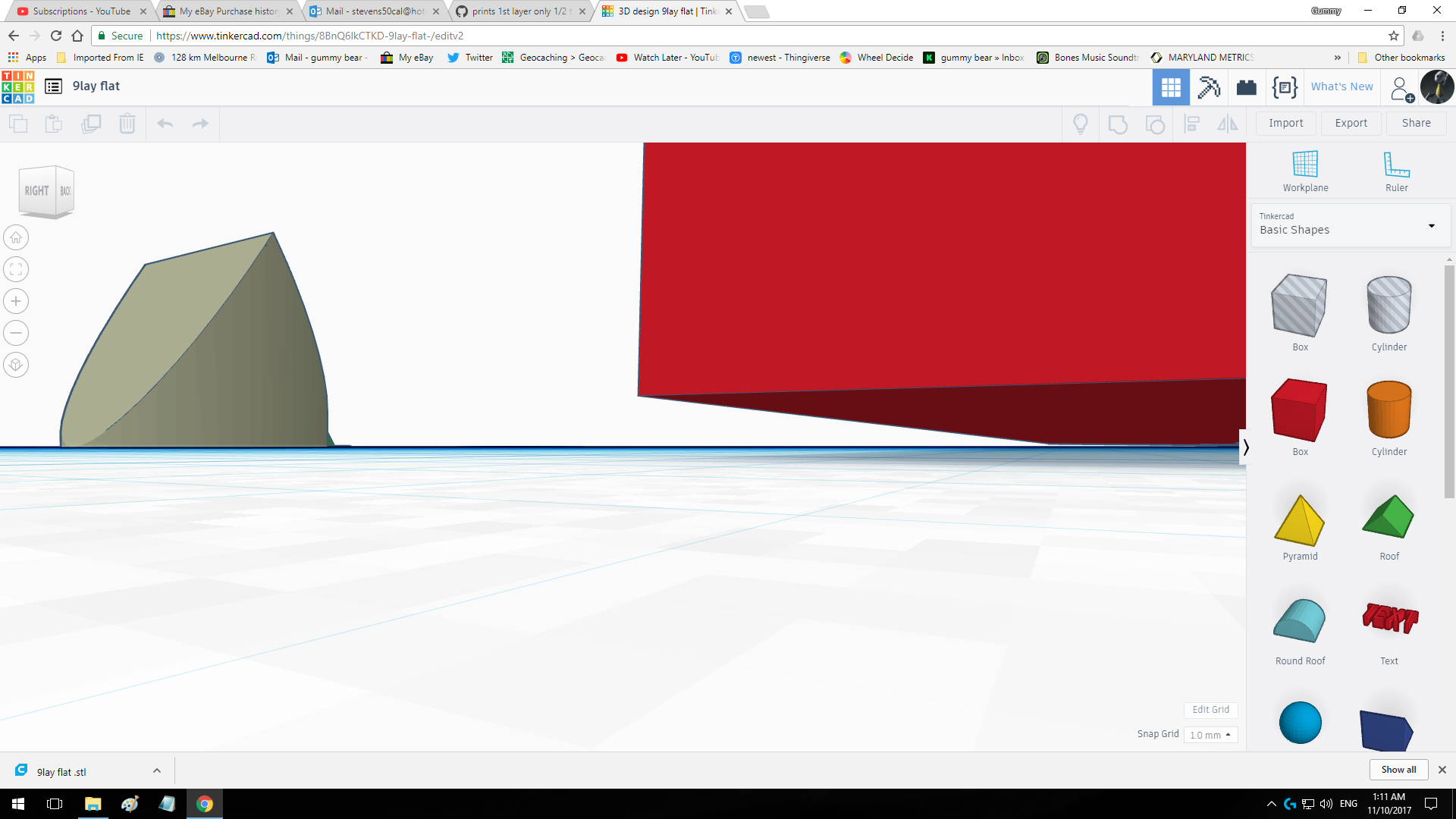
I have checked the STL from TinkerCAD. Sorry, the block with the cylinder, triangle and square subtracted from it does _not_ have a flat bottom. The bottom two vertices on the front are .405 units (mm) higher than the other vertices.
Correction: the bottom is flat, but at a slight angle to the floor.
The other two objects in the same STL do lie flat on the floor.
 fieldOfView
on 10 Oct 2017
fieldOfView
on 10 Oct 2017
wow im sorry for this mistake you make sence now its 1 am hear and uninstalled cura twice sorry for my rant
apology from down under
sorry
gummybearoz
on 10 Oct 2017
Related issues
 mubarak111nsu
·
3Comments
mubarak111nsu
·
3Comments
 Liger0
·
3Comments
Liger0
·
3Comments
 StanislavJochman
·
3Comments
StanislavJochman
·
3Comments
 tomoinn
·
3Comments
tomoinn
·
3Comments
 thopiekar
·
3Comments
thopiekar
·
3Comments
Most helpful comment
wow im sorry for this mistake you make sence now its 1 am hear and uninstalled cura twice sorry for my rant
apology from down under
sorry