Cordova-plugin-googlemaps: Grey Map but api key is set up how adviced
I'm submitting a ... (check one with "x")
- [ ] question
- [x ] any problem or bug report
OS: (check one with "x")
- [ x] Android
- [ ] iOS
- [ ] Browser
cordova information: (run $> cordova plugin list)
cordova-plugin-googlemaps 2.7.1 "cordova-plugin-googlemaps"
cordova-plugin-whitelist 1.3.4 "Whitelist"
Current behavior:
First I have created a google maps api key. I didn´t restrict the key.
Then I created a completely new cordova project and exactly followed the "Hello World" guide. The only thing I did additionally was adding:
What I already did:
I enabled "maps sdk for android" and "maps sdk for ios"
I created the key after enabling the api and I have already regenerated my key multiple times
I tried to run it with a restricted key instead of an unrestricted one. I used the right fingerprint but it also didn´t work
I normally try to run the project on an emulator (which has google play activated) but I also tried to run it on a real device with the same result
I searched the web for hours now but I can´t find a solution. I would be very thankful if anybody could help me.
Expected behavior:
The plugin should work and show a map
Screen capture or video record:
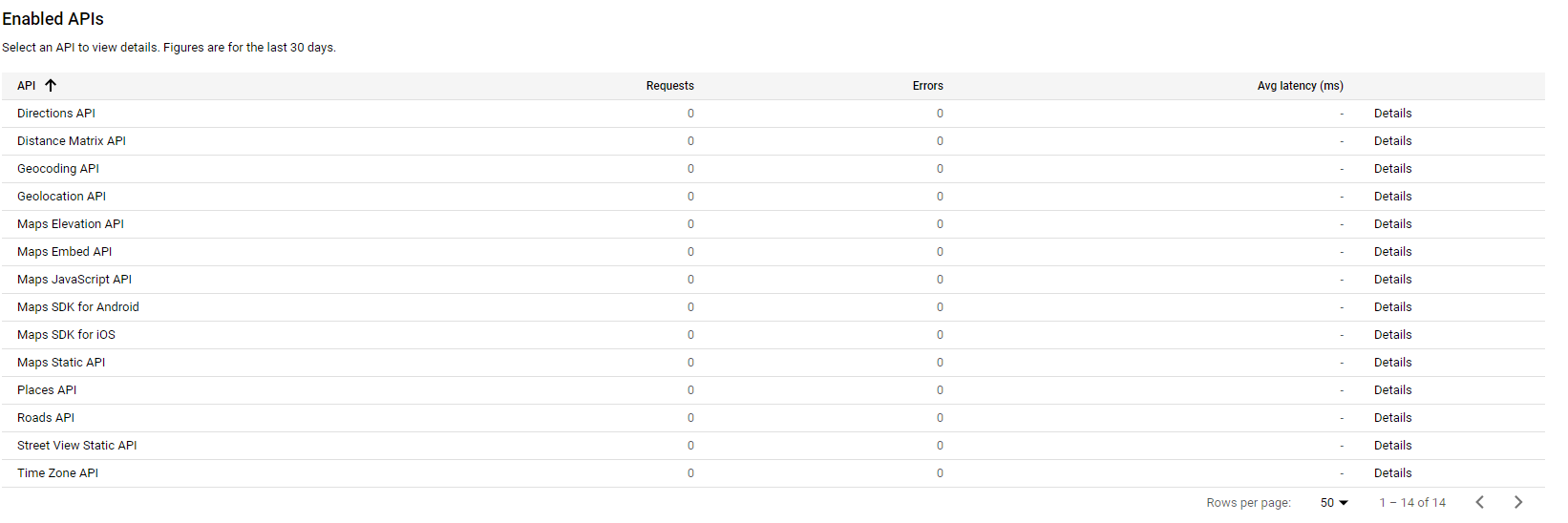

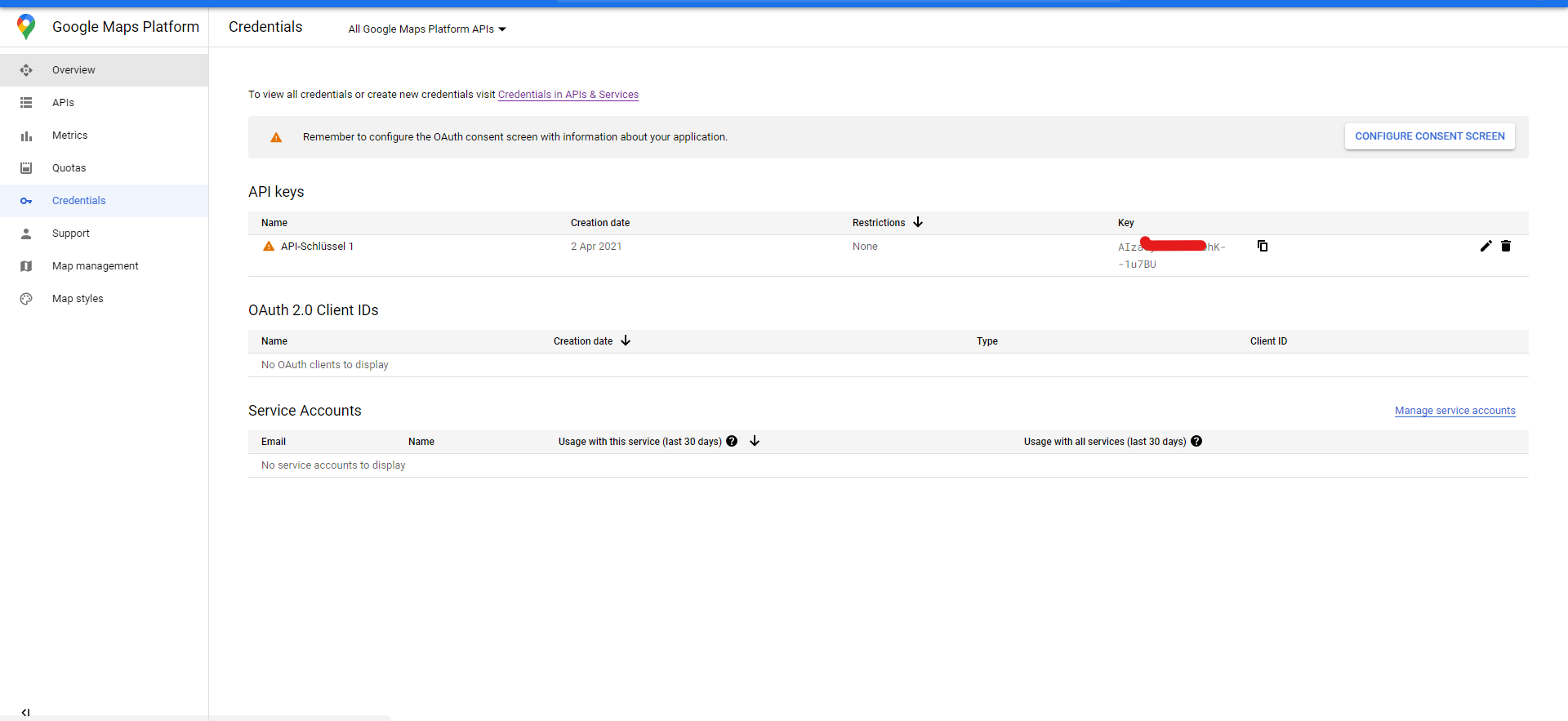


https://github.com/BTW18/test.git
I have never shared a project. Is this the right link?
Support this plugin activity
I appreicate if you give me a beer :beer: from here
 BTW18
BTW18
All 3 comments
<widget ...>
  <preference name="GOOGLE_MAPS_ANDROID_API_KEY" value="(api key)" />
  <preference name="GOOGLE_MAPS_IOS_API_KEY" value="(api key)" />
</widget>
Don't include the ( and ) with the keys.
 spinninghamster
on 2 Apr 2021
spinninghamster
on 2 Apr 2021
I can't believe it. I spent hours on this. I tried everything. But I always set the key within the "()". I feel so stupid right now. It works now. Thank you very much. I will give you a beer.
BTW18
on 2 Apr 2021
I can't believe it. I spent hours on this. I tried everything. But I always set the key within the "()". I feel so stupid right now. It works now. Thank you very much. I will give you a beer.
No worries. We all do that sometimes :)
spinninghamster
on 4 Apr 2021
Related issues
 wf9a5m75
·
5Comments
wf9a5m75
·
5Comments
 splitice
·
5Comments
splitice
·
5Comments
 djett41
·
3Comments
djett41
·
3Comments
 TimothyFehr
·
5Comments
wf9a5m75
·
3Comments
TimothyFehr
·
5Comments
wf9a5m75
·
3Comments
Most helpful comment
I can't believe it. I spent hours on this. I tried everything. But I always set the key within the "()". I feel so stupid right now. It works now. Thank you very much. I will give you a beer.