Cordova-plugin-googlemaps: how to remove special marker?
in this code I use 2 dropp marker function (it is not good idea at all I know) in Ionic but I want to be able remove last to first marker when user press back button on device.
import { Injectable } from '@angular/core';
import { Observable } from 'rxjs/Observable';
import { Geolocation, Geoposition } from 'ionic-native';
import { MapConst } from './map.constants';
import {  } from '@types/googlemaps';

interface IMapOptions {
  lat: number;
  lon: number;
  zoom: number;
}

@Injectable()

export class MapService {

  public map: google.maps.Map = null;
  private infoWindow: google.maps.InfoWindow = null;

  constructor() {
  }

  public createMap(mapEl: Element, opts: IMapOptions = {
    lat: MapConst.DEFAULT_LAT,
    lon: MapConst.DEFAULT_LNG,
    zoom: MapConst.DEFAULT_ZOOM
  }): Promise<google.maps.Map> {

    return this.loadMap().then(() => {
      const myLatLng = new google.maps.LatLng(opts.lat, opts.lon);
      const styleArray = [
        {
          featureType: 'poi',
          elementType: 'labels',
          stylers: [
            {visibility: 'off'}
          ]
        }
      ];

      const mapOptions: google.maps.MapOptions = {
        zoom: opts.zoom,
        minZoom: opts.zoom,
        center: myLatLng,
        mapTypeId: google.maps.MapTypeId.ROADMAP,
        disableDefaultUI: true,
        scaleControl: false,
        styles: styleArray,
        zoomControl: false,
        zoomControlOptions: {
          position: google.maps.ControlPosition.BOTTOM_CENTER
        }
      };

      this.map = new google.maps.Map(mapEl, mapOptions);
      return this.map;
    });
  }

  /**
   * return the coordinates of the center of map
   * @returns {LatLng}
   */
  public get mapCenter(): google.maps.LatLng {
    return this.map.getCenter();
  }

  public set mapCenter(location: google.maps.LatLng) {
    this.map.setCenter(location);
  }

  /***
   * return map html element
   * @returns {Element}
   */
  public get mapElement(): Element {
    return this.map.getDiv();
  }

  /***
   * create an infoWindow and display it in the map
   * @param content - the content to display inside the infoWindow
   * @param position
   */
  public createInfoWindow(content: string, position: google.maps.LatLng): void {
    this.closeInfoWindow();
    const opt: google.maps.InfoWindowOptions = {
      content,
      position,
      pixelOffset: new google.maps.Size(0, -50),
      disableAutoPan: true
    };
    this.infoWindow = new google.maps.InfoWindow(opt);
    setTimeout(() => this.infoWindow.open(this.map), 100);
  }

  /***
   * close the current infoWindow
   */
  public closeInfoWindow(): void {
    if (this.infoWindow) {
      this.infoWindow.close();
    }
  }

  /***
   * create Place Autocomplete
   * ref: https://developers.google.com/maps/documentation/javascript/examples/places-autocomplete
   * @param addressEl
   * @returns {Observable}
   */
  public createAutocomplete(addressEl: HTMLInputElement): Observable<any> {
    const autocomplete = new google.maps.places.Autocomplete(addressEl);
    autocomplete.bindTo('bounds', this.map);
    return new Observable((sub: any) => {
      google.maps.event.addListener(autocomplete, 'place_changed', () => {
        const place = autocomplete.getPlace();
        if (!place.geometry) {
          sub.error({
            message: 'Autocomplete returned place with no geometry'
          });
        } else {
          sub.next(place.geometry.location);
          sub.complete();
        }
      });
    });
  }

  /***
   * set map position and the relative center and zoom
   * @returns {Promise<google.maps.LatLng>}
   */
  public setPosition(): Promise<google.maps.LatLng> {
    return this.getCurrentPosition().then((coords: Coordinates) => {
      if (!coords) {
        console.warn('invalid coordinates: ', coords);
        return null;
      }
      const myLatLng = new google.maps.LatLng(coords.latitude, coords.longitude);
      this.map.setCenter(myLatLng);
      this.map.setZoom(MapConst.MAX_ZOOM);
      return this.mapCenter;
    });
  }

  /***
   * trigger map resize event
   */
  public resizeMap(): void {
    if (this.map) {
      google.maps.event.trigger(this.map, 'resize');
    }
  }

  private loadMap(): Promise<any> {
    return new Promise((resolve: Function, reject: Function) => {
      if ((<any>window).google && (<any>window).google.maps) {
        resolve();
      } else {
        this.loadGoogleMapApi().then(() => resolve()).catch(reason => {
          reject(reason);
        });
      }
    });
  }
  private getCurrentPosition(maximumAge: number = 10000): Promise<Coordinates> {
    const options = {
      timeout: 10000,
      enableHighAccuracy: true,
      maximumAge
    };
    return Geolocation.getCurrentPosition(options).then((pos: Geoposition) => {
      return pos.coords;
    });
  }

  private loadGoogleMapApi(): Promise<any> {
    const _loadScript = () => {
      const script = document.createElement('script');

      script.src = `http://maps.googleapis.com/maps/api/js?language=fa&callback=initMap`;
      script.type = 'text/javascript';
      script.async = true;
      const s = document.getElementsByTagName('script')[0];
      s.parentNode.insertBefore(script, s);
    };

    return new Promise((resolve: Function) => {
      (<any>window).initMap = () => {
        return resolve();
      };
      _loadScript();
    });
  }
  public DropOrigen(){
    let image = '/assets/img/rsz_origin.png';
    let marker = new google.maps.Marker({
    map: this.map,
    animation: google.maps.Animation.DROP,
    position: this.map.getCenter()
    , icon: image
  });
}
public DropTarget(){
    let image = '/assets/img/rsz_target.png';
    let marker = new google.maps.Marker({
    map: this.map,
    animation: google.maps.Animation.DROP,
    position: this.map.getCenter()
    , icon: image
  });
}

public clrMarker(marker){
// what should go here?
// how to specify markers?
}
}
 rsa408
All 14 comments
marker.remove()
 wf9a5m75
on 7 Jul 2017
wf9a5m75
on 7 Jul 2017
one more question please, how to point specific marker?
Great thanks.
rsa408
on 7 Jul 2017
At least, you need to manage all markers by yourself. It means you need to keep marker instances.
This is just basic idea.
_globalMyArray = [];

let marker = new google.maps.Marker(...);

_globalMyArray.push(marker);
Then when you want to remove a marker, you can remove it.
_globalMyArray[idx].remove();
I did as you told but this error is showing :
public _globalMyArray = [];

public DropOrigen(){
    let image = 'assets/img/rsz_origin.png';
    let marker = new google.maps.Marker({
    map: this.map,
    animation: google.maps.Animation.DROP,
    position: this.map.getCenter()
    , icon: image
  });
  this._globalMyArray.push(marker);
  console.log(this._globalMyArray);
}
public DropTarget(){
    let image = 'assets/img/rsz_target.png';
    let marker = new google.maps.Marker({
    map: this.map,
    animation: google.maps.Animation.DROP,
    position: this.map.getCenter()
    , icon: image
  });
  this._globalMyArray.push(marker);
  console.log(this._globalMyArray);
}
public clrMarker(idx){
  console.log(idx);
this._globalMyArray[idx].remove();
//marker.remove(marker);
}

rsa408
on 8 Jul 2017
As the error says, "this._globalMyArray[idx]" is undefined.
It means the index you specified is wrong.
Why the idx is 2? At least, 0 or 1
By the ways, this plugin does not work on browser.
wf9a5m75
on 9 Jul 2017
Dear Msahi San;
The idx counter was 2 because it was my fault, I was using length of array to address the latest object, but this problem shows up that this._globalMyArray[idx].remove is not a function.

Thanks so much.
rsa408
on 9 Jul 2017
Without your project files, I can not determine further more.
So please share your project files.
How and why?
https://github.com/mapsplugin/cordova-plugin-googlemaps/issues/1479
wf9a5m75
on 9 Jul 2017
Dear Msahi San;
Finally I think I could, I've shared this source code with you by email address.
You are admin.
Thanks
rsa408
on 9 Jul 2017
@rsa408 Did you send an invitation to your repo? If so, please tell me the repository name.
wf9a5m75
on 11 Jul 2017
@wf9a5m75 Yes, I have already sent, will send once again,
https://bitbucket.org/rsa408/ionic2-taxi-app

Thanks
rsa408
on 11 Jul 2017
No, I haven't received it.
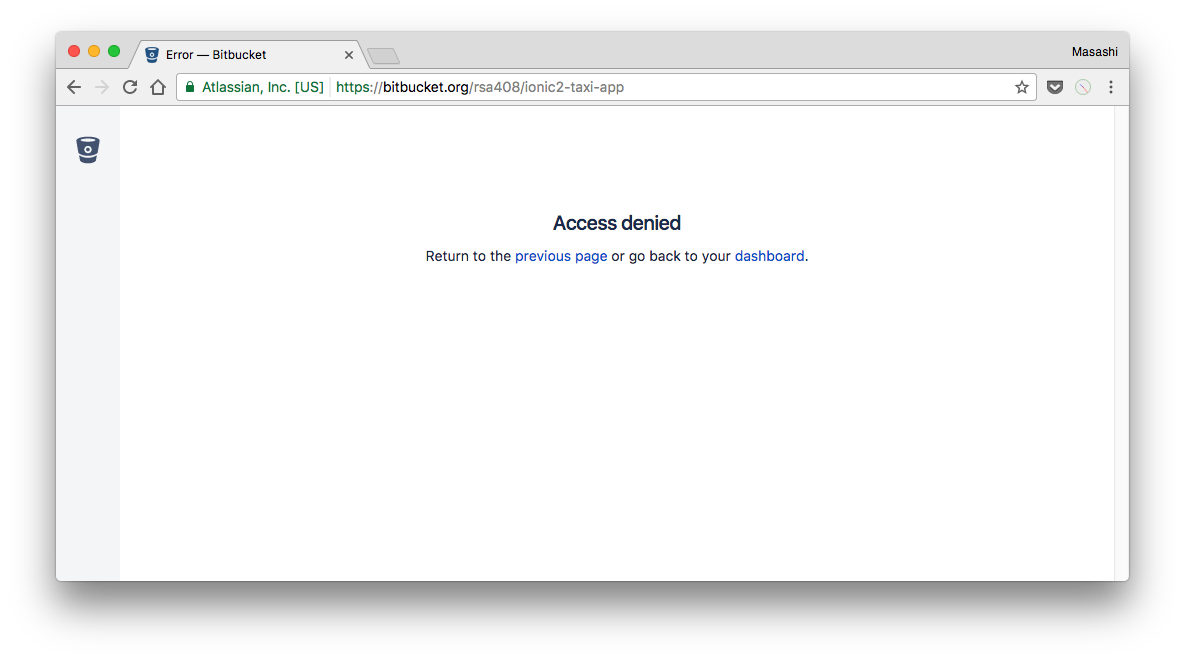
wf9a5m75
on 11 Jul 2017
@wf9a5m75 Masahi San, it is out of private, now.
rsa408
on 11 Jul 2017
@rsa408 I checked your code, and you use the Google Maps JavaScript API v3, not this plugin.
You didn't use this plugin at all.
So you are wrong place to ask about your issue.
wf9a5m75
on 11 Jul 2017
And in Google Maps JavaScript v3, removing marker is marker.setMap(null)
That's all.
Please start with the tutorials of Google Maps JavaScript API v3.
https://developers.google.com/maps/documentation/javascript/markers#remove
Since you don't use this plugin at all, please ask further questions at StackOverflow.
wf9a5m75
on 11 Jul 2017
Related issues
 Tong2203
·
5Comments
Tong2203
·
5Comments
 ebellempire
·
3Comments
ebellempire
·
3Comments
 bigbossmaher
·
3Comments
bigbossmaher
·
3Comments
 BTW18
·
3Comments
BTW18
·
3Comments
 sebagon
·
4Comments
sebagon
·
4Comments