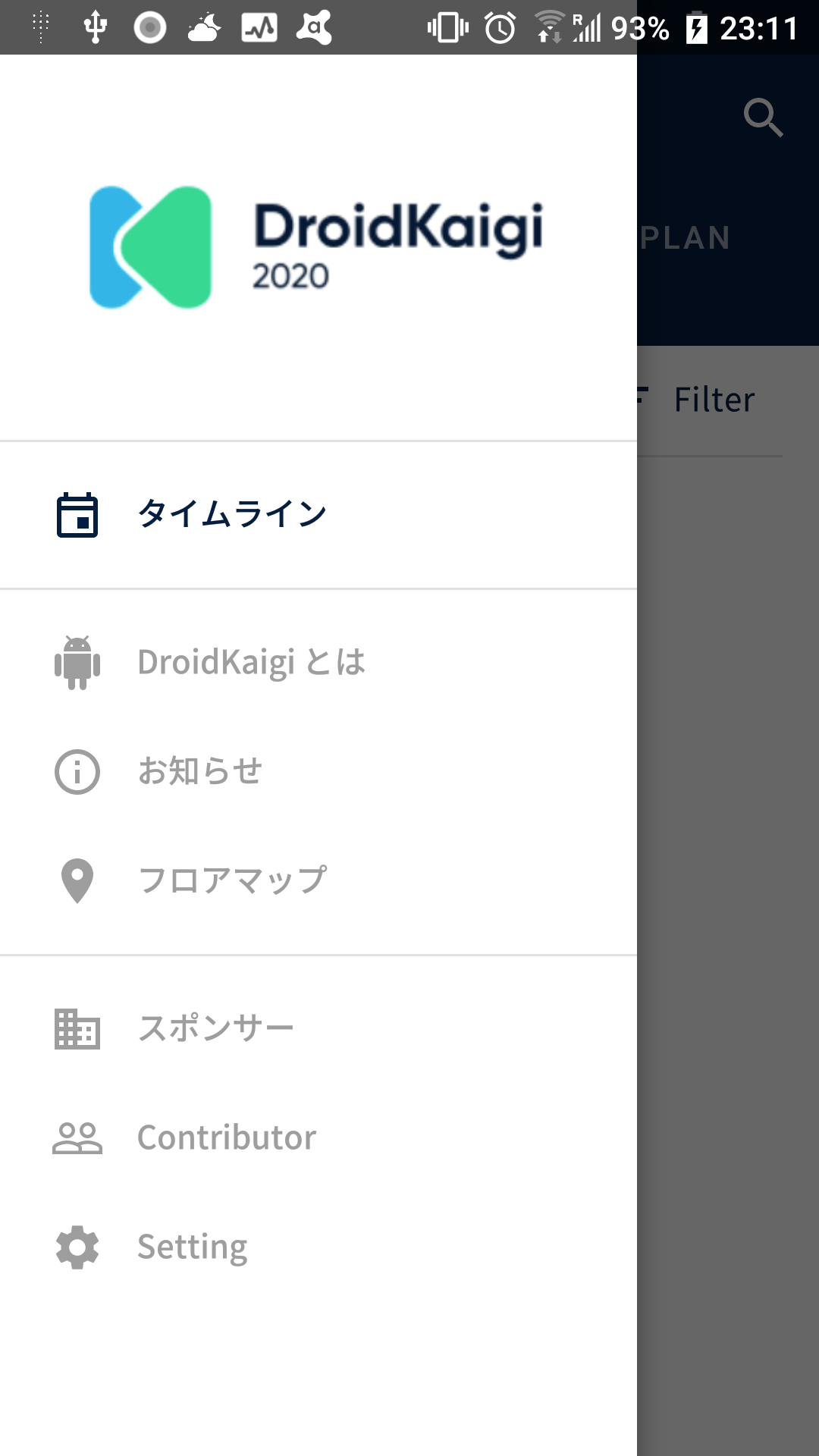
Conference-app-2020: Need logo.png for each resolution
Kind (Required)
Other
Overview (Required)
- logo.png is Jaggy other xhdpi resolution because use only xhdpi
## Links
-
 futabooo
All 10 comments
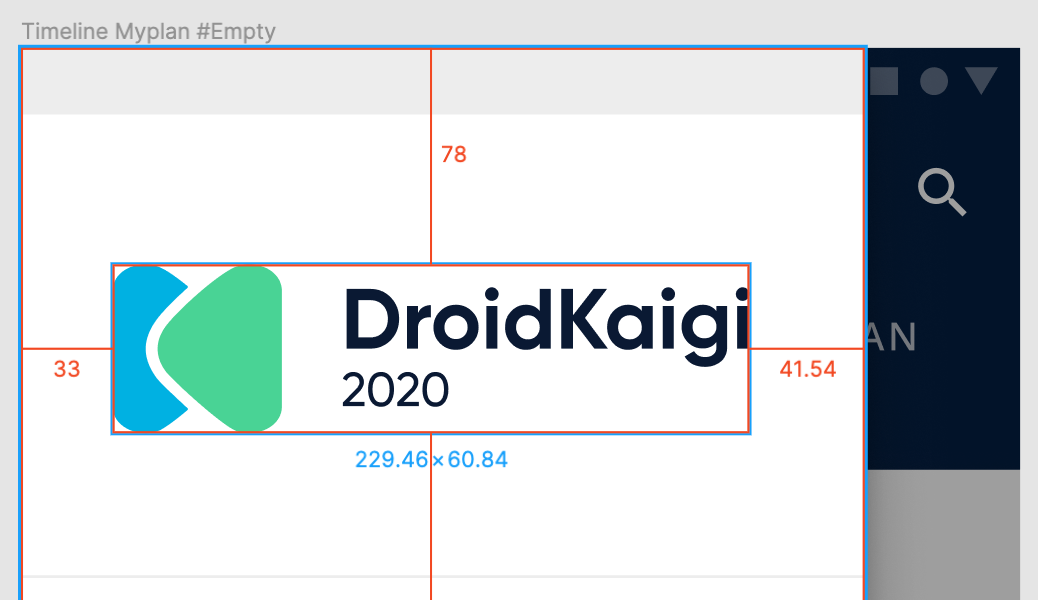
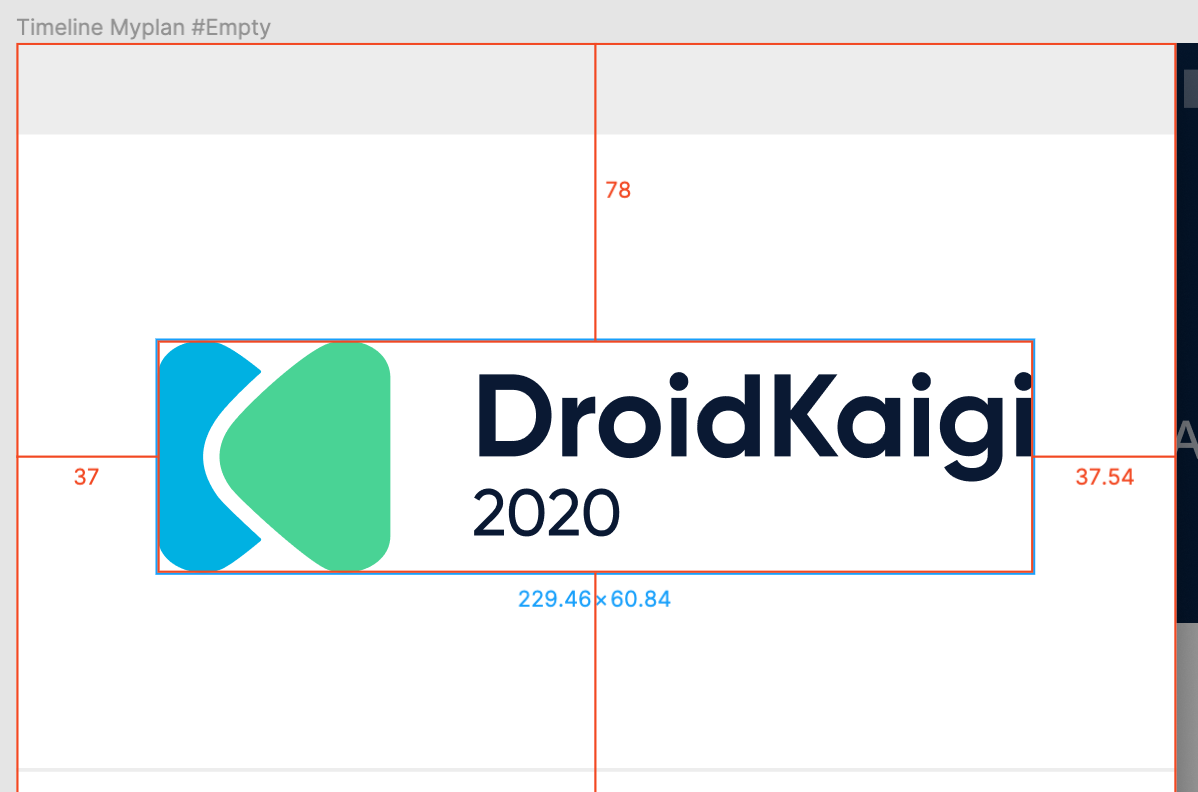
We need a frame (like App Icon in Assets, it is not a group) or slice with right width/height (png file is 236x67) in Figma, or exporting and using it as center-aligned ends up with out of alignment of logo (because it'll be lacking of right margin (41.54px-33px in above image).
 ypresto
on 14 Jan 2020
ypresto
on 14 Jan 2020
We can use VectorDrawable as our minSdkVersion is 21!
ypresto
on 14 Jan 2020
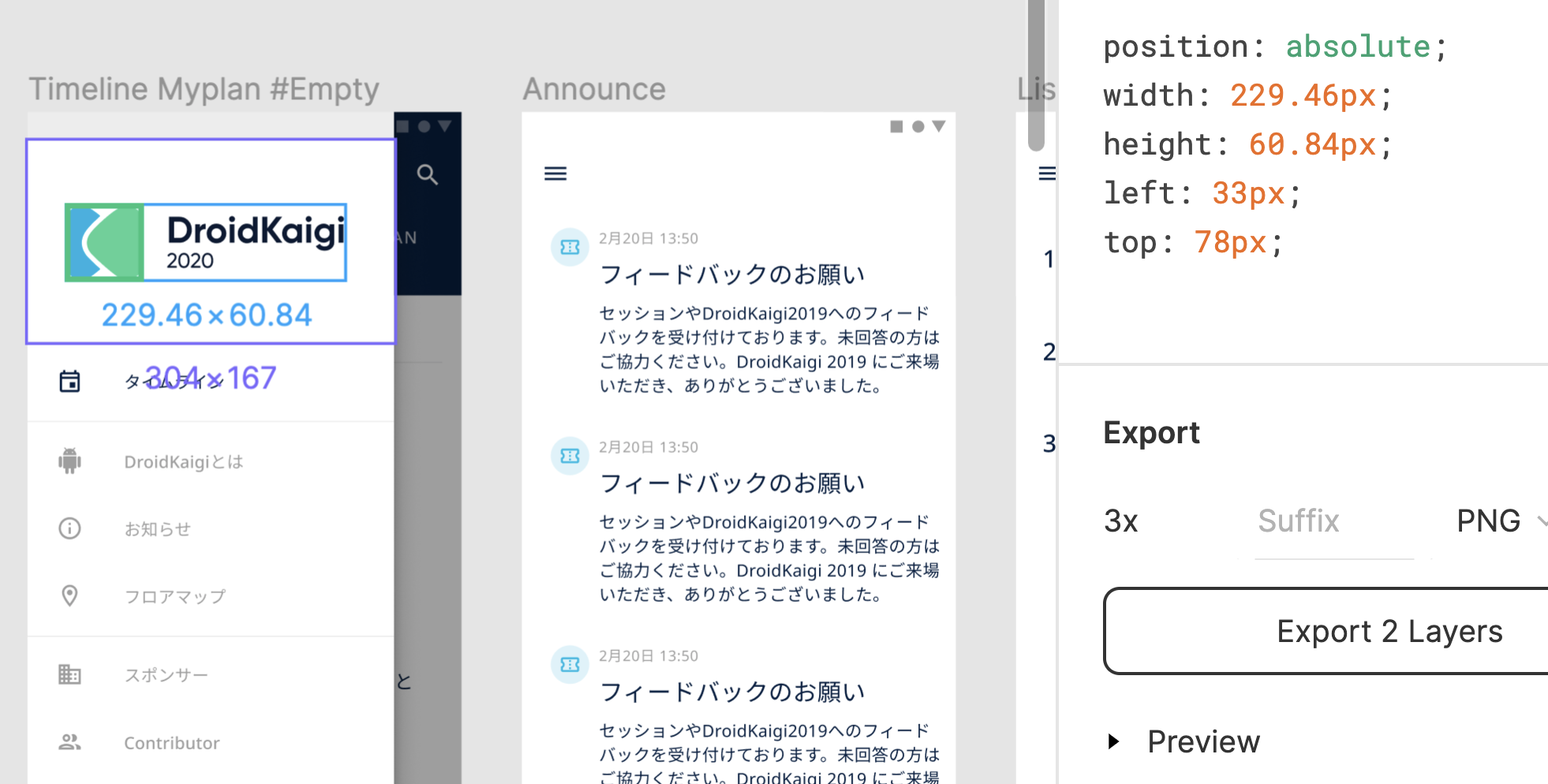
What doesn't look good with this method?
 takahirom
on 14 Jan 2020
takahirom
on 14 Jan 2020
Purple line (304x167) corresponds to unrelated Account Switcher symbol instance in another tree of a group.
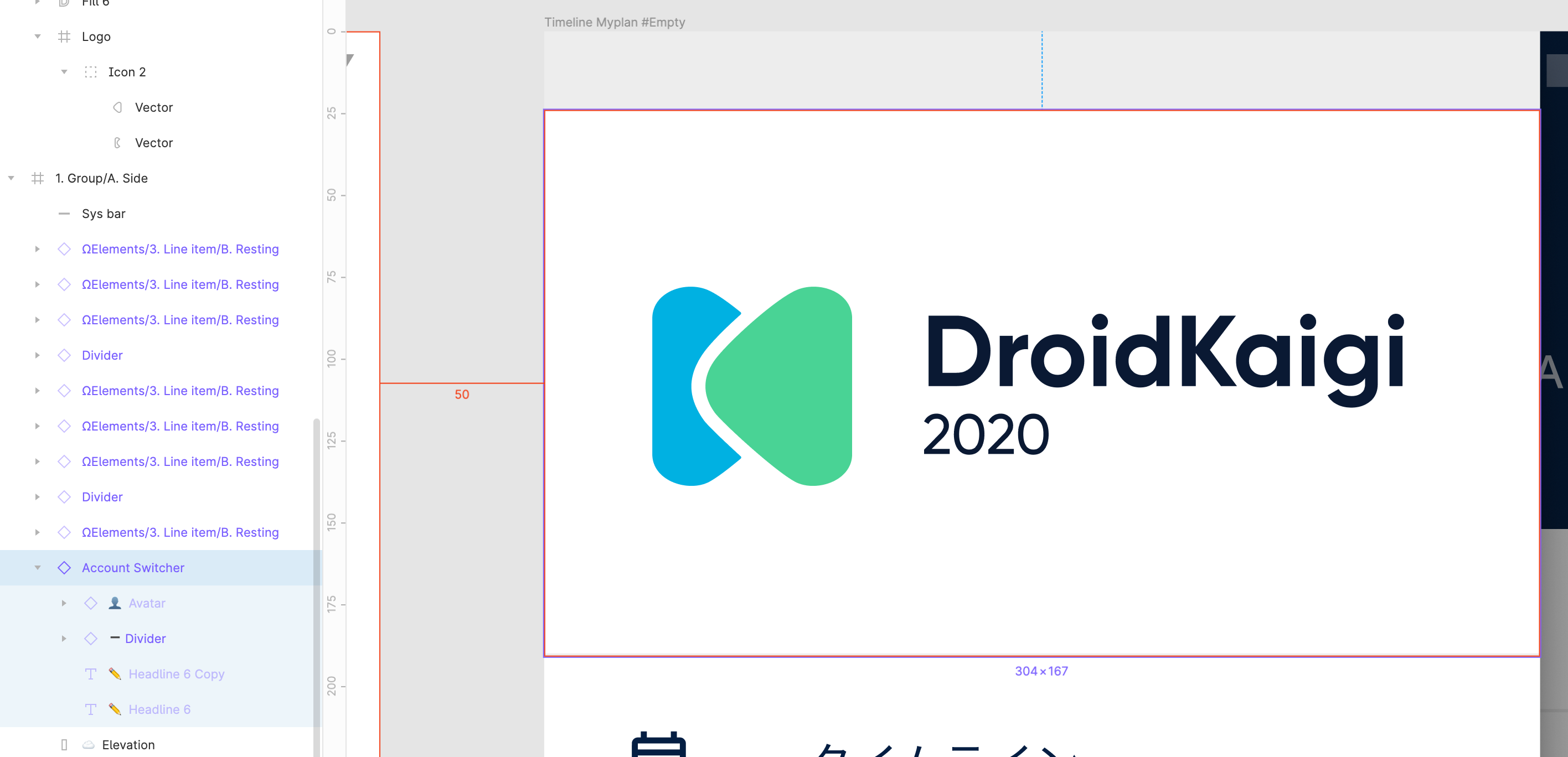
Export 2 Layers button (in your Screen Shot) will write two of PNG files, one is Account Switcher, and another is Logo.png which has 230x61 = without margin. (see below, border is added by me)

Also even if we could export 304x167 drawable it is perhaps weak to change of drawer width.
ypresto
on 14 Jan 2020
I consulted @chihokotaro in Twitter and it turned out that the moved-left layout is not intended design and is by mistake.
Now the layout looks like below, and we can just export Logo group to centralize it! :tada:
ypresto
on 15 Jan 2020
🙌
ypresto
on 15 Jan 2020
Thanks Assigned 🙇
 yurihondo
on 15 Jan 2020
yurihondo
on 15 Jan 2020
I tried to use exported Logo.svg but is too complex and not ready for vector drawable (has 16 large paths and 1 unnecessary clipPath, and produced Attribute "android:fillType" was already specified for element "path". error in Vector Asset Studio :joy:), so I give up with VectorDrawable. I'll use bitmap format.
ypresto
on 15 Jan 2020
I have forgotten about dark theme :joy:
Current state:
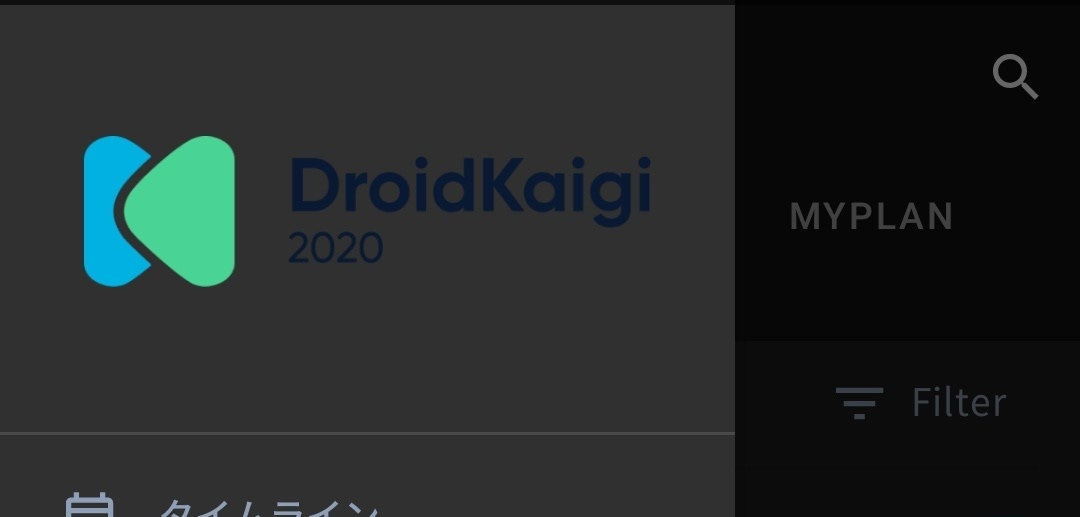
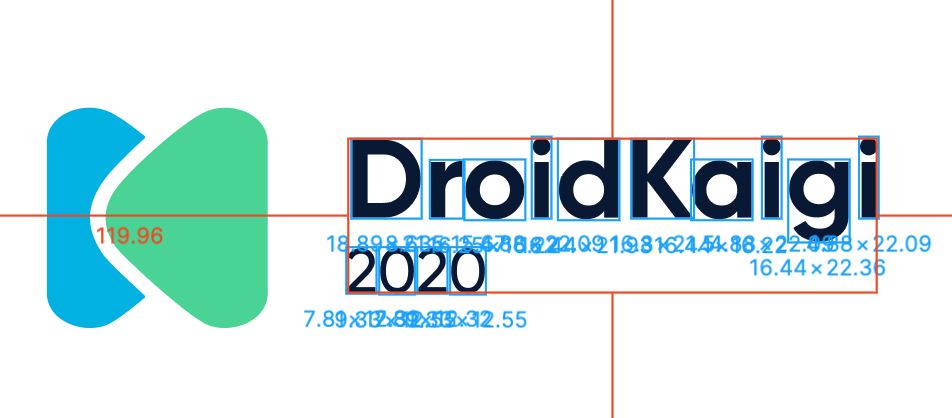
@chihokotaro Could you add a group for logo type without icon (see below) in Figma, so we can export it and change text color for dark theme by applying color filter (drawable tinting)?
ypresto
on 15 Jan 2020
We plan to add a dark theme design this weekend.🌙
It might be a good idea to commit with the current image, which was not optimized for the dark theme before.
takahirom
on 16 Jan 2020
Related issues
 roana0229
·
6Comments
roana0229
·
6Comments
 nukka123
·
5Comments
takahirom
·
5Comments
nukka123
·
5Comments
takahirom
·
5Comments
 rmakiyama
·
6Comments
rmakiyama
·
6Comments
 jmatsu
·
4Comments
jmatsu
·
4Comments