Conemu: Strange Cursor Behavior When Using Vue CLI
Versions
ConEmu build: 180626 preview x64
OS version: Windows 10 Pro 1803 x64
Used shell version (Far Manager, git-bash, cmd, powershell, cygwin, whatever): git-bash
Problem description
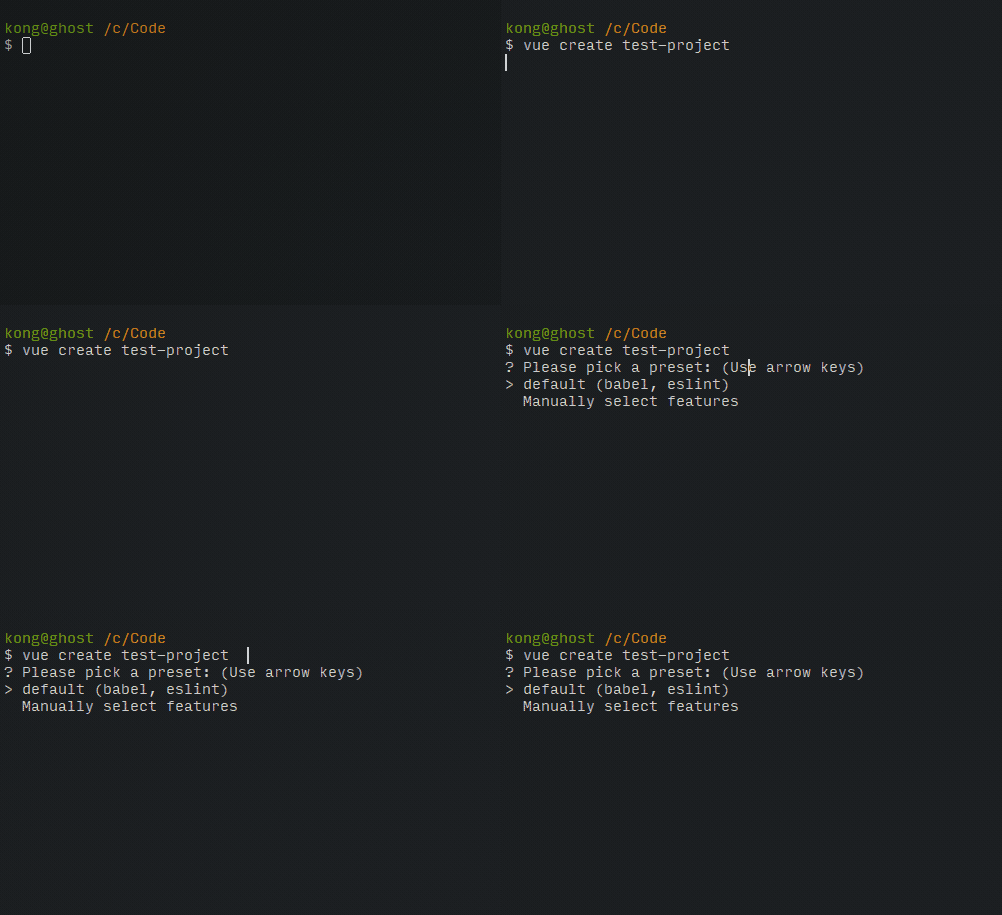
Normally, pressing arrow up/down should move the arrow > on the left of the menu. But the console cursor is moved instead. Please see the GIF in Actual results.
Steps to reproduce
- Install Nodejs
- Install Vue CLI (
npm install -g @vue/cli) - Run
vue create test-project
Actual results
Expected results
We should be able to select the options in the menu using arrow up/down.
Additional files
–
 suksit
All 8 comments
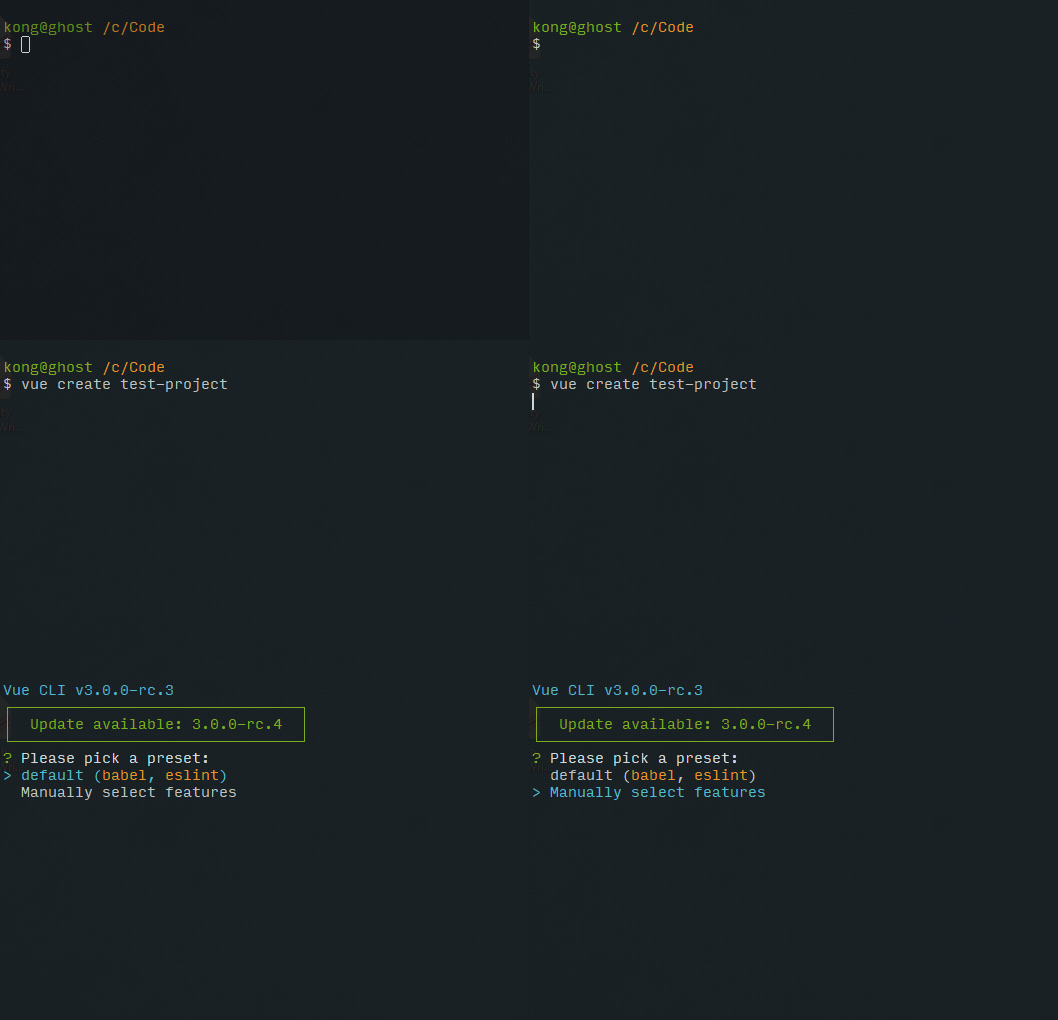
So I dig a little bit deeper and found that it may be related to the cygwin/msys terminal connector
The default Task for Git Bash looks like this
git-cmd.exe --no-cd --command=%ConEmuBaseDirShort%\conemu-msys2-64.exe /usr/bin/bash.exe -l -i -new_console:p
I then tried creating a new Task with this command instead
git-cmd.exe --no-cd --command=usr/bin/bash.exe -l -i -new_console:p
And the up/down arrows are now working correctly.
However, it would be great if you could fix the terminal connector so the default Task will work as expected as well 🙂
suksit
on 15 Jul 2018
The bug is inside npm.
You may confirm that by starting outside of ConEmu the mintty from git bash (default git bash terminal).
 Maximus5
on 15 Jul 2018
Maximus5
on 15 Jul 2018
Maximus5
on 15 Jul 2018
Maximus5
on 15 Jul 2018
Thanks for looking into it.
I'm closing this since it's not really ConEmu's issue.
suksit
on 15 Jul 2018
So, do you confirm it's reproducible in mintty?
Maximus5
on 15 Jul 2018
Yes. The behavior is the same on mintty.
However, I'm not sure where to report the issue now. Shoud it be Git for Windows or Vue CLI or npm? Do you have a suggestion? 😐
suksit
on 15 Jul 2018
You are trying to run console application (npm/vue) designed for WinAPI from terminal designed for POSIX API. Image you try to run Notepad under Ubuntu (and I mean real Linux installation, not WSL).
Obviously you have to use either proper versions of software (npm designed for POSIX, Notepad compiled for Linux) or use wrappers like Wine.
Surprisingly there is wrapper in ConEmu too
ConEmuC -std -c vue create test-project
Thank you!
Now I can just alias vue='ConEmuC -std -c vue' and use it happily! 😆
suksit
on 15 Jul 2018
Related issues
 wildeyes
·
4Comments
wildeyes
·
4Comments
 joanis
·
3Comments
joanis
·
3Comments
 MandarSant
·
3Comments
MandarSant
·
3Comments
 jrcharney
·
5Comments
jrcharney
·
5Comments
 UweKeim
·
5Comments
UweKeim
·
5Comments
Most helpful comment
You are trying to run console application (npm/vue) designed for WinAPI from terminal designed for POSIX API. Image you try to run Notepad under Ubuntu (and I mean real Linux installation, not WSL).
Obviously you have to use either proper versions of software (npm designed for POSIX, Notepad compiled for Linux) or use wrappers like Wine.
Surprisingly there is wrapper in ConEmu too