Code-server: Black Screen When Using Nginx
code-serverversion: 1.32.0- OS Version: Ubuntu 18 LTS (aws t2.micro)
Description
I am self hosting code server. When I first tried to run code-server, I ran into this error: https://github.com/codercom/code-server/issues/121. I fixed the error by specifying -d /home/[user]/.code-server and manually creating /home/[user]/.code-server/Backups/workspaces.json as a blank file.
However, while code server allows me to log in, I get a grey screen and the following error prints to the console:
ERROR SHARED stderr {"data":"Uncaught Exception: Error: Unexpected end of JSON input\n\nSyntaxError: Unexpected end of JSON input\n at JSON.parse (<anonymous>)\n at pfs_1.readFile.then.contents (eval at exports.requireModule (/home/ubuntu/code-server-1.32.0-310-linux-x64/code-server:468:27684), <anonymous>:77277:45)\n at <anonymous>\n at Timeout.setTimeout [as _onTimeout] (eval at exports.requireModule (/home/ubuntu/code-server-1.32.0-310-linux-x64/code-server:468:27684), <anonymous>:52540:31)\n at ontimeout (timers.js:498:11)\n at tryOnTimeout (timers.js:323:5)\n at Timer.listOnTimeout (timers.js:290:5)\n"}
I am using the following command:
code-server --allow-http -p 3001 -d .code-server/ my-project-dir
I am using allow-http because I am using nginx as a reverse proxy.
Steps to Reproduce
- Use binary installation of code server.
- Create blank
/home/[user]/.code-server/Backups/workspaces.jsonfile - Run
code-server -p <some port> -d .code-server/ - Log in
- You should see a blank grey screen and an error should be printed to the console.
 vedantroy
All 7 comments
@vedantroy I followed your steps but was able to load the IDE. I did, however, see the Unexpected end of JSON error in the console. I am running MacOS however.
 nol166
on 25 Mar 2019
nol166
on 25 Mar 2019
Maybe there is a template workspaces.json file I can use, so I don't run into this parsing error?
I opened developer tools to get more information on the error. I saw this:

Loading IDE
Starting Socket [1/5]...
WebSocket connection to wss://dev.confs.app failed: Error during WebSocket handshake: Unexpected response code: 200
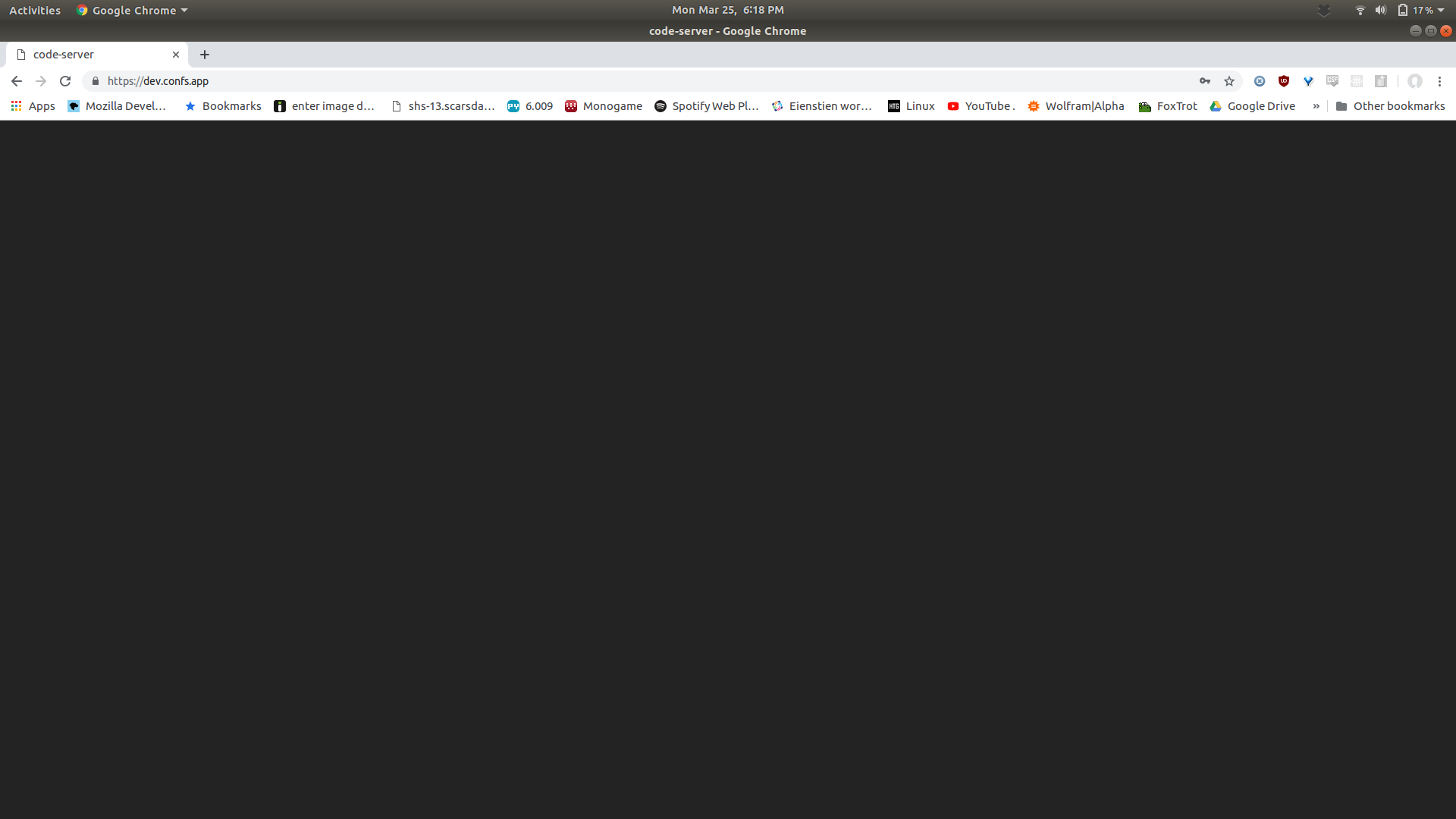
The actual IDE screen looked like this:
vedantroy
on 25 Mar 2019
Are you using nginx by chance?
nol166
on 25 Mar 2019
Yes. My original post in this thread says I am using nginx as a reverse proxy.
Update: I fixed the issue using this https://github.com/websockets/ws/issues/979 thread.
vedantroy
on 26 Mar 2019
I fixed the issue with the following thread: https://github.com/websockets/ws/issues/979
In Nginx, you need to set the following headers:
location / {
    proxy_pass http://foobar:3005/;
    proxy_http_version 1.1;
    proxy_set_header Upgrade $http_upgrade;
    proxy_set_header Connection "upgrade";
    proxy_set_header Host $host;
}
Still getting this despite the fix. Symptoms resemble #469.
 boardfish
on 9 Apr 2019
boardfish
on 9 Apr 2019
Not getting this any more on CentOS 7 behind jwilder/nginx-proxy.
boardfish
on 20 Apr 2019
Related issues
 oonqt
·
3Comments
oonqt
·
3Comments
 pchecinski
·
3Comments
pchecinski
·
3Comments
 sa7mon
·
3Comments
sa7mon
·
3Comments
 chrischabot
·
3Comments
chrischabot
·
3Comments
 lshamis
·
3Comments
lshamis
·
3Comments
Most helpful comment
I fixed the issue with the following thread: https://github.com/websockets/ws/issues/979
In Nginx, you need to set the following headers: