Cli-microsoft365: New command: Create a single part app page
Creates a single-part app page
spo apppage add -u|--webUrl <webUrl> -t|--title <title> -d|--webPartData <webPartData> --addToQuickLaunch
- webUrl: The URL of the site where the page should be created
- title: The title of the page to create
- webPartData: JSON string of the web part to put on the page
- addToQuickLaunch: Set, to add the page to the quick launch
Request:
POST {{siteUrl}}/_api/sitepages/Pages/CreateFullPageApp
Accept: application/json;odata=nometadata
Content-Type: application/json;odata=nometadata

{
    "webPartDataAsJson": "{\"id\":\"e6599e48-c875-4c0e-8b1f-abe2f54c1132\",\"instanceId\":\"9c6edb6e-199a-4a30-a3b6-73466a68187b\",\"title\":\"Full App Page testing wp\",\"description\":\"HelloWorld description\",\"dataVersion\":\"1.0\",\"properties\":{\"description\":\"HelloWorld\"}}",
    "title": "My-app",
    "addToQuickLaunch": true
}
 waldekmastykarz
All 12 comments
Hey Waldek, I would like to pick it.
 siata13
on 15 Mar 2019
siata13
on 15 Mar 2019
All yours! 💪
waldekmastykarz
on 17 Mar 2019
Are you still working on it @siata13?
waldekmastykarz
on 19 May 2019
Setting as free to pick up due to lack of response
waldekmastykarz
on 26 May 2019
Hey @waldekmastykarz assign this to me please if not already taken. Thanks
 rabwill
on 10 Jun 2019
rabwill
on 10 Jun 2019
All yours @rabwill! Thank you!
waldekmastykarz
on 10 Jun 2019
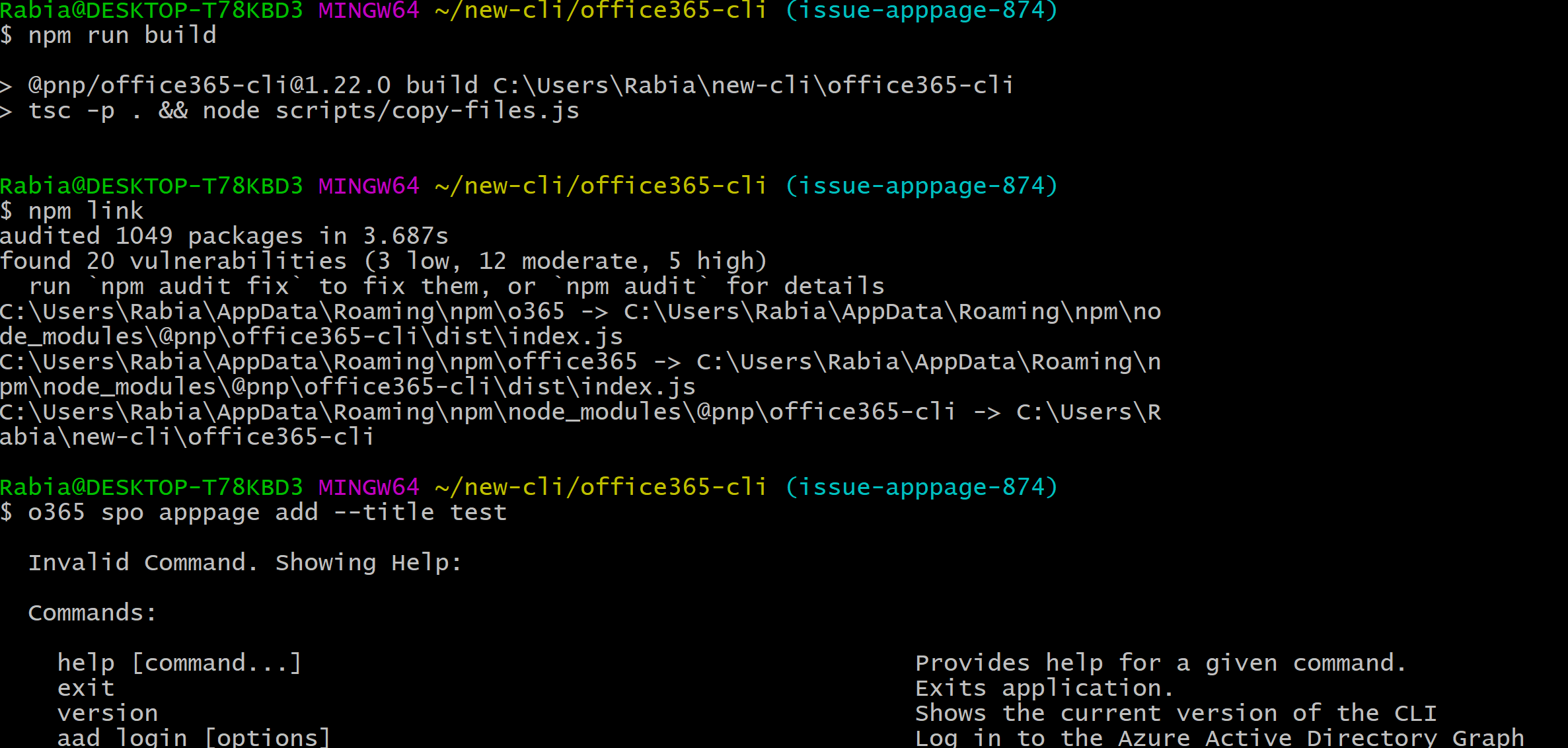
Hey @waldekmastykarz there is a strange issue after pulling down the latest beta code base to add a command to it, I clone the branch , fetch upstream to keep upto-date , I ran npm run build and npm link but it keeps complaining Invalid Command.
Not sure what is different or if I am missing a step. It builds fine and even the test is 100% for this command. I can see the files generated in the dist folder.
I am away from home so I have my work laptop (windows10) instead of the mac , this is the only diff I can think off.
rabwill
on 17 Jun 2019
Recently, we've updated the project dependencies. Could that be the culprit?
Could you please try:
npm run clean- remove node_modules
npm inpm run buildnpm link
Please let me know if this helps. If it doesn't, we'll keep looking further until we find what's not working.
waldekmastykarz
on 17 Jun 2019
Recently, we've updated the project dependencies. Could that be the culprit?
Could you please try:
npm run clean- remove node_modules
npm inpm run buildnpm linkPlease let me know if this helps. If it doesn't, we'll keep looking further until we find what's not working.
Hey there,
Tried it , even clone a fresh repos
here is how things look

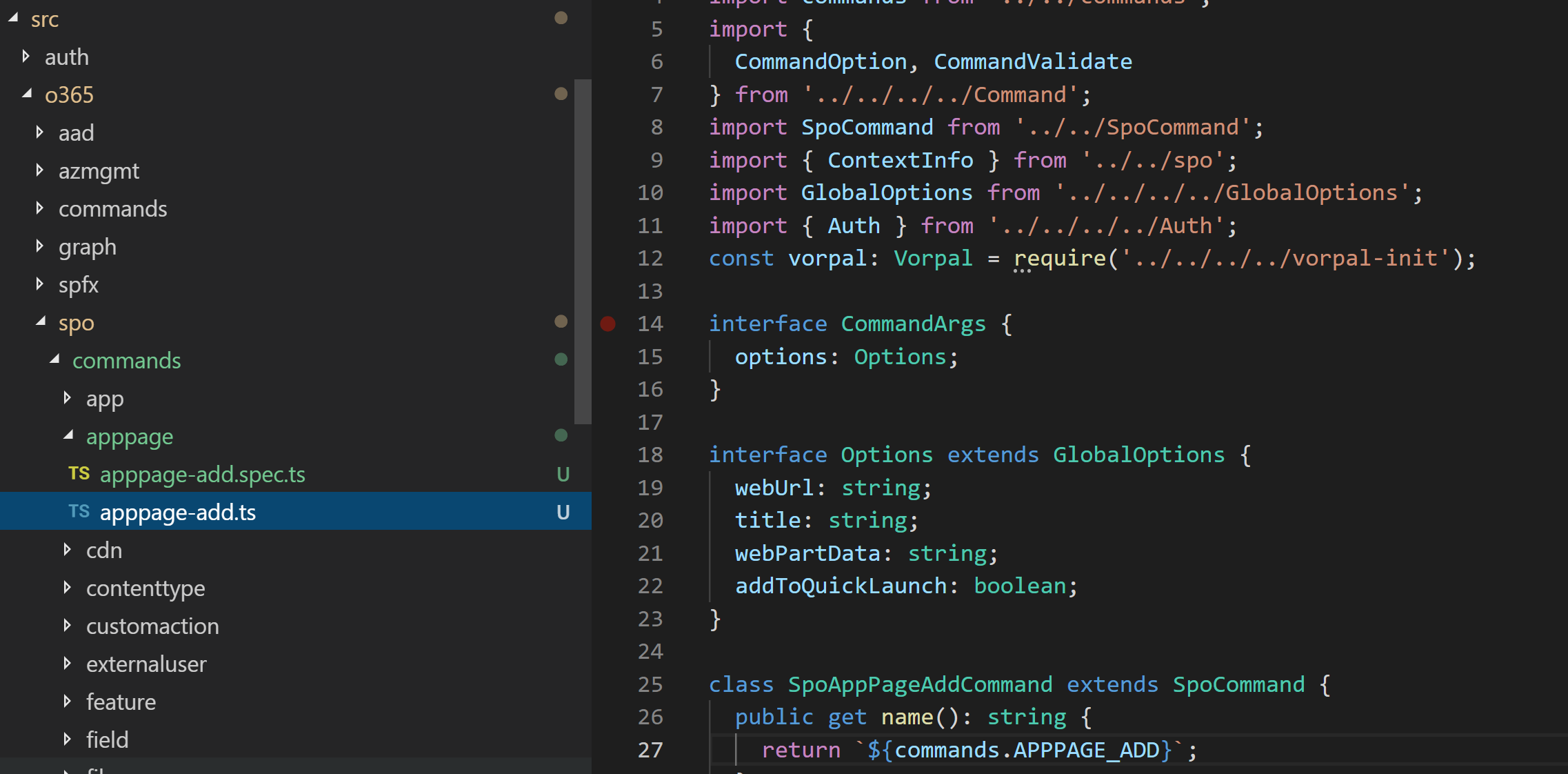
Here are my new files
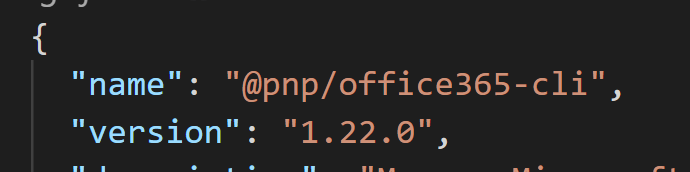
Package.json
Do you see anything out of the ordinary ?
Thanks for looking into this
rabwill
on 18 Jun 2019
Screenshots look all fine. Do you have your changes in a branch somewhere where I could have a look at them?
waldekmastykarz
on 18 Jun 2019
Screenshots look all fine. Do you have your changes in a branch somewhere where I could have a look at them?
I have pushed the branch to my remote just now.
https://github.com/rabwill/office365-cli/tree/issue-apppage-874/src/o365/spo/commands/apppage
Thank you.
rabwill
on 18 Jun 2019
Hey @waldekmastykarz, you can leave this for now, i will be able to pick it up today in my mac.
rabwill
on 21 Jun 2019
Related issues
 garrytrinder
·
3Comments
garrytrinder
·
3Comments
 VelinGeorgiev
·
3Comments
VelinGeorgiev
·
3Comments
 phillipharding
·
3Comments
phillipharding
·
3Comments
 OodapowUiPath
·
3Comments
OodapowUiPath
·
3Comments
 andrewconnell
·
3Comments
andrewconnell
·
3Comments