Ckeditor4: CKEditor shows double underline (Paragraph height increased)
Type of report
Bug
Provide detailed reproduction steps (if any)
- Loading the table HTML into CKeditor
- CKEditor shows the table differently compared to the original
Expected result
Same as original file
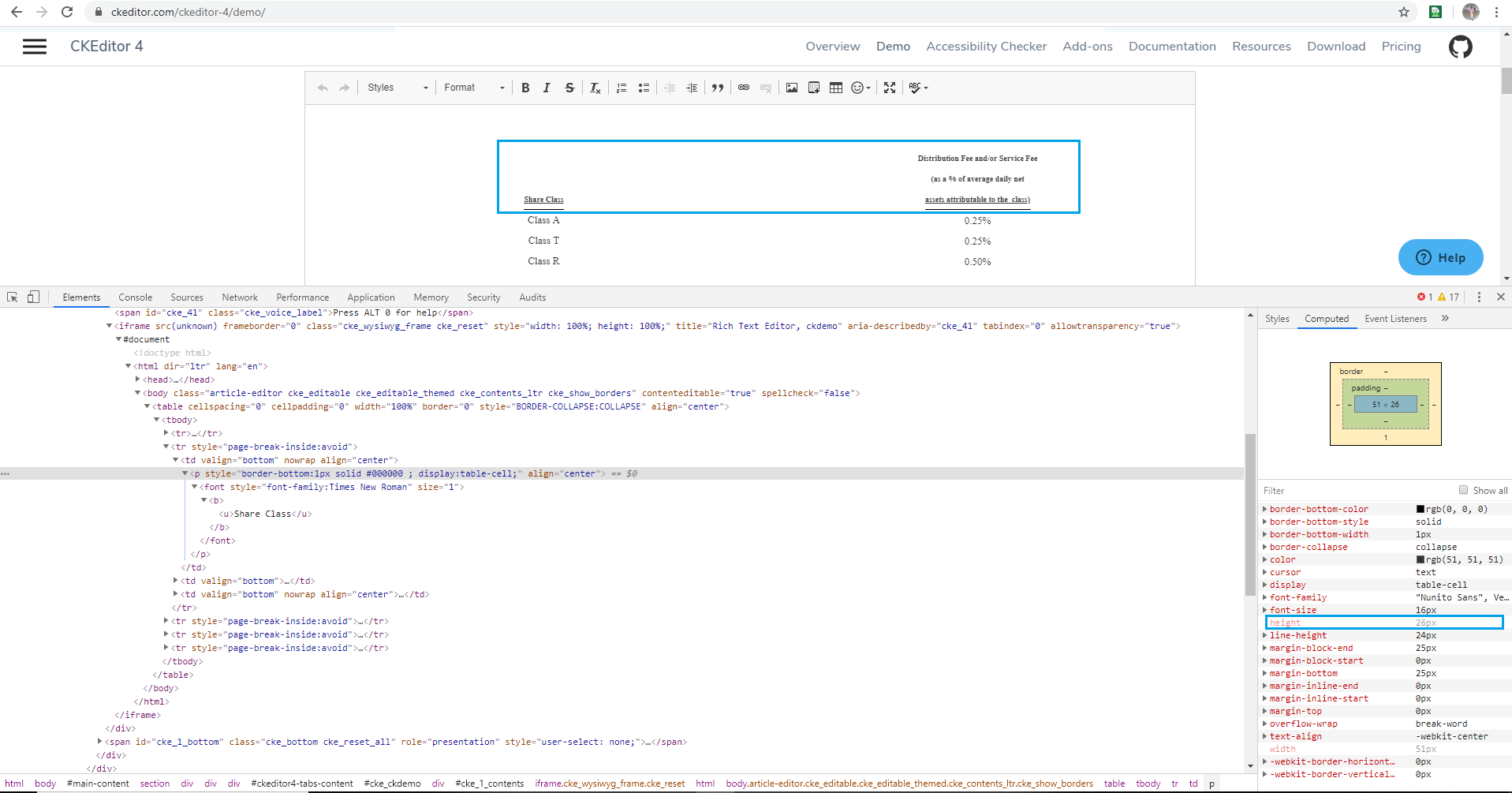
Actual result
Paragraph height increased
Other details
Table Source:
tableHTML.txt
Original:
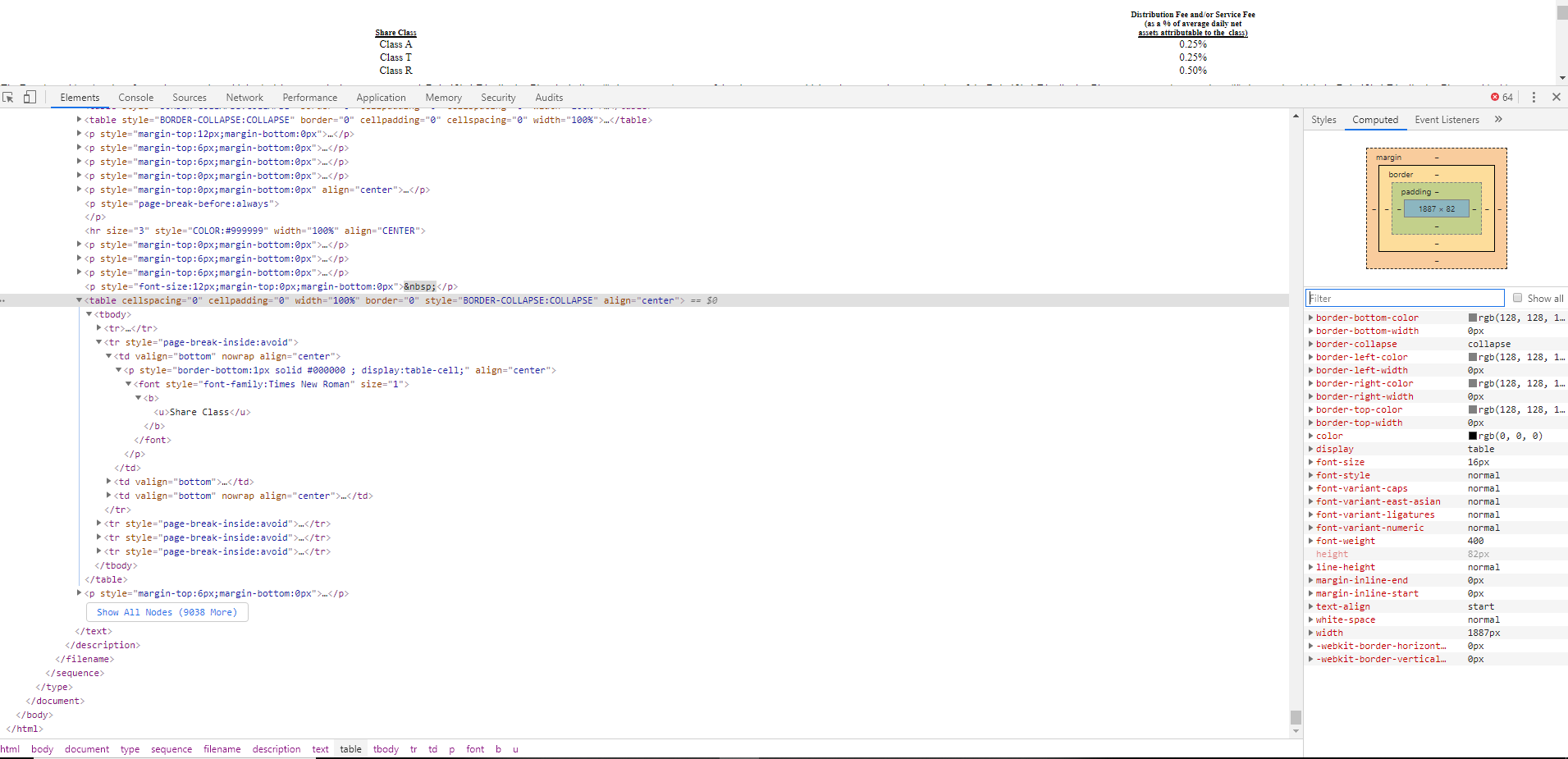
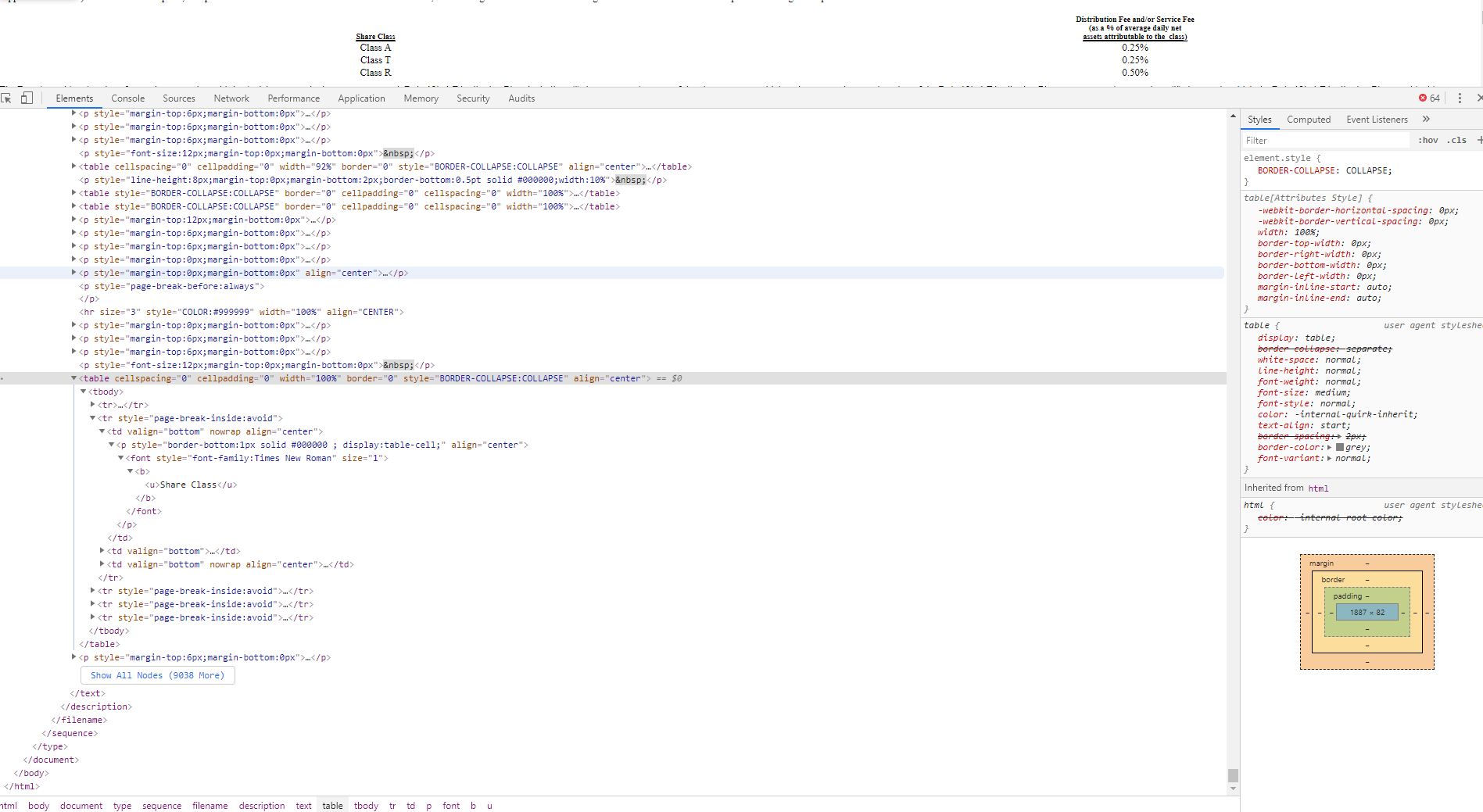
CKEditor:
- Browser: Chrome
- OS: Windows 10
- CKEditor version: 4.7.1
 Mathiyazhagan07
All 4 comments
The p element height is a native browser styling (you can see in the Computed tab that height style is dimmed and has no reference to any CSS style, meaning it is style added by the browser itself).
To align CKEditor 4 styling with you HTML displayed somewhere else you should adjust content.css file or add new styles via addCss API.
 f1ames
on 12 Feb 2020
f1ames
on 12 Feb 2020
The
pelementheightis a native browser styling (you can see in theComputedtab thatheightstyle is dimmed and has no reference to any CSS style, meaning it is style added by the browser itself).To align CKEditor 4 styling with you HTML displayed somewhere else you should adjust
content.cssfile or add new styles viaaddCssAPI.
Thank you for the immediate response. But Chrome shows it correctly when open that file. CKEditor only shows double line load that HTML into it.
Mathiyazhagan07
on 12 Feb 2020
Thank you for the immediate response. But Chrome shows it correctly when open that file. CKEditor only shows double line load that HTML into it.
Ok, I thought it is about the height, not the double line. I tried to reproduce it on https://ckeditor.com/ckeditor-4/demo/#article (via editor.setData() method and copy/paste) but then I got no underline:
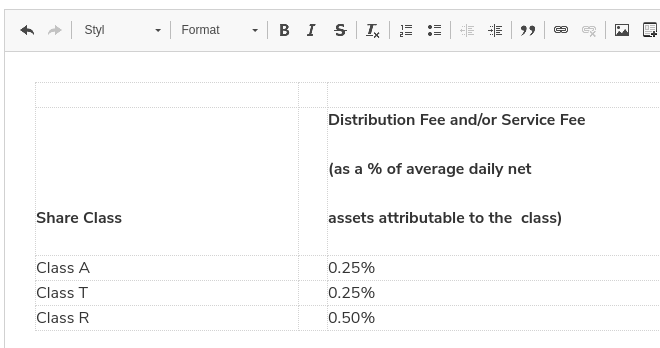
How do you insert the HTML into the editor and what Chrome version do you use?
f1ames
on 12 Feb 2020
Thank you for the immediate response. But Chrome shows it correctly when open that file. CKEditor only shows double line load that HTML into it.
Ok, I thought it is about the height, not the double line. I tried to reproduce it on https://ckeditor.com/ckeditor-4/demo/#article (via
editor.setData()method and copy/paste) but then I got no underline:
How do you insert the HTML into the editor and what Chrome version do you use?
Chrome Version: Version 79.0.3945.130 (Official Build) (64-bit)
We are using the editor.setData() method and facing issue in our application. But you can inspect and edit the HTML in the site itself to reproduce this issue in https://ckeditor.com/ckeditor-4/demo/#article
Mathiyazhagan07
on 12 Feb 2020
Related issues
f1ames
·
3Comments
 joewardman
·
4Comments
joewardman
·
4Comments
 kylane
·
3Comments
kylane
·
3Comments
 blackcoder87
·
4Comments
blackcoder87
·
4Comments
 engineering-this
·
5Comments
engineering-this
·
5Comments