Cinnamon: Windows are centered wrong.
As you may see in the screenshots, the windows are centered in the screen but are ignoring the panel size/height.
Fedora 23 Cinnamon 2.8.6 Xorg 1.18.


 ledufff
All 8 comments
I assume you aren't really running Cinnamon 1.8?
 JosephMcc
on 26 Apr 2016
JosephMcc
on 26 Apr 2016
whoops, I meant 2.8.6, I'm already using Cinnamon 2.8.8.
ledufff
on 26 Apr 2016
The issue is still relevant to Cinnamon 3.2.

 Vahan86
on 23 Feb 2017
Vahan86
on 23 Feb 2017
While this issue seems to be that the centering logic is not accounting for panels, I am experiencing an issue where windows, in general, are not being centered at all despite the configured setting. Consider the following:

This screenshot was taken after opening an instance of Firefox, VSCode and the terminal. You can see that neither Firefox nor VSCode are centered. The terminal appears mostly centered, though, it is a little high, which I think is due to my panel being at the top.
For reference, I typically use a keyboard shortcut that runs wmctrl -r :SELECT: -e 5,96,127,1728,972 in order to easily size and center windows as a temporary workaround.
 seraku24
on 6 May 2017
seraku24
on 6 May 2017
I can confirm this issue as well on Cinnamon 4.0.1-1. The centering does not take into account taskbar/panel height.
Another issue is that it does not center correctly on a second vertical monitor as one can see in the screenshot below. I centered it with the shortcut to that screen and it's a bit off to the left.
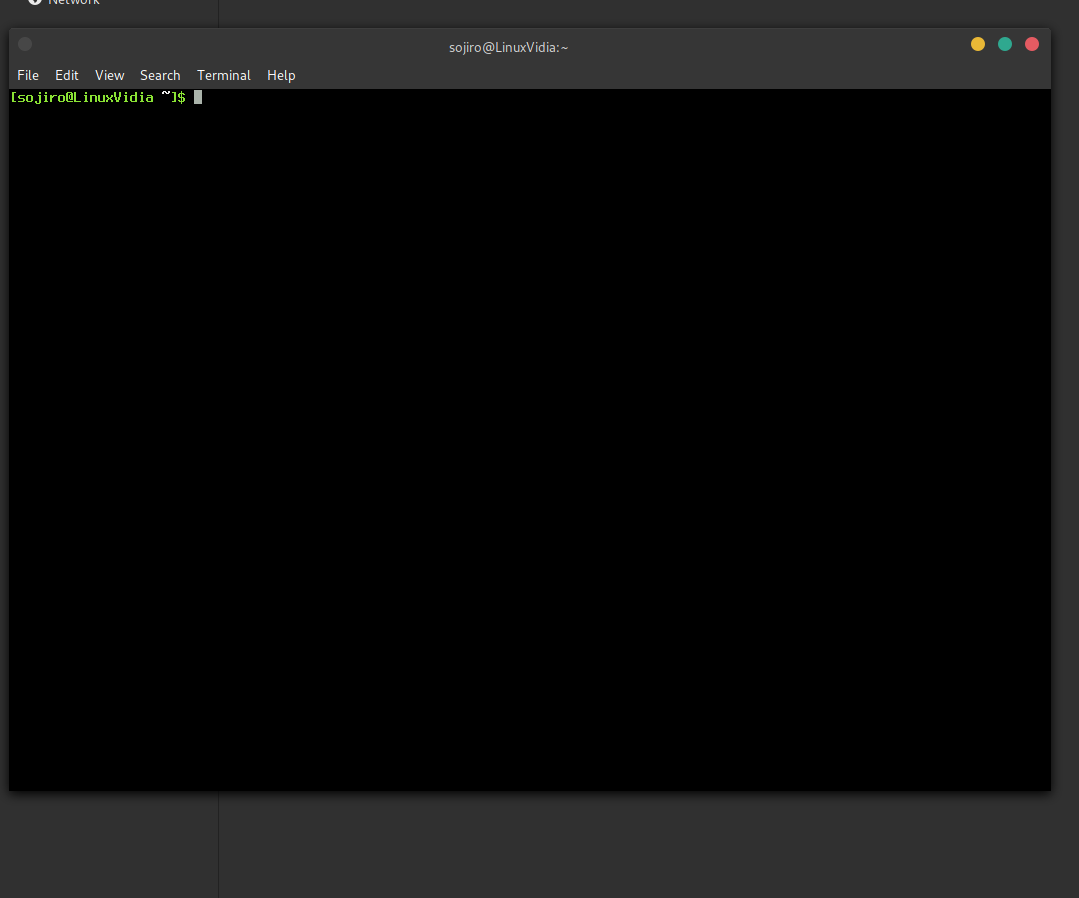
I hope one can look into this. It's been a few years now.
 Sojiro84
on 17 Nov 2018
Sojiro84
on 17 Nov 2018
On my Mint 19.1 system, terminal windows - both gnome and xfce4 - are centered incorrectly in the horizontal direction. I have verified this using an onscreen ruler and can provide screenshots if necessary. Little things like this do matter.
 ghost
on 23 Jan 2019
ghost
on 23 Jan 2019
can reproduce, seems to be an issue with window borders, the two apps I have that don't use the default window borders: (chrome and welcome screen) center correctly, also changing the window border themes seems to make it center slightly differently but none that I can find make it actually center
 matchew882
on 21 Dec 2019
matchew882
on 21 Dec 2019
The issue still exists in Cinnamon 4.6.
Vahan86
on 11 Jul 2020
Related issues
ghost
·
72Comments
 kevlogan90
·
63Comments
kevlogan90
·
63Comments
 mfreeman72
·
108Comments
mfreeman72
·
108Comments
 dirent1
·
46Comments
dirent1
·
46Comments
 andreiiar
·
44Comments
andreiiar
·
44Comments