Chatwoot: How to allow connection from non-localhost network?
Bug description
Taking a look at Chatwoot in a local VM (CentOS 7 x64).
For testing purposes, I've adjusted Procfile.dev so it tells Rails to bind to all network interfaces (on purpose):
backend: bin/rails s -b 0.0.0.0 -p 3000
This way, I can connect to the server in the VM from my local desktop.
However, when going to the website in a browser, an exception is shown instead of the expected entry page:
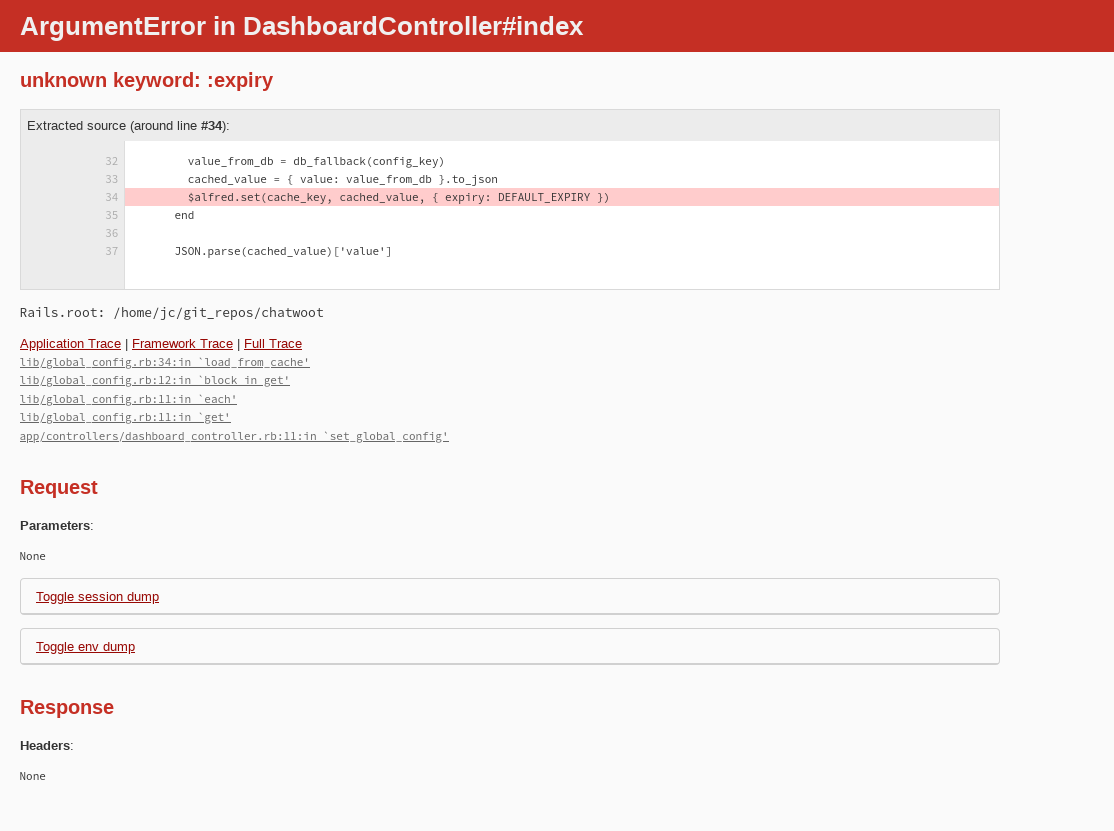
Text on the running console shows:
10:43:19 backend.1  | Started GET "/" for 192.168.189.1 at 2020-06-22 10:43:19 +1000
10:43:19 backend.1  | Cannot render console from 192.168.189.1! Allowed networks: 127.0.0.0/127.255.255.255, ::1
10:43:19 backend.1  | Processing by DashboardController#index as HTML
10:43:19 backend.1  | Completed 500 Internal Server Error in 10ms (ActiveRecord: 1.7ms | Allocations: 3391)
The Allowed networks: 127.0.0.0/127.255.255.255 fragment seems to indicate the problem. Even though rails is correctly binding to all network addresses, something in the backend hasn't gotten the message and is incorrectly blocking things.
Any ideas what to update, so the "Allowed networks" piece allows at least the 192.168.x.x IP range? :smile:
As a data point, the VM is running PostgreSQL 12, Redis 5.0.8, Ruby 2.7.1, and yarn 1.22.4.
Desktop (please complete the following information):
- OS: OpenSUSE Leap 15.x
- Browser: Firefox
- Version: 77.0.1 x64
 justinclift
All 4 comments
@justinclift I think this particular is unrelated to network settings but a bug in the code. the params which the function accepts should be ex instead of expiry. let me put in a hotfix for this.
 sojan-official
on 22 Jun 2020
sojan-official
on 22 Jun 2020
@justinclift please give it a try with the latest version and let us know if you face any issues.
sojan-official
on 22 Jun 2020
Thanks heaps @sojan-official. I'll give that a go in the next few hours.
If it doesn't work, an alternative approach would probably be to set up Nginx on the VM, and use that for proxying from the localhost address. Saw some info in the Chatwoot docs directory about it, so shouldn't be too hard. :smile:
justinclift
on 22 Jun 2020
Yep, that looks to have fixed things. The portal is showing up now:
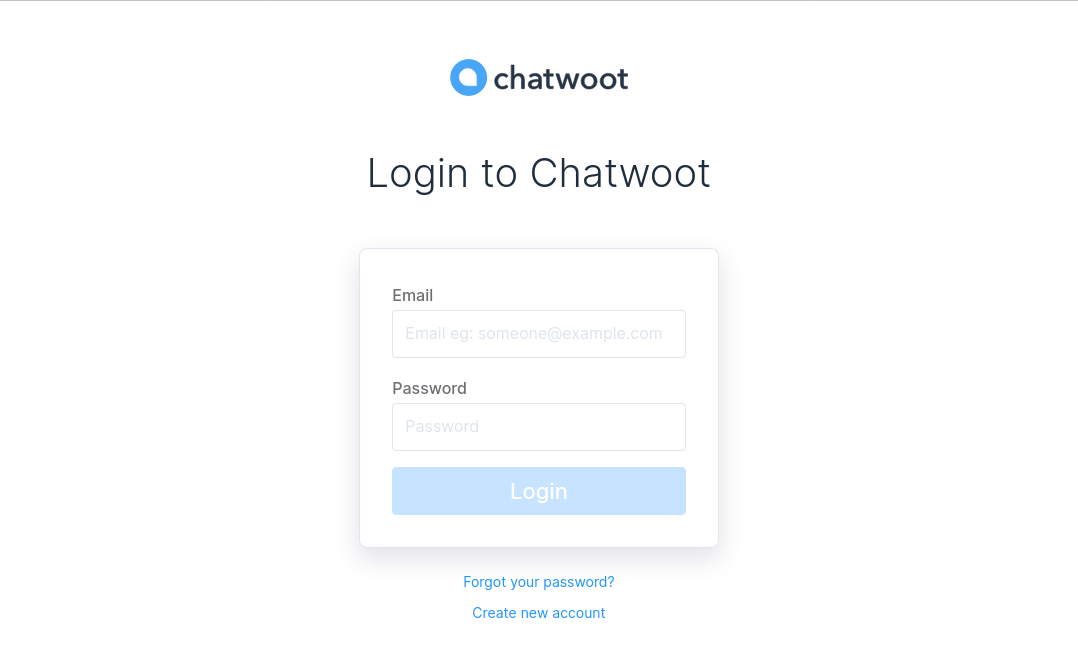
Time to experiment... :smile:
justinclift
on 22 Jun 2020
Related issues
 mike9011
·
3Comments
mike9011
·
3Comments
 MaheshCasiraghi
·
5Comments
MaheshCasiraghi
·
5Comments
 petebytes
·
3Comments
petebytes
·
3Comments
 niklaskorz
·
3Comments
niklaskorz
·
3Comments
 pranavrajs
·
5Comments
pranavrajs
·
5Comments
Most helpful comment
Yep, that looks to have fixed things. The portal is showing up now:
Time to experiment... :smile: