Caseflow: Cannot delete contention connected to an issue in ratings
The contention is connected to an issue in ratings and cannot be deleted. Removing Contention failed. System error.
Sentry alert
https://sentry.ds.va.gov/department-of-veterans-affairs/caseflow/issues/4164/events/279664/
 leikkisa
All 12 comments
I looked at one instance of this. The Request Issue does not have any decision issues, and none of the Veteran's rating issues that we're getting back have the same contention_reference_id. Also all of the ratings have a promulgation_date before the receipt date of the Request Issue. So at first glance, it does not seem to be caused by the contention getting a new rating issue, unless it is not getting returned to us.
leikkisa
on 22 Mar 2019
10099 improves the error message (one small step)
 pkarman
on 22 Mar 2019
pkarman
on 22 Mar 2019
The case of RequestIssue 11152 on RequestIssuesUpdate 264 is that the issue has a DTA Error disposition on it already.
pkarman
on 27 Mar 2019
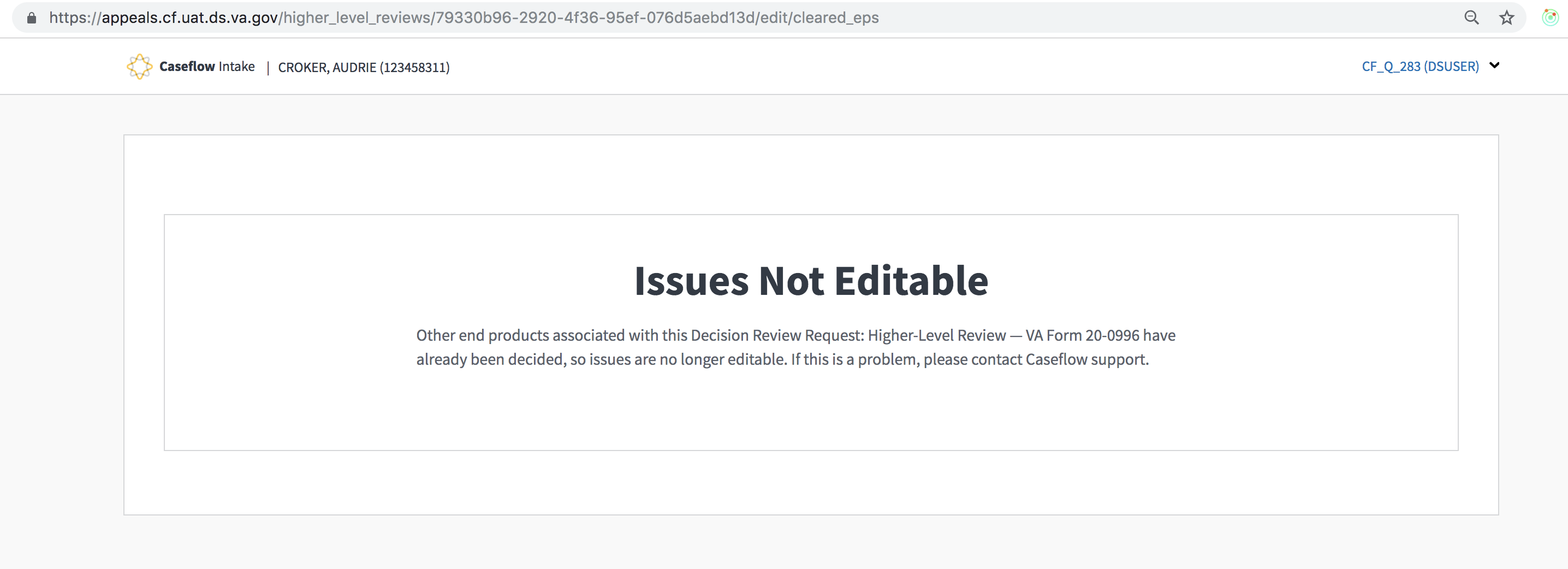
The End Product got cleared on the 26th, but the status didn't get synced until the 27th, and the issue removal was on the 26th, so maybe we need to sync the EP before loading the edit page. Once an EP is cleared, they can't edit anymore.
leikkisa
on 29 Mar 2019
maybe we need to sync the EP before loading the edit page
yes that makes sense, and is consistent with what we already did at intake start in #9519
pkarman
on 30 Mar 2019
@pkarman can you please provide instructions on how I can test this in UAT?
 Sjones352
on 9 Apr 2019
Sjones352
on 9 Apr 2019
Validation would be very similar to #9519
- create a claim review.
- look the console for the claim review's UUID
- clear or cancel its EP in VBMS
- attempt to edit the claim review e.g.
/higher_level_reviews/:uuid/edit - confirm you get a message saying it cannot be edited.
pkarman
on 9 Apr 2019
Going to wait for the sync job before I can try to edit it
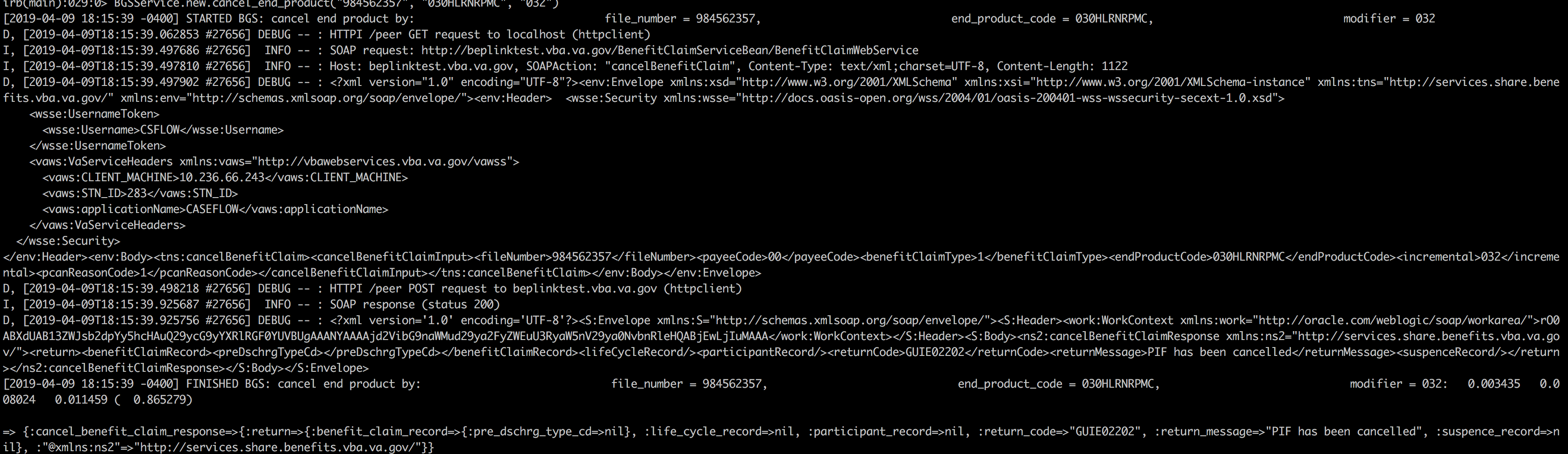
Sjones352
on 10 Apr 2019
@Sjones352 the point is not waiting for the sync job. It should sync automatically when you try and edit it.
pkarman
on 10 Apr 2019
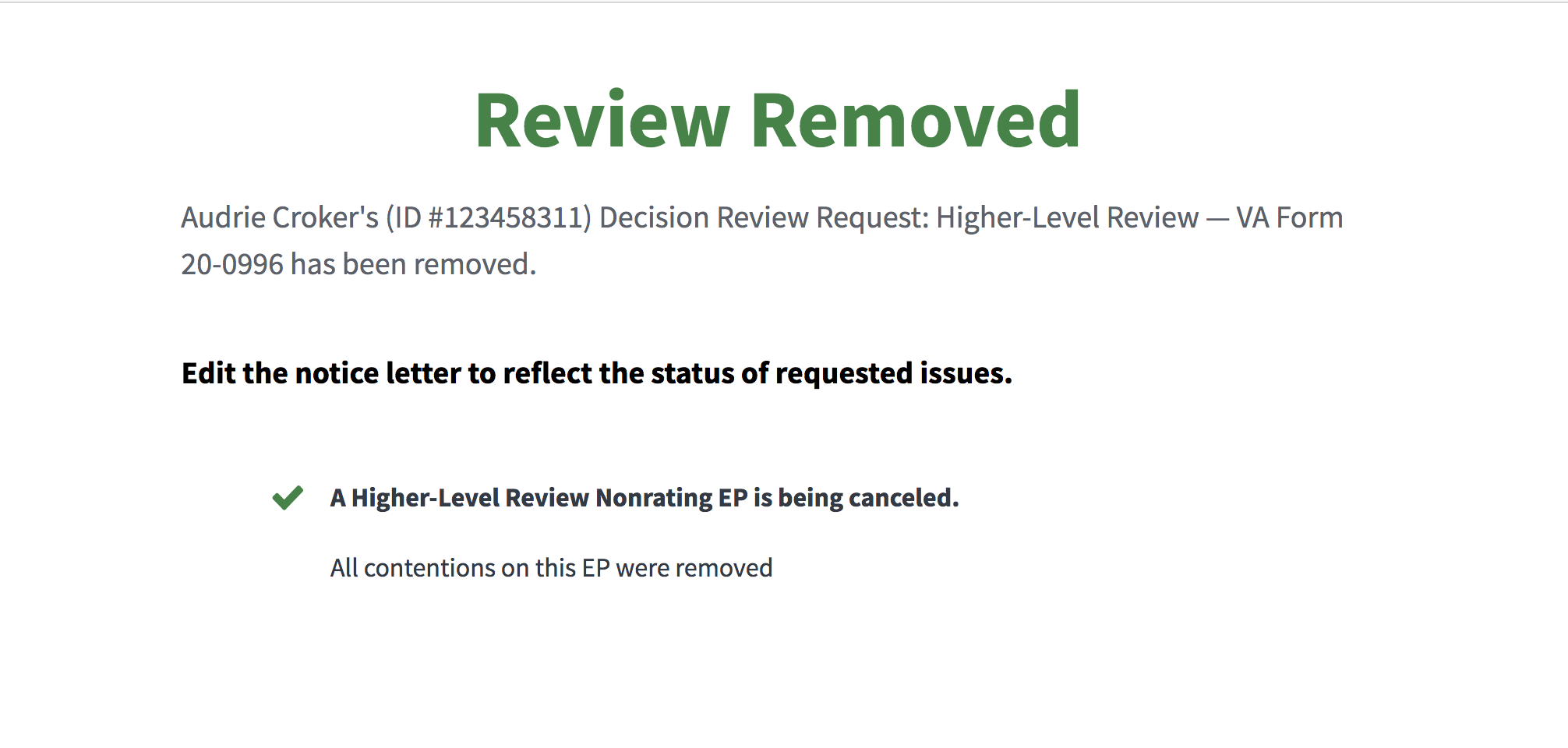
This how I did it and it can actually be edited
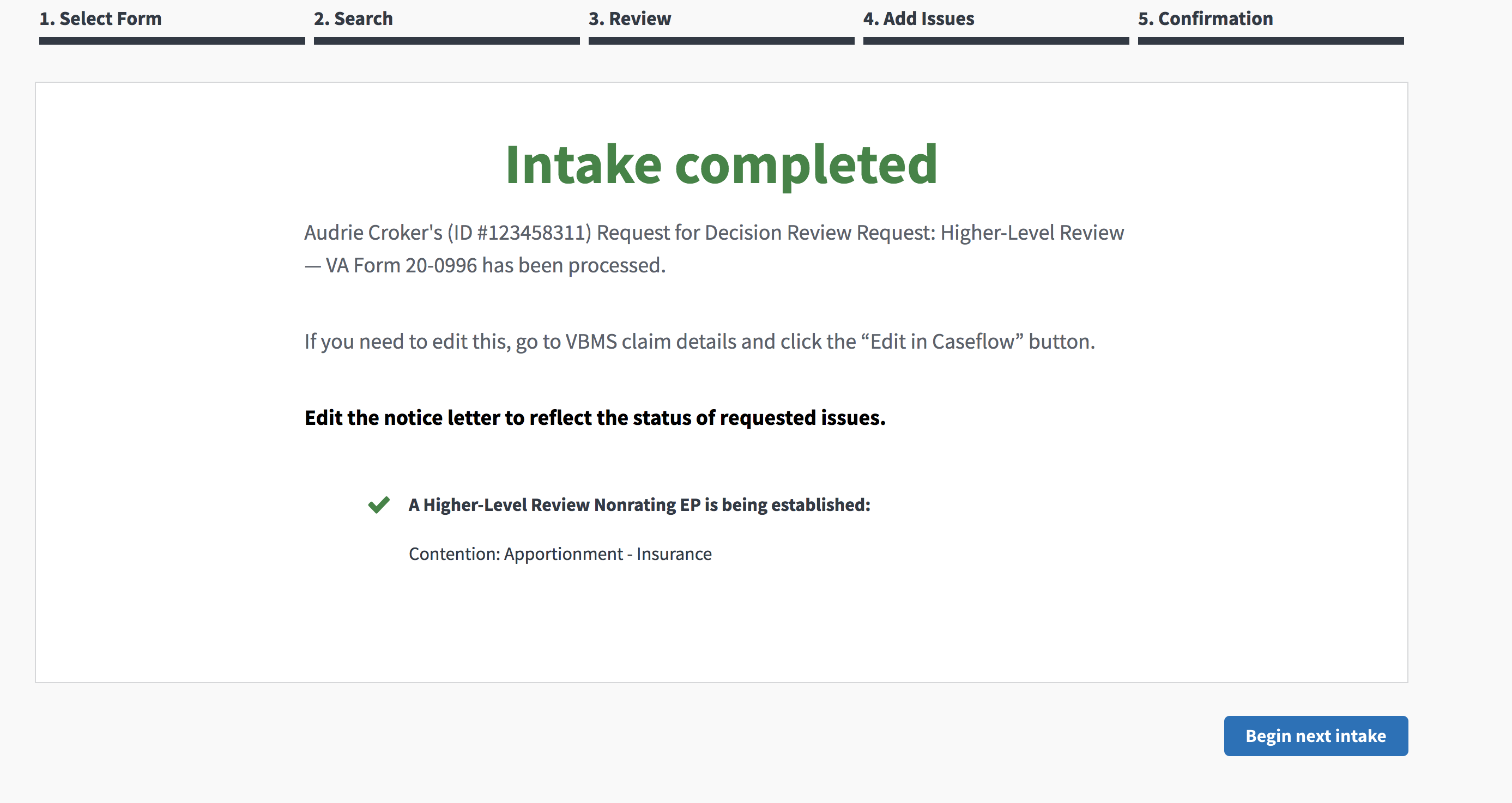
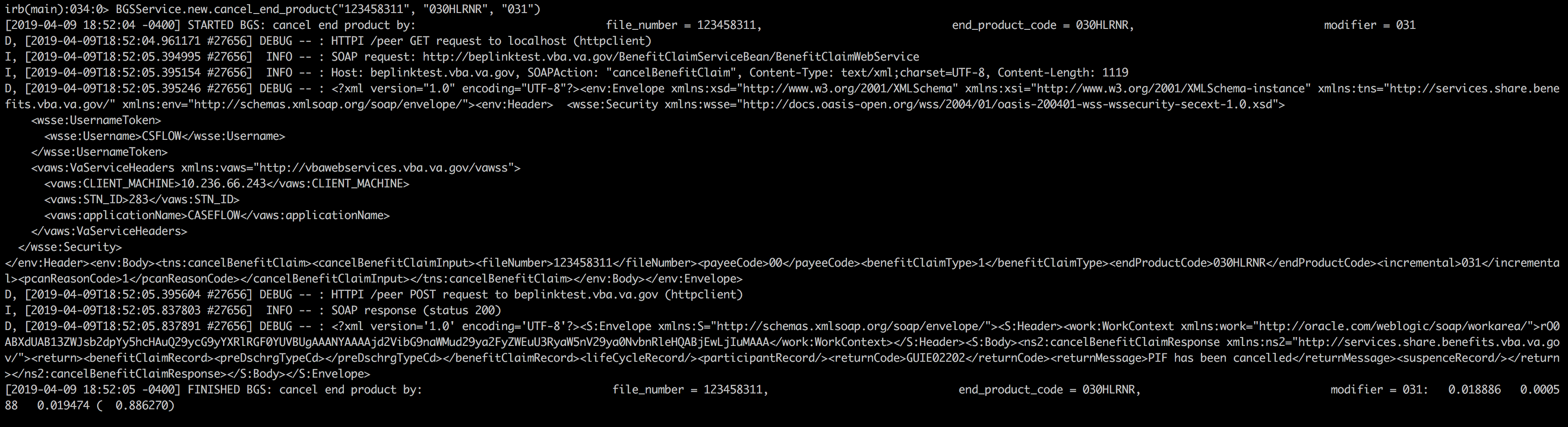
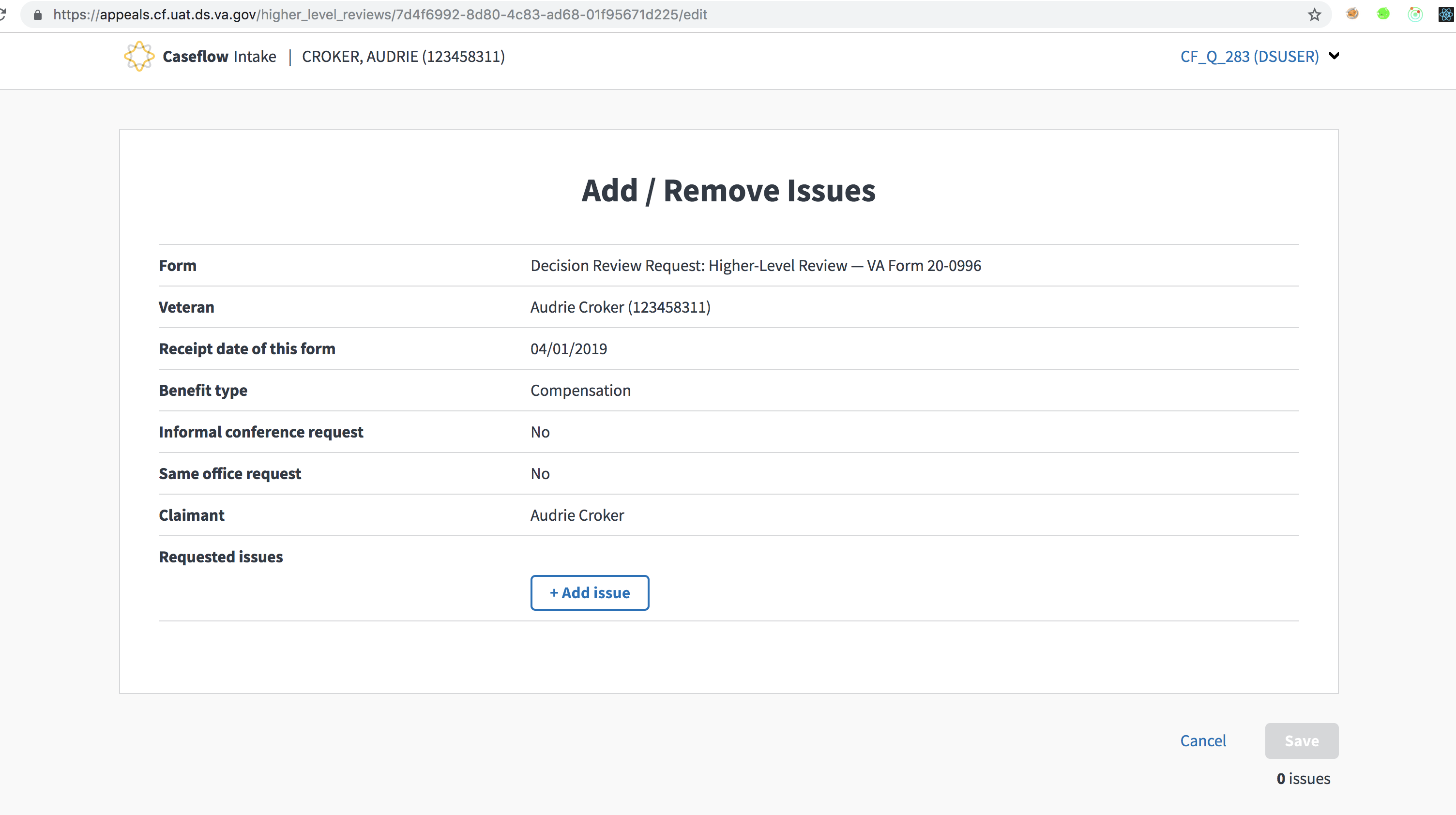
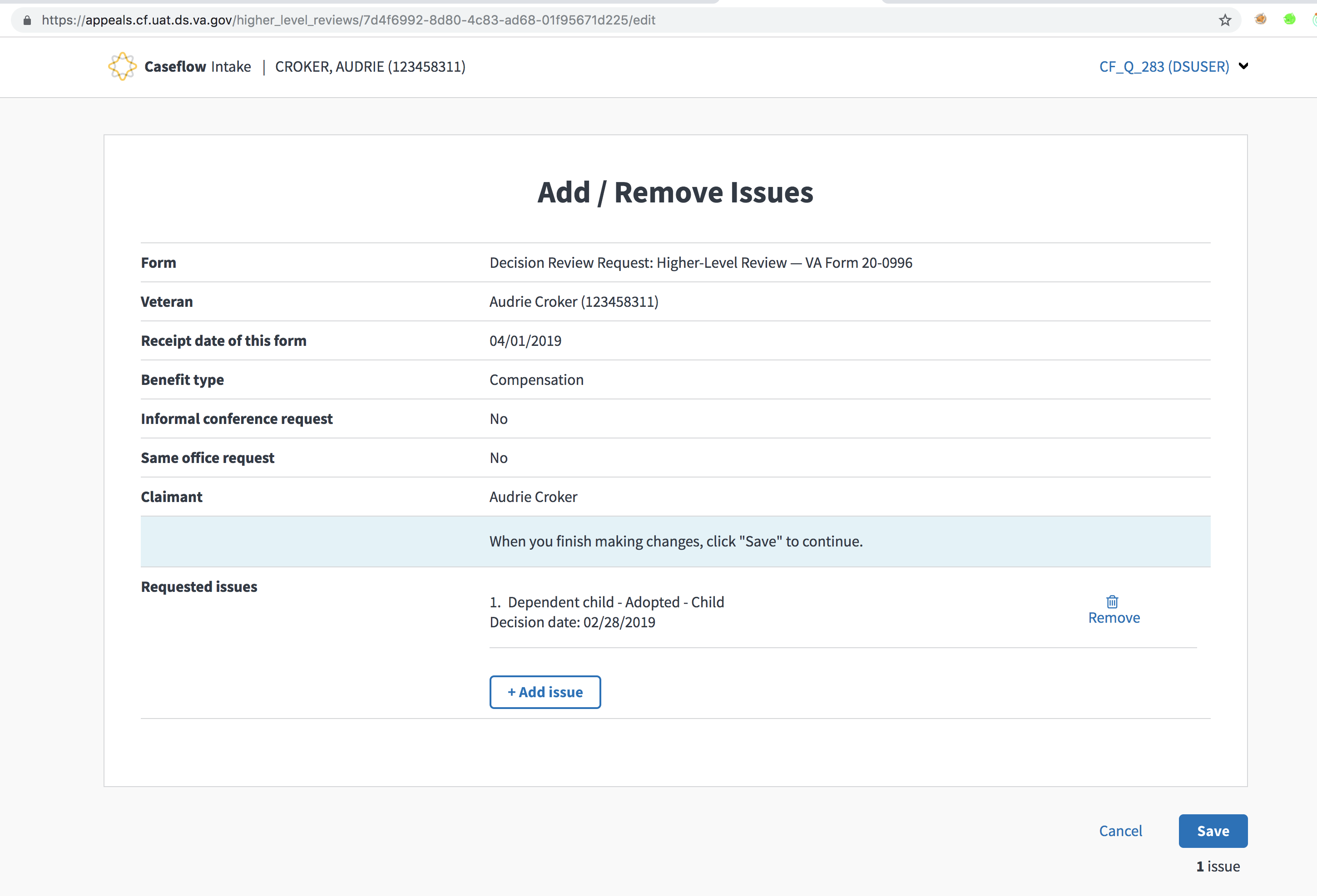
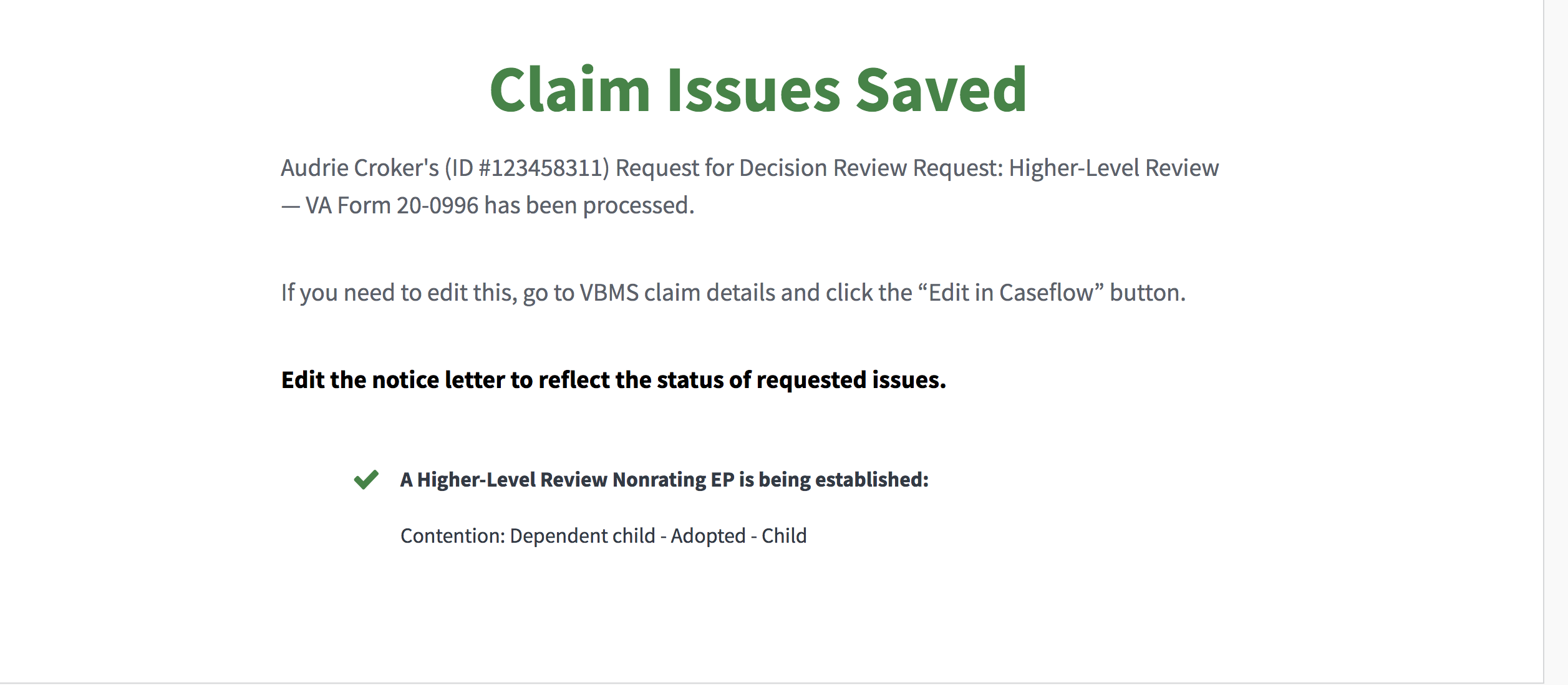
I can even remove the rating that I added
Sjones352
on 10 Apr 2019
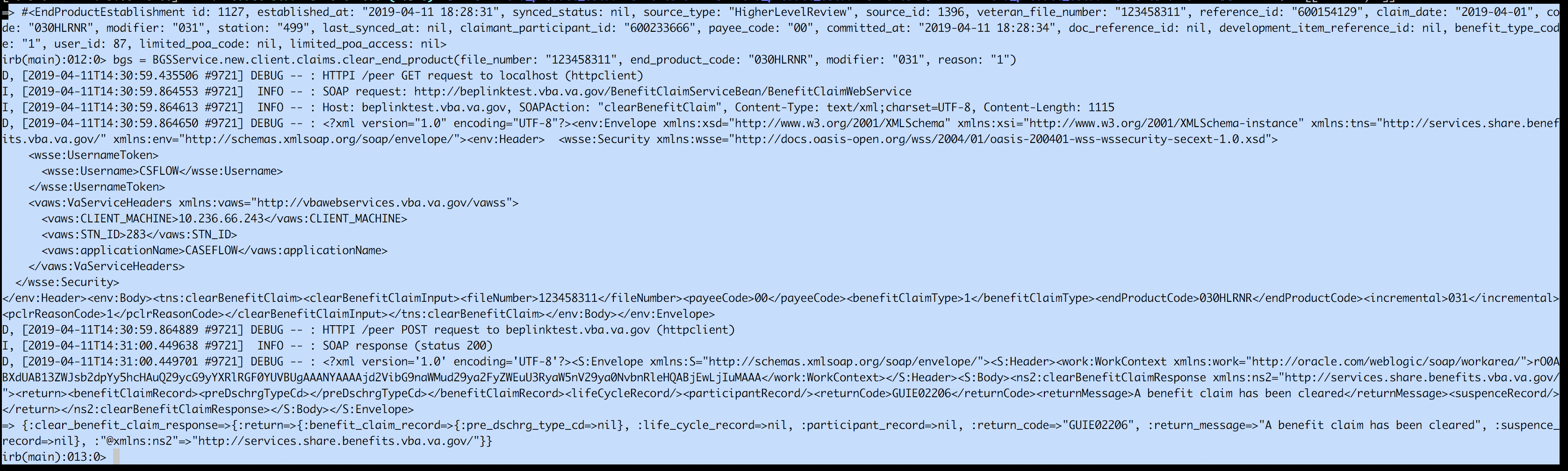
ah ok I was wrong in my validation instructions. I didn't realize that "CAN" and "CLR" are treated differently in Caseflow.
Instead of this step:
clear or cancel its EP in VBMS
we should
clear its EP in VBMS
pkarman
on 10 Apr 2019
Passes UAT
Sjones352
on 11 Apr 2019
Related issues
pkarman
·
5Comments
 lowellrex
·
5Comments
lowellrex
·
5Comments
 gnakm
·
5Comments
gnakm
·
5Comments
 hschallhorn
·
4Comments
hschallhorn
·
4Comments
 marvokdolor-gov
·
3Comments
marvokdolor-gov
·
3Comments