I'm currently trying to generate 2D bounding boxes in Carla 0.9.4 on Ubuntu 18.04 with Python 2.7. The bounding box part works fine. As others here on Github I have the issues that the boxes for occluded actors still appear, hence as suggested in other posts I wanted to mitigate the problem by using the output of a depth camera.
I'm doing all the processing offline once I have collected the data. This might be a stupid question, but I'm trying to store the output of the depth camera as a depth array. Is that possible? In the sensor callback I wrote I use ColorConverted.Depth in order to convert the sensor output to the desired format, at this point I would expect to be able to store an array of size (image_height*image_width), where each entry correspond to the measured distance. The size I obtain is correct, what confused me are the entries. For example if I access the maximum value of the array I get the following output:
Color(255,255,255,255)
Confused by this, I also tried something else. Simply storing the depth images without any conversion, then apply the conversion given in the Camera and Sensors section:
normalized = (R + G * 256 + B * 256 * 256) / (256 * 256 * 256 - 1)
in_meters = 1000 * normalized
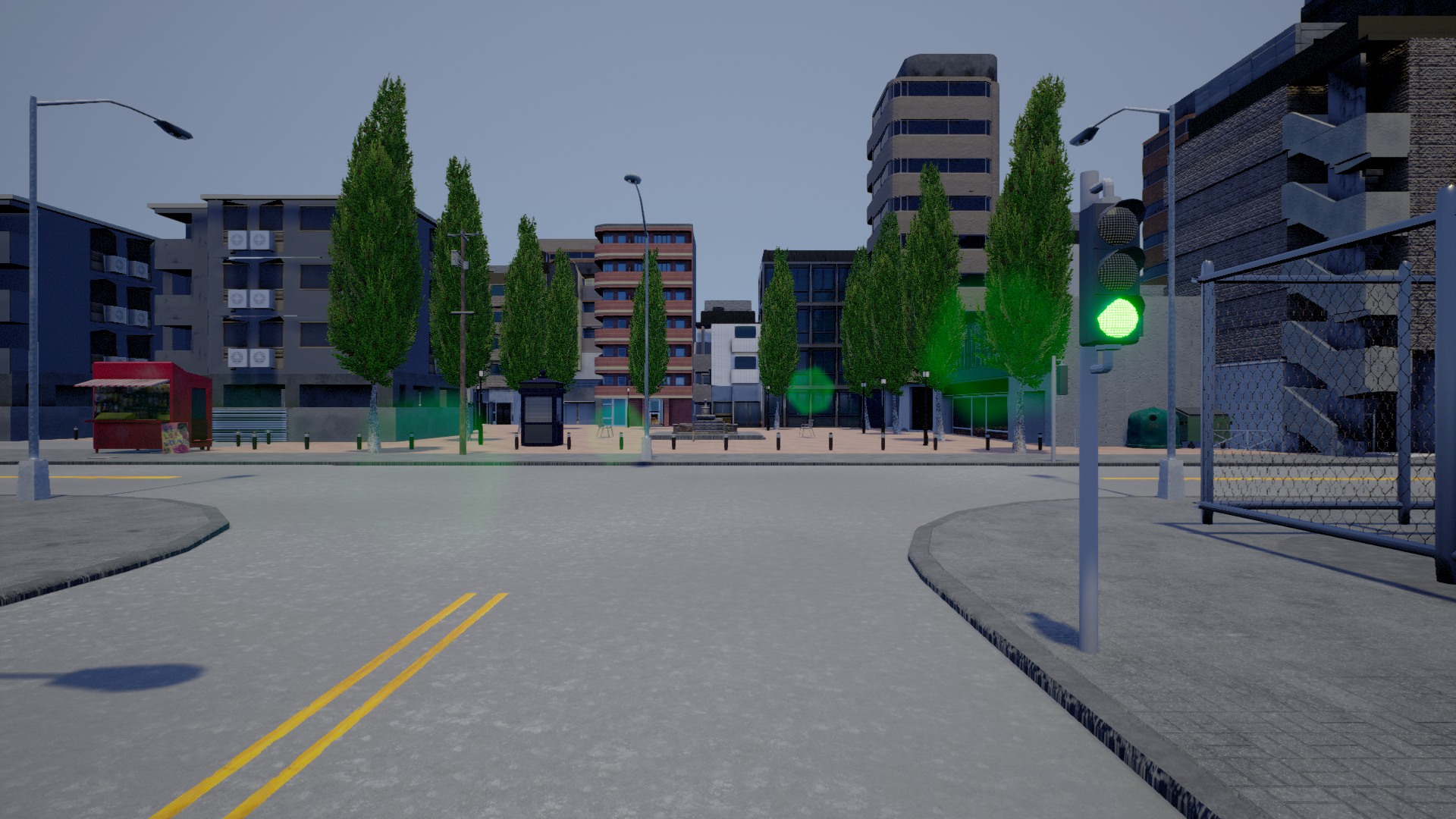
This is the RGB image I'm working with
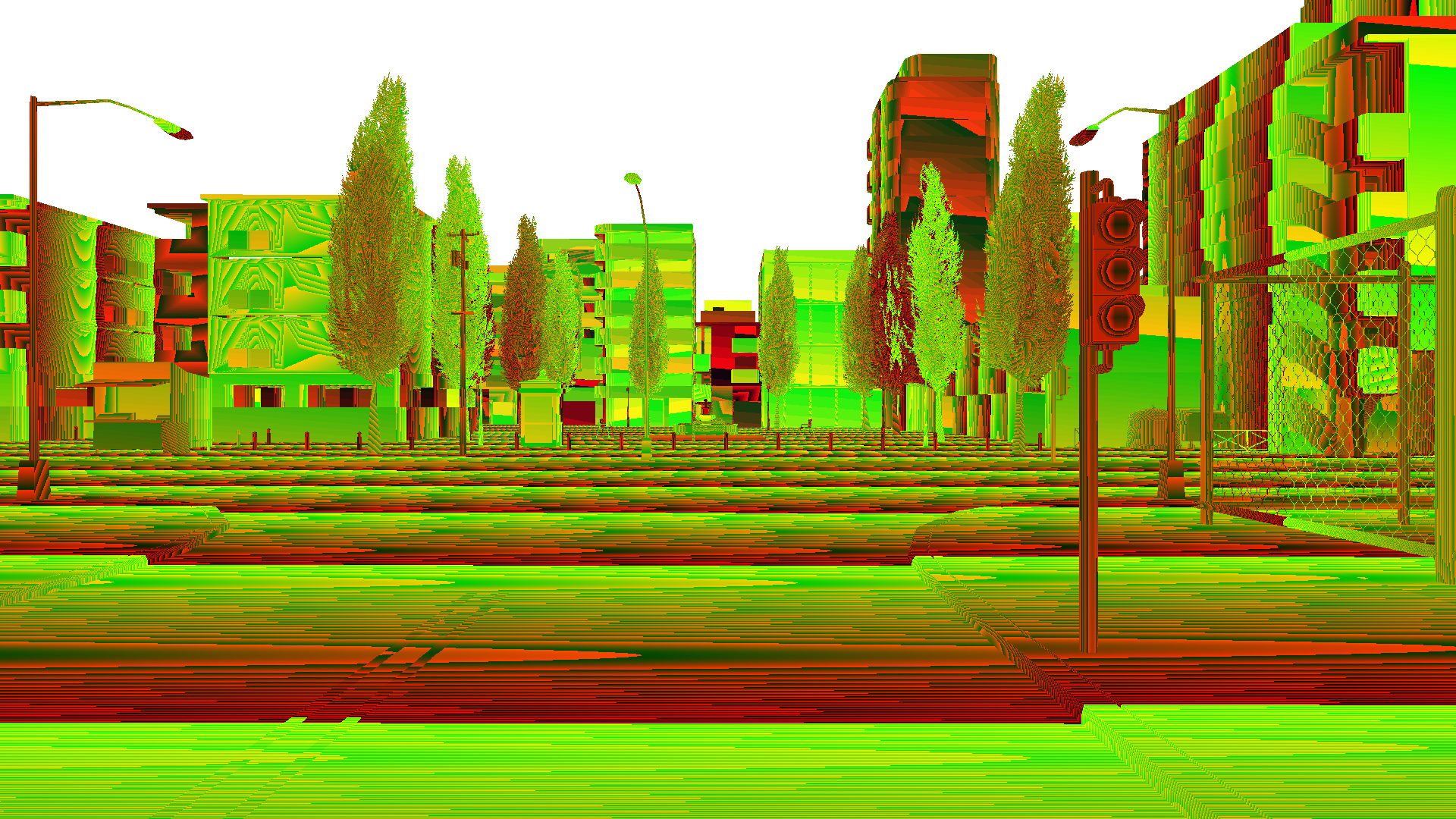
This is the corresponding output of the depth sensor
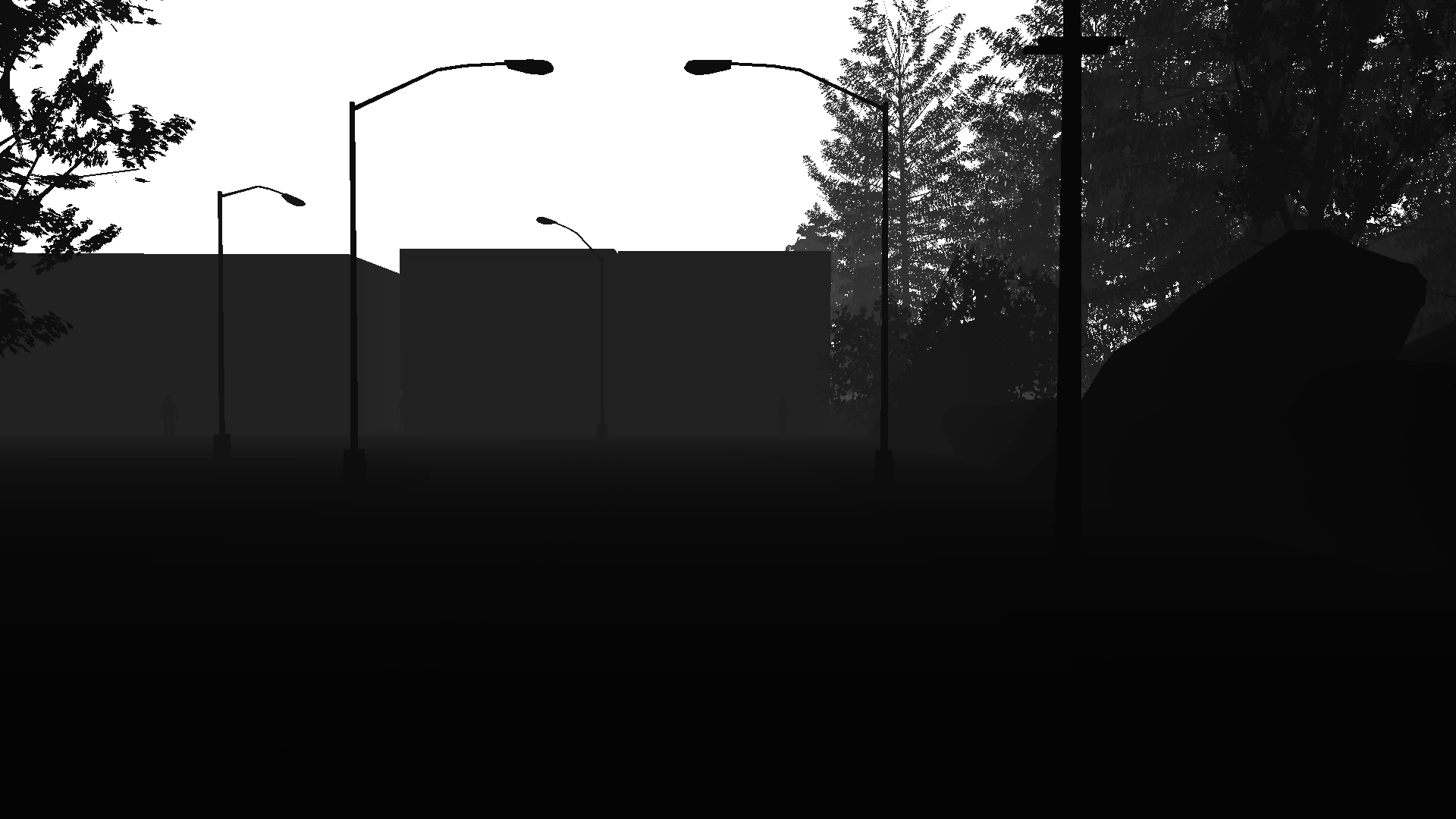
And this is what I obtain by applying the conversion mentioned above

What irritates me is that the maximum depth reading I obtain is 3.90 meters, which seems wrong to me.
Does anyone has an idea of what I'm doing wrong with either of this methods and what I should be doing in order to obtain the depth array correctly?
 cstamatiadis
All 3 comments
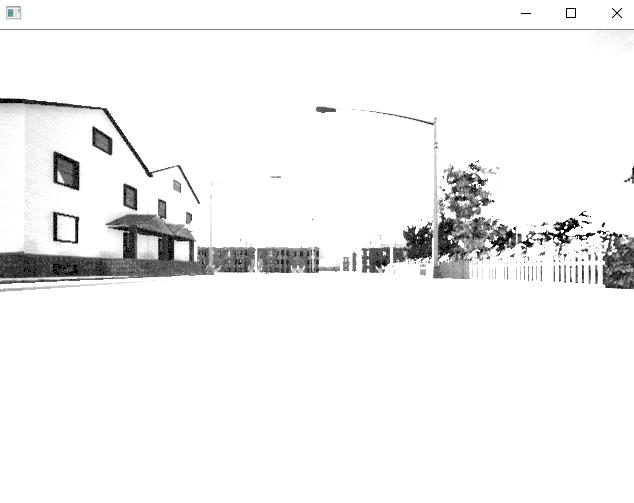
I think I managed to get things working as I wanted to. I started digging a bit deeper and found something from the old API. I added the to_bgra_array to_rgb_array and depth_to_array to my code and I am now able to store the depth info as array. Which plotted looks like this (for a different scenario).
cstamatiadis
on 8 Apr 2019
@cstamatiadis Hello, did you solve the issue of filtering out the occluded objects?
 dev015
on 2 Jul 2020
dev015
on 2 Jul 2020
@cstamatiadis Hey! I am struggling with the commands to generate the depth map in the first place.
I get that the raw data has an array of values but how do you actually convert to depth form, what are the commands for it?
I tried the conversion but ended up just converting the image to black and white
Kindly guide me!
 hrushikesh233
on 21 Sep 2020
hrushikesh233
on 21 Sep 2020
Related issues
 UndeadBlow
·
4Comments
UndeadBlow
·
4Comments
 jinfagang
·
3Comments
jinfagang
·
3Comments
 imran514
·
3Comments
imran514
·
3Comments
 qixiaoshuai0120
·
3Comments
qixiaoshuai0120
·
3Comments
 phzeller
·
3Comments
phzeller
·
3Comments
Most helpful comment
I think I managed to get things working as I wanted to. I started digging a bit deeper and found something from the old API. I added the

to_bgra_array to_rgb_array and depth_to_arrayto my code and I am now able to store the depth info as array. Which plotted looks like this (for a different scenario).