Capacitor: Camera PWA/Browser with pwa-elements >= 0.0.12 wrong gray overlay / not displayed correctly
I'm submitting a:
[X] bug report
Current behavior:
Implementing the camera (base64) as displayed in the documentation (https://capacitor.ionicframework.com/docs/apis/camera) works just fine if I add the pwa-elements v0.0.11 in index.html respectively
<script src='https://unpkg.com/@ionic/[email protected]/dist/ionicpwaelements.js'></script>
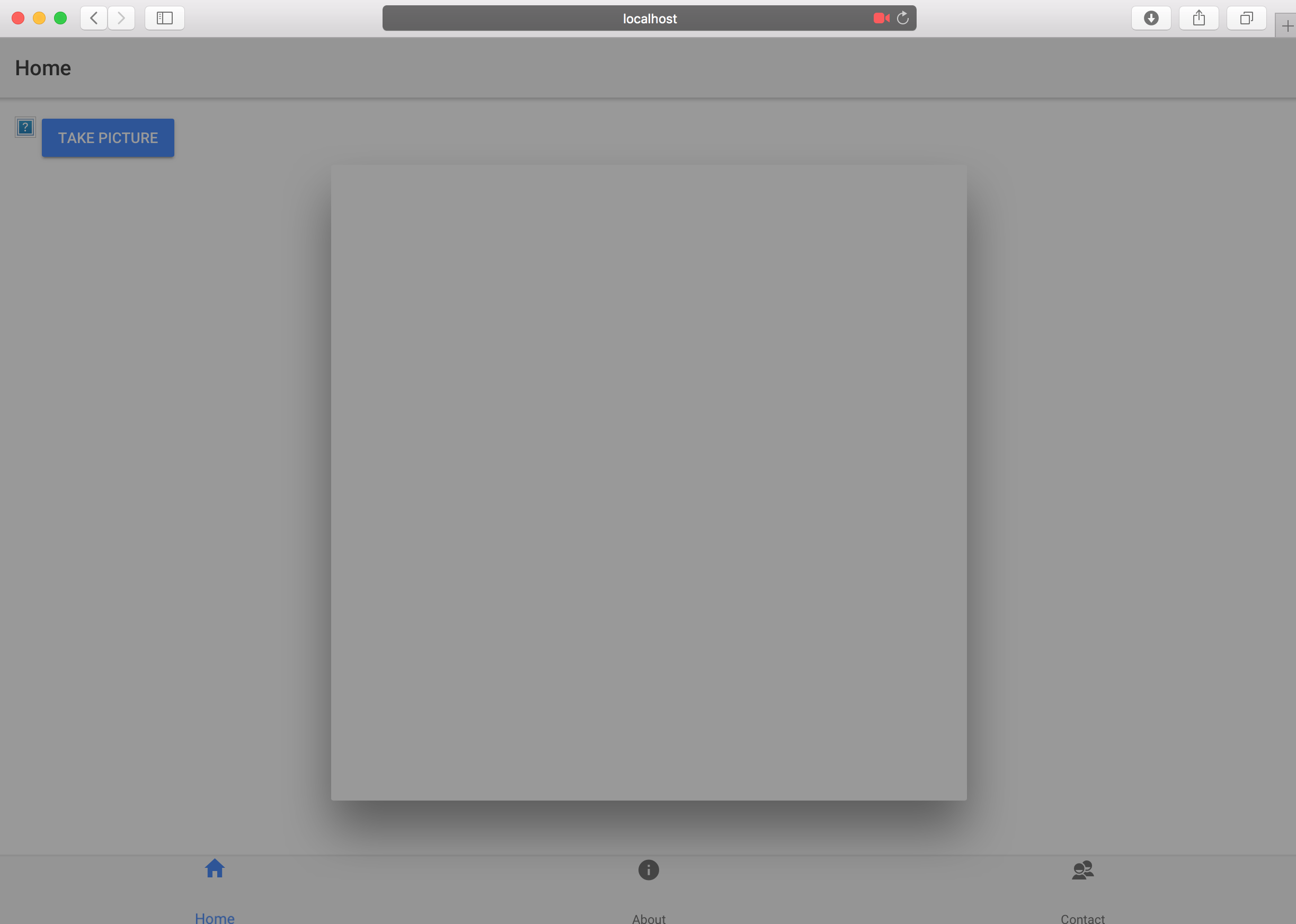
but as soon as I try to use pwa-elements 0.0.12 or above the camera isn't displayed anymore, it just end up in a gray overlay
<script src='https://unpkg.com/@ionic/[email protected]/dist/ionicpwaelements.js'></script>
the camera feature itself still work, if I try my luck and click there or there at some point a photo is taken
Screenshots
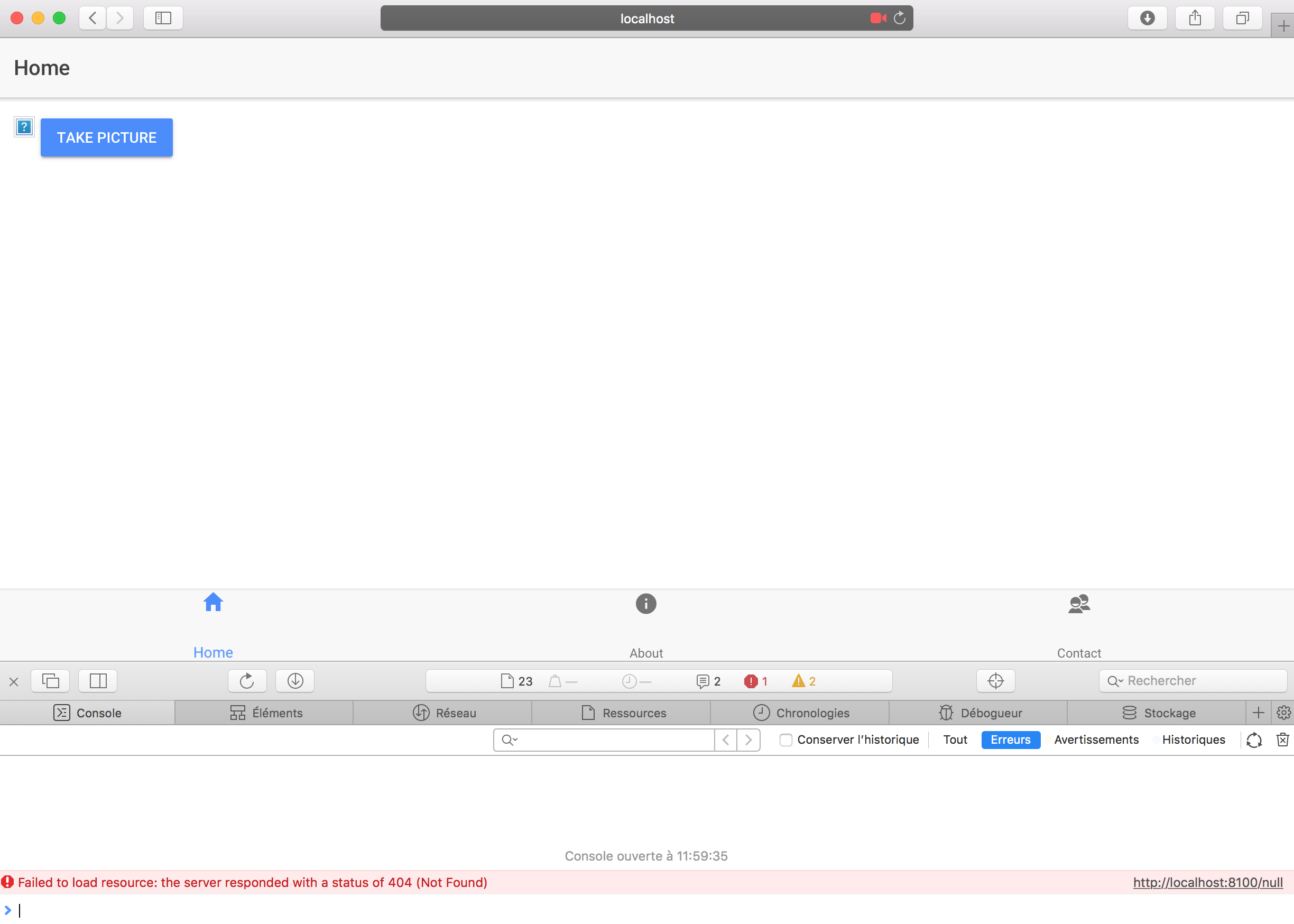
pwa-element v0.0.11: OK

pwa-element v0.0.12: Not OK

 peterpeterparker
All 7 comments
This is just waiting on some last Ionic 4 bug fixes and then it'll work
 mlynch
on 22 Jun 2018
mlynch
on 22 Jun 2018
Can you test with <script src='https://unpkg.com/@ionic/[email protected]/dist/ionicpwaelements.js'></script>?
It's working fine on Ionic 4 apps.
 jcesarmobile
on 17 Aug 2018
jcesarmobile
on 17 Aug 2018
@jcesarmobile still doesn't work in a v3 app
peterpeterparker
on 18 Aug 2018
Ward
 JuanSeBestia
on 17 Sep 2018
JuanSeBestia
on 17 Sep 2018
Can you try @ionic/pwa-elements 1.0.0? https://github.com/ionic-team/capacitor/issues/658#issuecomment-427504179
mlynch
on 5 Oct 2018
Didn't tested with an Ionic v3 app but I could confirm that I didn't faced the problem anymore when I tried to take a photo in Safari with the @ionic/pwa-elements 1.0.0 and a Ionic v4 app, no overlay problem, all good, thx a lot for the fix @mlynch 👍
peterpeterparker
on 8 Oct 2018
w00t!
mlynch
on 9 Oct 2018
Related issues
 codedge
·
24Comments
peterpeterparker
·
44Comments
codedge
·
24Comments
peterpeterparker
·
44Comments
 GuilhermeBCC
·
20Comments
GuilhermeBCC
·
20Comments
 renege
·
25Comments
mlynch
·
21Comments
renege
·
25Comments
mlynch
·
21Comments
Most helpful comment
This is just waiting on some last Ionic 4 bug fixes and then it'll work