Calcite-components: Component: Radio Button
 macandcheese
All 15 comments
Any news on when we can expect this?
What I have to implement:
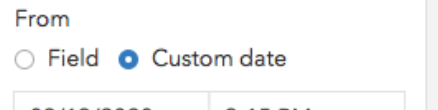
 AdelheidF
on 20 Mar 2020
AdelheidF
on 20 Mar 2020
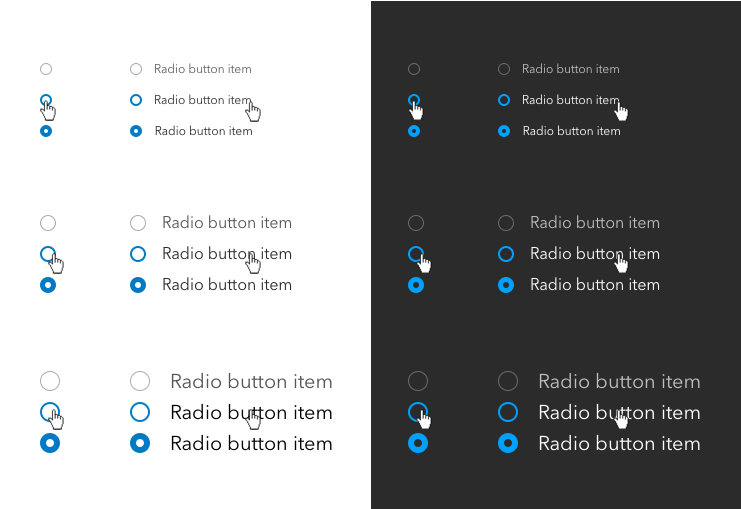
@AdelheidF this is the latest design
@julio8a how would you like to move forward?
 bstifle
on 20 Mar 2020
bstifle
on 20 Mar 2020
We've had the design for a while, we just need this built-out by a dev. Moving this back into the WIP phase 2. @Esri/calcite-components, anyone has some cycles to start this one?
 julio8a
on 23 Mar 2020
julio8a
on 23 Mar 2020
We need to decide if we are going to continue to build components in this manner - some discussion was at the end of this issue: https://github.com/Esri/calcite-components/pull/391 - but we should make have that chat before we begin another component in this manner.
macandcheese
on 23 Mar 2020
We have a meeting scheduled for this Thur at 3 pm. We can discuss this then. I'll add you @AdelheidF
julio8a
on 23 Mar 2020
I'm using the standard radio button right now and it works fine, just doesn't look so nice. It's not a showstopper for me.
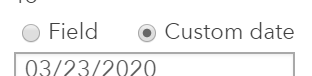
AdelheidF
on 23 Mar 2020
@AdelheidF - we will definitely be adding a Radio Button component! Currently, we just do some over the top stuff to support passed inputs in our other similar components and want to decide if we want to continue that :)
macandcheese
on 23 Mar 2020
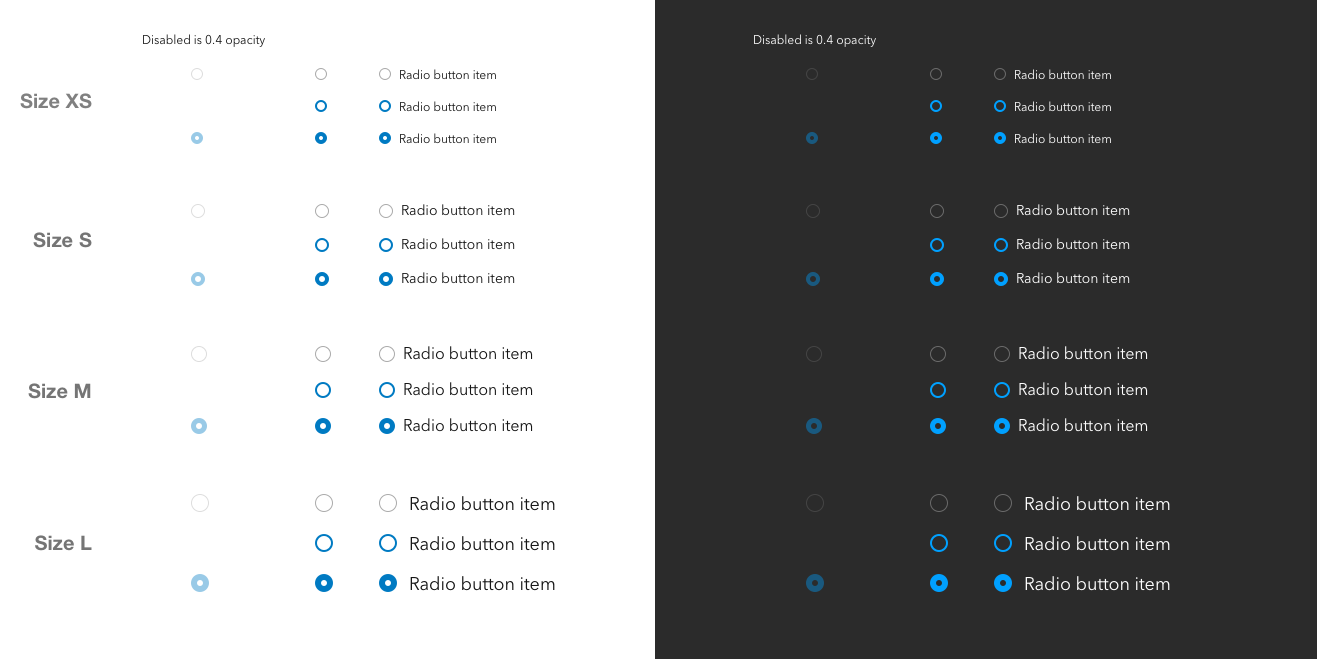
most up to date designs @eriklharper
bstifle
on 9 Apr 2020
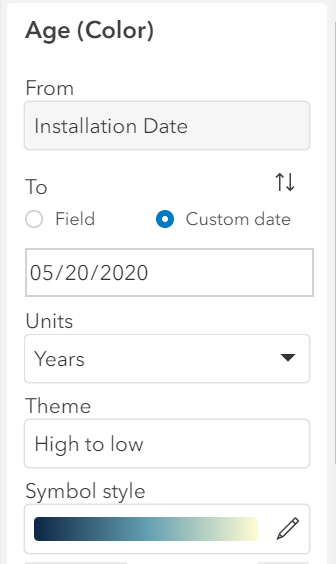
Using Beta 26 with radio buttons now.
None of the sizes work for me, the text is either too big or too small. How can I modify the text size?
before:
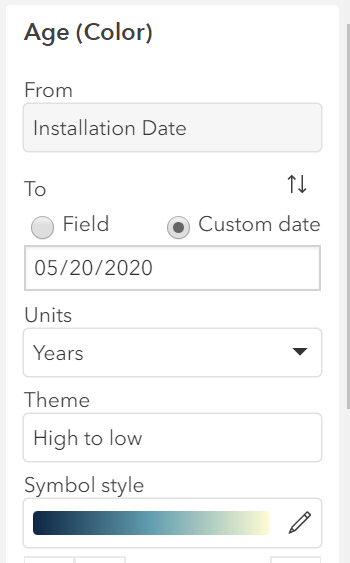
Beta 26 with scale=m
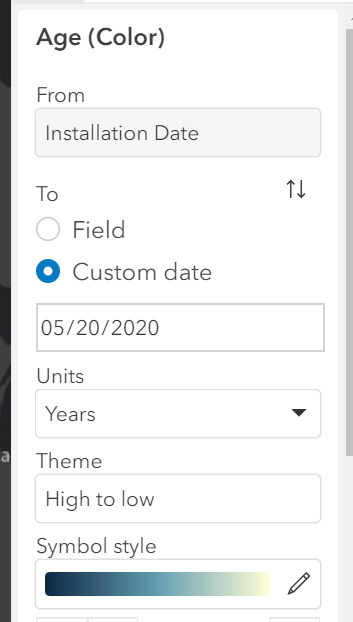
Beta 26 with scale=s
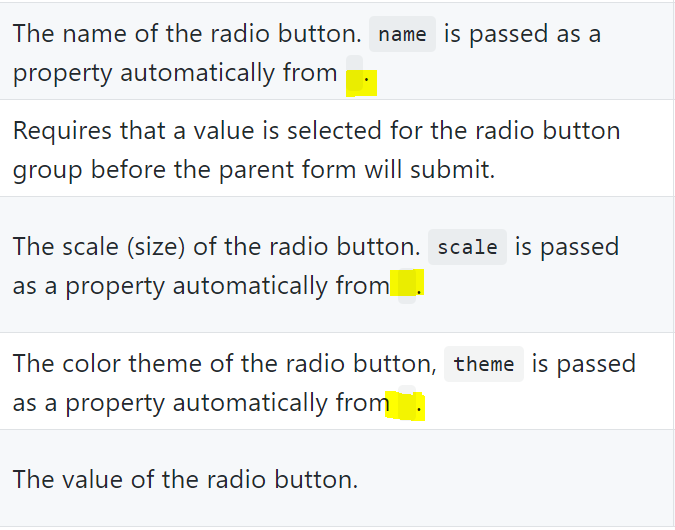
Also the doc could use some more explanation for radio-button and radio-button-group and it needs to fill the missing pieces.
AdelheidF
on 20 May 2020
I'll defer to @bstifle with regards to the sizes.
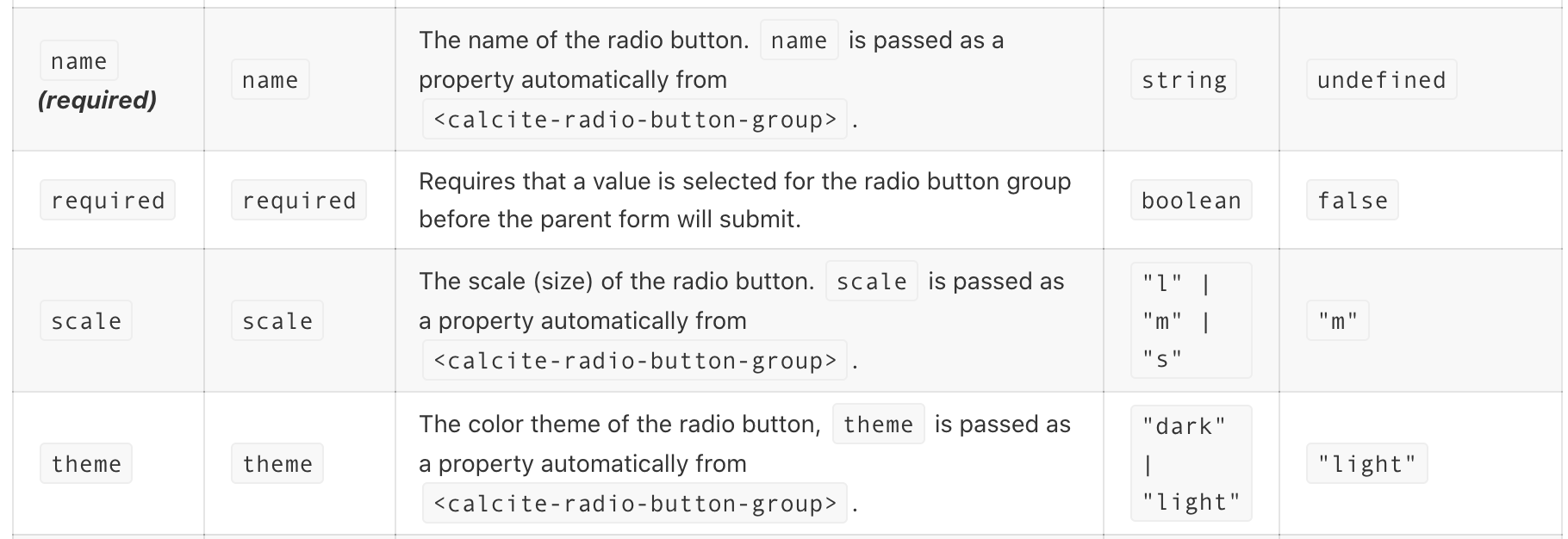
That doc screenshot you included: where are you accessing that? On the Notes tab in Storybook it shows the docs correctly https://esri.github.io/calcite-components/?path=/story/radio-button--light-theme
 eriklharper
on 20 May 2020
AdelheidF
on 20 May 2020
eriklharper
on 20 May 2020
AdelheidF
on 20 May 2020
@eriklharper may just need to run a build so the README rebuilds and commit the result?
 paulcpederson
on 20 May 2020
paulcpederson
on 20 May 2020
I think I just need to remove the <> from within the code blocks. name is rendering fine on the readme and it doesn't have the angle brackets.
https://github.com/Esri/calcite-components/pull/611
eriklharper
on 20 May 2020
A comment about the focus state.
I guess it's related to this issue here: https://github.com/Esri/calcite-components/issues/555
Initially
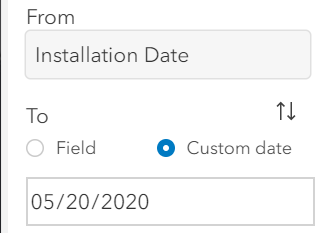
After clicking on the first radio button. It becomes this huge blue icon in my panel (where everything else is mostly gray) which makes the radio button really important, but it shouldn't be.
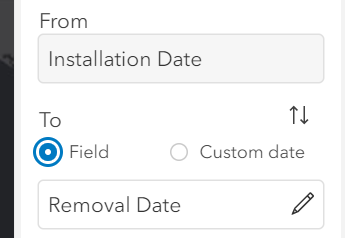
I guess it's expected with the overall focus width of 2px but that radio button really draws your attention to it.
cc @asangma
AdelheidF
on 21 May 2020
FWIW, the font sizes are standard calcite-label font sizes. Are the rest of your form field labels using the calcite-label component? If so, any of the three scales should look fine as long as all the form fields needing labels are consistently using the same scale on their calcite-labels.
eriklharper
on 21 May 2020
Related issues
 jcfranco
·
3Comments
jcfranco
·
3Comments
 asangma
·
4Comments
AdelheidF
·
4Comments
asangma
·
4Comments
AdelheidF
·
4Comments
 kevindoshier
·
4Comments
kevindoshier
·
4Comments
 capeoples
·
5Comments
capeoples
·
5Comments
Most helpful comment
@AdelheidF - we will definitely be adding a Radio Button component! Currently, we just do some over the top stuff to support passed inputs in our other similar components and want to decide if we want to continue that :)