Buttercup-desktop: File host: Can't unlock archives/vault
Hi guys, I'm absolutely loving Buttercup but noticed an issue with the chrome extension.
I basically can't generate a password in-browser as I'm signing up for something, because I can't unlock an archive.
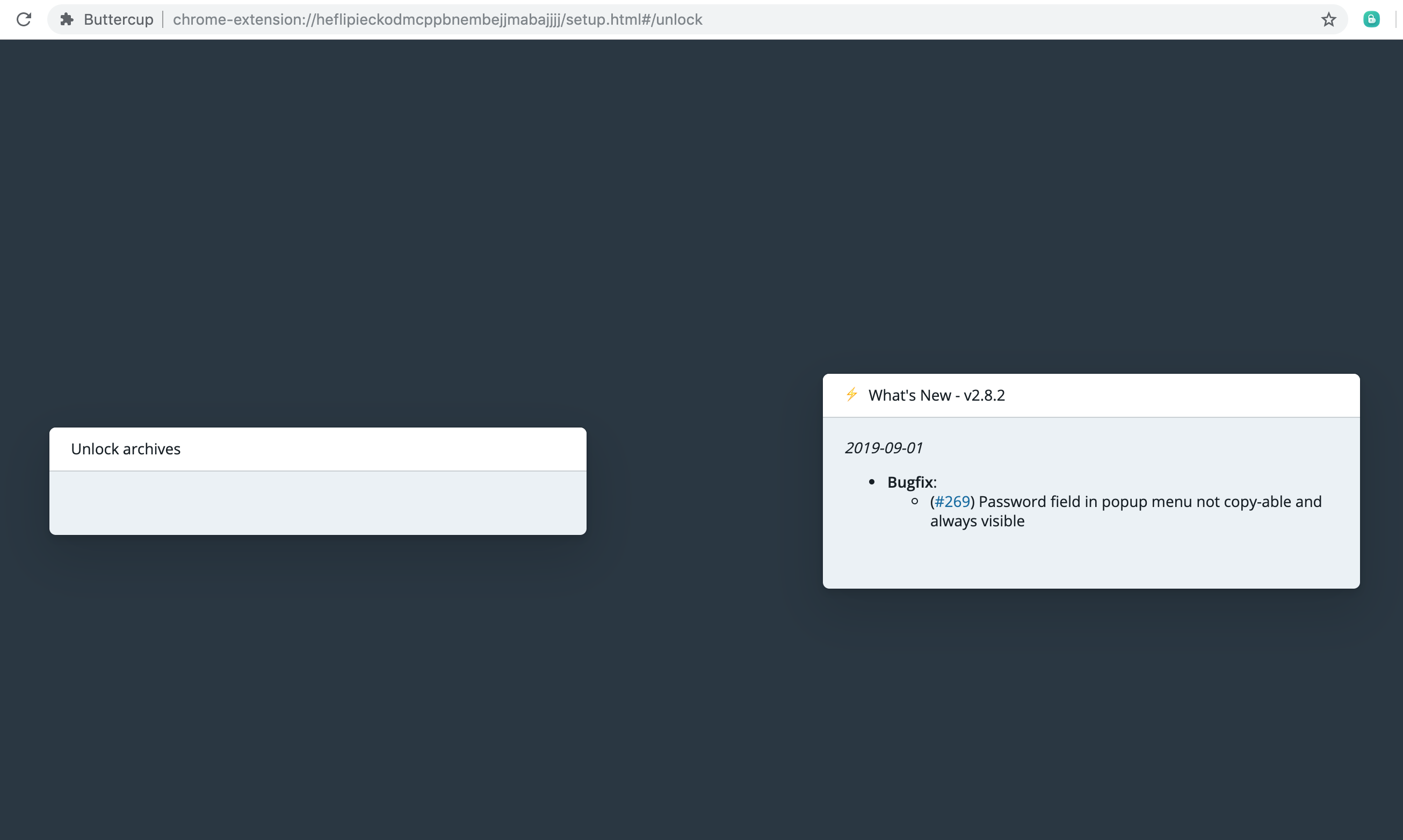

using Chrome 78.0.3904.70 on a Mac
Thanks
 sinameraji
All 19 comments
same issue for me in firefox; ios and windows is just fine
 rugabunda
on 5 Nov 2019
rugabunda
on 5 Nov 2019
What type of vault? Can you walk through what you did to reproduce this? Looks to me like there's no log in input for the vault.
 perry-mitchell
on 6 Nov 2019
perry-mitchell
on 6 Nov 2019
@perry-mitchell sure. So I have buttercup installed on Mac, with one archive created for my passwords. I also have the buttercup chrome extension, so logically I'm expecting I should be able to import that archive into the chrome extension and let it read/write new passwords when on different webpages.
The actual flow that I'm seeing:
Every time I see a new password field and try to use buttercup on chrome to generate a new password, it shows me that first pic (no unlocked vaults)
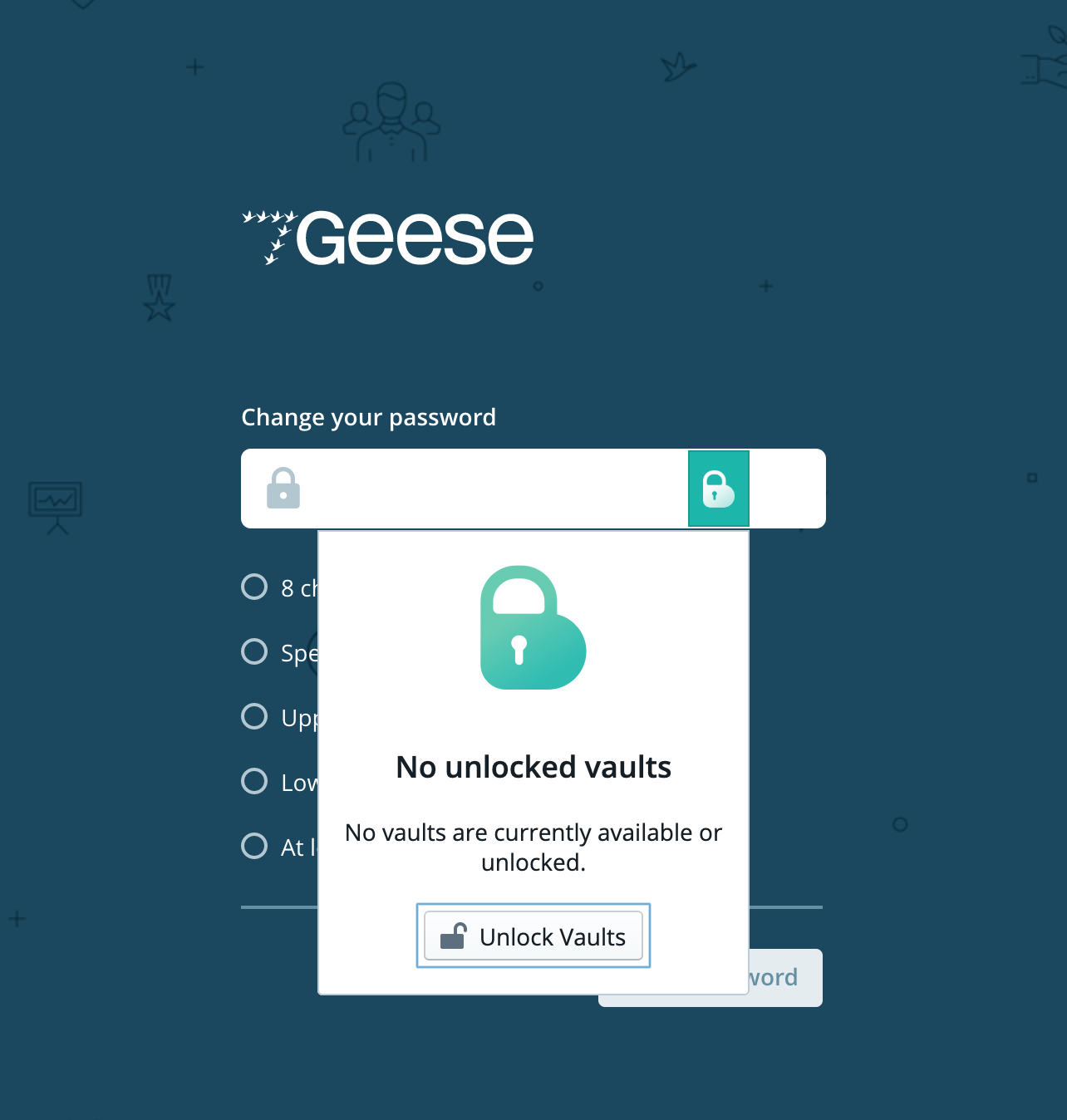
and when I click unlock vaults (I actually have no idea what vault means but I'm guessing it just refers to that archive file?) it shows me this
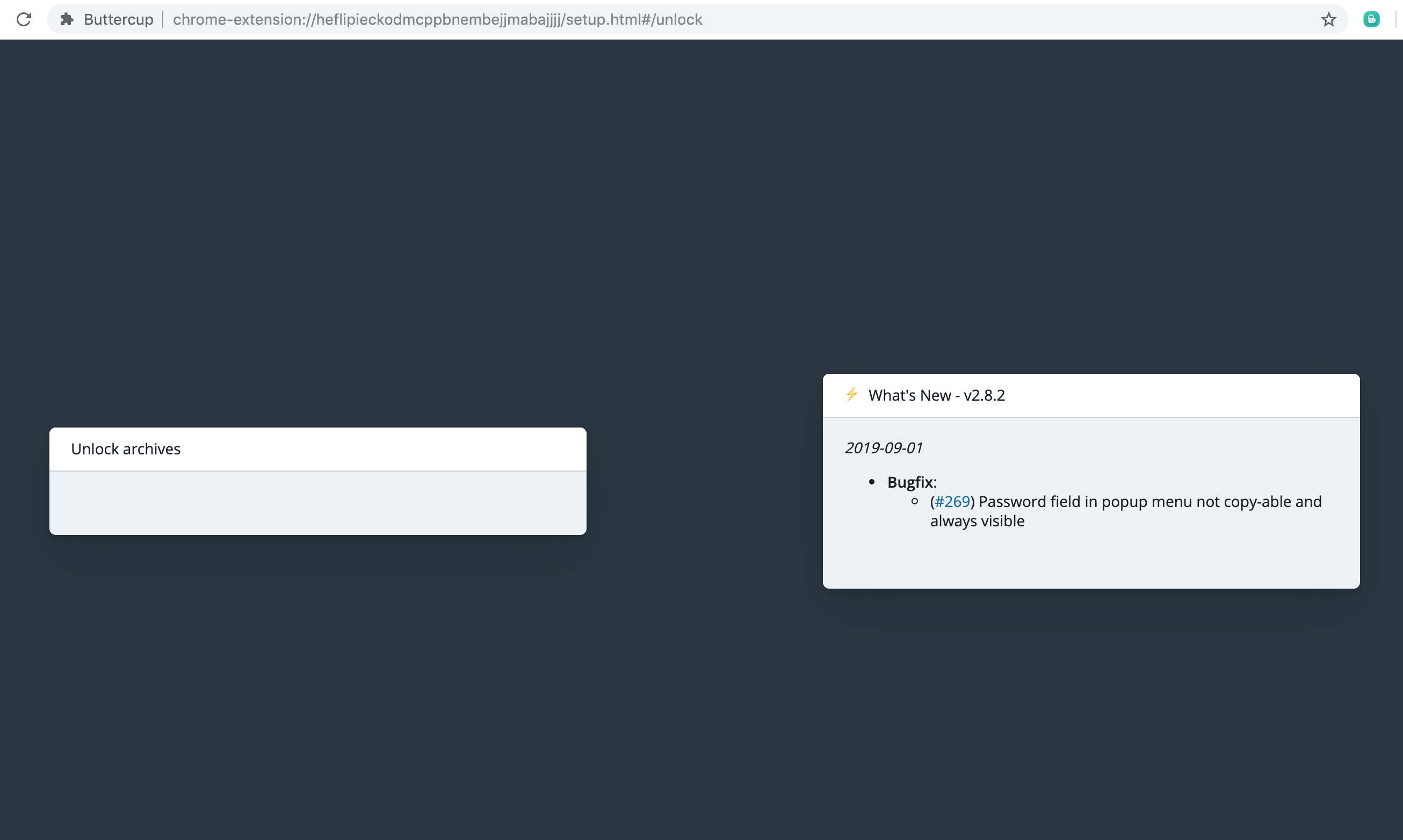
which seems like a bug?
sinameraji
on 7 Nov 2019
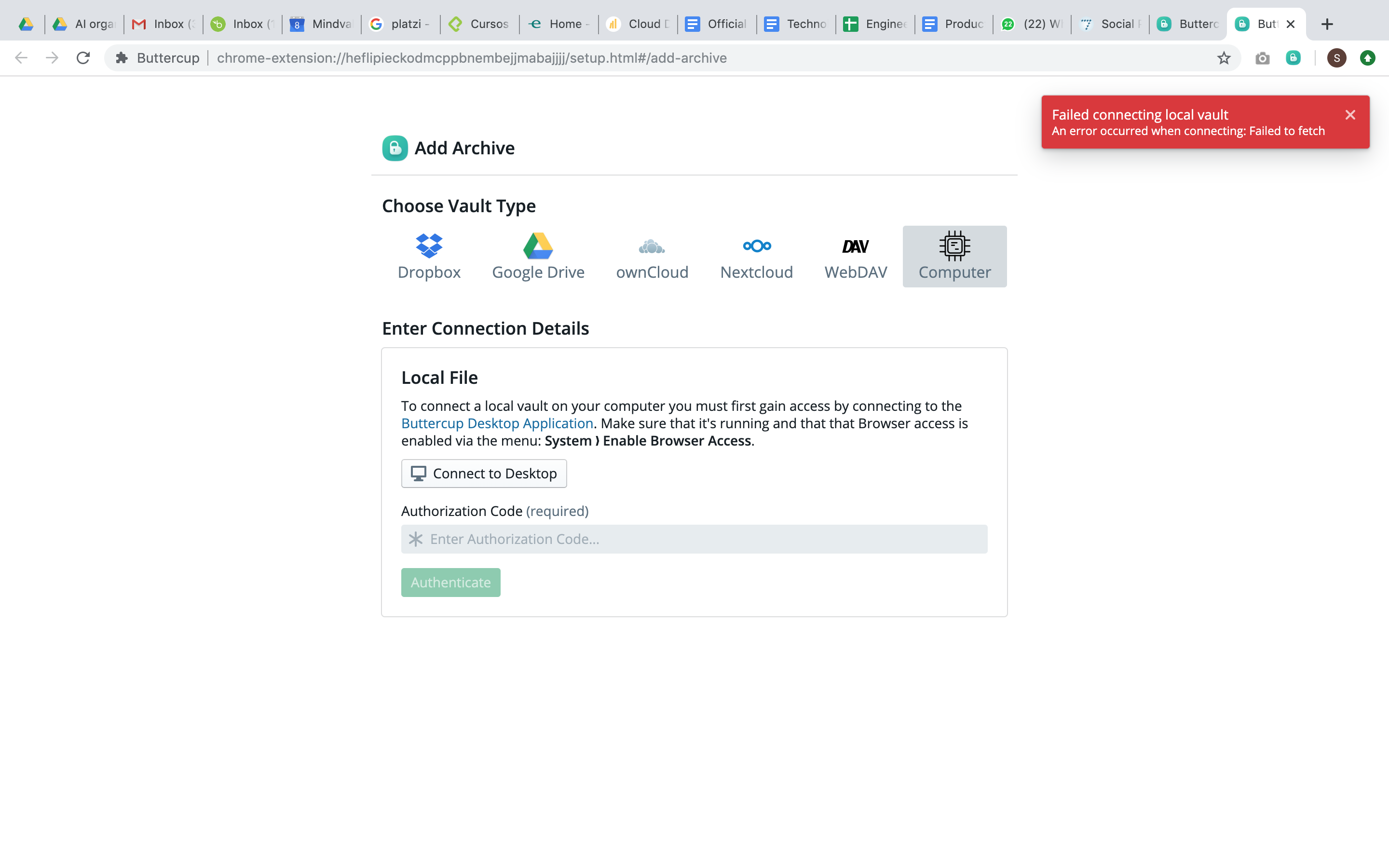
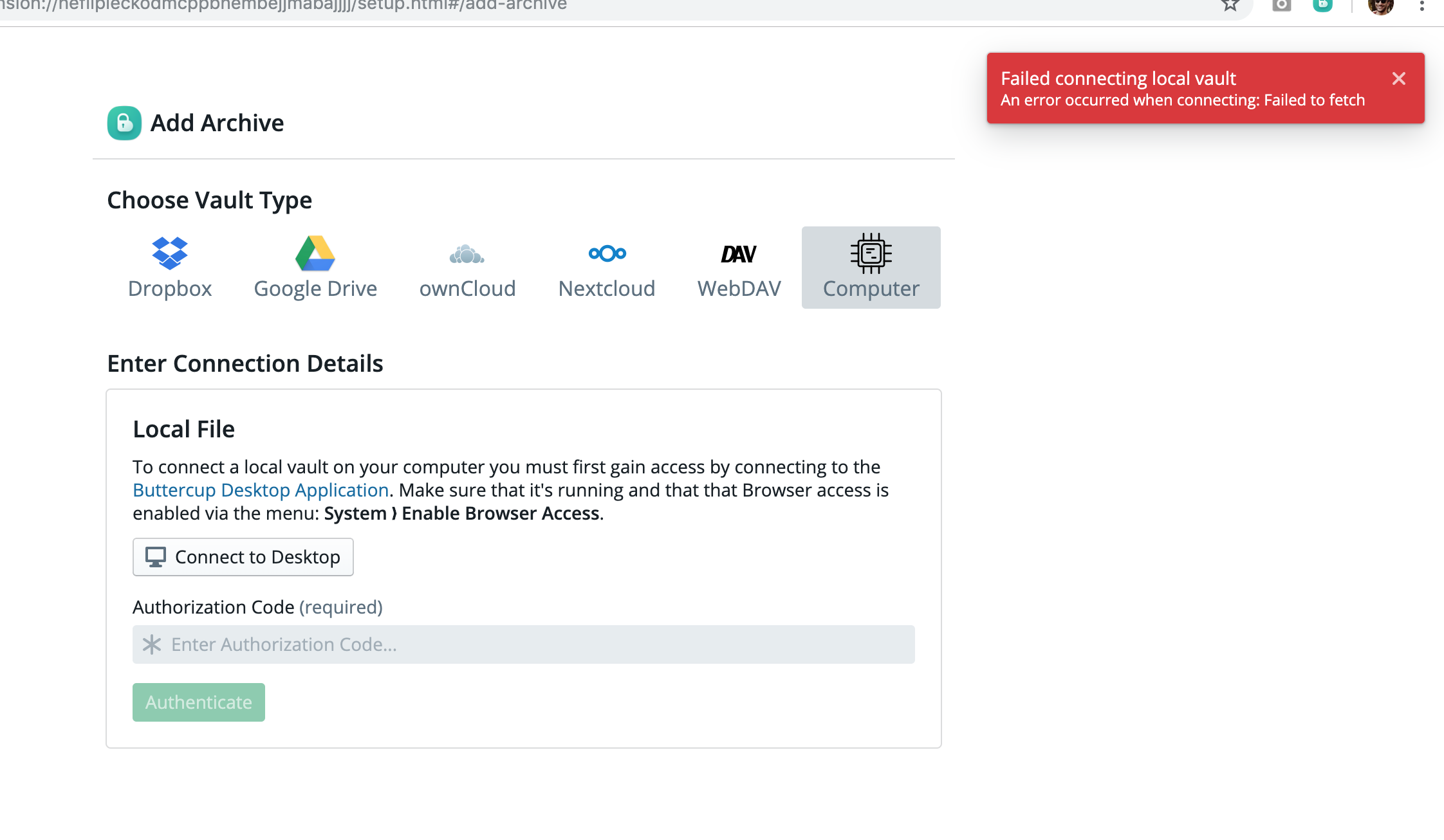
I managed to find another way to import the vault from my machine but I get this error
sinameraji
on 7 Nov 2019
Ok, so it has to do with the local disk connection via the desktop application. Do you have the desktop application running while you try to connect? The latter error is one that might appear if the connection is broken or interrupted, perhaps by windows firewall or if the desktop application was not running or didn't have the local connection enabled (menus).
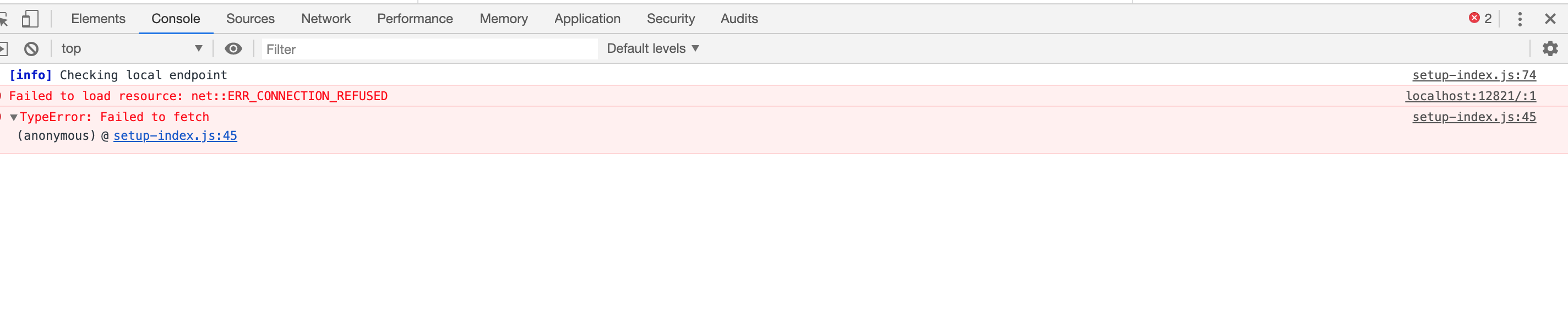
The first issue is definitely a bug. Are you able to open developer tools on that page when you try to log in, perhaps to see any errors you could share here?
perry-mitchell
on 8 Nov 2019
I have the same issue on Ubuntu 19.10 and chrome or firefox.
When trying to use password from archive (in some login box), the "unlock archive" box is empty.
Also when I try to save password, I see "No unlocked archives were found. You must unlock at least one archive to be able to save new credentials." The buttercup desktop is running and one archive is unlocked. The archive is stored on local hard drive.
 tmotyl
on 11 Nov 2019
tmotyl
on 11 Nov 2019
Sorry for the delay in replying. I inspected and am attaching the screenshot of the error.
(Buttercup on Mac is running and unlocked as I try to connect the browser to it)
sinameraji
on 13 Nov 2019
Oh hey I just did System > Enable Browser Access (for the desktop app) and it fixed it.
Suggesting to have that checked by default. Thanks anyway :)
sinameraji
on 13 Nov 2019
Enabling browser access did not help for me, still can't unlock the archive.
tmotyl
on 14 Nov 2019
@tmotyl Hmm, not sure how much testing this feature has had on Linux.. I don't have time to check but I'll reopen for now. I'll move this to desktop so we can track it there, as it may be to do with that.
perry-mitchell
on 14 Nov 2019
@perry-mitchell is there anything I can provide to help finding the issue?
I would love to migrate to buttercup from other tool but unfortunatelly this block me
tmotyl
on 3 Dec 2019
@tmotyl Any chance of getting a look at your bcup desktop logs? https://github.com/buttercup/buttercup-desktop#debugging
Besides seeing something potentially helpful in there, I'd say the only way could be to debug the networking side of things yourself. Run bcup desktop in development and try connecting from the extension. When it fails, check out the logs in the browser (foreground and background), as well as those in the CLI when running the desktop app.
All of this having failed, would you ever consider a remote desktop session so I could see the issue? I'd be completely fine being an observer only, and happy if you demonstrate with a test vault.
perry-mitchell
on 11 Dec 2019
Hi
I've run the dev version of the buttercup, and the only errors in the logs were:
log.log
[2019-12-20 13:55:52.702] [info] Checking for update
[2019-12-20 13:55:52.702] [error] Error: Error: ENOENT: no such file or directory, open '/opt/Buttercup/resources/app-update.yml'
and in the application console (shown when e.g. right clicking)
[1] [9992:1220/135524.185481:ERROR:CONSOLE(24)] "Empty response arrived for script 'devtools://devtools/remote/serve_file/@595db07ff0ba77637a9e5d016388cdac2d34701e/product_registry_impl/product_registry_impl_module.js'", source: devtools://devtools/bundled/shell.js (24)
[1] [9992:1220/135524.200999:ERROR:CONSOLE(109)] "Uncaught (in promise) Error: Could not instantiate: ProductRegistryImpl.Registry", source: devtools://devtools/bundled/shell.js (109)
[1] [10030:1220/135612.392162:ERROR:buffer_manager.cc(488)] [.DisplayCompositor]GL ERROR :GL_INVALID_OPERATION : glBufferData: <- error from previous GL command
None of these errors occured when trying to connect from the browser.
There were no errors in the browser console.
I'm open for doing the remote desktop session.
tmotyl
on 20 Dec 2019
I've always had this problem with Buttercup. Not once have I been able to get the browser extension working.
Yes, I have the Buttercup desktop application running.
Yes, I have System ► Enable Browser Access checked.
Nothing has ever worked; I wind up copy/pasting my information every time, and at this point, I'm about ready to try something else. I'm sure not going back to LastPass, and I am loathe to use something that forces me to log into their service to use, and would prefer an open-source solution. (At this point, I'm looking at BitWarden, but I'm reluctant to make that leap.)
_Platform: Mac (through several iterations of MacOS, currently on Big Sur 11.1/10.16.1)._
 mcglk
on 21 Dec 2020
mcglk
on 21 Dec 2020
We really need someone actively developing and helping us with the local file datasource. It's complex, error prone and not a system that @sallar nor myself ever use. It's obscure because most of our users prefer a cloud service (Dropbox or Google Drive) or a WebDAV-enabled storage provider (either some provider or self-hosted).
I acknowledge that we made the choice to support this method of connectivity, and when I've tested it it's worked - but it's most certainly suffering on the testing side because neither of us use it regularly. If someone were willing to jump in and help us maintain it, we'd appreciate it and everyone facing this issue would benefit.
perry-mitchell
on 26 Dec 2020
I _am_ using Dropbox.
mcglk
on 26 Dec 2020
I am using Dropbox.
Yes, I have the Buttercup desktop application running.
Yes, I have System ► Enable Browser Access checked.
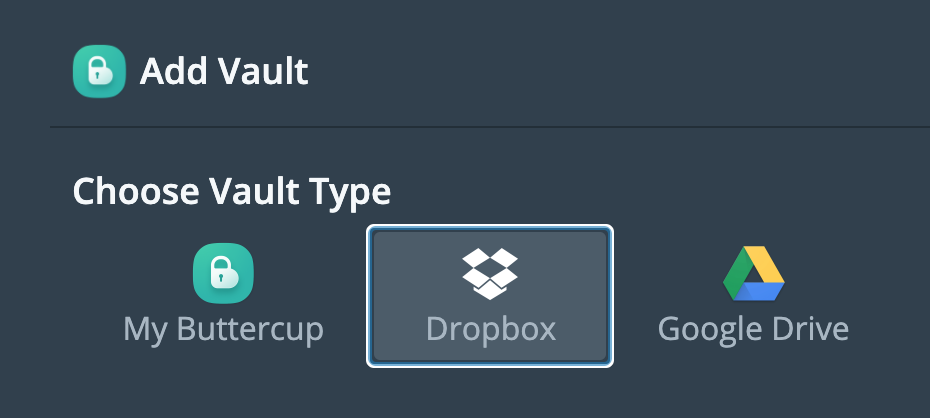
@mcglk Not in Buttercup's eyes, if you're using the browser-based access - it's just a directory on your computer.
It would be best if you used the Dropbox connection directly:
perry-mitchell
on 27 Dec 2020
I test it twice and I haven't had any problem with local files on macOS. But I'll do more investigation on this feature on other platforms as well and also the code.
 dotamir
on 31 Dec 2020
dotamir
on 31 Dec 2020
Closing this as stale - And this thread is long-winded and off-track. Please open a new issue if you're experiencing this issue, with an apt description and guide to reproduce.
perry-mitchell
on 6 Apr 2021
Related issues
 zrzro
·
4Comments
zrzro
·
4Comments
 Ravenheart
·
6Comments
Ravenheart
·
6Comments
 mokhosh
·
6Comments
mokhosh
·
6Comments
 jokeyrhyme
·
6Comments
perry-mitchell
·
4Comments
jokeyrhyme
·
6Comments
perry-mitchell
·
4Comments
Most helpful comment
Oh hey I just did System > Enable Browser Access (for the desktop app) and it fixed it.
Suggesting to have that checked by default. Thanks anyway :)