Browser-laptop: No tabs, cant add tabs, most ui elements dont work.
Description
After a hard crash (UI completely unresponsive, restarted computer), there are NO tabs visible, and cannot add tabs. No address bar. Main menu is there, but Settings... doesnt open window. Lastpass window blank.
Note: can someone tell me what files to delete to remove the corruption? I was using Payments on this computer so I'd like not to lose all my funds.
Also: this occurred right about when payments should have happened, where Ive been having an issue #13156
Steps to Reproduce
- Wait for brave to lock up on its own. Happens every few days.
- If you are unlucky, when you start brave will be unusable as described above.
- Repeated restart does not change this.
Actual result:

every time i start brave, about 10 dmp files get created in the Crashpad folder:
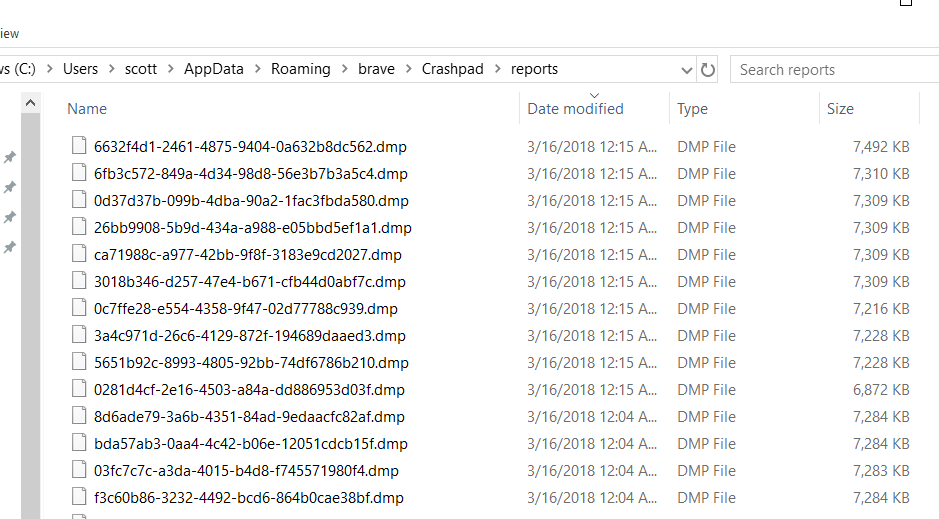
the contents are not human readable
also, in the task mgr many processes are running:
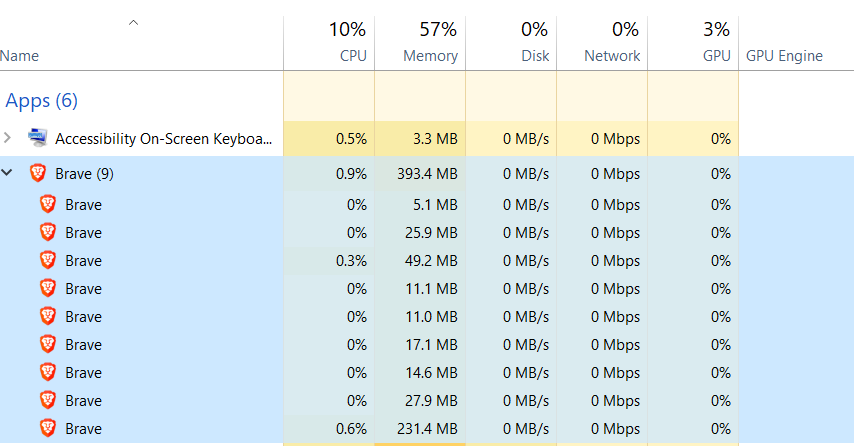
that is typically what I see when the browser is working. i had about 10 tabs open when crashed, half of which were pinned.
Expected result:
A working browser.
Reproduces how often:
Brave Version
about:brave info:
Main menu does work, but About Brave does nothing. But it was probably auto updated within the last week. Win10
Reproducible on current live release:
Additional Information
 MoonRubles
All 7 comments
@MoonRubles if this happens again, can you please try opening the browser developer tools? You can do so by pressing Shift + F8. Since Brave's UI is done via JavaScript/HTML, this browser dev tools will show errors in the app via the "Console" tab. You should see errors when this happens
 bsclifton
on 18 Mar 2018
bsclifton
on 18 Mar 2018
Thanks Brian. It is still happening -- here is a screengrab of the console:
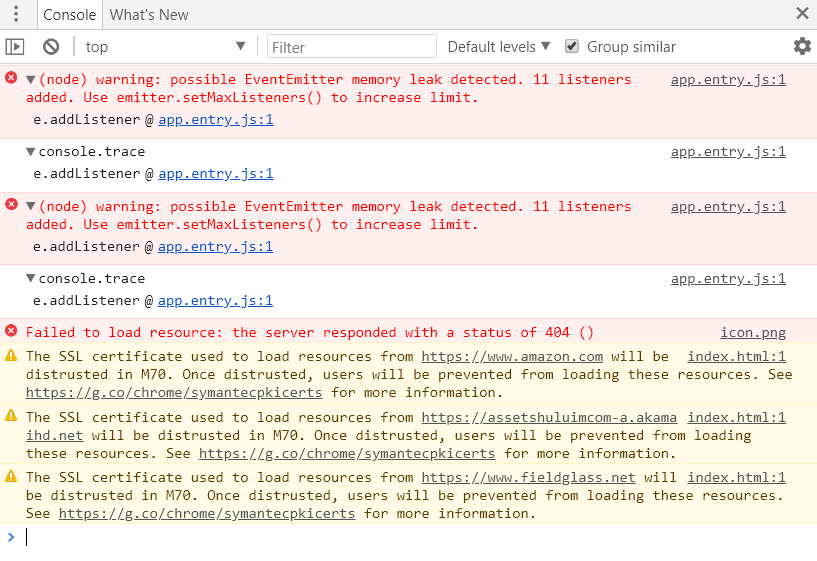
Let me know of any next steps youd like me to perform. thx
MoonRubles
on 18 Mar 2018
@MoonRubles I believe this issue is a duplicate of https://github.com/brave/browser-laptop/issues/13330
@NejcZdovc has delivered a fix which we're hoping to ship soon. In the meantime, you can try the great steps captured by @jonathansampson here:
https://jonathansampson.github.io/brave-tools/session-store-rescore.html
bsclifton
on 19 Mar 2018
@MoonRubles - I can help out with your wallet if you still need it (you may not after trying the steps referenced by @bsclifton in https://github.com/brave/browser-laptop/issues/13474#issuecomment-374315485 ). If you do, let me know. Just in case, you may want to make a copy of your ledger-state.json file and save that off to the side before trying the steps referenced. This will preserve your wallet info 😄
 LaurenWags
on 19 Mar 2018
LaurenWags
on 19 Mar 2018
Thank you @bsclifton, that was the problem and the helpful page by @jonathansampson fixed the browser. (I did try to search for duplicates first, honest, but "it's broken" is a difficult pattern match :) )
@LaurenWags, i did the session-store only before I saw your comment, but my wallet seems to be ok still, phew, but thank you.
MoonRubles
on 19 Mar 2018
glad to hear @moonrubles! since that's the case, here's my plug for backing up your wallet :) On the payments page click on the gear icon and then click on 'backup your wallet' and follow the process from there.
LaurenWags
on 19 Mar 2018
@LaurenWags I did, one month ago... after i started having problems, so you are right to remind people! I lucked out, but please keep reminding us normies.
MoonRubles
on 19 Mar 2018
Related issues
 bbondy
·
3Comments
bbondy
·
3Comments
 luixxiul
·
3Comments
luixxiul
·
3Comments
 lukemulks
·
3Comments
lukemulks
·
3Comments
 mykkymk
·
3Comments
mykkymk
·
3Comments
 eljuno
·
3Comments
eljuno
·
3Comments