Brave-ios: Implement simpler Shield Panel design on iOS
Description
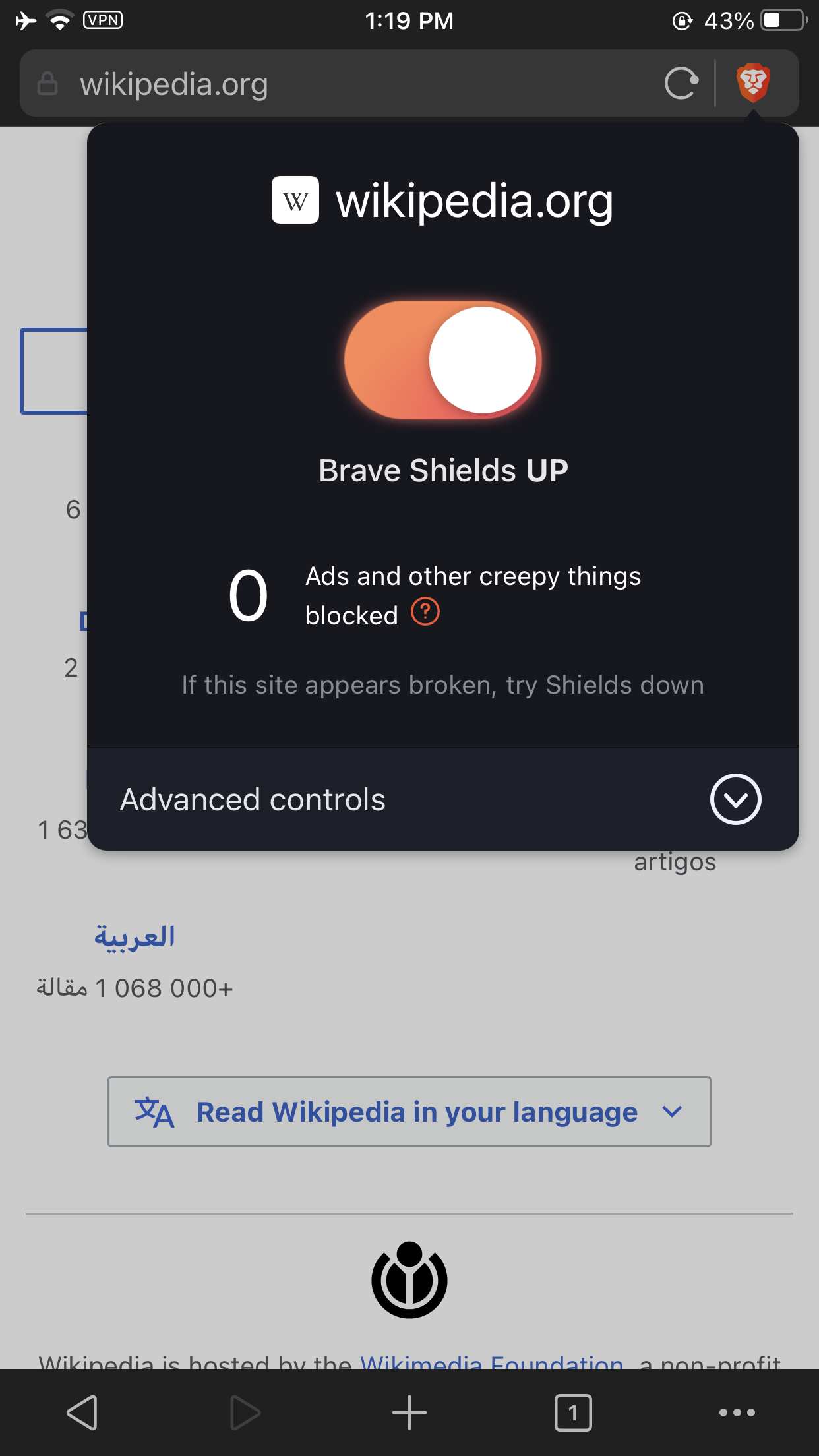
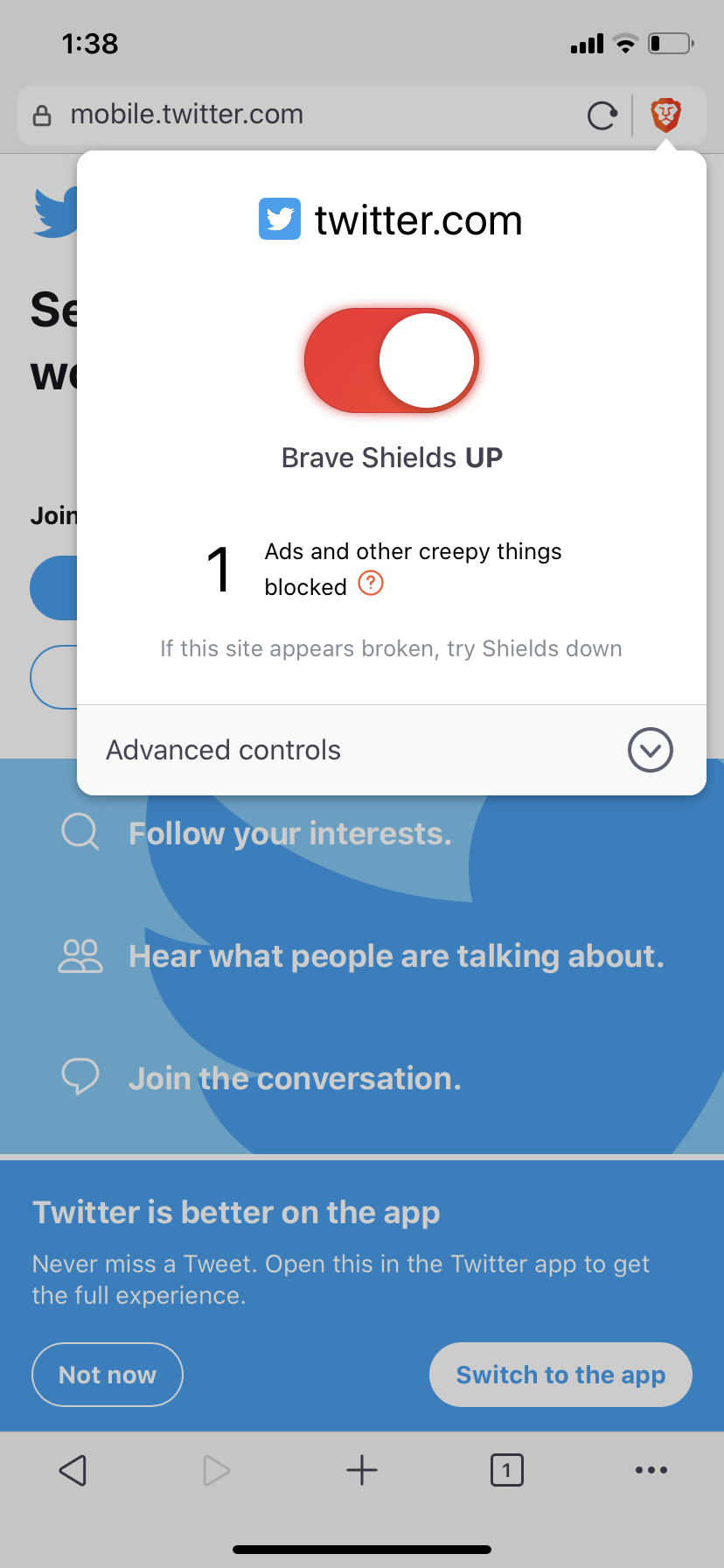
Implement the simpler shield panel design
Designs

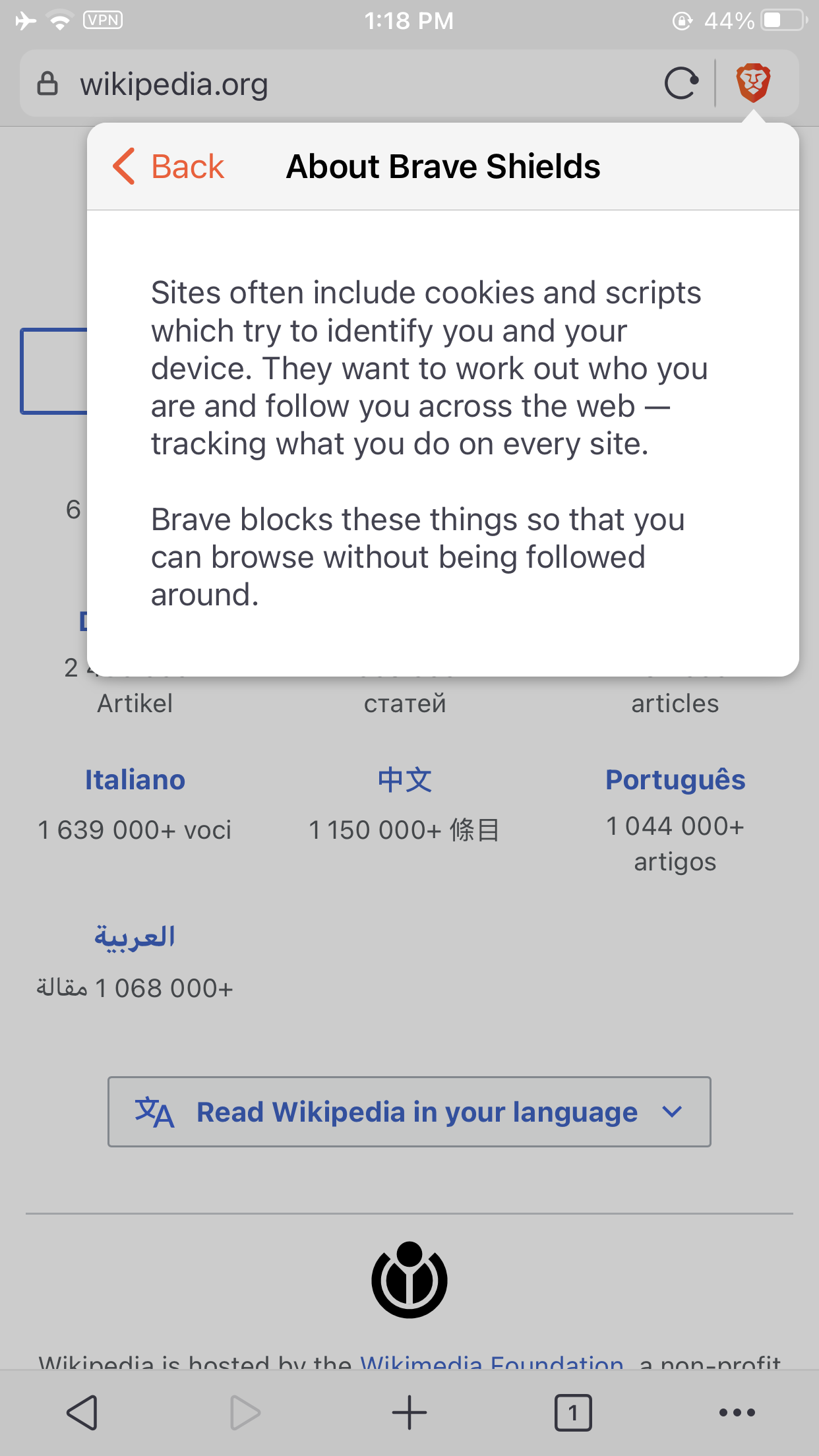
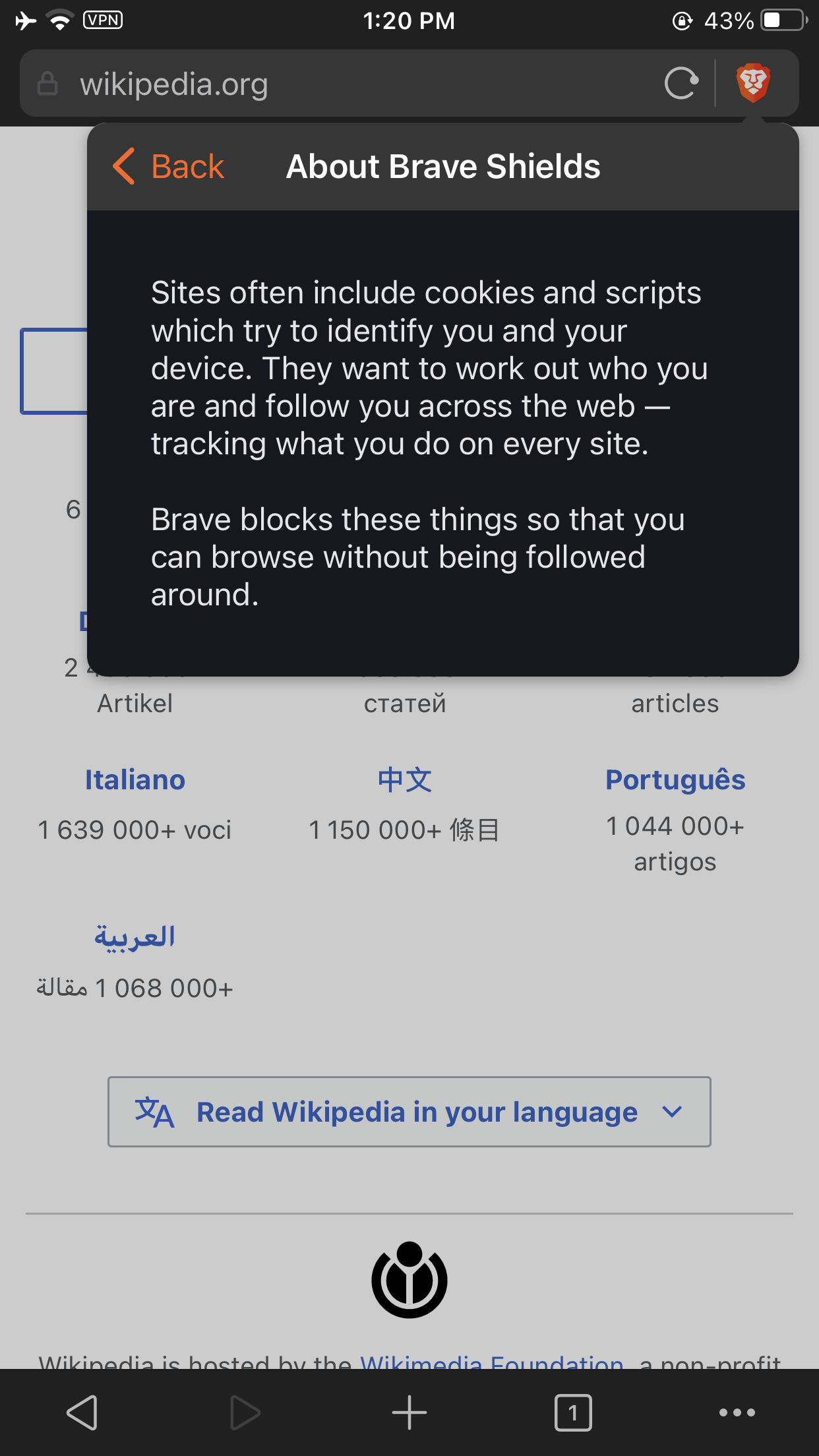
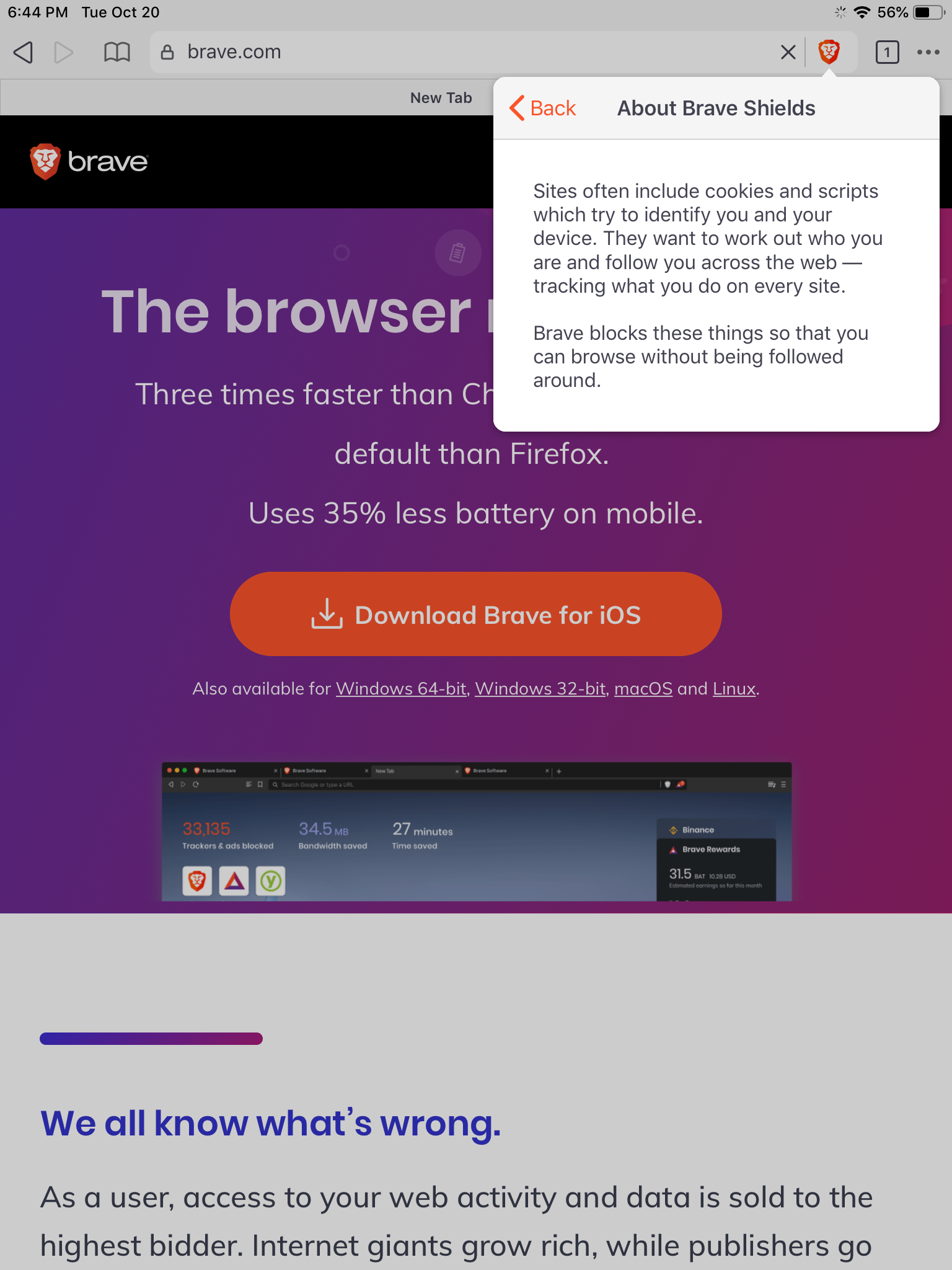
Tapping the help icon will show more information about Brave Shields:

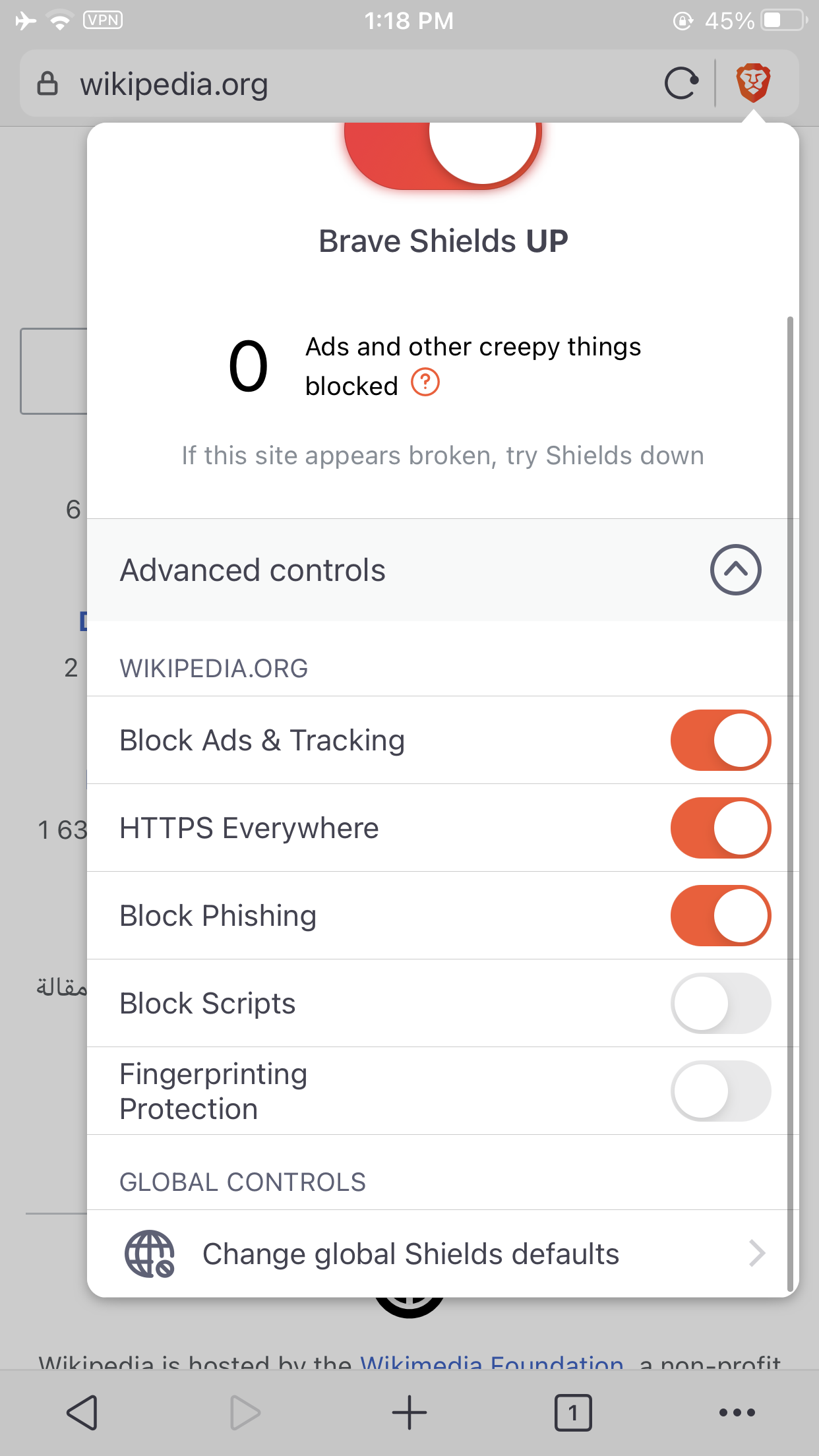
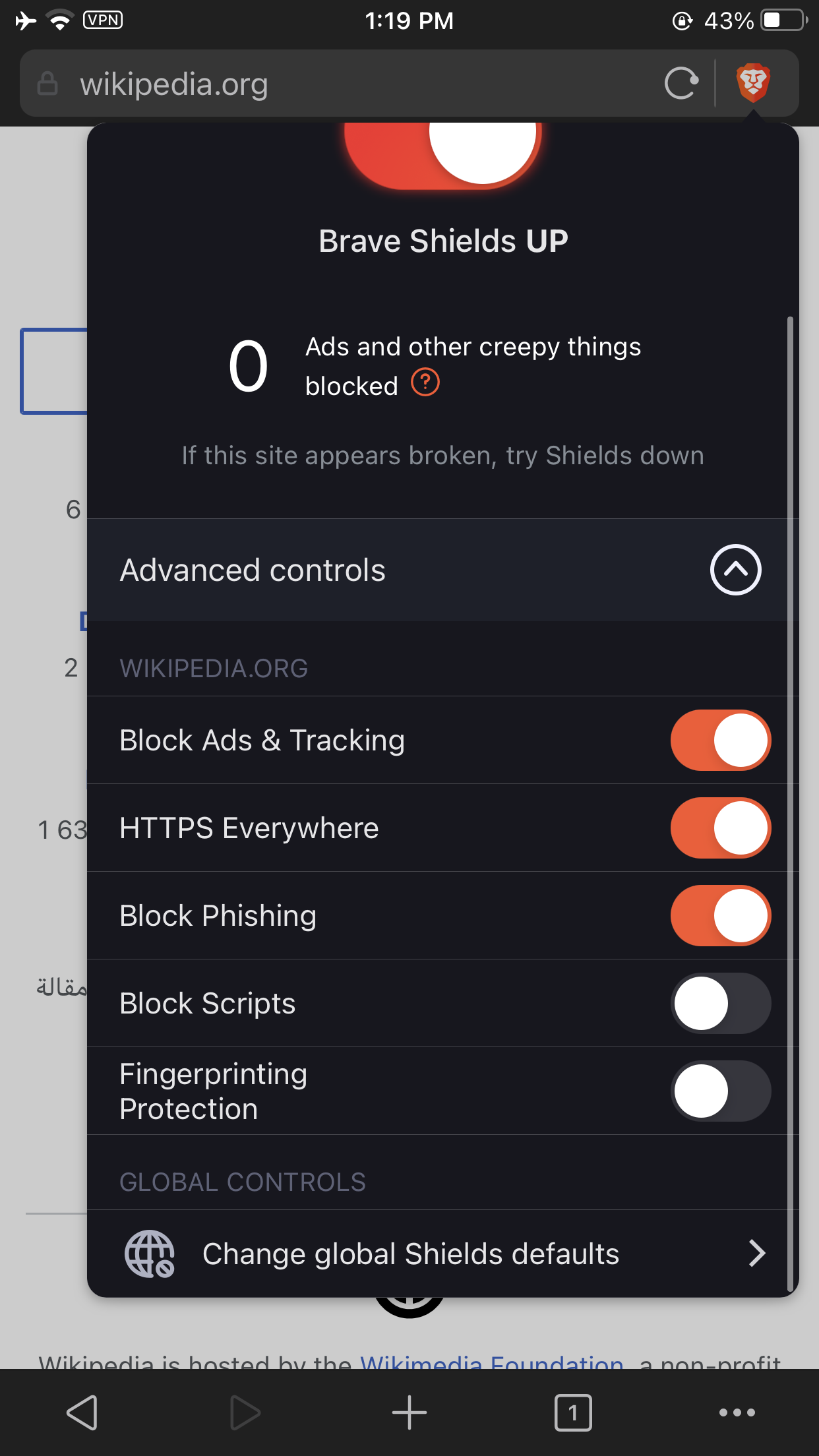
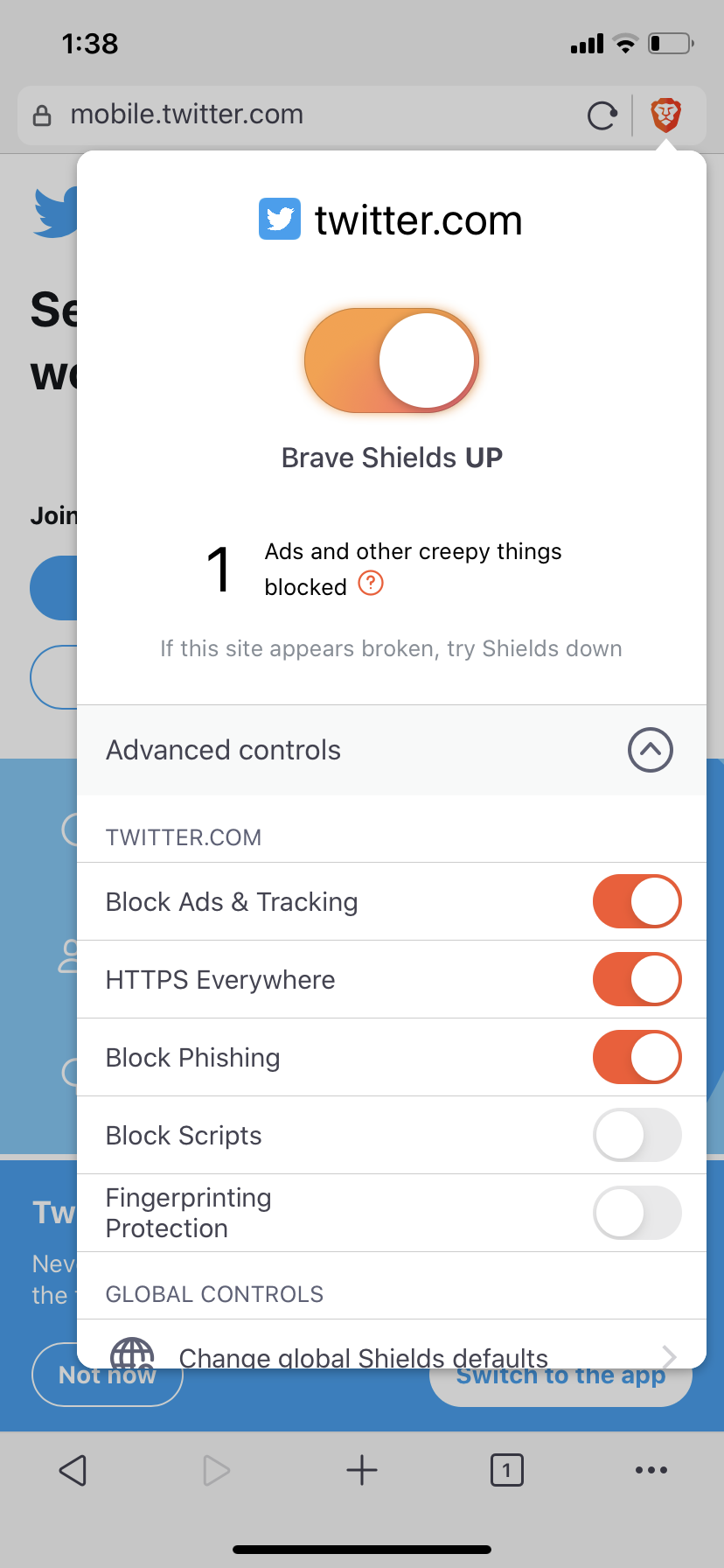
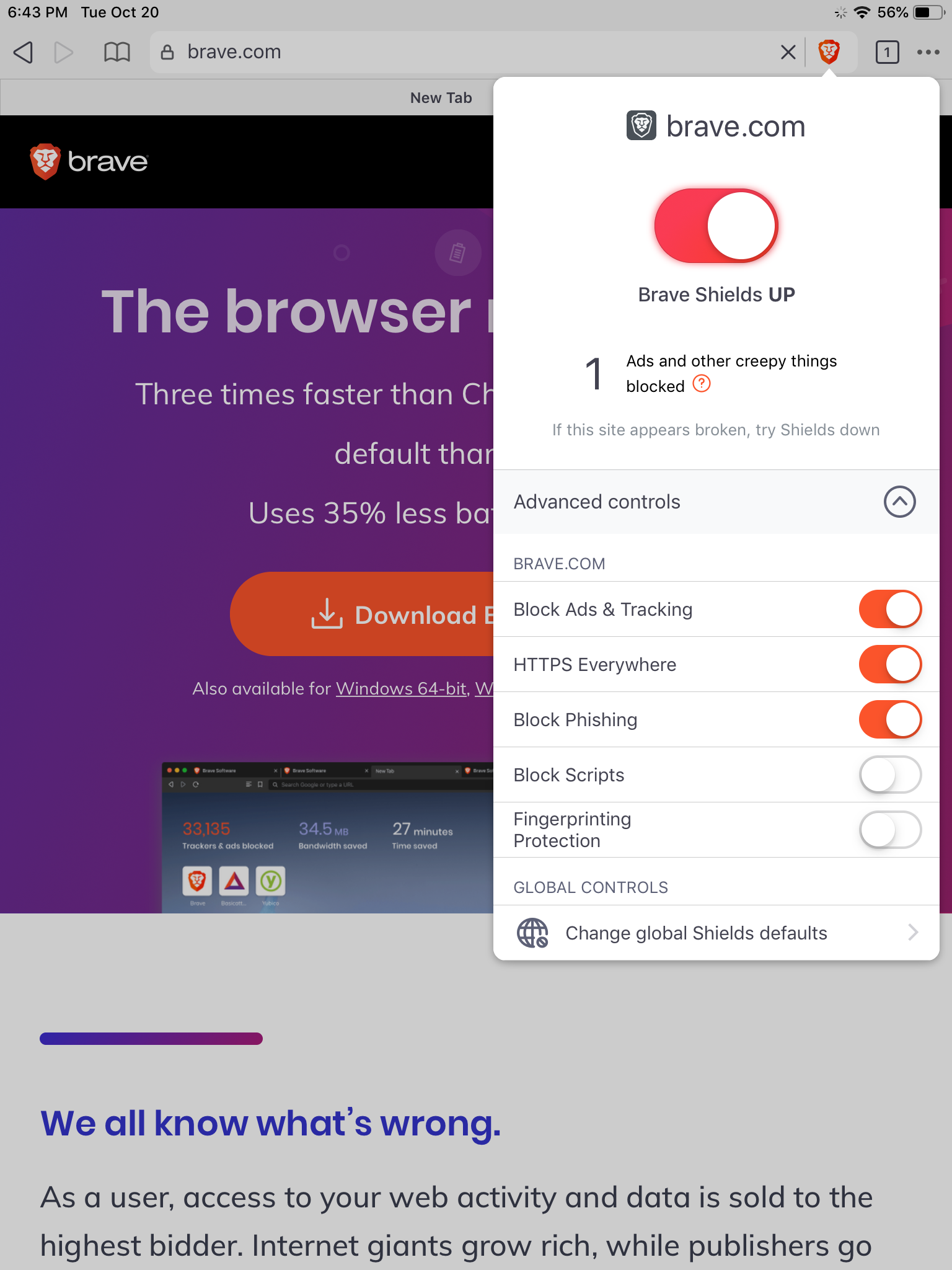
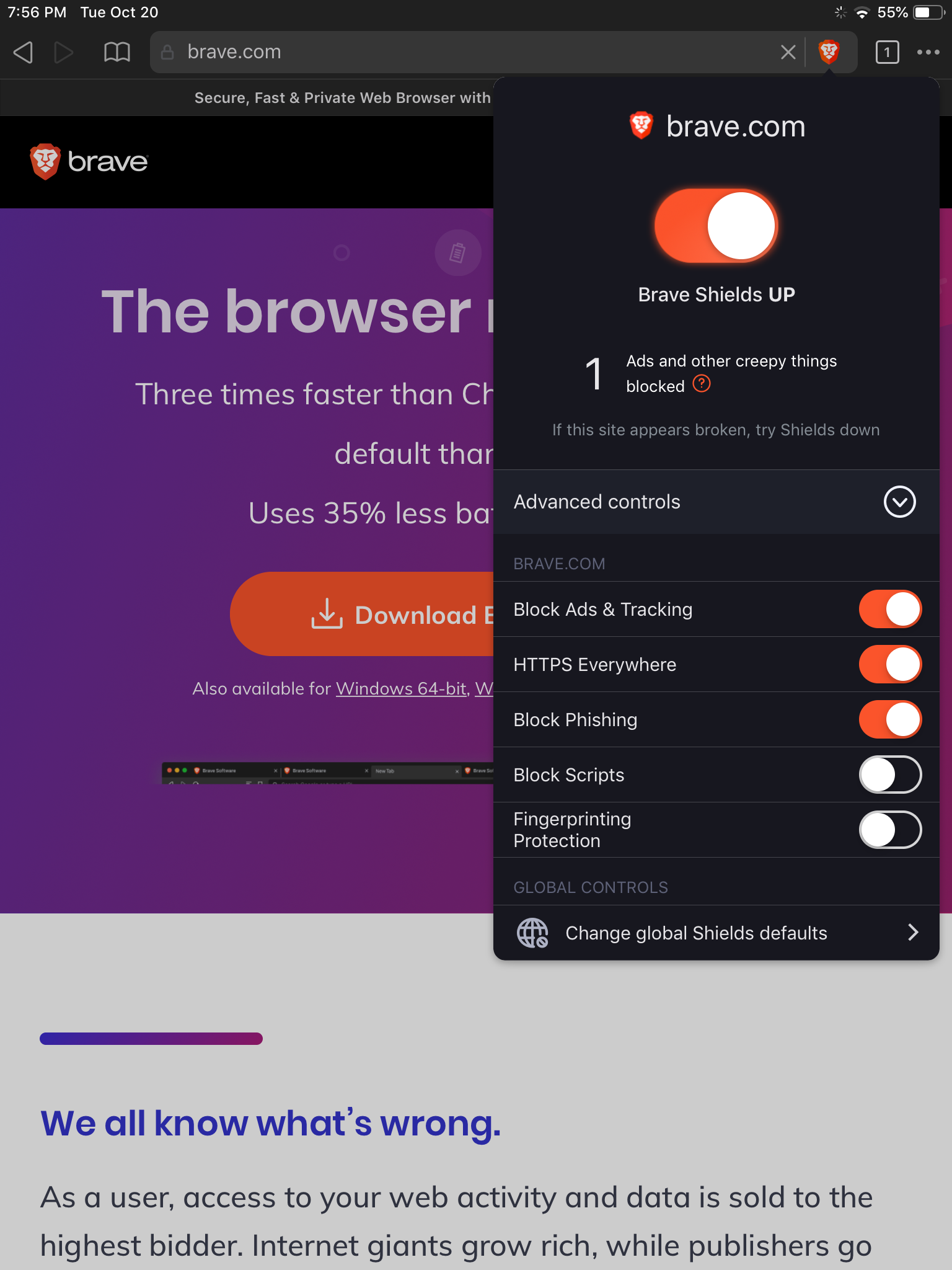
Advanced site-specific controls are available in an expand/collapse section, which persists across sites. So if the user expanded Advanced controls on one site, it will still be expanded when they open Shields on a different site.

Label changes:
- "Block Ads & Tracking" becomes "Block cross-site trackers"
- "HTTPS Everywhere" becomes "Upgrade connections to HTTPS"
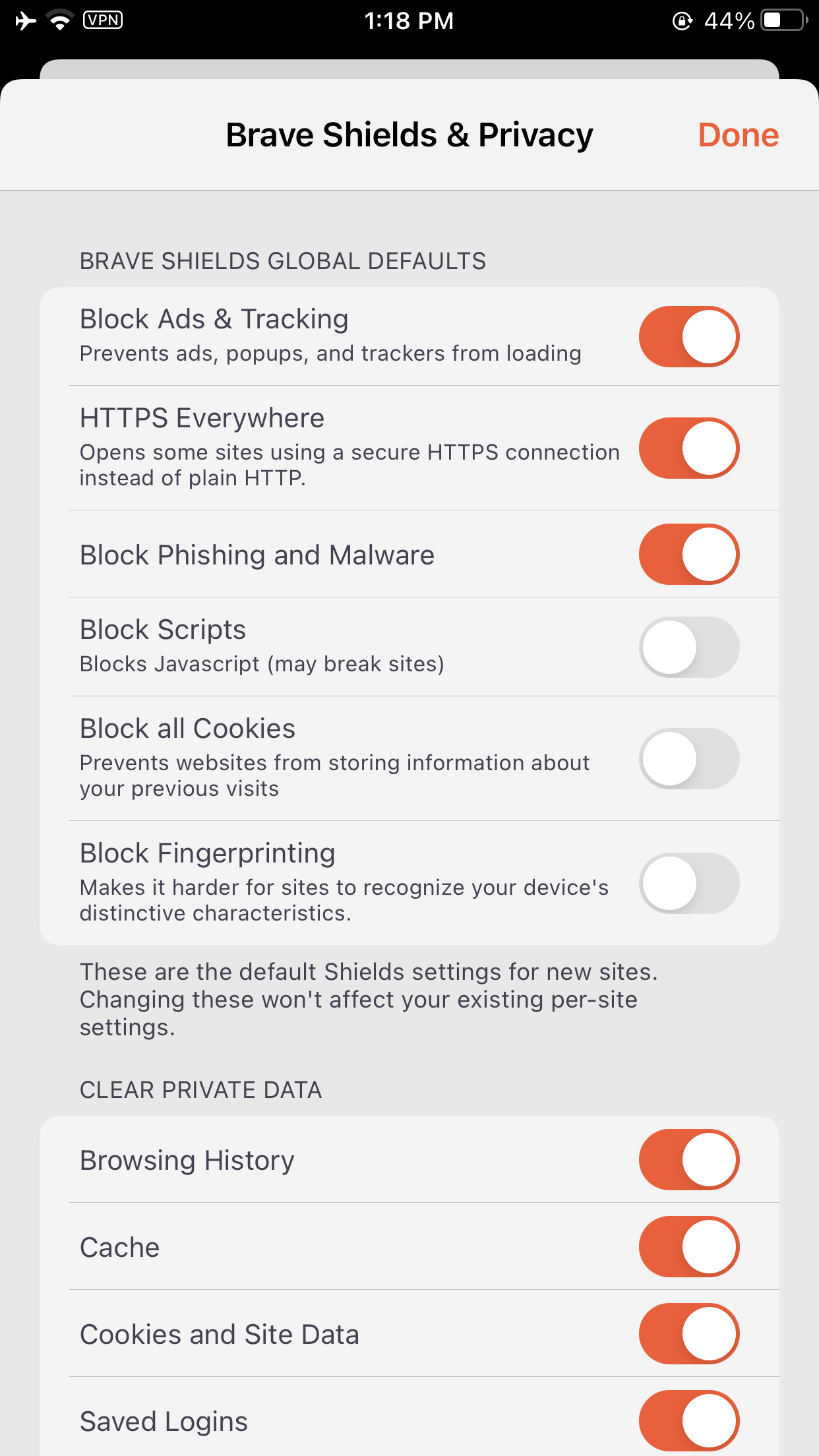
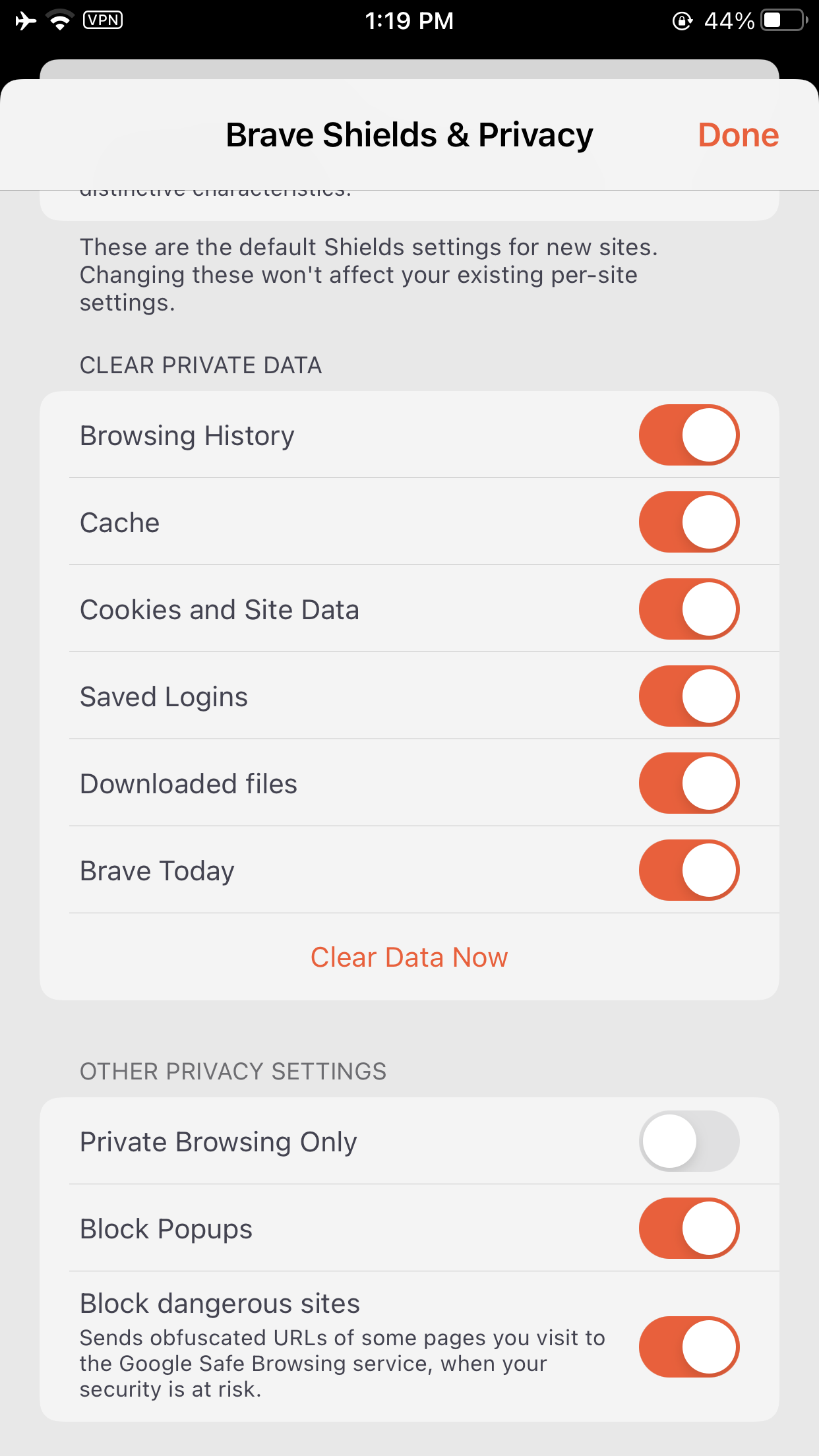
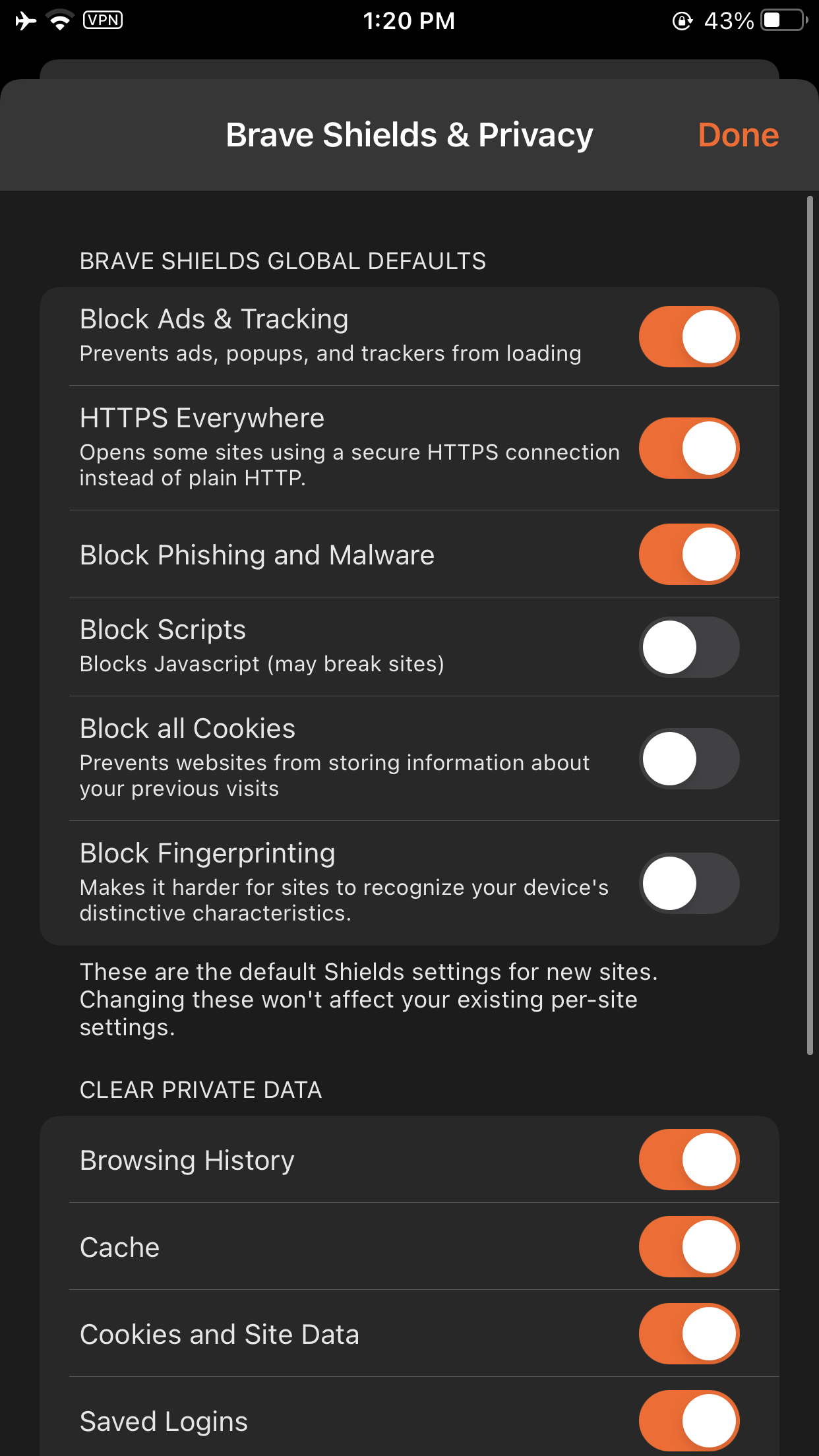
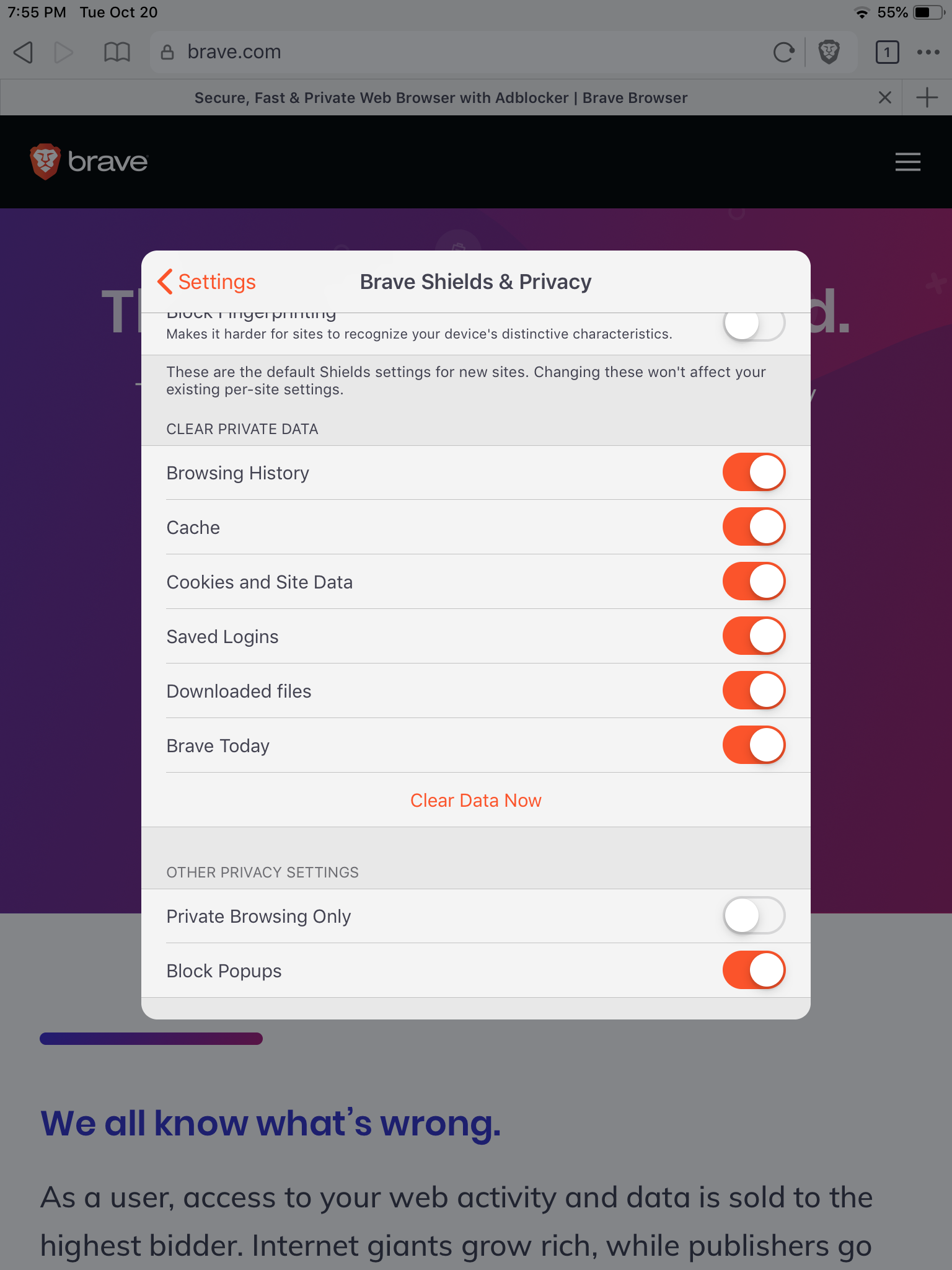
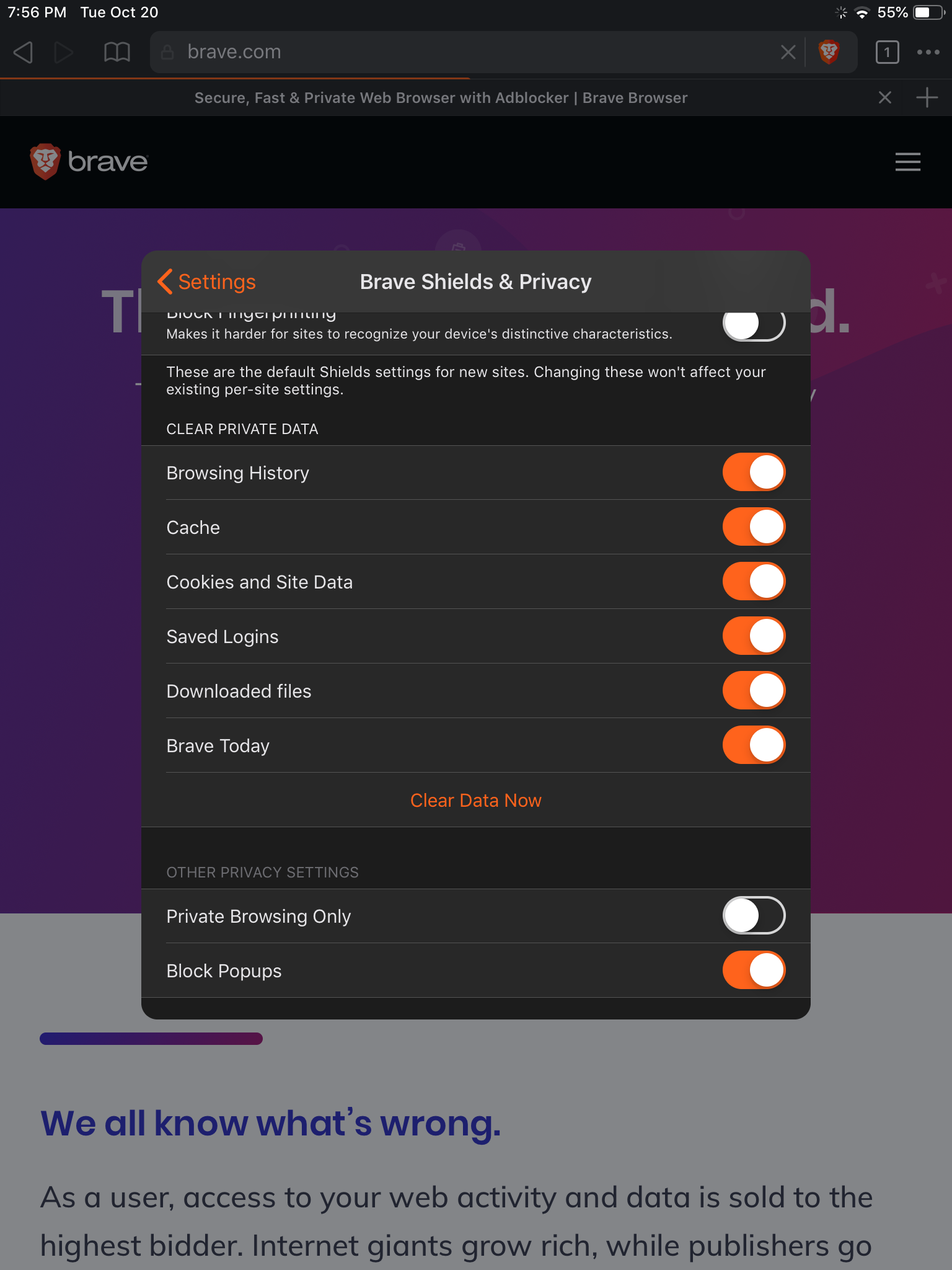
- "Block Phishing and Malware" is moved to "Brave Shields & Privacy" page in global app settings
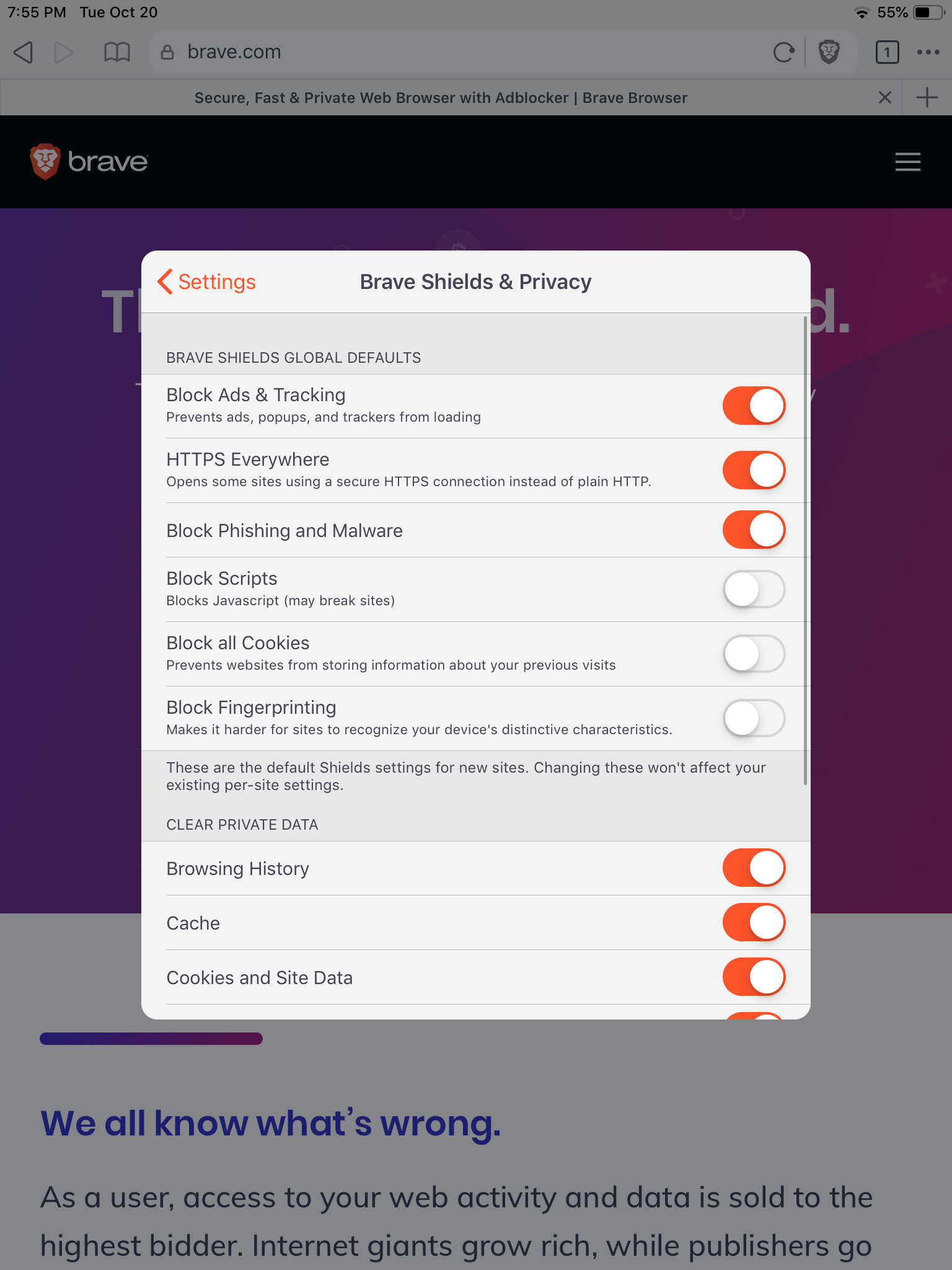
Tapping "Change global Shields defaults" under Advanced Controls deeplinks the user to the "Brave Shields & Privacy" page pre-scrolled to the "BRAVE SHIELDS GLOBAL DEFAULTS" section:

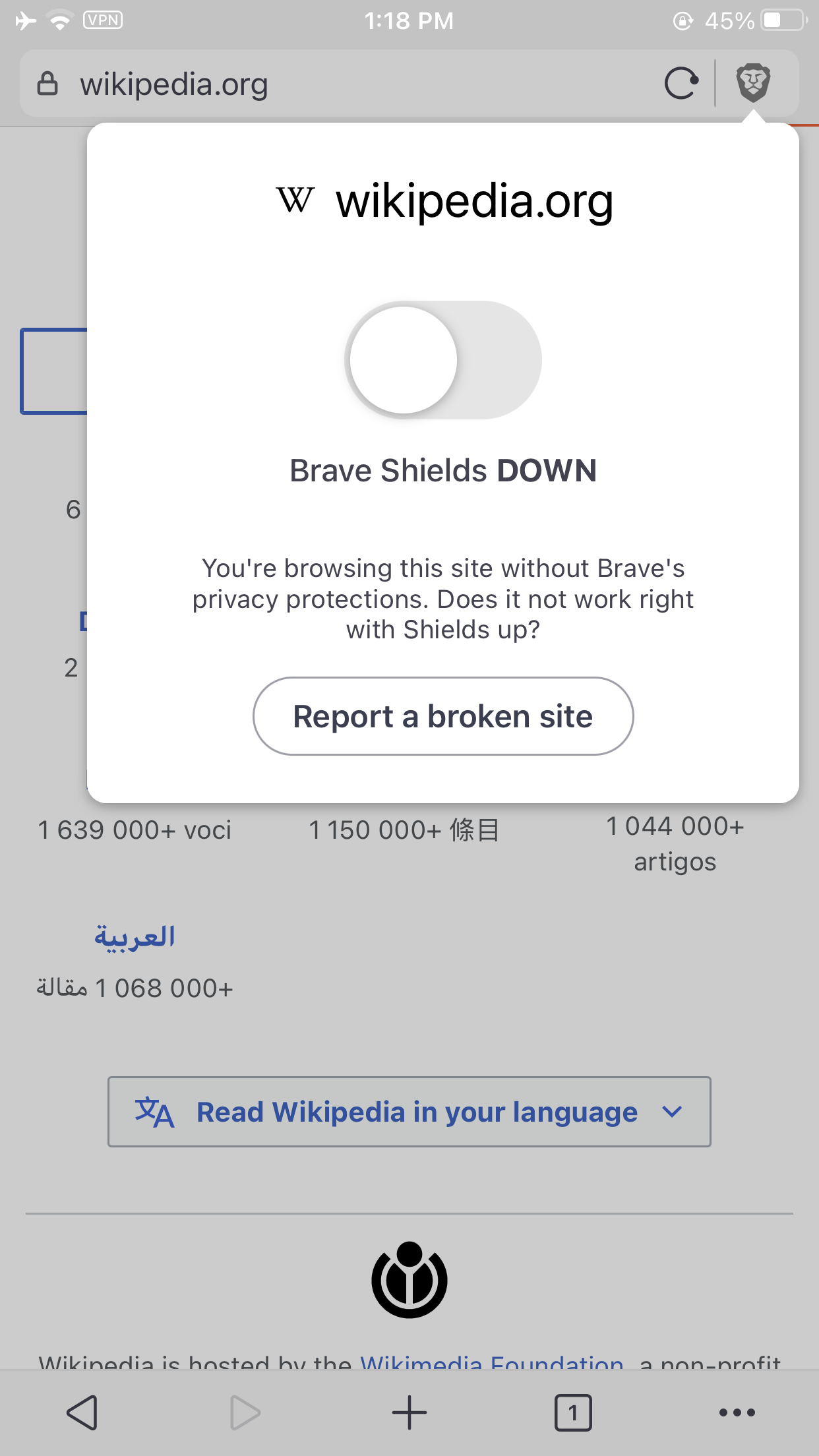
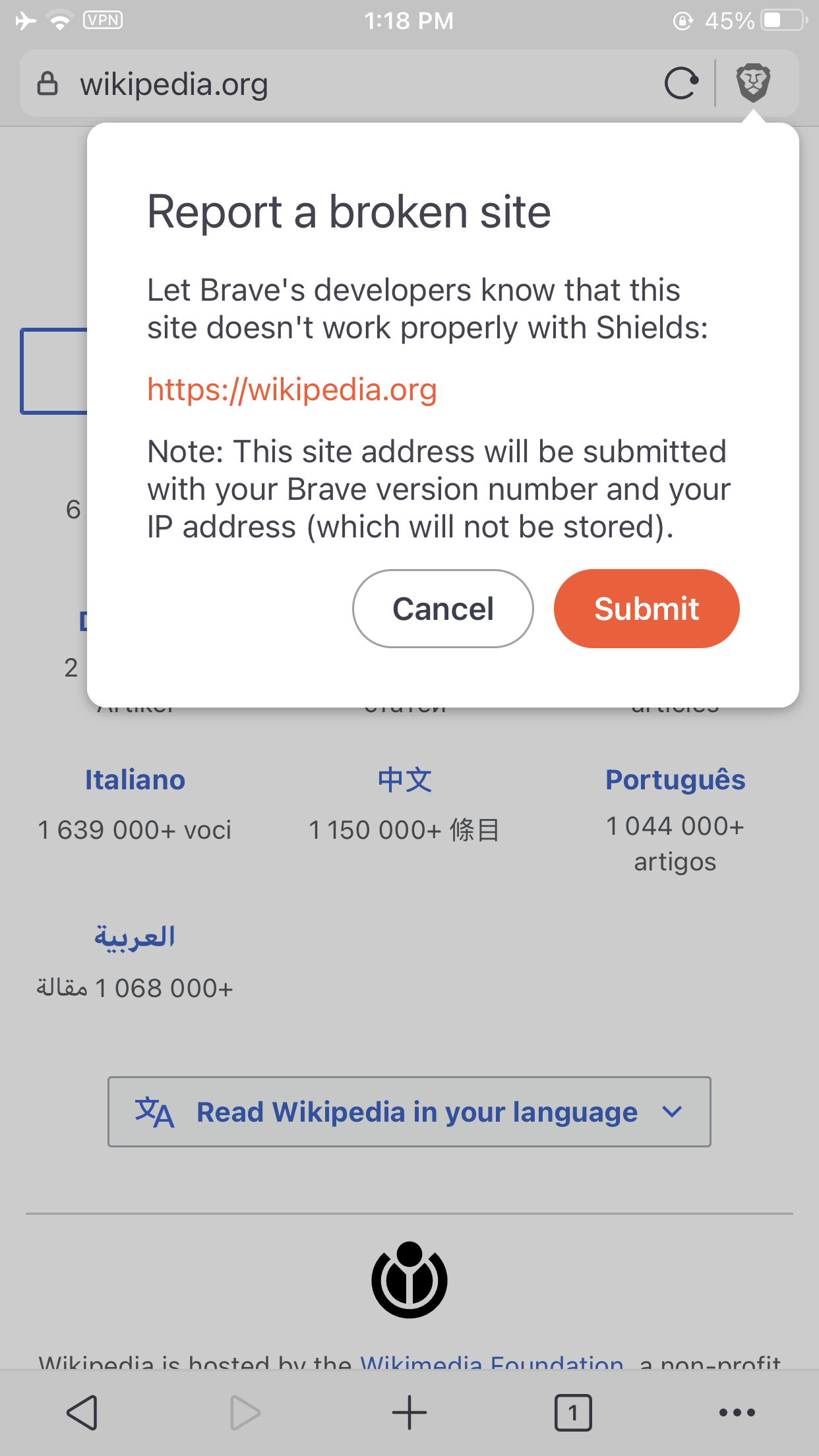
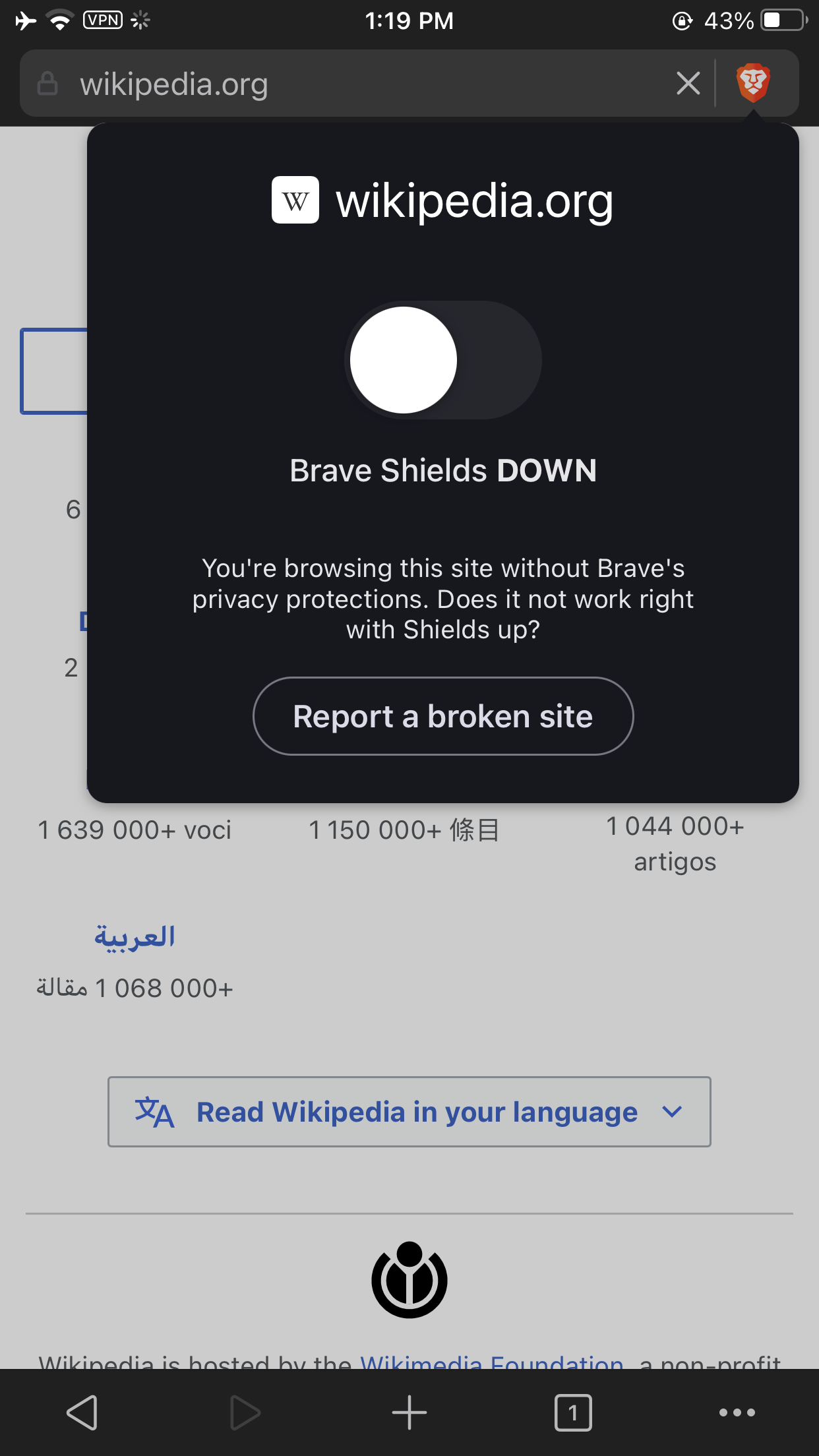
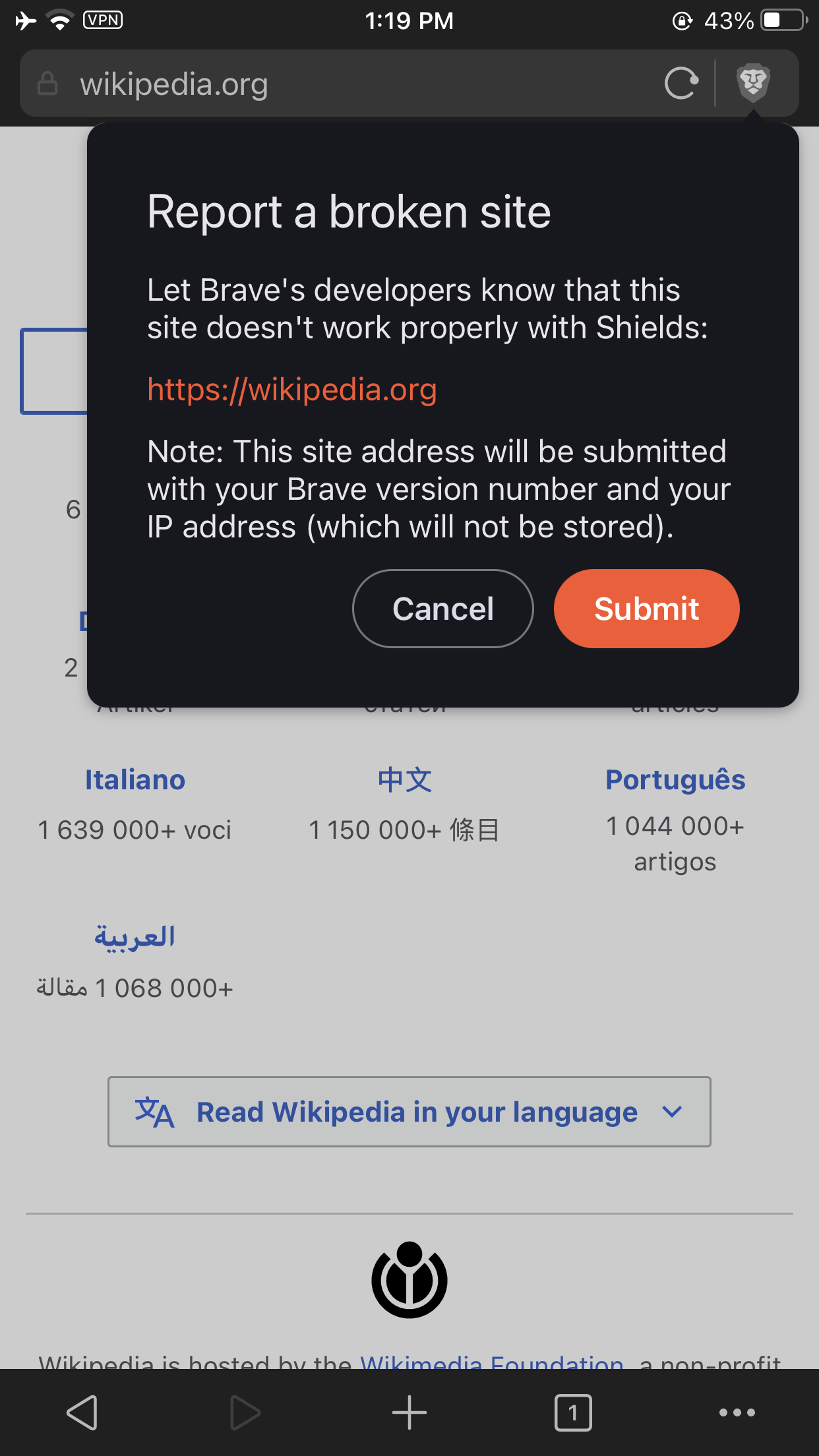
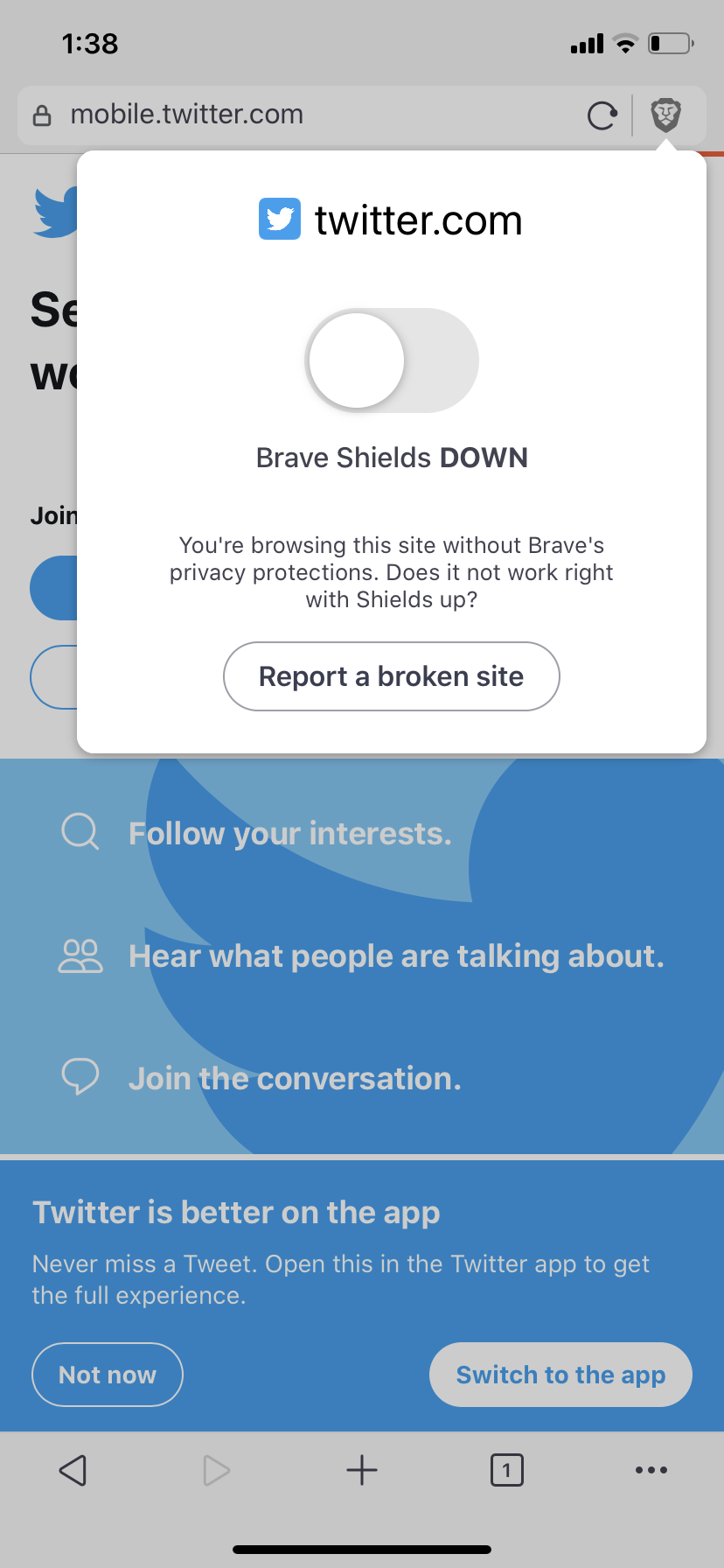
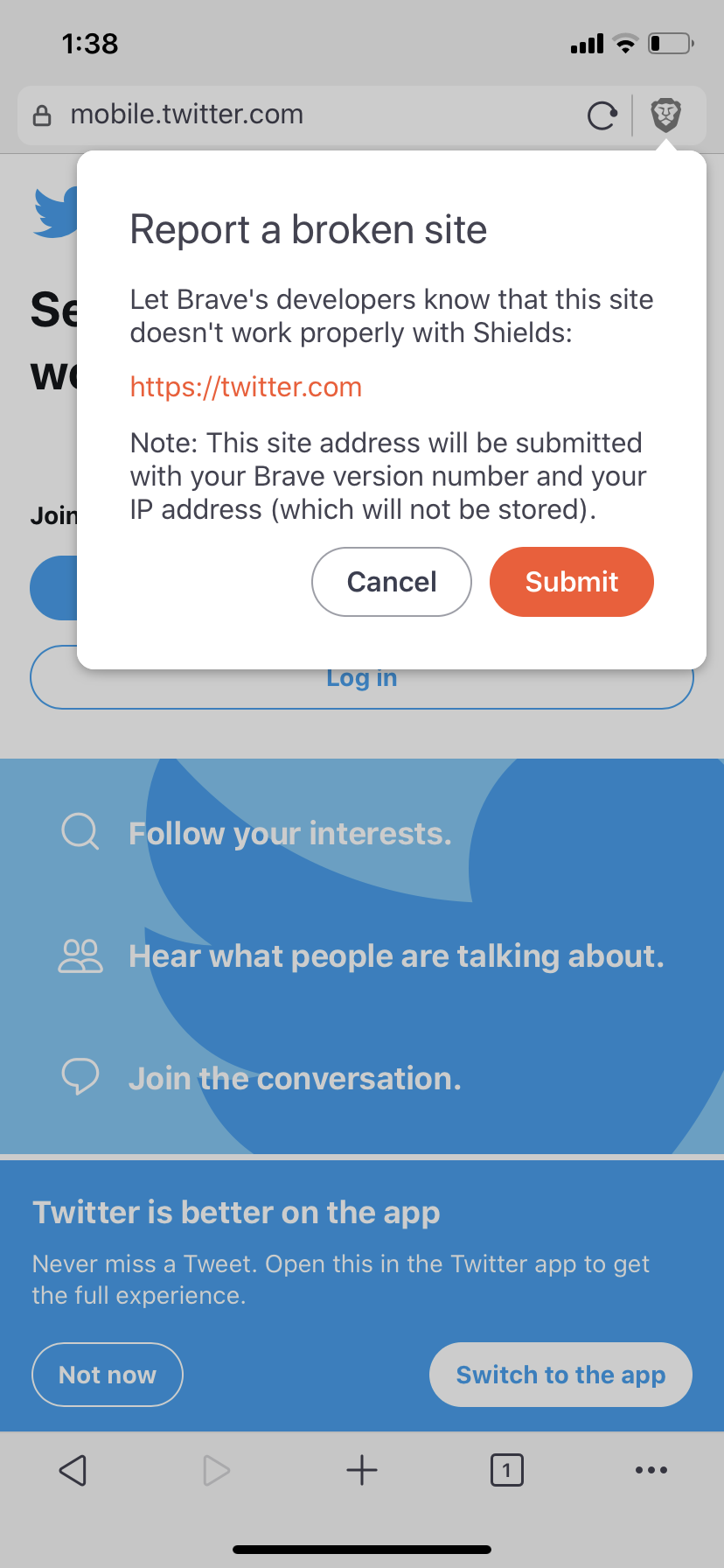
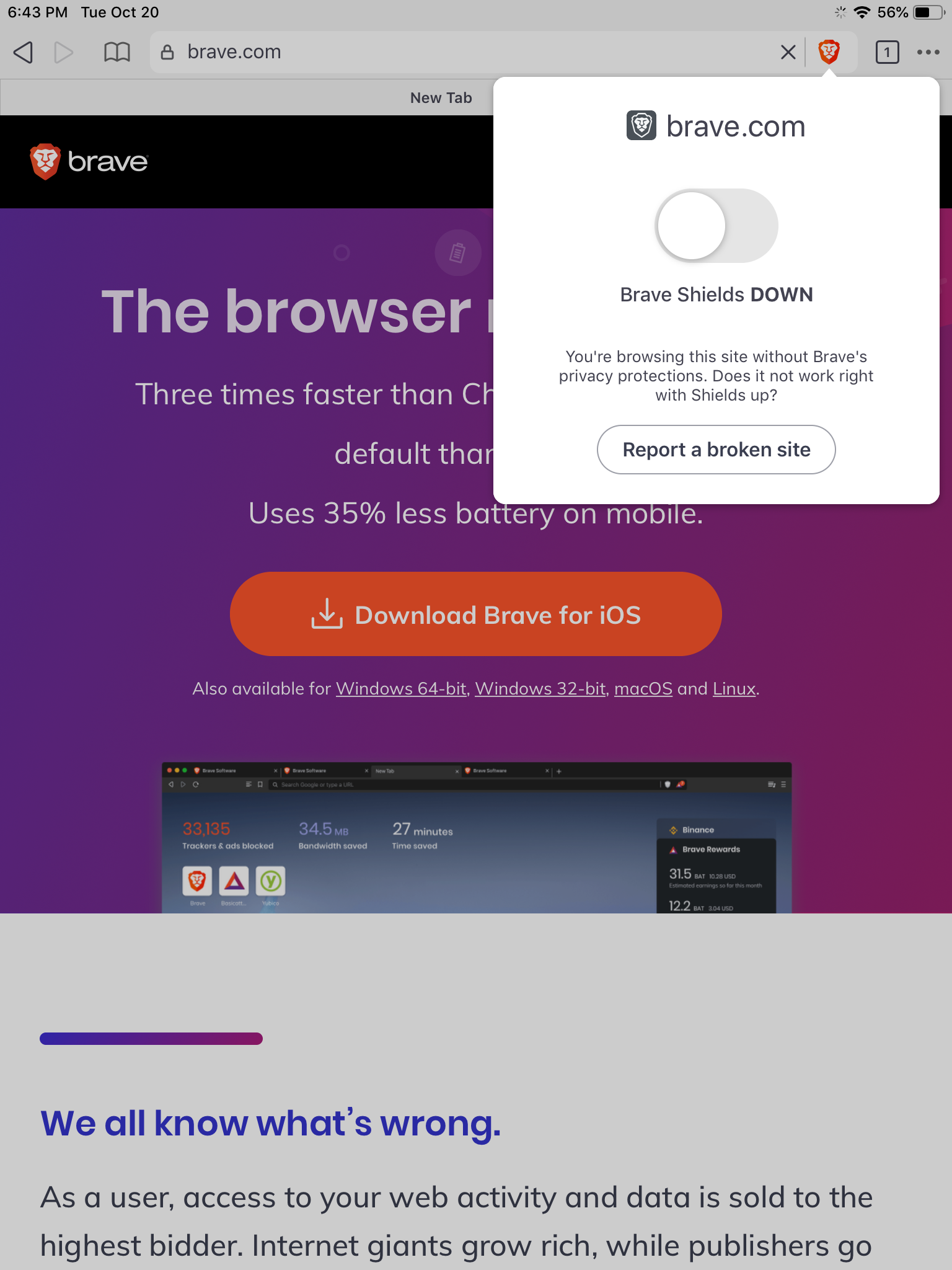
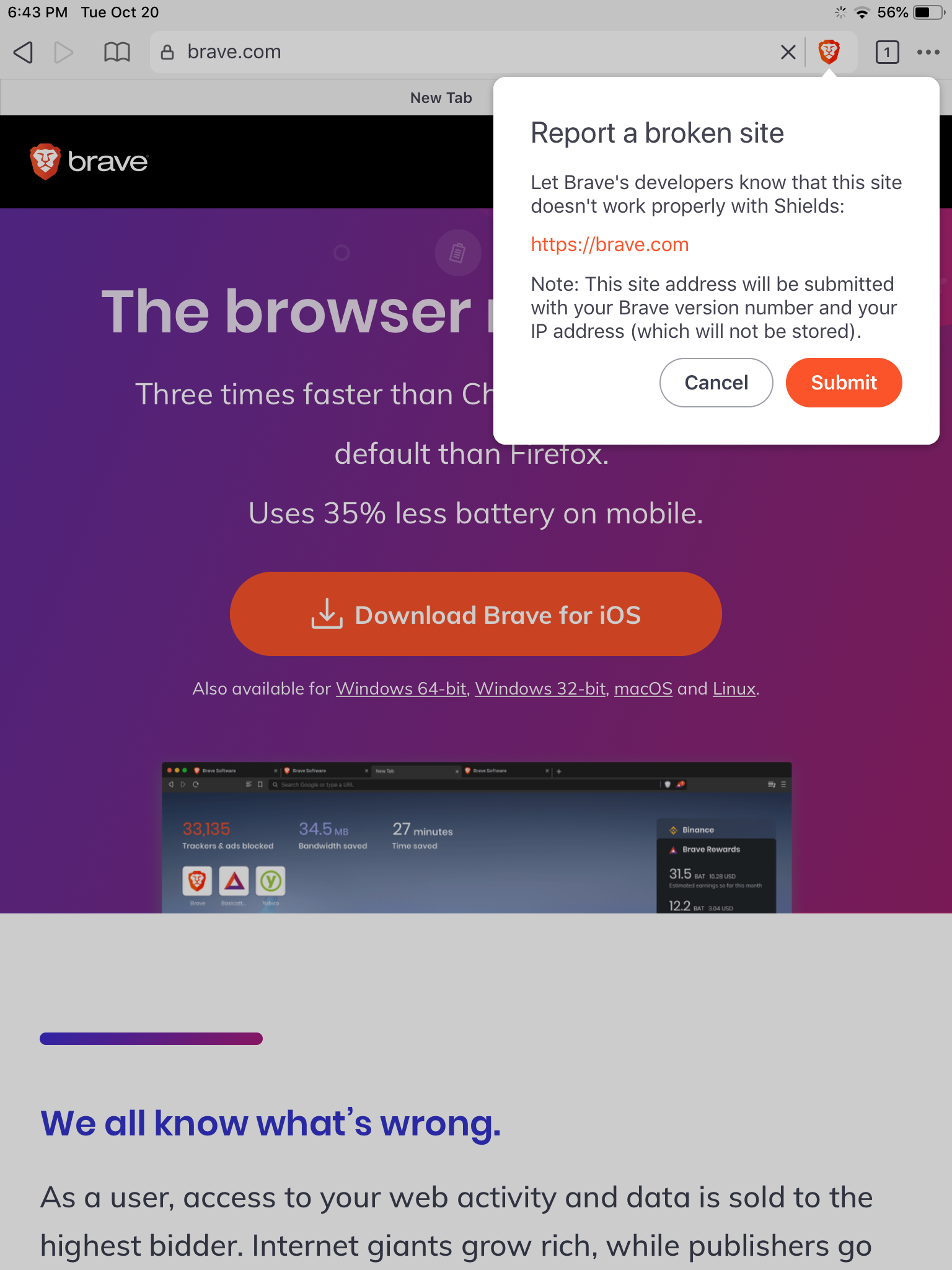
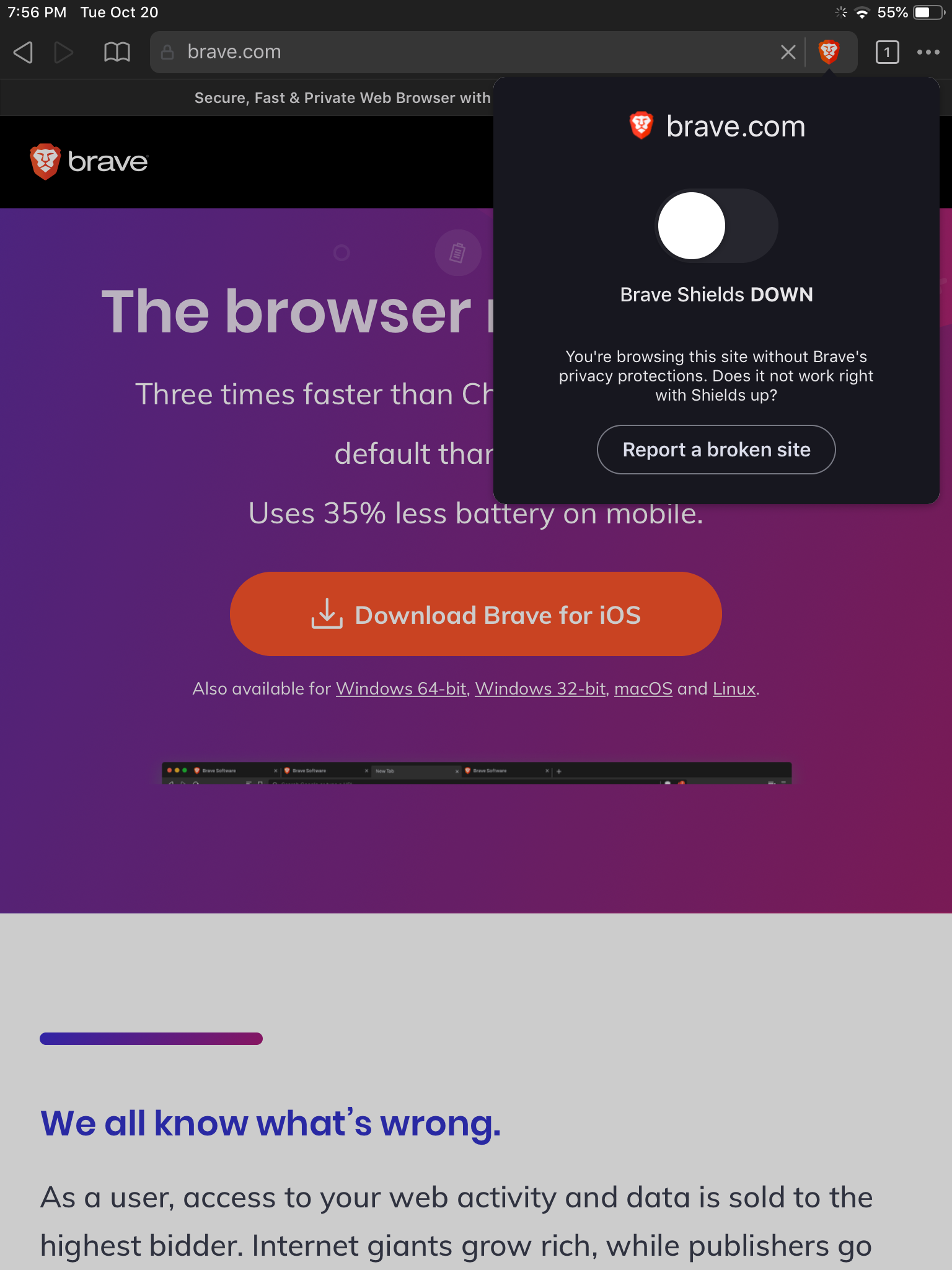
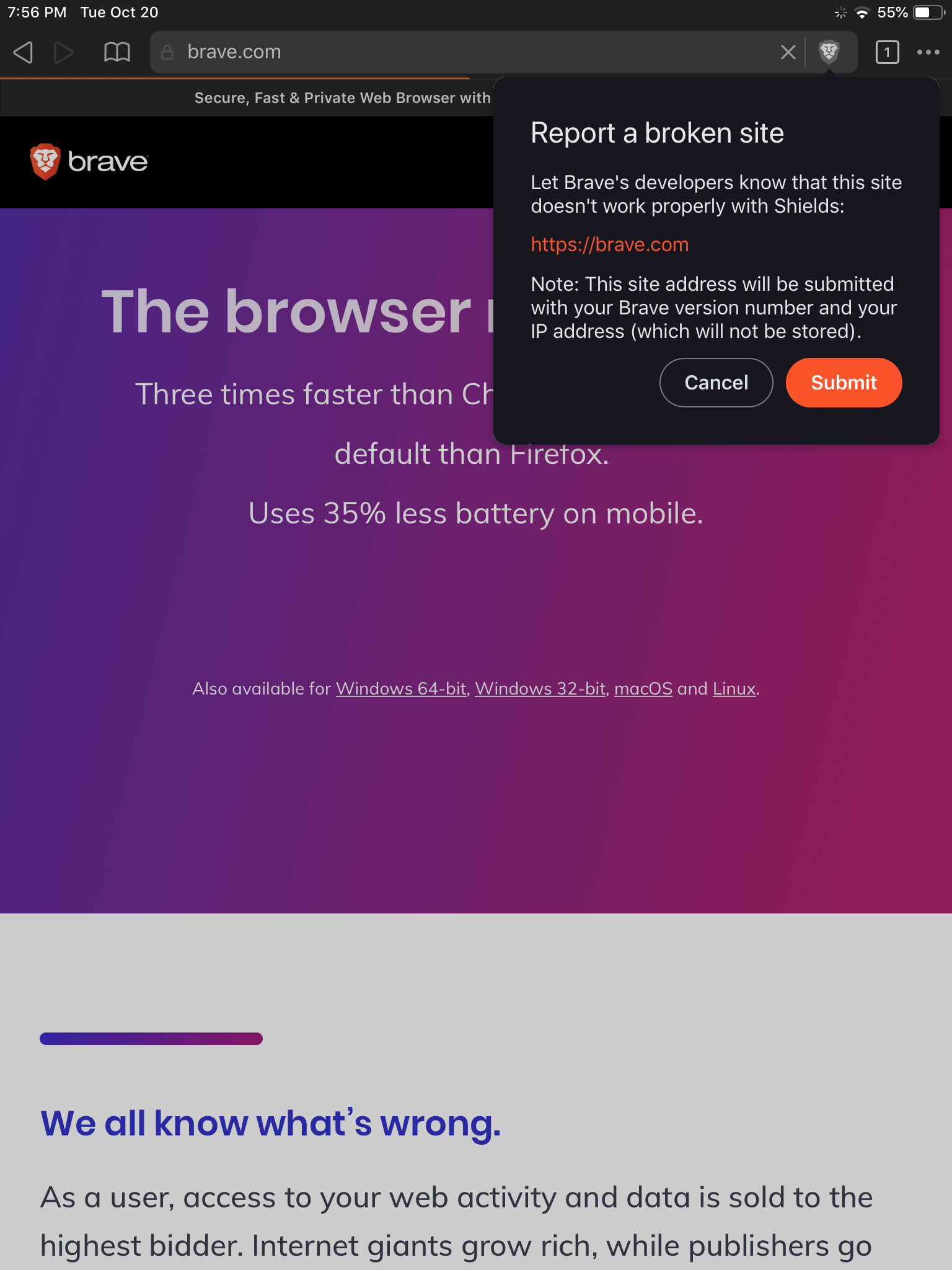
When Brave Shields is down (whether Advanced controls is expanded or not), users can report a broken site by tapping "Report a broken site"


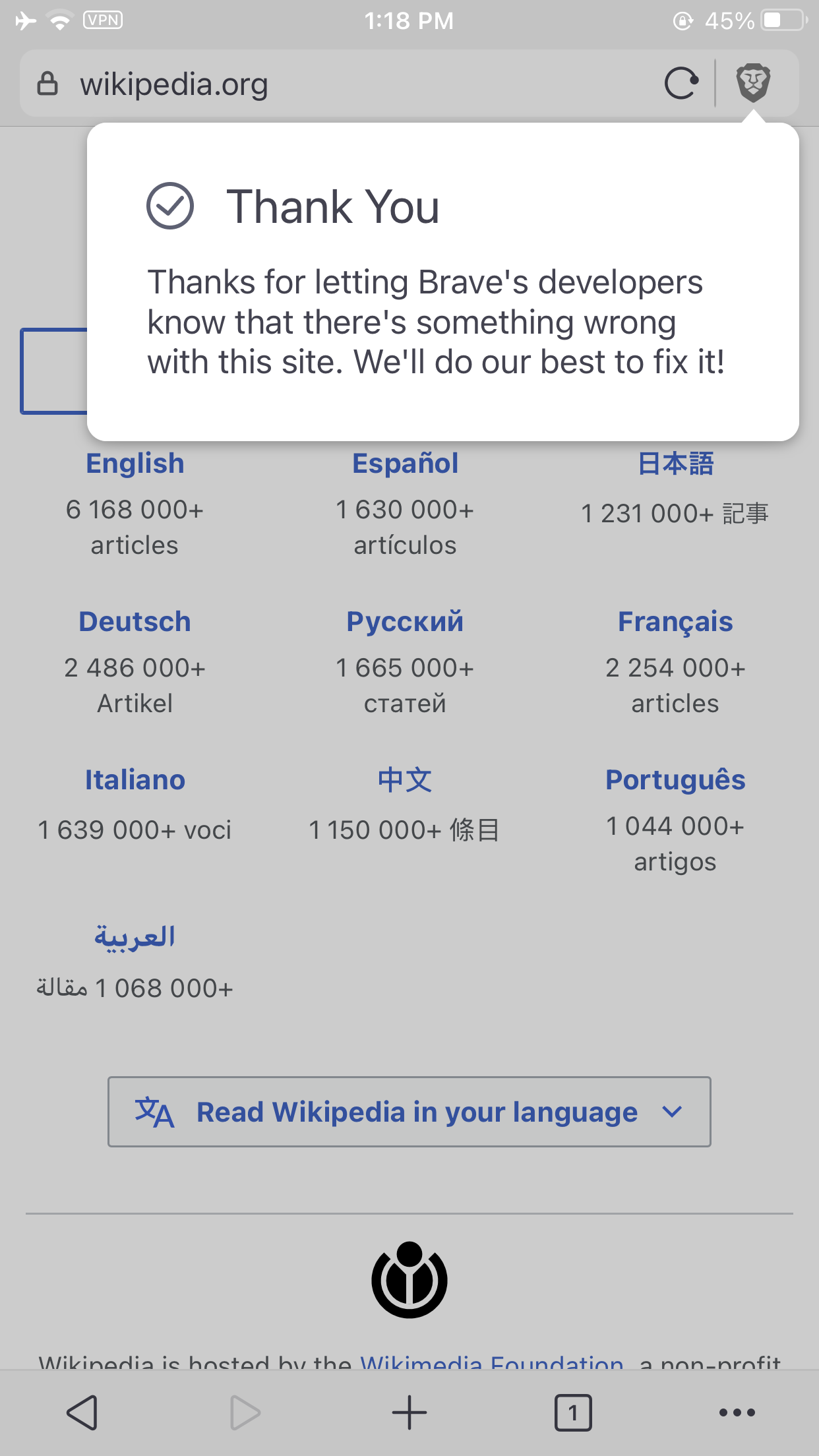
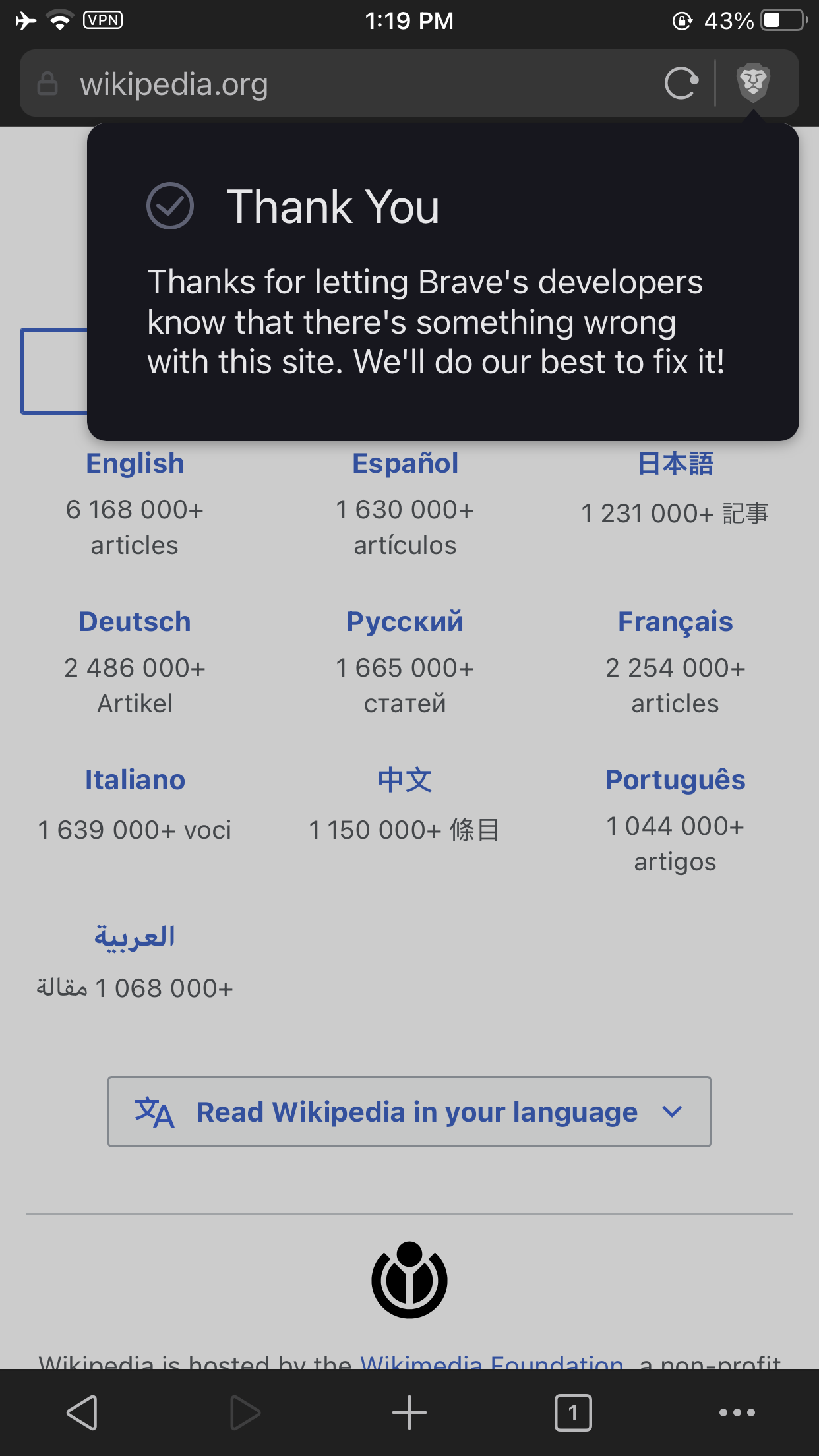
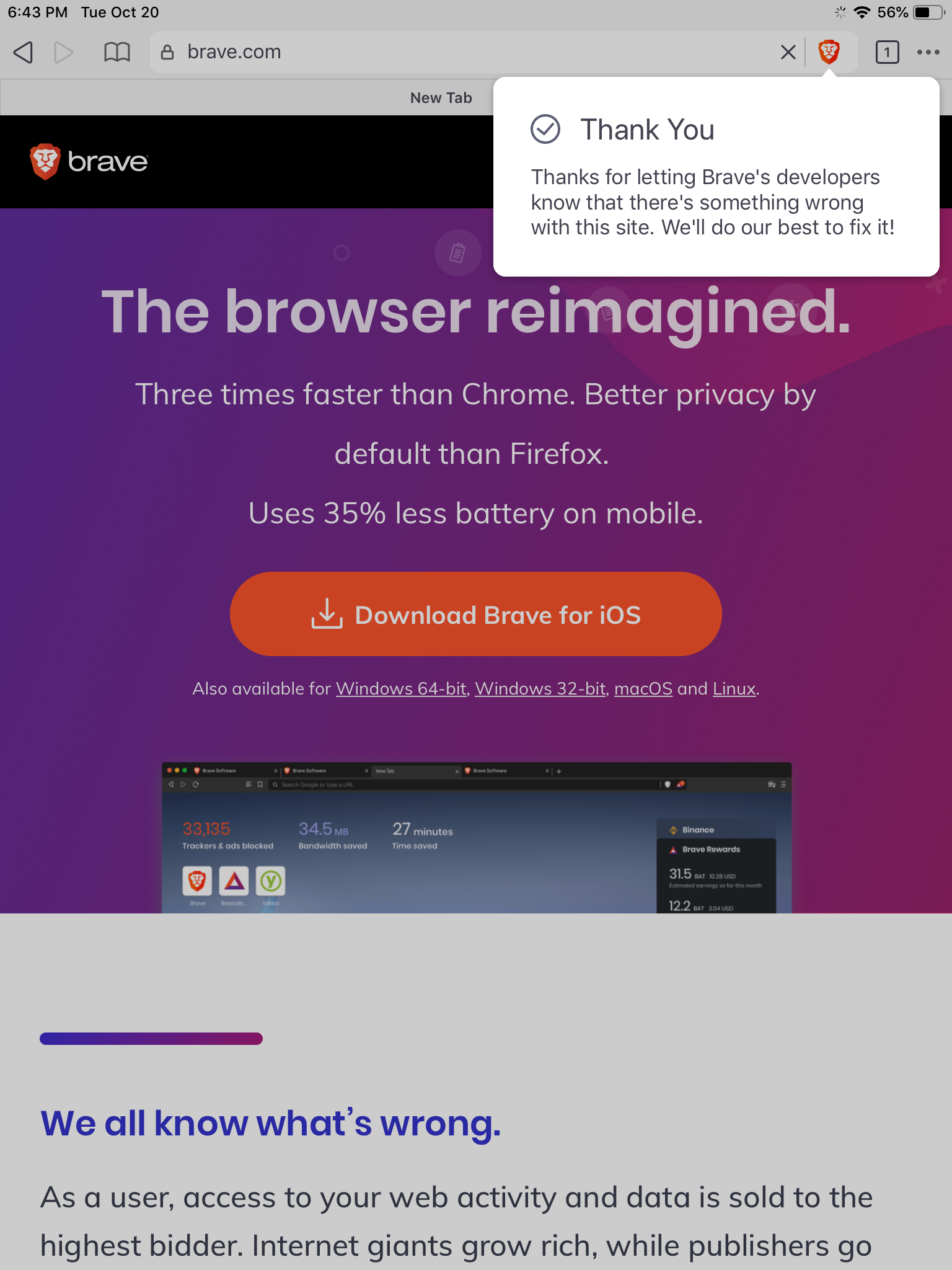
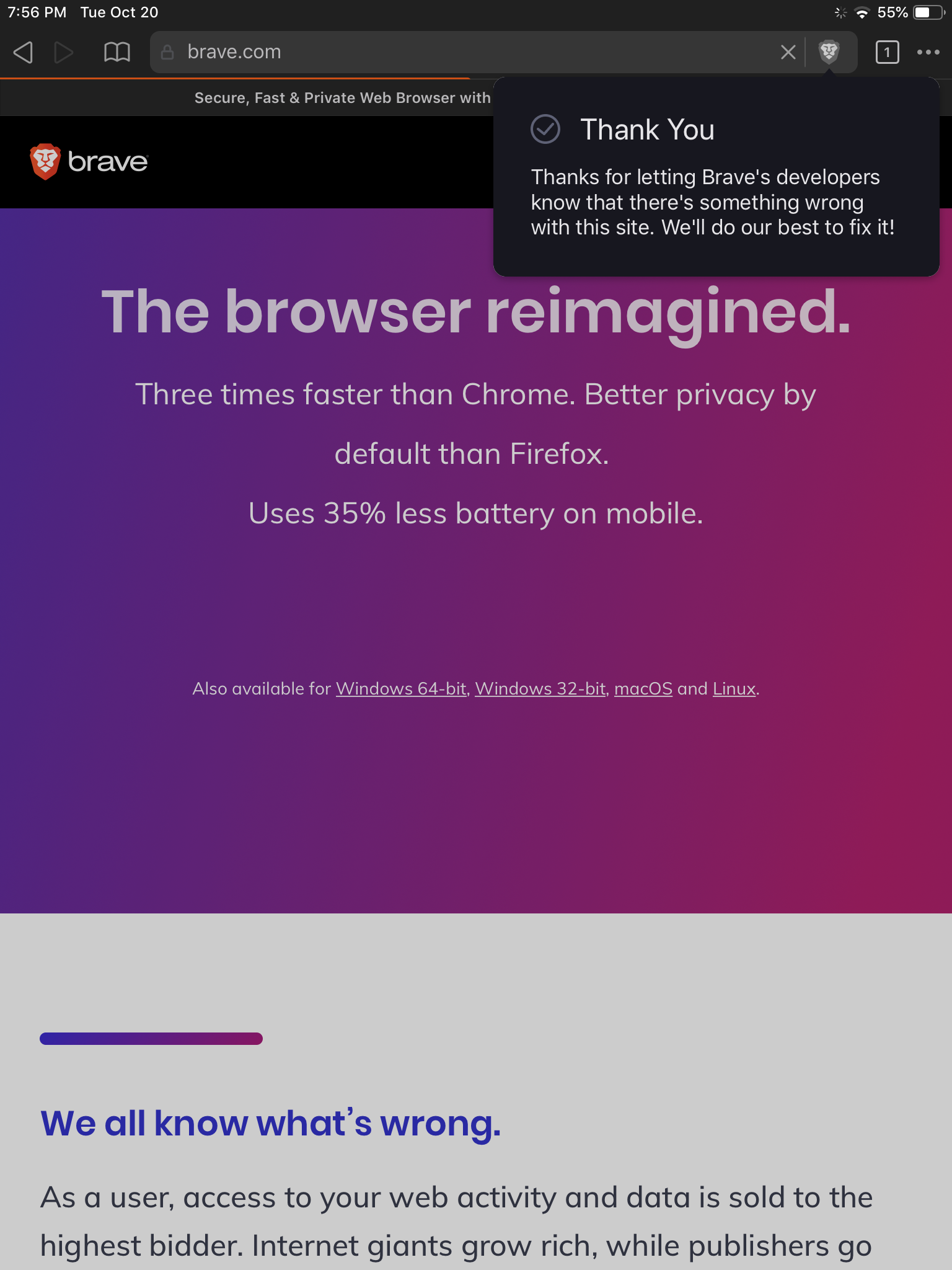
The confirmation message should dismiss on its own after 1s if the user doesn't tap out first:

Dark theme
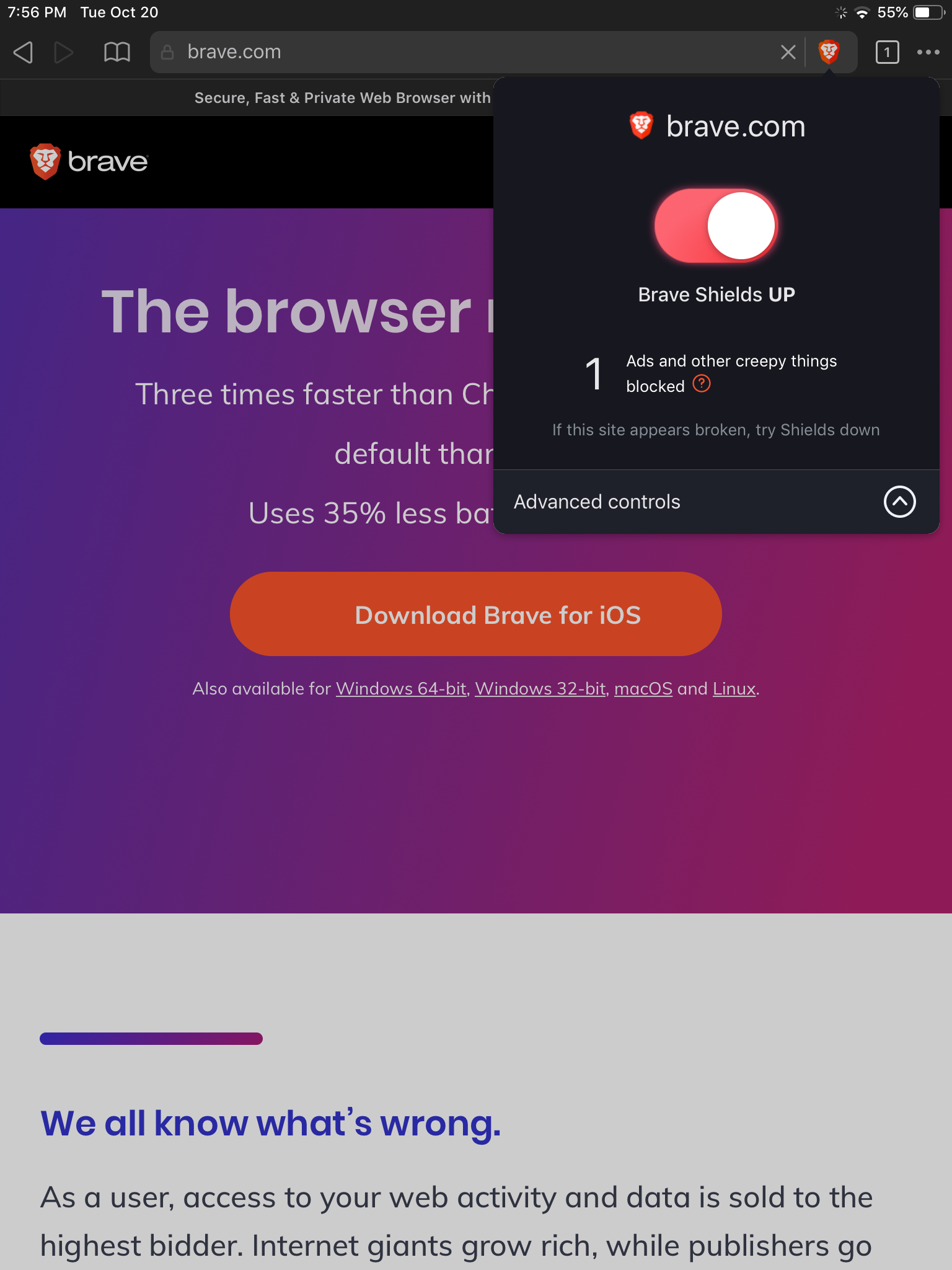
Dark theme is supported. Text, toggles, buttons, links, and icons have lighter colors:


Landscape mode
This works the same as currently.

Settings
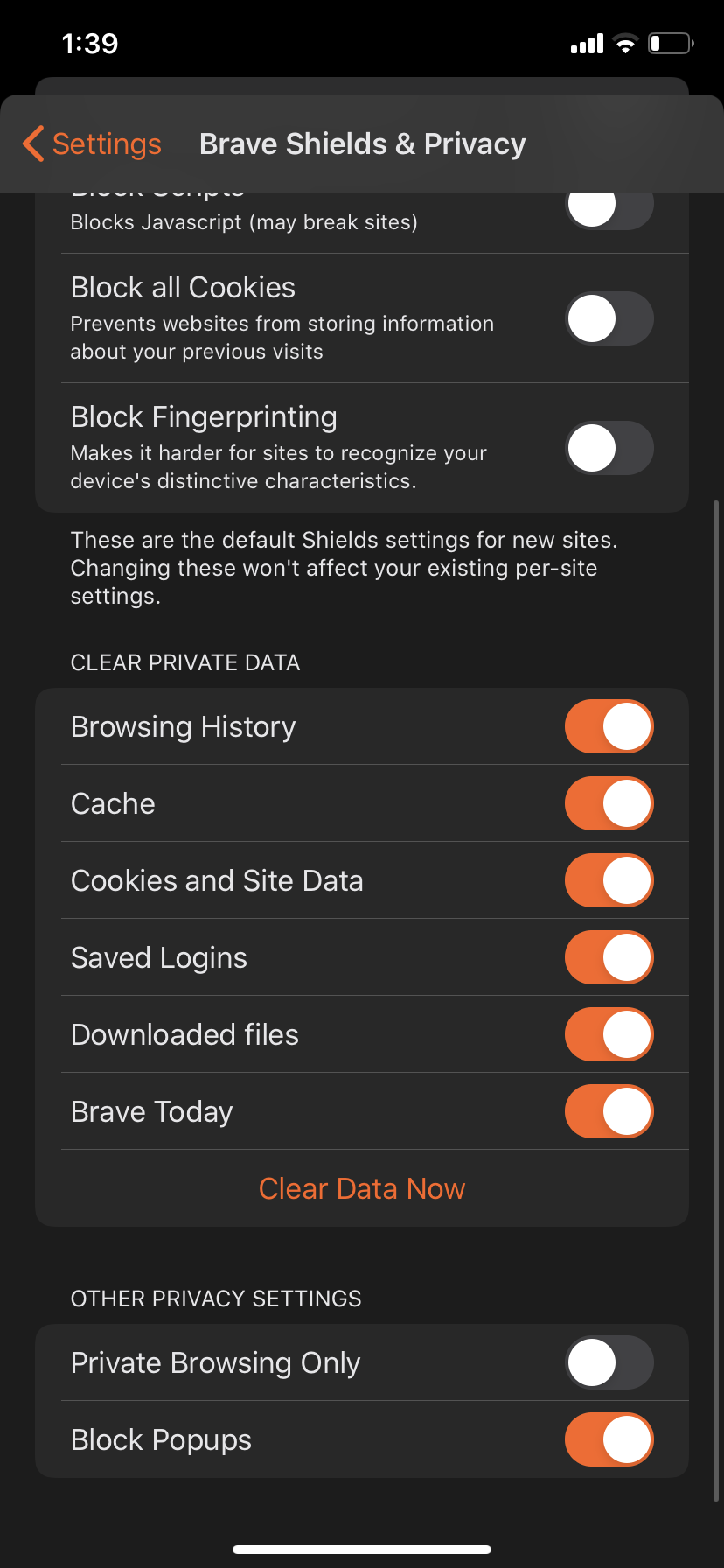
Since Brave Shields global defaults now has its own page in app settings, make some minor organizational changes to main app settings page as well:


Interaction finesse
The expand/collapse Advanced controls should animate content in:

Breakdown: Grow white panel 0.2s, then content fades in Y+10 0.3s
Also, use existing iOS functionality to slide content in from left for each new view.
To add delight to the experience as well as a fun touch complimenting the oversized toggle, implement new color gradient when the toggle is ON:

it's a loop with 2ms between each color state + easy ease:
linear-gradient(120deg, rgba(255,167,59,1) 0%, rgba(255,118,84,1) 100%);
linear-gradient(120deg, rgba(255,118,84,1) 0%, rgba(251,84,43,1) 100%);
linear-gradient(120deg, rgba(251,84,43,1) 0%, rgba(247,36,28,1) 100%);
linear-gradient(120deg, rgba(247,36,28,1) 0%, rgba(252,79,130,1) 100%);
linear-gradient(120deg, rgba(252,79,130,1) 0%, rgba(255,167,59,1) 100%);
linear-gradient(120deg, rgba(255,167,59,1) 0%, rgba(255,118,84,1) 100%);
FFA73B :arrow_right: #FF7654 :arrow_right: #FB542B :arrow_right: #F7241C :arrow_right: #FC4F82 :arrow_right: #FFA73B
User Flow

Zipped .mov:
prototype.zip
Notes
Shields will still show the "Report a broken site" button when Shields is down even if they have already reported that site.
Assets
Figma: https://www.figma.com/file/aiHUCYczQPYP1mtGTOZ5NJ/Sketchimport-ios-shields?node-id=0%3A231
 anthonypkeane
All 18 comments
working on this design currently, will update the issue here when done
 karenkliu
on 7 Nov 2019
karenkliu
on 7 Nov 2019
Bro imagine how obnoxious it would be to have to click "Advanced view" to make any serious changes for every website. We should let people decide if they want Simple or Advanced, not regress to using only Simple.
 ghost
on 3 Dec 2019
ghost
on 3 Dec 2019
@Calefornia We will always support both views since we know there are both types of users; there will be an option set your preferred default view in settings.
karenkliu
on 5 Dec 2019
Designs added!
karenkliu
on 29 Jan 2020
Thanks @karenkliu
Cookie per domain is not supported now so that can be removed when implementing the design.
cc @snyderp as an FYI
anthonypkeane
on 29 Jan 2020
@anthonypkeane @karenkliu
- Given that cookies isn't a shield, do we still want to move it from under Privacy to Shields (in settings)?
- Is there a spec/documentation somewhere for usage of the report a site functionality?
 kylehickinson
on 7 Feb 2020
kylehickinson
on 7 Feb 2020
Part 1: Correct, cookies control per domain won't be in the shield but will remain in settings. @karenkliu is working on tidying up those also. See "settings" above
Part 2: https://github.com/brave/vault-updater/blob/master/src/controllers/webcompat.js#L9
anthonypkeane
on 7 Feb 2020
@kylehickinson FYI we still have a couple things to finalize in Settings:
- do we need block phishing/malware and if so where does it go
- do we need "Block Popups" and if so where does it go
But all the other screens aside from Settings are ready. :)
karenkliu
on 10 Feb 2020
@karenkliu we can't really answer those, as they are sec requirements, so as far as we know how, they are required.
- Blocking Phishing / malware is a shield, so it should probably go in the shields panel.
- is a global setting, so probably just in the settings page.
 jhreis
on 10 Feb 2020
jhreis
on 10 Feb 2020
Love the settings cleanup, huge improvements.
I think we should hold off on the timed deletion of private browsing data though, I think it would be worth having more discussions how this applies to private mode and how they two are pseudo-related. Maybe we can simplify the browsing 'modes' with something more mature like the custom settings the screenshot shows.
jhreis
on 11 Feb 2020
@kylehickinson @jhreis Settings designs finalized and assets uploaded.
- We will hold off on the timed deletion of private browsing data.
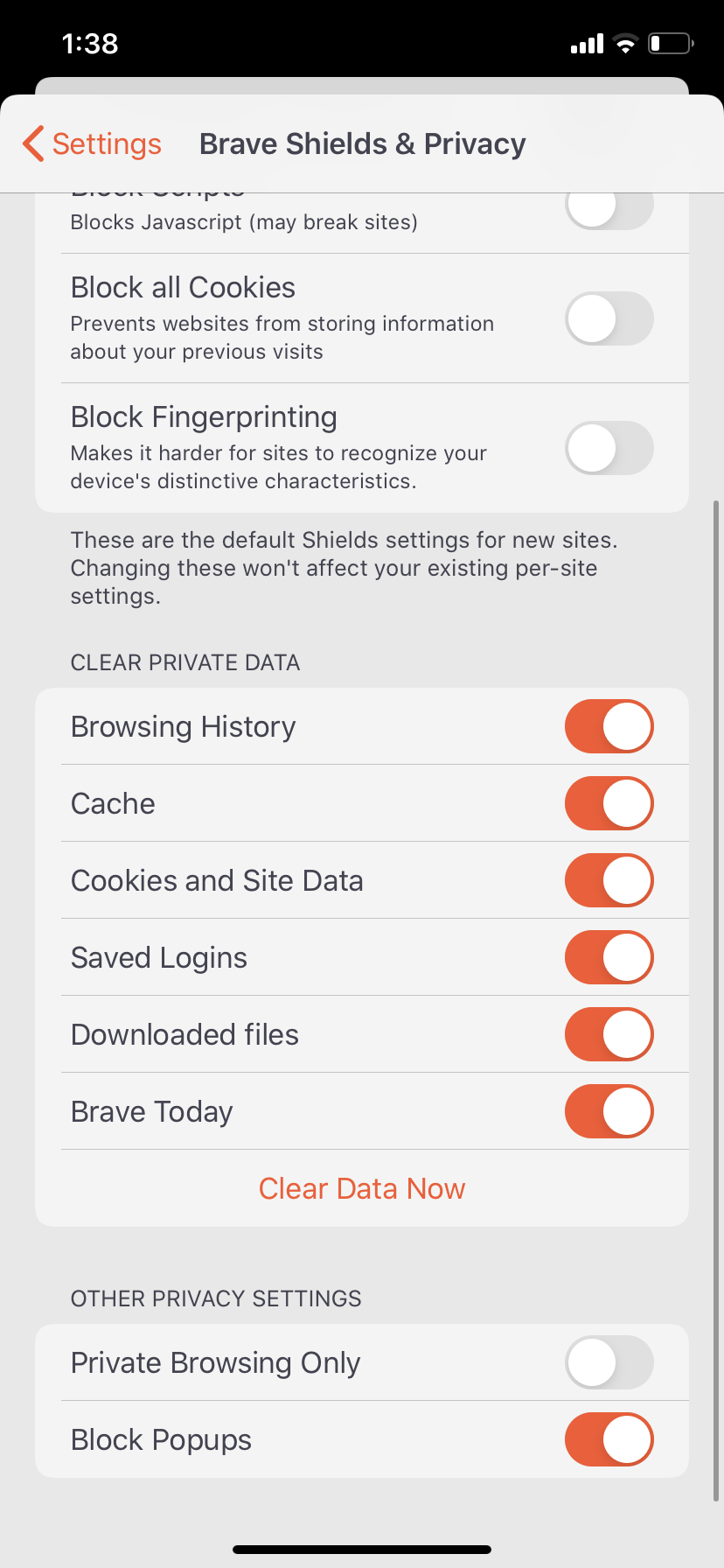
- "Block Popups" goes under "Other Privacy Settings"
- "Block Phishing/Malware goes under "Other Privacy Settings"
lmk if you need anything else!
karenkliu
on 12 Feb 2020
@karenkliu The phishing and malware block is a domain specific shield, we'd actually want to have it in the shields panel as said above here: https://github.com/brave/brave-ios/issues/1923#issuecomment-584375215
Are we saying we're dumping this shield?
kylehickinson
on 13 Feb 2020
cc @tomlowenthal mentioned it should be in global settings. Tom, what do you want to do with this one?
karenkliu
on 13 Feb 2020
Yes, phishing and malware protection isn't part of Shields; just because something technically can be done on a per-domain basis doesn't mean it should be or that it should be part of Shields. That feature isn't part of Shields on desktop, for instance — Google Safe Browsing is just a global preference, even though I'm sure we _could_ configure it per domain.
 tomlowenthal
on 13 Feb 2020
tomlowenthal
on 13 Feb 2020
Okay cool, just clarifying that we are removing it shields panel and its per-domain setting
kylehickinson
on 13 Feb 2020
@kylehickinson Update: Add some description text to the "Block Phishing/Malware" item so it looks like this:
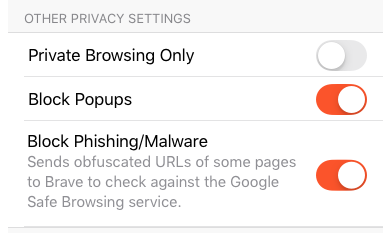
Abstract updated
karenkliu
on 14 Feb 2020
I hope that @jhreis or @anthonypkeane can still look at this feature request.
Thank you.
 hennrynusasatria
on 17 Aug 2020
hennrynusasatria
on 17 Aug 2020
Verification passed on iPhone 7+ with iOS 14.0.1 running 1.21(20.10.15.13)
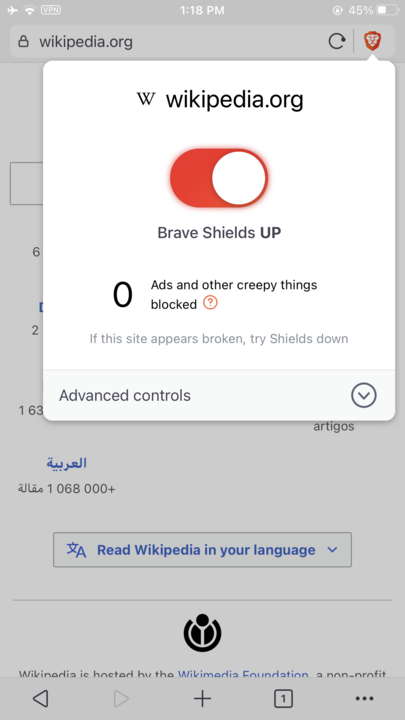
Verified the shields is as per design
Light theme
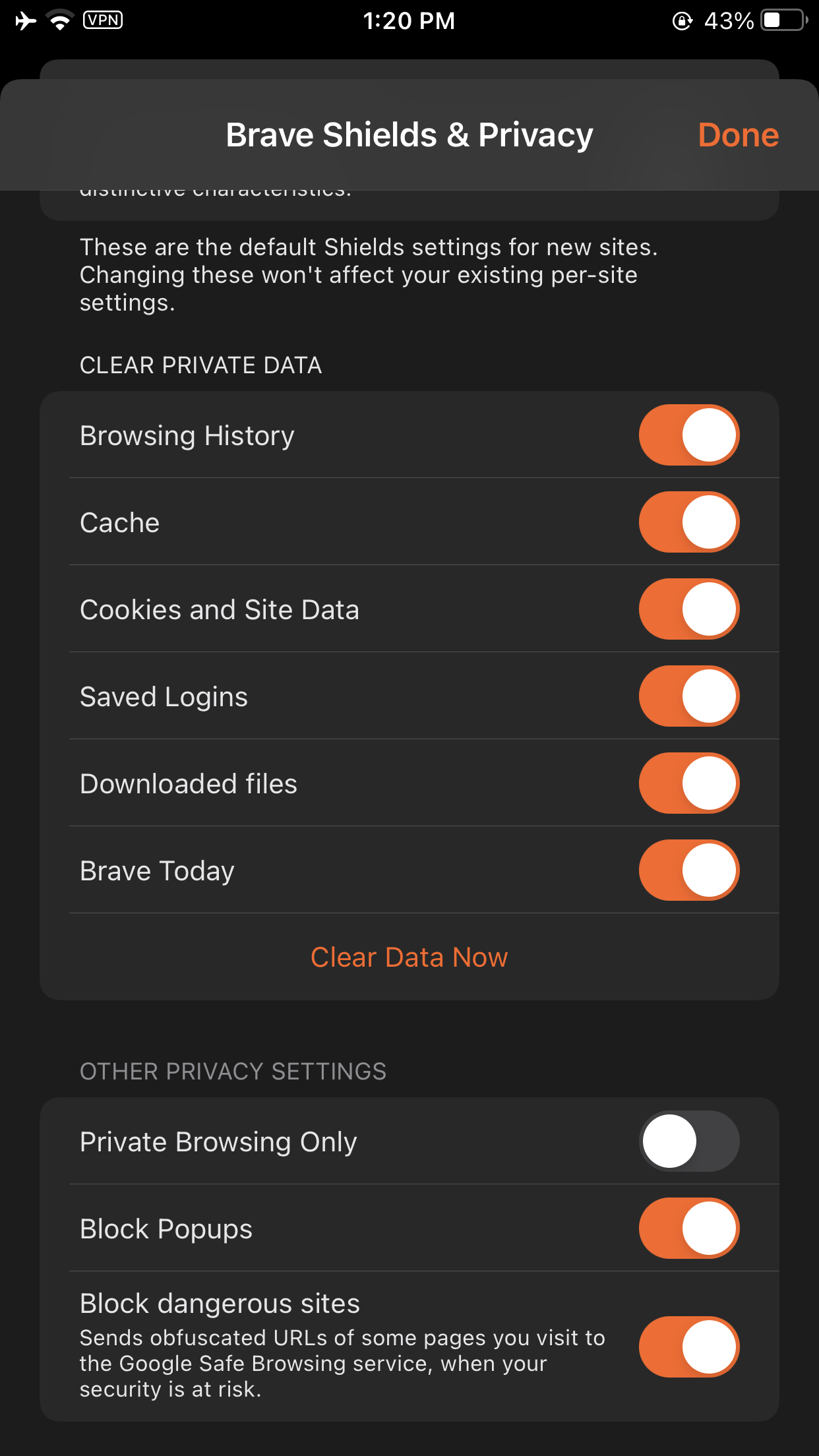
Default shields | Advance controls | Shields Off | Report broken site | Report site confirmation | About shields | Shields global settings | Clear Private data & Other Privacy settings
-- | -- | -- | -- | -- | -- | -- | --
 |
|  |
|  |
|  |
|  |
|  |
|  |
| 
Dark Theme
Default shields | Advance controls | Shields Off | Report broken site | Report site confirmation | About shields | Shields global settings | Clear Private data & Other Privacy settings
-- | -- | -- | -- | -- | -- | -- | --
 |
|  |
|  |
|  |
|  |
|  |
|  |
| 
- Verified upgrading to new version retains old shields setting
- Verified shields work as expected in landscape mode
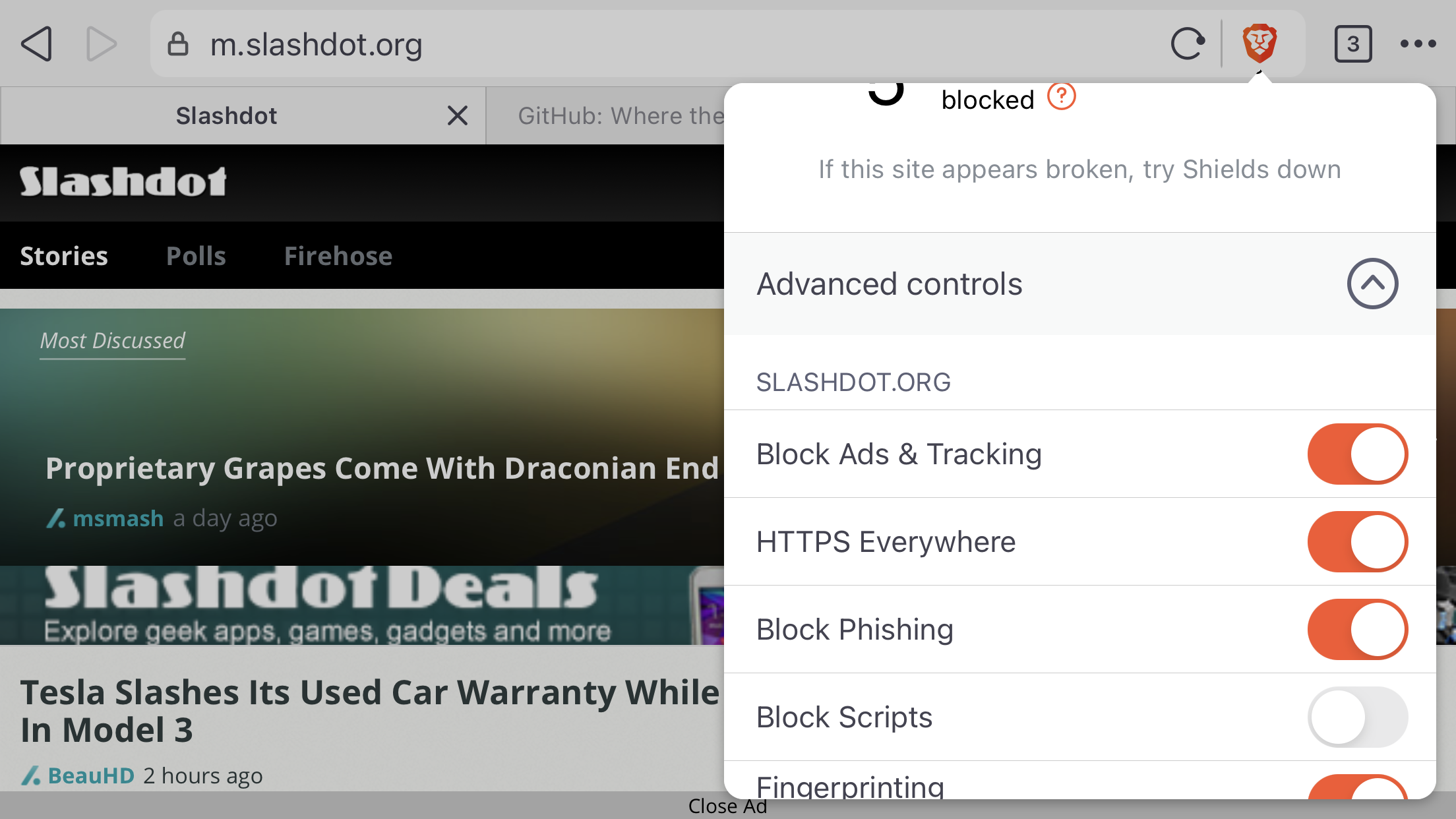
Verified settings has the new look and shields & privacy is the first option
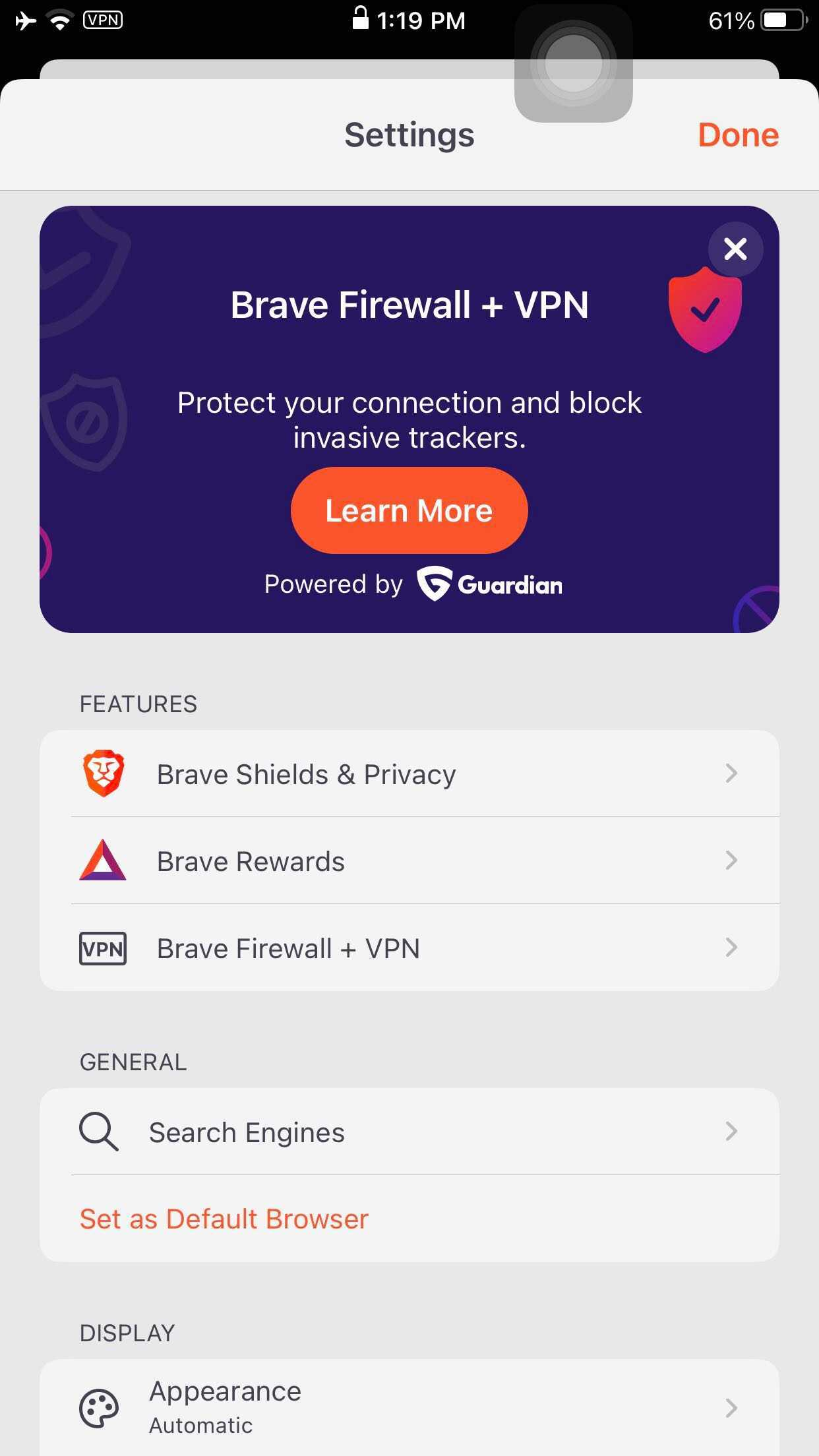
Verified selecting shields and privacy opens up global shields settings
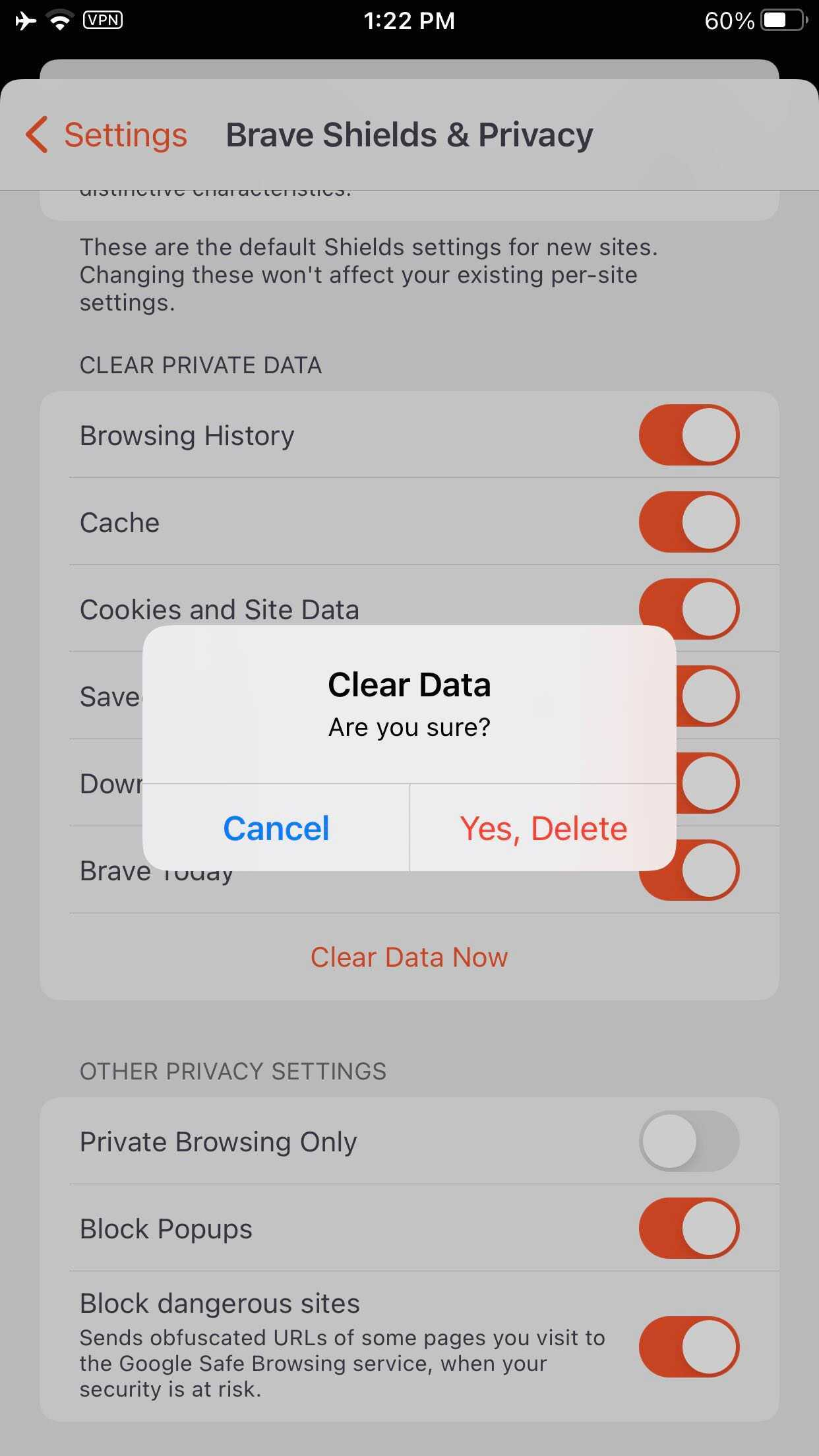
Verified clear data presents a confirmation modal
Verified Report broken site message is dismissed on its own after 1second of showing the message
- Verified shields view (advanced/collapsed) is retained across tabs and isn't site specific
- Verified shields settings is retained across app launches
- Verified clearing all browser data resets site specific shields settings unless bookmarked (https://github.com/brave/brave-ios/issues/2975#issuecomment-712277986)
Verification passed on iPhone XR with iOS 13.5 running 1.21(20.10.15.13)
Verified the shields is as per design
Light theme
Default shields | Advance controls | Shields Off | Report broken site | Report site confirmation | About shields | Shields global settings | Clear Private data & Other Privacy settings
-- | -- | -- | -- | -- | -- | -- | --
 |
|  |
|  |
|  |
| 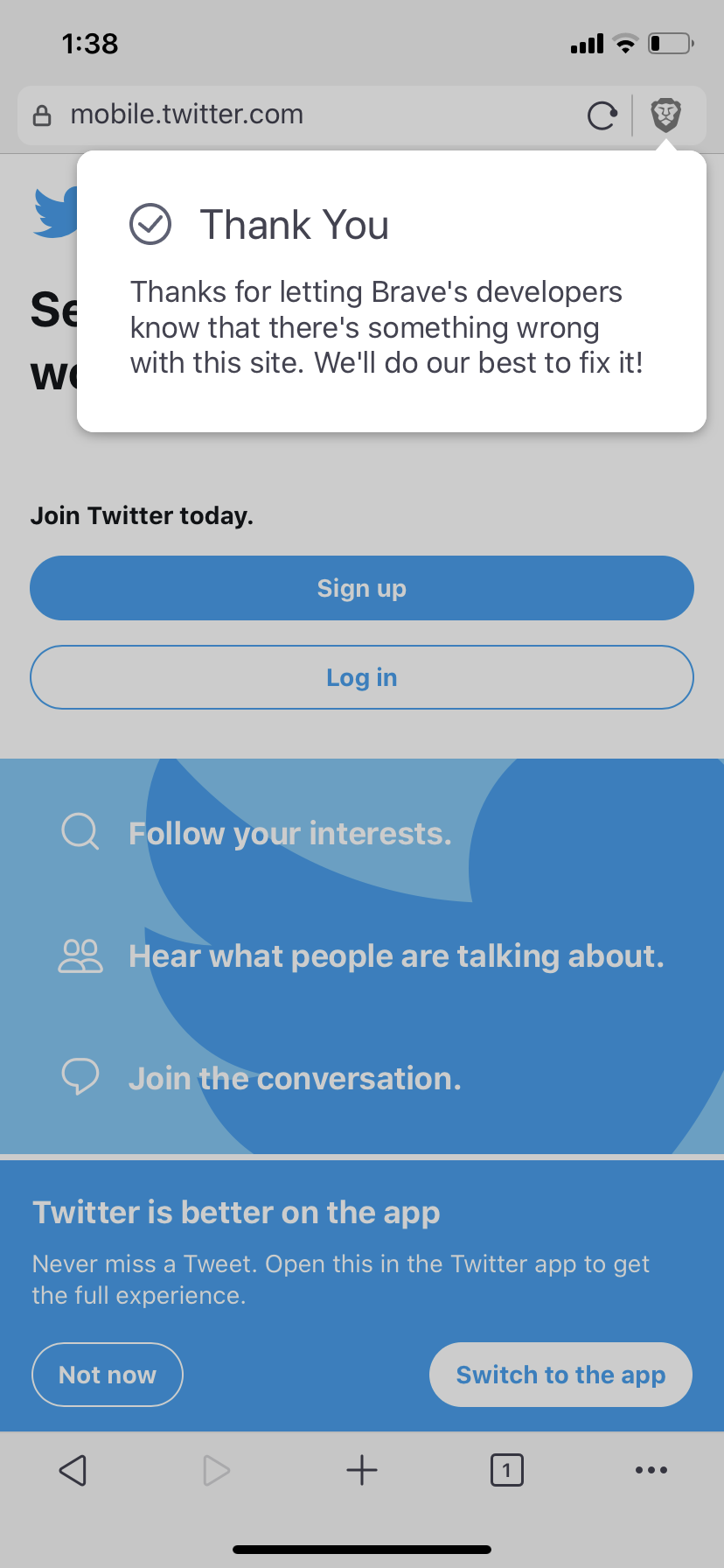 |
| 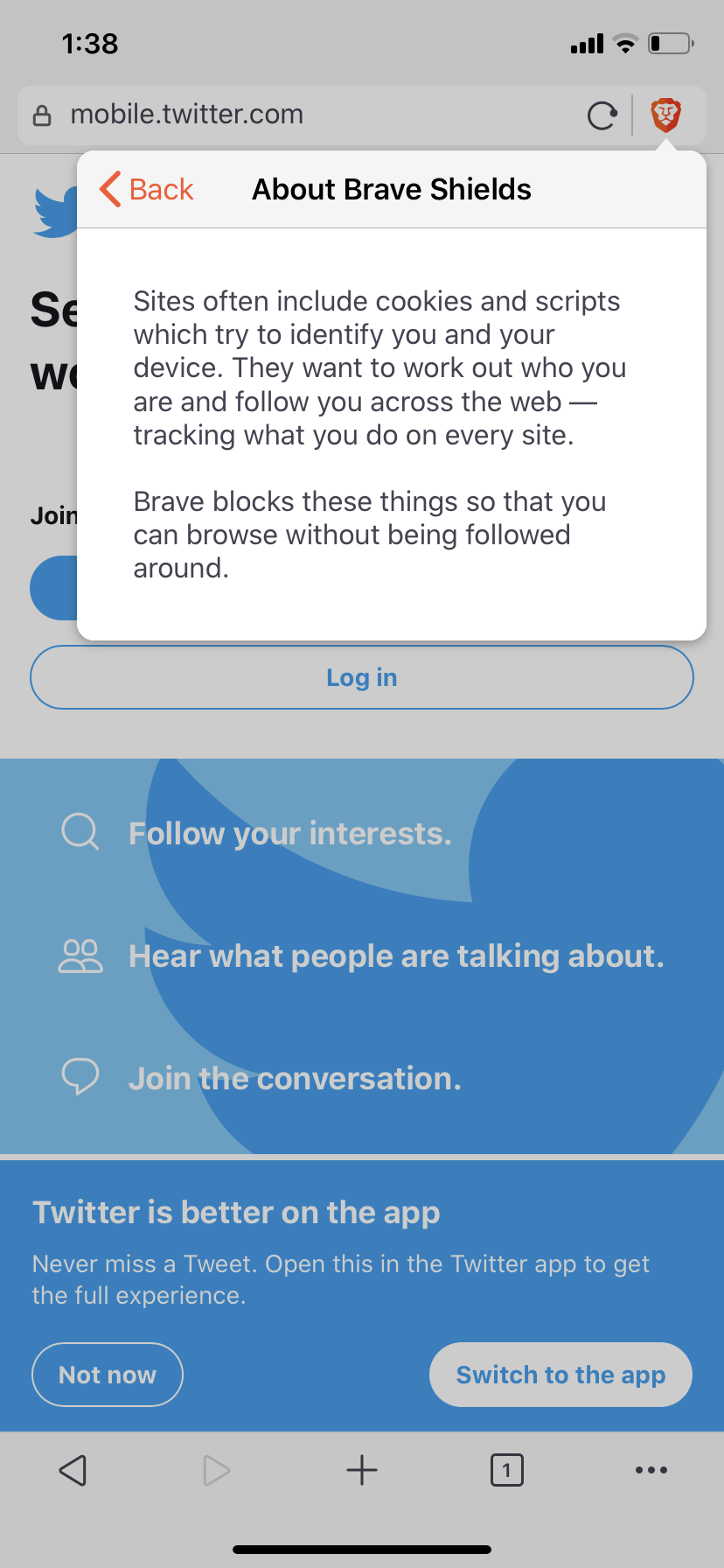 |
| 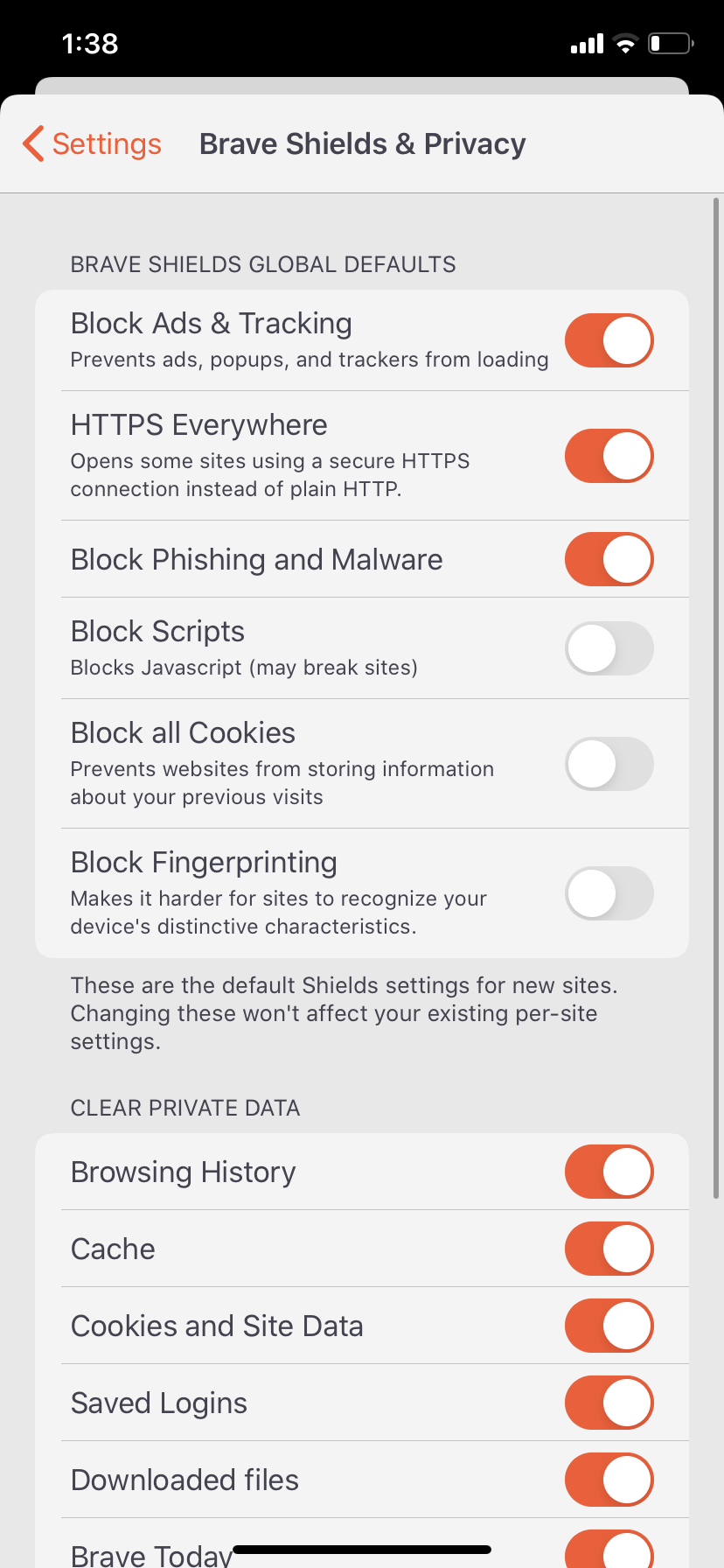 |
| 
Dark Theme
Default shields | Advance controls | Shields Off | Report broken site | Report site confirmation | About shields | Shields global settings | Clear Private data & Other Privacy settings
-- | -- | -- | -- | -- | -- | -- | --
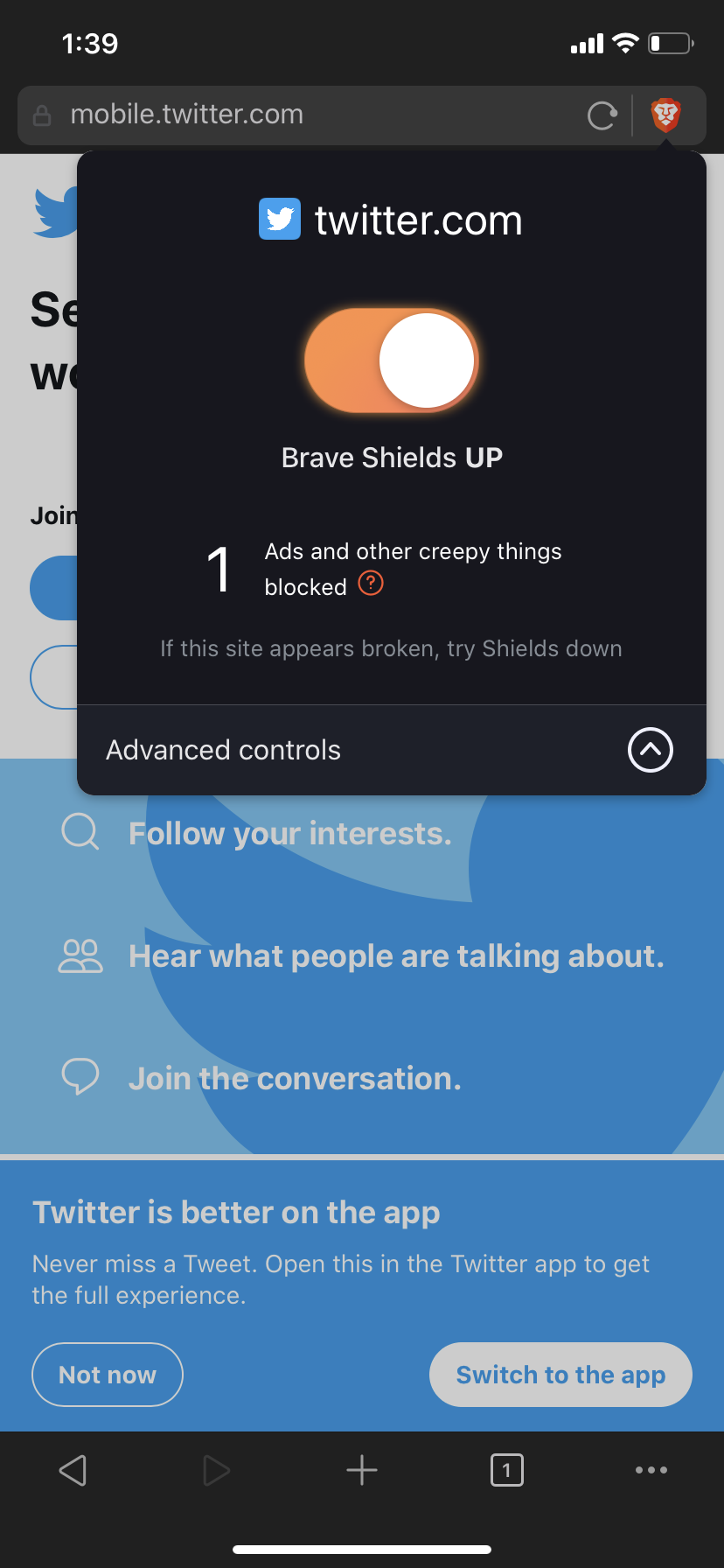 |
| 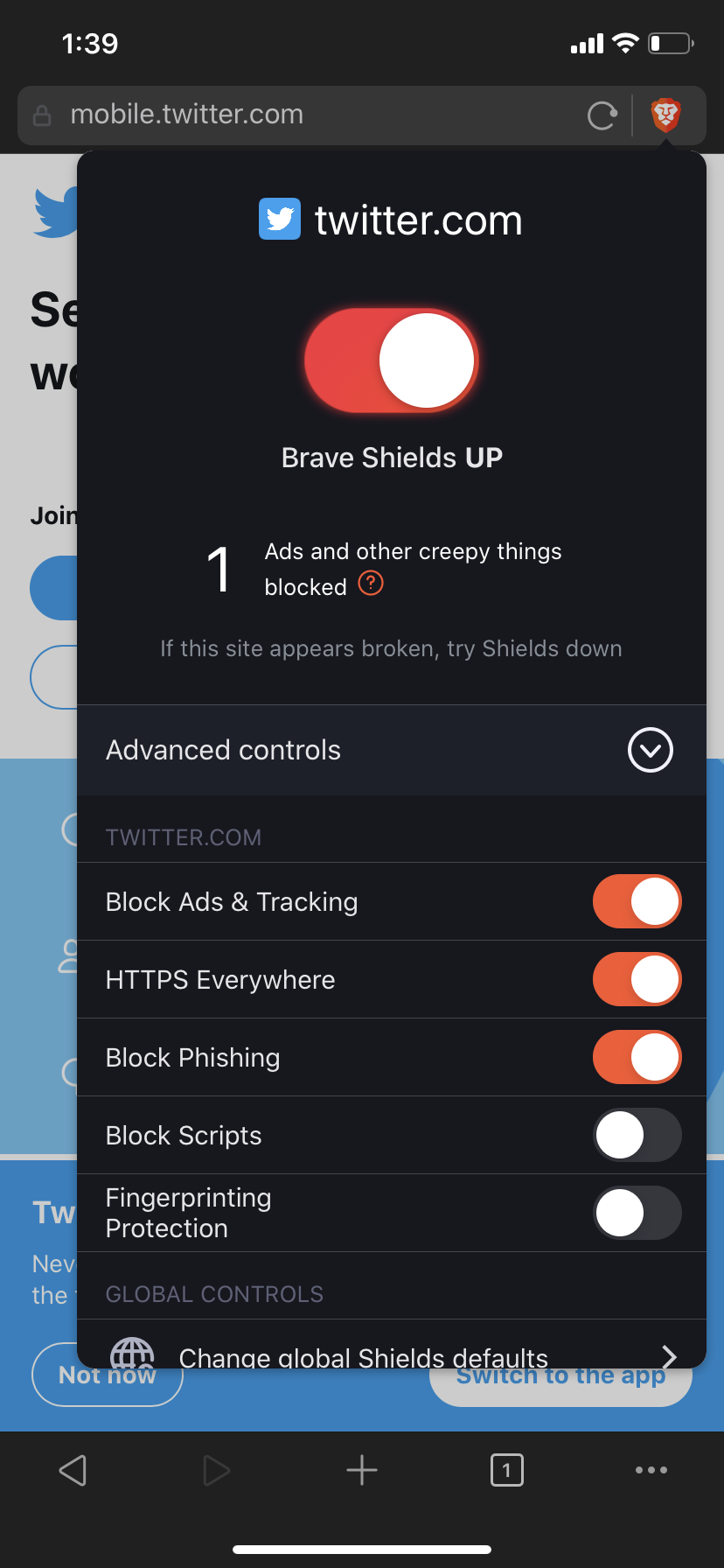 |
| 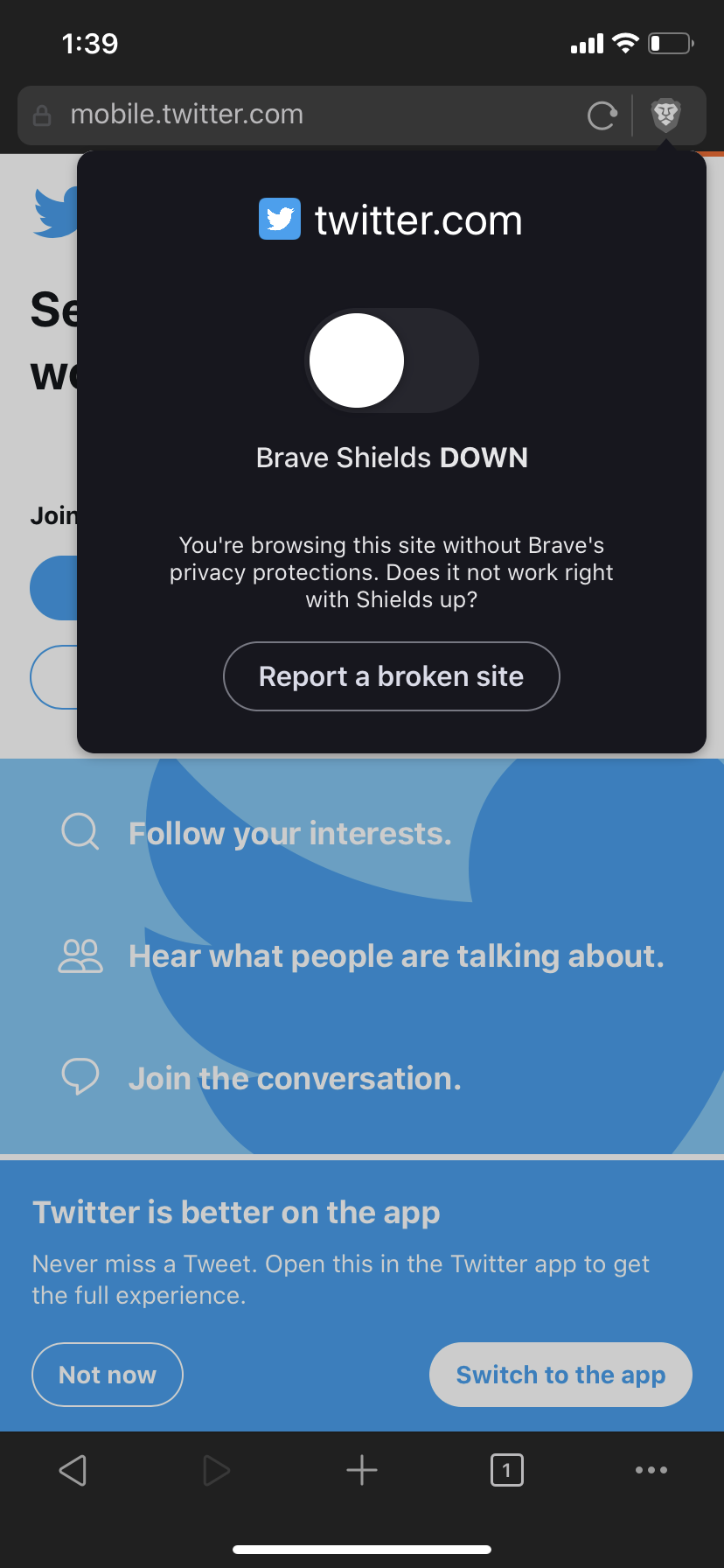 |
| 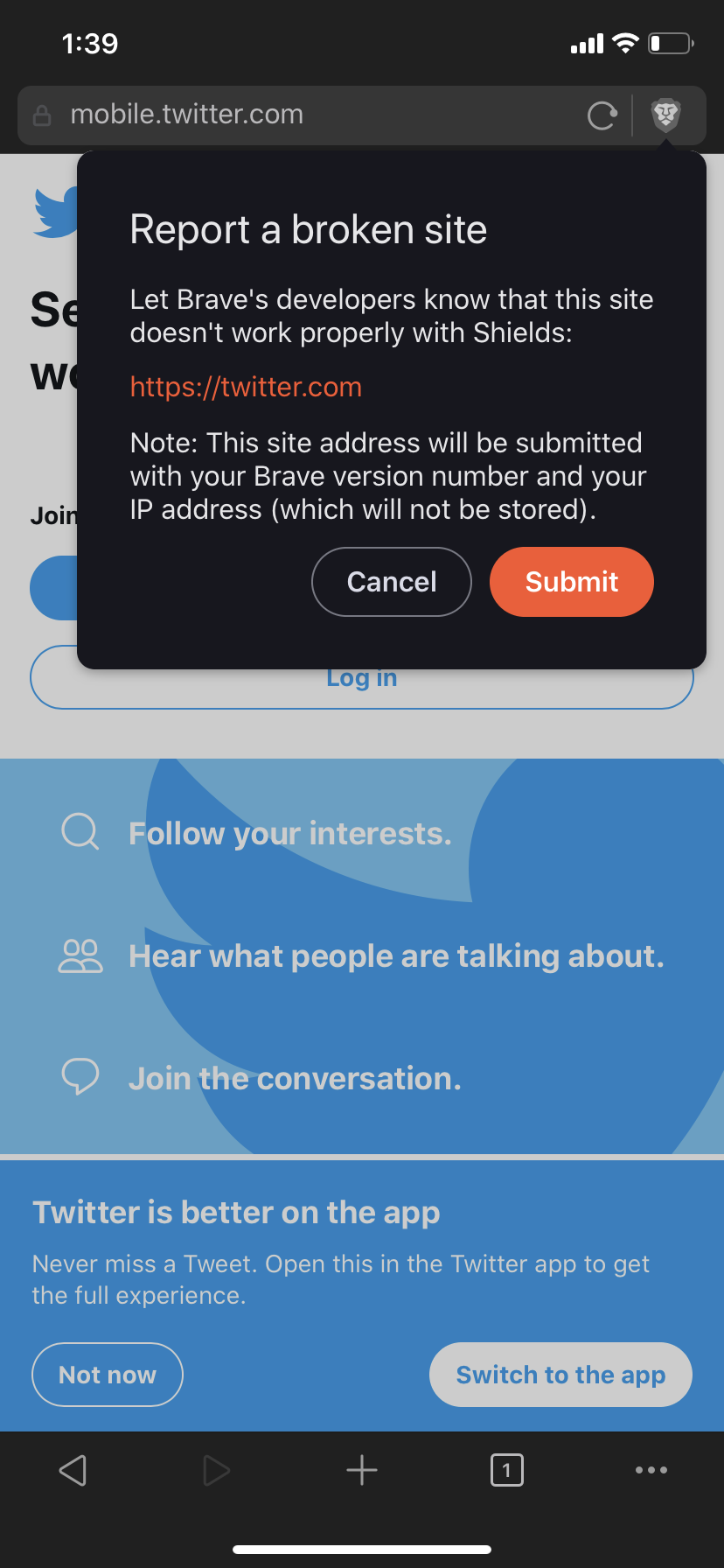 |
| 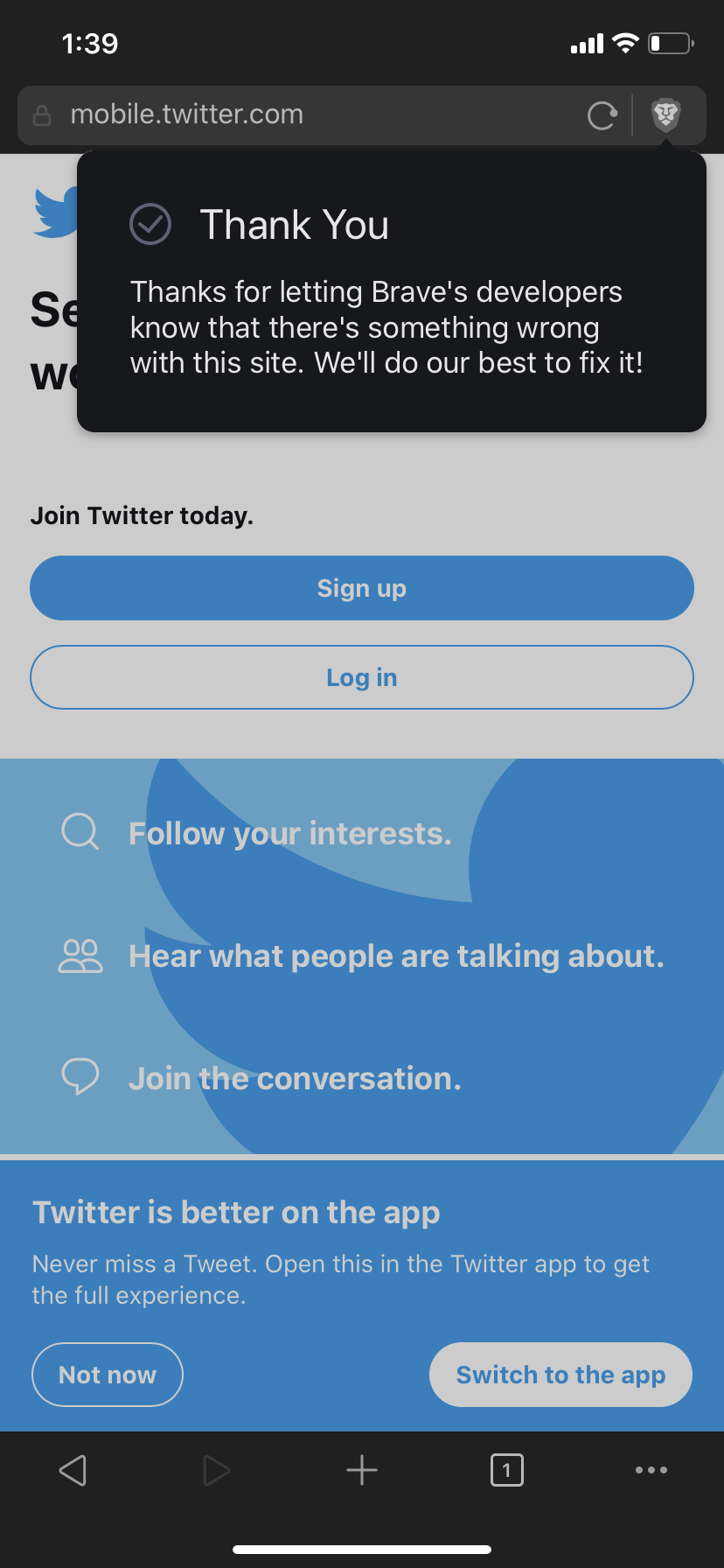 |
| 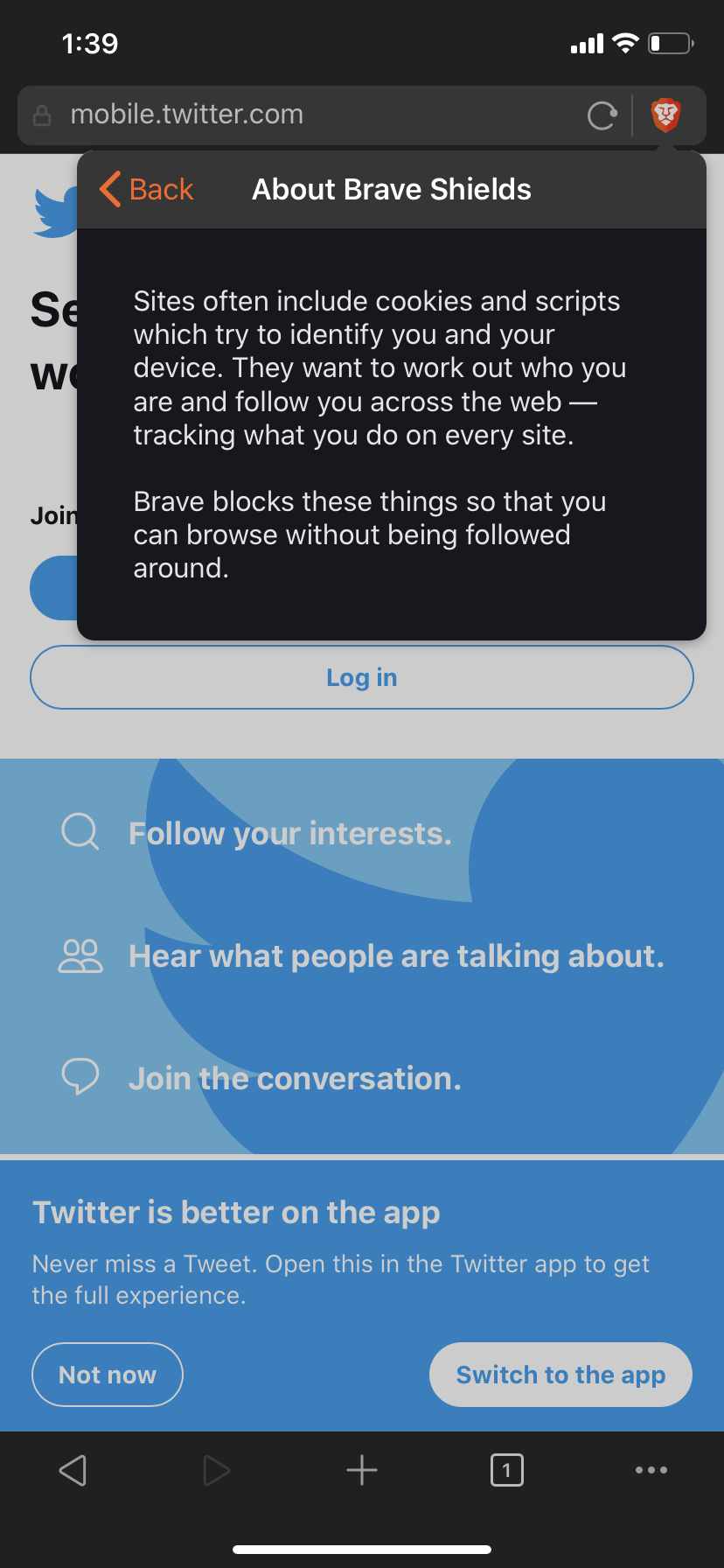 |
| 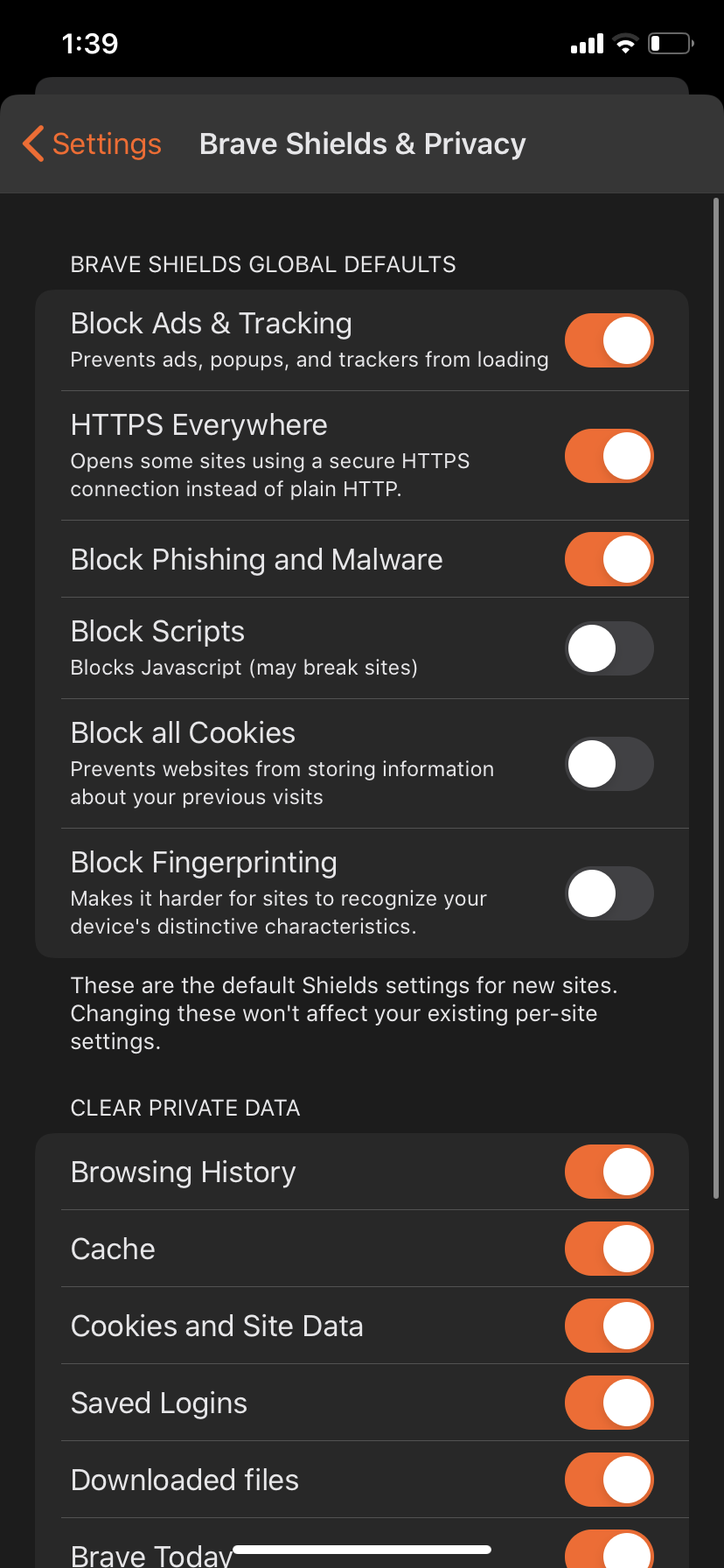 |
| 
- Verified upgrading to new version retains old shields setting
Verified shields work as expected in landscape mode
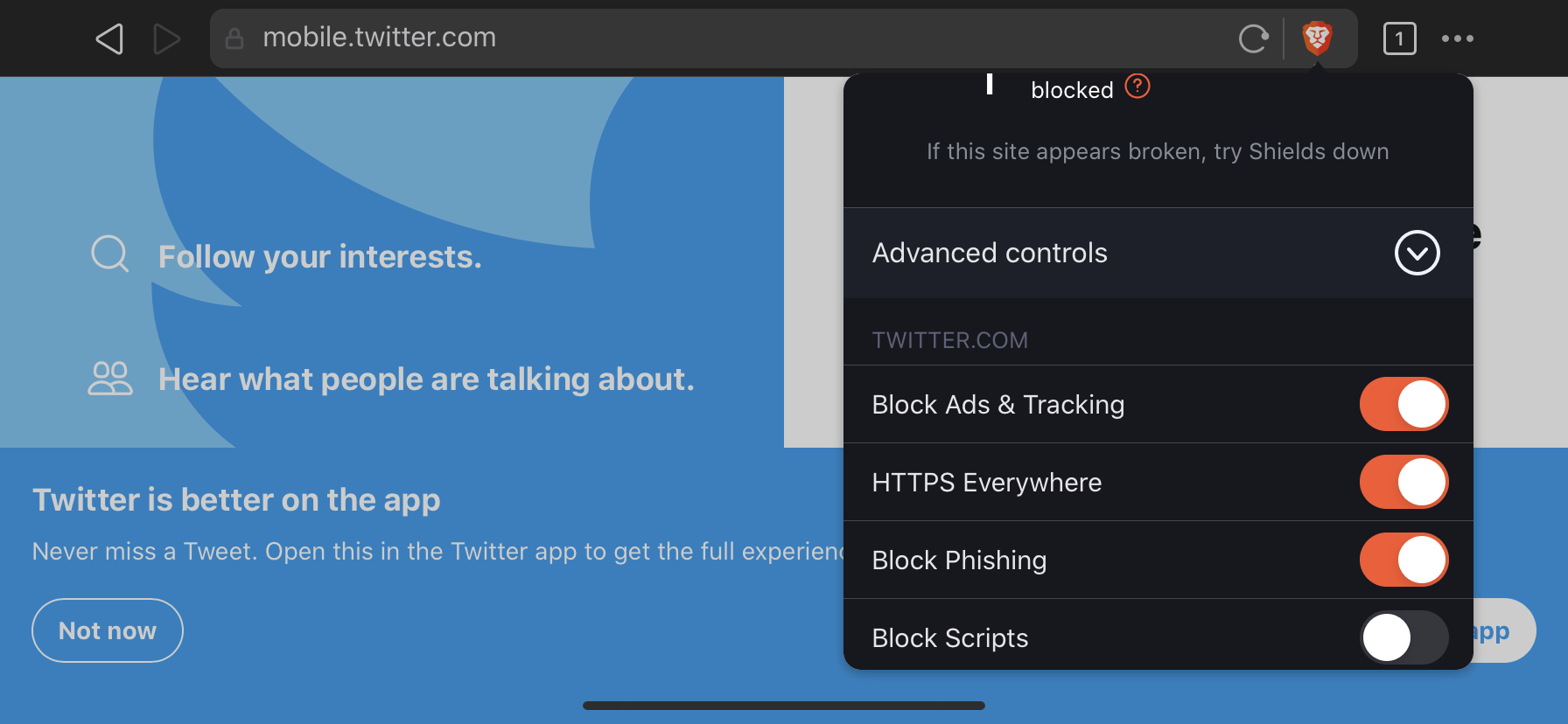
Verified settings has the new look and shields & privacy is the first option
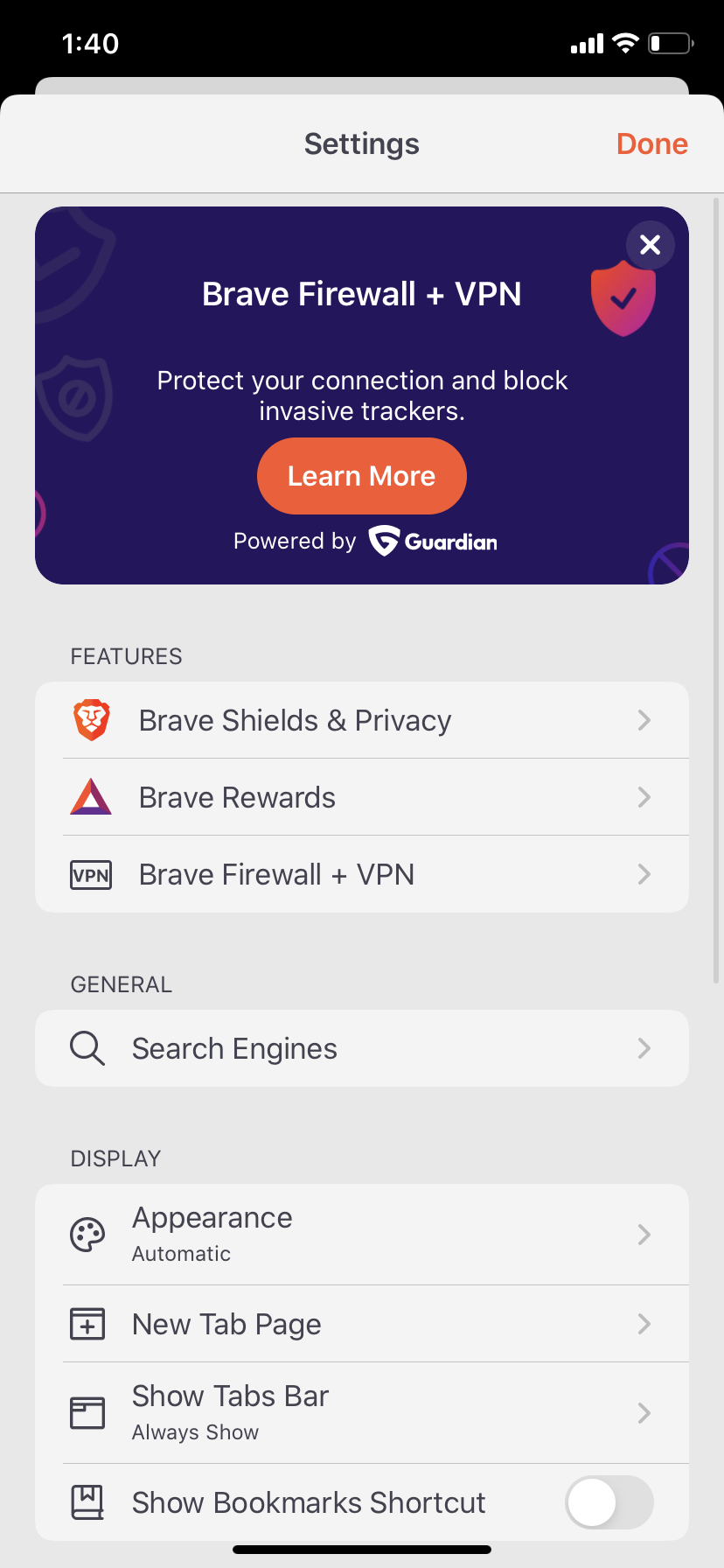
Verified selecting shields and privacy opens up global shields settings
Verified clear data presents a confirmation modal
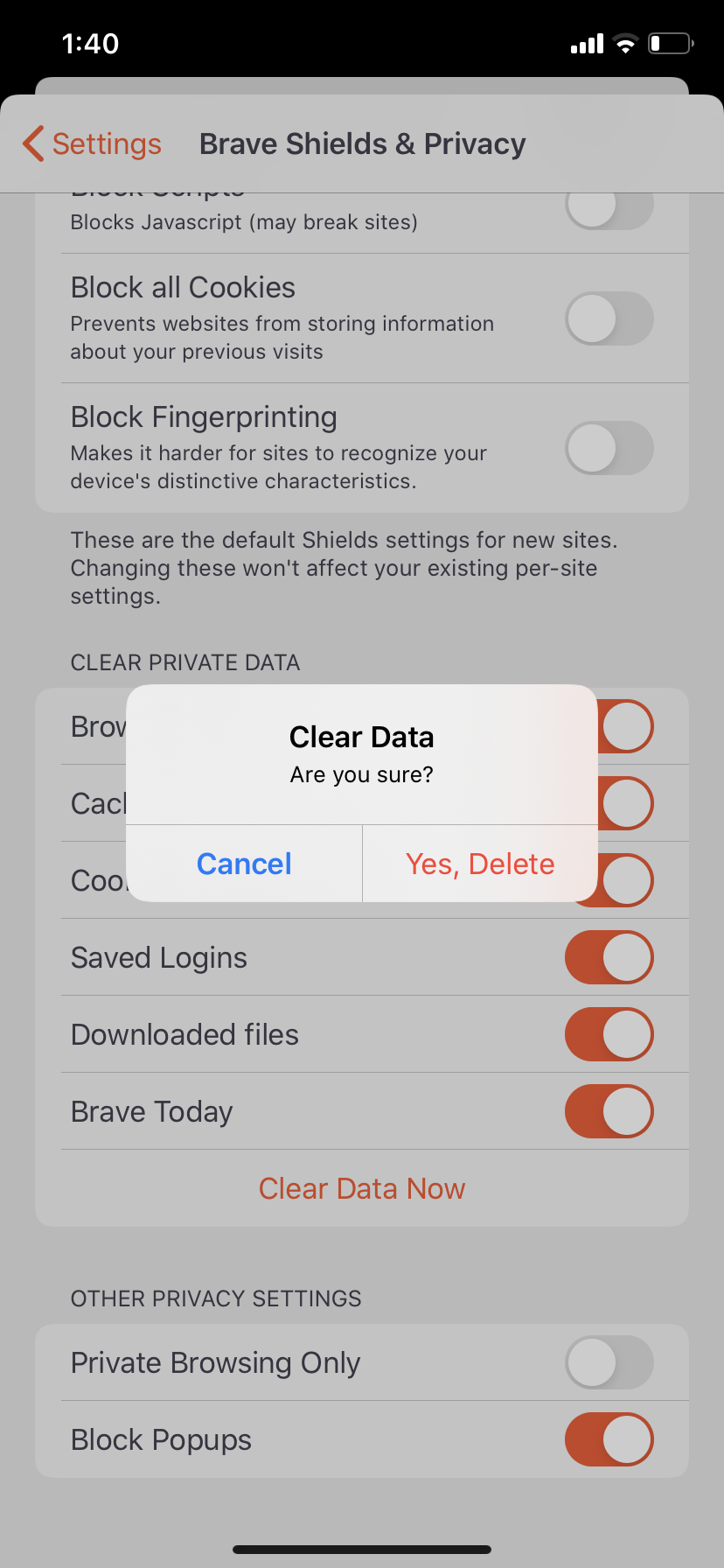
Verified Report broken site message is dismissed on its own after 1second of showing the message
- Verified shields view (advanced/collapsed) is retained across tabs and isn't site specific
- Verified shields settings is retained across app launches
- Verified clearing all browser data resets site-specific shields settings unless bookmarked (https://github.com/brave/brave-ios/issues/2975#issuecomment-712277986)
Verification passed on iPad Pro with iOS 12.4.1 running 1.21(20.10.15.13)
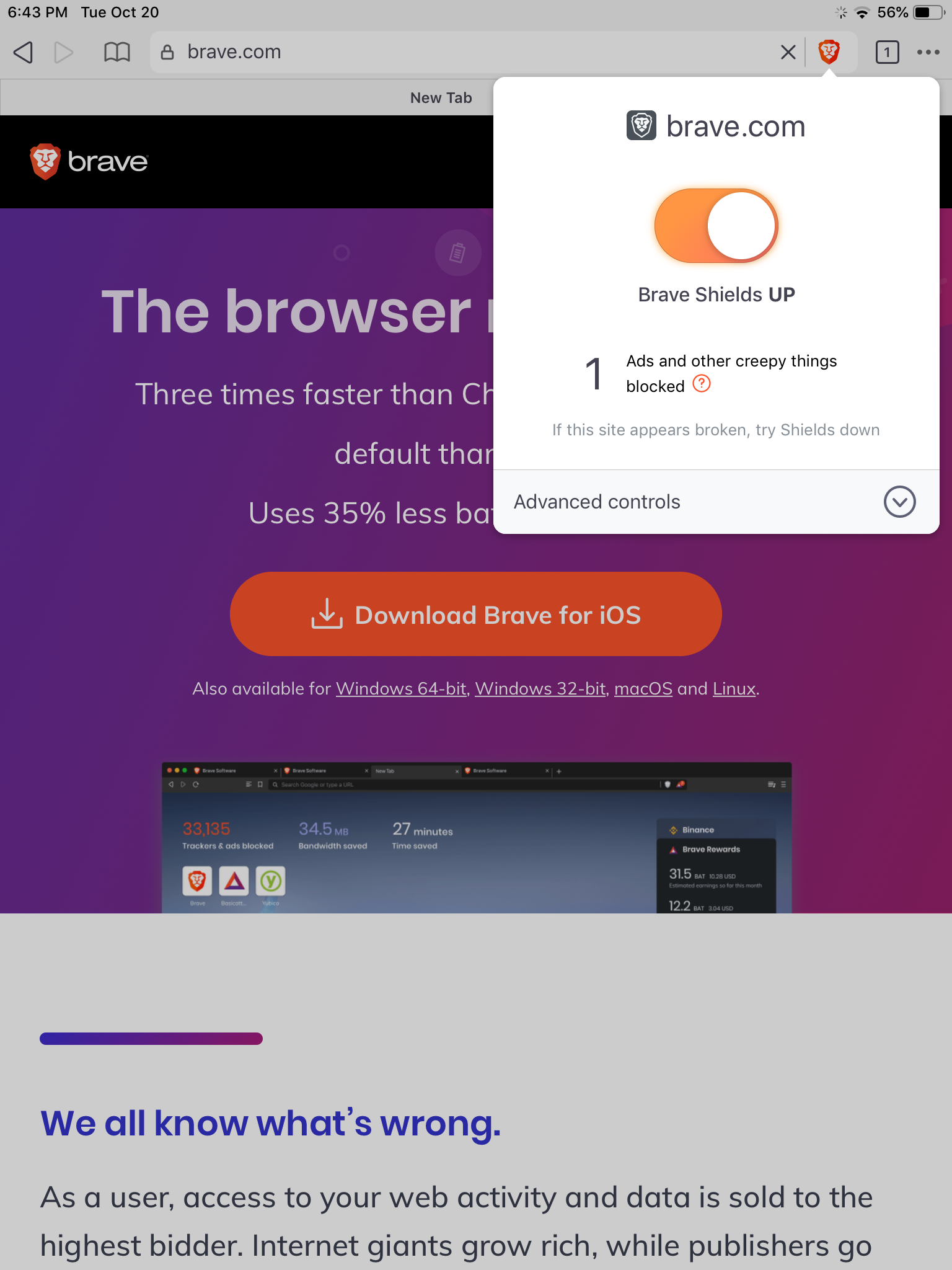
Verified the shields is as per design
Light theme
Default shields | Advance controls | Shields Off | Report broken site | Report site confirmation | About shields | Shields global settings | Clear Private data & Other Privacy settings
-- | -- | -- | -- | -- | -- | -- | --
 |
|  |
|  |
|  |
|  |
|  |
|  |
| 
Dark Theme
Default shields | Advance controls | Shields Off | Report broken site | Report site confirmation | About shields | Shields global settings | Clear Private data & Other Privacy settings
-- | -- | -- | -- | -- | -- | -- | --
 |
|  |
|  |
|  |
|  |
| 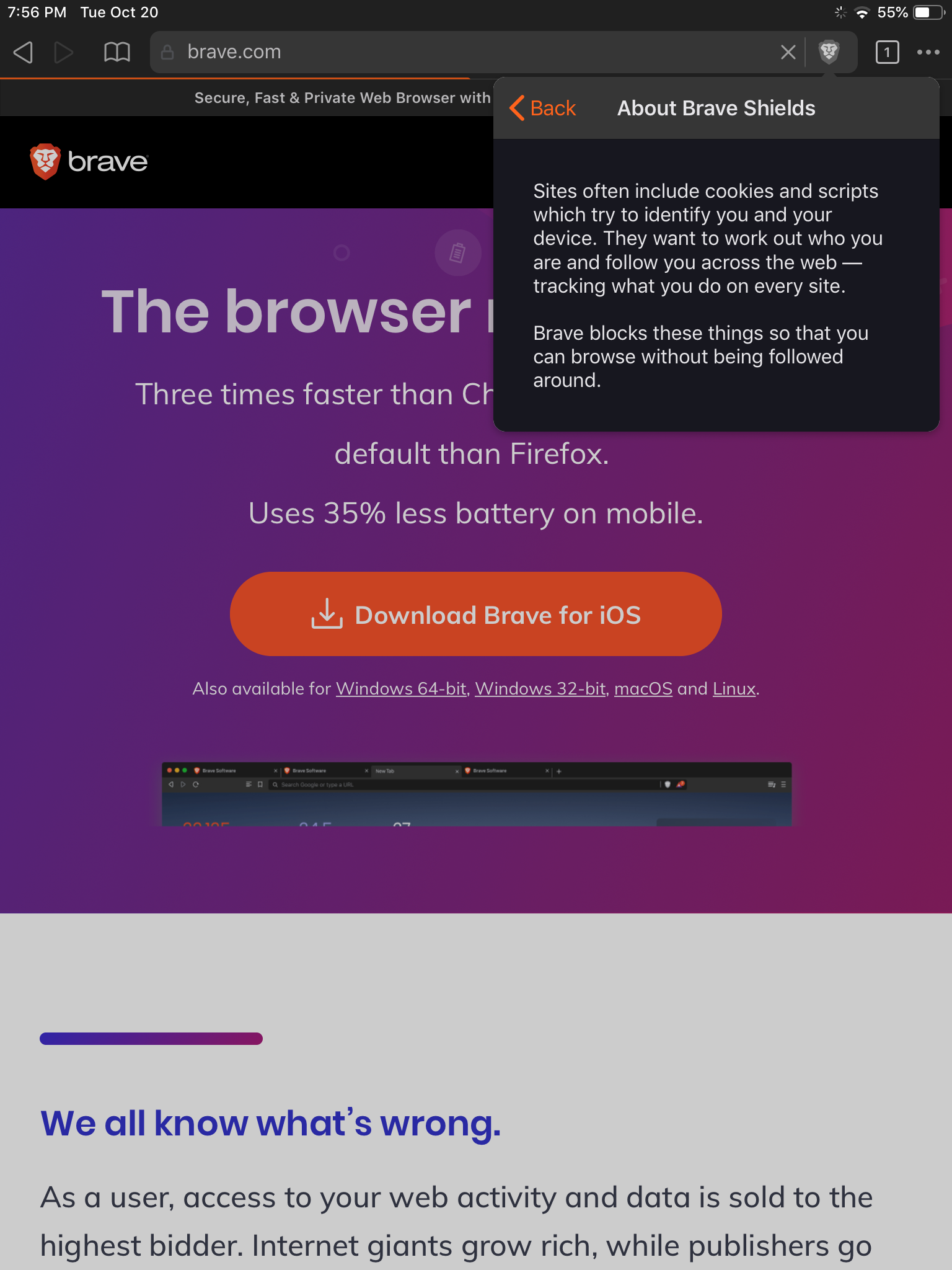 |
| 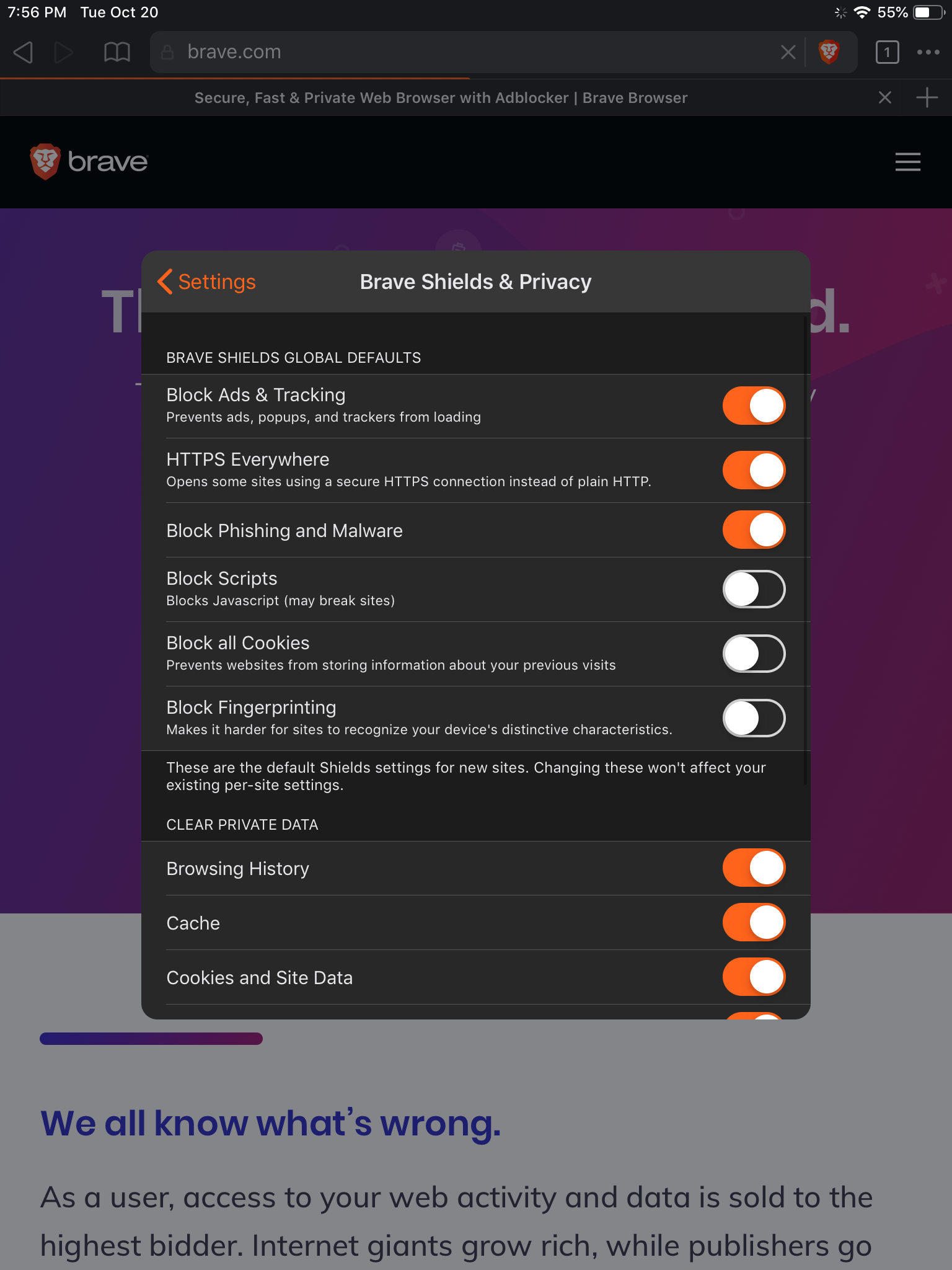 |
| 
- Verified upgrading to new version retains old shields setting
Verified shields work as expected in landscape mode
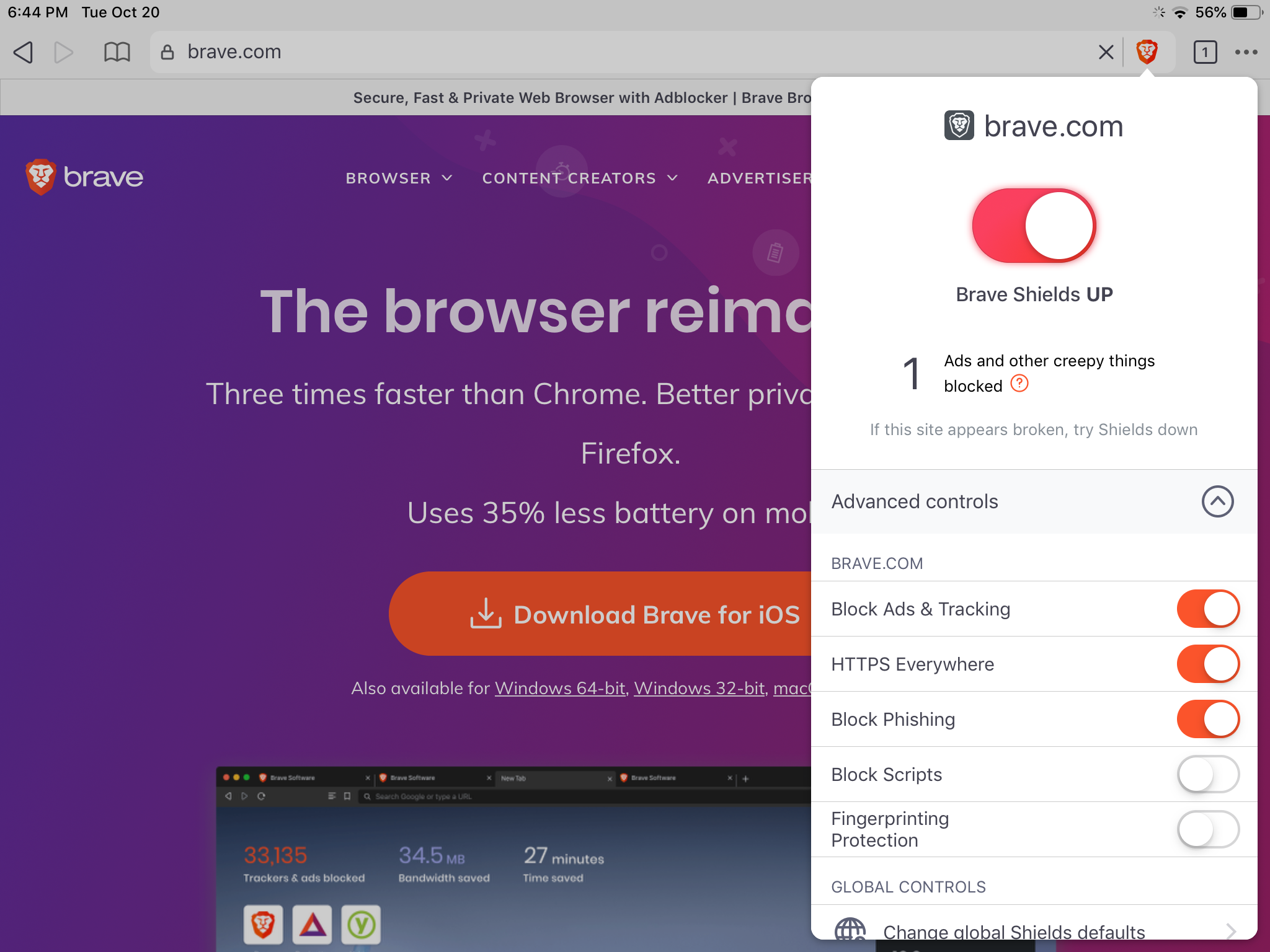
Verified settings has the new look and shields & privacy is the first option
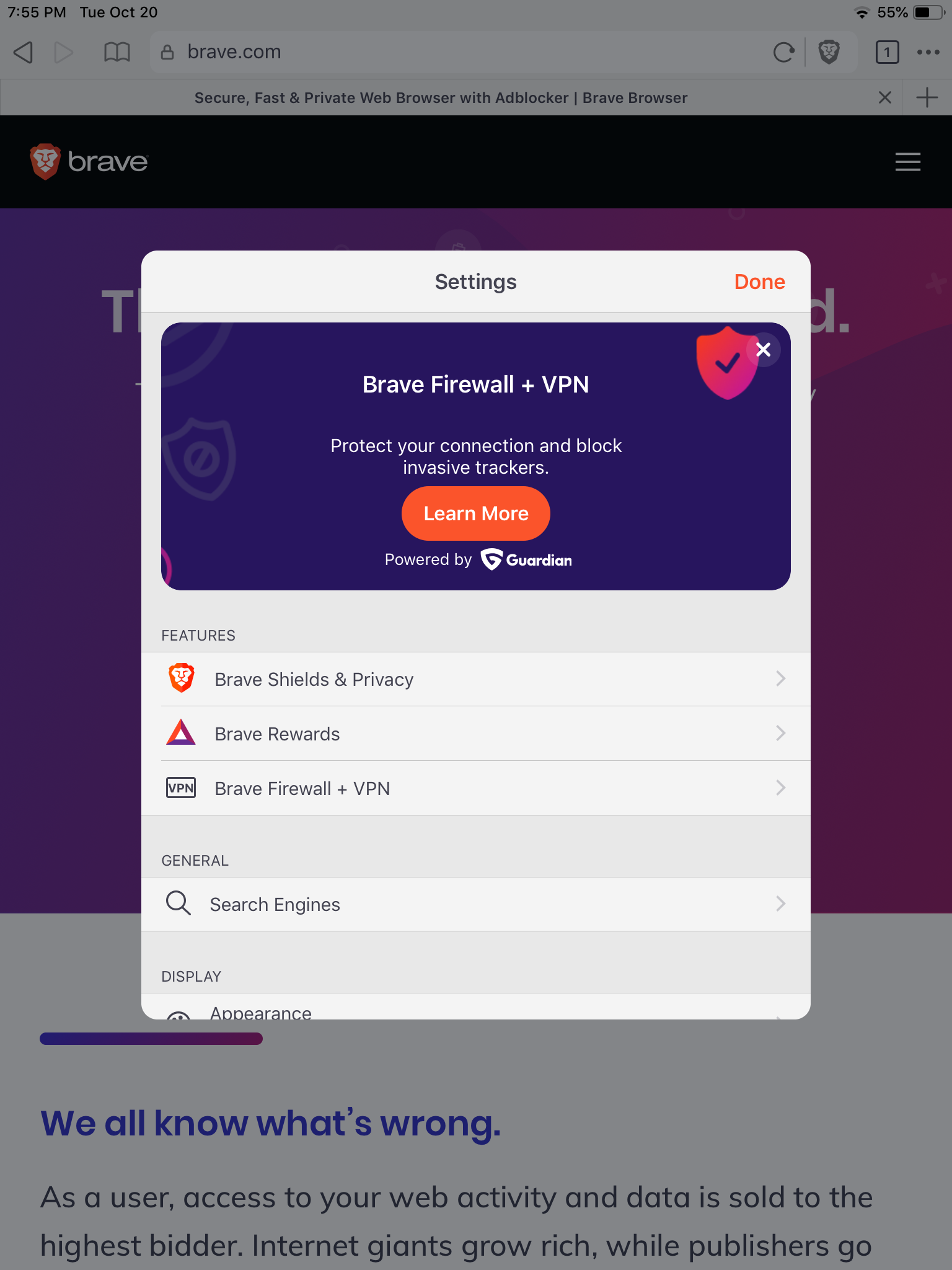
Verified selecting shields and privacy opens up global shields settings
Verified clear data presents a confirmation modal
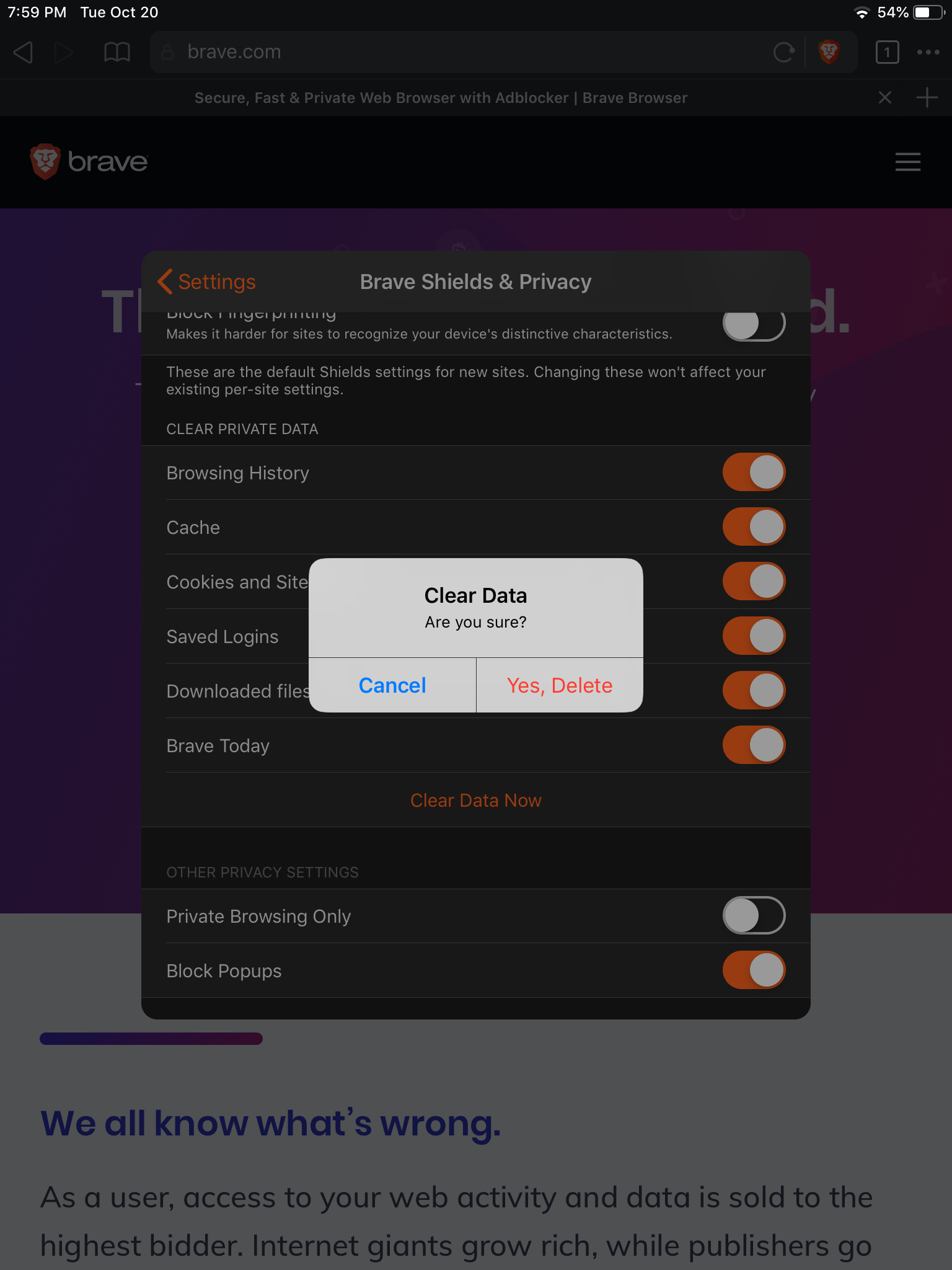
Verified Report broken site message is dismissed on its own after 1second of showing the message
- Verified shields view (advanced/collapsed) is retained across tabs and isn't site specific
- Verified shields settings is retained across app launches
- Verified clearing all browser data resets site-specific shields settings unless bookmarked (https://github.com/brave/brave-ios/issues/2975#issuecomment-712277986)
 srirambv
on 20 Oct 2020
srirambv
on 20 Oct 2020
Related issues
 jumde
·
6Comments
srirambv
·
6Comments
jumde
·
6Comments
srirambv
·
6Comments
 iccub
·
5Comments
iccub
·
5Comments
 kjozwiak
·
5Comments
kylehickinson
·
6Comments
kjozwiak
·
5Comments
kylehickinson
·
6Comments
Most helpful comment
Love the settings cleanup, huge improvements.
I think we should hold off on the timed deletion of private browsing data though, I think it would be worth having more discussions how this applies to private mode and how they two are pseudo-related. Maybe we can simplify the browsing 'modes' with something more mature like the custom settings the screenshot shows.