Brave-browser: [Webcompat] Playstation Logins not working
Description
Visiting: https://store.playstation.com/ Won't allow user to login.
Steps to Reproduce
- Visit
https://store.playstation.com/ - Click on Login.
- Doesn't work with default Shields
Actual result:
Login will fail.
Expected result:
Expect menus and login to work.
Reproduces how often:
Easily
Brave version (brave://version info)
Version 1.4.96 Chromium: 80.0.3987.132 (Official Build) (64-bit)
Version/Channel Information:
Version 1.4.96 Chromium: 80.0.3987.132 (Official Build) (64-bit)
- Can you reproduce this issue with the current release? Yes
- Can you reproduce this issue with the beta channel? Yes
- Can you reproduce this issue with the nightly channel? Yes
Other Additional Information:
- Does the issue resolve itself when disabling Brave Shields? Yes
Miscellaneous Information:
Allow Cookies in shields is needed
 ryanbr
All 7 comments
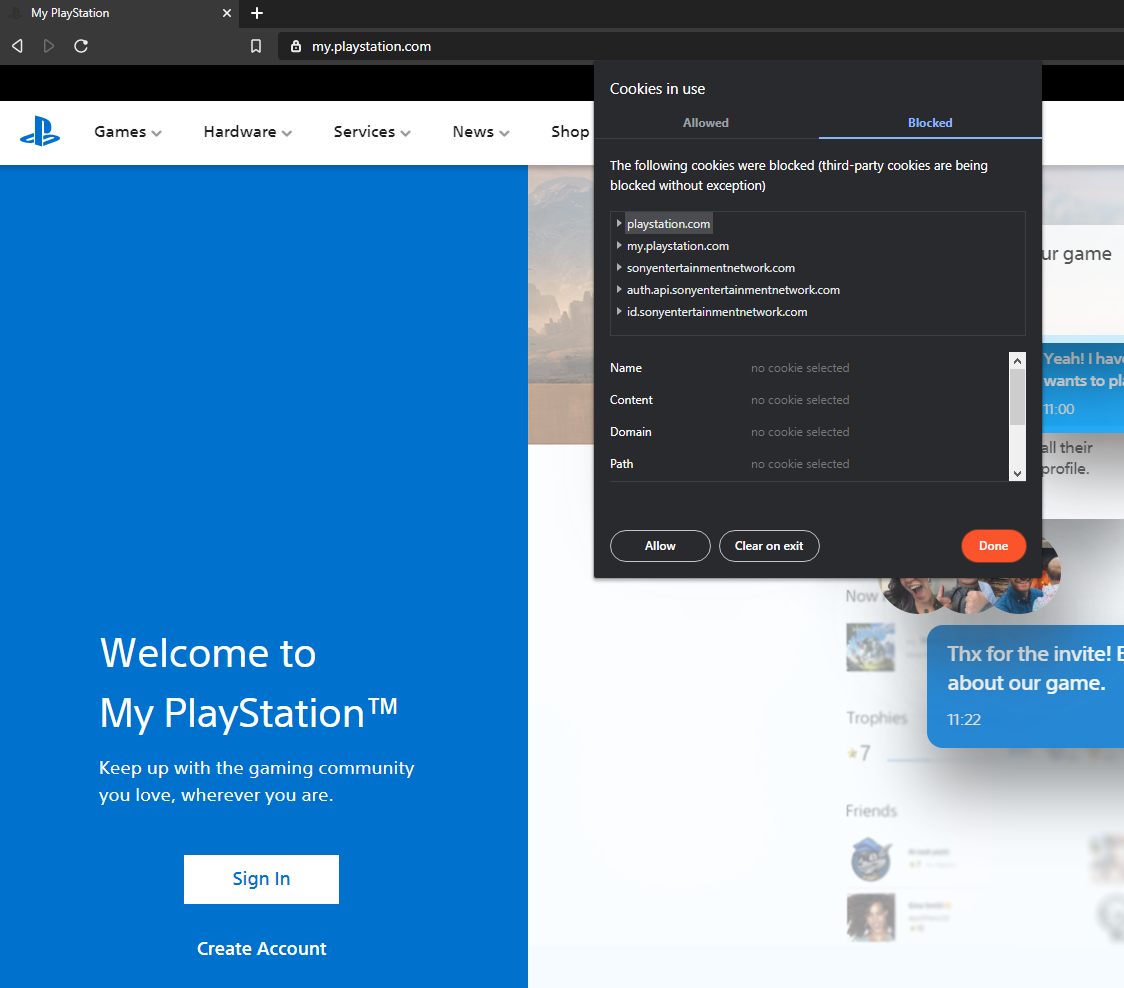
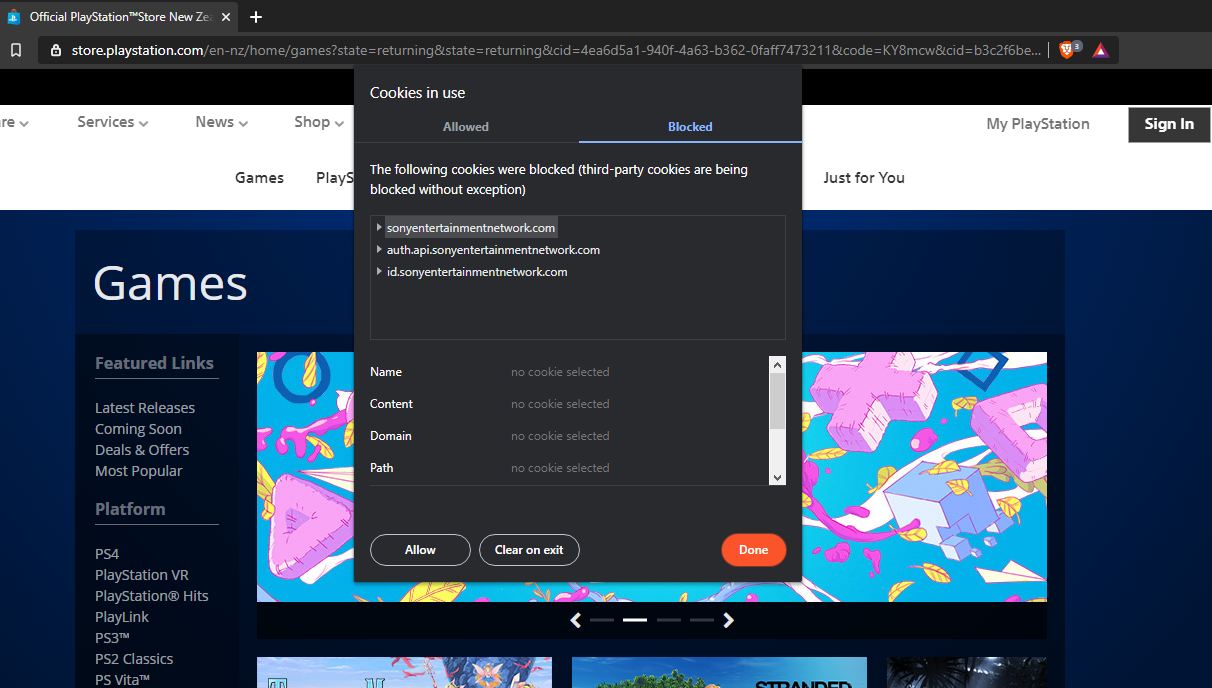
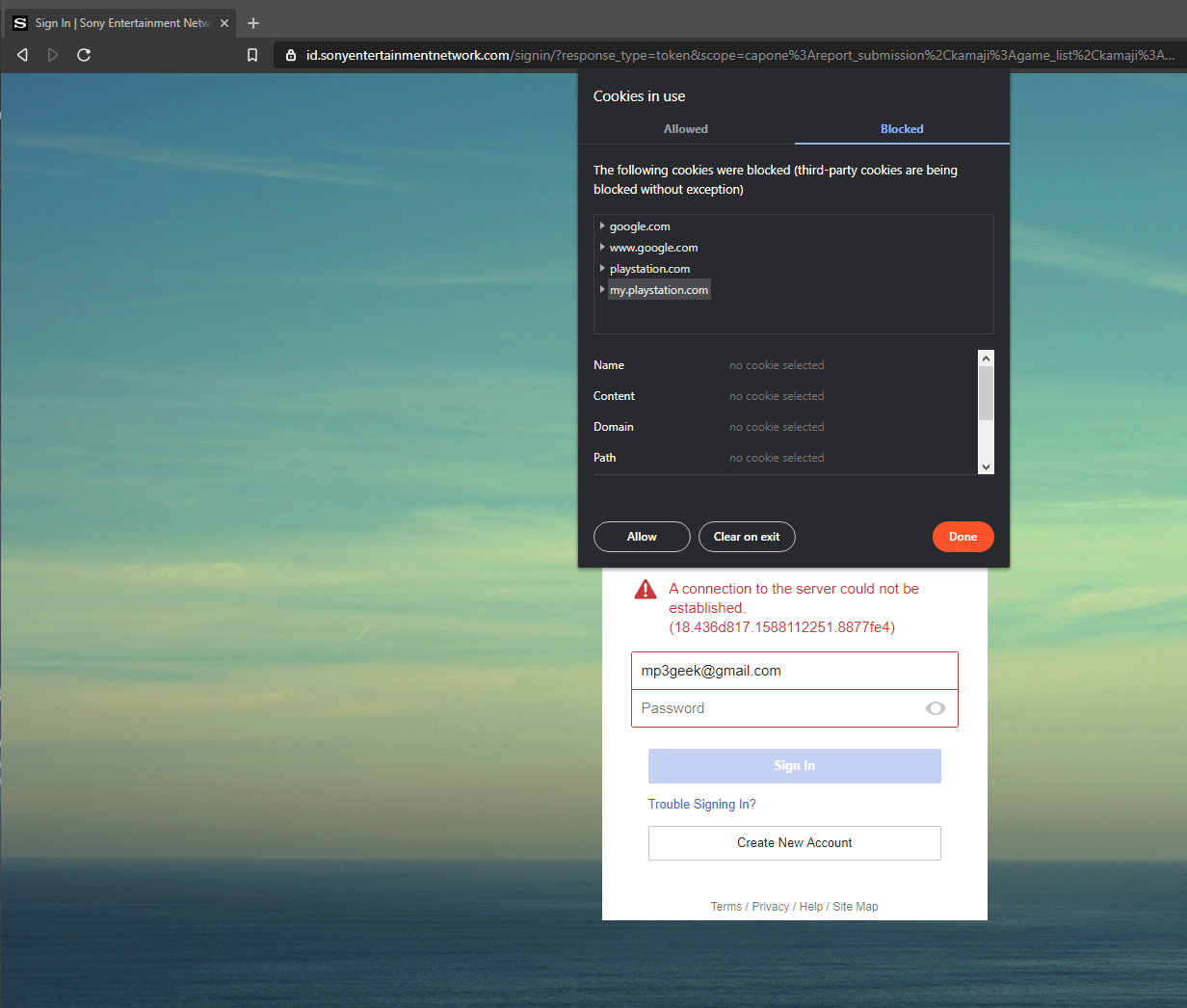
Affecting at least 3 sony domains I'm are of: It seems we need to allow cookies on all 3 domains.
https://my.playstation.com/ (redirects to id.sonyentertainmentnetwork.com)
 ryanbr
on 29 Apr 2020
ryanbr
on 29 Apr 2020
During the login process for playstation.com (where its failing), The site will re-direct from playstation.com to sonyentertainmentnetwork.com . We needed to allow cookies on both domains to make Brave workable
Looking at the logs:
On the domain: playstation.com
We should allow cookies from: sonyentertainmentnetwork.com
And in reverse;
On the domain sonyentertainmentnetwork.com
Allow cookies from playstation.com
ryanbr
on 29 Apr 2020
@pes10k thoughts?
ryanbr
on 29 Apr 2020
I believe this will be solved by the PR coming from https://github.com/brave/brave-core/tree/fix-google-drive-autoplay-bj, very shortly (likely w/in the next 24 hours)
 pes10k
on 30 Apr 2020
pes10k
on 30 Apr 2020
Verified on
Brave | 1.9.76 Chromium: 81.0.4044.138 (Official Build) (64-bit)
-- | --
Revision | 8c6c7ba89cc9453625af54f11fd83179e23450fa-refs/branch-heads/4044@{#999}
OS | Windows 10 OS Version 1803 (Build 17134.1006)
- Verified the STR from the description
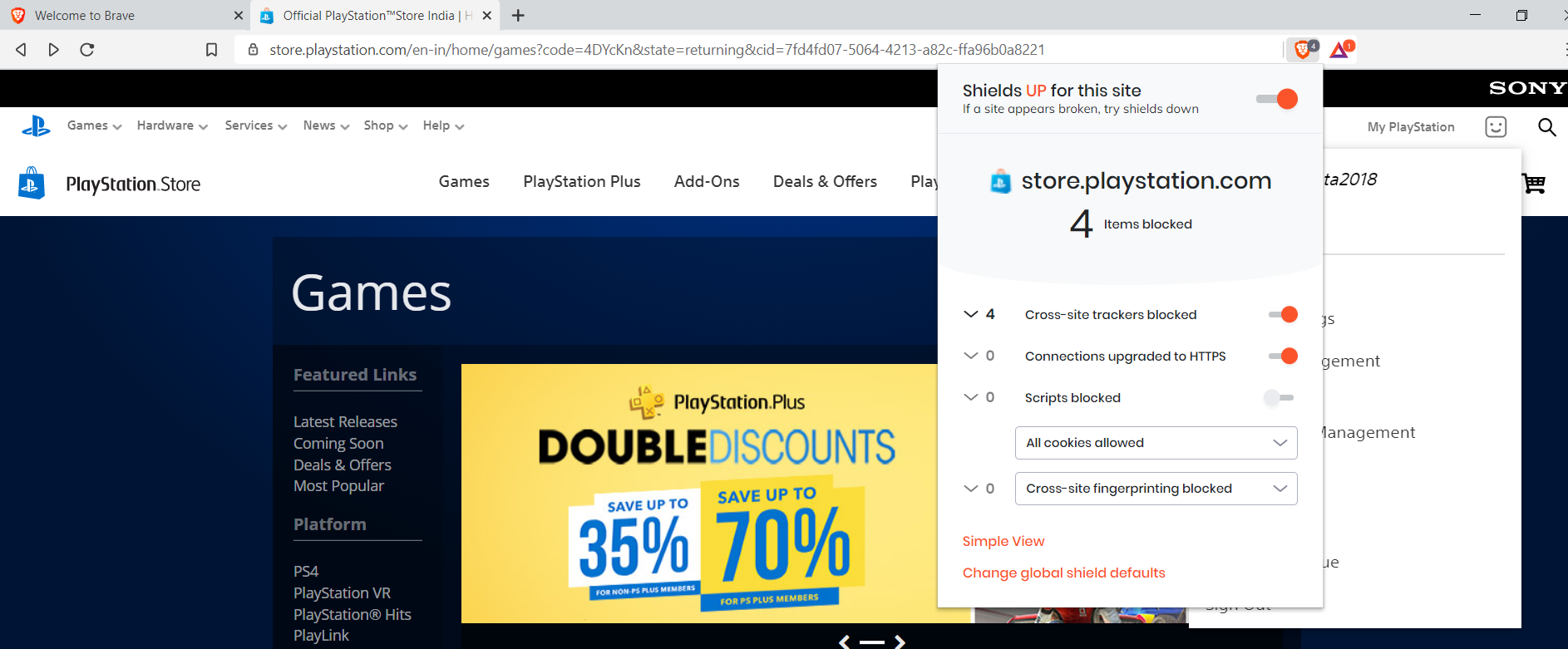
Important: Account creation is allowing to sign in the website, but the clean profile is not allowing to login with existing login credentials
Note: Sign In option on the PlayStation website is shown only after enabling All cookies allowed
 GeetaSarvadnya
on 28 May 2020
GeetaSarvadnya
on 28 May 2020
Still able to reproduce the issue of not being able to login.
- Must allow all cookies to see
Loginbutton on store.playstation.com - this is mentioned inMiscellaneous Informationsection of https://github.com/brave/brave-browser/issues/8629#issue-579058593, so maybe this is ok. - Once I do this though, on the next page I'm still unable to login which was the originally reported issue:
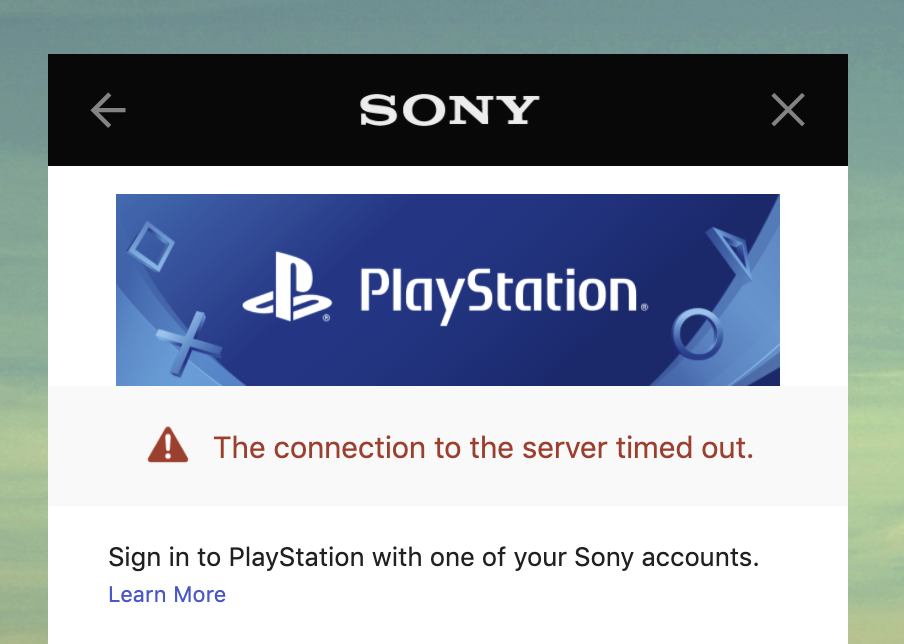
Steps used:
- Using 1.9.76 (clean profile) went to store.playstation.com.
- Went to shields, allowed all cookies to see the login button.
- Once I saw the login button, I clicked on it.
- On the next page I did not modify any shield settings. I entered the user name, then the password.
- When I try to login I get the server error above.
Brave | 1.9.76 Chromium: 81.0.4044.138 (Official Build) (64-bit)
-- | --
Revision | 8c6c7ba89cc9453625af54f11fd83179e23450fa-refs/branch-heads/4044@{#999}
OS | macOS Version 10.14.6 (Build 18G3020)
cc @rebron @bsclifton @pes10k
 LaurenWags
on 28 May 2020
LaurenWags
on 28 May 2020
Per discussion, marking as release-notes/exclude and QA/No as issue still reproduces. Logged follow up issue for this to be addressed: https://github.com/brave/brave-browser/issues/9987.
LaurenWags
on 28 May 2020
Related issues
 jonathansampson
·
3Comments
jonathansampson
·
3Comments
 bbondy
·
3Comments
bbondy
·
3Comments
 bsclifton
·
3Comments
bsclifton
·
3Comments
 traffisco
·
3Comments
traffisco
·
3Comments
 Sondro
·
3Comments
Sondro
·
3Comments