Bludit: Some options not available on narrow screens with Bludit 2.0
If you edit a page using a small screened device like a phone or tablet, the controls for adding images and tags, and other page/post options aren't visible. I believe with Bludit 1.6.2 these options were available below the editor input field.
Also, access to the sites settings are missing from the pull out menu on the left of the admin area, and the bottom of the edit user page is cut off. This, it turns out was caused by some CSS being cached from the old version of Bludit.
I'm using Chrome on Android.
 JonathanHolvey
All 4 comments
I made a PR. It should fix this.
Just so you know, it wasn't fixed then broken. It was never fixed at all. Issue #401 was just a proposal to fix it.
 ADTC
on 25 Oct 2017
ADTC
on 25 Oct 2017
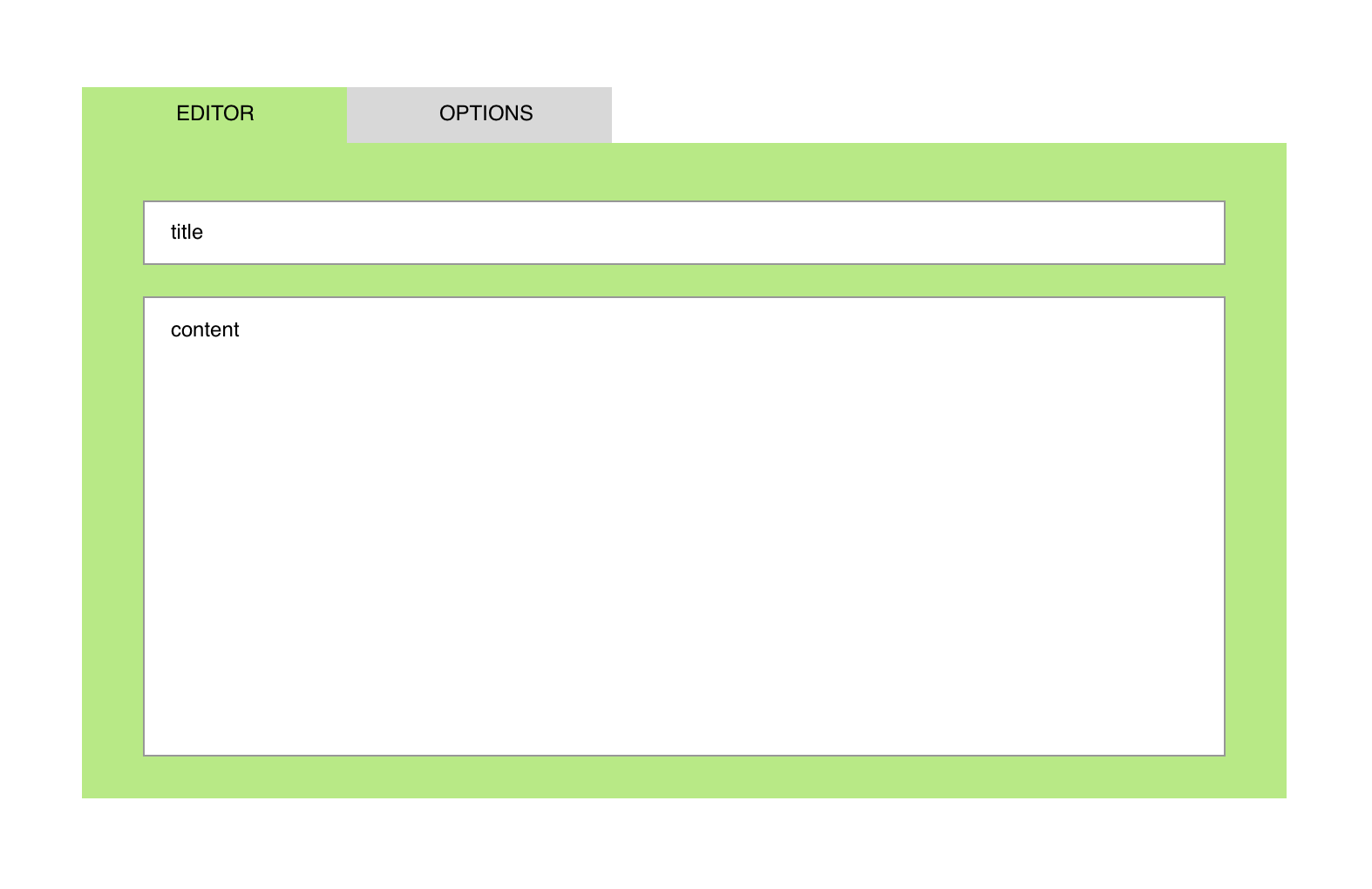
Merged. I would like to do something like this and remove the right sidebar, because is to much space.
Left sidebar | Form | Right sidebar
I want to do this
Left sidebar | Form
 dignajar
on 25 Oct 2017
dignajar
on 25 Oct 2017
Thanks. Yes, that would be better. In fact, I found the sidebar taking up too much space on the desktop that I hacked its width to be narrower (user-adjustable width would have been awesome though).
How would the tabbed view function on mobile view though?
ADTC
on 26 Oct 2017
I'm looking for some framework, and I found this one.
Here are the tabs:
https://bulma.io/documentation/components/tabs/
dignajar
on 28 Oct 2017
Related issues
 hide-me
·
5Comments
hide-me
·
5Comments
 tomexx
·
3Comments
tomexx
·
3Comments
 tompidev
·
6Comments
tompidev
·
6Comments
 n0byk
·
8Comments
n0byk
·
8Comments
 bousalman
·
5Comments
bousalman
·
5Comments
Most helpful comment
Merged. I would like to do something like this and remove the right sidebar, because is to much space.
Left sidebar | Form | Right sidebar
I want to do this
Left sidebar | Form