Bleachbit: Cannot shred more than one file at a time.
Cannot shred more than one file at a time.
Using version 3.0, Windows 10x64 Pro v1909
 rfithen-yandex-com
All 6 comments
Hi @rfithen-yandex-com!
Thx for the vid!
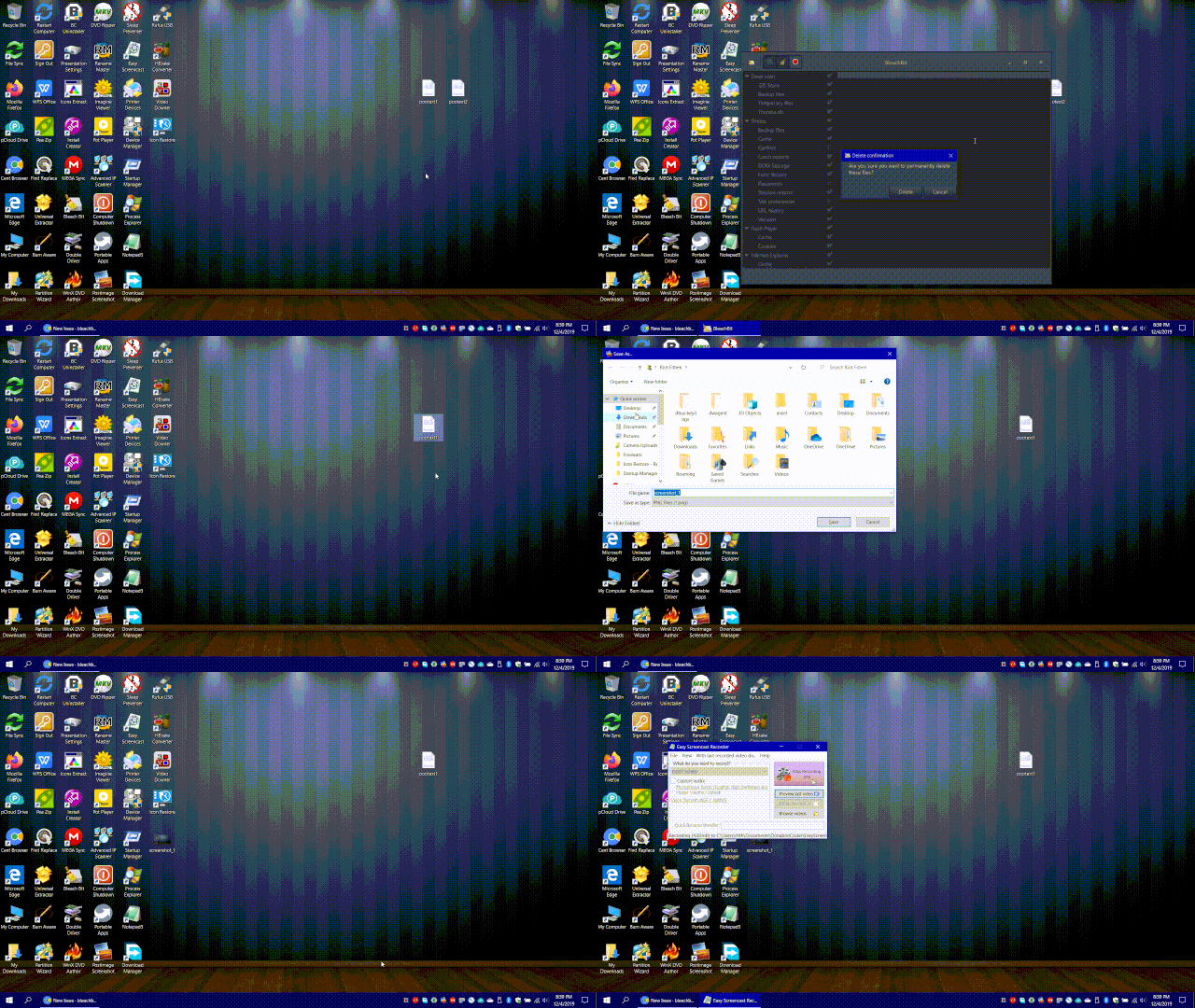
Can you do anyway a screenshot of BB instead off and write in some words down what you think should happen and what then really happens?
Because it's at least for me a bit difficult to see in the vid what you really wanna do and what's happening e.g. also as output of BB in the window...
Thx in advance!
Greets, Tobias.
 Tobias-B-Besemer
on 5 Dec 2019
Tobias-B-Besemer
on 5 Dec 2019
The Windows context menu doesn't allow shredding multiple files, so two options are
Start BleachBit, and then drag the files onto BleachBit.
Copy the files to the clipboard (from Windows file browser), open BleachBit, open the application menu, and choose the option to shred files from the clipboard. It will find the paths from the clipboard, and shred them.
The WIndows permission model does not allow option 1 when running BleachBit as administrator, which is required for best results when shredding, so I recommend option 1.
 az0
on 5 Dec 2019
az0
on 5 Dec 2019
"The Windows context menu doesn't allow shredding multiple files"
I don't believe this to be true. A program named "CyberShred" does this. Even if this were a "Context Menu" issue, then perhaps place the shred shortcut in the "shell:sendto" menu.
rfithen-yandex-com
on 6 Dec 2019
Really not trying to be a "smarty pants" here, but:
"Cannot shred more than one file at a time" ok let me change that...
"Cannot shred more than one file at a time, using the shell extension context menu".
I sincerely don't know how else to phrase it.
Sorry, "programmer" is not my first language, common sense user, is.
rfithen-yandex-com
on 6 Dec 2019
"The Windows context menu doesn't allow shredding multiple files"
I don't believe this to be true. A program named "CyberShred" does this. Even if this were a "Context Menu" issue, then perhaps place the shred shortcut in the "shell:sendto" menu.
Yes, in general other applications can get multiple files from the context menu, but the last time I looked into it, it seemed unnecessarily complicated. I hired a contractor who concluded that each file would launch a separate instance of BleachBit, and they would have to communicate with each other using interprocess communication. I just "Googled' it, and I found the same answer.
So I provided two other ways to do it (drag and drop and context menu).
If you would like to work on this problem, feel free to submit a patch as a pull request.
az0
on 6 Dec 2019
@az0, did you read this, too:
https://stackoverflow.com/questions/1826791/how-to-pass-in-multiple-file-folder-paths-via-a-right-click-event-verb-to-an-e
The WIndows permission model does not allow option 1 when running BleachBit as administrator, which is required for best results when shredding, so I recommend option 1.
This sentence makes for me no sence!
Option 1 _not_ as administrator, use optinon _1_ instead ???
I will link here to https://github.com/bleachbit/wishlist/issues/65 that I can find this issue later easily, again...
Tobias-B-Besemer
on 6 Dec 2019
Related issues
 PranavBhattarai
·
5Comments
Tobias-B-Besemer
·
6Comments
PranavBhattarai
·
5Comments
Tobias-B-Besemer
·
6Comments
 sshermz
·
6Comments
sshermz
·
6Comments
 ROCKNROLLKID
·
4Comments
ROCKNROLLKID
·
4Comments
 SenpaiSharp
·
4Comments
SenpaiSharp
·
4Comments