Billboard.js: Since Chrome 73, graphs are having glitchy blurry initial render issues
Description
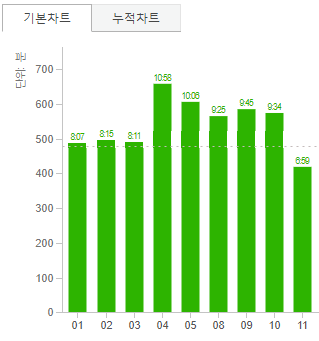
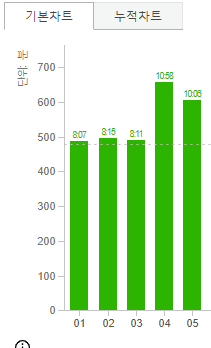
Ever since Chrome 73, and reproducible on current Chrome 74, billboard.js rendered bar charts have weird blur issues on first render, but it fixes itself after moving mouse on the chart to focus on it(issue doesn't persist after focusing out).
As far as I can tell, it's a library/chrome compatibility issue that was introduced since Chrome 73, and not an issue with user implementation.
//--------------------//
안녕하세요, 라이브러리 잘 쓰고 있습니다. 다름이 아니라, 크롬 73부터 첫 렌더링시 차트가 뿌옇게 보이는 현상이 생기고 있습니다. 개인 프로젝트 뿐만 아니라 프로젝트 대문에서도 (조금이나마) 눈치챌 수 있는 이상현상이 있는만큼, 사용상의 실수에 의한 것이 아니라 라이브러리 코어와 크롬간의 이슈인듯합니다.
마우스를 올려서 포커싱해보면 해당 현상은 임시로 사라지고, 이는 포커스 아웃해도 여전히 고쳐진 상태로 남습니다.
물론, 페이지 새로고침 혹은 어떤 트리거에 의해 그래프 렌더링을 다시 수행할 경우 뿌연 현상은 다시 발생합니다.
감사합니다.
Steps to check or reproduce
- Billboard.js mainpage: initial render
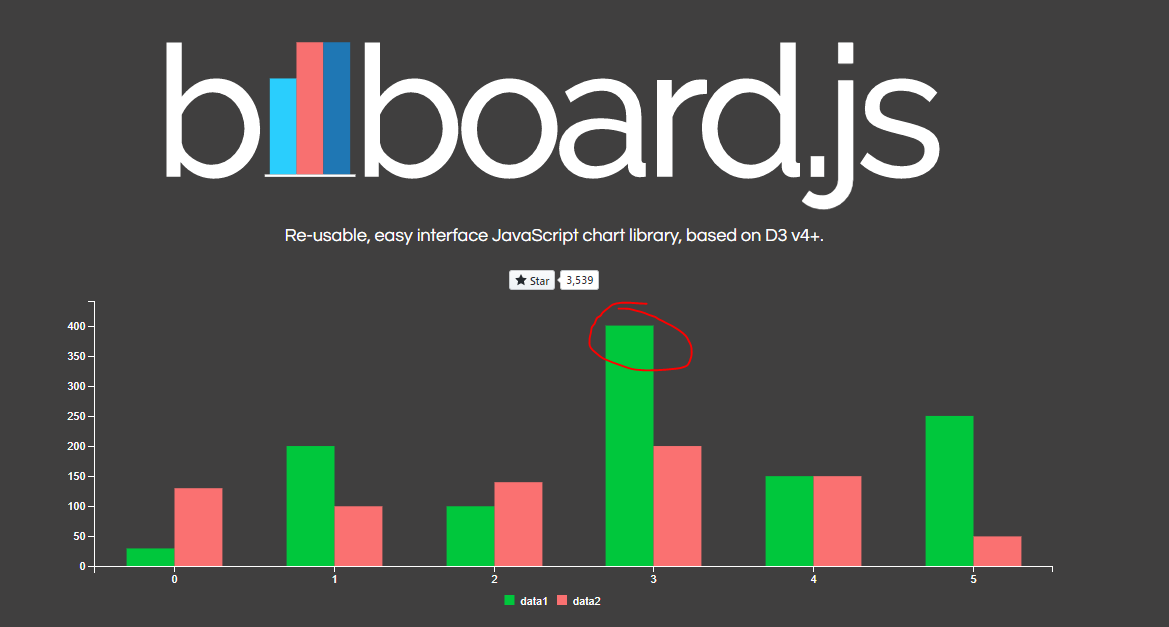
- Billboard.js mainpage: after mouse focus in & out

- personal project utilizing billboard.js(also tested with newest 1.8.0 release): initial render
- personal project utilizing billboard.js(also tested with newest 1.8.0 release): after mouse focus in & out
Notes
- tested only on Windows 10 64bit Professional / Chrome 73 & 74
 gyuhyeon
All 3 comments
Hi @gyuhyeon, thanks for the report, I'll be digging the cause.
 netil
on 26 Apr 2019
netil
on 26 Apr 2019
I did some test on this and I figured out some issue on shape-rendering css property.
I'm not really sure about the issue, but IMO there's rendering issue on chrome handling this.
The default css file styles <path> elements(and some others) with shape-rendering: crispEdges.
.bb-legend-item-tile,
.bb-xgrid-focus,
.bb-ygrid,
.bb-event-rect,
.bb-bars path {
  shape-rendering: crispEdges;
}
shape-rendering: crispEdges
As you mentioned, it has some rendering issue after the generation, adding blurry border.
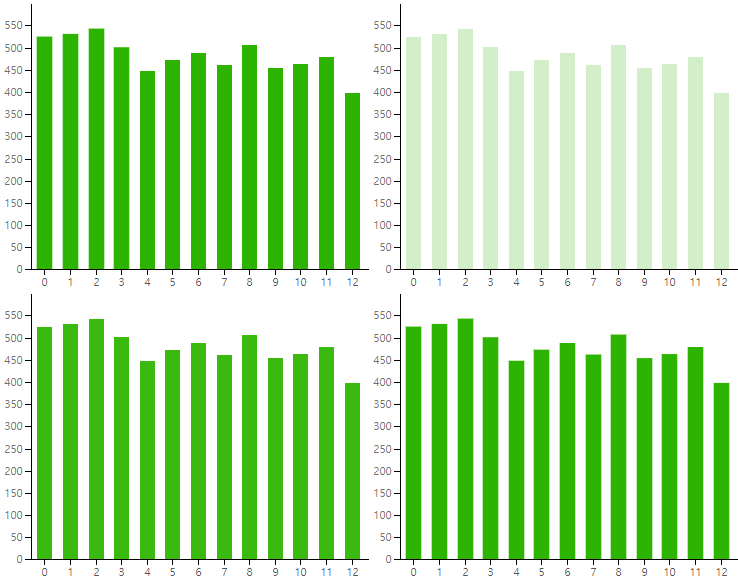
shape-rendering: auto
If you set auto (or simply remove the setting, because the default is 'auto'), there's no flickering at the border of the shape.
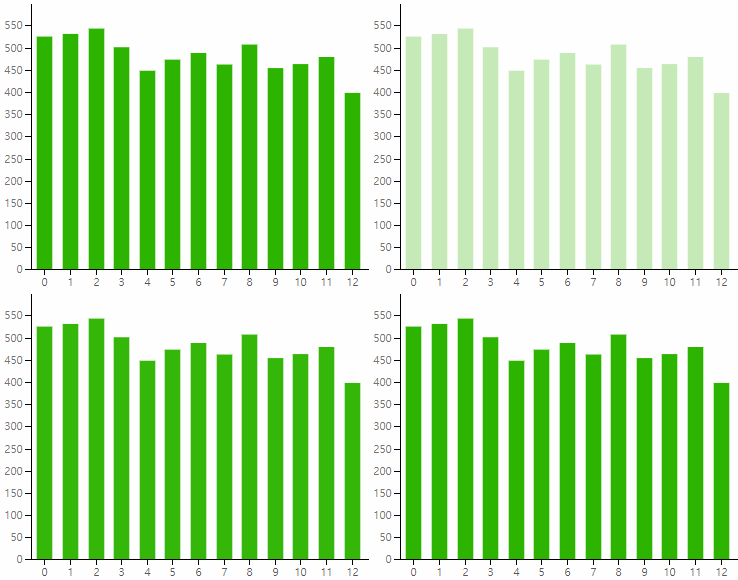
@gyuhyeon, can you try with the shape-rendering: auto;?
And let me know how this worked.
Thanks in advance.
netil
on 29 Apr 2019
@netil Thank you for the quick fix. It appears to be working normally after setting it to auto.
gyuhyeon
on 29 Apr 2019
Related issues
 planttheidea
·
4Comments
planttheidea
·
4Comments
 eweap
·
5Comments
eweap
·
5Comments
 programmiana
·
5Comments
programmiana
·
5Comments
 matthiaskomarek
·
4Comments
matthiaskomarek
·
4Comments
 SoYoung210
·
5Comments
SoYoung210
·
5Comments
Most helpful comment
@netil Thank you for the quick fix. It appears to be working normally after setting it to auto.