Azurestorageexplorer: Storage Explorer GPU Error
Storage Explorer Version: latest version
Bug Description
when using storage explorer the following error is displayed first launching storage explorer
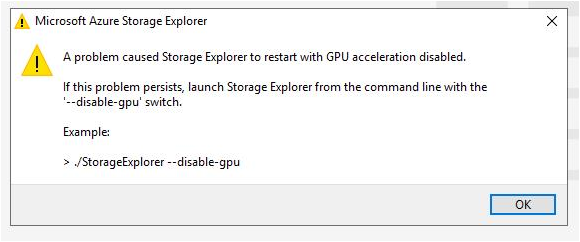
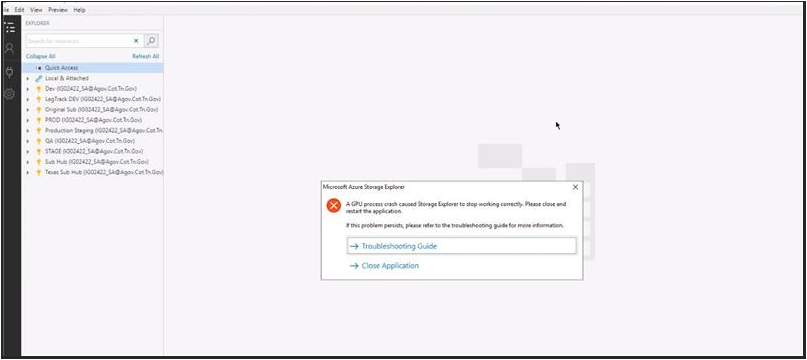
Tried running the "--disable-gpu" switch. However, when the application ran it crashed with the following error:
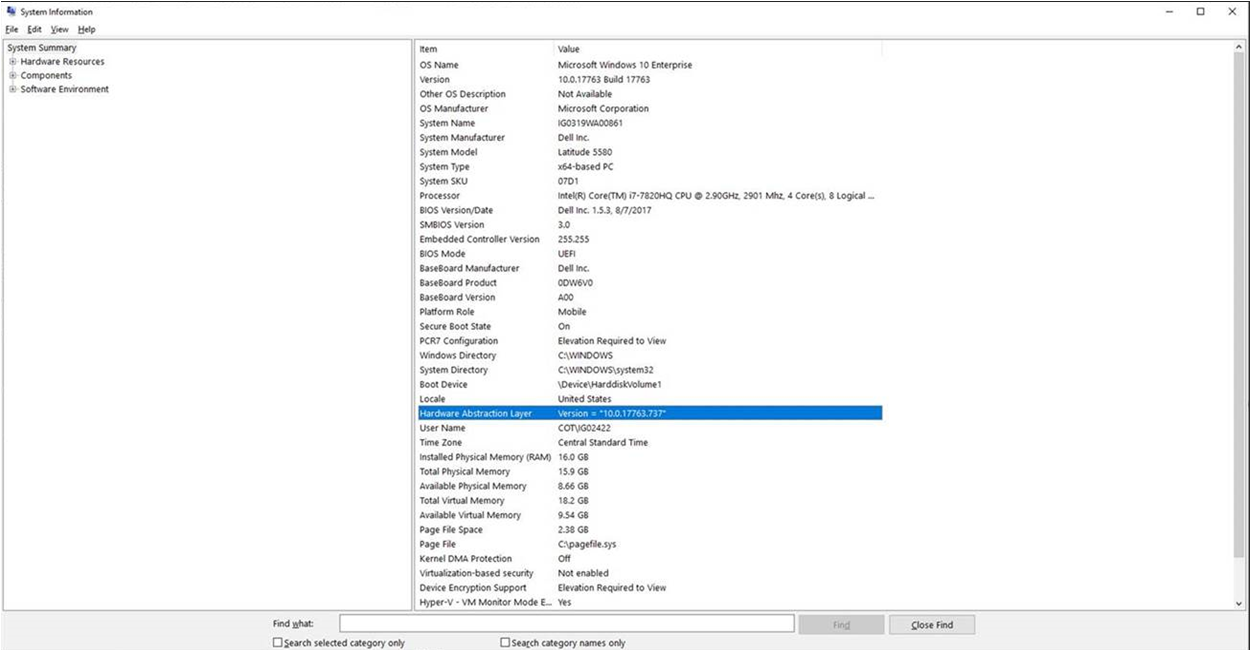
System info:
 eosho
eosho
All 3 comments
can we have a setting that can set disable-gpu to true instead of running with --disbale-gpu everything launch it, vs code recently added this feature ~
 mchenx
on 19 Nov 2019
mchenx
on 19 Nov 2019
@eosho Are you by chance trying to run Storage Explorer on a VM, or are you remoting into the machine that has Storage Explorer? Can you give us some info about the system and GPU running Storage Explorer? Knowing more about your system may help us test a proper fix.
Very possible the cause is explained by electron/electron#5297. In short, appending --disable-gpu to the command-line arguments isn't actually a supported Chrome flag. We may need to switch to using app.disableHardwareAcceleration.
 craxal
on 26 Nov 2019
craxal
on 26 Nov 2019
Hi all, we have made a fix based on @craxal's finding and produced a private build. Could you please try it to see if the problem is solved?
- Windows - https://aka.ms/gpu-crash/windows
- macOS - https://aka.ms/gpu-crash/macOS
- Linux - https://aka.ms/gpu-crash/linux
You can pass the --disable-gpu from the command when starting Storage Explorer (we internally call the function for you). If you wish to save this option, you can access the appState.json file under the appData folder and add "disableGpu": true after the "lastWindowState" property.
- Windows -
%APPDATA%(usuallyC:\Users\<your user name>\AppData\Roaming\StorageExplorer) - macOS -
~/Library/Application Support/StorageExplorer - Linux -
$XDG_CONFIG_HOMEor~/.config
Once it is set, Storage Explorer will disable gpu every time it starts.
 JasonYeMSFT
on 5 Dec 2019
JasonYeMSFT
on 5 Dec 2019
Related issues
 sholman
·
3Comments
sholman
·
3Comments
 cbailiss
·
6Comments
cbailiss
·
6Comments
 jorgklein
·
4Comments
jorgklein
·
4Comments
 euandekock
·
6Comments
euandekock
·
6Comments
 kjoshi-rubikloud
·
3Comments
kjoshi-rubikloud
·
3Comments
Most helpful comment
can we have a setting that can set disable-gpu to true instead of running with --disbale-gpu everything launch it, vs code recently added this feature ~