Azuredatastudio: Support drag-n-drop columns and tables into Query Editor
- Azure Data Studio Version:1.2.4
Steps to Reproduce:
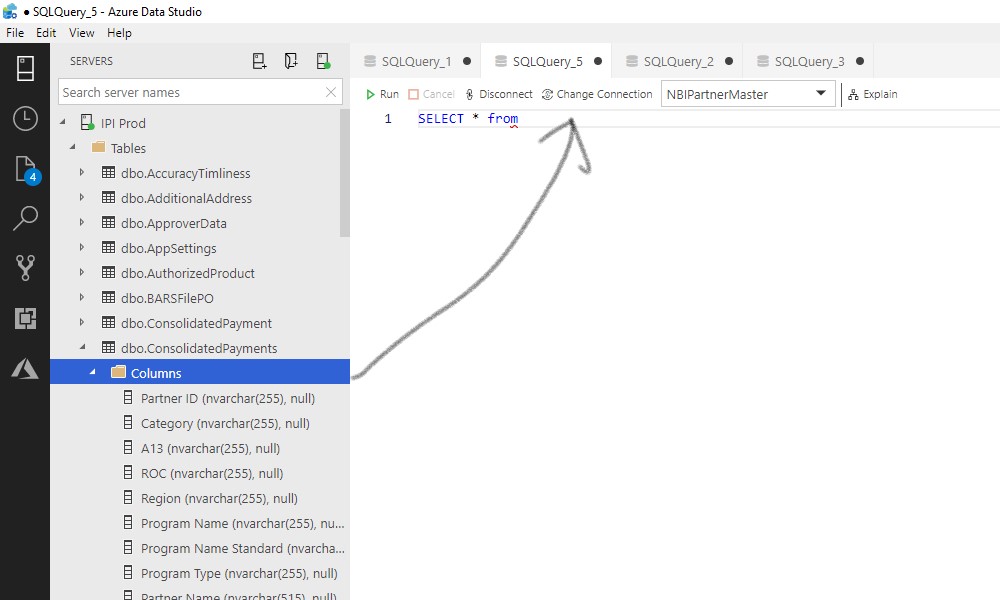
when writing the query I can not drag tables or columns from server navigation pane. This feature is available in SSMS
 sadlave
All 6 comments
Please don't limit this to the Columns or tables nodes, we would like to drag-and-drop any object name, or collection of object names. Please make sure this works for all file types as well. For instance, I might want to drag-and-drop instance, database, or table name into a .PS1 file that I am currently working on.
 SQLvariant
on 24 Apr 2019
SQLvariant
on 24 Apr 2019
Wondering whether this is a bug since attempting the old drag-and-drop columns feature crashes SSMS your only option a task kill.
 madcour11
on 21 Jun 2019
madcour11
on 21 Jun 2019
I really miss this feature.
Possible alternative for columns would be automatic wildcard substitution.
 dbrtly
on 27 Jul 2019
dbrtly
on 27 Jul 2019
Wishes: conditional inclusion of [square brackets] only when needed. Formatted list of columns with a choice of commas before or after each name. Then, ahem, star expansion.
 merrillaldrich
on 1 Aug 2019
merrillaldrich
on 1 Aug 2019
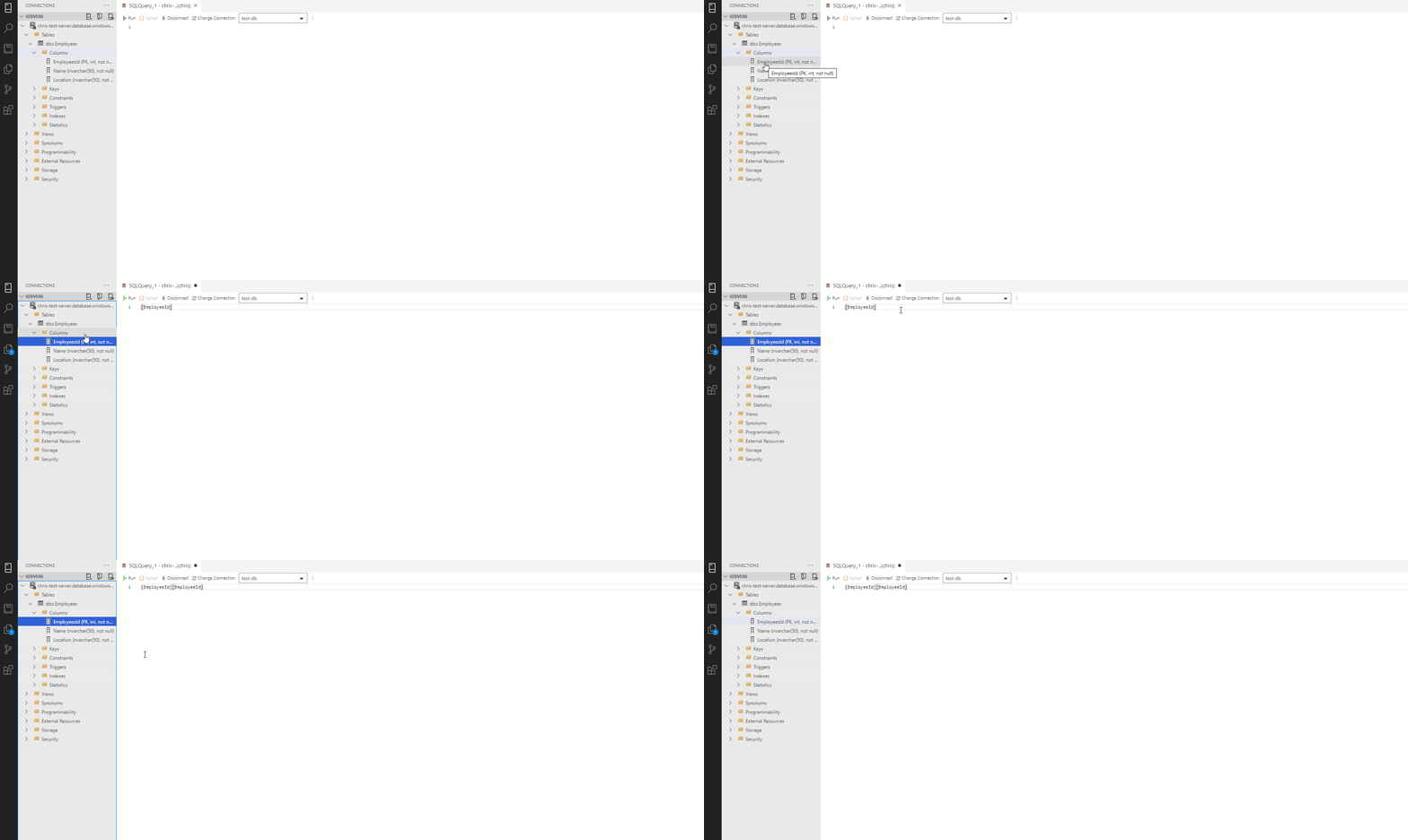
Here is a brief gif of the functionality I have been working on, feel free to leave feedback.
 cssuh
on 5 Jun 2020
cssuh
on 5 Jun 2020
That looks awesome!
Since we're working in this area...
could we make it so that if you hold down the Ctrl key or the Shift key, before you drag (Ctrl+{dragging action}), that it copies the full path (URI?) of the object you're dragging?
So in the .gif above, it would copy something like chris-test-server.test-db.dbo.Employees.EmployeeId.
SQLvariant
on 6 Jun 2020
Related issues
 squillace
·
3Comments
squillace
·
3Comments
 Ungerfall
·
3Comments
Ungerfall
·
3Comments
Ungerfall
·
3Comments
Ungerfall
·
3Comments
 carloscfcortez
·
3Comments
carloscfcortez
·
3Comments
 kburtram
·
3Comments
kburtram
·
3Comments
Most helpful comment
I really miss this feature.
Possible alternative for columns would be automatic wildcard substitution.