Azure-functions-durable-extension: If taskhub name not provided, and site name starts with a number, default task hub is invalid
Description
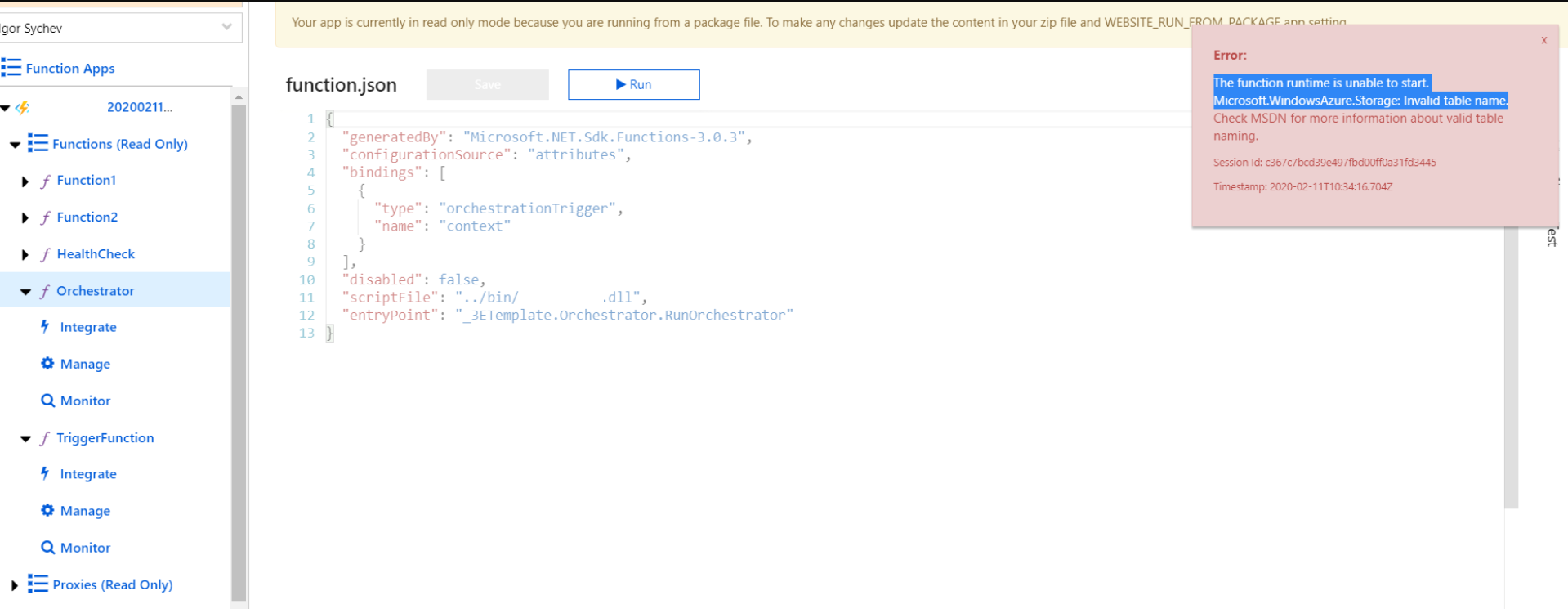
Azure Durable Function after deployment shows following error message that didn't help to troubleshoot it.
"The function runtime is unable to start. Microsoft.WindowsAzure.Storage: Invalid table name."
Table name - didn't not specified in an exception test.
Expected behavior
Application is up and running
Actual behavior
Error message
Relevant source code snippets
// insert code snippet here
Known workarounds
Unknown
App Details
<PackageReference Include="Microsoft.ApplicationInsights" Version="2.12.1" />
<PackageReference Include="Microsoft.Azure.WebJobs.Extensions.DurableTask" Version="2.1.1" />
<PackageReference Include="Microsoft.NET.Sdk.Functions" Version="3.0.3" />
- C#
Screenshots
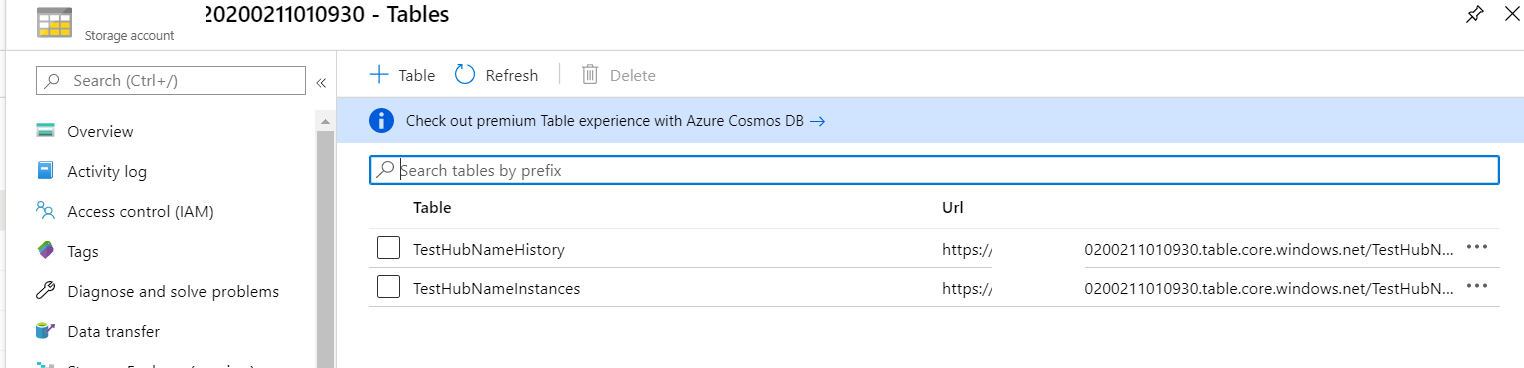
Storage account exist and table exist
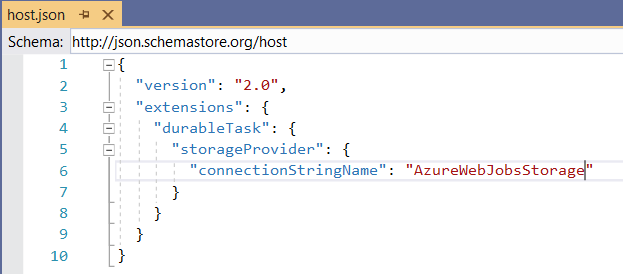
I even try to explicitly specify connection name in a host file, but it didn't help
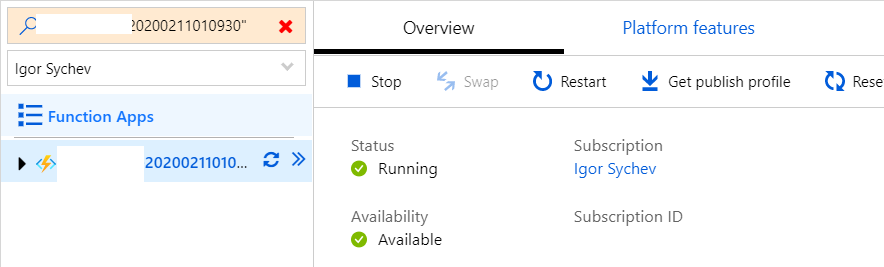
Application itself is up and running
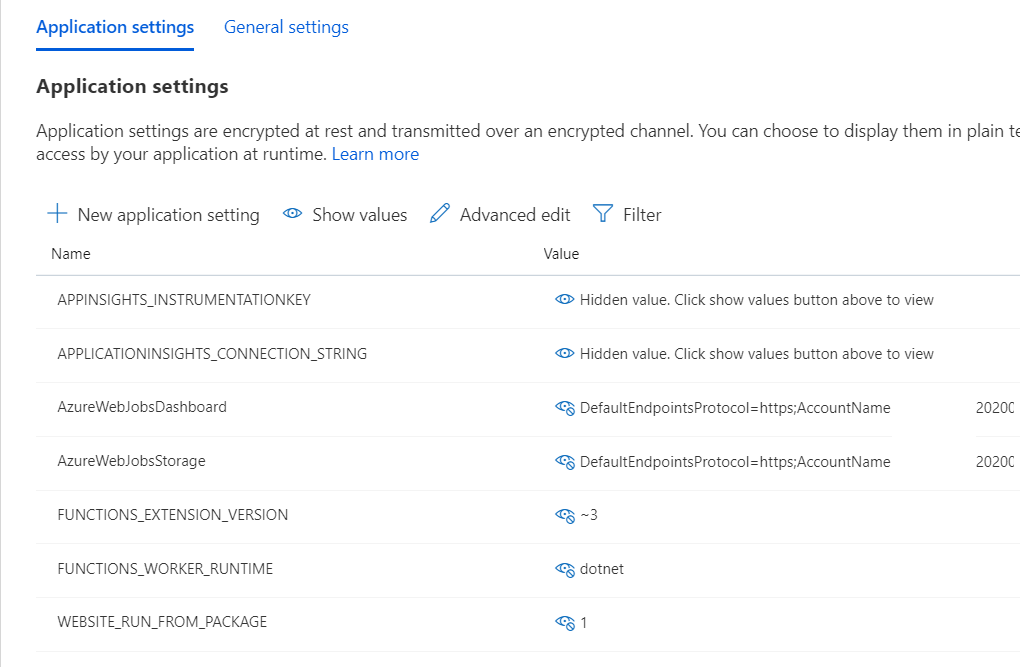
Account names specified by VS
If I will directly call http trigger- I will receive

If deployed to Azure
It deployed, but don't want to disclose
 SychevIgor
All 5 comments
So when you do not specify a taskhub, we pick one for you based on your site name.
We strip all non-alphanumeric characters, and we strip the length down to 45 characters. This way it passes all of the naming requirements for the objects in storage we create.
Unfortunately, it turns out that there is an additional requirement for Table storage that I did not realize. It MUST start with a letter.
In your case, since your application name starts with a number, the default task hub name we create for you is invalid for table storage. I would recommend setting a taskhub manually, and that will mitigate for you.
We will have to come up with a fix for default task hub names in this scenario.
 ConnorMcMahon
on 12 Feb 2020
ConnorMcMahon
on 12 Feb 2020
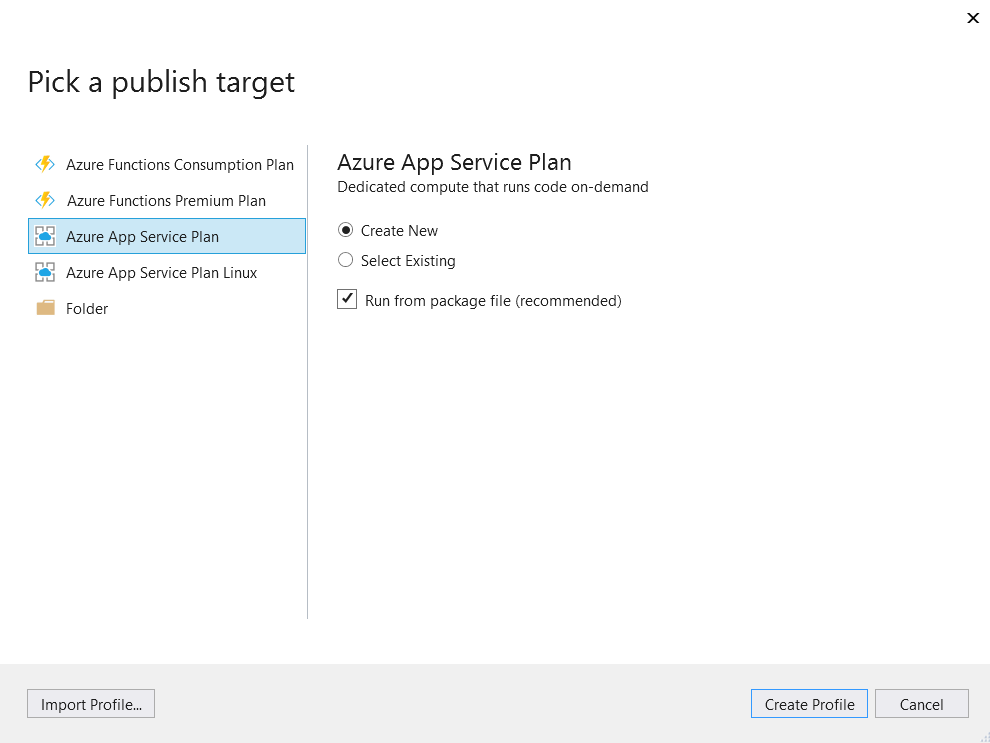
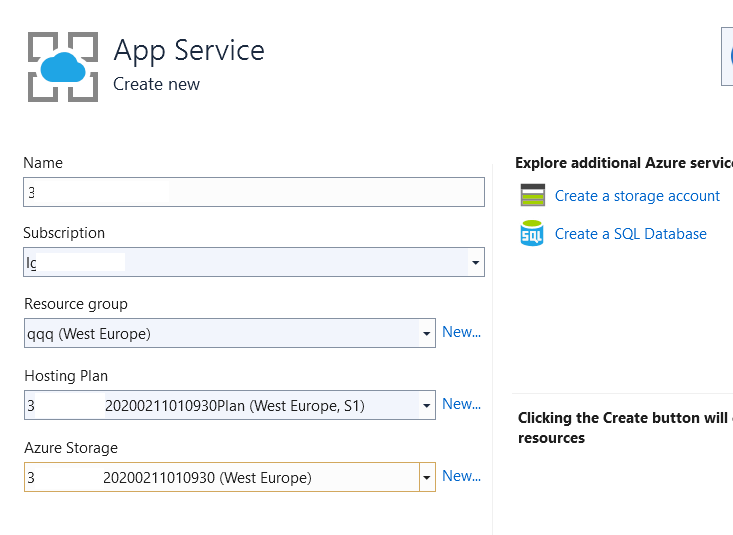
Interesting, my storage account starts from "3". Name was generated by visual studio 2019 "deploy". Maybe Microsoft could speak with Visual Studio team and fix the name generation rules?
SychevIgor
on 13 Feb 2020
@SychevIgor,
To clarify, the issue is not with storage accounts starting with a number.
In Durable Functions, we have the notion of a TaskHub, which is essentially a prefix-based naming convention for the object we create in Azure Storage (i.e. the queues, tables, and blobs). If you do not provide one, we default to use your application name. However, it turns out that for Azure Tables, we cannot create a table that starts with a number, hence the issue.
You can override the default task hub name by setting it in the host.json, which will mitigate the issue for you. We will make improvements to ensure that the default task hub name we generate is always valid.
ConnorMcMahon
on 13 Feb 2020
@ConnorMcMahon thank you. will try this workaround.
P.S. but still, I would expect that VS will respect this specific.
SychevIgor
on 13 Feb 2020
This fix will go out in 2.2.0.
Note that this will only fix the issue at runtime. The scaling infrastructure still does not know about this new default value, so if you are using consumption function apps I would still highly recommend providing a TaskHub.
ConnorMcMahon
on 19 Feb 2020
Related issues
 val-janeiko
·
3Comments
val-janeiko
·
3Comments
 ethanroday
·
4Comments
ethanroday
·
4Comments
 cvanama
·
3Comments
cvanama
·
3Comments
 tommasobertoni
·
3Comments
tommasobertoni
·
3Comments
 shibayan
·
4Comments
shibayan
·
4Comments
Most helpful comment
@SychevIgor,
To clarify, the issue is not with storage accounts starting with a number.
In Durable Functions, we have the notion of a TaskHub, which is essentially a prefix-based naming convention for the object we create in Azure Storage (i.e. the queues, tables, and blobs). If you do not provide one, we default to use your application name. However, it turns out that for Azure Tables, we cannot create a table that starts with a number, hence the issue.
You can override the default task hub name by setting it in the host.json, which will mitigate the issue for you. We will make improvements to ensure that the default task hub name we generate is always valid.