Let's post some screenshots here and vote on them, to possibly get them onto the website.
Elv13 edit:
Rules
- One screenshot per post
- Upload the screenshots directly on this gihub page, no external hosting, we already lost many work to vanishing hosts.
- Many posts allowed
- Please don't post the default config with a new wallpaper and colors, we have plenty of those
- Please upload your config on github and a README.md is also welcome
- Questions and comments are ok, but will be deleted after a week or so
- For simple comments like "good work!" please use emojis under the posts so people subscribed to the topic would receive less noise
- If you use external modules, please mention them
 blueyed
All 241 comments

blueyed
on 14 Jan 2017
May I post one here ? It could replace the one I used in the new site pull request.

 aajjbb
on 14 Jan 2017
aajjbb
on 14 Jan 2017

Also http://i.imgur.com/nyrNuT7.jpg for an alternative to the nice "real" desktop on the first page
 Elv13
on 14 Jan 2017
Elv13
on 14 Jan 2017
Elv13
on 14 Jan 2017
Elv13
on 14 Jan 2017
Elv13
on 14 Jan 2017
Elv13
on 14 Jan 2017
Elv13
on 14 Jan 2017
Elv13
on 14 Jan 2017

Elv13
on 14 Jan 2017

[edit: Replace the link]
Elv13
on 14 Jan 2017

 mindeunix
on 14 Jan 2017
mindeunix
on 14 Jan 2017

Mod edit: yes, it is very welcome
 wimstefan
on 14 Jan 2017
wimstefan
on 14 Jan 2017
@Elv13 the config I'm using is "Extremely minimal" because it's waiting to be ported on 3.6
I took a screenshot but it's not very appealing

 AxelTB
on 14 Jan 2017
AxelTB
on 14 Jan 2017
just current working setup from the laptop:

UPD: hidpi:

 actionless
on 14 Jan 2017
actionless
on 14 Jan 2017
am i need to re-shot retro-gtk? because most of their screenshots are made in floating for visual appeal :D


actionless
on 14 Jan 2017

 gregdel
on 14 Jan 2017
gregdel
on 14 Jan 2017
actionless
on 14 Jan 2017

actionless
on 14 Jan 2017

config is old and awful, i'll port it to awesome 4.0 someday
 seniorivn
on 14 Jan 2017
seniorivn
on 14 Jan 2017

I haven't really changed much in a long time. I'm pretty satisfied with my current setup. I'll probably test out all the new stuff in 4.0 and update things pretty soon.
 ghost
on 14 Jan 2017
ghost
on 14 Jan 2017

EDIT: I suggest posting links to configs as well. Mine is in the image.
 lcpz
on 14 Jan 2017
lcpz
on 14 Jan 2017
Modified and converted to Awesome4 @copycat-killer 's powerarrow theme

 osleg
on 14 Jan 2017
osleg
on 14 Jan 2017
Not much has changed, haven't had time. That, and pretty happy with it as is.

 folcraed
on 15 Jan 2017
folcraed
on 15 Jan 2017

Mod edit: thanks
folcraed
on 15 Jan 2017
 McSinyx
on 15 Jan 2017
McSinyx
on 15 Jan 2017

Elv13
on 15 Jan 2017
Laptop setup:

Full album I made for /r/unixporn a while ago.
And here is my config.
 woefe
on 15 Jan 2017
woefe
on 15 Jan 2017
Desktop setup:

woefe
on 15 Jan 2017

 donRaphaco
on 15 Jan 2017
donRaphaco
on 15 Jan 2017

 blueluke
on 15 Jan 2017
blueluke
on 15 Jan 2017

ghost
on 15 Jan 2017
 xero
on 16 Jan 2017
xero
on 16 Jan 2017

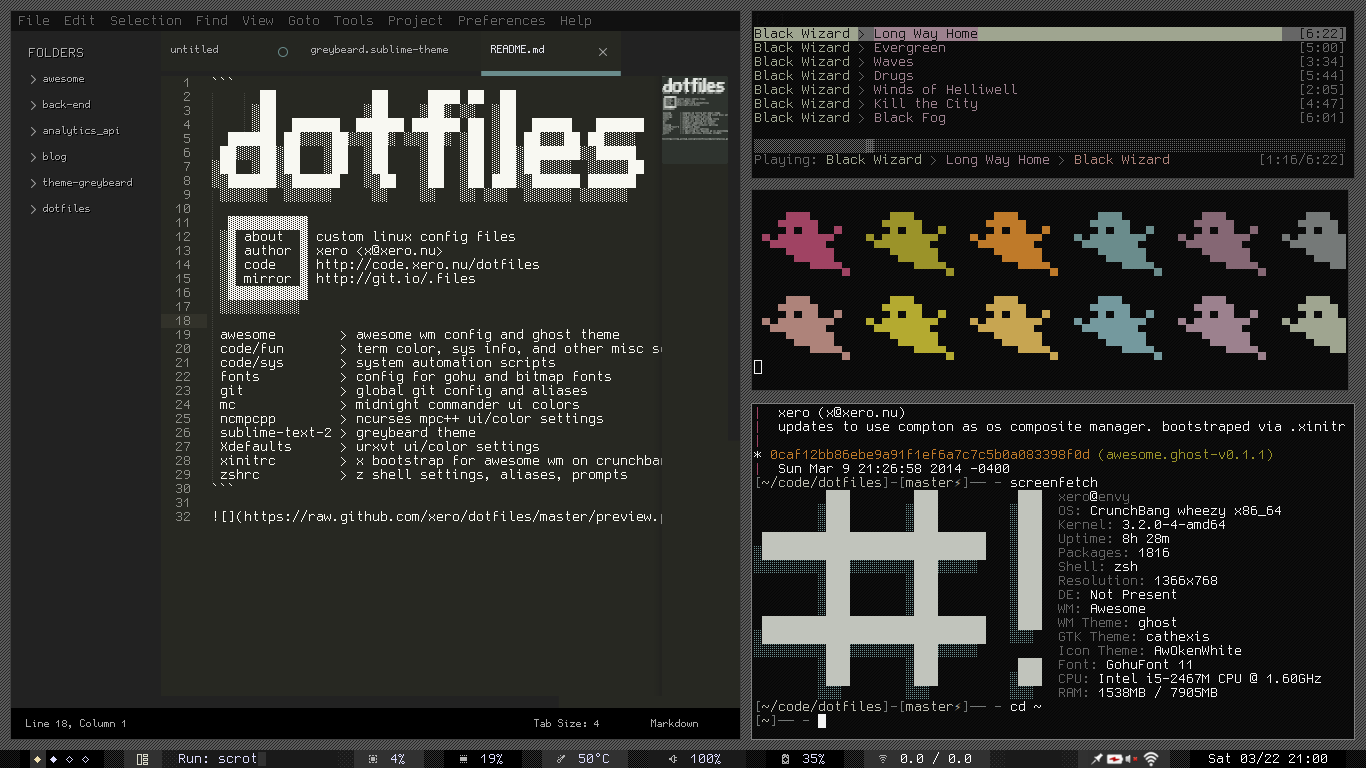
My desktop. 2nd monitor omitted -- it's the same thing but bigger.
(I'm particularly proud of the music widget)
 thekrampus
on 17 Jan 2017
thekrampus
on 17 Jan 2017

Here's my tablet config. It's in dire need of an update, though...
When the keyboard isn't attached, the volume buttons are rebound to modkeys, so you can still use your keybindings.
thekrampus
on 17 Jan 2017
fake 'busy'

 cmvnd
on 17 Jan 2017
cmvnd
on 17 Jan 2017
One last one (workflow)


Made to show @osleg how the session serialization, tabbing and dynamic layout work in my config
(note that the gif is longer than the gyfcat link)
Edit: keyboard layout utils
Elv13
on 18 Jan 2017

 tdy
on 18 Jan 2017
tdy
on 18 Jan 2017

 WillianPaiva
on 19 Jan 2017
WillianPaiva
on 19 Jan 2017


thx to copycat-killer!
 avarx
on 19 Jan 2017
avarx
on 19 Jan 2017

Here's mine
 AmagicalFishy
on 23 Jan 2017
AmagicalFishy
on 23 Jan 2017

It's still a work in progress, but the overall look and feel is done.
 AnjomanGaming
on 24 Jan 2017
AnjomanGaming
on 24 Jan 2017
Still work in progress, don't have much time to improve.. sadly

 bew
on 24 Jan 2017
bew
on 24 Jan 2017

Autocolors via wal
Still some room for improvement, but overall i am happy with the setup for now.
Rc.lua and theme.lua here: https://github.com/Ocularis/awesome-chameleon
 wxsh
on 25 Jan 2017
wxsh
on 25 Jan 2017
Is there a size limit?

Started with powerarrow-darker from copycat-killer/awesome-copycats, made it match the molokai vim theme(which is also used in urxvt & firefox).
Use tyrannical for tag management & lain for widgets:
https://github.com/prikhi/awesome-config
https://github.com/prikhi/dotfiles
 prikhi
on 30 Jan 2017
prikhi
on 30 Jan 2017

 n3cklane
on 30 Jan 2017
n3cklane
on 30 Jan 2017
Thanks to the new API, I finally satisfied this request.


The left panel is auto-hiding, and the colorscheme is made with val from the wallpaper.
lcpz
on 30 Jan 2017

Colorscheme for AwesomeWM and termite is slightly modified base16-harmonic-dark; DuckDuckGo also uses a similar custom colorscheme. Firefox uses the Strange Blue theme, along with the Stylish add-on with 'Linux GTK+ Theme' style.
Dotfiles (WIP) here: https://github.com/Relsre/dotfiles
 Relsre
on 2 Feb 2017
Relsre
on 2 Feb 2017
Look how much you can do with so little.
This is my Arch setup for a HP Pavilion DV7-1097la notebook. The computers has 7 years with full heavy use and it still runs fast enough for getting this bad boy running.
So... in resume. If you want to get full command on your system for maximum perfomance AwesomeWM is the way to go.

 Pablo1107
on 4 Feb 2017
Pablo1107
on 4 Feb 2017

Software used: Firefox w/ Arc theme, Sublime Text 3 Dev, Ncmpcpp, cava, feh, neofetch.
System and other info in the screenshoot.
Hope you liked it.
Pablo1107
on 4 Feb 2017

 pgagnidze
on 12 Feb 2017
pgagnidze
on 12 Feb 2017
 n3cklane
on 13 Feb 2017
n3cklane
on 13 Feb 2017

Still very much a work in progress. The foundation is just about there, all that is left is to expand and clean it up. The wibox in the top centre position hides when no music is playing, and it's always on top when there is.
config files can be found at:
https://github.com/ProfessorOptics/FeatherWings/tree/master/dotfiles/awesome
AnjomanGaming
on 21 Feb 2017

ghost
on 27 Feb 2017
A port to 4.x of the original powerarrow by @romockee.
With Cairo separators:

With custom spaced shapes:

lcpz
on 3 Mar 2017


Screeshot 2 - Left wibox instead conky
 warlock90000
on 3 Mar 2017
warlock90000
on 3 Mar 2017
dotfiles here: github.com/paoloap/bosch

 paoloap
on 7 Mar 2017
paoloap
on 7 Mar 2017

AnjomanGaming
on 23 Mar 2017

dwm-style
 maxsib
on 28 Mar 2017
maxsib
on 28 Mar 2017
 worron
on 8 Apr 2017
worron
on 8 Apr 2017
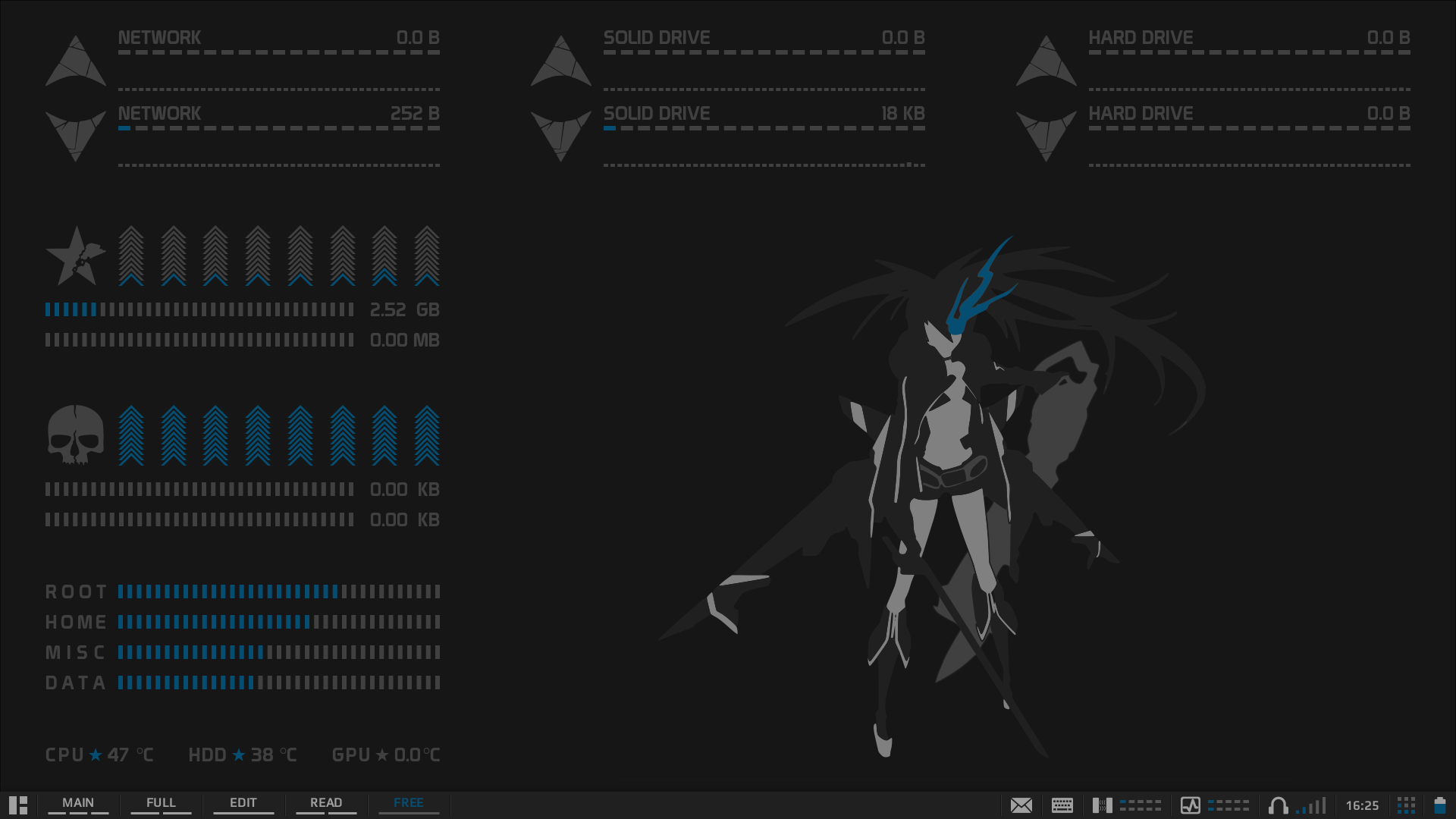
worron
on 8 Apr 2017
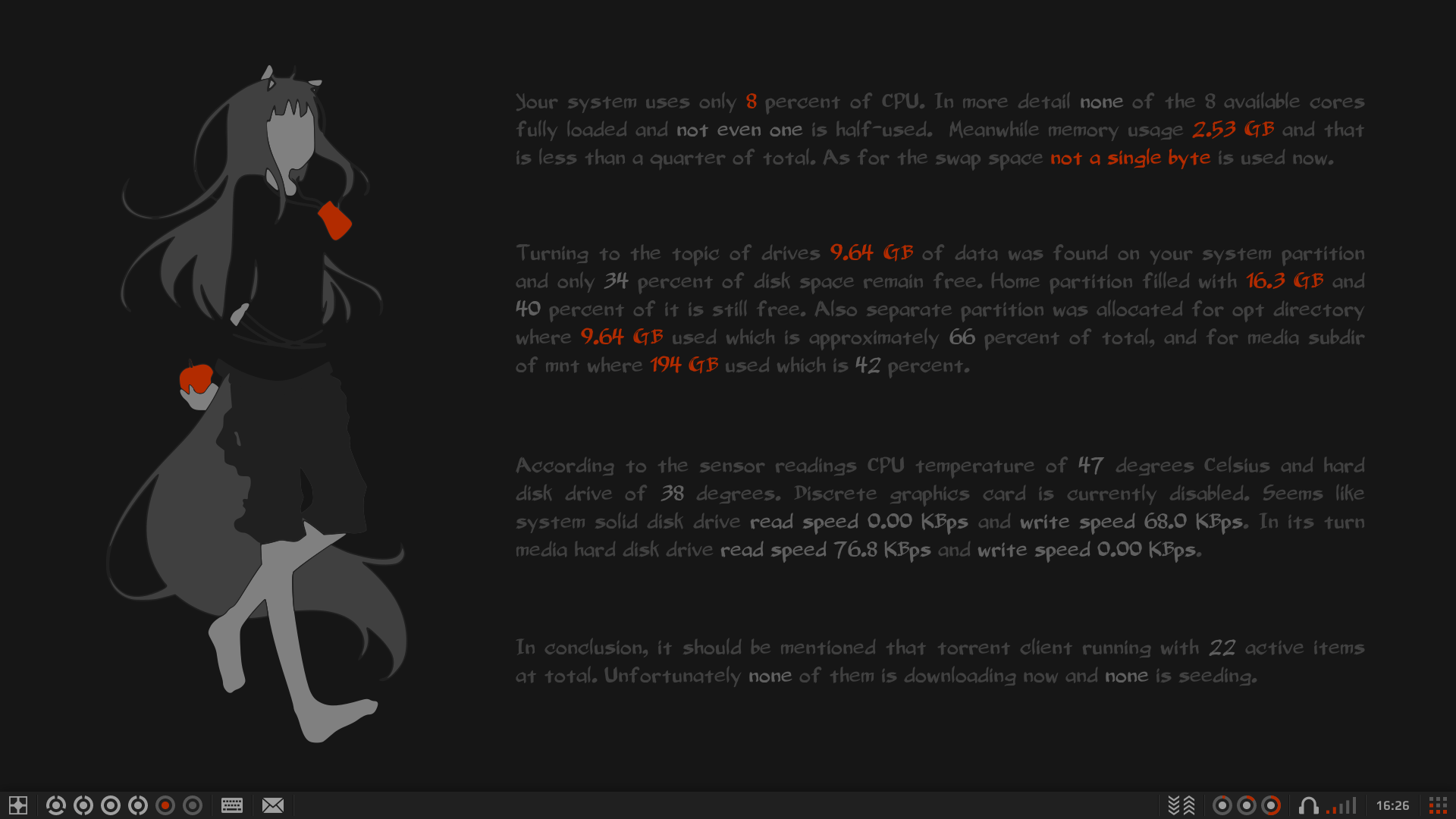
worron
on 8 Apr 2017

ghost
on 2 May 2017

 p00rt
on 8 May 2017
p00rt
on 8 May 2017

 daltonnyx
on 11 May 2017
daltonnyx
on 11 May 2017

My current setup. I call it "Sea". Here are the config files.
AnjomanGaming
on 24 May 2017

 legostax
on 5 Jun 2017
legostax
on 5 Jun 2017
Installed, just proving it like a huge noob. Great WM! Please delete this screen-shot, when you see fit. It does not do your work justice.

If i was a laptop, seeing another laptop with this, i'd have an organism on the spot.
 Electronic-Repository
on 5 Jun 2017
Electronic-Repository
on 5 Jun 2017
yet another powerline theme:

The powerline in the upper wibar uses the "real" powerline while the lower one (only pops up for 5 sec when hitting keybind or switching the layout) is made of awesomewidgets/shapes.
EDIT:
here are my configs
 martingabelmann
on 11 Jun 2017
martingabelmann
on 11 Jun 2017
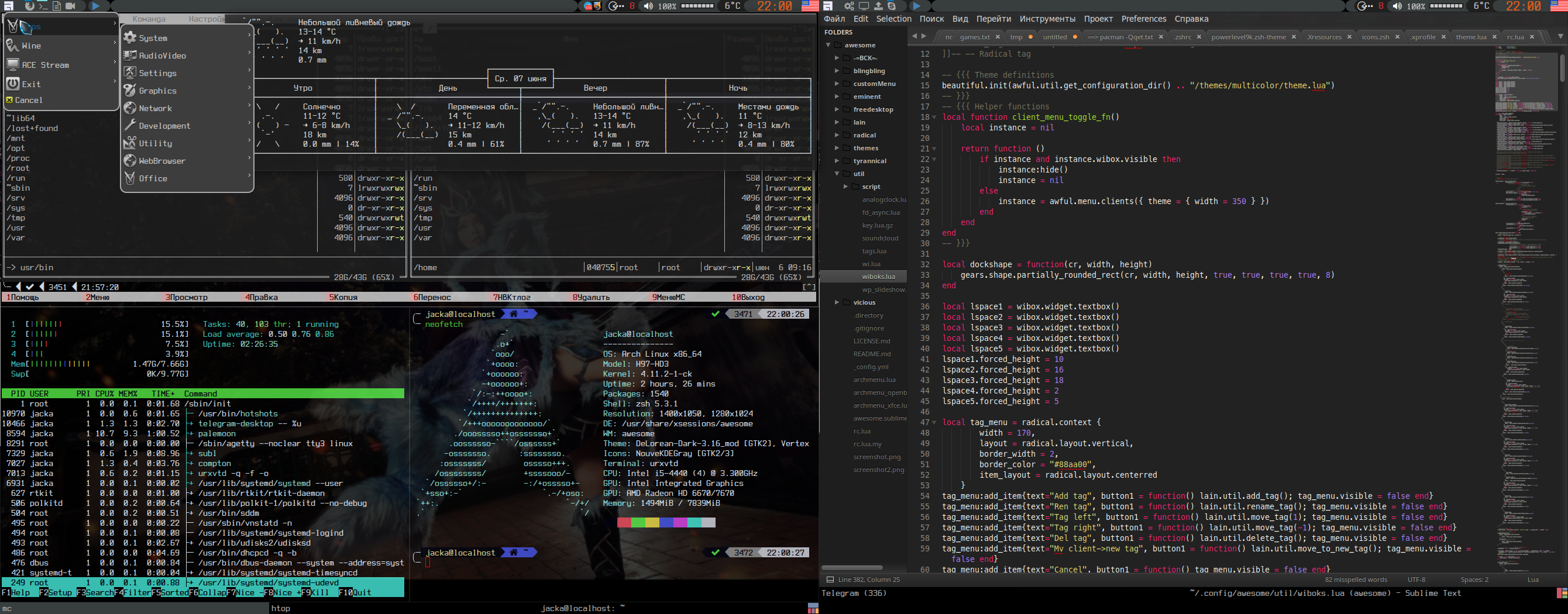
warlock90000
on 12 Jun 2017
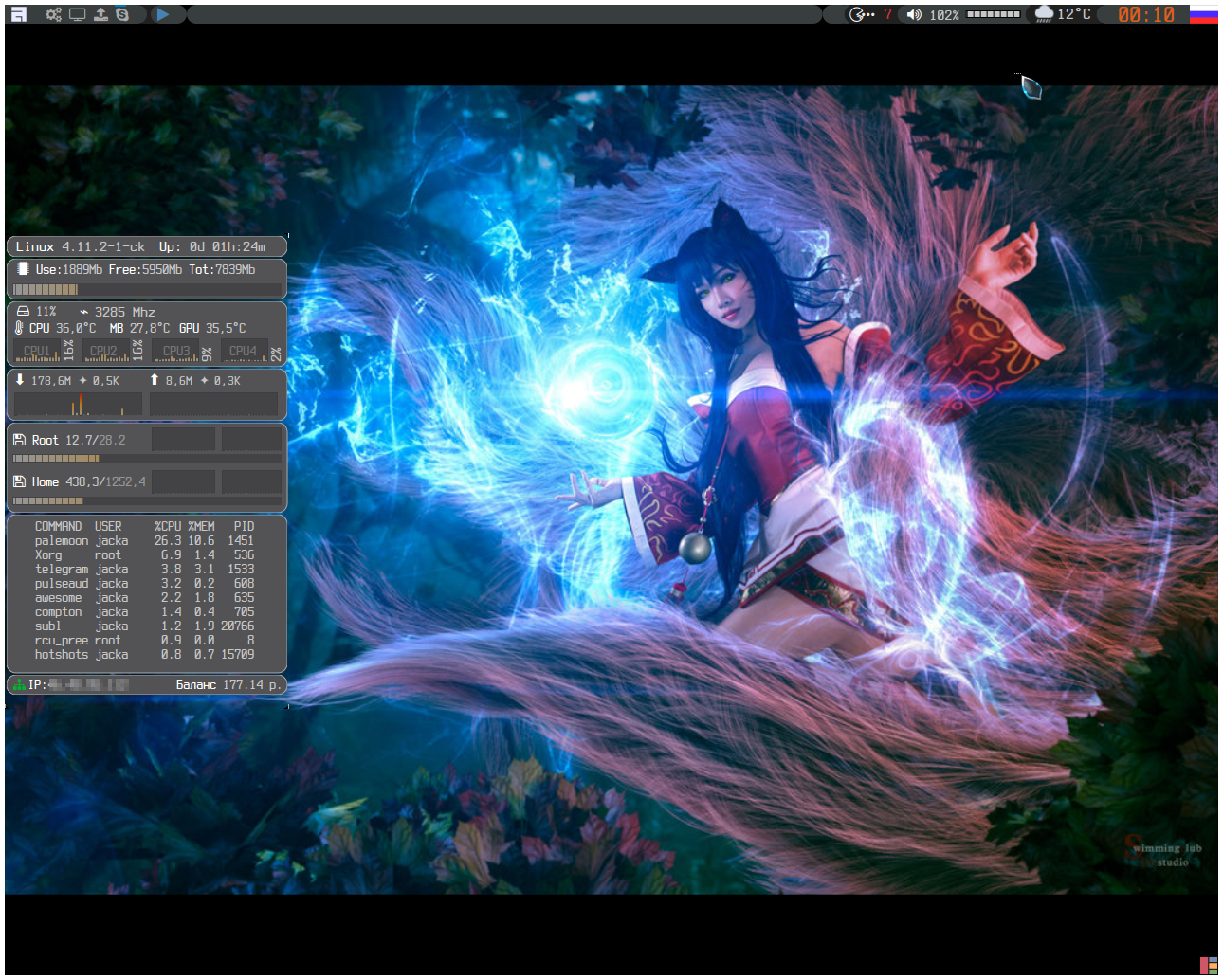
warlock90000
on 12 Jun 2017

[Elv13 edit: Re-upload, the link was dead]
warlock90000
on 12 Jun 2017

 eugenecormier
on 14 Jun 2017
eugenecormier
on 14 Jun 2017
Here are some screenshots of my config, featuring:
- Mostly used in fullscreen mode, with some floating windows (first screen)
- Custom tag widget to switch to tags/clients (first screen)
- Custom brightness/volume controls (first screen)
- A client switcher using hotkeys (or mouse) (second screen)
- A custom launcher built in Lua (third screen)
- Custom notification layout with actions (fourth gif)


 timroes
on 27 Jun 2017
timroes
on 27 Jun 2017

managed to have custom focus style, using 4 titlebars + dynamic image creation with Cairo. Thx to @Elv13 :)
 meriadec
on 8 Sep 2017
meriadec
on 8 Sep 2017
My heavily-customized work-flow. Most of the time I am in maximized or vertical split (tiling) layouts. I bind on-top and floating together, effectively defining two layers -- tiling and floating. Also use xfce4-panel mainly for its systray, because of #891

Config is here:
https://github.com/zhangkun83/awesome-config
The default branch 3.5 works on awesome 3.5.9. I am in the process of migrating to awesome 4.2 on the master branch.
 zhangkun83
on 28 Sep 2017
zhangkun83
on 28 Sep 2017
The floating layout is prettier, but less frequently used:

zhangkun83
on 28 Sep 2017

using:
- awesome v4.2
- Lua 5.1.5
and for jalali calendar, using jcal - jdate program for converting date to jalali ( persian/farsi ) calendar
 mimr9
on 14 Oct 2017
mimr9
on 14 Oct 2017

https://github.com/vgavro/dotfiles/tree/master/.config/awesome
awesome v4.2, widgets based on vicious, keyboard layout with flag indicator
 vgavro
on 25 Oct 2017
vgavro
on 25 Oct 2017
So glad to be back.

 taxilly
on 6 Nov 2017
taxilly
on 6 Nov 2017

awesome v4.2, some widgets with vicious, others by hand, desktop content on the wallpaper using cairo and lua-filesystem (lfs).
EDIT: Finally my config.
 alcubierre-drive
on 9 Dec 2017
alcubierre-drive
on 9 Dec 2017
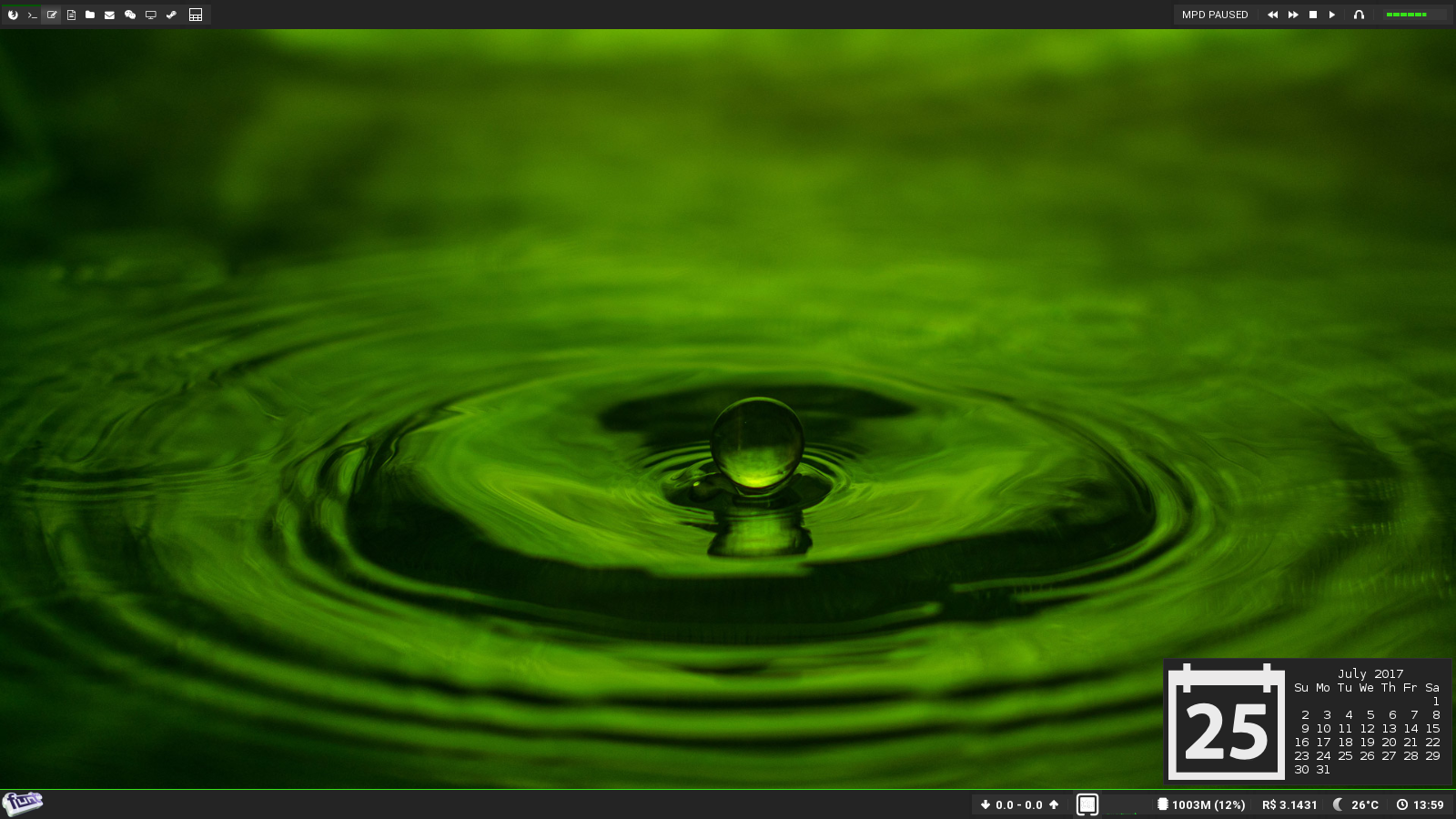 n3cklane
on 5 Jan 2018
n3cklane
on 5 Jan 2018

 alfunx
on 15 Jan 2018
alfunx
on 15 Jan 2018

Config (not very clean).
 YaLTeR
on 16 Jan 2018
YaLTeR
on 16 Jan 2018
 ghost
on 16 Jan 2018
ghost
on 16 Jan 2018

 4ban
on 6 Feb 2018
4ban
on 6 Feb 2018

color scheme dracula, vertical progress bars for cpu mem temp and net, hovering shows tooltip with stats
 koalasession
on 6 Feb 2018
koalasession
on 6 Feb 2018
Also, it would be nice to see some of those fancy screenshots in r/unixporn. It would catch some new eyes to awesome.
aajjbb
on 6 Feb 2018
/r/unixporn mod here. UP is a very "trend" driven sub. a certain wm will get popular and we get flooded with them. we're living in the d̶a̶r̶k̶ age of i3 right now. that being said, there are multiple awesome posts in the top 500 posts of all time. the vast majority of awesomewm subs we get a very generic or highly uncustomized, so they get downvoted. post something fresh, new and unique and give your wm of choice some love and proper representation.
xero
on 6 Feb 2018


I have started to port the stobenski pro themes to Awesome WM 4.x version. For now, it works but you can find some glitches with widgets or fonts or colours =) I would be appreciated if you try it and help me by creating issues.
4ban
on 8 Feb 2018

current setup with rofi and my notification script
https://github.com/twentytwoo/awesome
taxilly
on 10 Feb 2018

Tried to bring an old-timey feel to my setup. Amber (#FFBF00) on black (#111111), plain and simple.
ghost
on 26 Feb 2018

Everything I need ...
 codefionn
on 27 Feb 2018
codefionn
on 27 Feb 2018

Awesome themed around a wallpaper of the game Hyper Light Drifter, and the colorscheme Base16 Atelier Cave (Dark). I'm also using an Oomox (Numix-based) GTK+ theme of the same colorscheme (slightly modified from the preset). Tag status icons are from the Awesome copycats multicolor theme, with colors modified.
More details in dotfiles: https://github.com/Relsre/dotfiles/tree/MiAir-base16-atelier-cave
Relsre
on 14 Mar 2018
With Compton and rofi

Without compton, with dmenu2


4ban
on 27 Mar 2018

actionless
on 27 Mar 2018

 evan886
on 8 Apr 2018
evan886
on 8 Apr 2018

Just my minimal setup running emacs
 starenka
on 19 Apr 2018
starenka
on 19 Apr 2018

 zeronoises
on 9 May 2018
zeronoises
on 9 May 2018

zeronoises
on 9 May 2018

Now with xfdestop...
zeronoises
on 9 May 2018
 alfunx
on 10 May 2018
alfunx
on 10 May 2018

Bit more action than on previous screenshot.
alfunx
on 10 May 2018
Added an analogue clock that goes around the edge of the screen. config
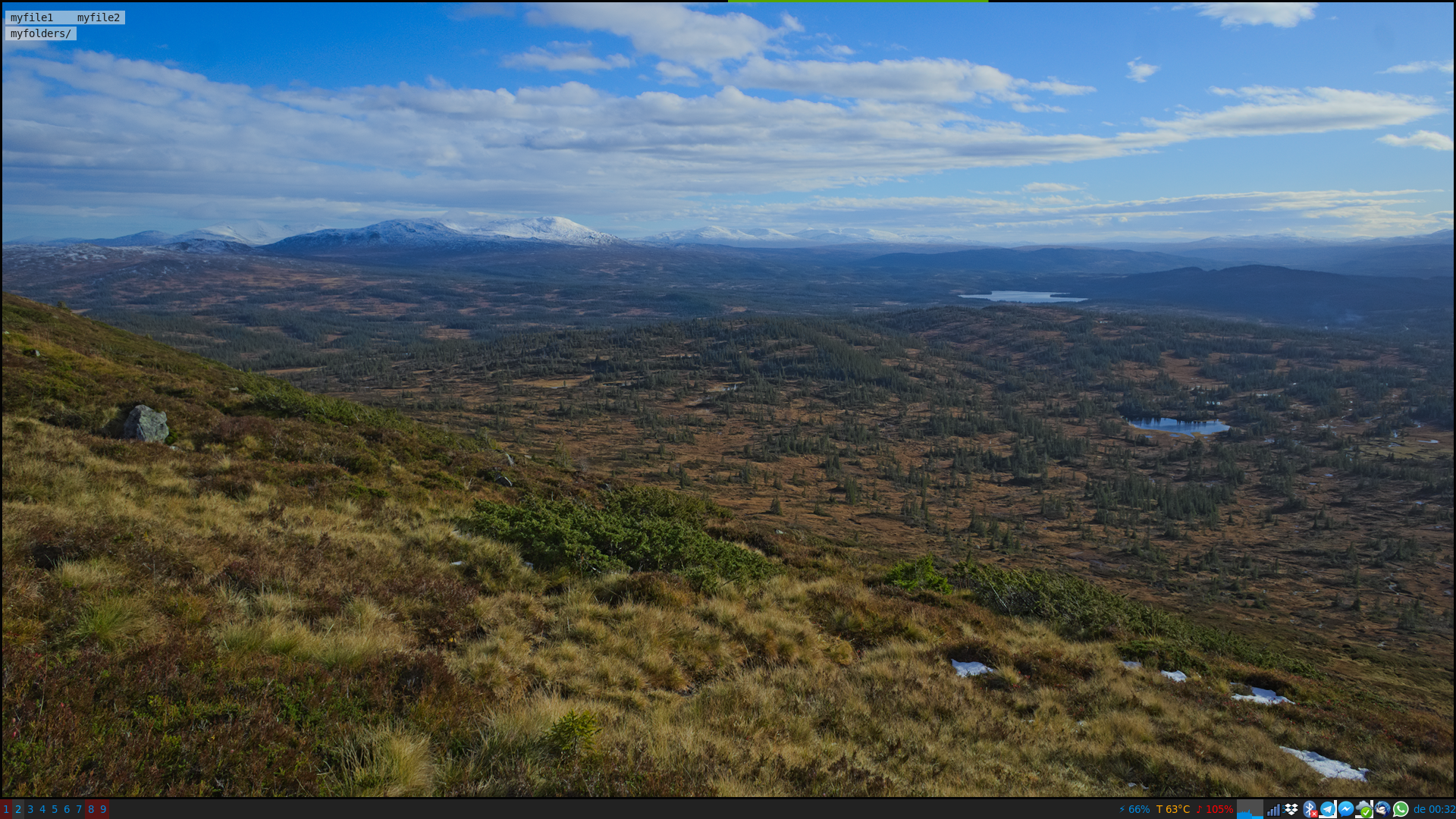
alcubierre-drive
on 20 May 2018
Fluo color palette, I know it's a bit like a punch in the eyes, but I wanted to try some vaporwave setting
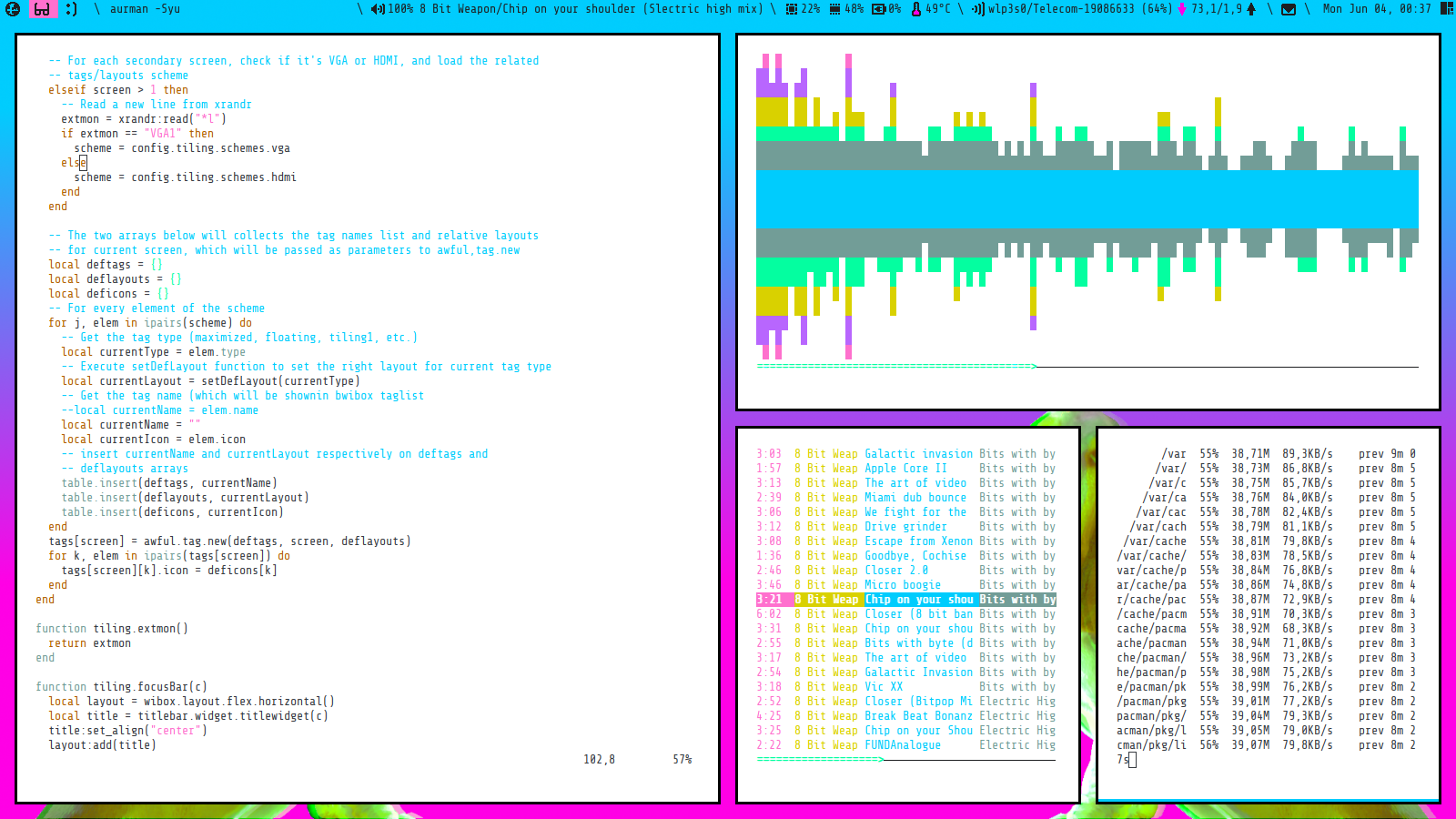
paoloap
on 4 Jun 2018


Taglist:

Widgets:
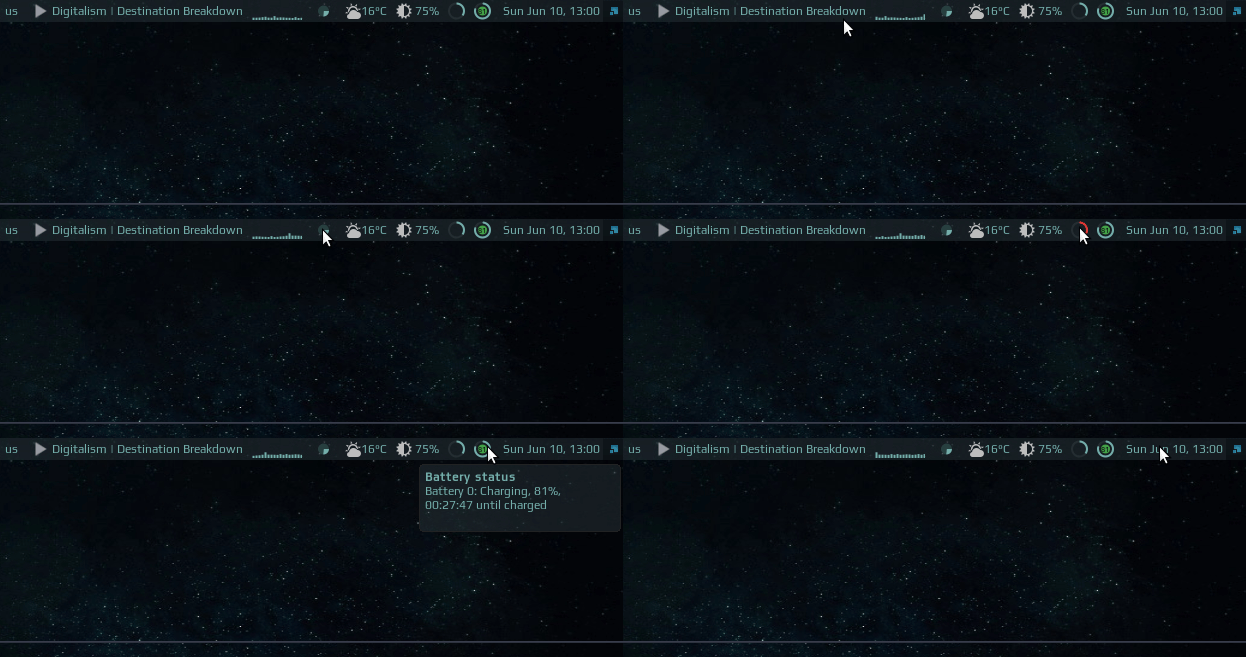
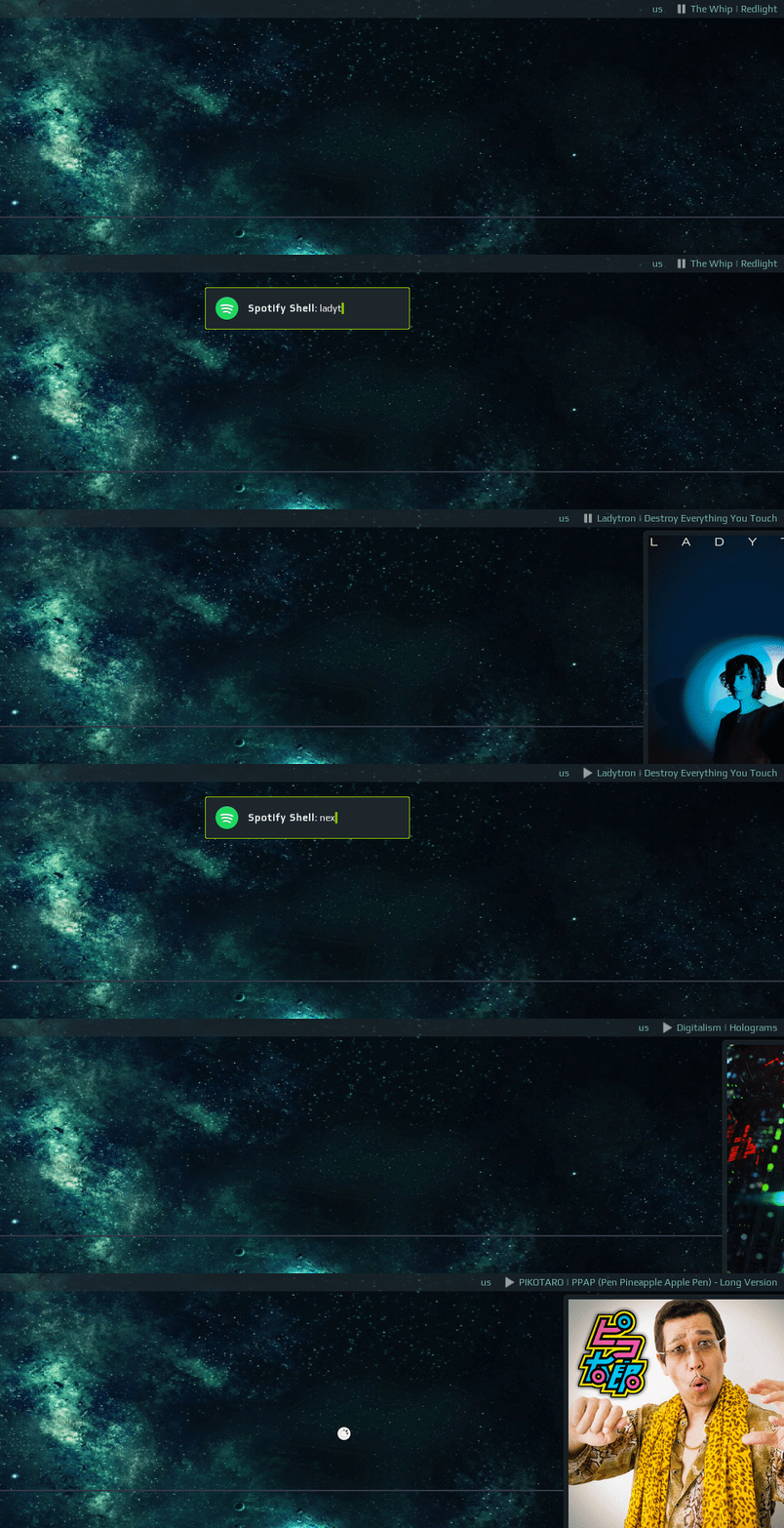
Spotify Shell:
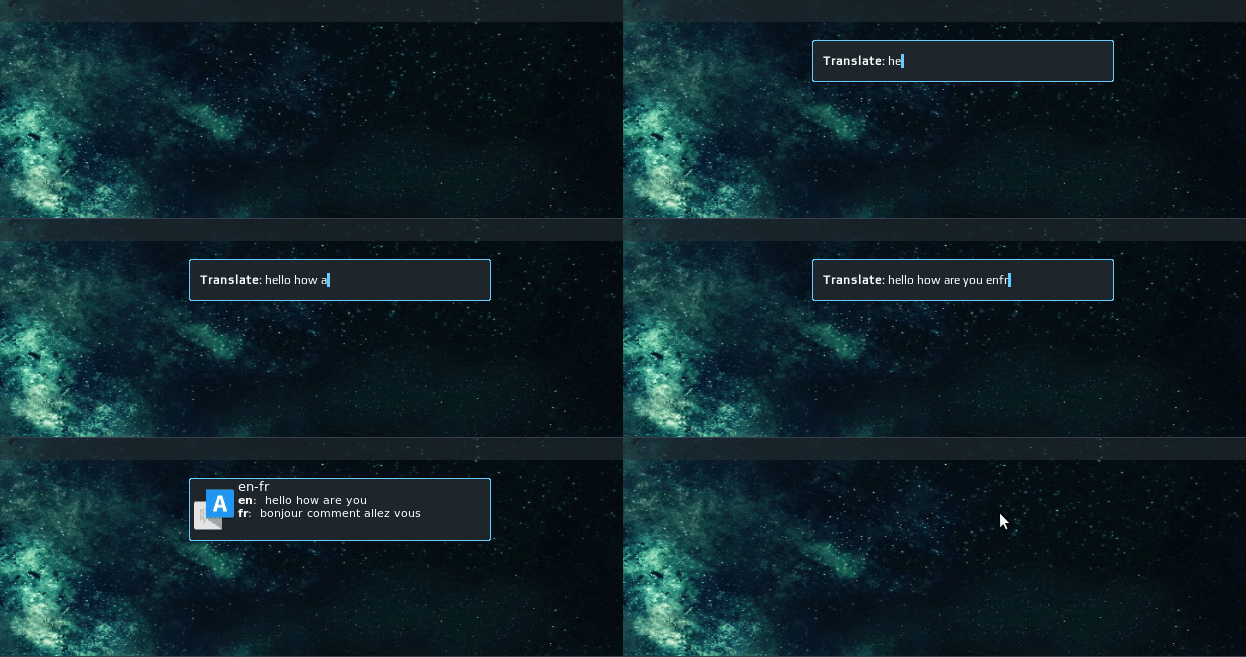
Translate Widget:
WM Features:
- Awesome taglist
- Spotify Shell - popup prompt which simplifies interaction with Spotify for Linux.
- Translation prompt - popup prompt which allows quickly translate words/phrases from/to different languages using free Yandex Translate API.
- Hideable Systray
- Awesome WM widgets
GTK Theme: Arc-Dark
GTK Icons: Arc
Font: Play
Wallpaper: Nebula
 streetturtle
on 10 Jun 2018
streetturtle
on 10 Jun 2018
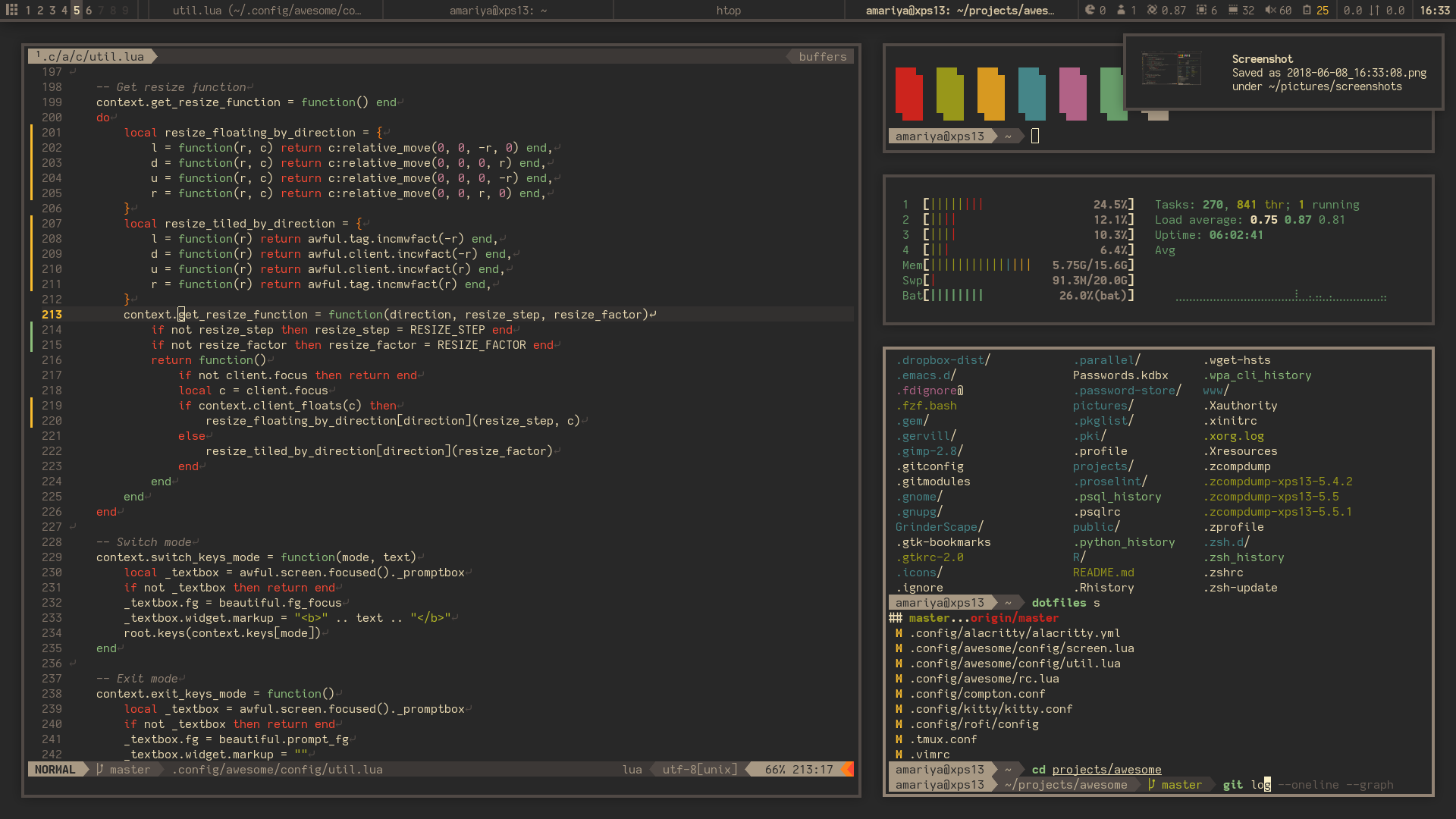
 alfunx
on 12 Jun 2018
alfunx
on 12 Jun 2018

 t60r
on 21 Jun 2018
t60r
on 21 Jun 2018
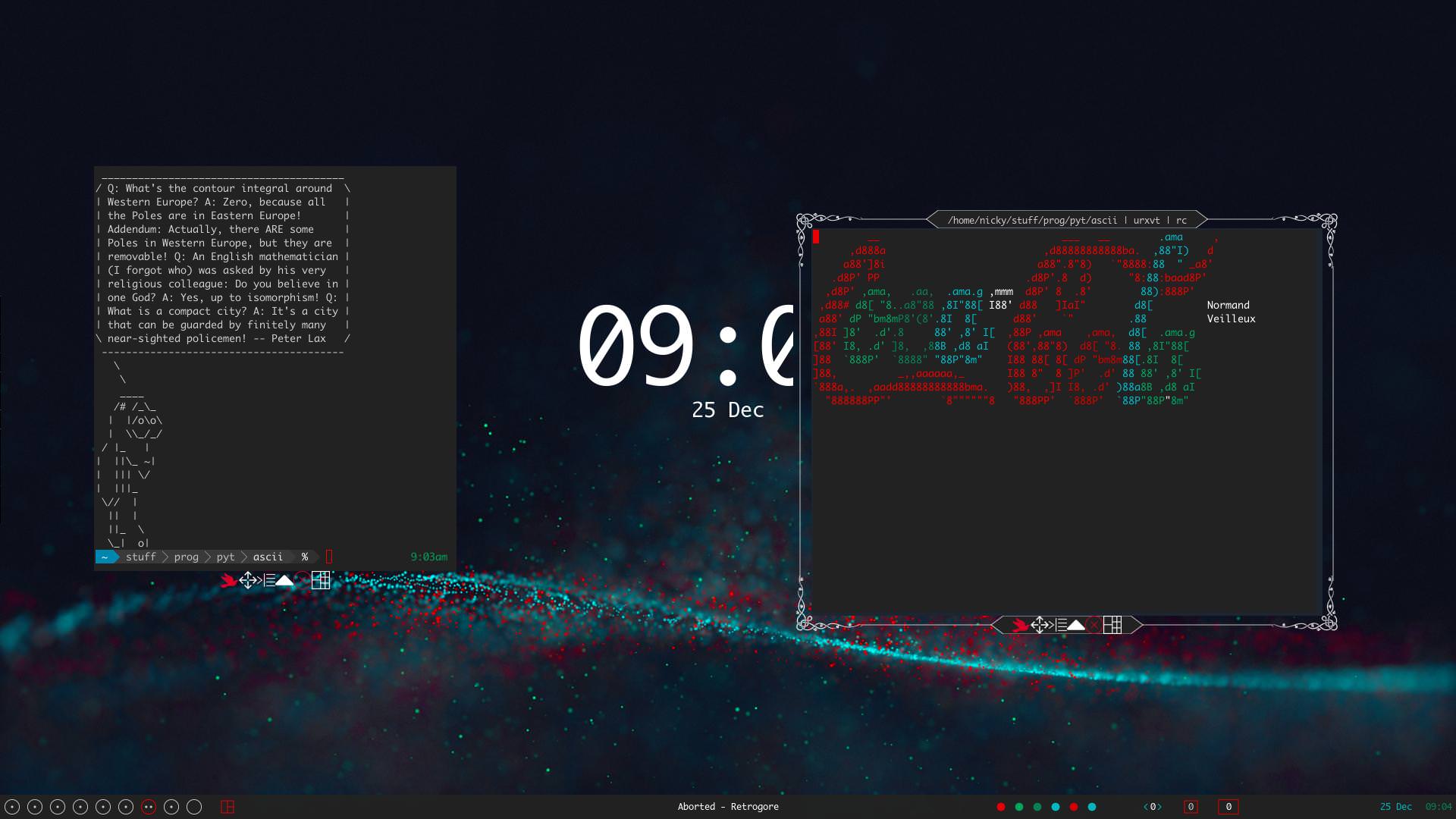
Using a youtube video as a wallpaper:
https://v.redd.it/yo35ddywc8601/DASH_4_8_M
As well as some ridiculous borders, made possible by awesome's cairo bindings:
 cynic64
on 1 Jul 2018
cynic64
on 1 Jul 2018
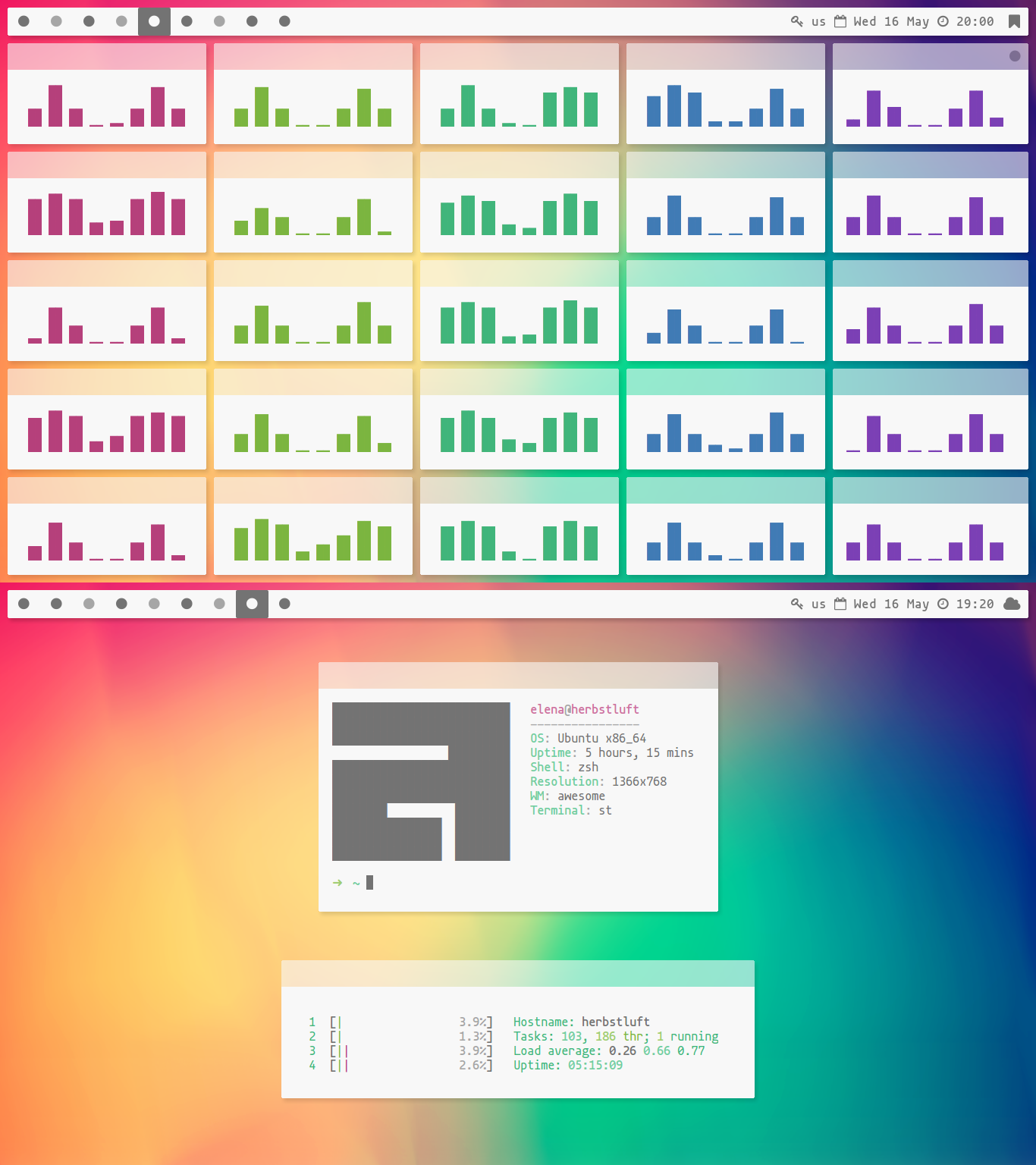
A little late to the party. This was my first attempt to make something nice looking back in May :)
 elenapan
on 2 Jul 2018
elenapan
on 2 Jul 2018
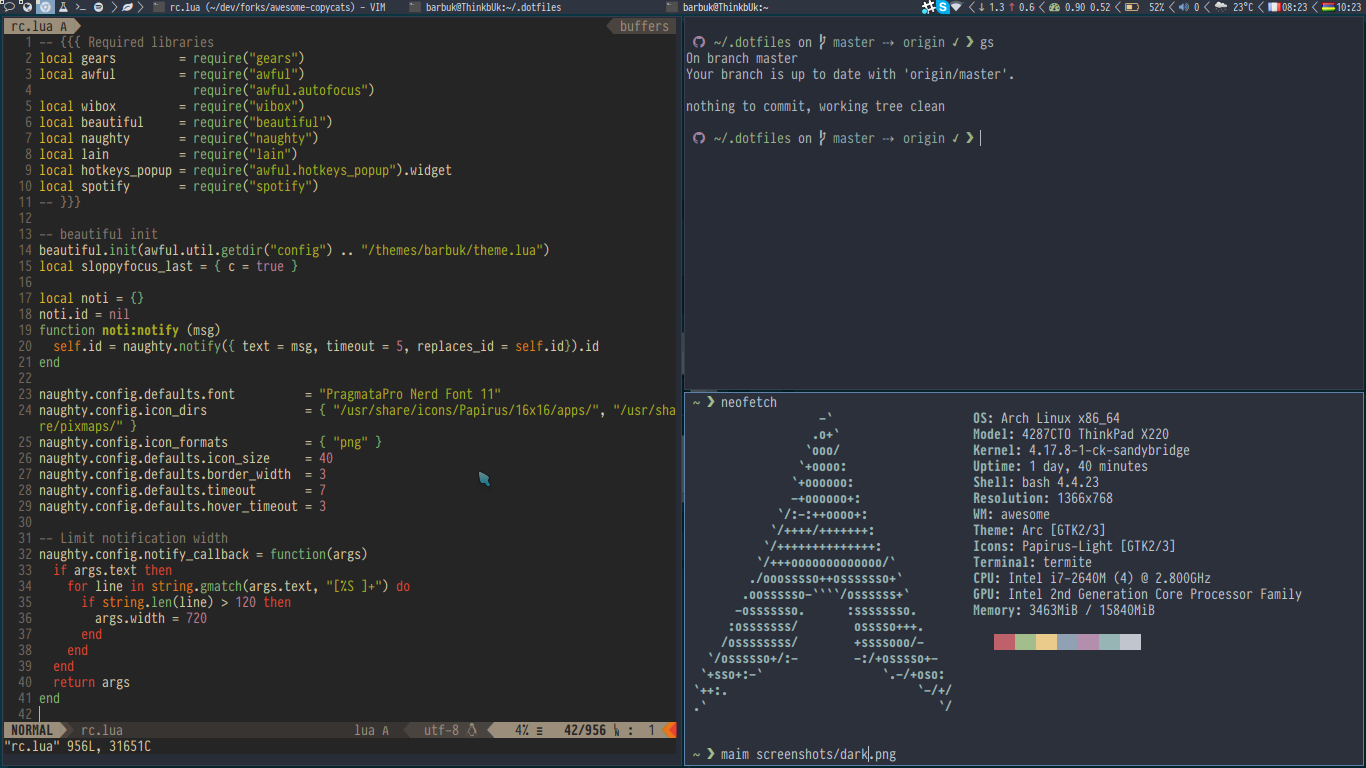
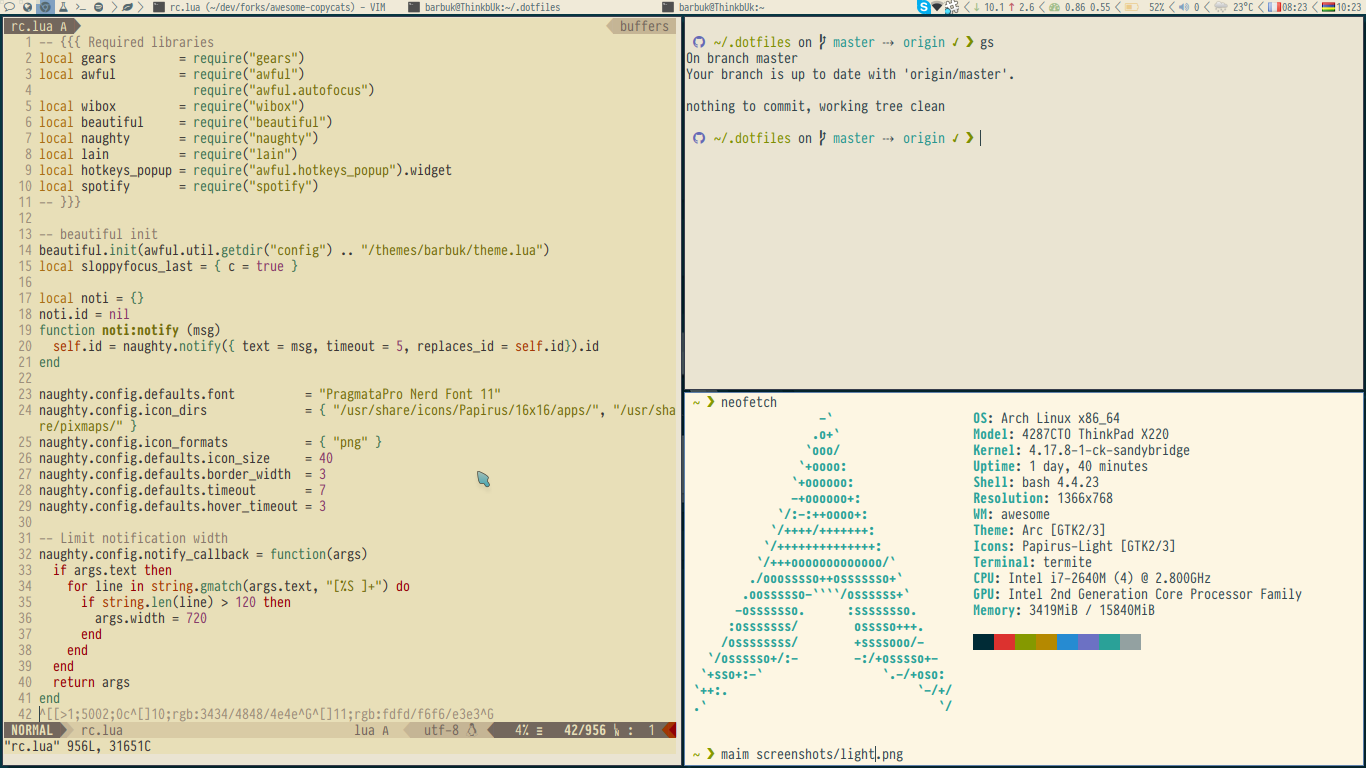
Dark and light theme I use depending on the luminosity.
Dotfiles: https://github.com/barbuk/dotfiles
Awesome: https://github.com/barbuk/awesome-copycats
 BarbUk
on 21 Jul 2018
BarbUk
on 21 Jul 2018
Hey,
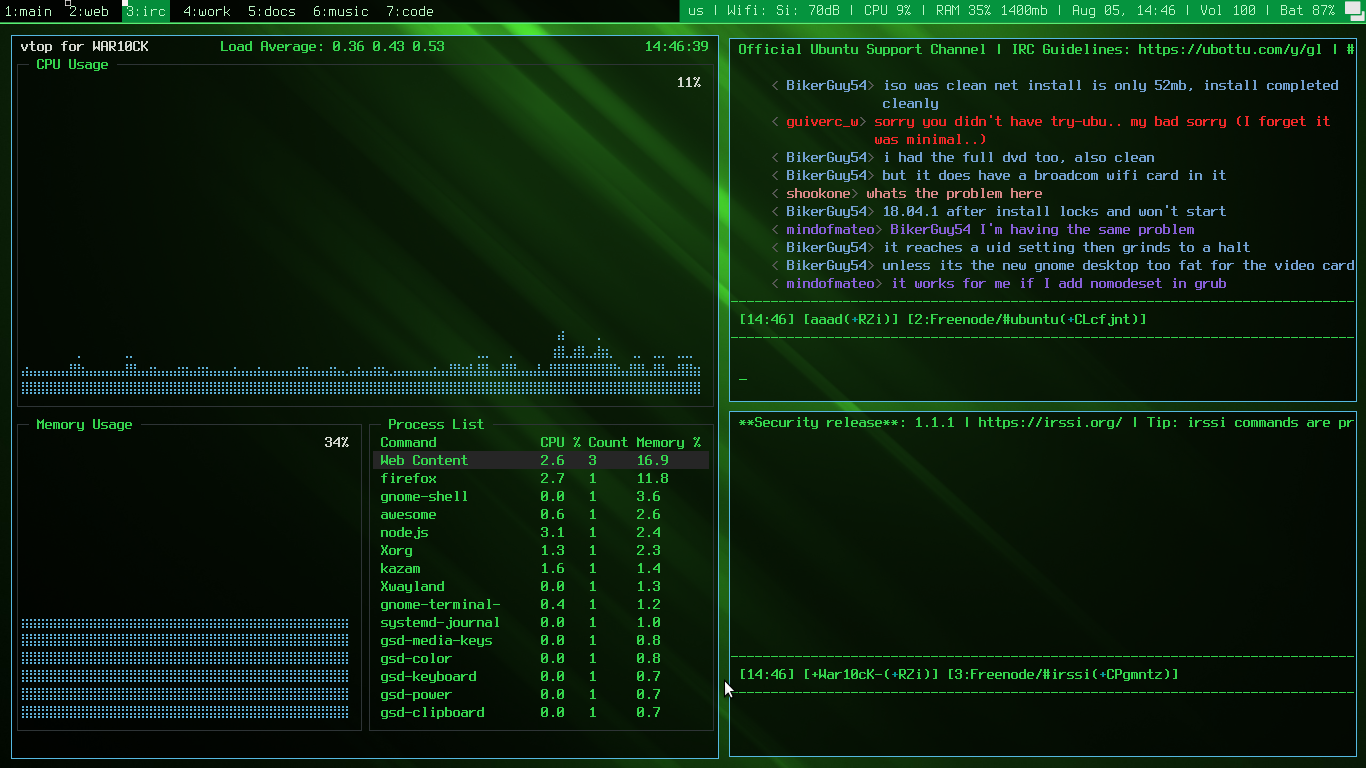
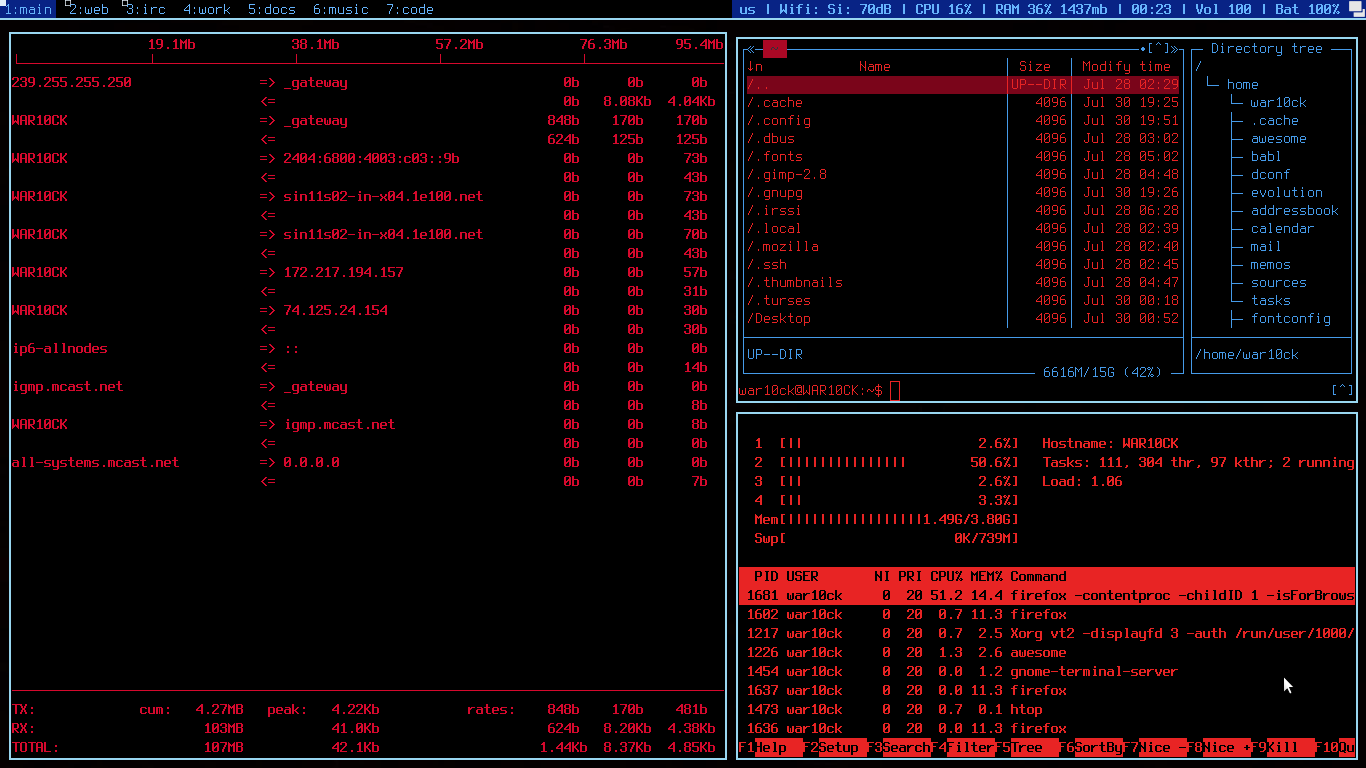
A quick thanks to Elv13 because of his continued assistance.
 crywolfchucky
on 5 Aug 2018
crywolfchucky
on 5 Aug 2018
Titlebar shape is a function using the cairo API. Thanks to Elv13 for responding to my reddit messages and everyone for writing cool stuff I take inspiration from

Here's my config
 JuanKman94
on 7 Sep 2018
JuanKman94
on 7 Sep 2018
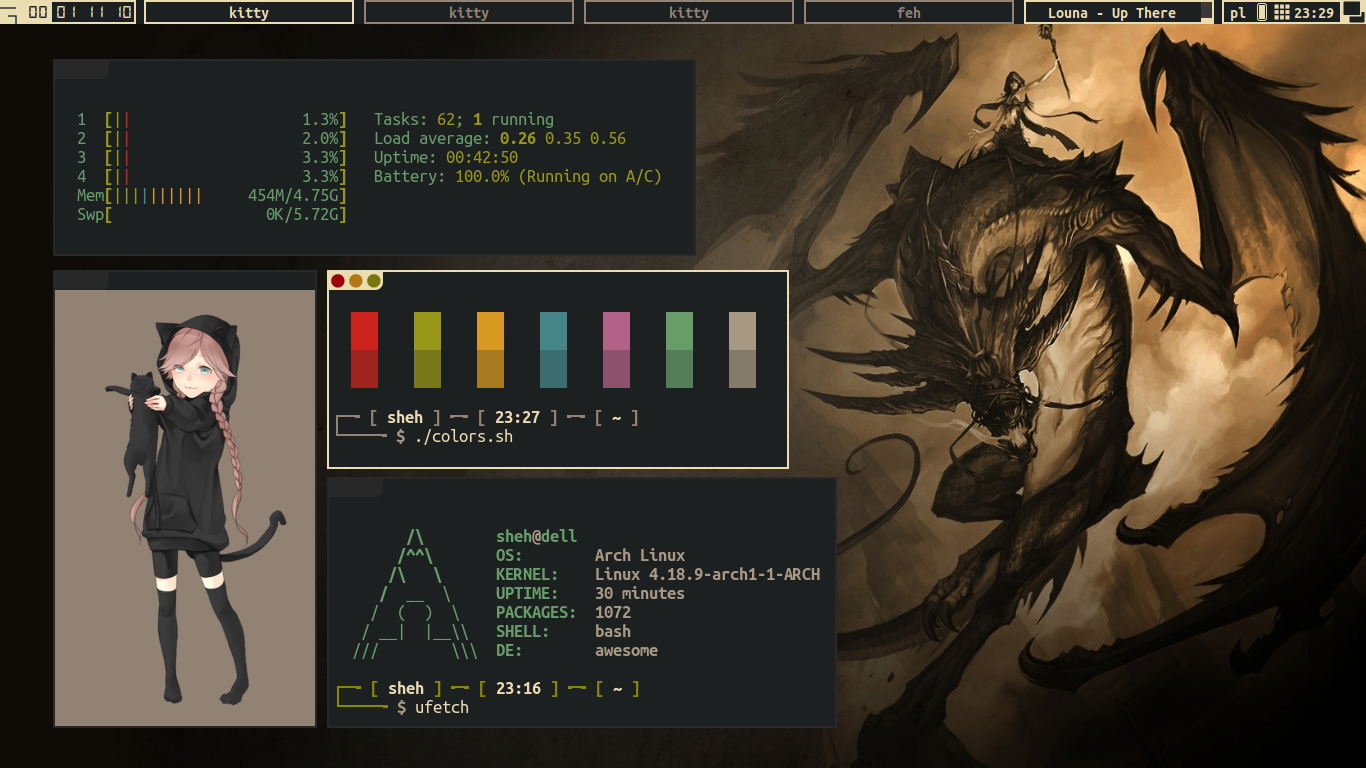
 kotbaton
on 25 Sep 2018
kotbaton
on 25 Sep 2018
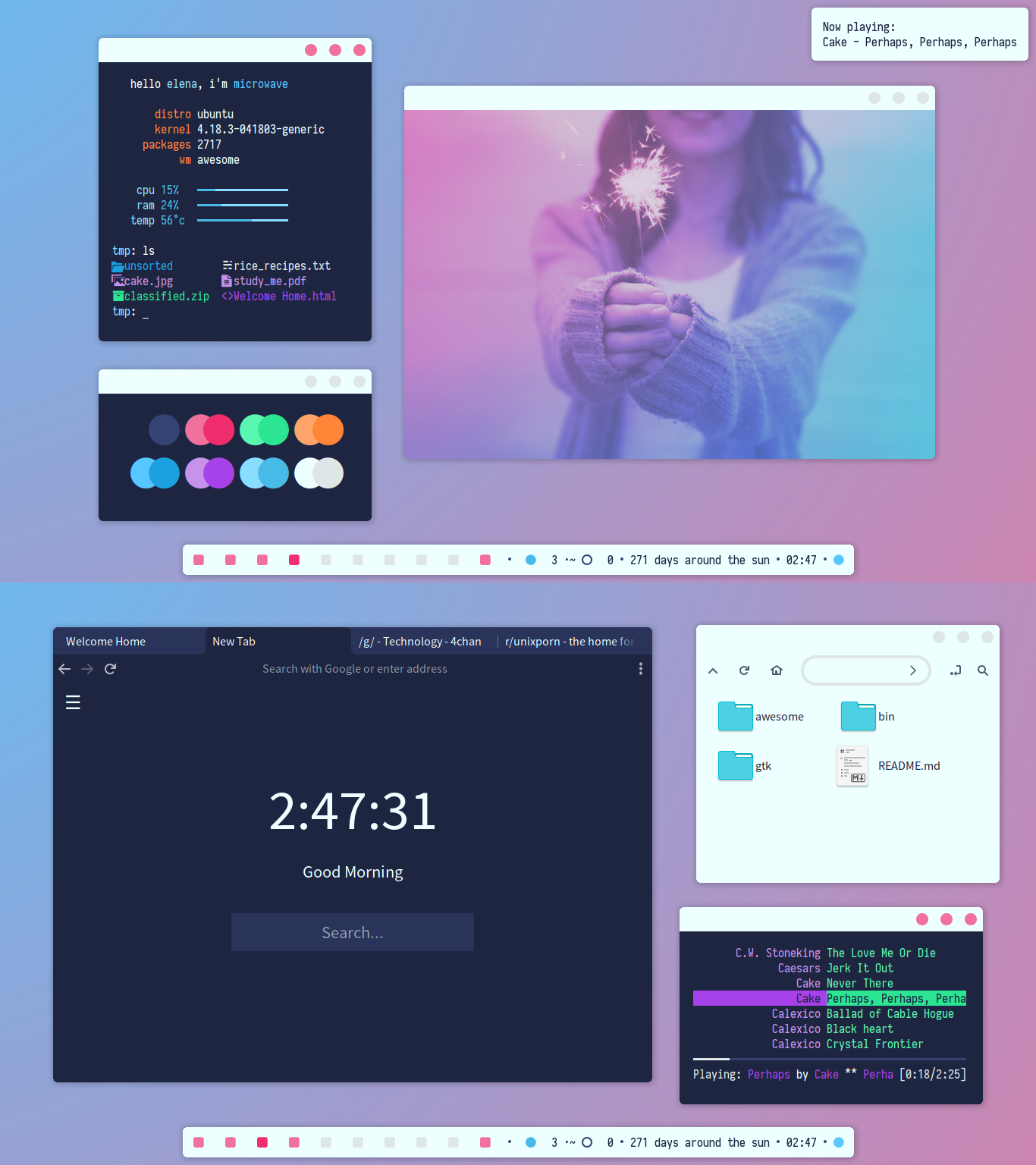 elenapan
on 28 Sep 2018
elenapan
on 28 Sep 2018

Material, Modern and Mouse driven
https://github.com/PapyElGringo/material-awesome
 PapyElGringo
on 28 Sep 2018
PapyElGringo
on 28 Sep 2018

 giann
on 3 Nov 2018
giann
on 3 Nov 2018
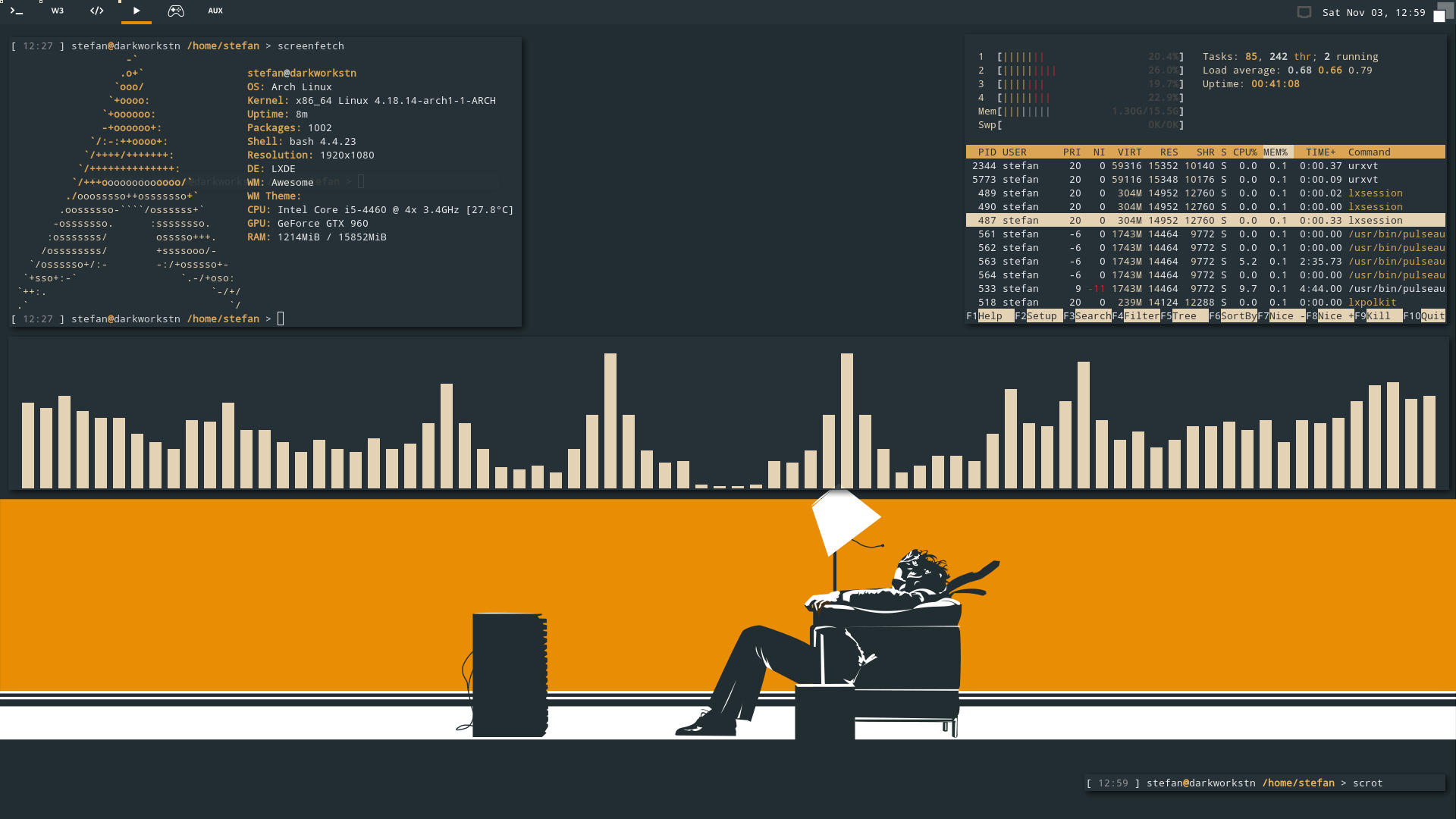
 bone3ye
on 4 Nov 2018
bone3ye
on 4 Nov 2018
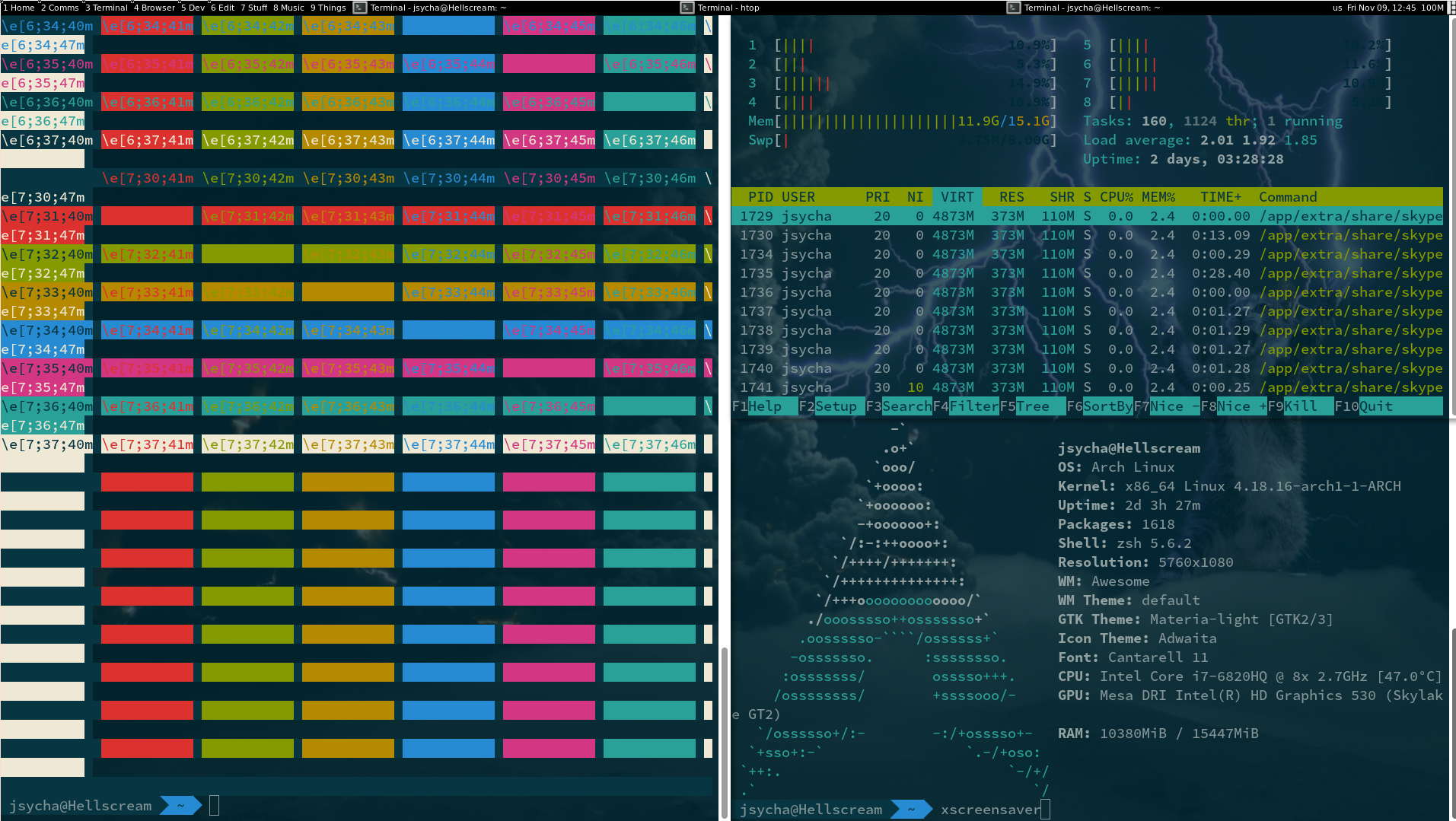
Minimalistic AF, just the way I like it...
 JacobCZ
on 9 Nov 2018
JacobCZ
on 9 Nov 2018
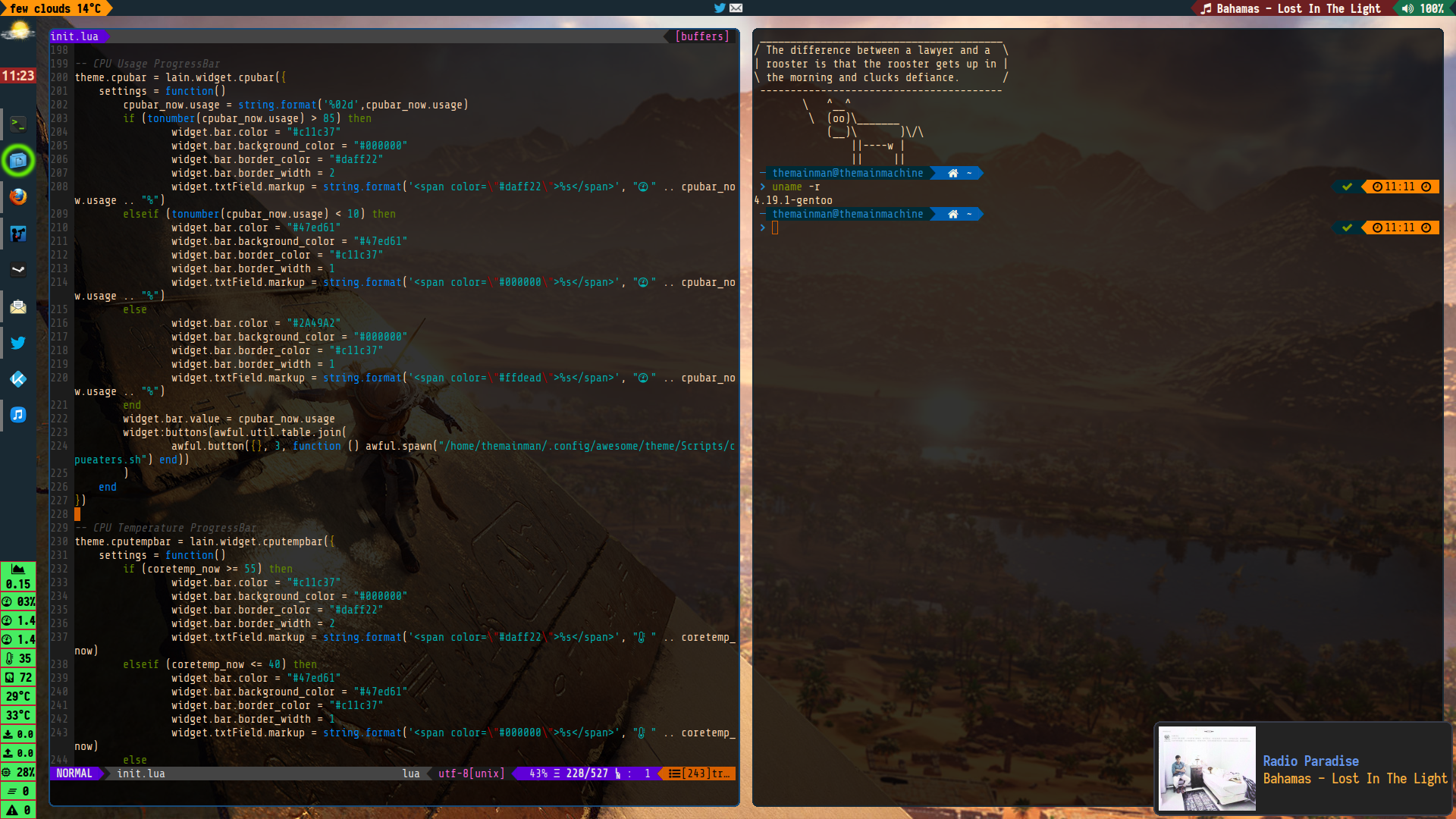
 kajzersoze
on 11 Nov 2018
kajzersoze
on 11 Nov 2018
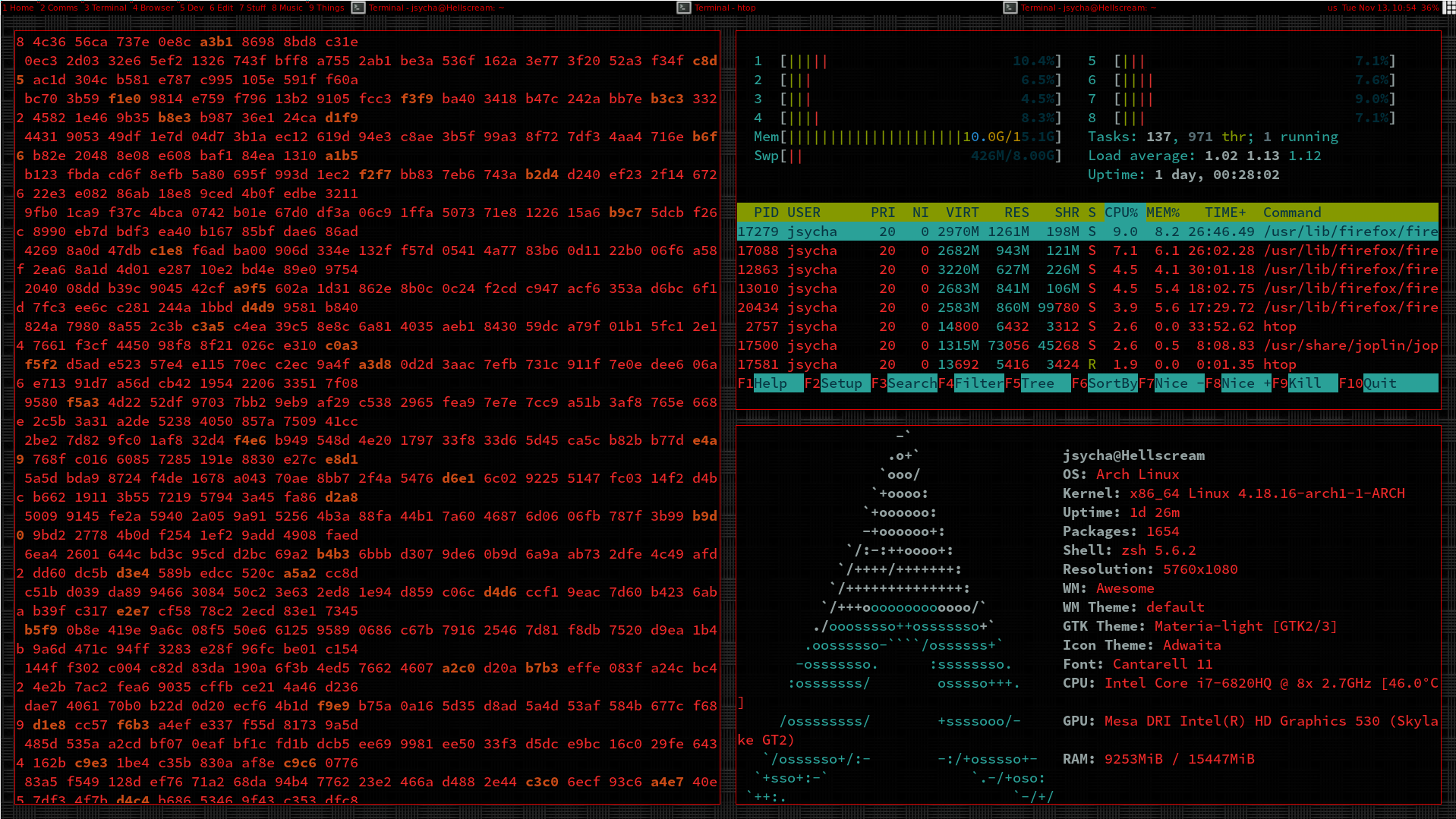
Added some gaps... Also, the red is impressively eye-friendly, especially in darker rooms...
JacobCZ
on 13 Nov 2018

 kofteistkofte
on 14 Dec 2018
kofteistkofte
on 14 Dec 2018
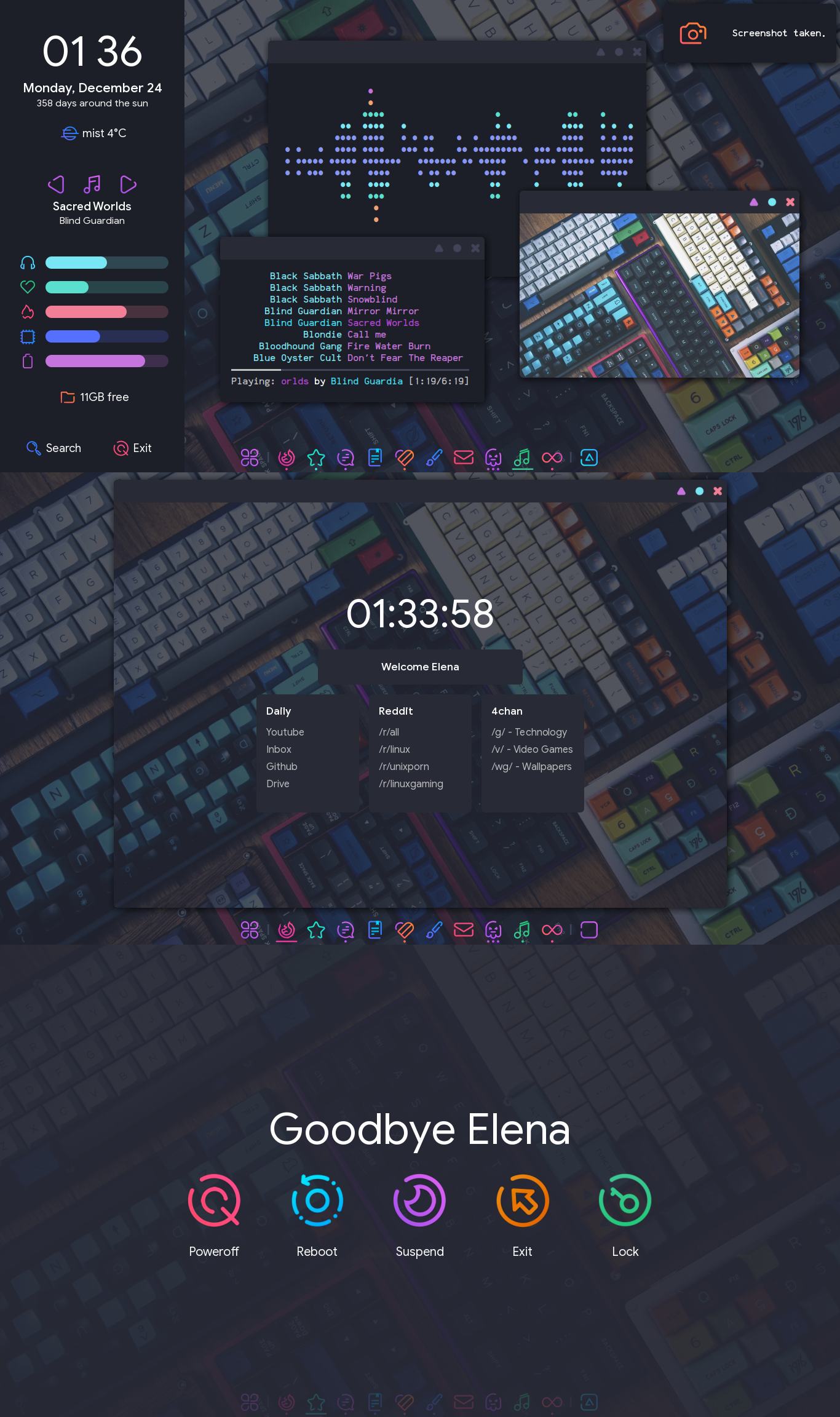 elenapan
on 24 Dec 2018
elenapan
on 24 Dec 2018
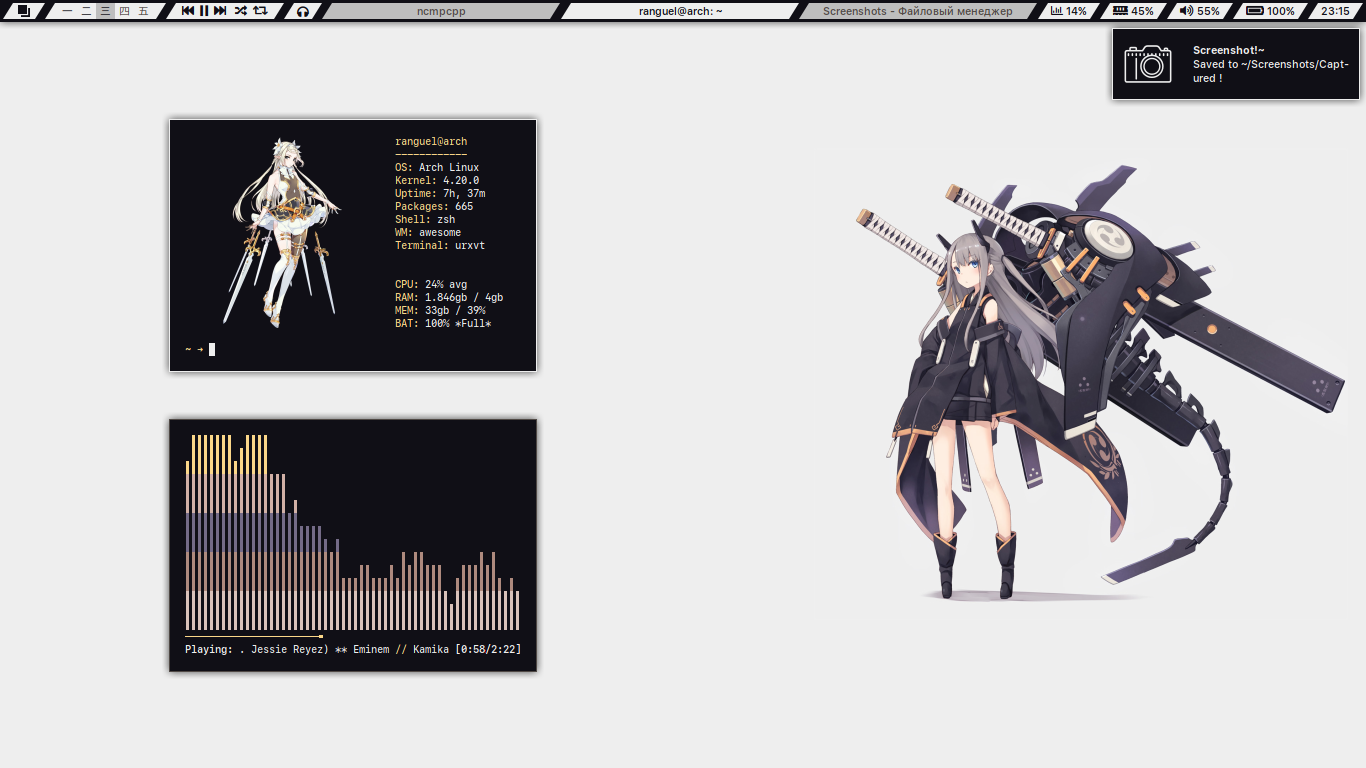
 Eredarion
on 16 Jan 2019
Eredarion
on 16 Jan 2019
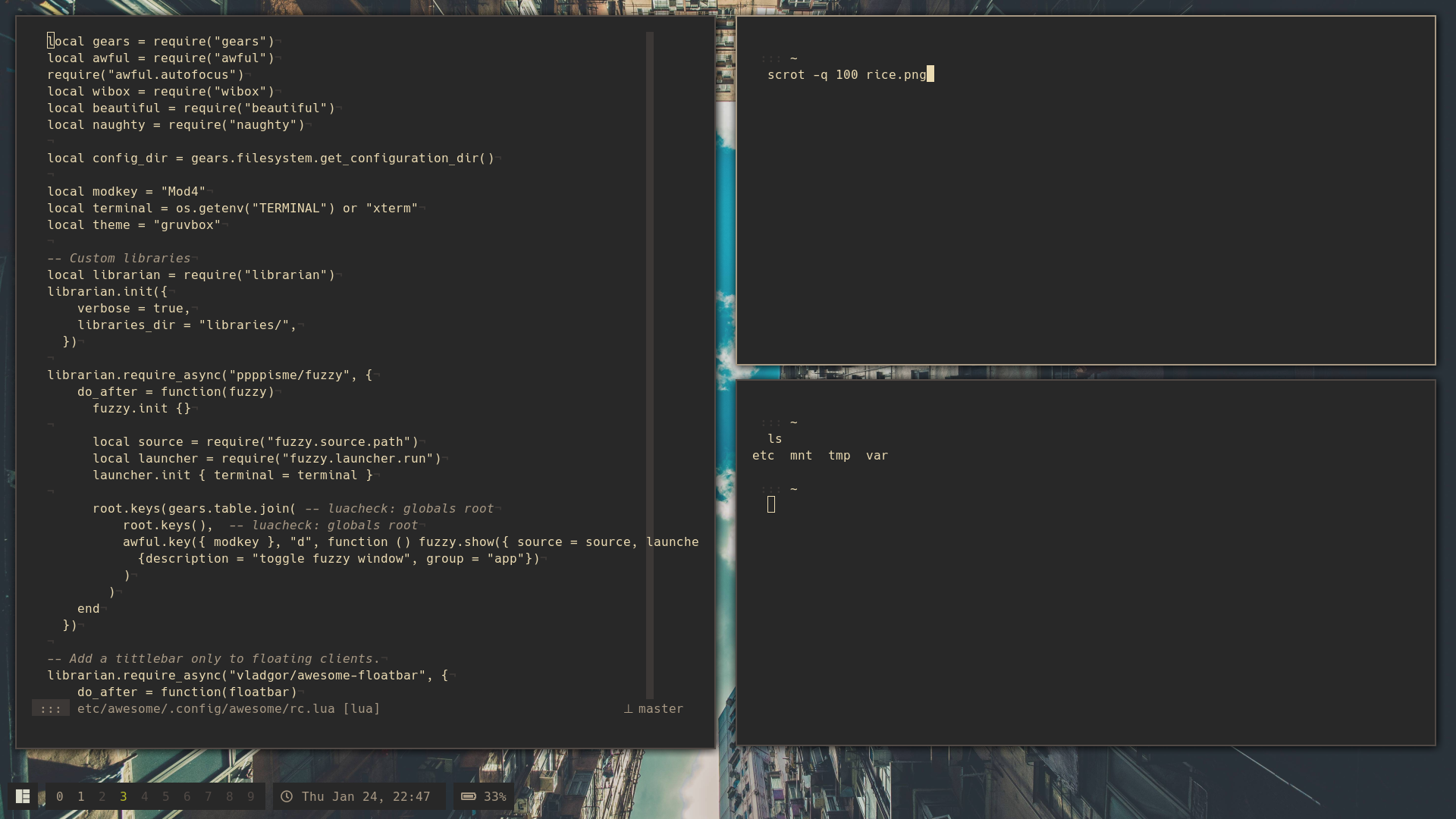
mod edit: Uses the awesome-librarian library.
 scisssssssors
on 24 Jan 2019
scisssssssors
on 24 Jan 2019
My eyes hurt
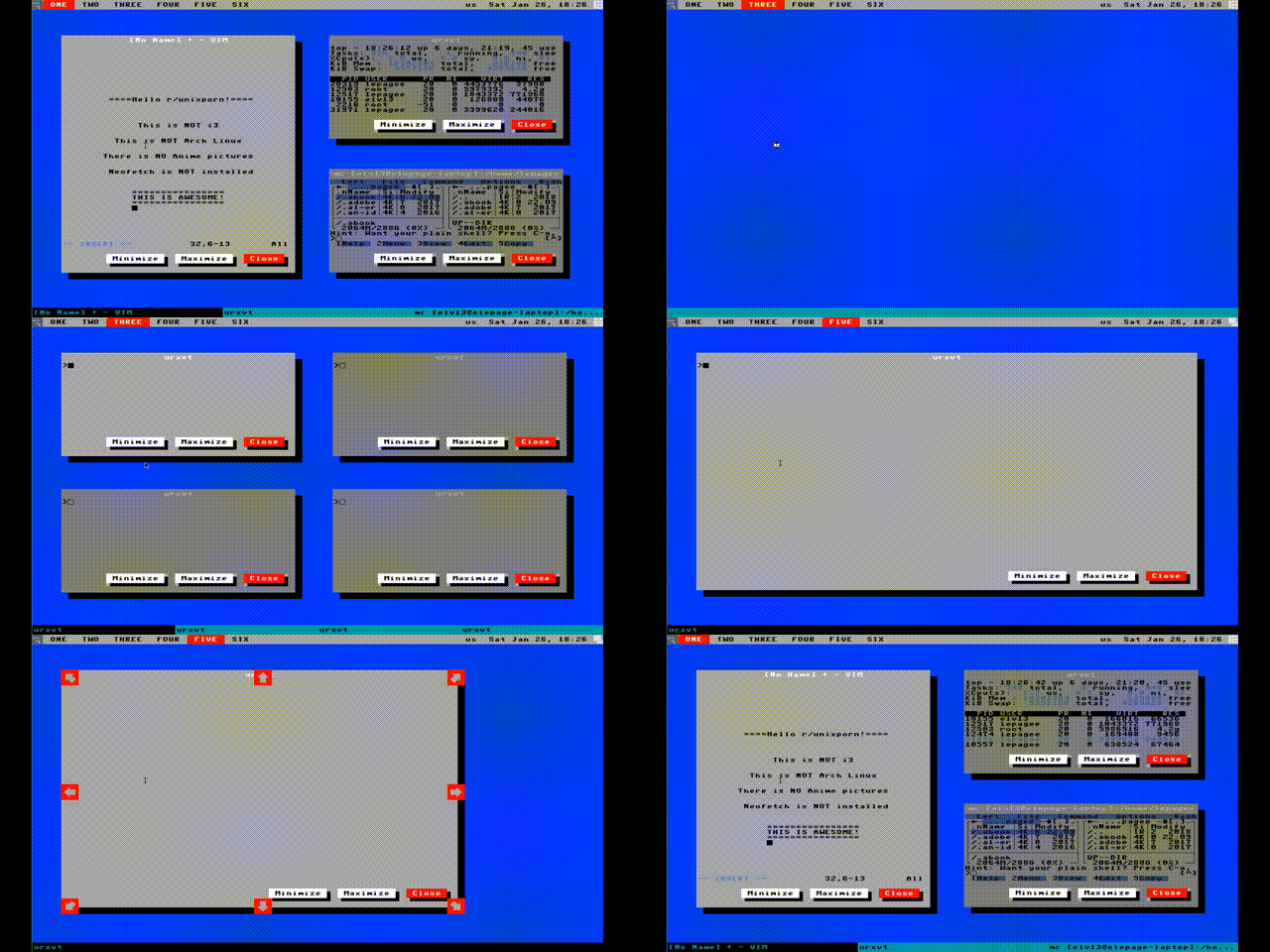
Horrible implementation written during a commercial break
edit: It uses my Collision modules but is otherwise the default config hacked in 15 minutes with total disregard for good code or handling corner cases. Less low-res version
Elv13
on 27 Jan 2019
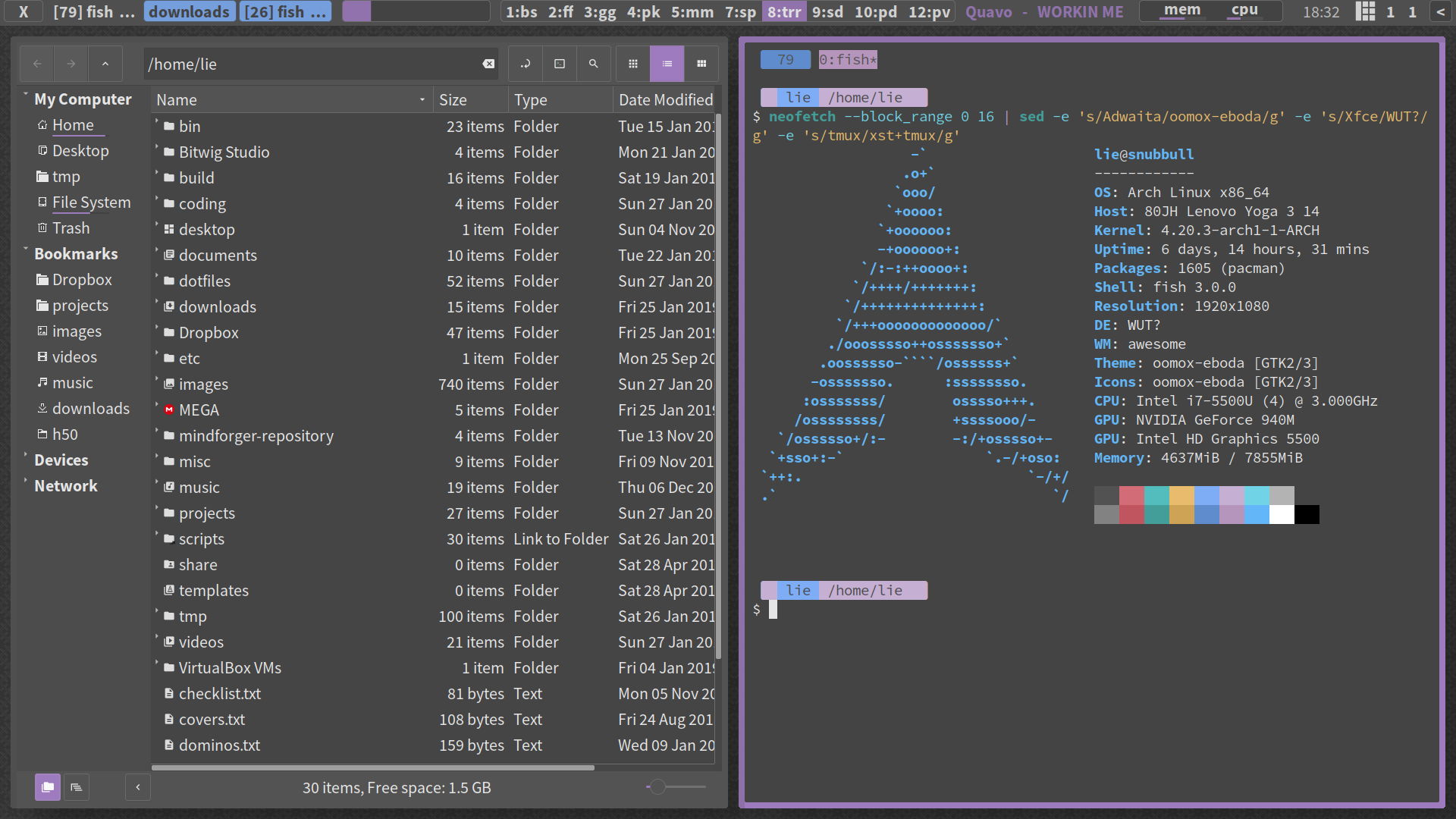
pre-release dump of my stuff started :D :eye: :gun:
mb better put them all into one post? (they all using slightly modified https://github.com/awesomeWM/awesome/blob/master/themes/gtk/theme.lua just with different gtk theme and wallpaper)

actionless
on 27 Jan 2019
 actionless
on 27 Jan 2019
actionless
on 27 Jan 2019

more: https://i.imgur.com/DEFSEUs.png https://i.imgur.com/qBpPzlG.png https://i.imgur.com/FVMRwt0.png https://i.imgur.com/jfpGt1m.png
actionless
on 27 Jan 2019

actionless
on 27 Jan 2019
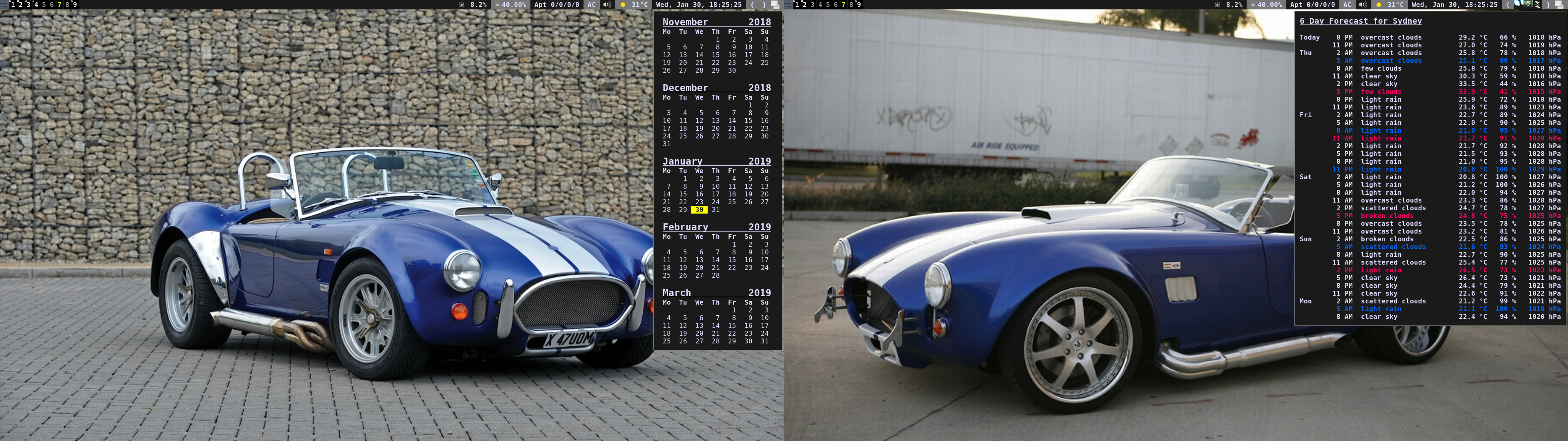
 Sorky
on 30 Jan 2019
Sorky
on 30 Jan 2019
Hi.
Hey, I wonder if you could give us access to the dotfiles. It looks really good, especially the side bar that seems to act as an "icon-only tasklist". Very interesting. Wonder how you did that.
ghost
on 11 Feb 2019
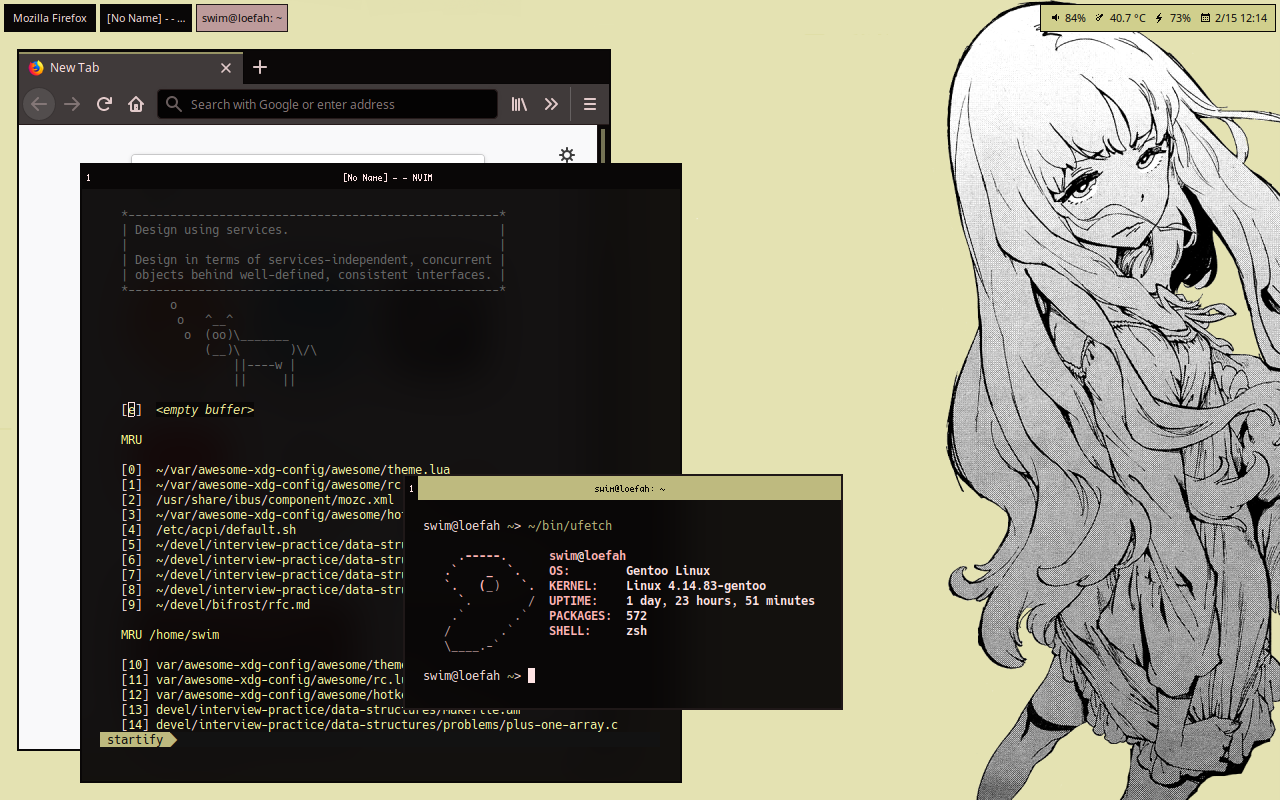
furrycatherder/awesome-xdg-config@1b2d794
 furrycatherder
on 15 Feb 2019
furrycatherder
on 15 Feb 2019
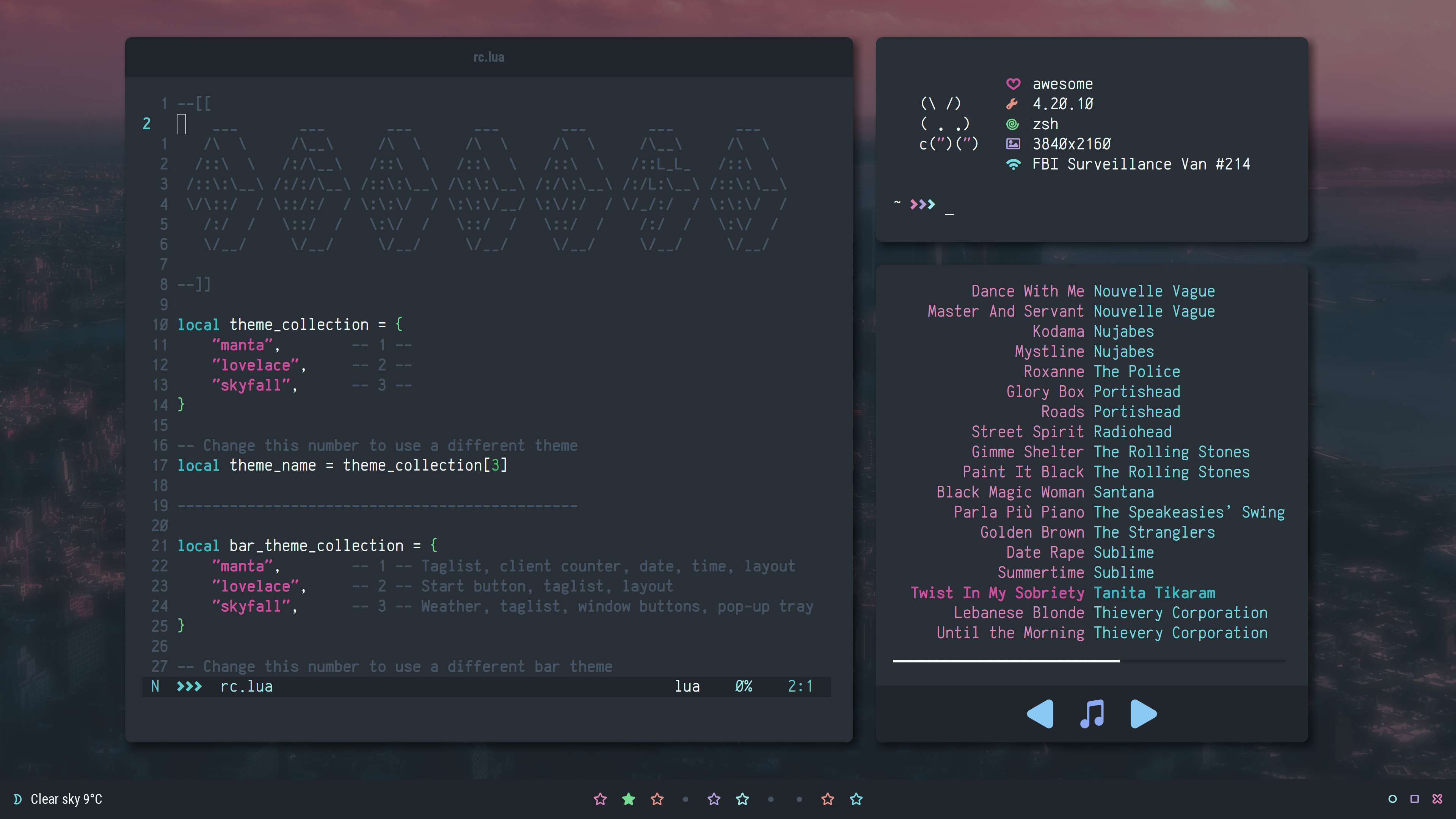 elenapan
on 22 Feb 2019
elenapan
on 22 Feb 2019
(Just noticed there is a "One screenshot per post" rule)
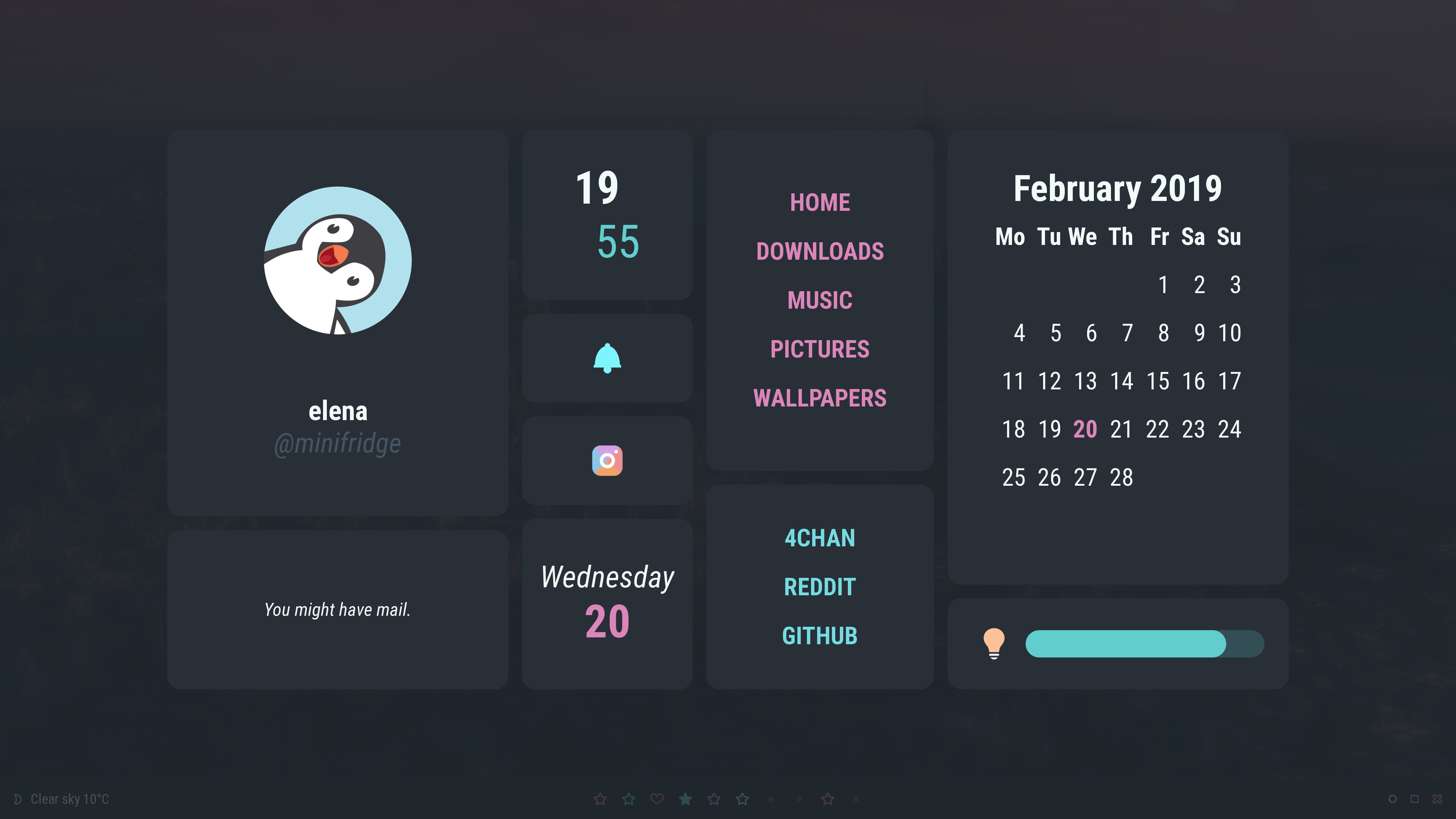
elenapan
on 22 Feb 2019
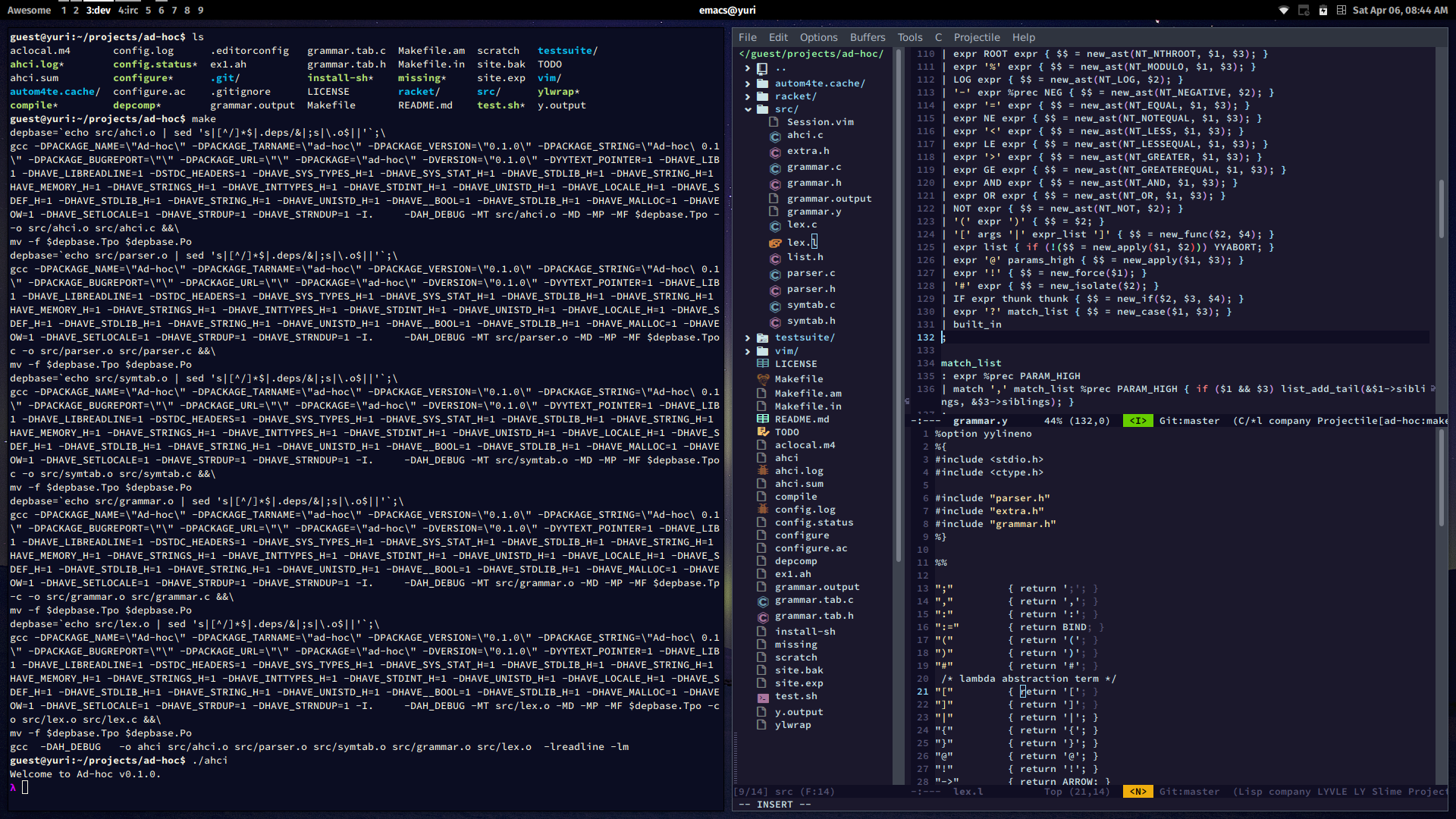
 pera
on 6 Apr 2019
pera
on 6 Apr 2019
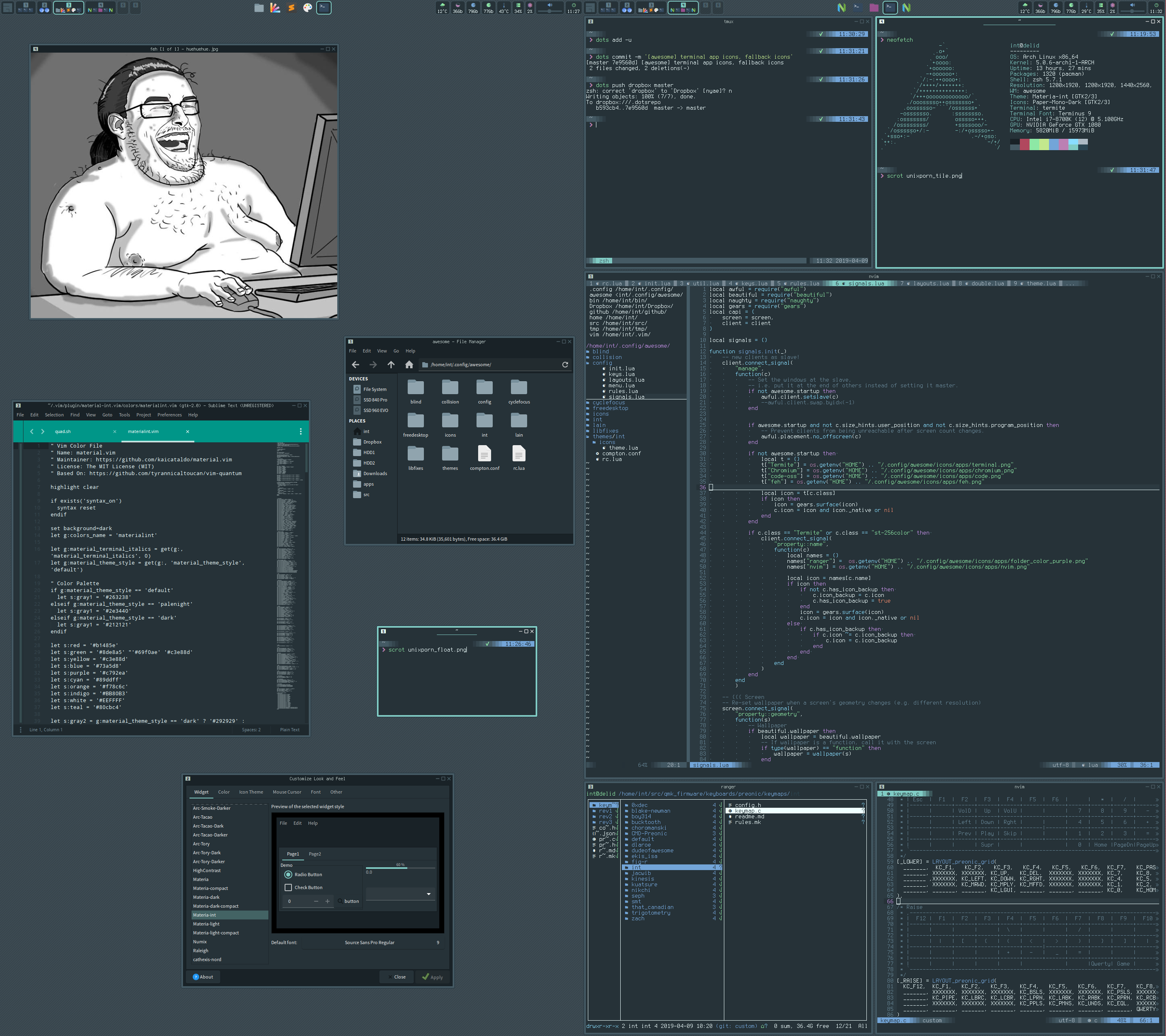
 intrntbrn
on 9 Apr 2019
intrntbrn
on 9 Apr 2019
btw, it seems like this topic starting to hit readability limitations of github issue, what about creating /r/AwesomeWMscreenshots on reddit instead?
actionless
on 11 Apr 2019
btw, it seems like this topic starting to hit readability limitations of github issue, what about creating /r/AwesomeWMscreenshots on reddit instead?
What about r/AwesomeWM?
BTW instead of sharing screenshot only, it would be interesting to see some code & hacks from the community. I would love to see more "features showcase" like @meriadec client's focus, @streetturtle widgets and @timroes notifications. We need more of this!
 Aire-One
on 11 Apr 2019
Aire-One
on 11 Apr 2019
@kajzersoze well I would love to know how you did this icons-only tasklist on the left side
Those are images, you can find them in /theme/icons/tag-list
I took that part from reddit, someone posted something similar.
I changed it a lot in different areas.
Never intended to post config files so you might find them as a mess.
Screenshot is taken few months back, it's made for my archive, I do that when I change config visually, might not be pretty but it's current and it matches dotfiles.
https://github.com/kajzersoze/dotfiles/tree/master/.config/awesome
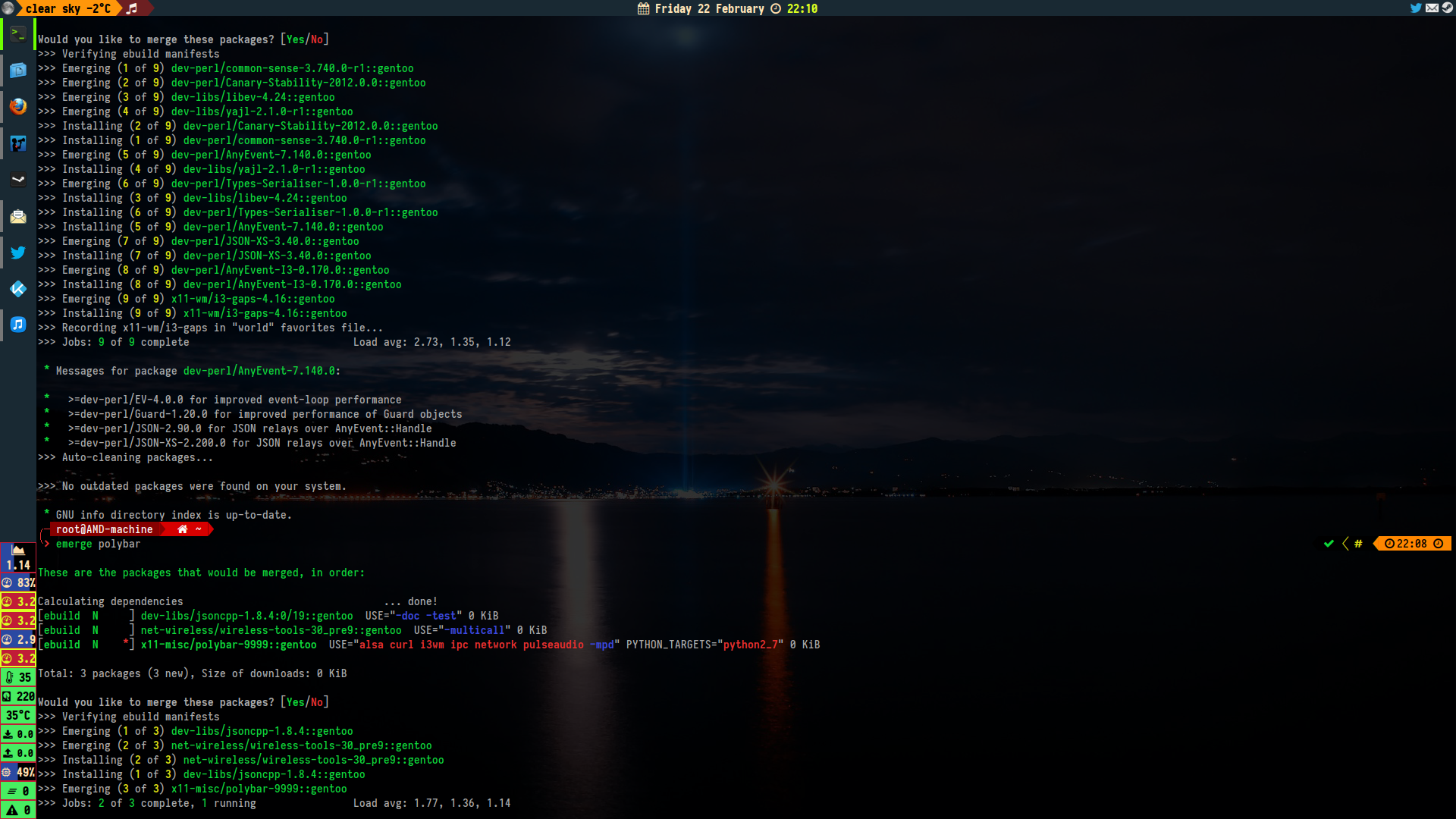
kajzersoze
on 14 Apr 2019
Ok, did some cleanup in the recent "there is too many screenshots for this issue". Please post on /r/AwesomeWM, r/unixporn and here until we have a better solution.
Here's a low effort theme I made to test patches for a tasklist regression:
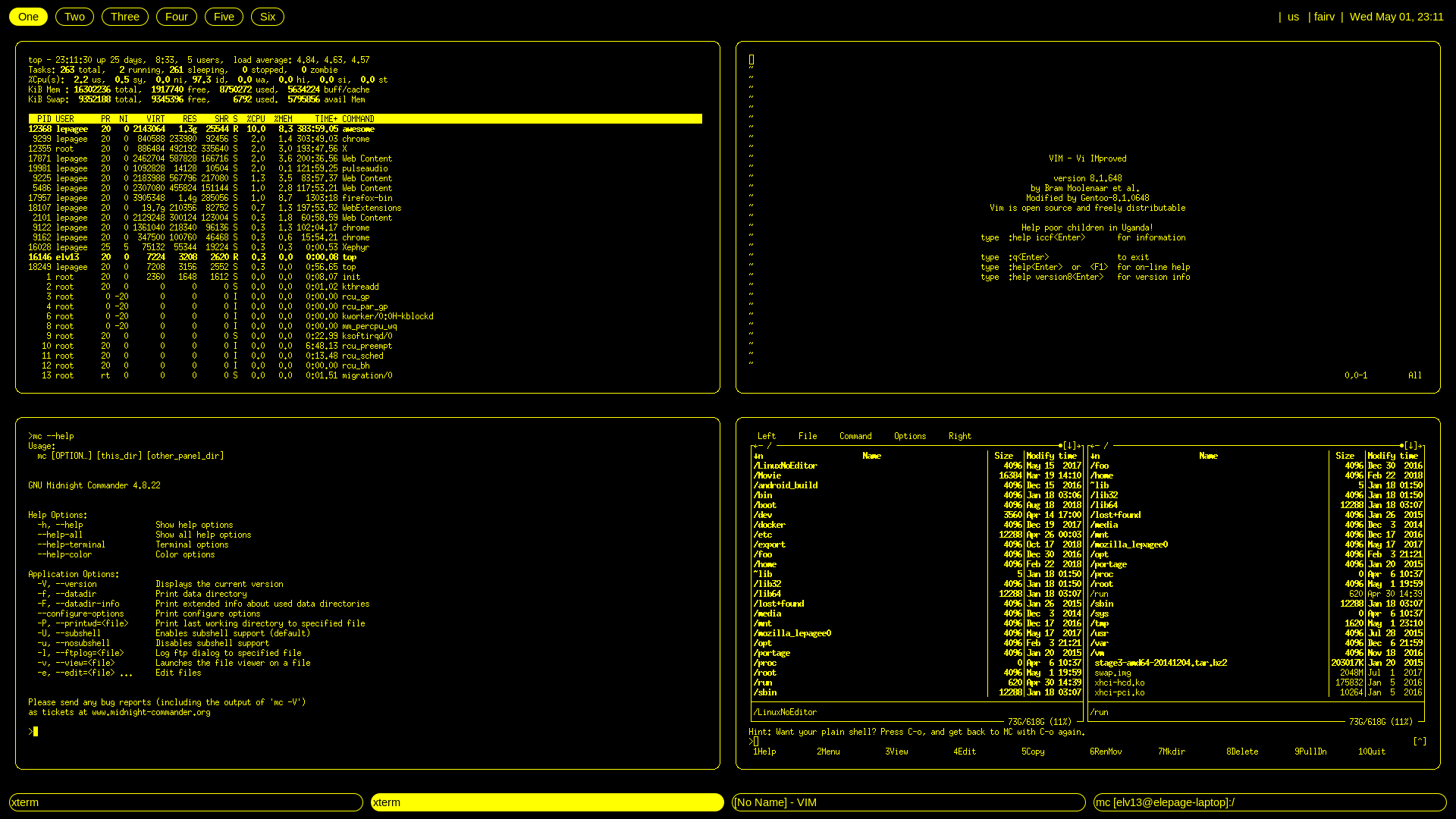
Here's the rc.lua https://gist.github.com/Elv13/cd9bfc5d91c8e645422699b60936d46d, it's rather ugly and done quickly, but it's surprisingly usable.
Elv13
on 2 May 2019

 afreidz
on 9 May 2019
afreidz
on 9 May 2019

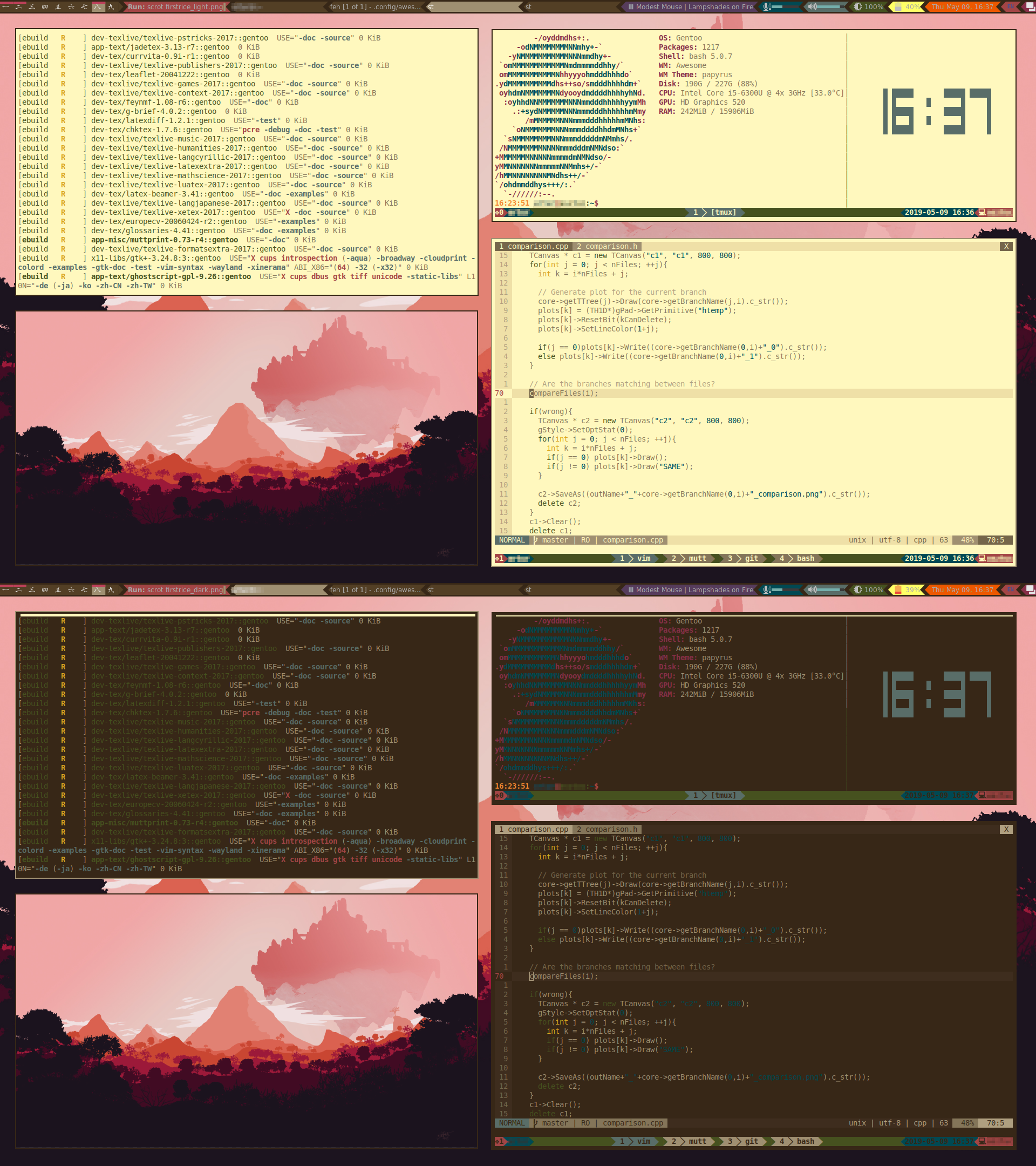
This a theme designed to be informative but simple, naturally cool but less distracting, used by myself on my desktop machines for daily work.
RetroPunk Theme: https://github.com/Determinant/awesome-retropunk
MPD Trigger: https://github.com/Determinant/mpd_trigger
 Determinant
on 10 May 2019
Determinant
on 10 May 2019
 PannionDomin
on 11 May 2019
PannionDomin
on 11 May 2019

 szorfein
on 14 May 2019
szorfein
on 14 May 2019
 danieldegrasse
on 15 May 2019
danieldegrasse
on 15 May 2019
worron
on 17 May 2019
 szorfein
on 26 May 2019
szorfein
on 26 May 2019
 Ham5andw1ch
on 1 Jun 2019
Ham5andw1ch
on 1 Jun 2019

 Lichthagel
on 3 Jun 2019
Lichthagel
on 3 Jun 2019
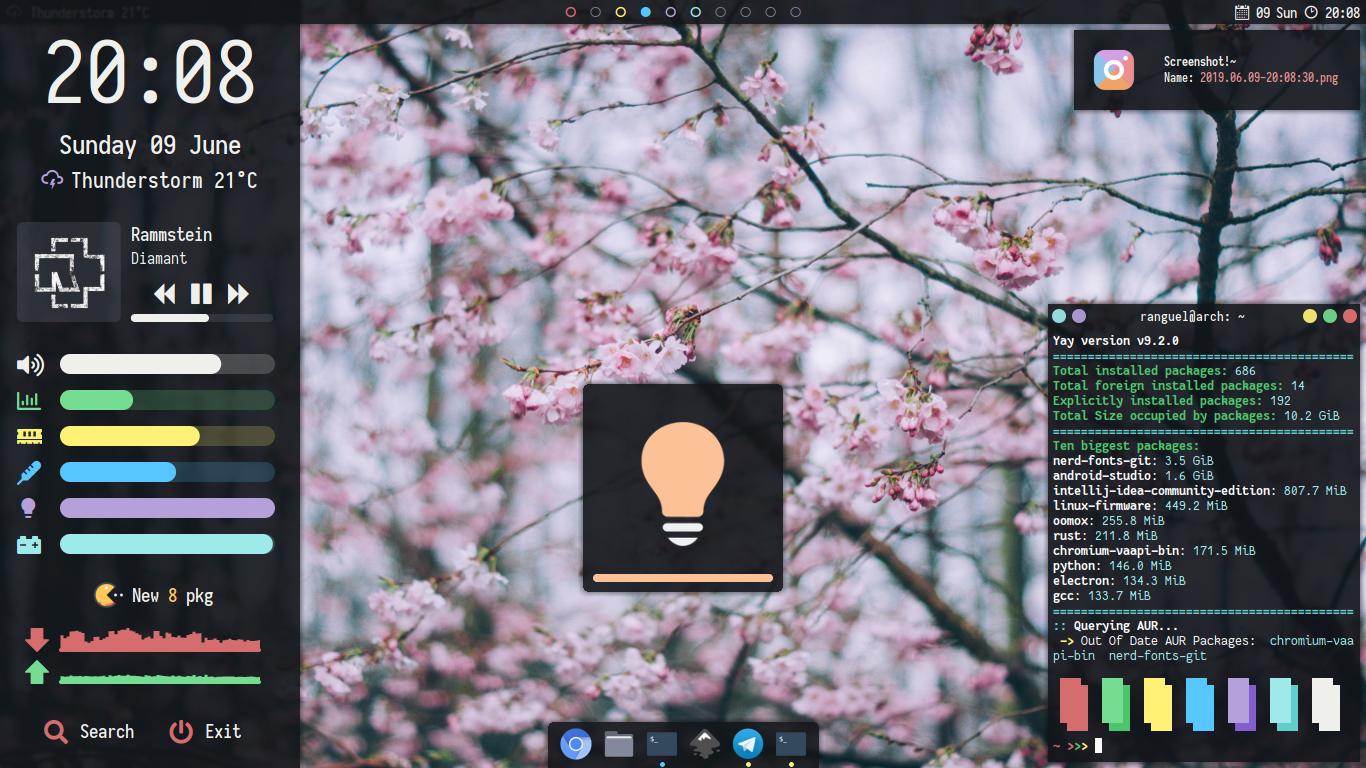
Elenapan skyfall based
Eredarion
on 12 Jun 2019

 Pascal3366
on 18 Jun 2019
Pascal3366
on 18 Jun 2019
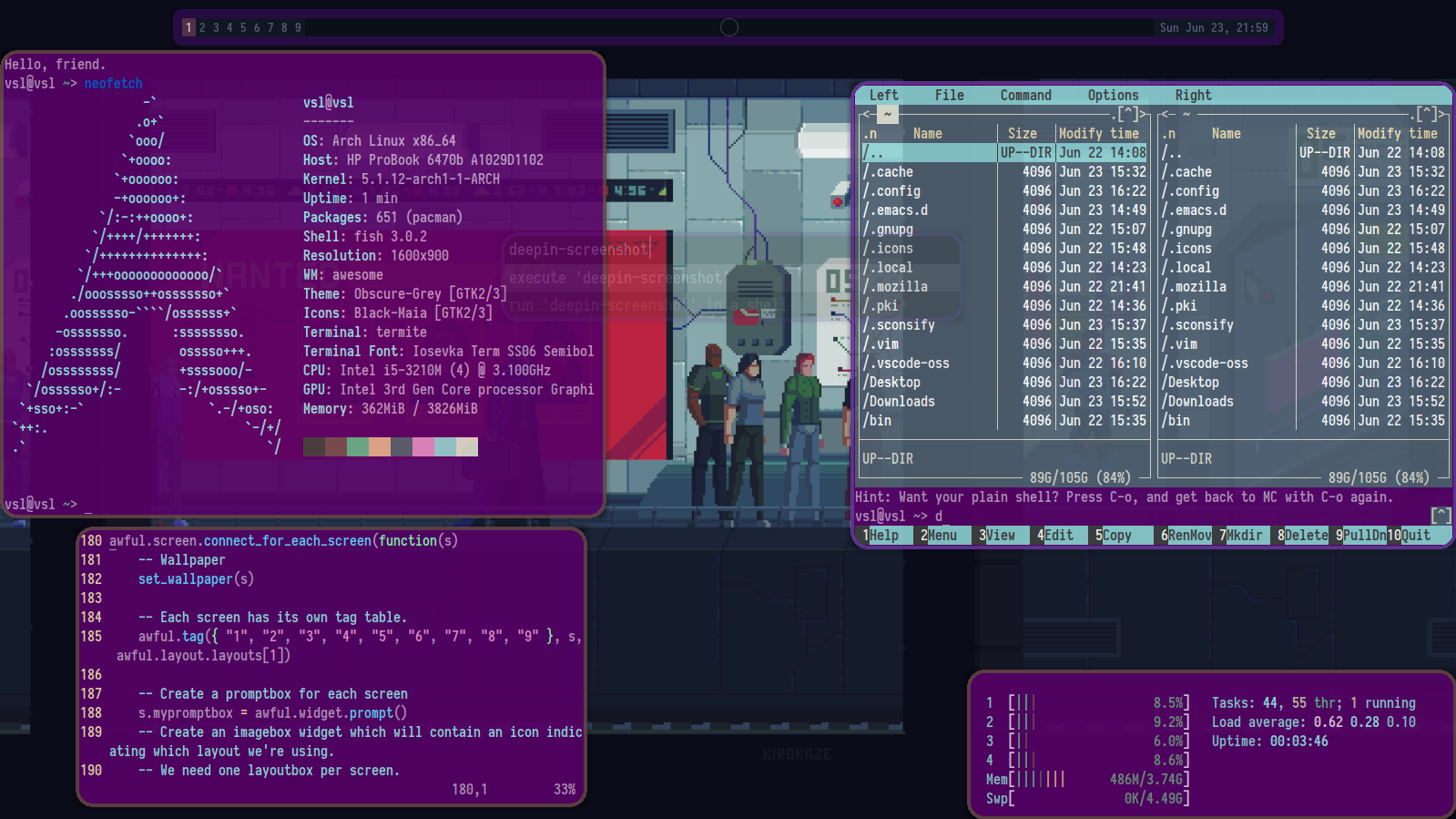
 mark182182
on 23 Jun 2019
mark182182
on 23 Jun 2019

 davemackintosh
on 24 Jun 2019
davemackintosh
on 24 Jun 2019
 szorfein
on 25 Jun 2019
szorfein
on 25 Jun 2019
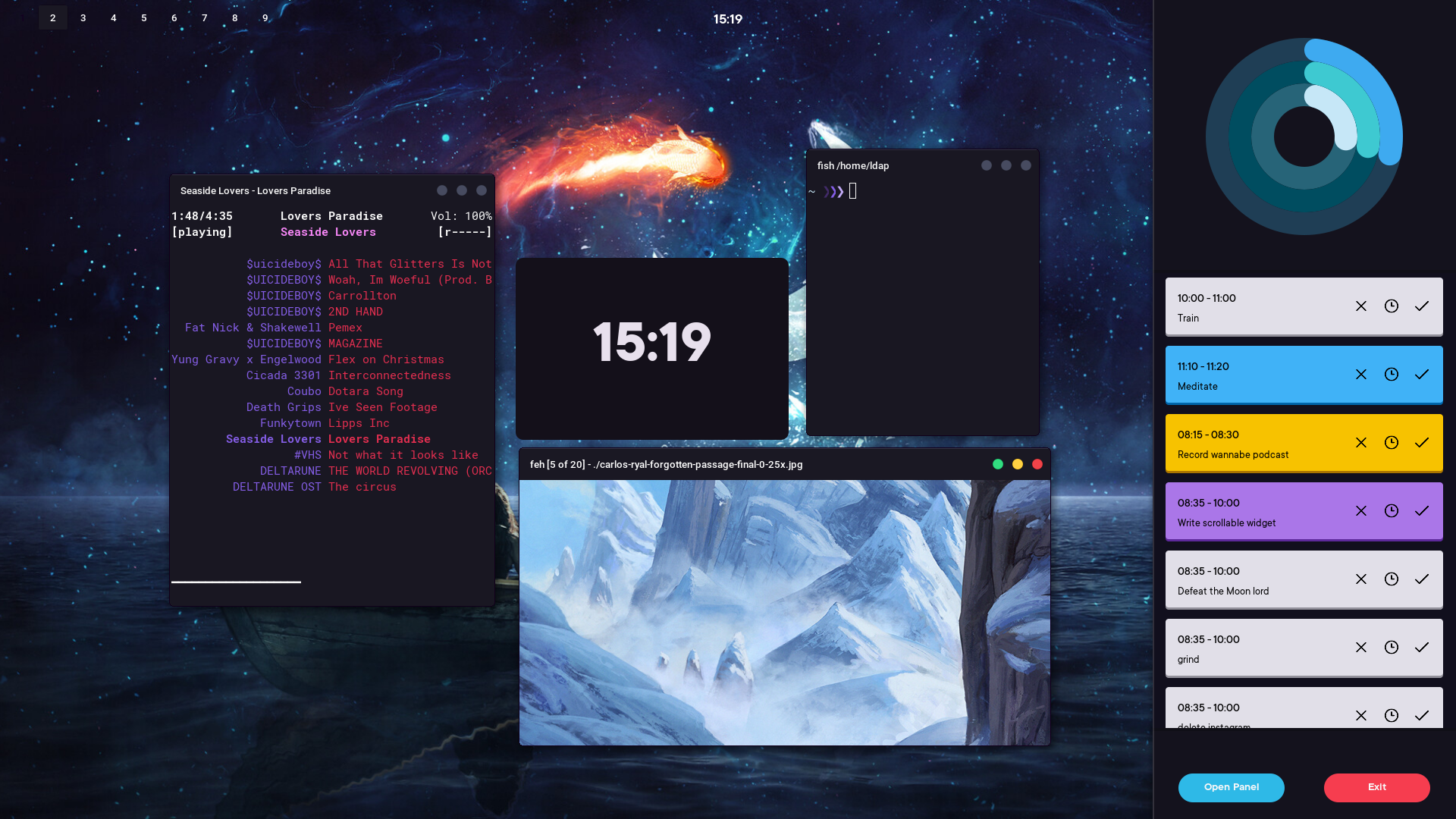
 lawsdontapplytopigs
on 26 Jun 2019
lawsdontapplytopigs
on 26 Jun 2019
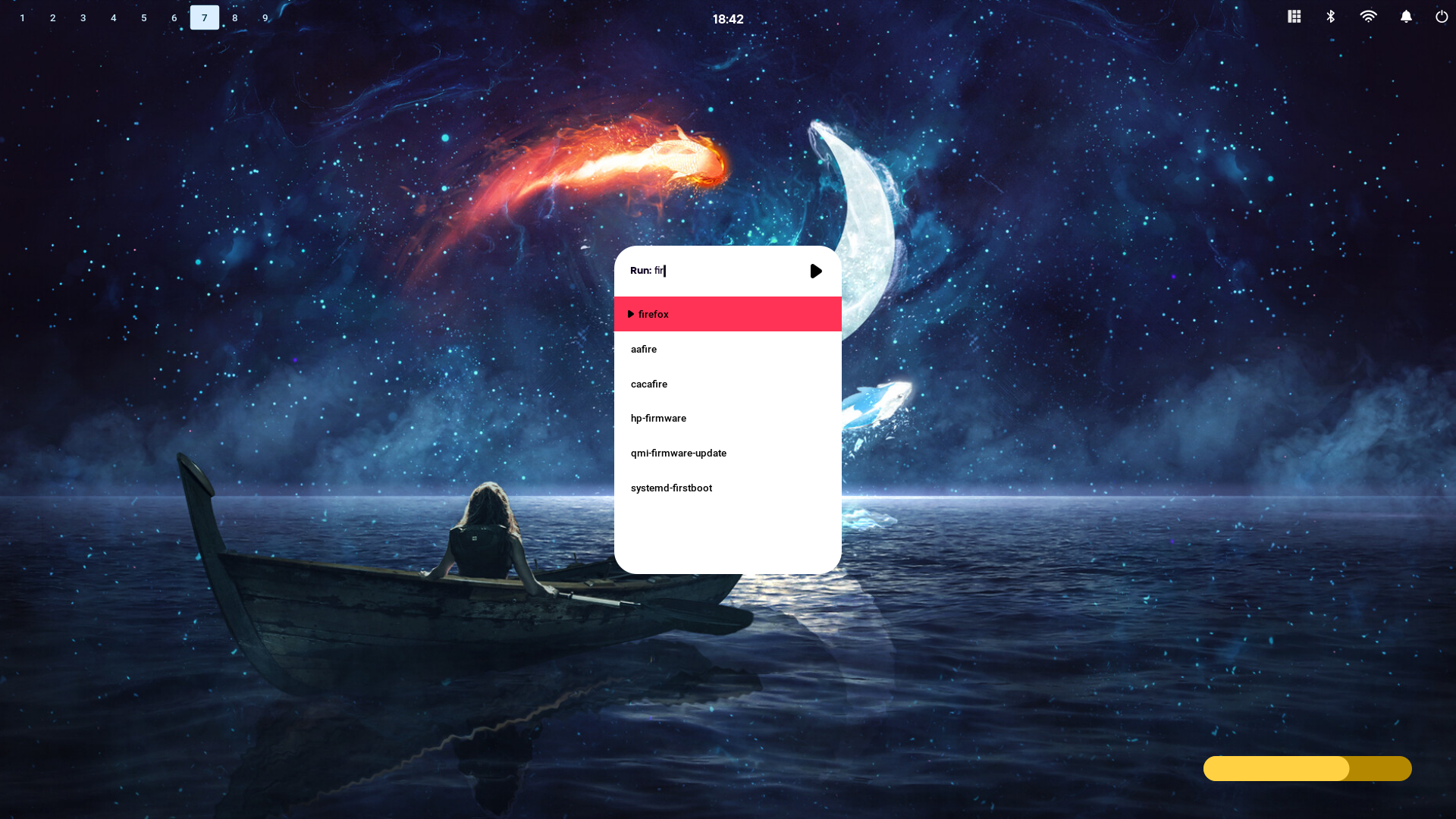
lawsdontapplytopigs
on 26 Jun 2019
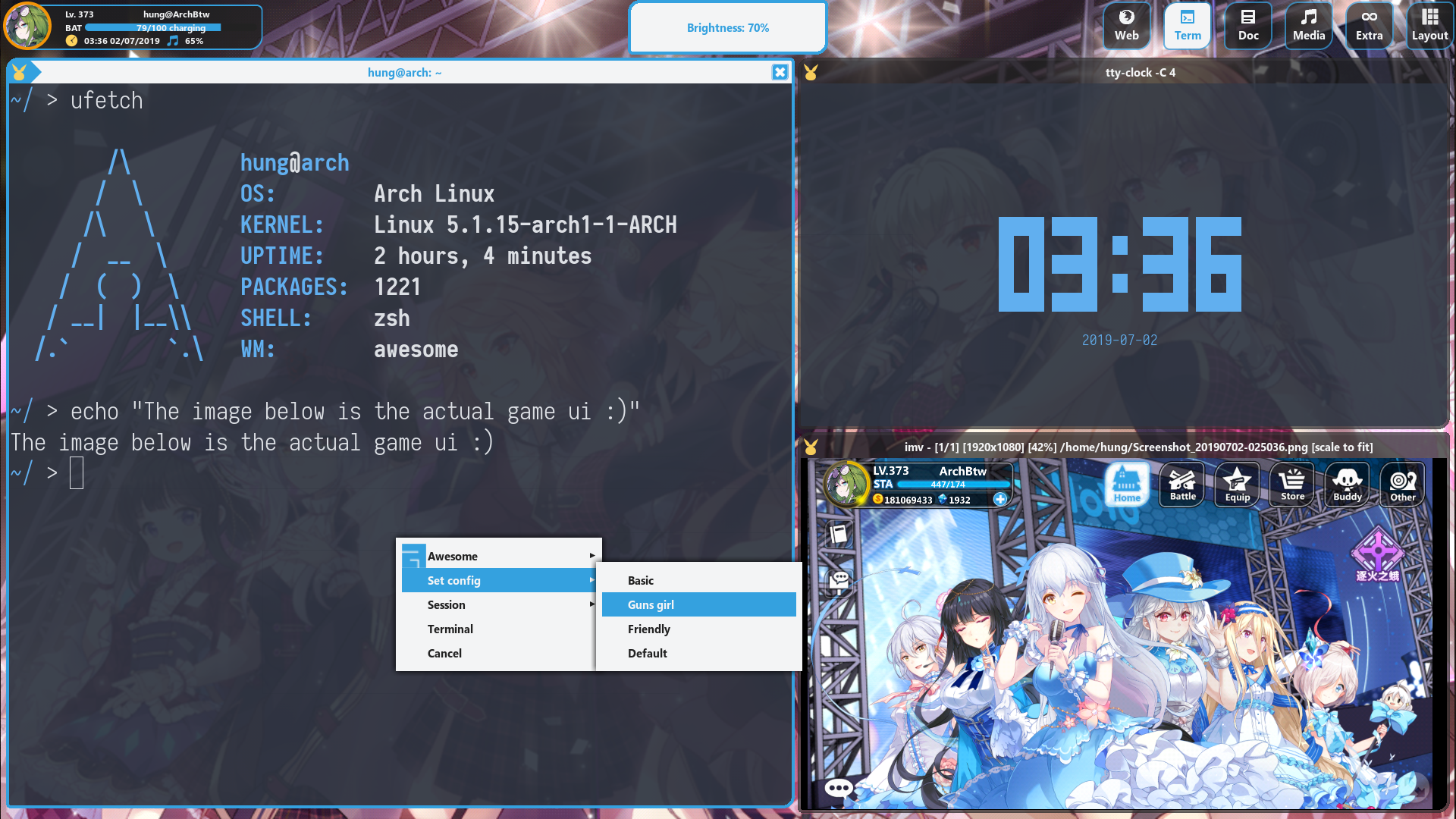
This is a game based theme.
 ndgnuh
on 7 Jul 2019
ndgnuh
on 7 Jul 2019
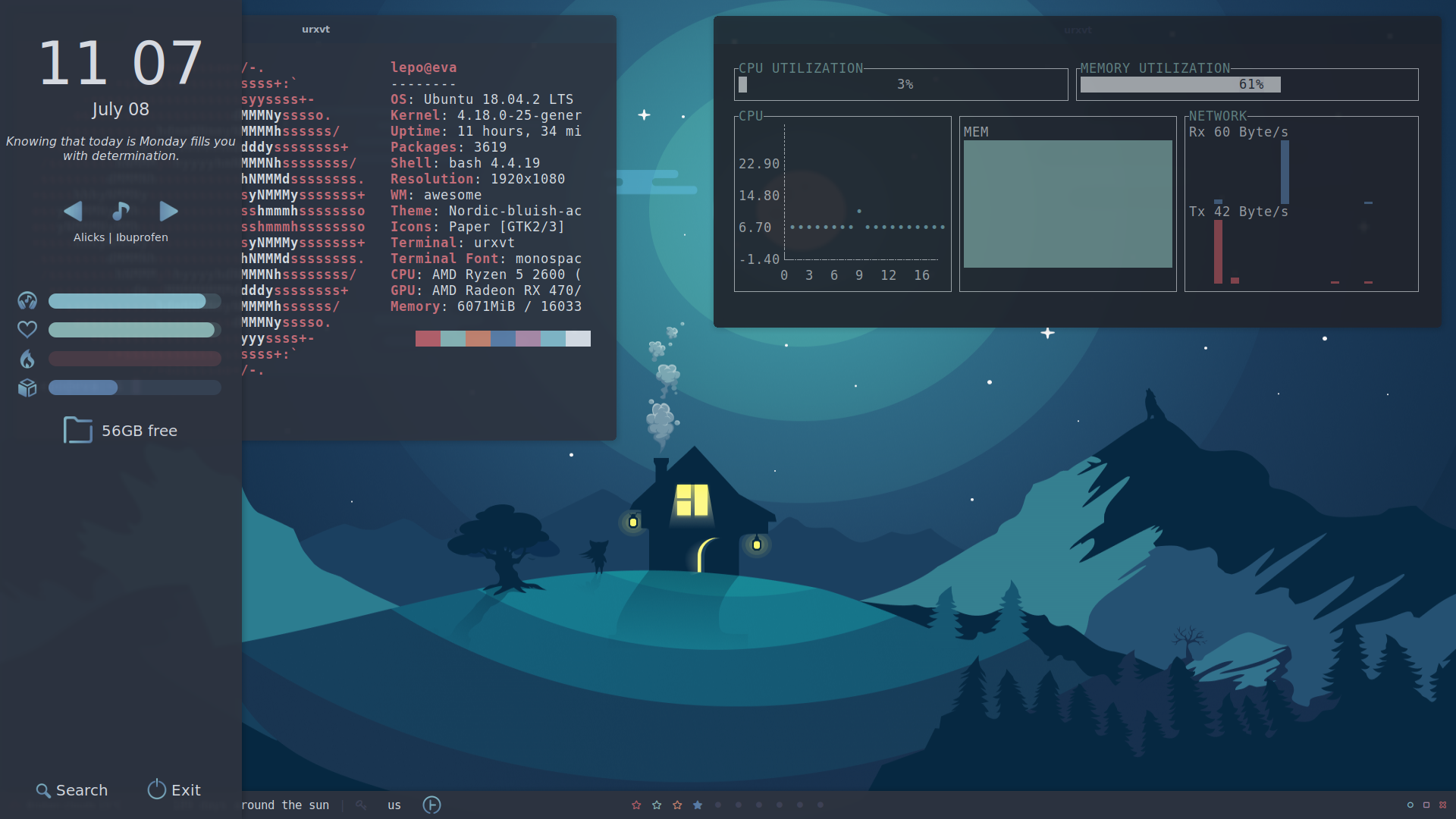
Dot files will be available soon :)
Based on https://github.com/elenapan/dotfiles
 alypo
on 9 Jul 2019
alypo
on 9 Jul 2019
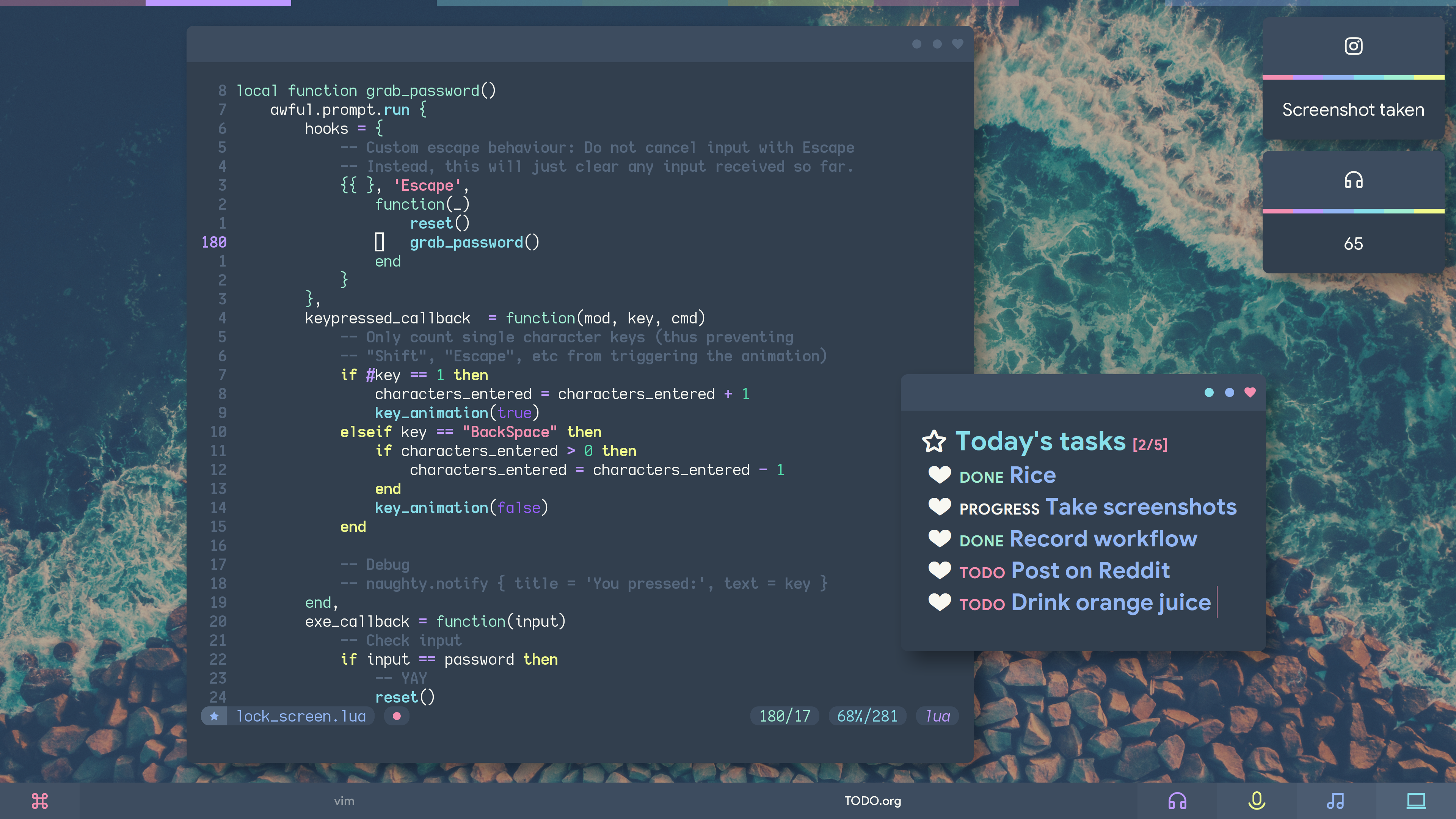
https://github.com/elenapan/dotfiles
Lock screen gif coming as soon as I figure out how to bring its size down (150Mb right now)
elenapan
on 1 Aug 2019
Lock screen!
The colorful arc around the lock icon changes color and position with each key press.

elenapan
on 1 Aug 2019
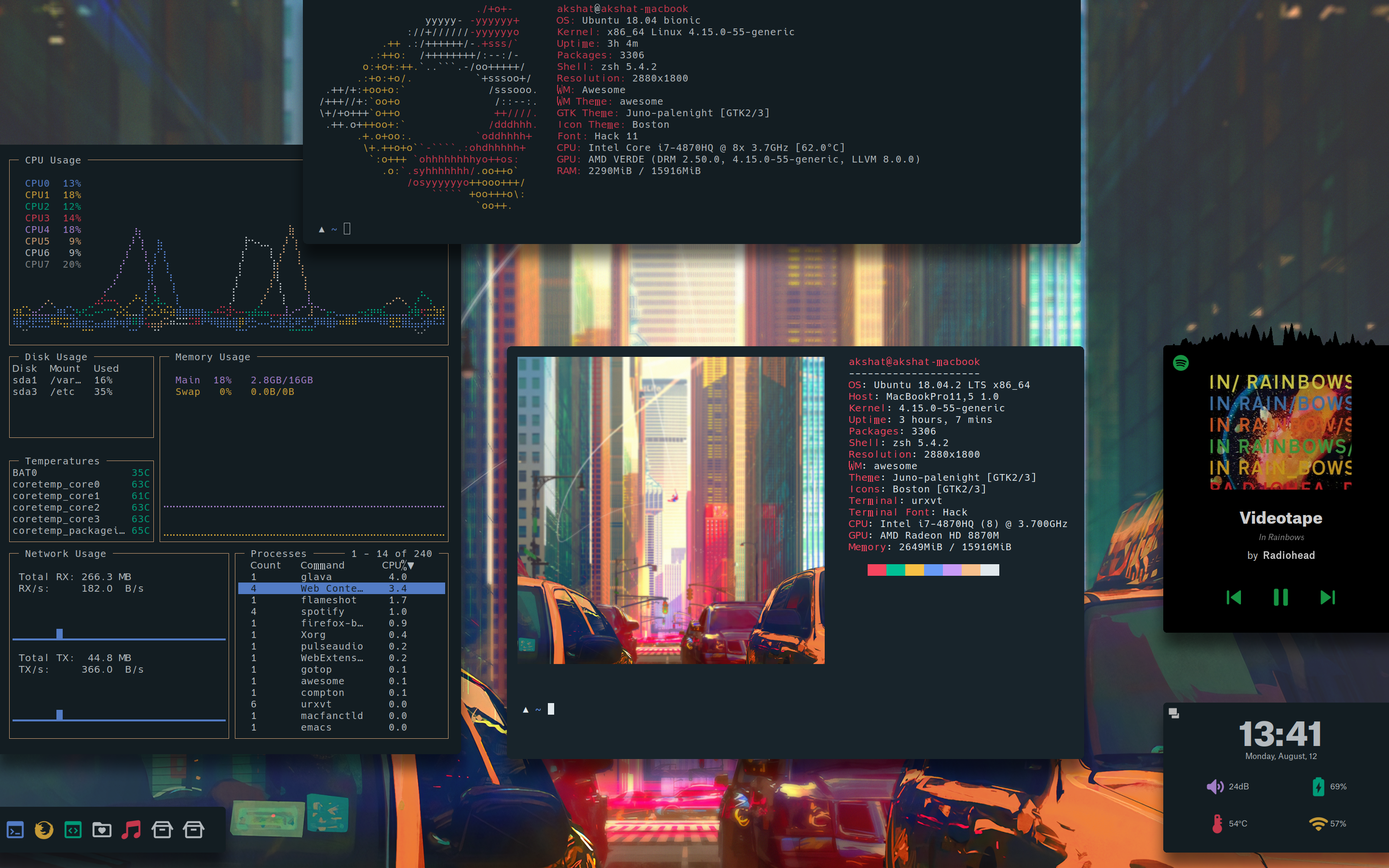
https://github.com/akshat46/perpetual-zen
Visibility of all the banners(blocks stuck to edges) can be toggled with keybinds. Spotify widget: Spawtify
 akshat46
on 12 Aug 2019
akshat46
on 12 Aug 2019
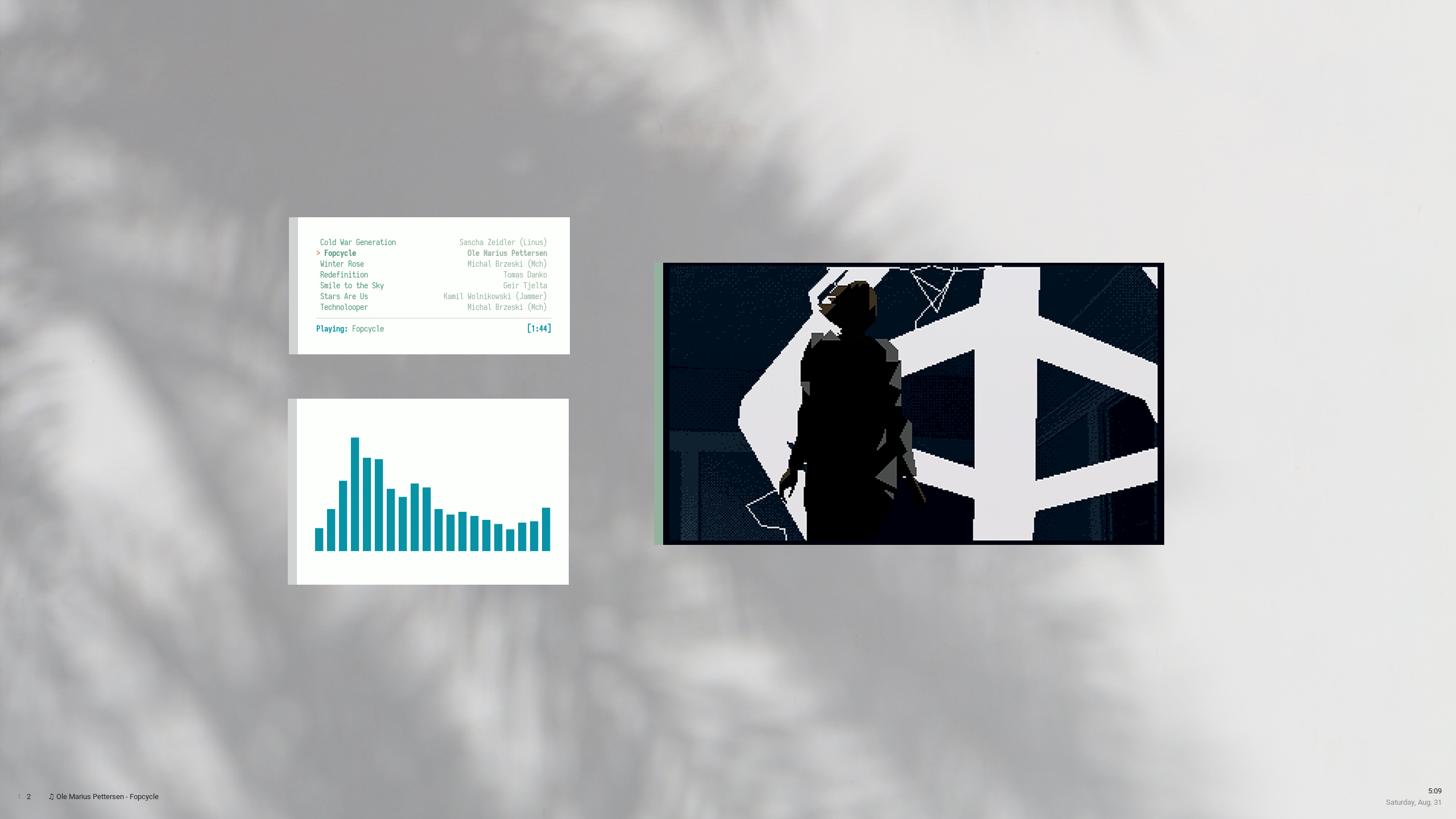
 rytone
on 1 Sep 2019
rytone
on 1 Sep 2019
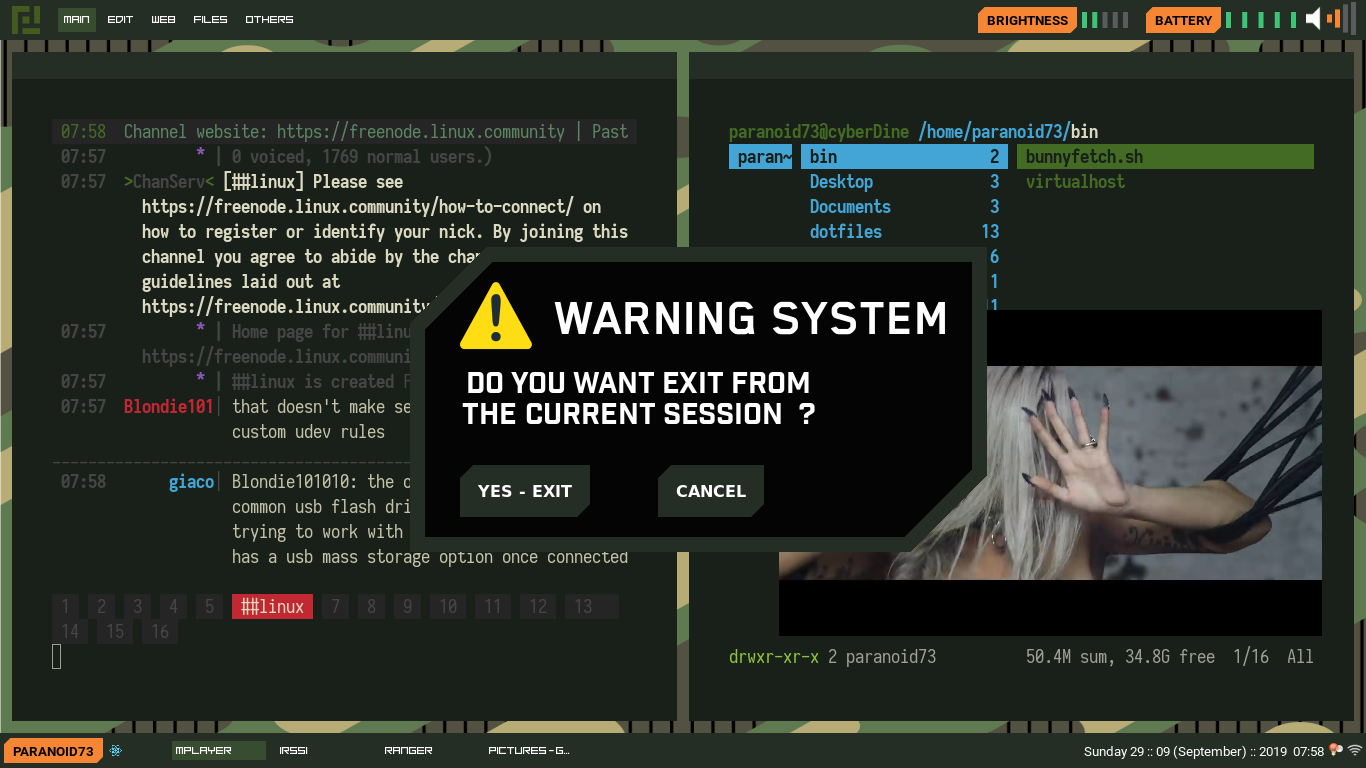
 paranoid73
on 5 Sep 2019
paranoid73
on 5 Sep 2019
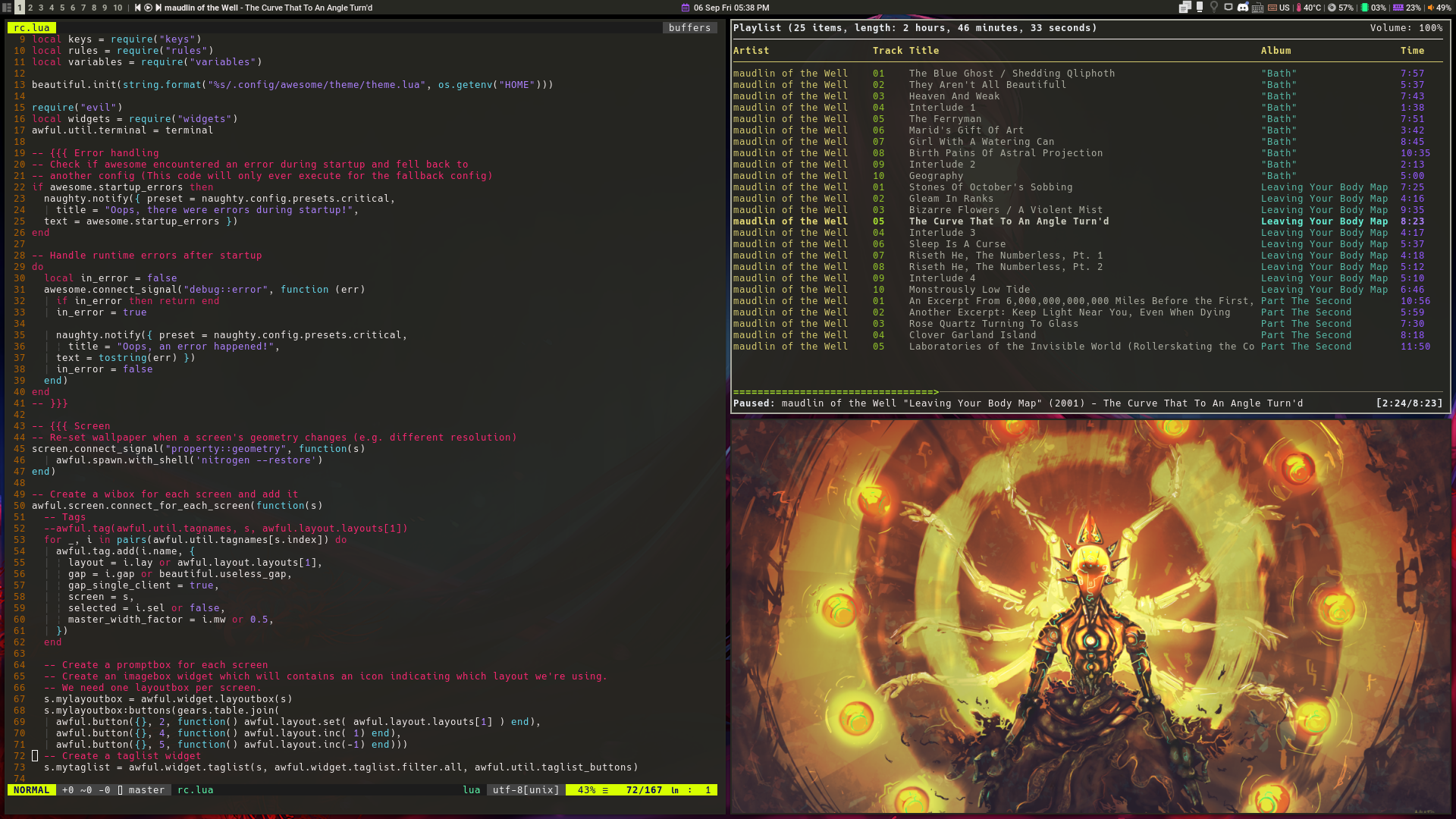
My current Awesome config.
dotfiles
kofteistkofte
on 7 Sep 2019
 szorfein
on 9 Sep 2019
szorfein
on 9 Sep 2019
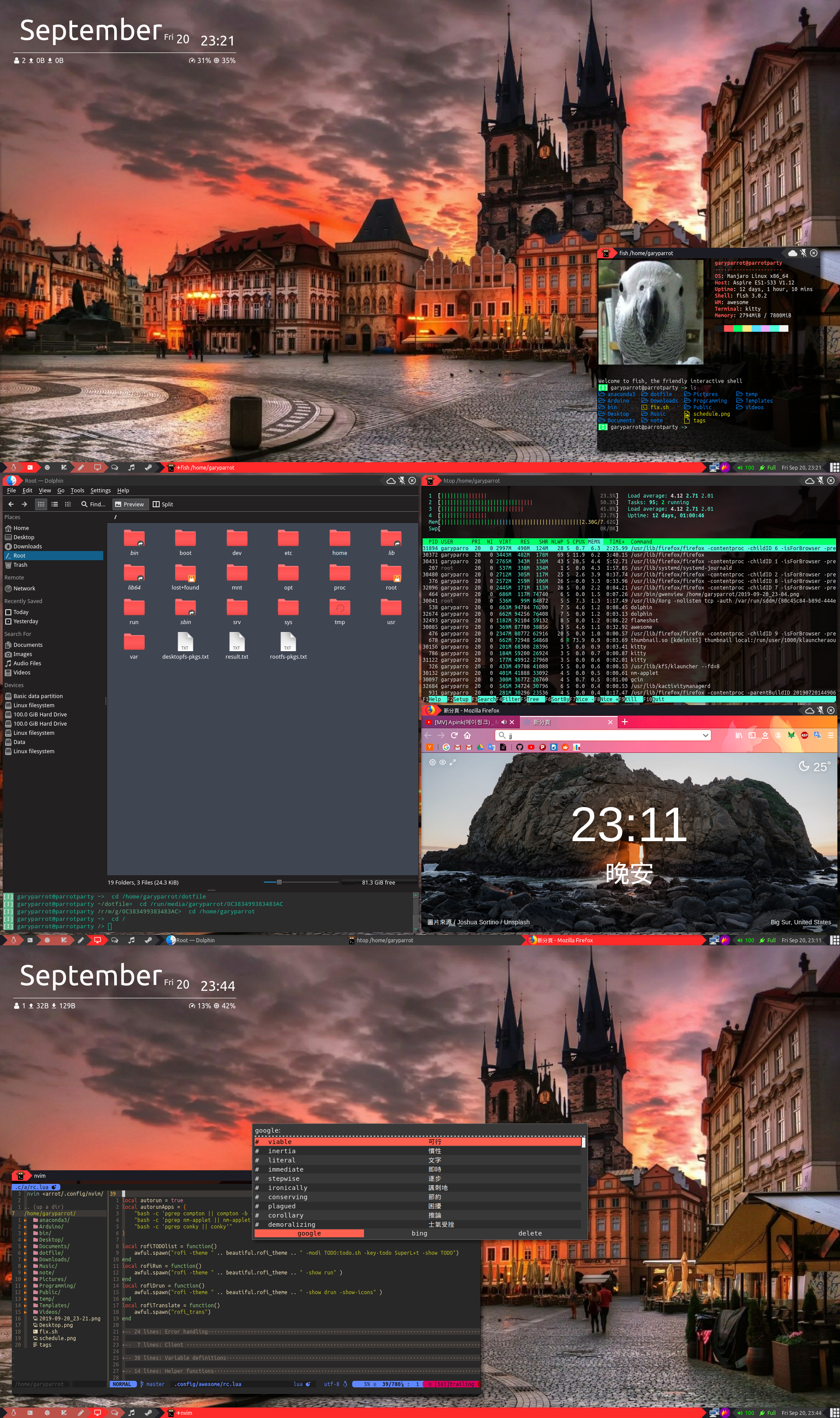
 garyparrot
on 20 Sep 2019
garyparrot
on 20 Sep 2019
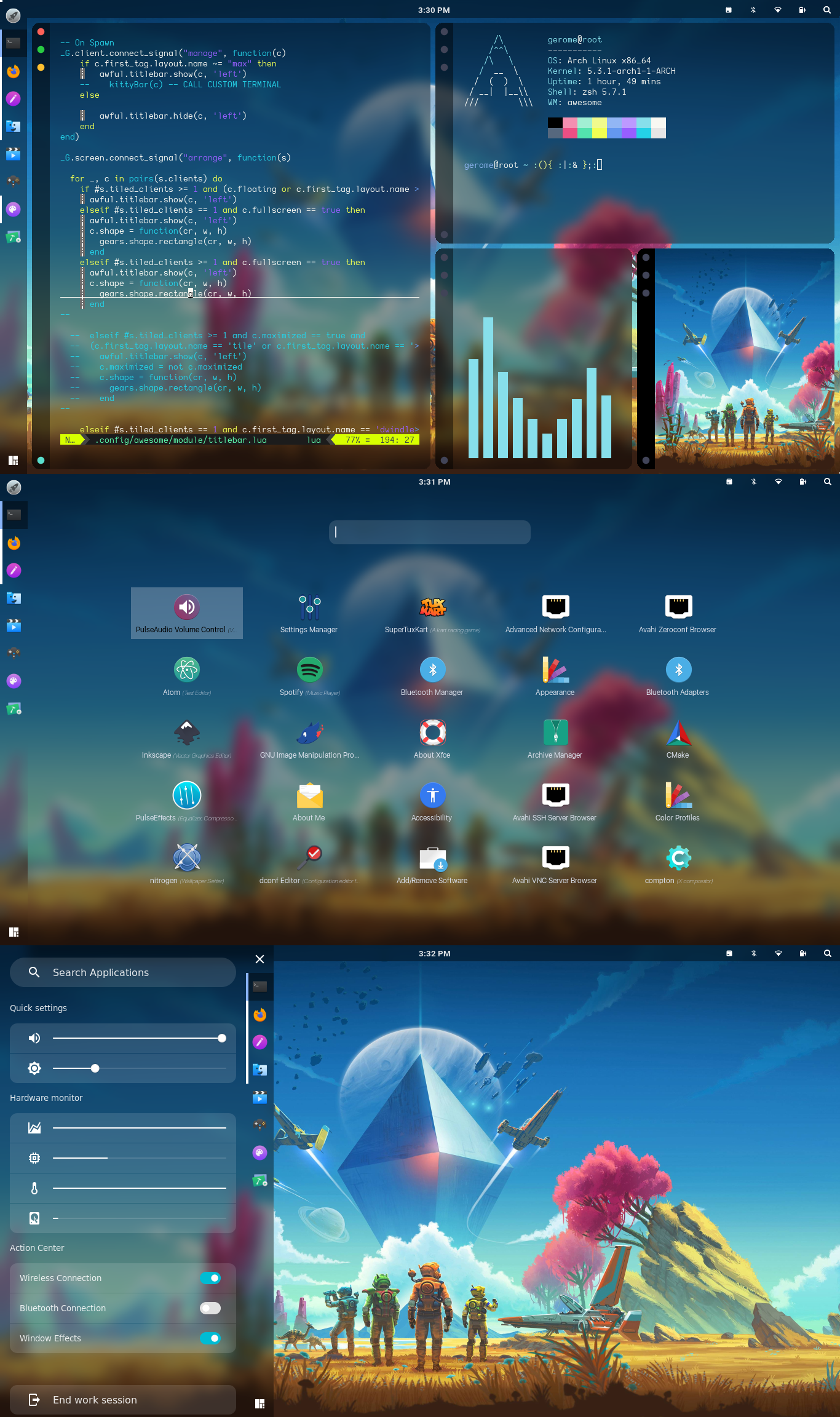
 manilarome
on 7 Oct 2019
manilarome
on 7 Oct 2019
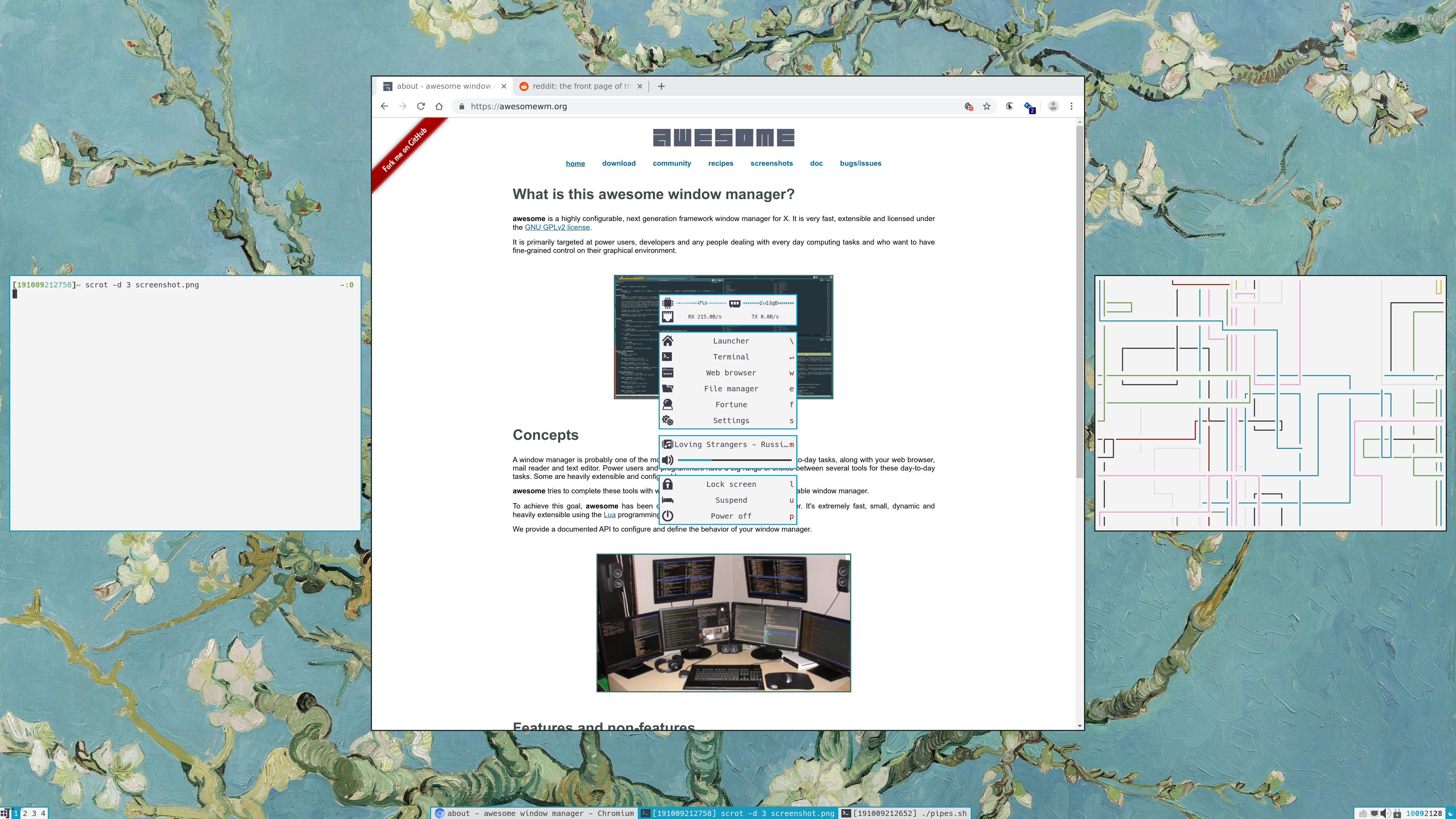
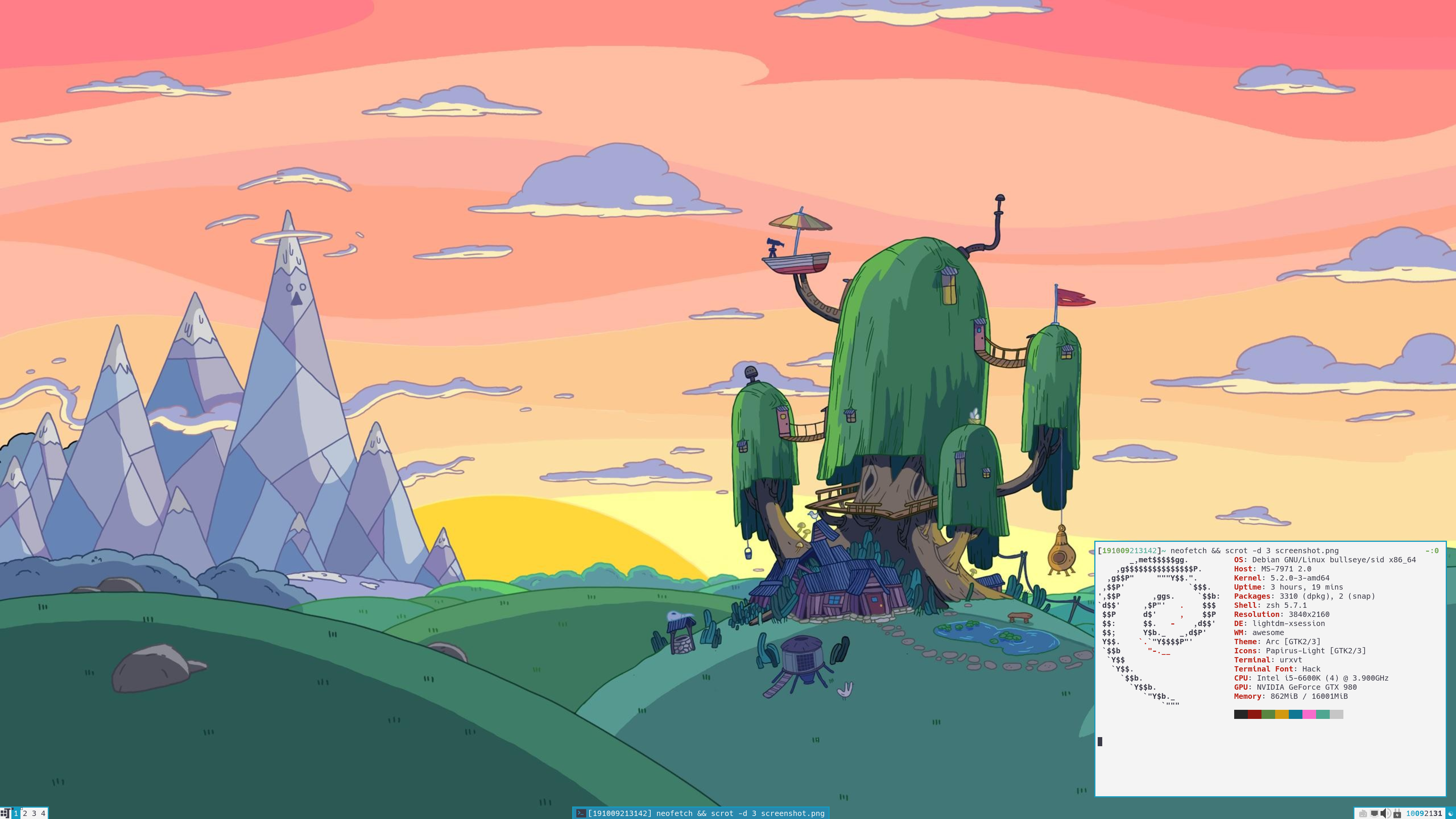
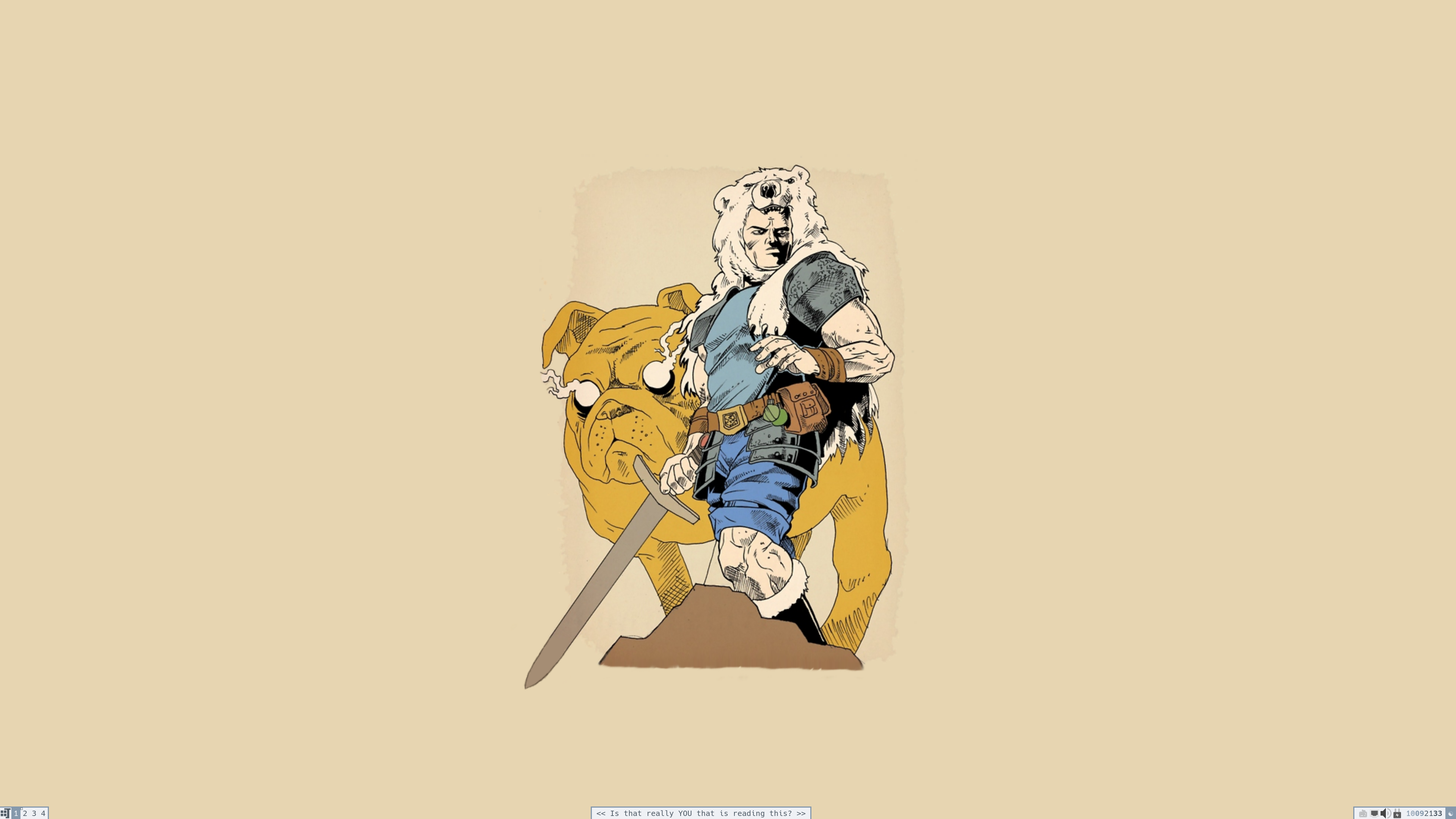
config (warning - hacks ahead)
 xinhaoyuan
on 10 Oct 2019
xinhaoyuan
on 10 Oct 2019
 szorfein
on 11 Oct 2019
szorfein
on 11 Oct 2019
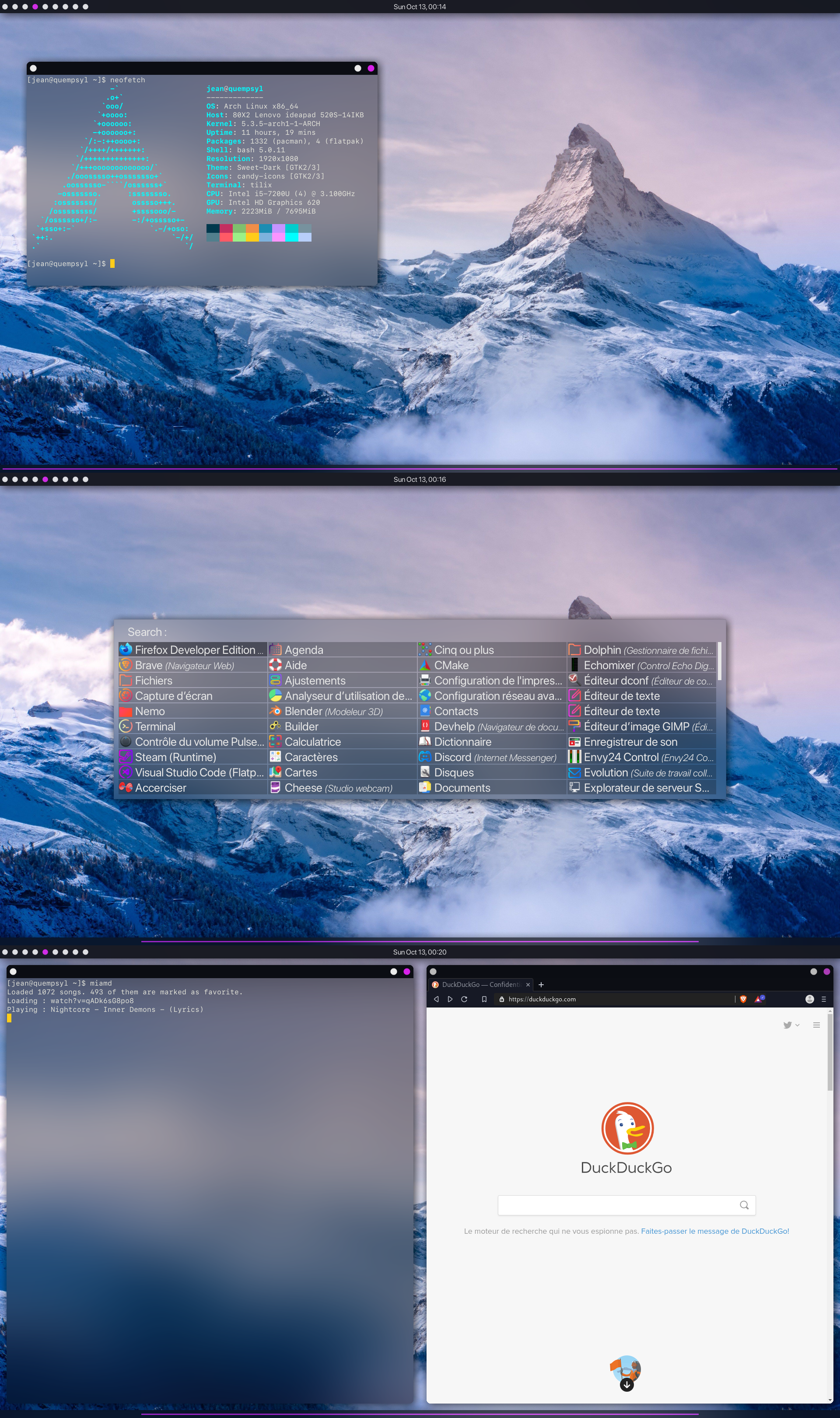
 jean730
on 13 Oct 2019
jean730
on 13 Oct 2019
awesome-ayu
My modified version of the multicolor theme from Awesome WM Copycats using the gorgeous ayu color palette. But since I makes use of xresources, you can easily adjust the colors to your personal taste. The theme comes with a set of different widgets, encapsulated in different modules to reuse them elsewhere.
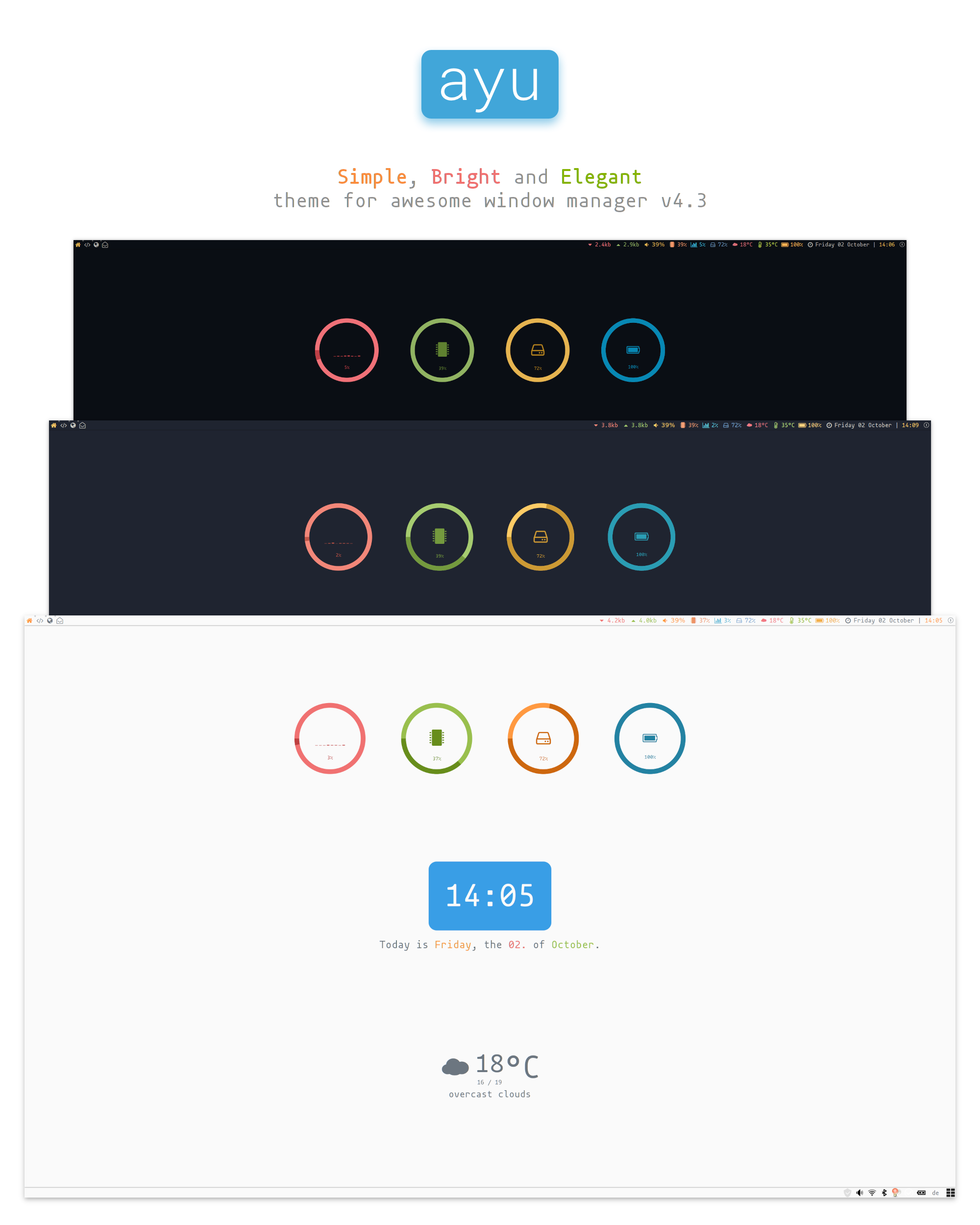
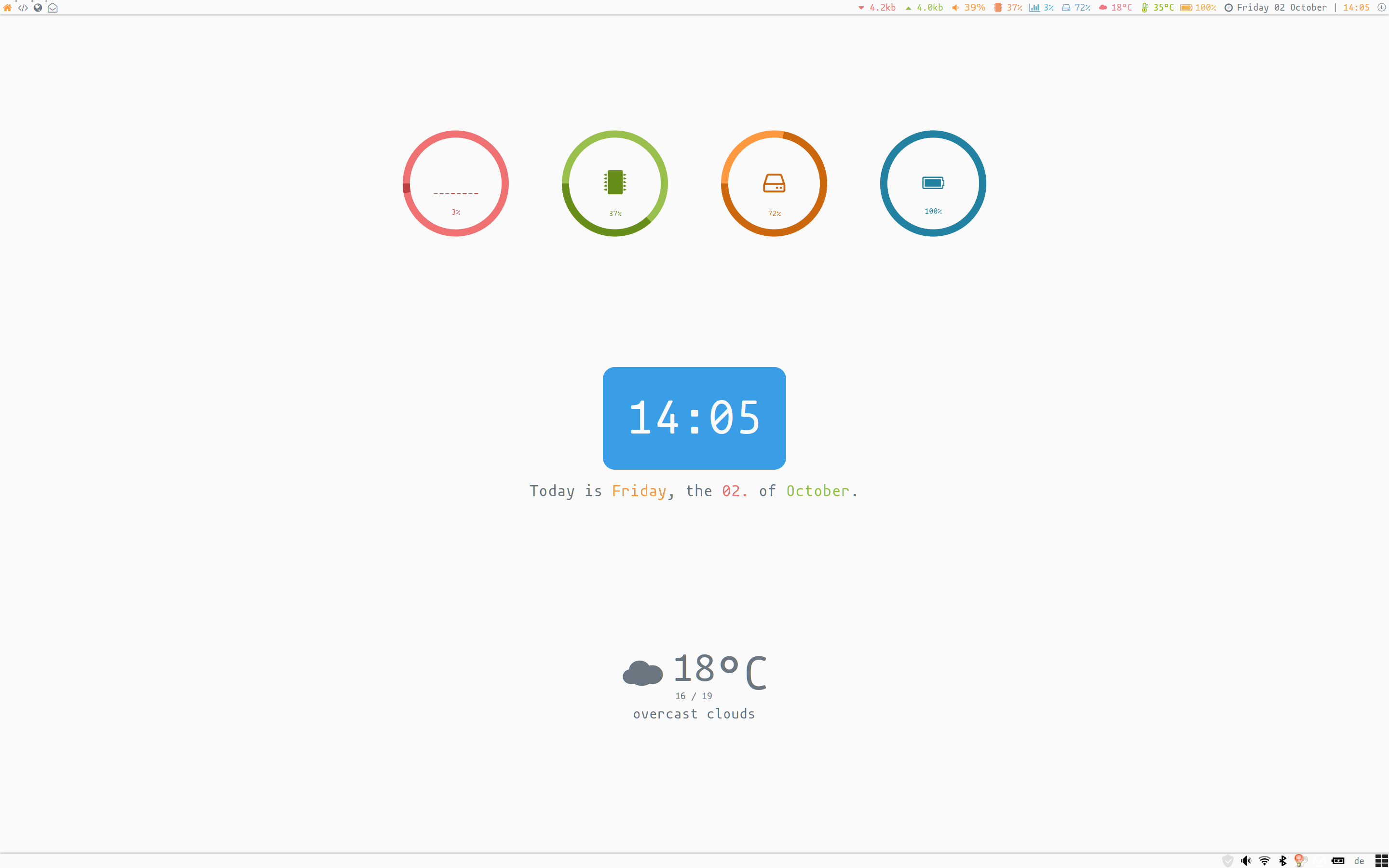
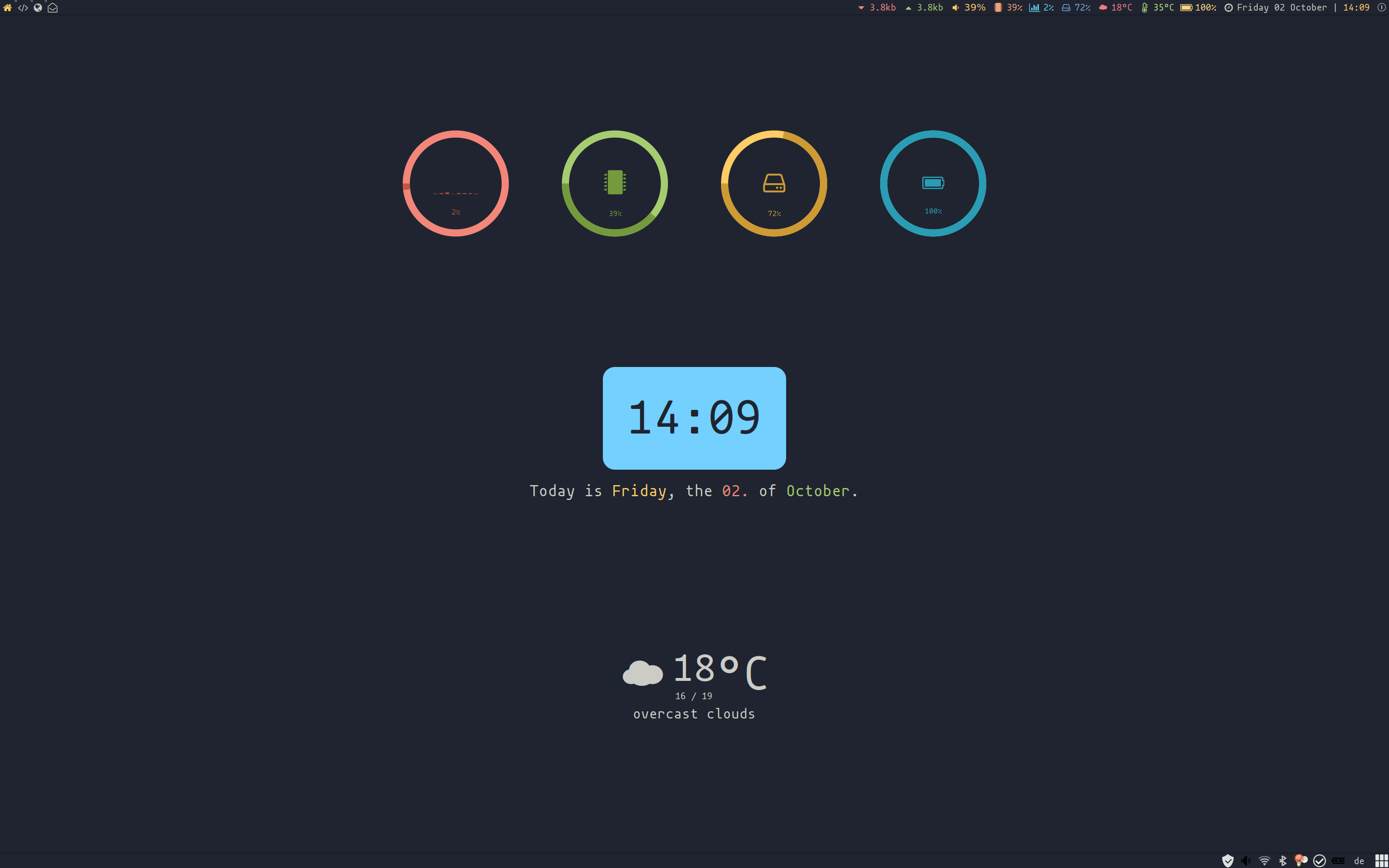
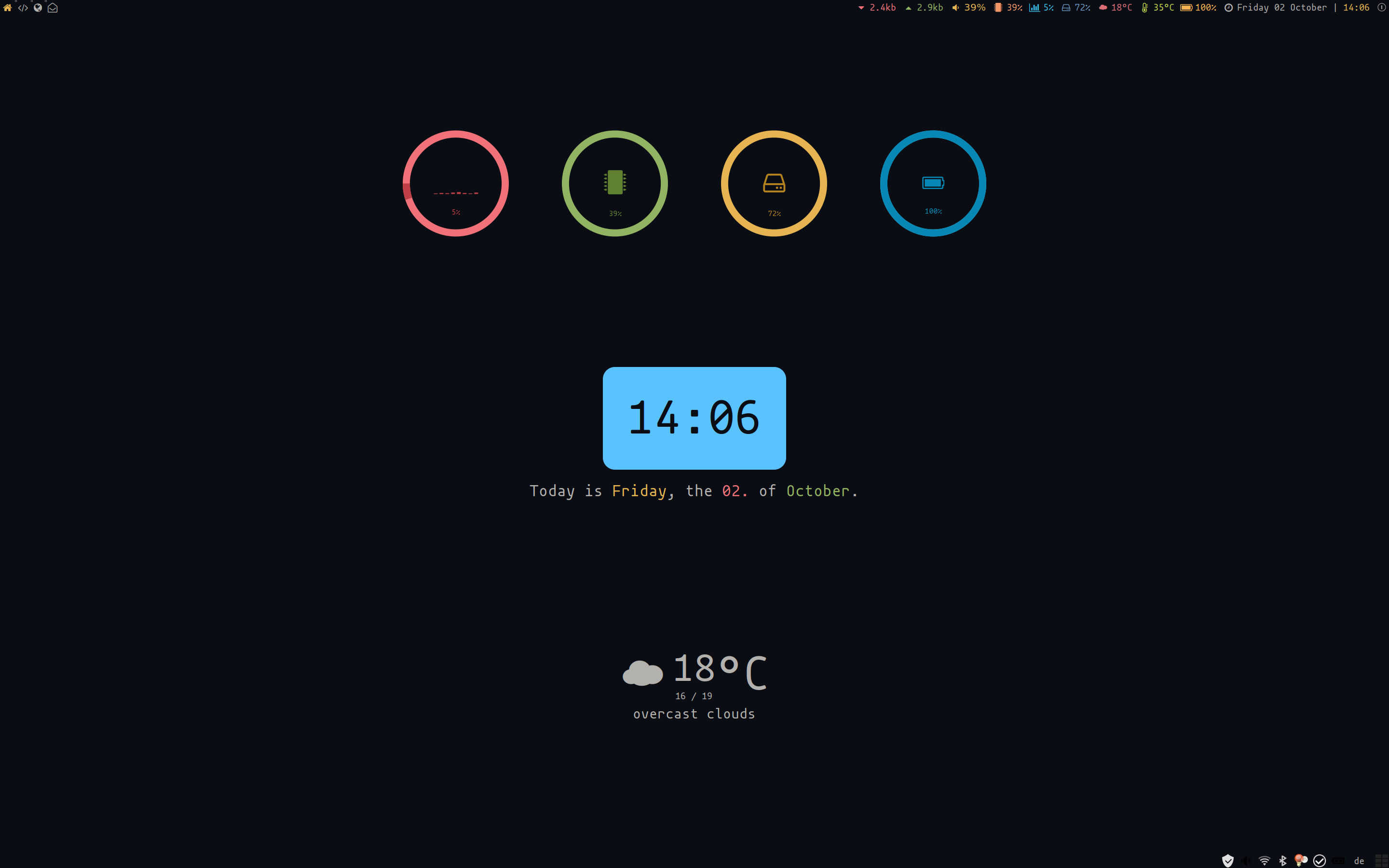
What do you think?
 MArpogaus
on 17 Oct 2019
MArpogaus
on 17 Oct 2019
What do you think?
i appreciate what there is a first theme released which uses colors from beautiful.xresources :fireworks:
hope, we gonna see next from you some other nice theme using beautiful.gtk ;)
UPD: i've looked into the code, it seems you could really easily add gtk support just as a preset here, right? https://github.com/MArpogaus/awesome-ayu/blob/master/color_schemes.lua
actionless
on 18 Oct 2019
What do you think?
Will definitely experiment it soon!
aajjbb
on 19 Oct 2019
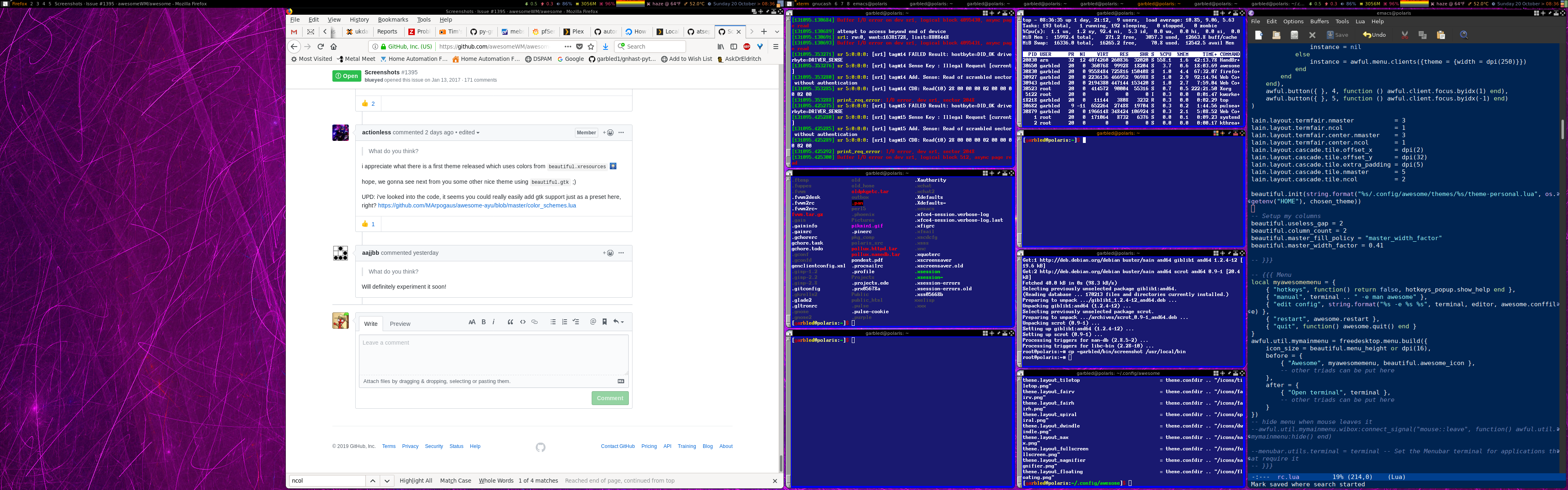
Based on the copycats multicolor theme, I made a few tweaks:
1) I wanted my second monitor to always have a specific column/master layout, so:
-- Setup my columns
beautiful.useless_gap = 2
beautiful.column_count = 2
beautiful.master_fill_policy = "master_width_factor"
beautiful.master_width_factor = 0.41
2) I wanted different setups for my two monitors:
-- Per-screen tag setup
awful.util.tagsetup = {
   { "Firefox", "2", "3", "4", "5" },
   { "xterm", "gnucash", "6", "7", "8" },
}
-- Per-screen layout
awful.layout.screen_layout = {
   {
      awful.layout.suit.floating,
      awful.layout.suit.tile.left,
      awful.layout.suit.tile,
      awful.layout.suit.tile.bottom,
      awful.layout.suit.tile.top,
      lain.layout.termfair,
   },
   {
      awful.layout.suit.tile.left,
      awful.layout.suit.floating,
      awful.layout.suit.tile,
      awful.layout.suit.tile.bottom,
      awful.layout.suit.tile.top,
      lain.layout.termfair,
   }
}
And then inside the theme config:
awful.tag(awful.util.tagsetup[s.index], s, awful.layout.screen_layout[s.index])
 garbled1
on 20 Oct 2019
garbled1
on 20 Oct 2019
 kotbaton
on 23 Oct 2019
kotbaton
on 23 Oct 2019
 manilarome
on 26 Oct 2019
manilarome
on 26 Oct 2019
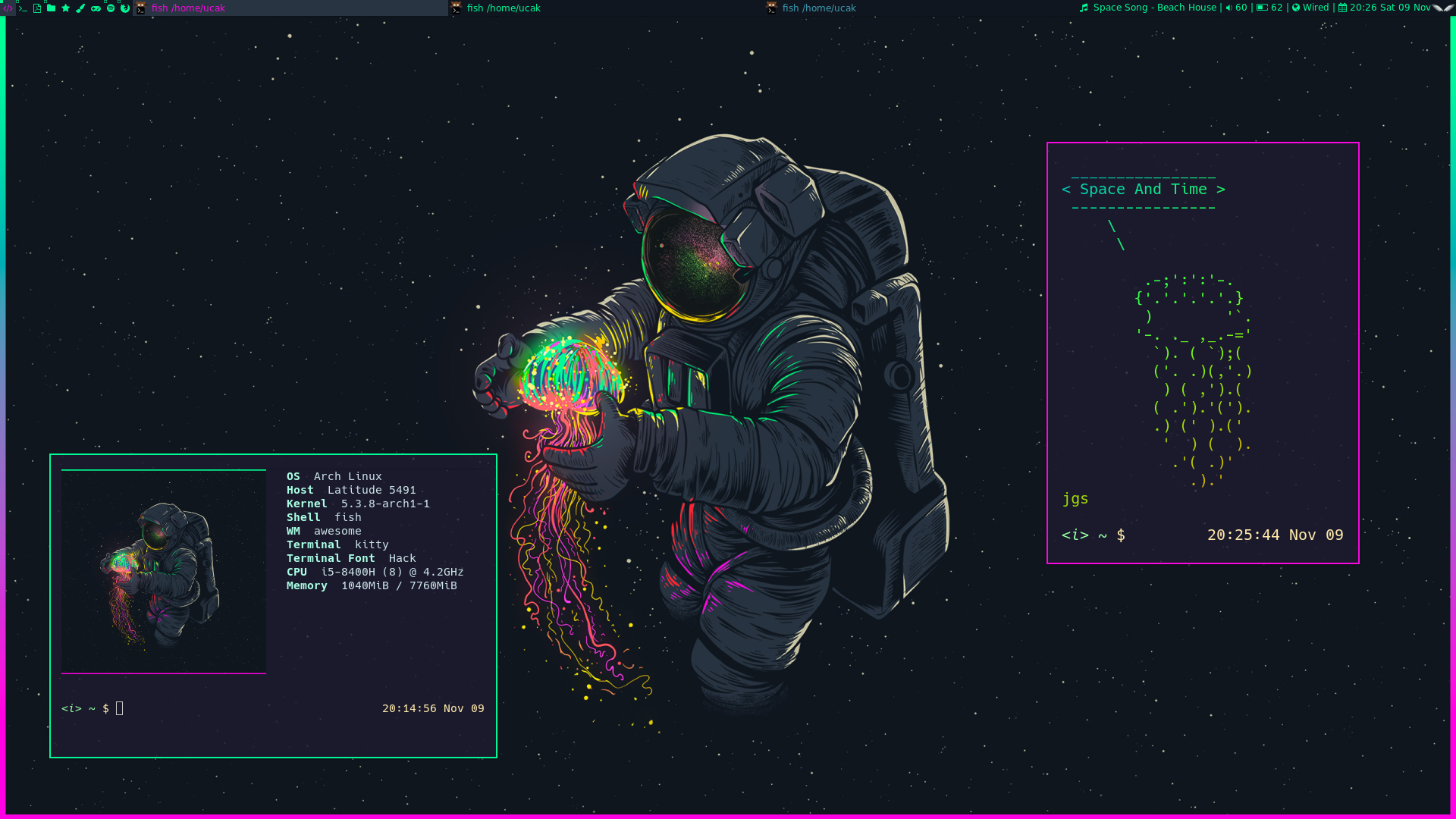
 UgurcanAkkok
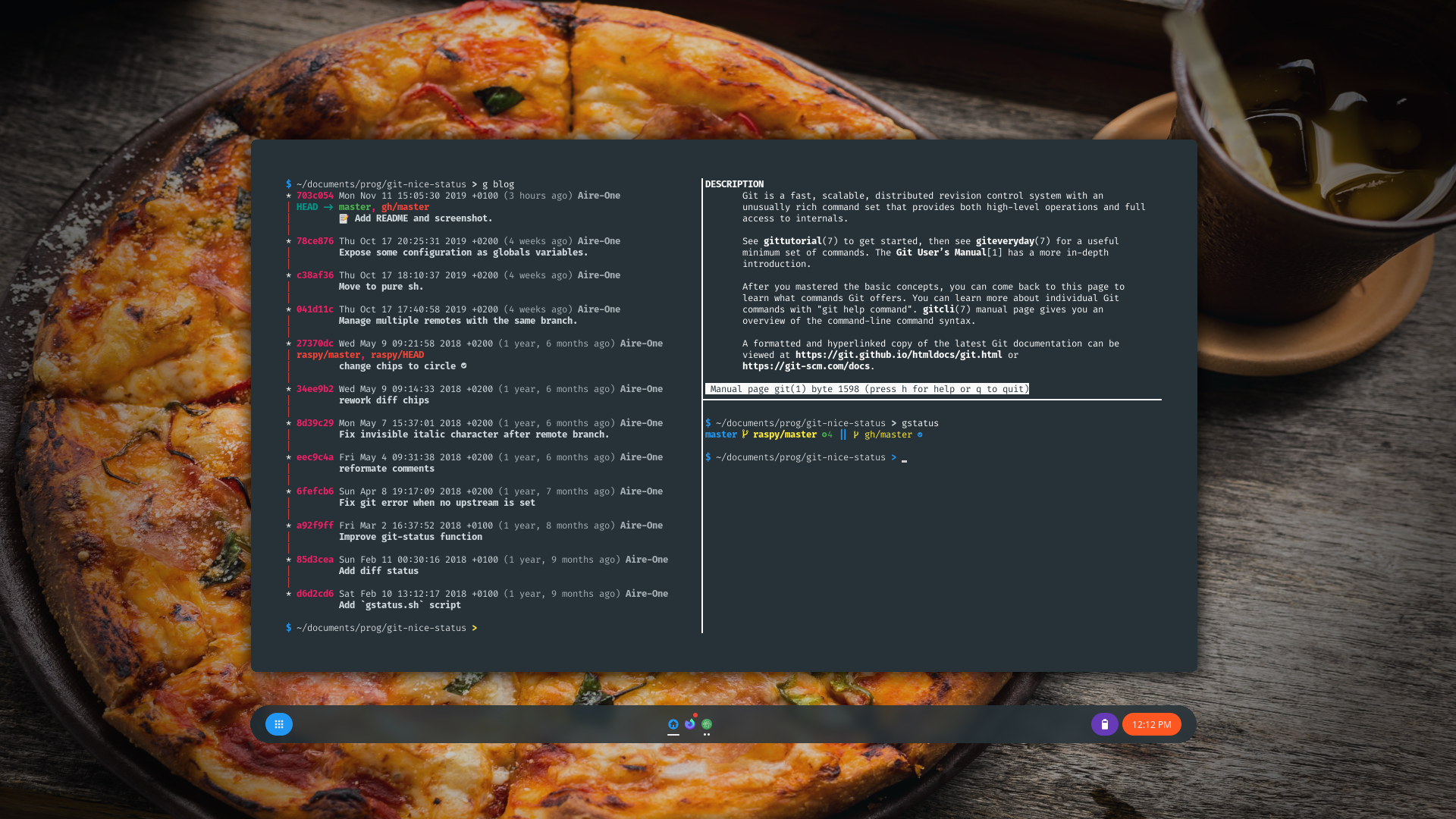
My dots aren't available for now but I answered the best I could on my post over r/unixporn to every questions I had :)
Aire-One
on 16 Nov 2019
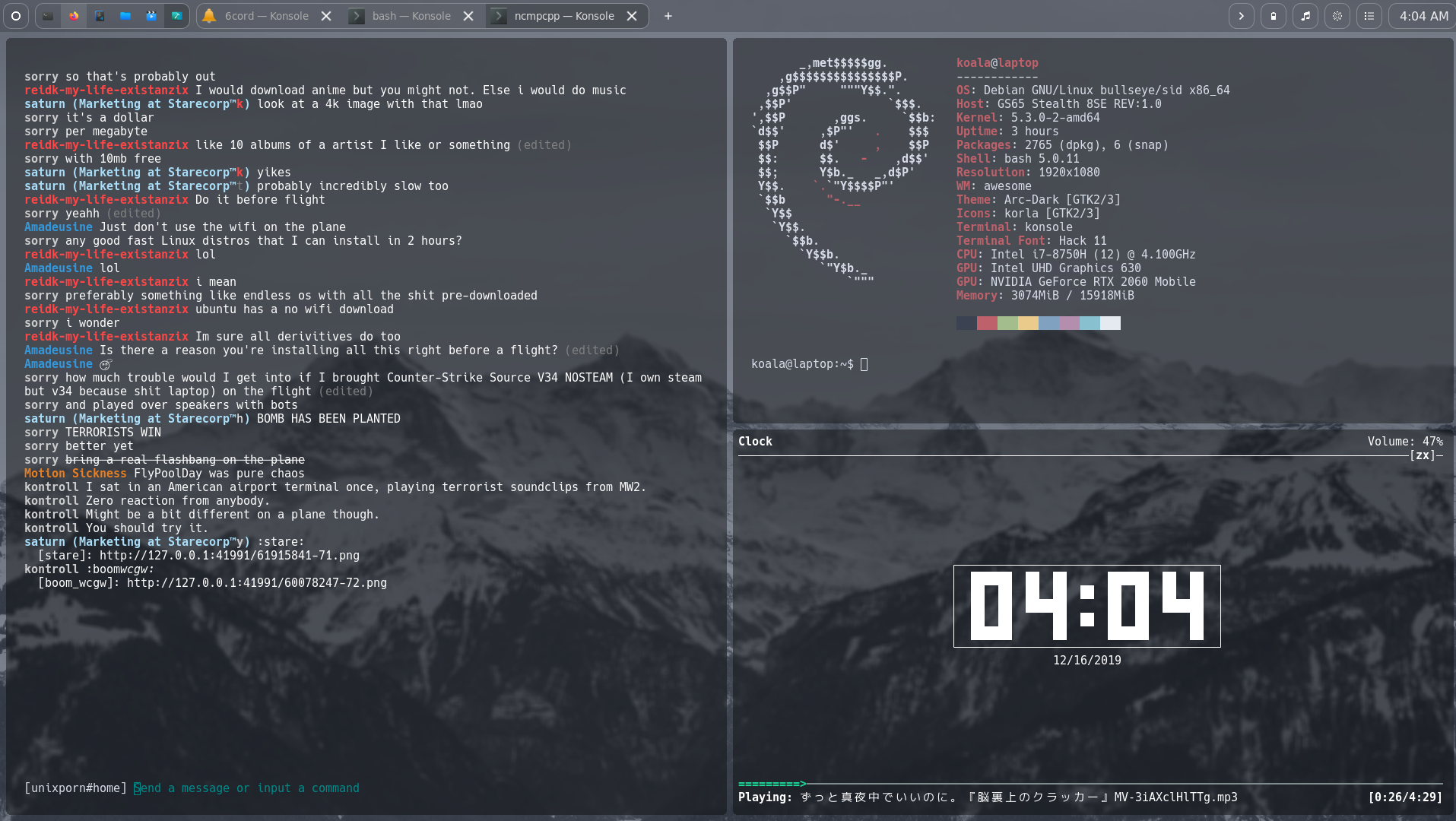
 koaie
on 16 Dec 2019
koaie
on 16 Dec 2019
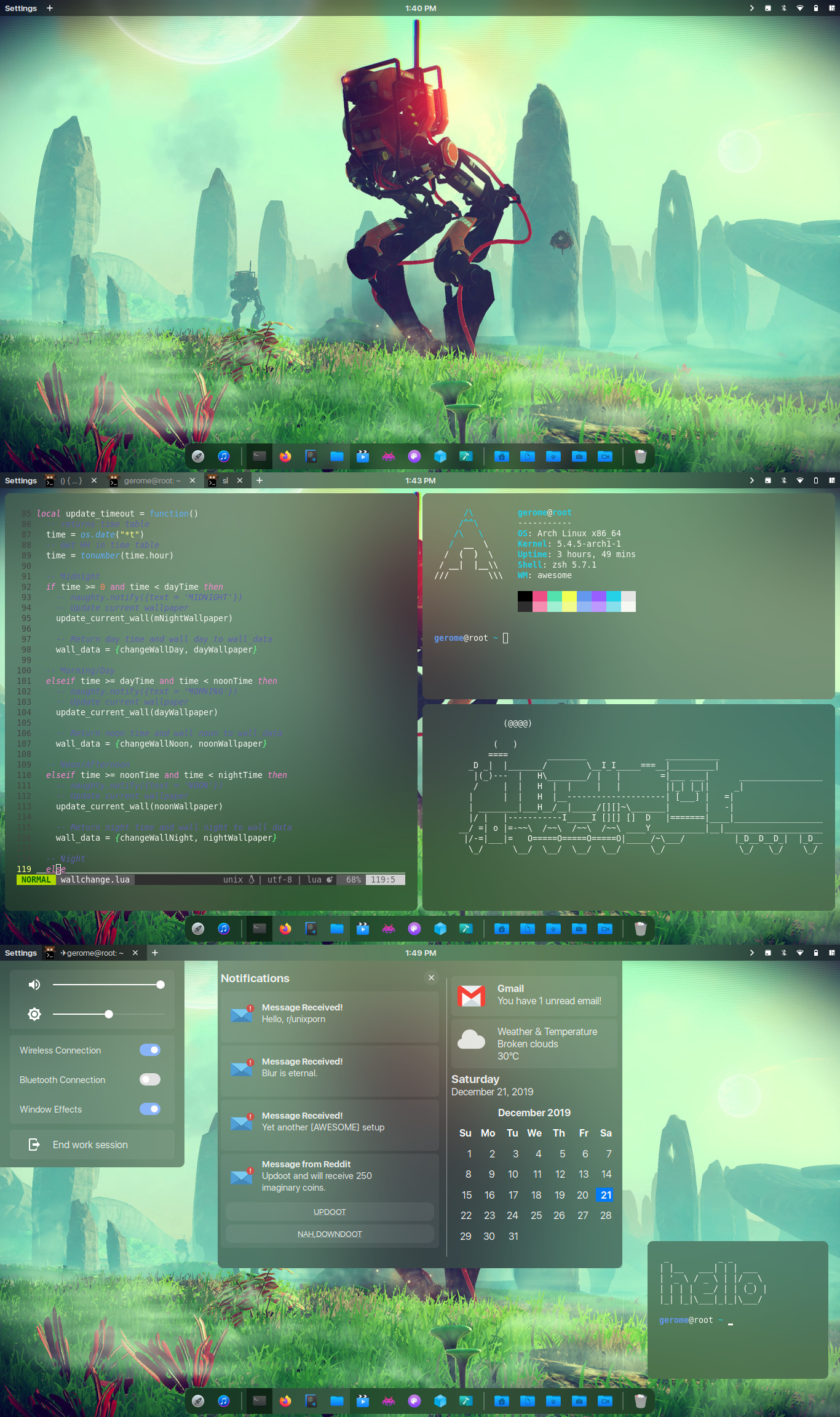 manilarome
on 21 Dec 2019
manilarome
on 21 Dec 2019
 glpub
on 30 Jan 2020
glpub
on 30 Jan 2020
 WillPower3309
on 30 Jan 2020
WillPower3309
on 30 Jan 2020
 ngaranko
on 12 Feb 2020
ngaranko
on 12 Feb 2020
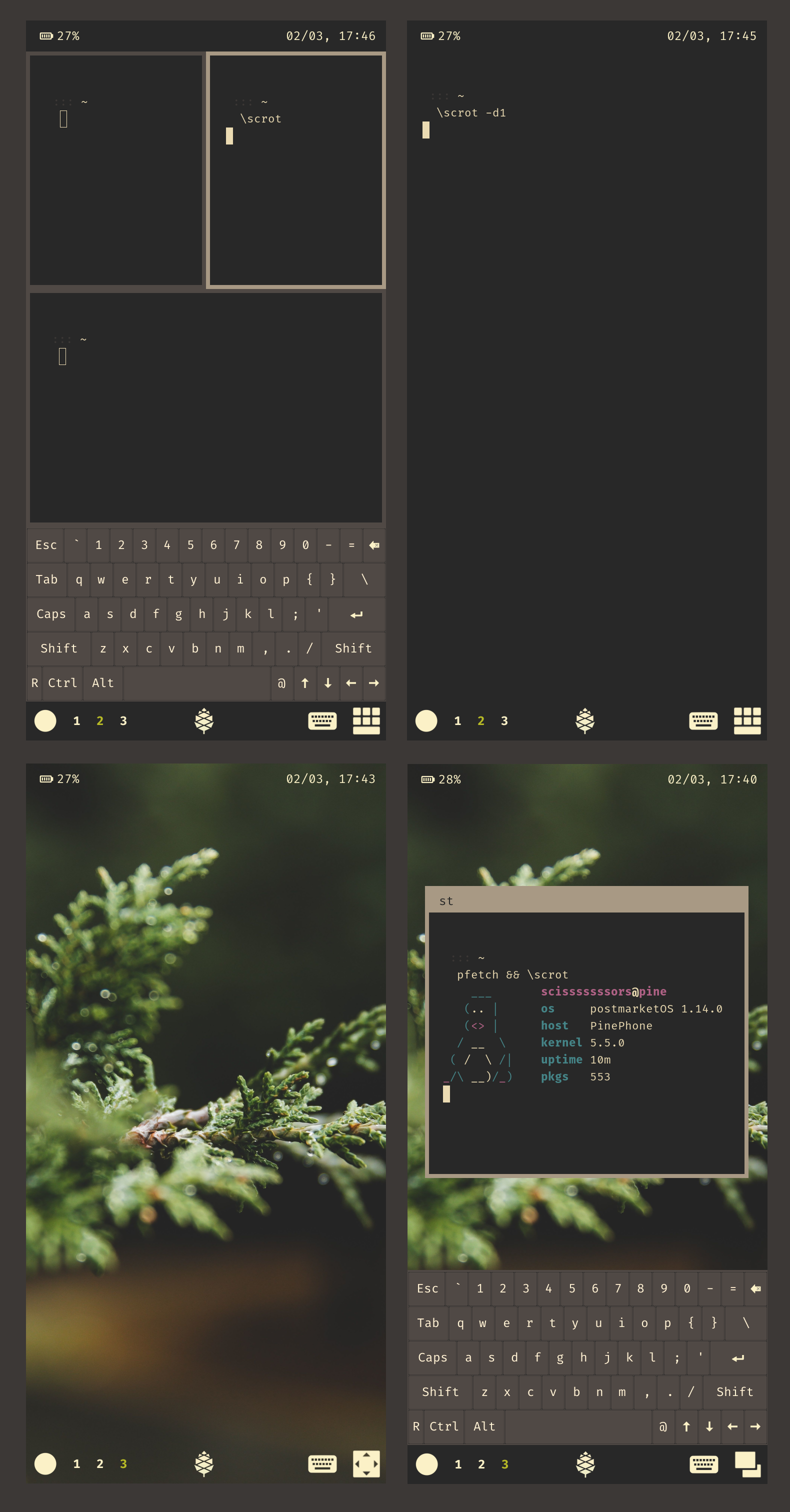
awesomewm on pinephone, pretty much wip
edit: screenshots compiled into one so they do not take too much vertical space
scisssssssors
on 2 Mar 2020
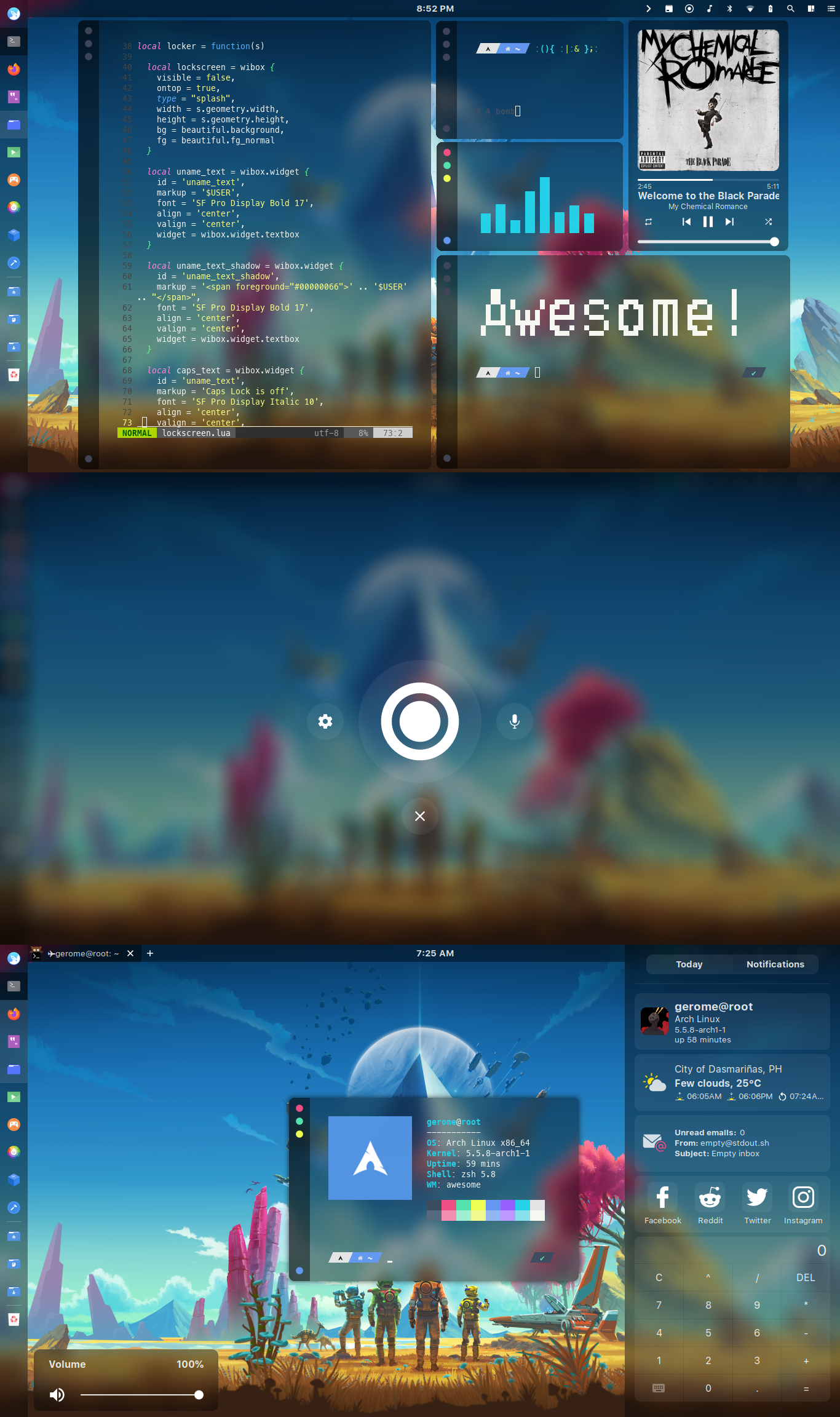 manilarome
on 13 Mar 2020
manilarome
on 13 Mar 2020
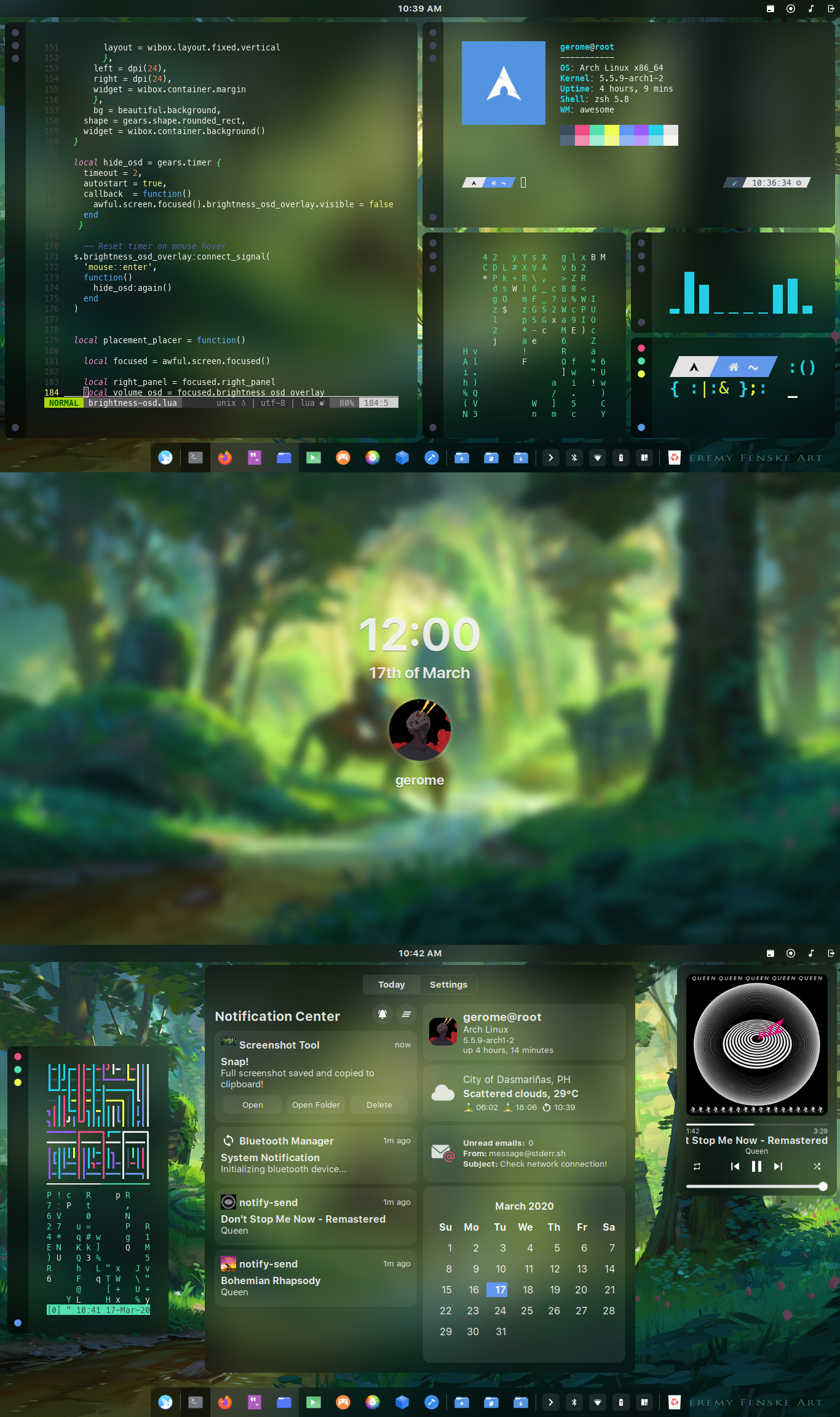 manilarome
on 17 Mar 2020
manilarome
on 17 Mar 2020
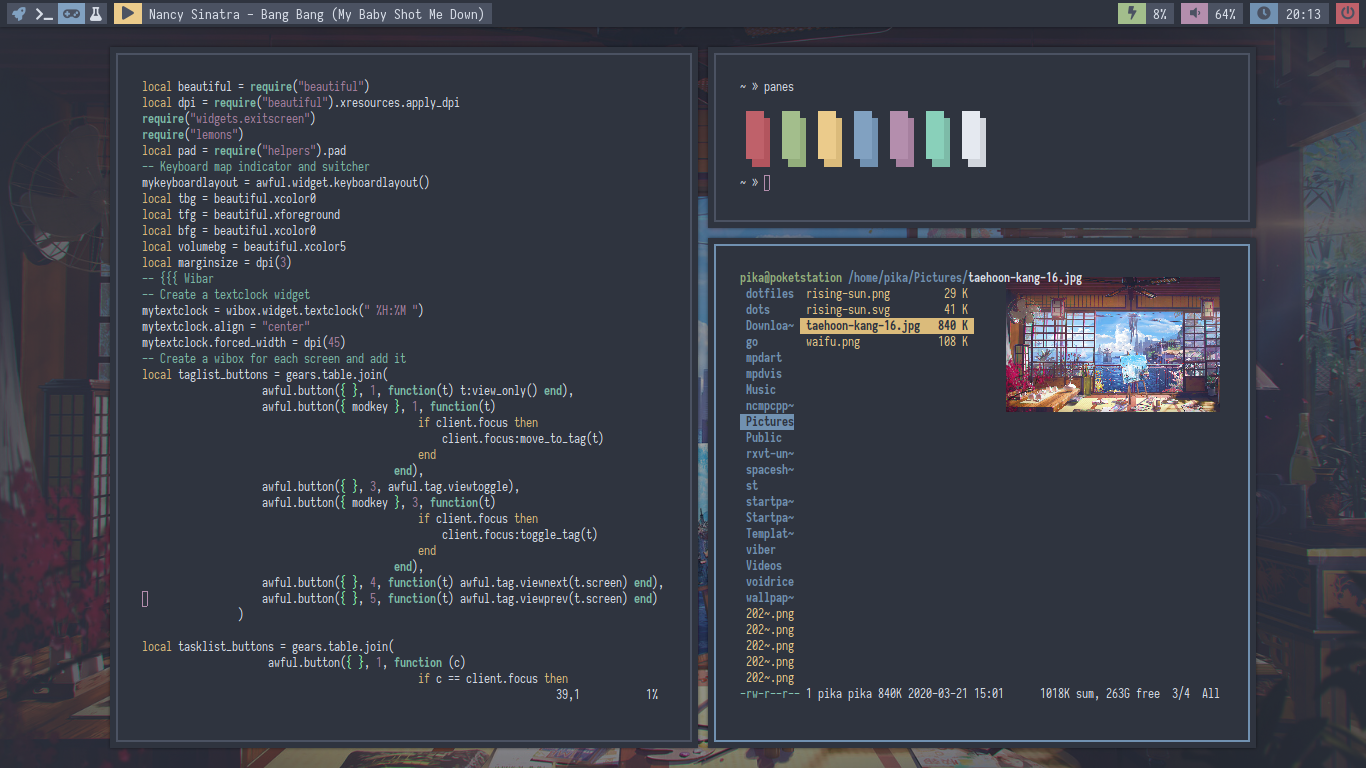
 ooctavian
on 23 Mar 2020
ooctavian
on 23 Mar 2020
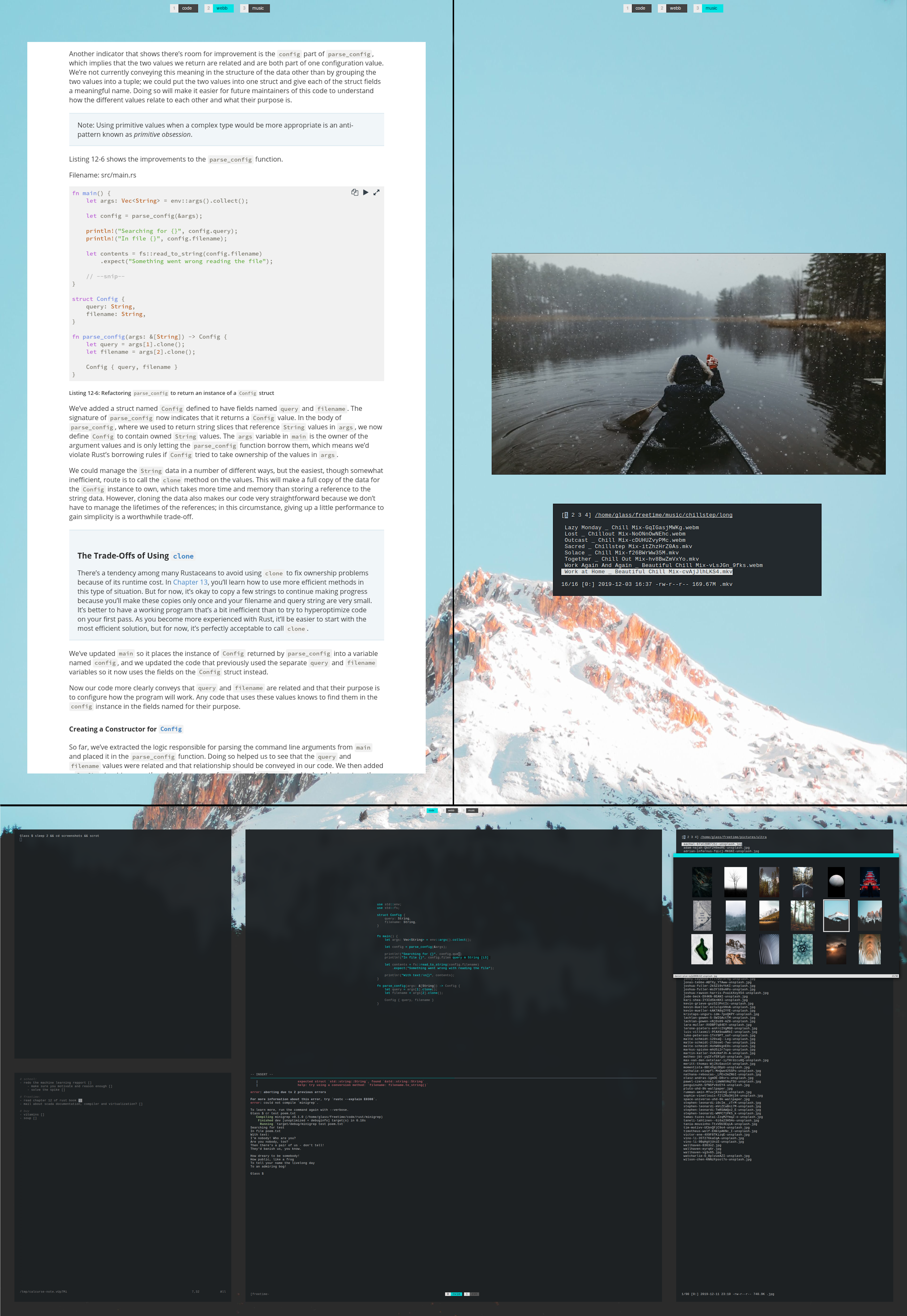
I was recommended to upload here on /r/unixporn, so here you have some dotfiles.
 Glassinatorn
on 25 Mar 2020
Glassinatorn
on 25 Mar 2020
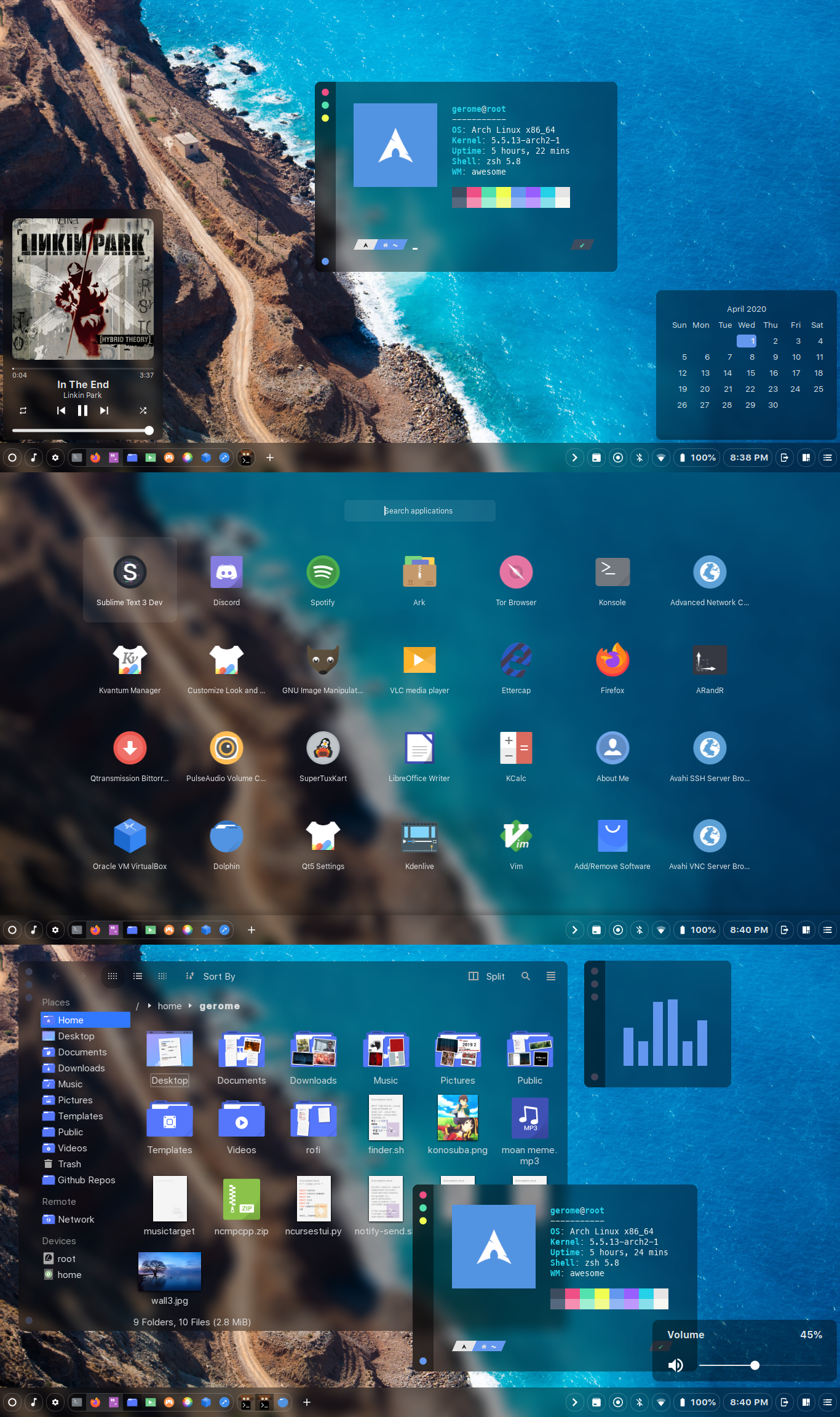 manilarome
on 1 Apr 2020
manilarome
on 1 Apr 2020

A homage to the systems I personally liked and used a lot. The good old windows 95/2000 look, with a commodore 64 like looking rofi.
Icon-Set: https://github.com/grassmunk/Chicago95
Rofi Theme [Build-int] from Rasmus Steinke, with some tweaks
 OlMon
on 10 Apr 2020
OlMon
on 10 Apr 2020
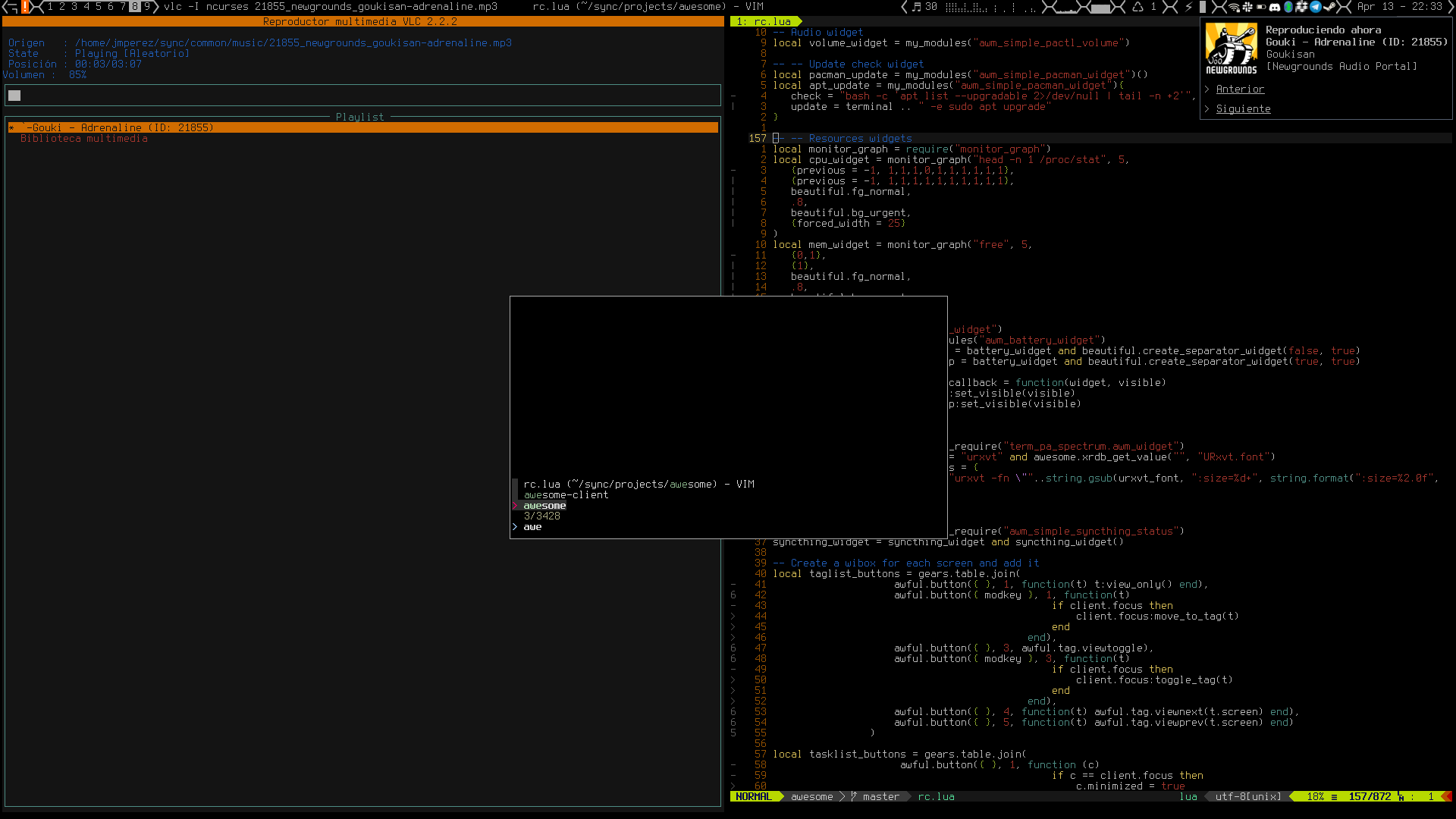
Here's mine, it's a bit ugly compared to the others in this issue, but I'm somwhat proud of the plugins. For example, the launcher integrated with FZF for both clients and $PATH or another one that distributes the 9 tags dynamically among all the connected screens (I tend to connect and disconnect screens a lot). If anyone is interested, they are here
 Kuroneer
on 13 Apr 2020
Kuroneer
on 13 Apr 2020

 andrewpavlenko
on 14 Apr 2020
andrewpavlenko
on 14 Apr 2020
Posted this in unixporn
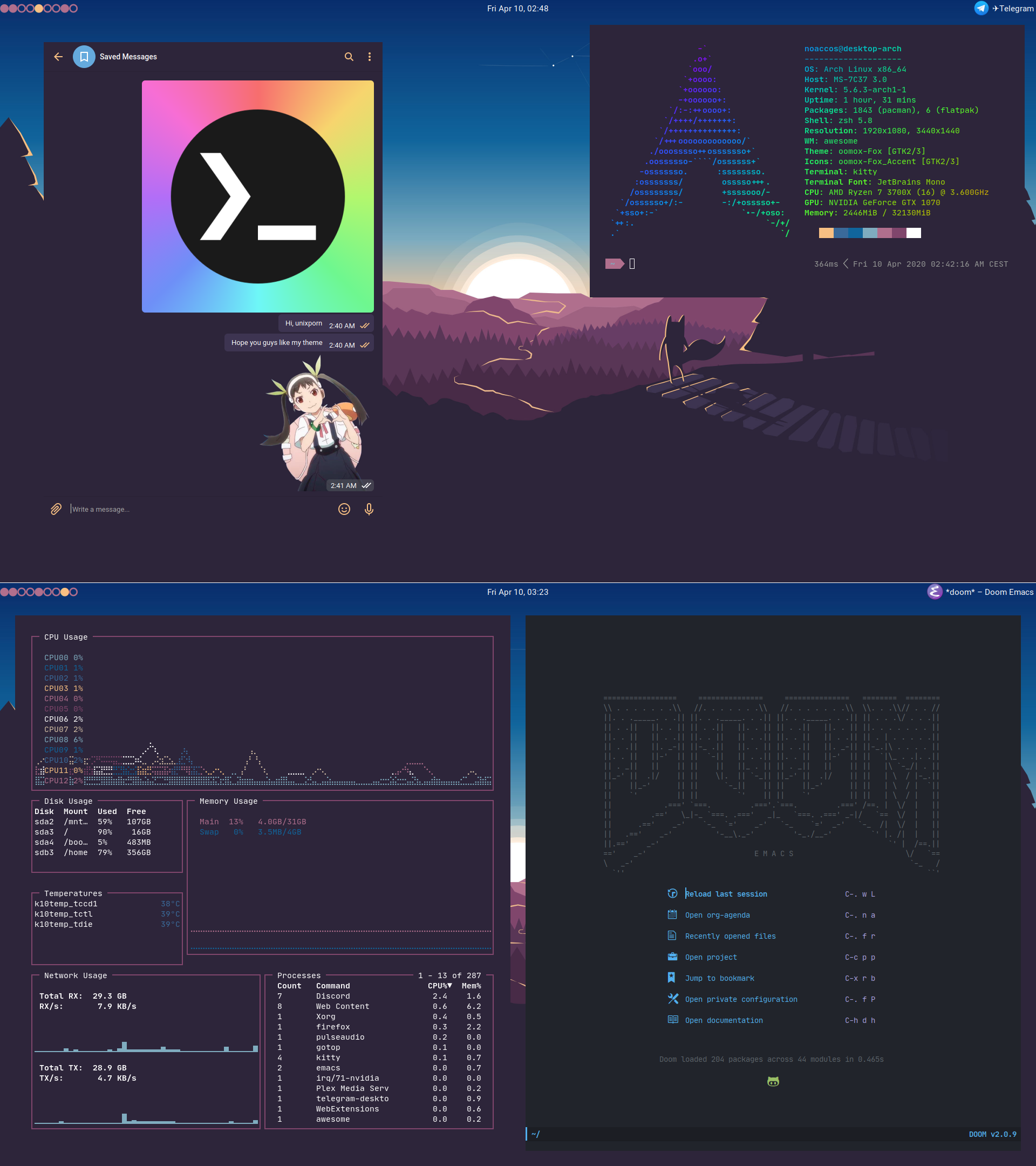
 noaccOS
on 14 Apr 2020
noaccOS
on 14 Apr 2020
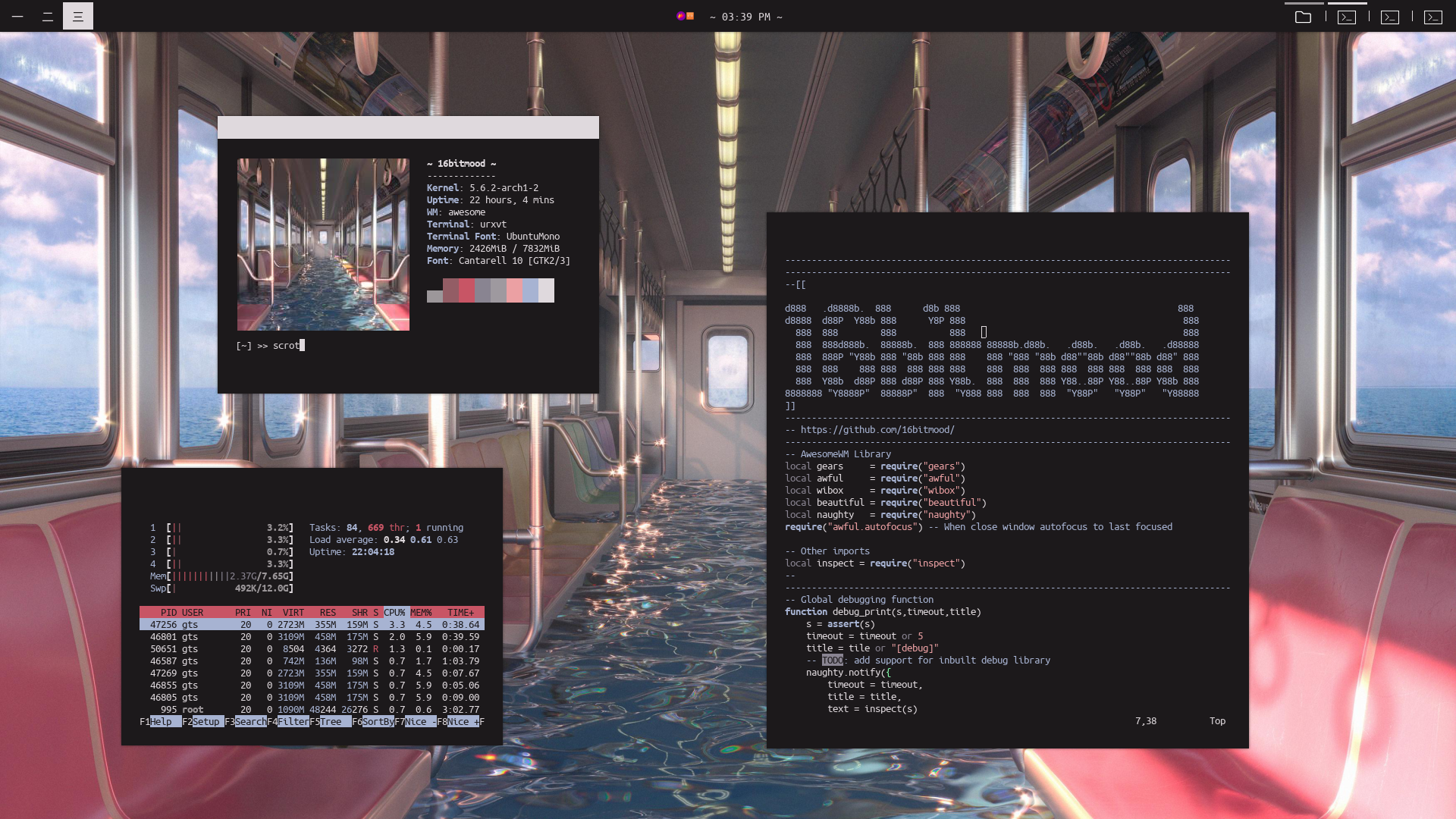
~/.dotfiles :D
 16bitmood
on 14 Apr 2020
16bitmood
on 14 Apr 2020

 DLFW
on 14 Apr 2020
DLFW
on 14 Apr 2020
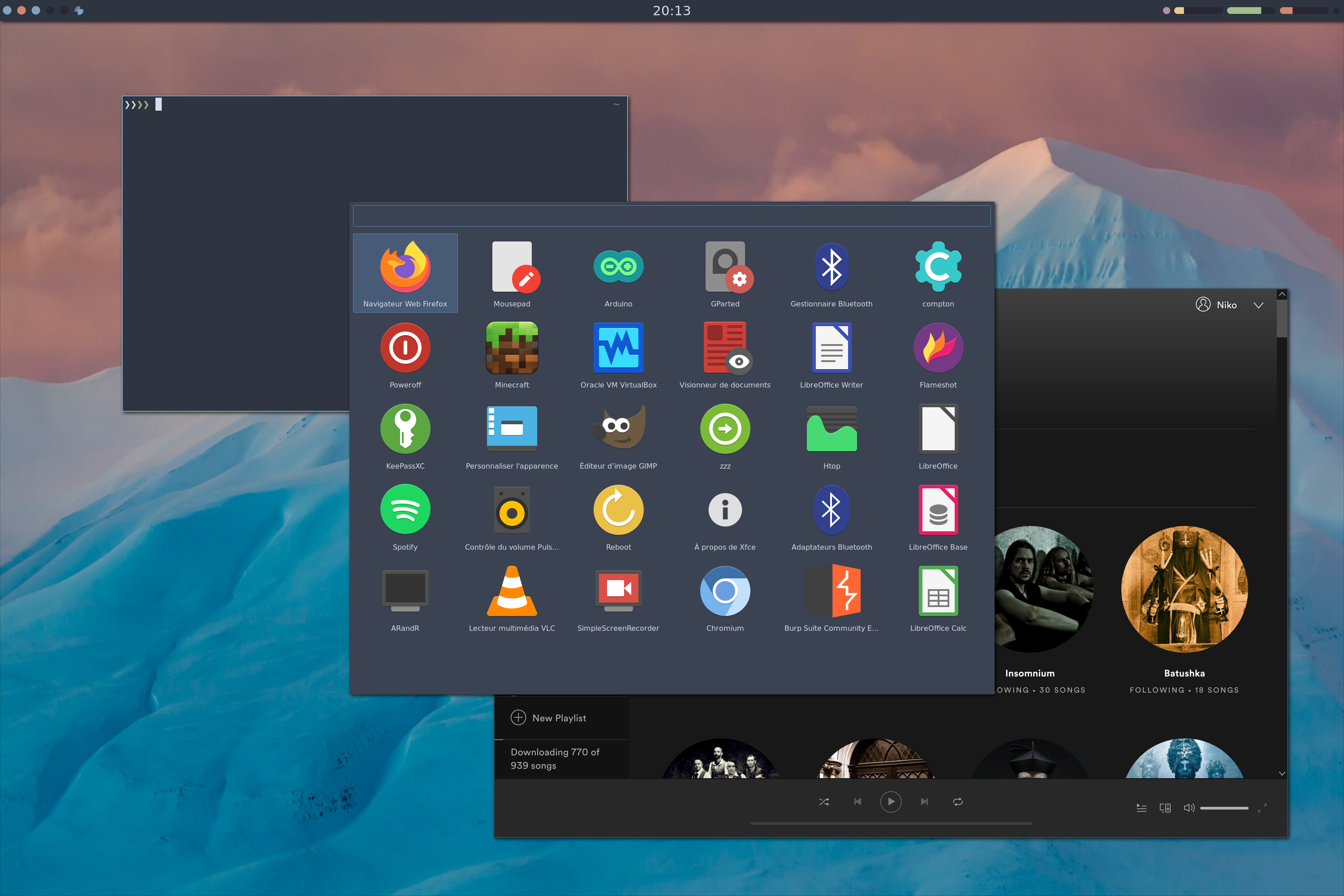
 cybiere
on 18 Apr 2020
cybiere
on 18 Apr 2020
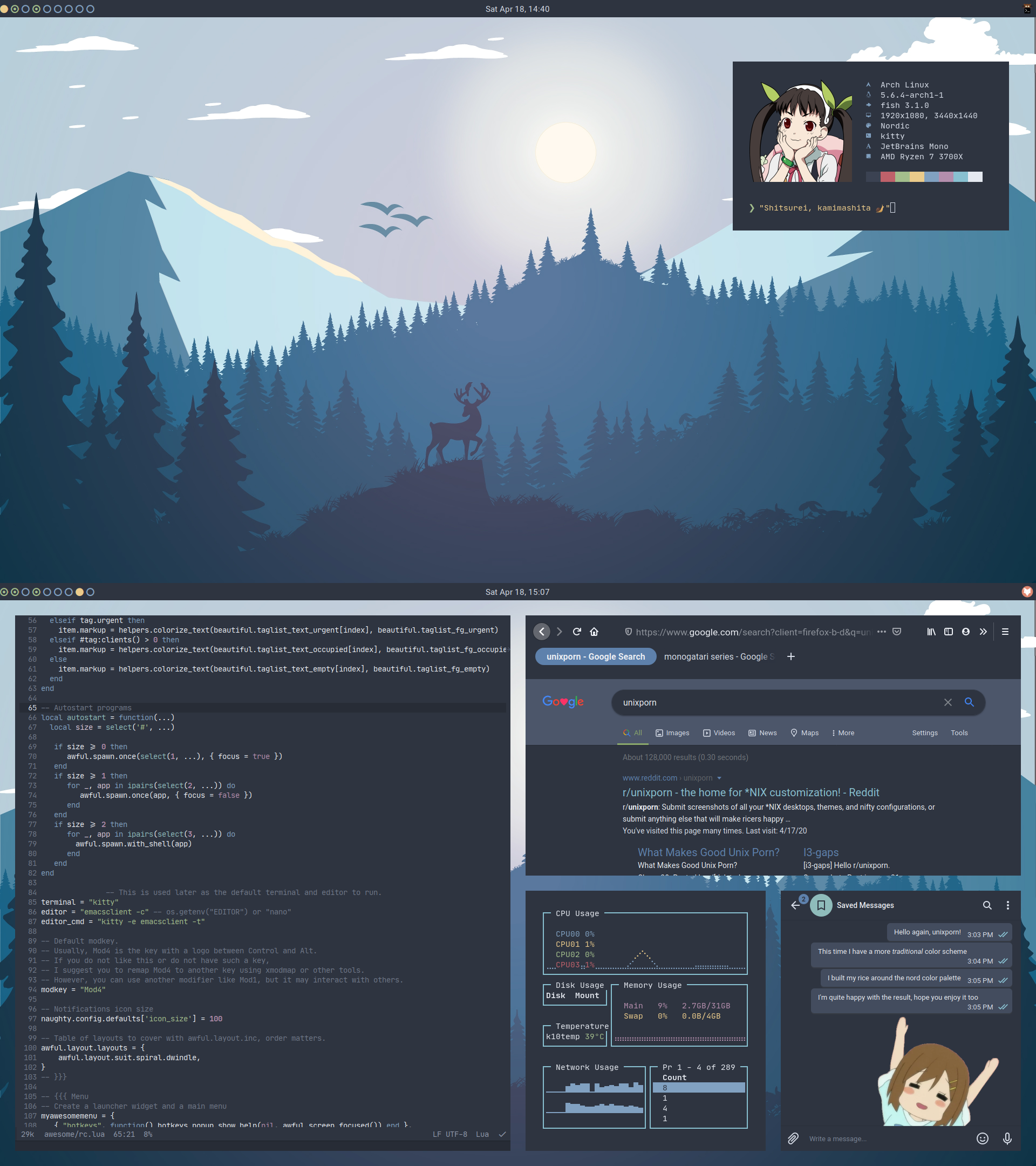 noaccOS
on 20 Apr 2020
noaccOS
on 20 Apr 2020
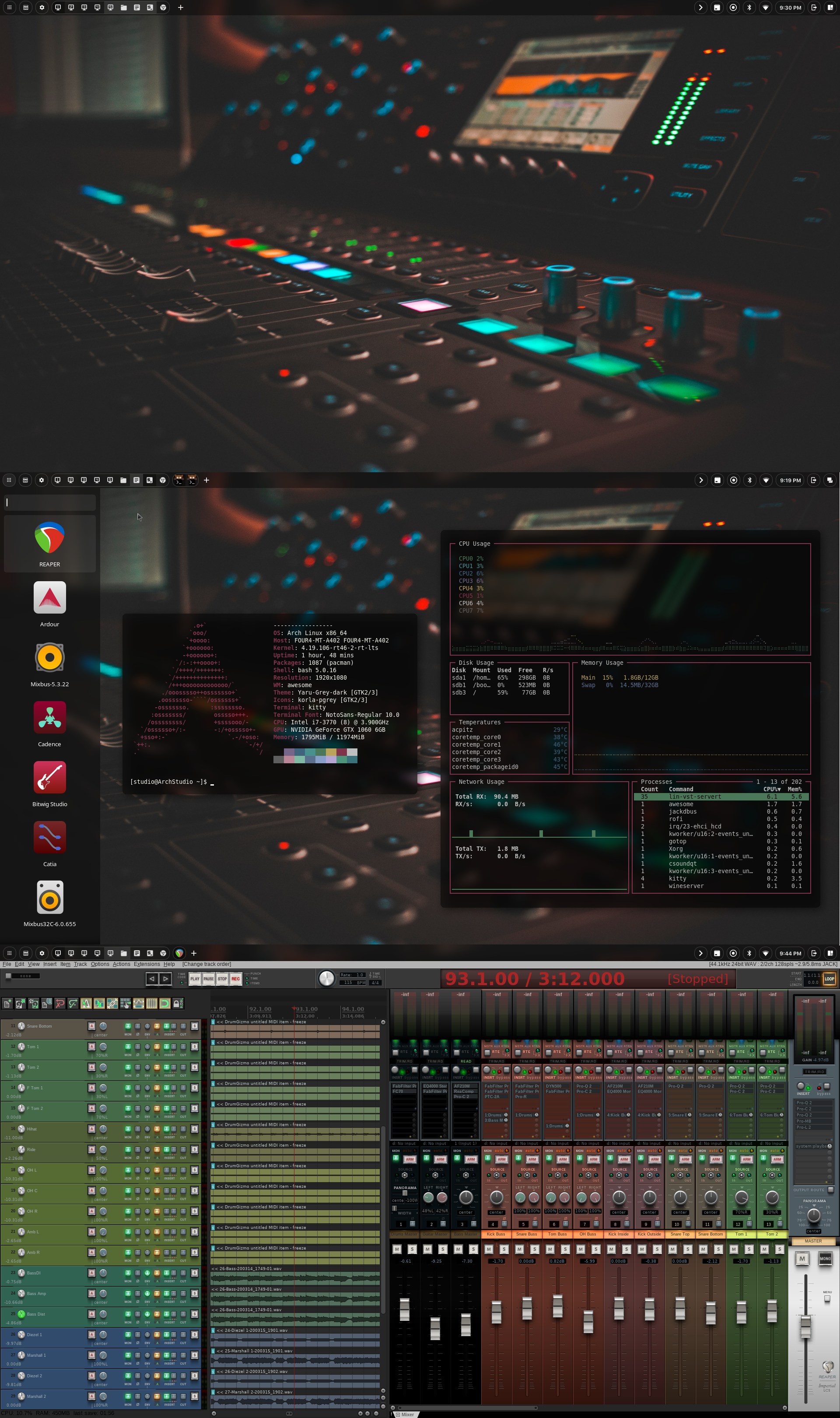
 dafungusamongus
on 27 Apr 2020
dafungusamongus
on 27 Apr 2020
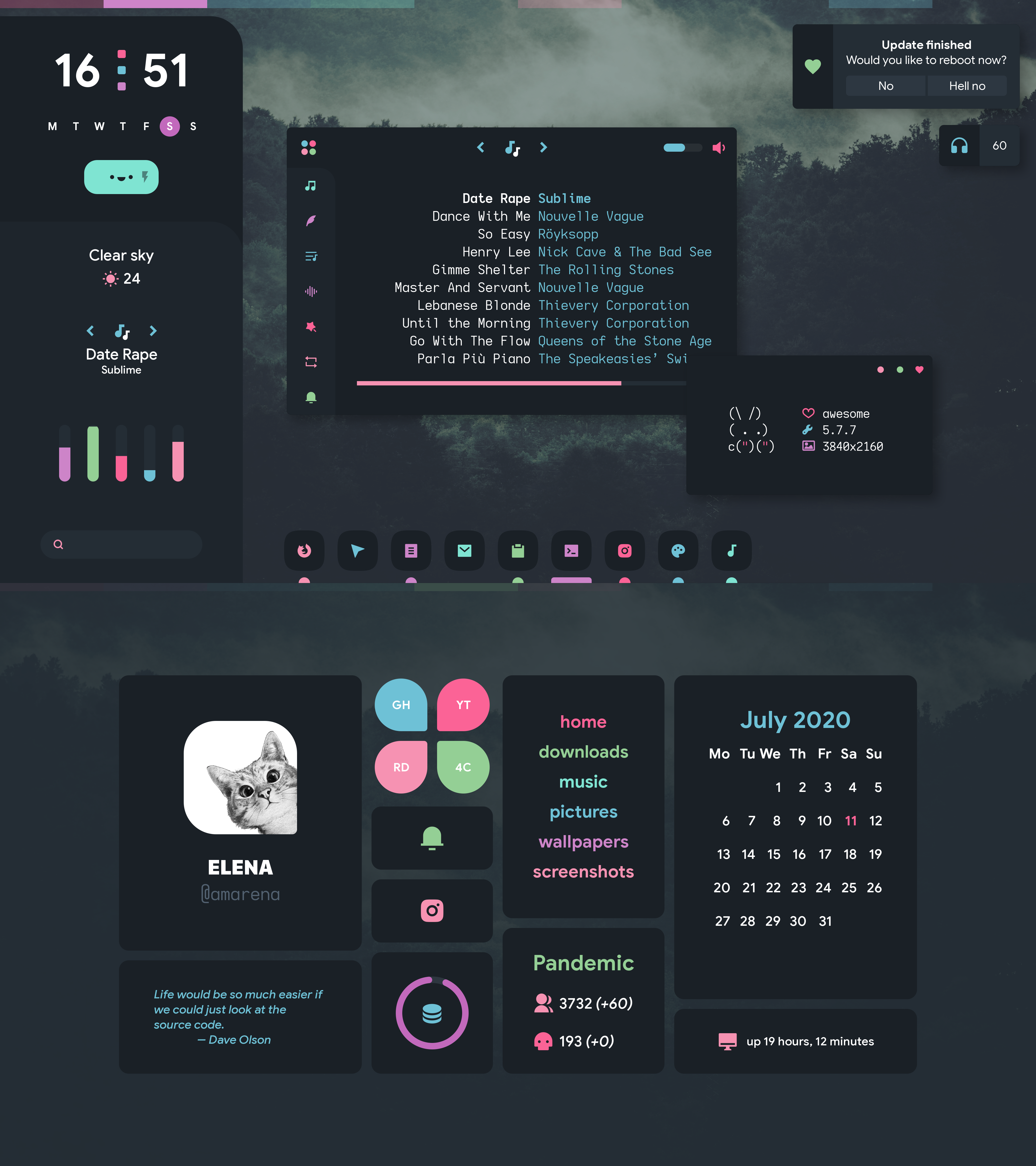 elenapan
on 11 Jul 2020
elenapan
on 11 Jul 2020
 manilarome
on 13 Jul 2020
manilarome
on 13 Jul 2020
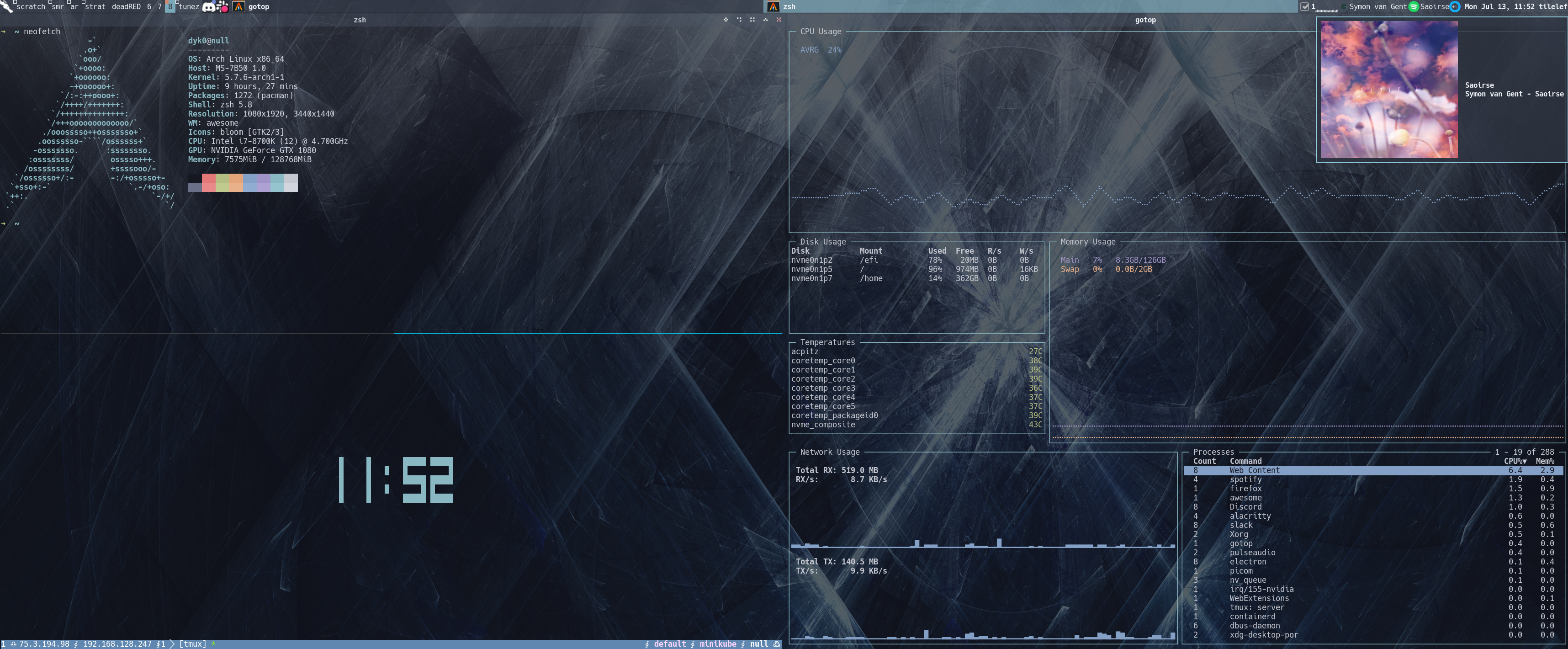
 dyk0
on 13 Jul 2020
dyk0
on 13 Jul 2020
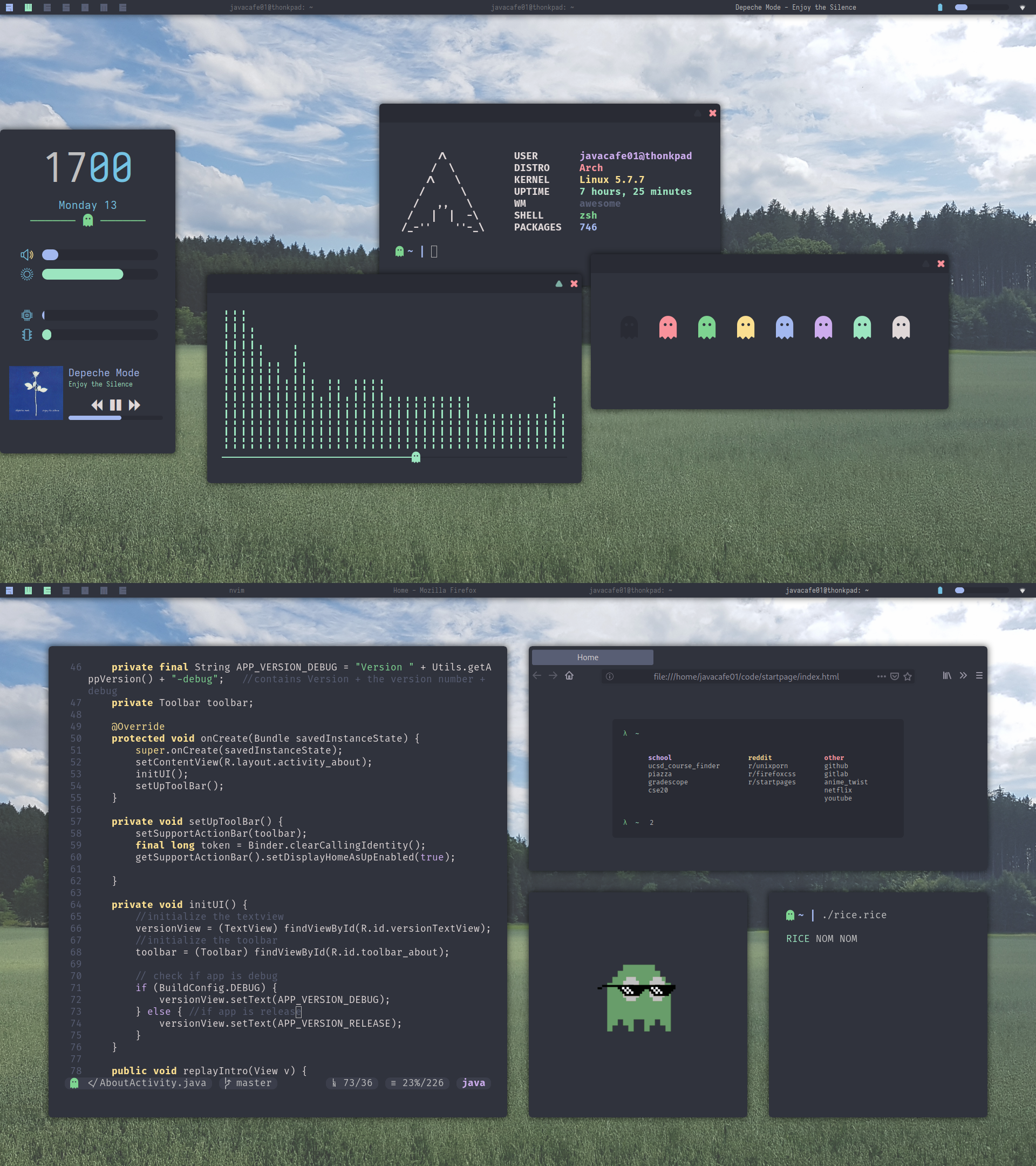
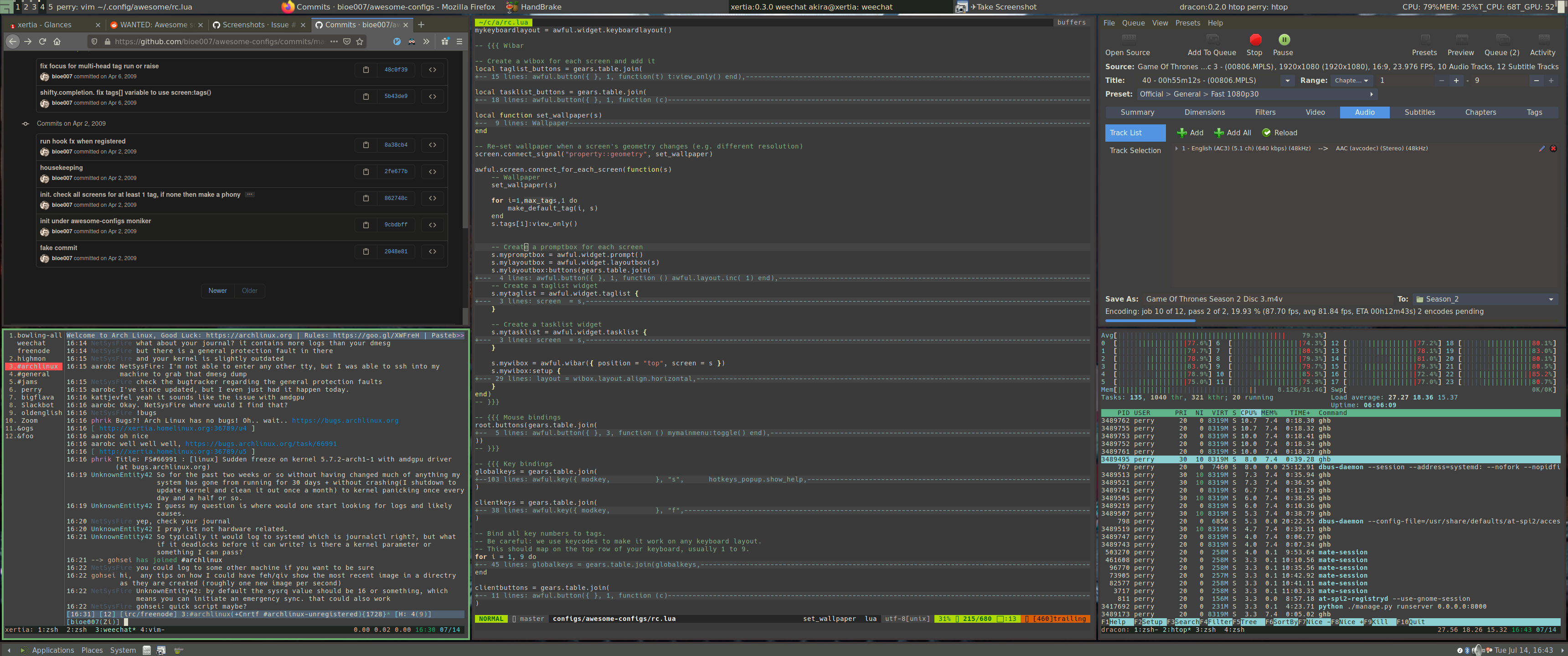
I first started using awesome over 11 years ago now. wow. That was of course in the 2.x days when we didn't use lua :P
Lately I'm using lain's centered work layout which is great for ultrawide-screen and awesome-conky seems very efficient for grabbing CPU/GPU temps.
 bioe007
on 15 Jul 2020
bioe007
on 15 Jul 2020
 afreidz
on 31 Jul 2020
afreidz
on 31 Jul 2020
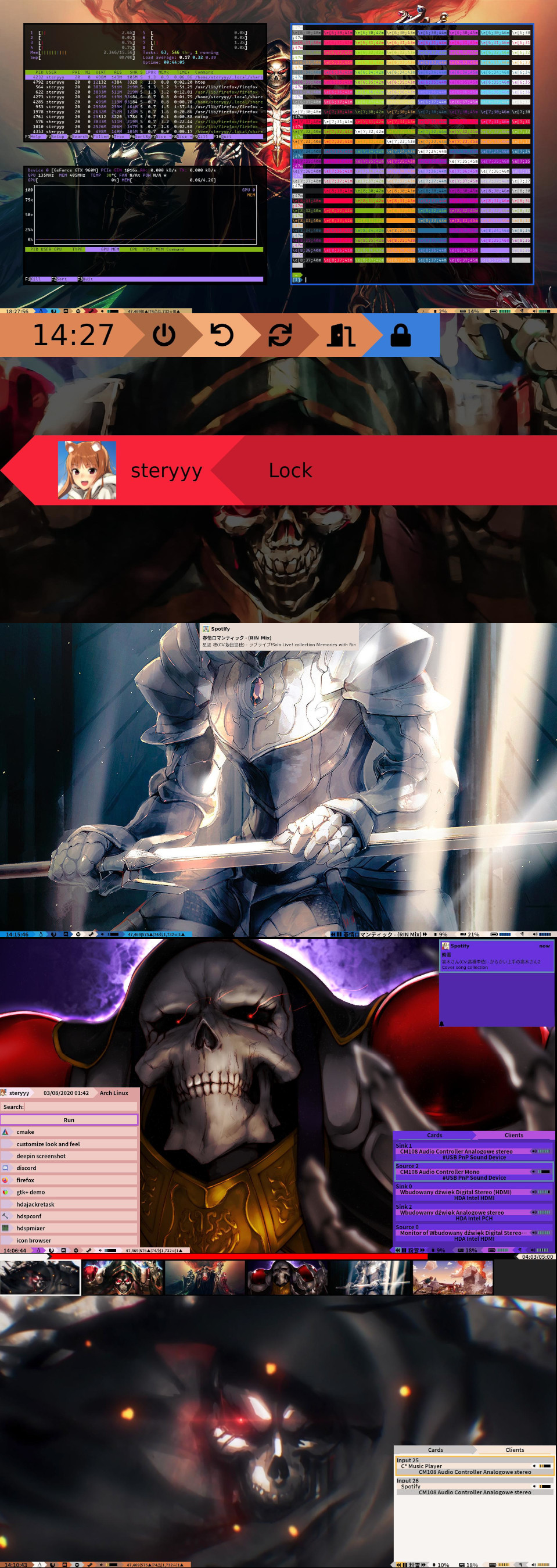
 Steryyyy
on 4 Aug 2020
Steryyyy
on 4 Aug 2020
I wish I could add the song-image to my sidebar... that would be better. Probably, if the next version is released you might can get the icon by using a handler to get the icon with args.image and give it to an imagebox. That would be awesome! But right now I'm happy with this. I will link my dotfiles soon, still need to take a look over it in order not to leak something ;-;
EDIT:
Dotfiles for awesome: https://github.com/TornaxO7/my_configs/tree/master/awesome

Second edit:
I found now a way to set the image of the current song on spotify (and sayonara):D
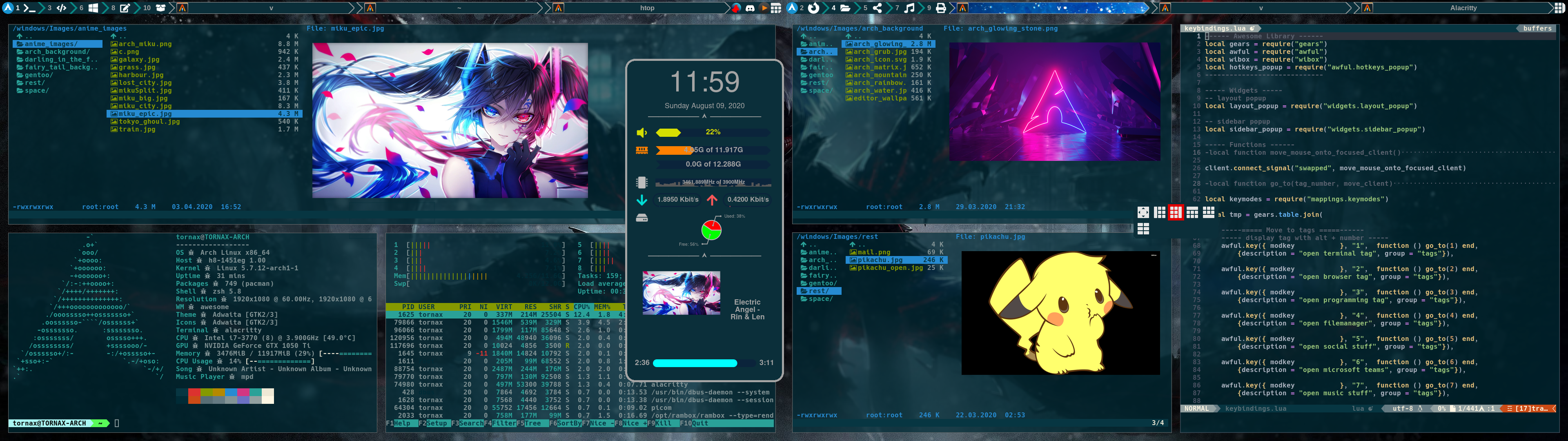
 TornaxO7
on 6 Aug 2020
TornaxO7
on 6 Aug 2020
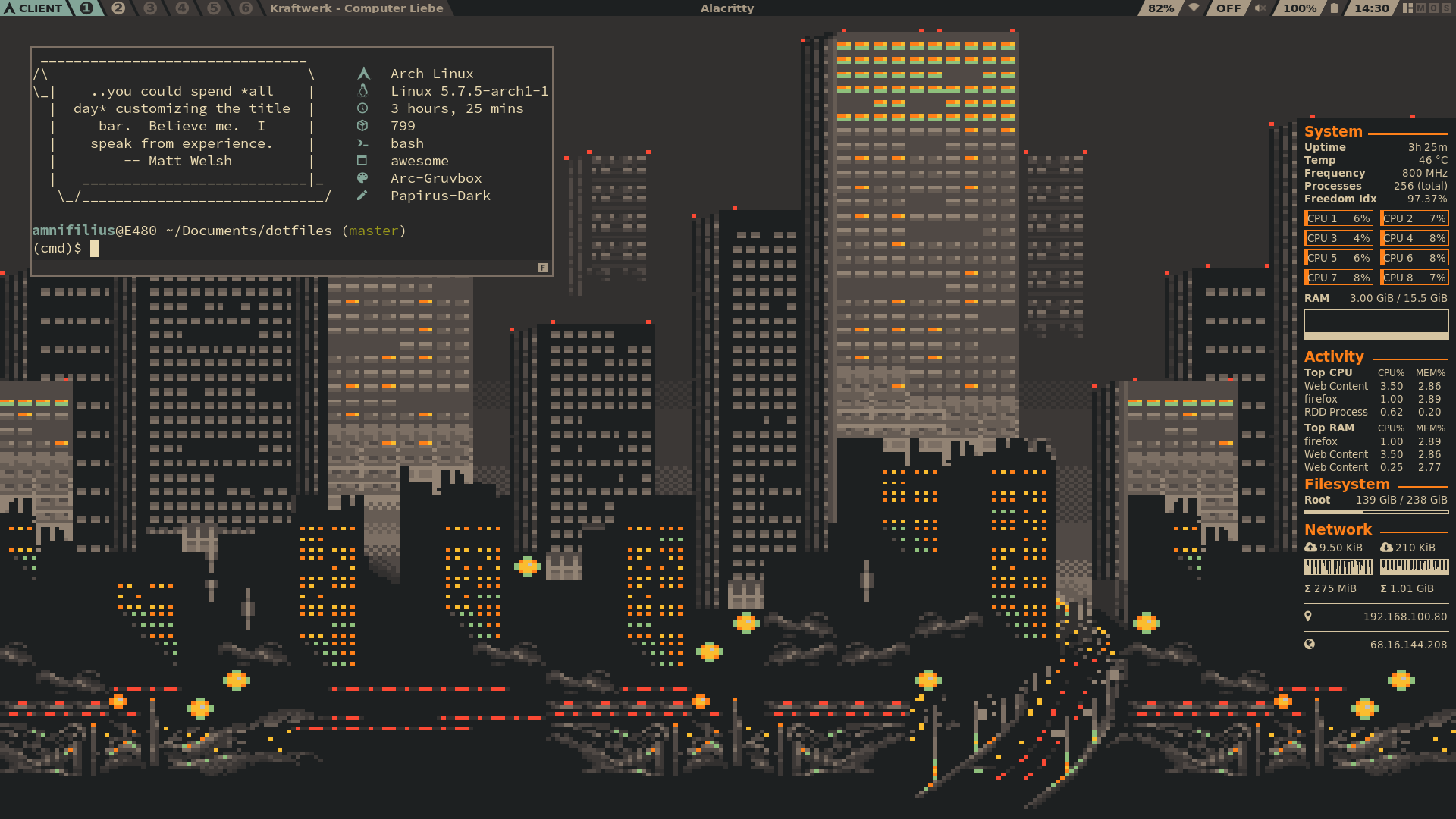
Originally posted on r/unixporn.
Dotfiles are here.
 potamides
on 9 Aug 2020
potamides
on 9 Aug 2020
AwesomeWM (git-master) configuration with new Amazing Theme.
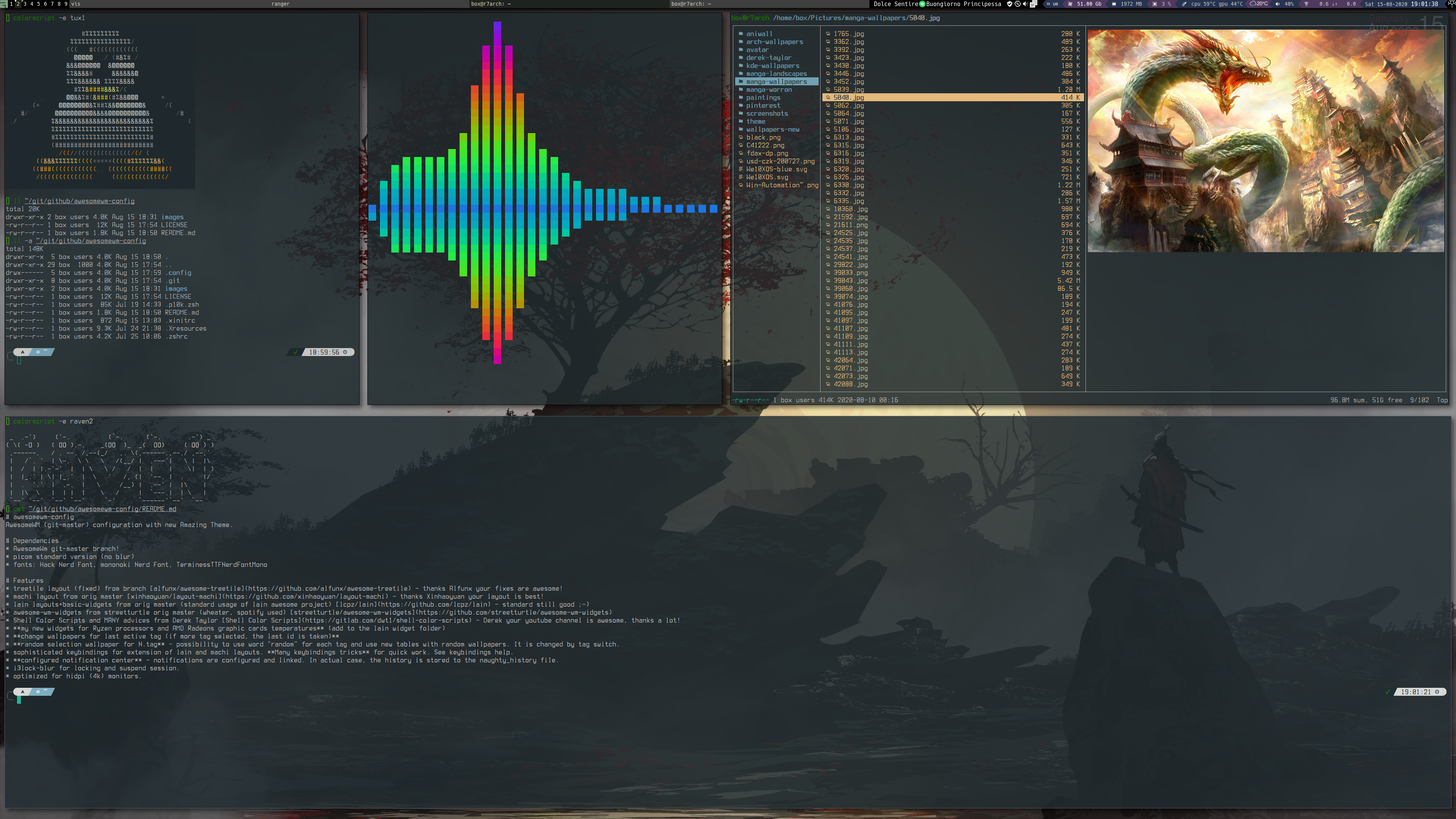
Project is here.
 raven2cz
on 15 Aug 2020
raven2cz
on 15 Aug 2020
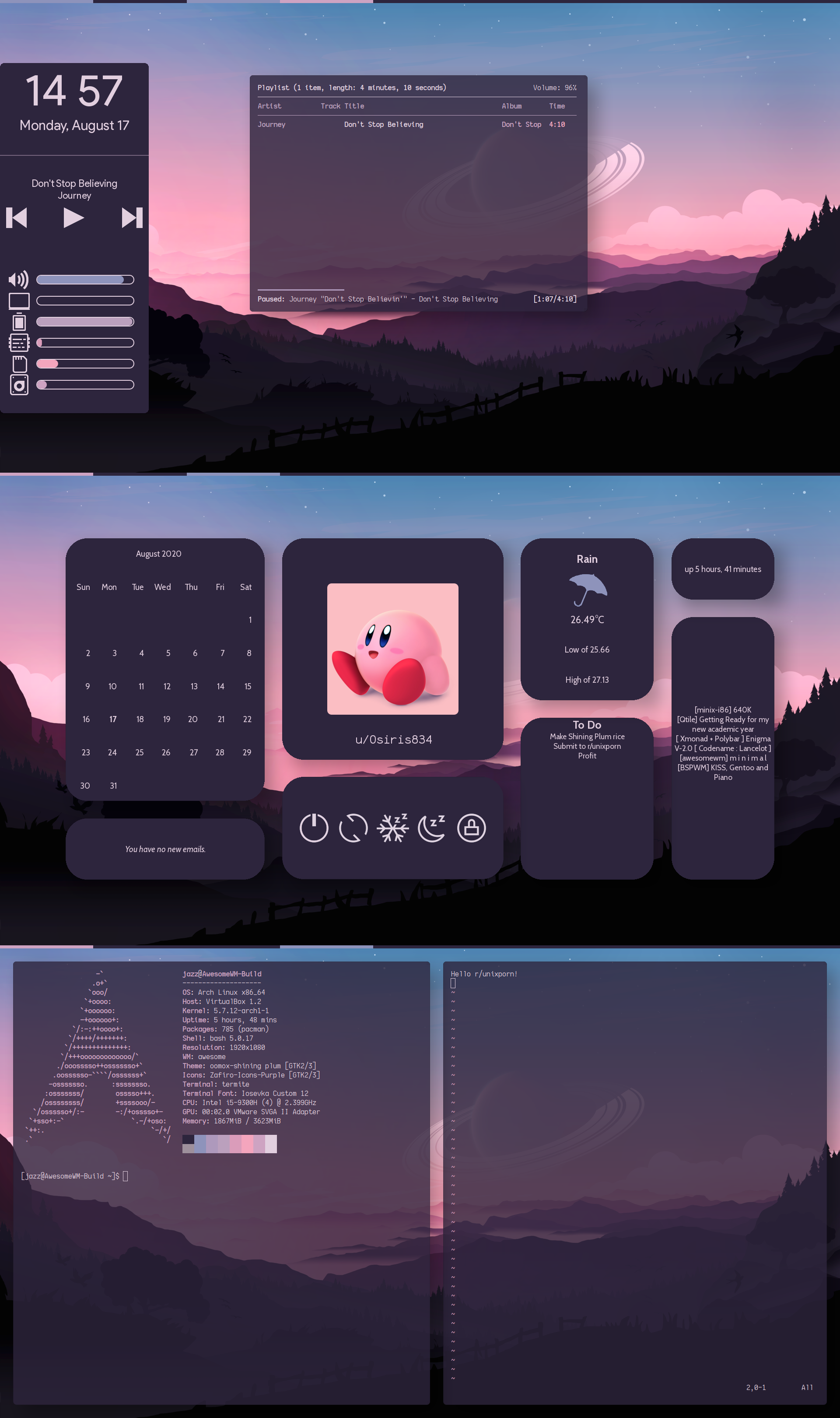
 jazz-g
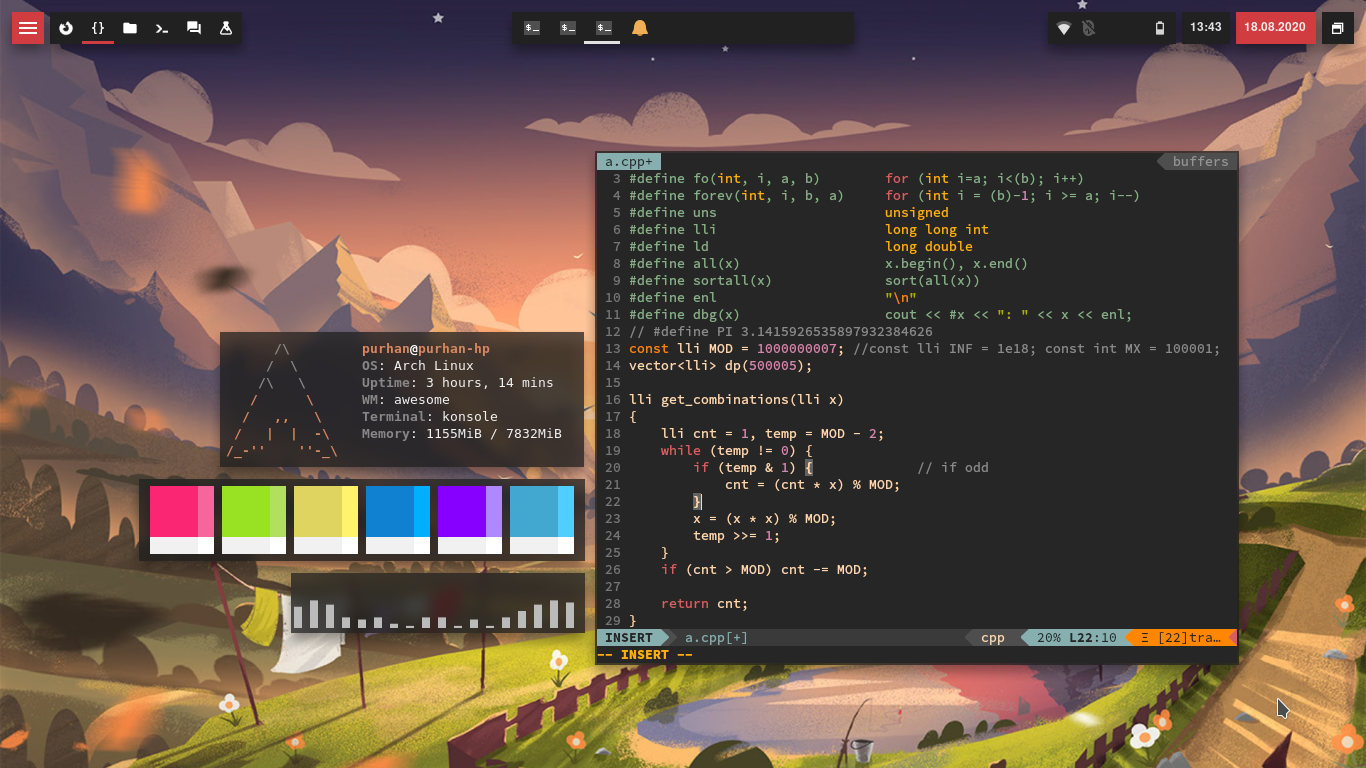
Config here
 Purhan
on 18 Aug 2020
Purhan
on 18 Aug 2020

Here are my rc.lua an theme.lua. they're dirty, sorry i don't know anything about coding, let alone lua.
 raoul32
on 18 Aug 2020
raoul32
on 18 Aug 2020
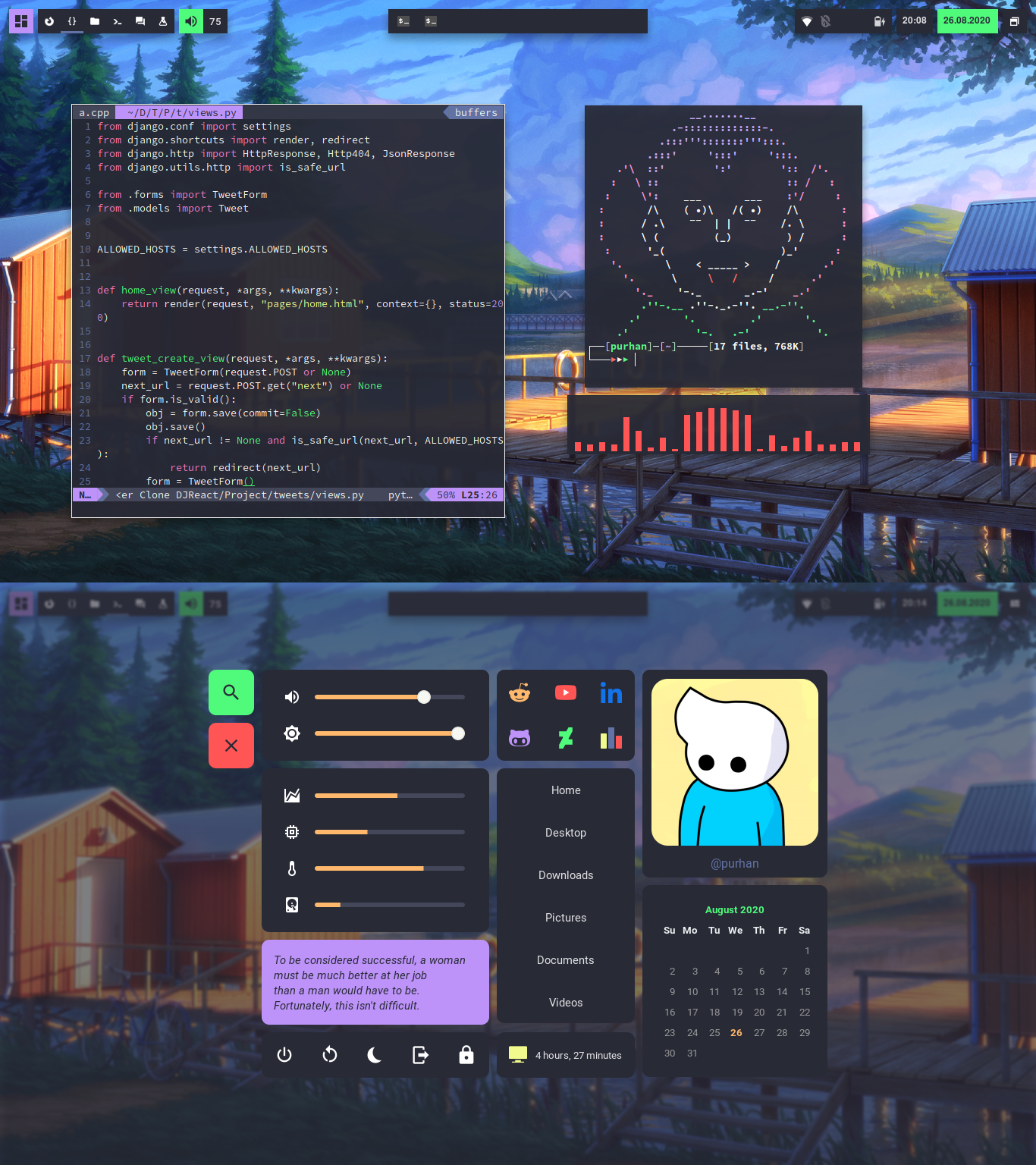
Similar to my previous post but with added functionality.
Config here
Purhan
on 27 Aug 2020

 kori
on 30 Aug 2020
kori
on 30 Aug 2020

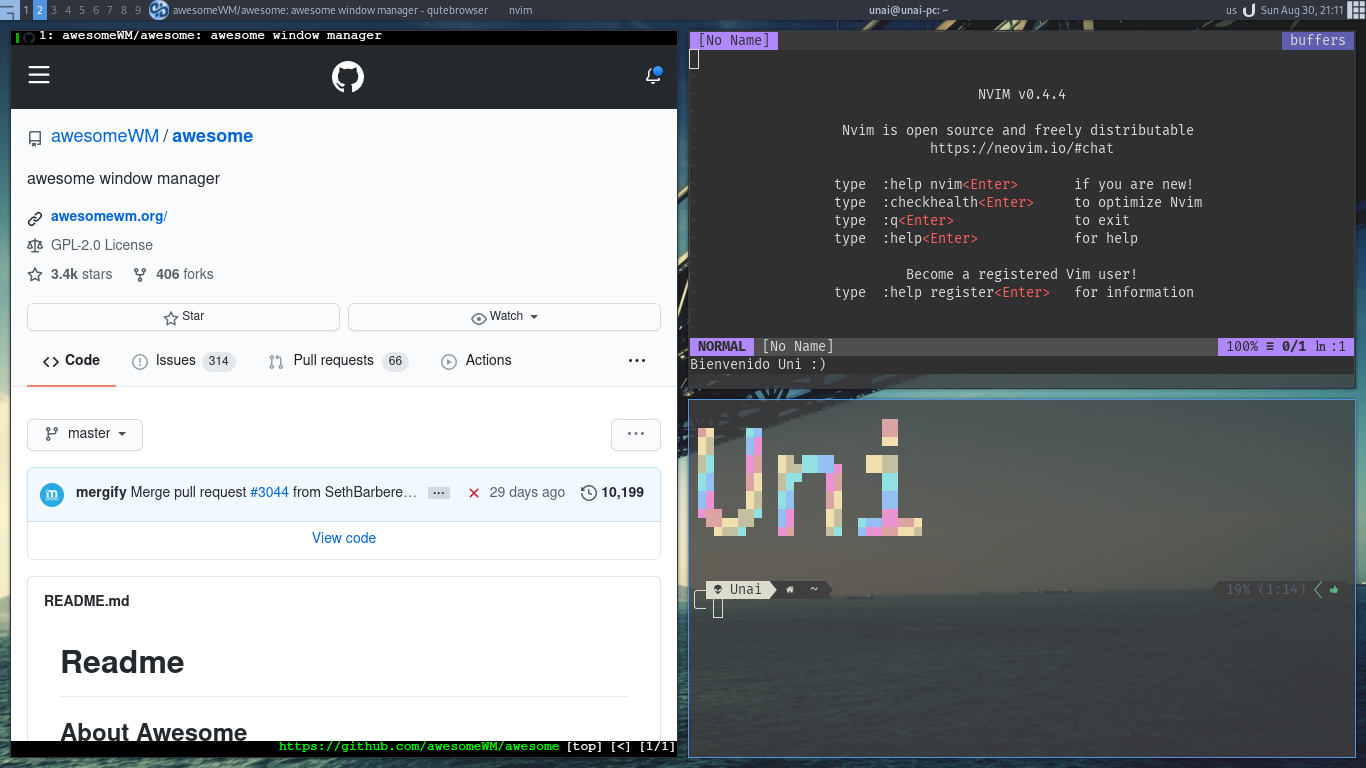
 uninhm
on 31 Aug 2020
uninhm
on 31 Aug 2020
New awesome rice! No external libs/modules (unless you count elenapans daemons as one :smile:).

 JavaCafe01
on 2 Sep 2020
JavaCafe01
on 2 Sep 2020
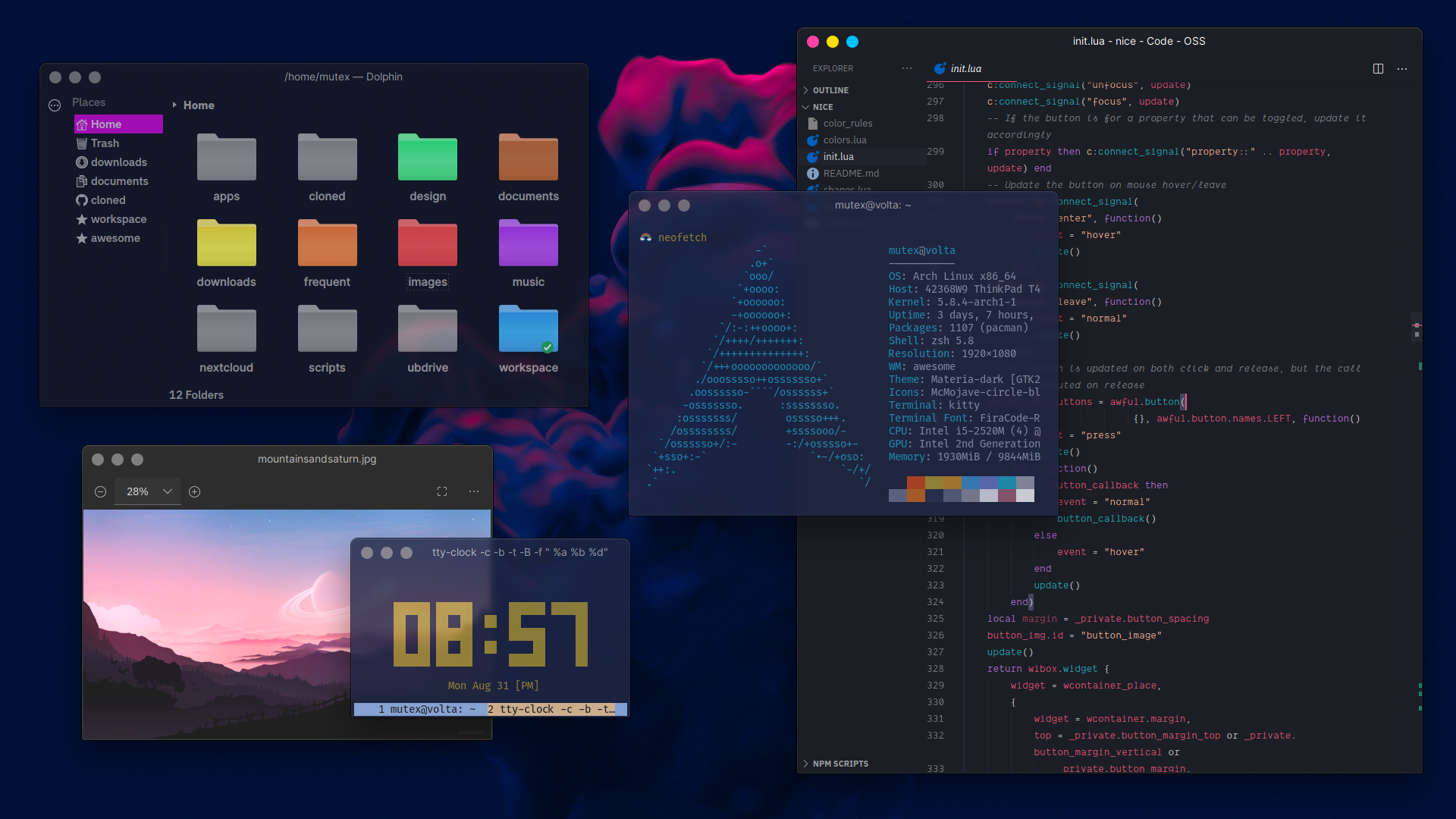
 mut-ex
on 3 Sep 2020
mut-ex
on 3 Sep 2020
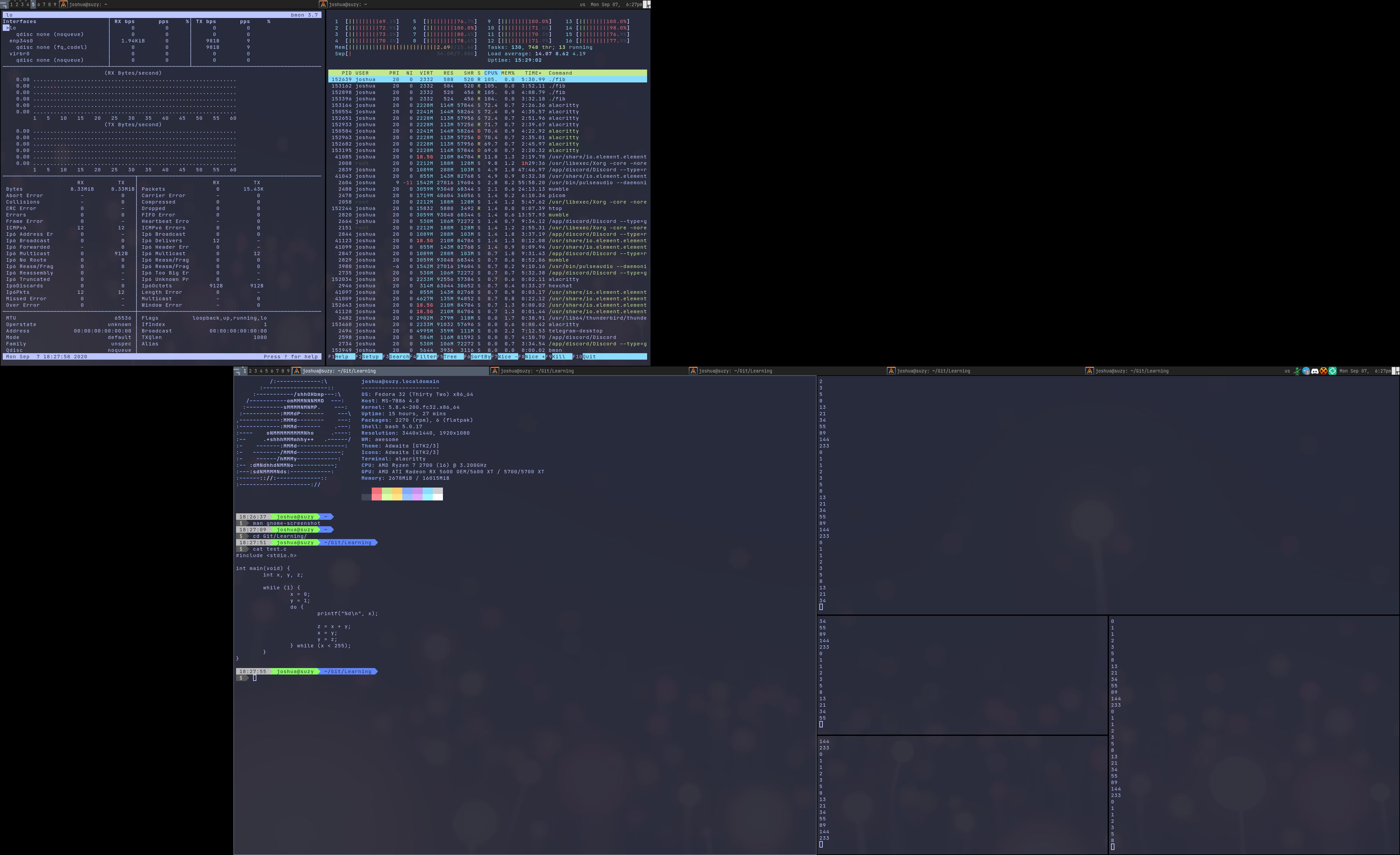
Just have it crunching Fib numbers for a CPU thermal throttling test but I guess I can share
 10leej
on 8 Sep 2020
10leej
on 8 Sep 2020
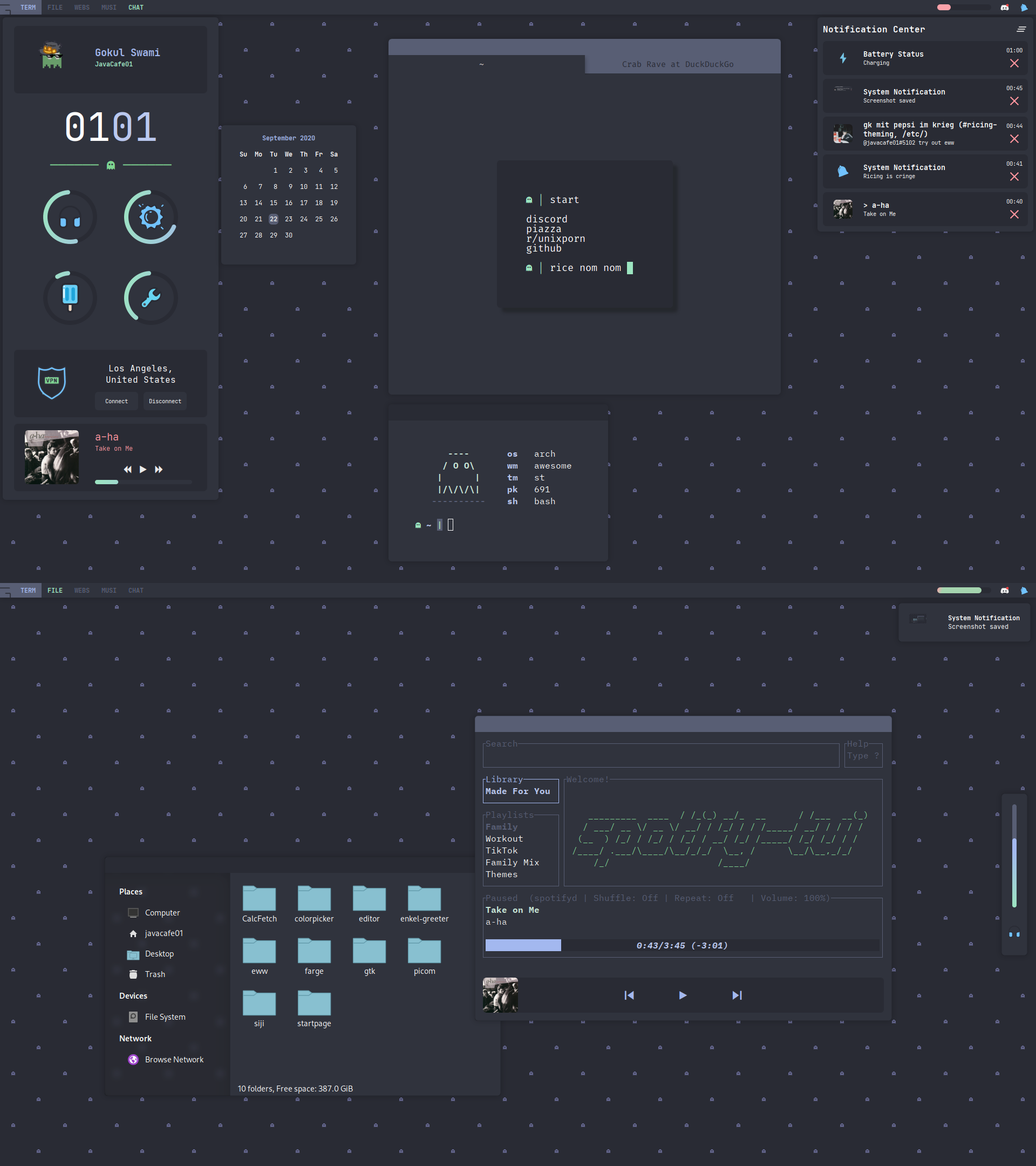
New setup (updated from old technically)!
No external modules.
dotfiles
JavaCafe01
on 25 Sep 2020

I put in some effort to make the background of my most commonly used programs the same colours as the window borders and taskbar. I enjoy the seamless look when working in a maximized terminal.
Vertical taskbar on each screen, showing only the clients running on that screen. I open too much stuff to keep track of it all in one taskbar.
 TeabagNation
on 25 Sep 2020
TeabagNation
on 25 Sep 2020
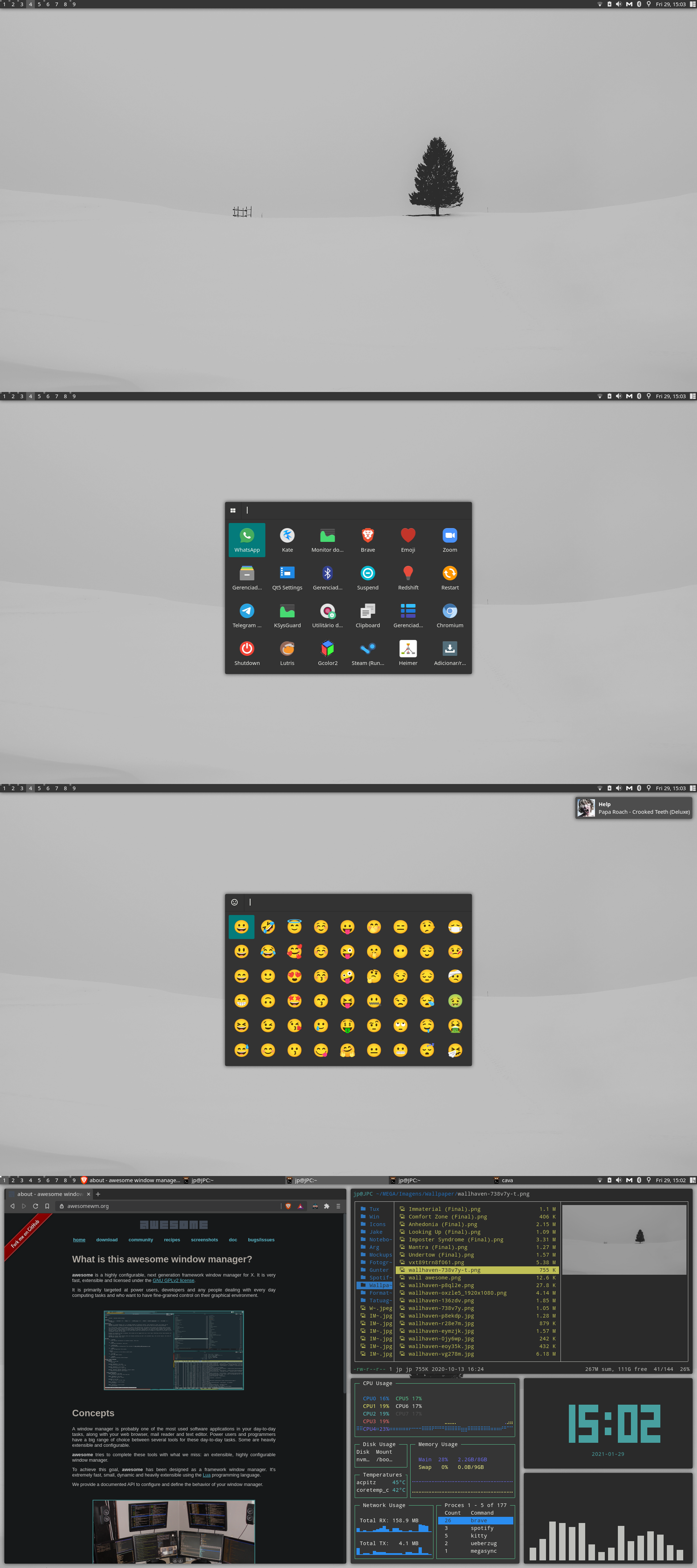
 joaopauloalbq
on 26 Sep 2020
joaopauloalbq
on 26 Sep 2020
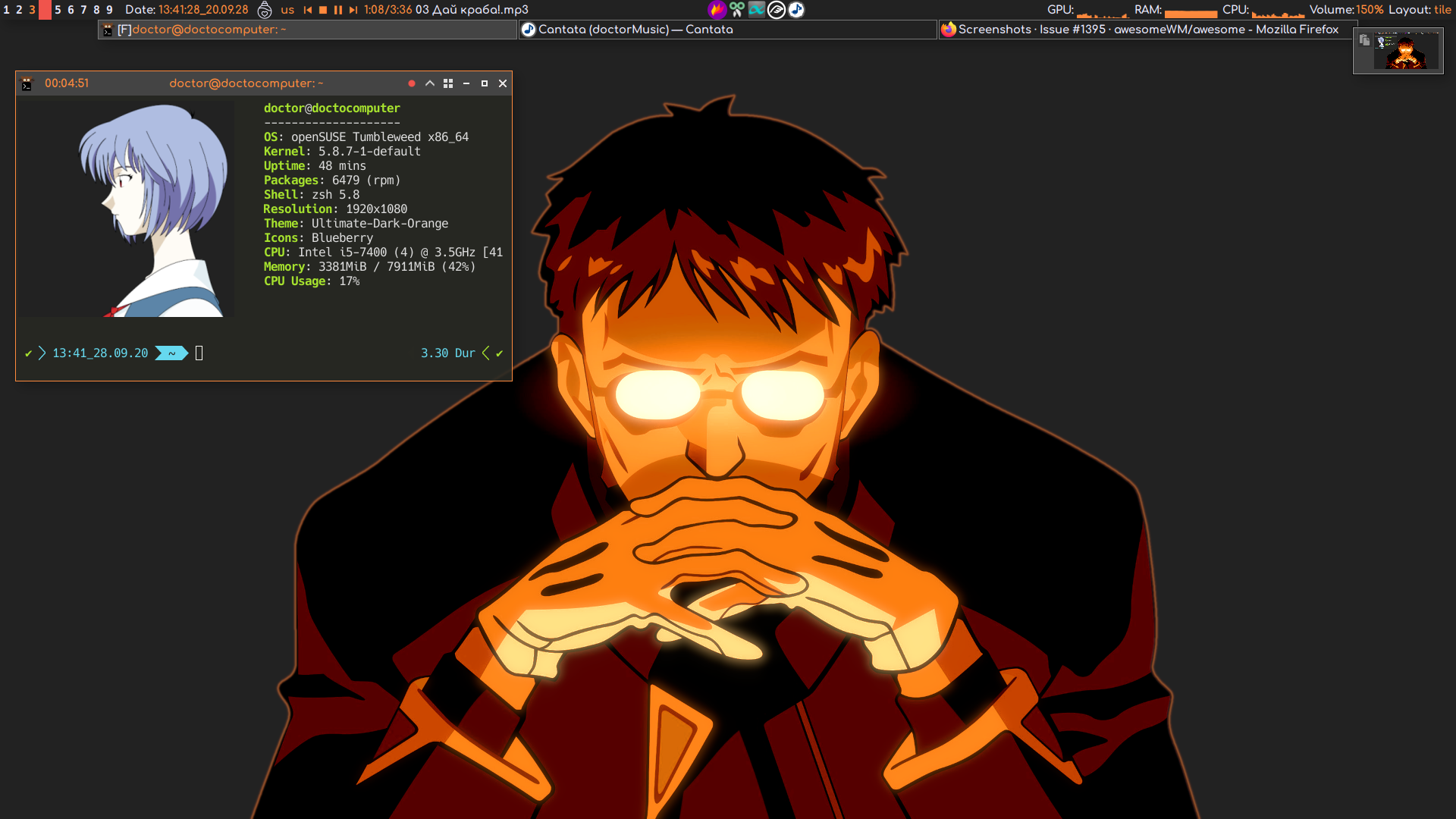
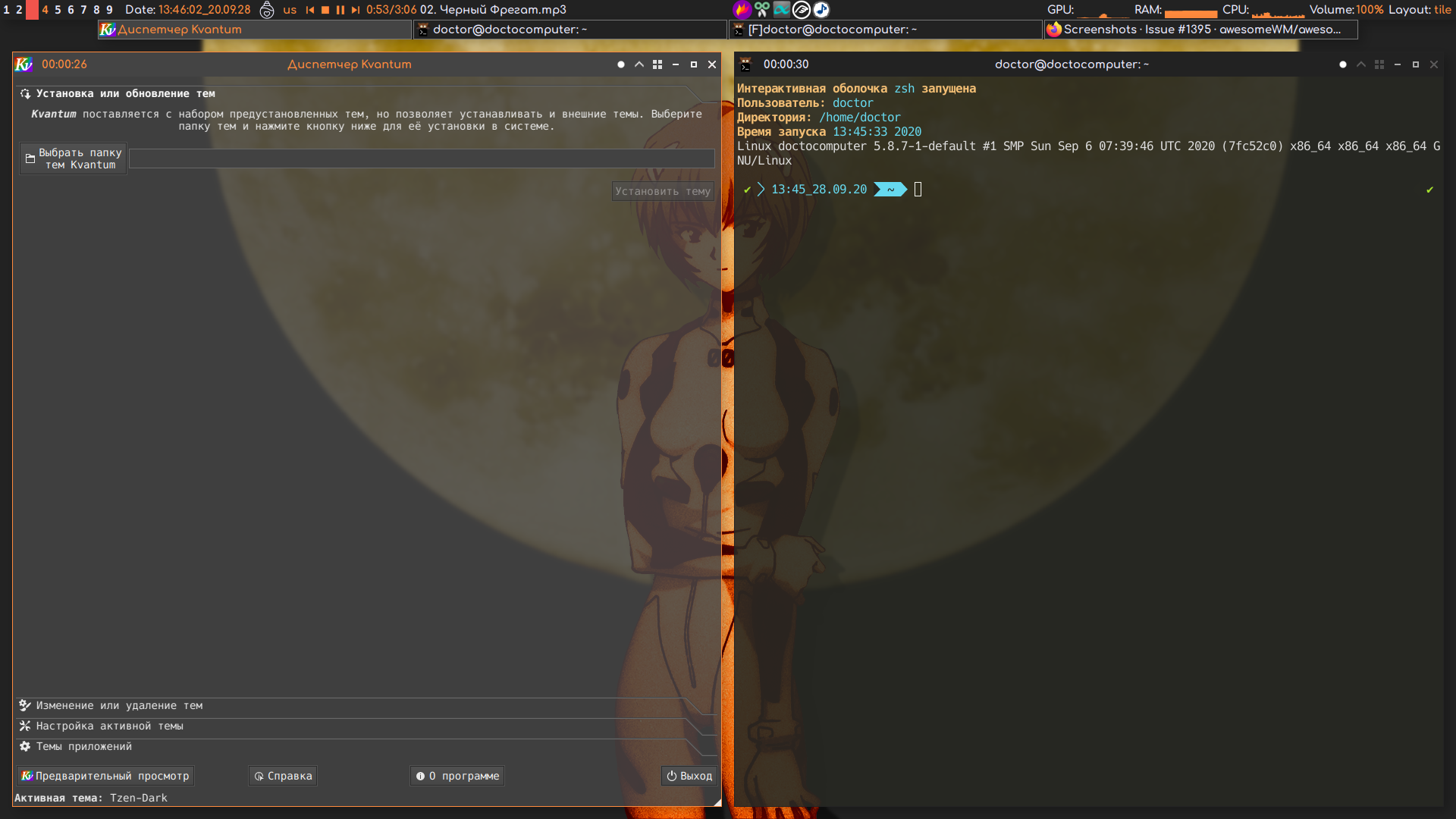
Secret and very raw dotfiles. I will post them on GitHub or GitLab when they will be ready to use by other people. Now I'm hosting it on local Gitea server.
 Shmik2003
on 28 Sep 2020
Shmik2003
on 28 Sep 2020
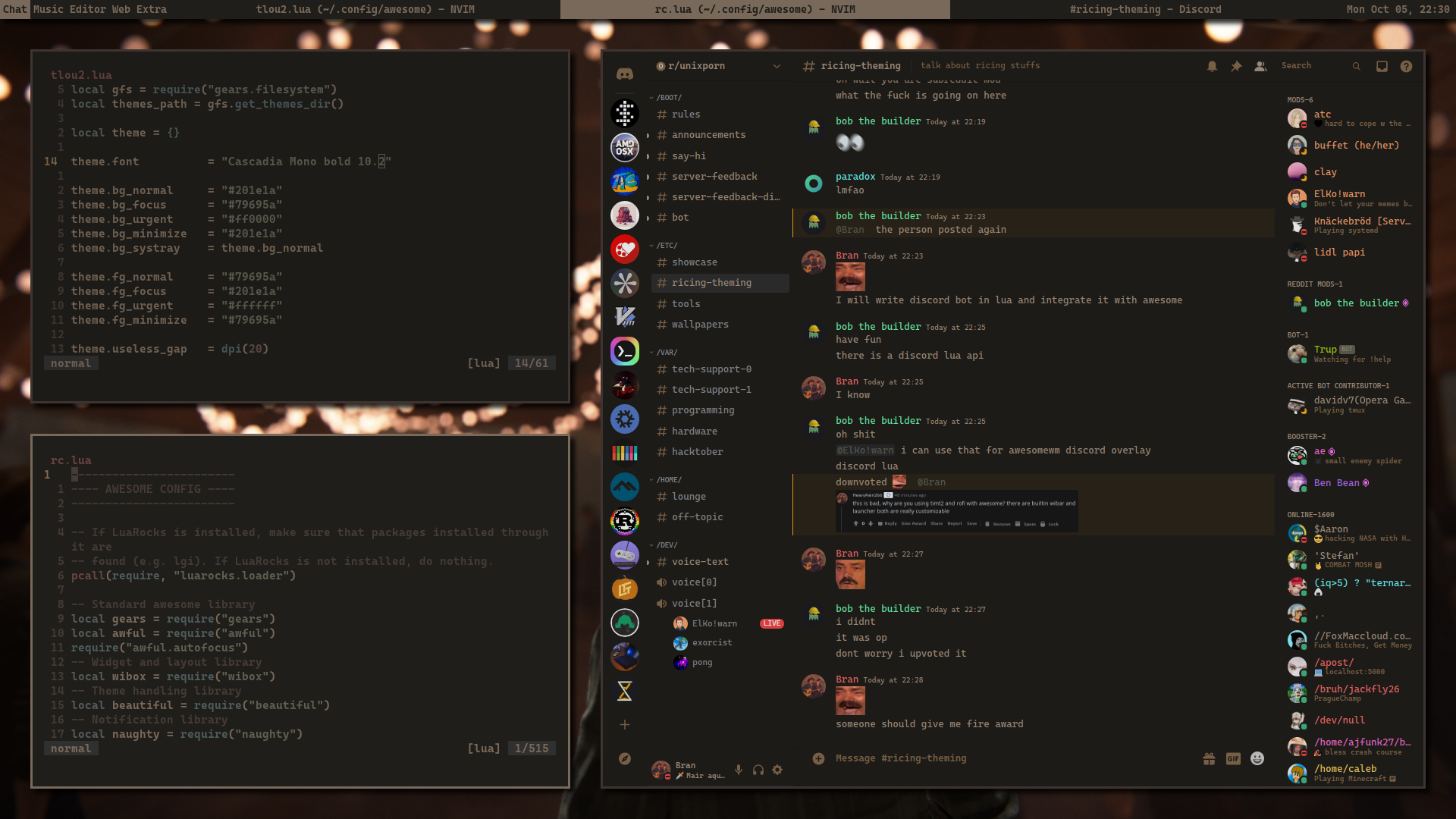
First time with AwesomeWM and Lua
 branwright1
on 7 Oct 2020
branwright1
on 7 Oct 2020
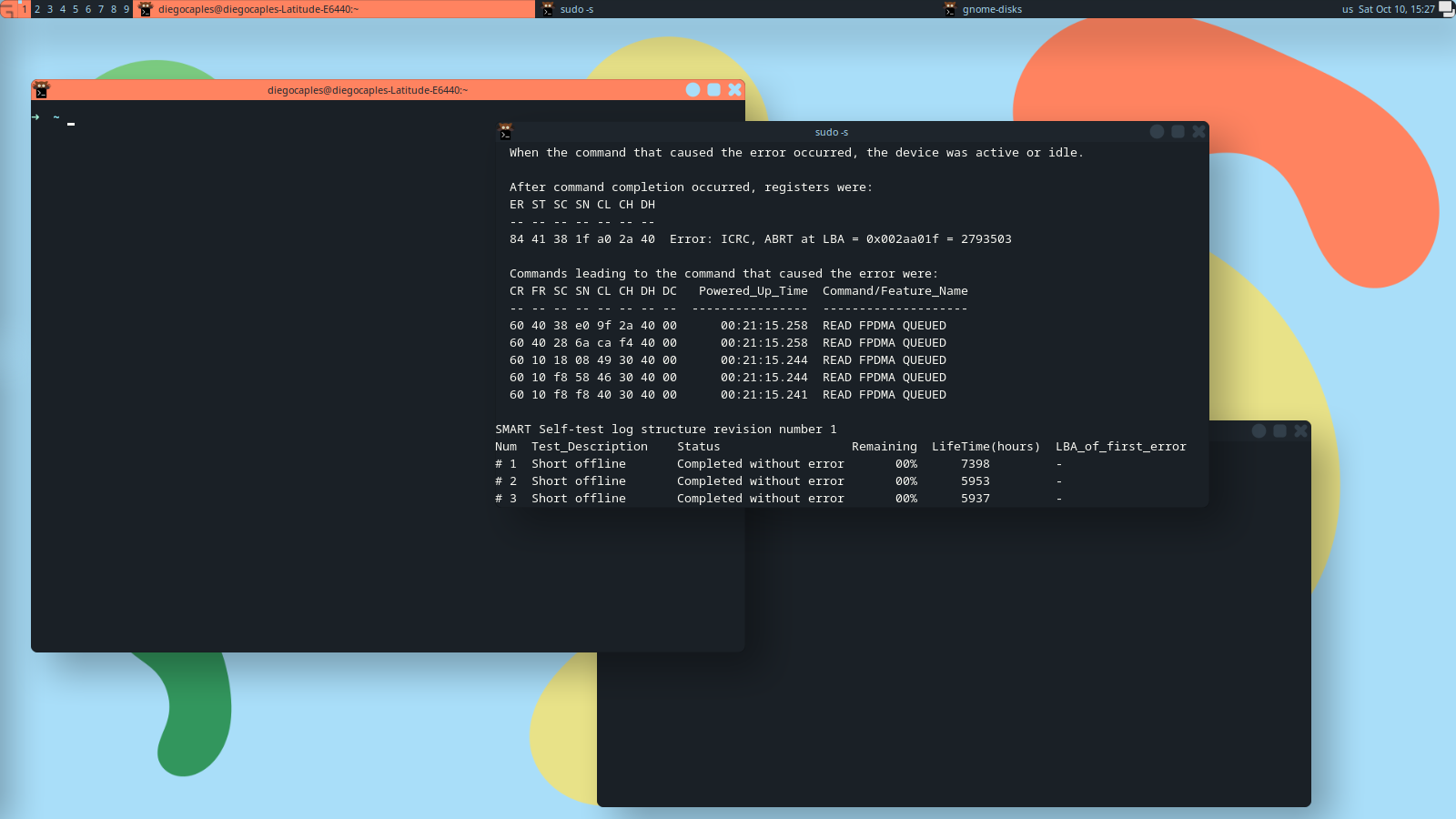
First time too!
 dCaples
on 10 Oct 2020
dCaples
on 10 Oct 2020
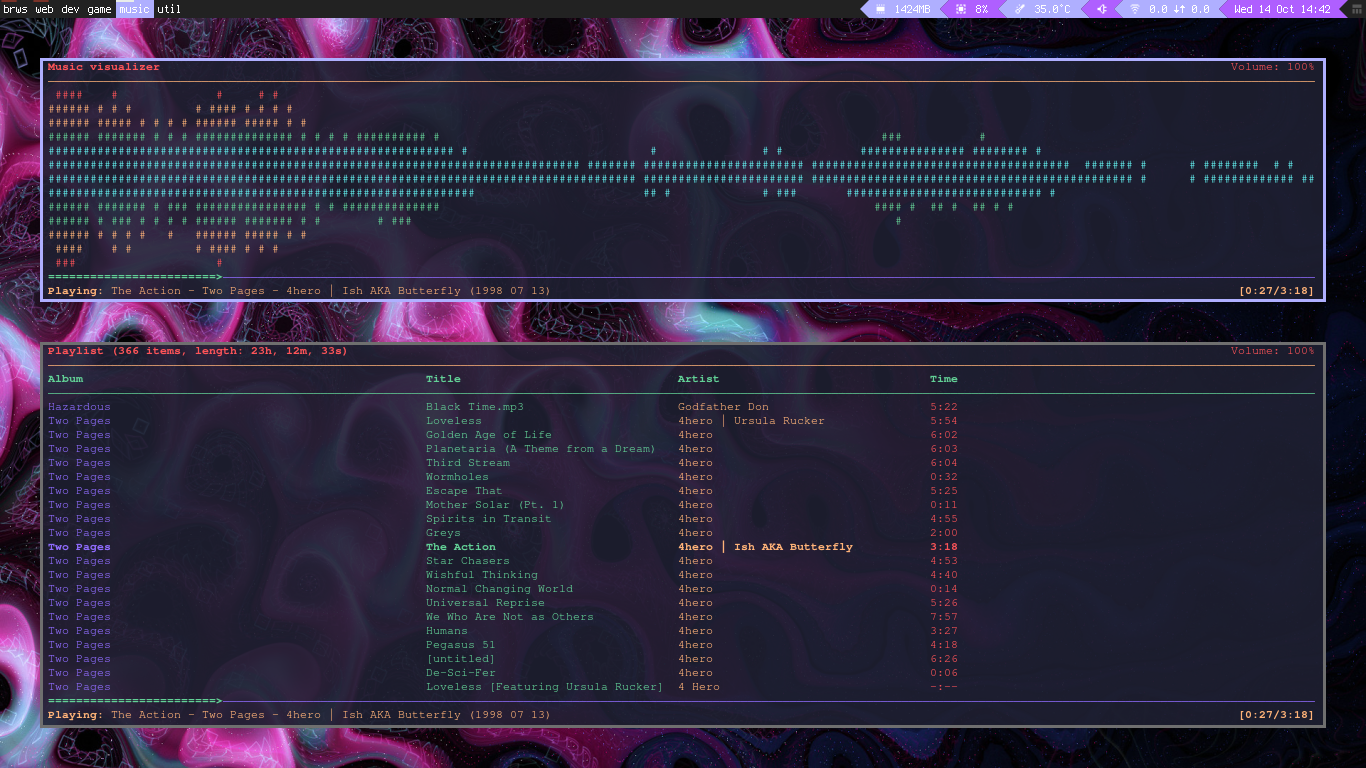
 BakedSnake
on 14 Oct 2020
BakedSnake
on 14 Oct 2020
 MArpogaus
on 20 Oct 2020
MArpogaus
on 20 Oct 2020

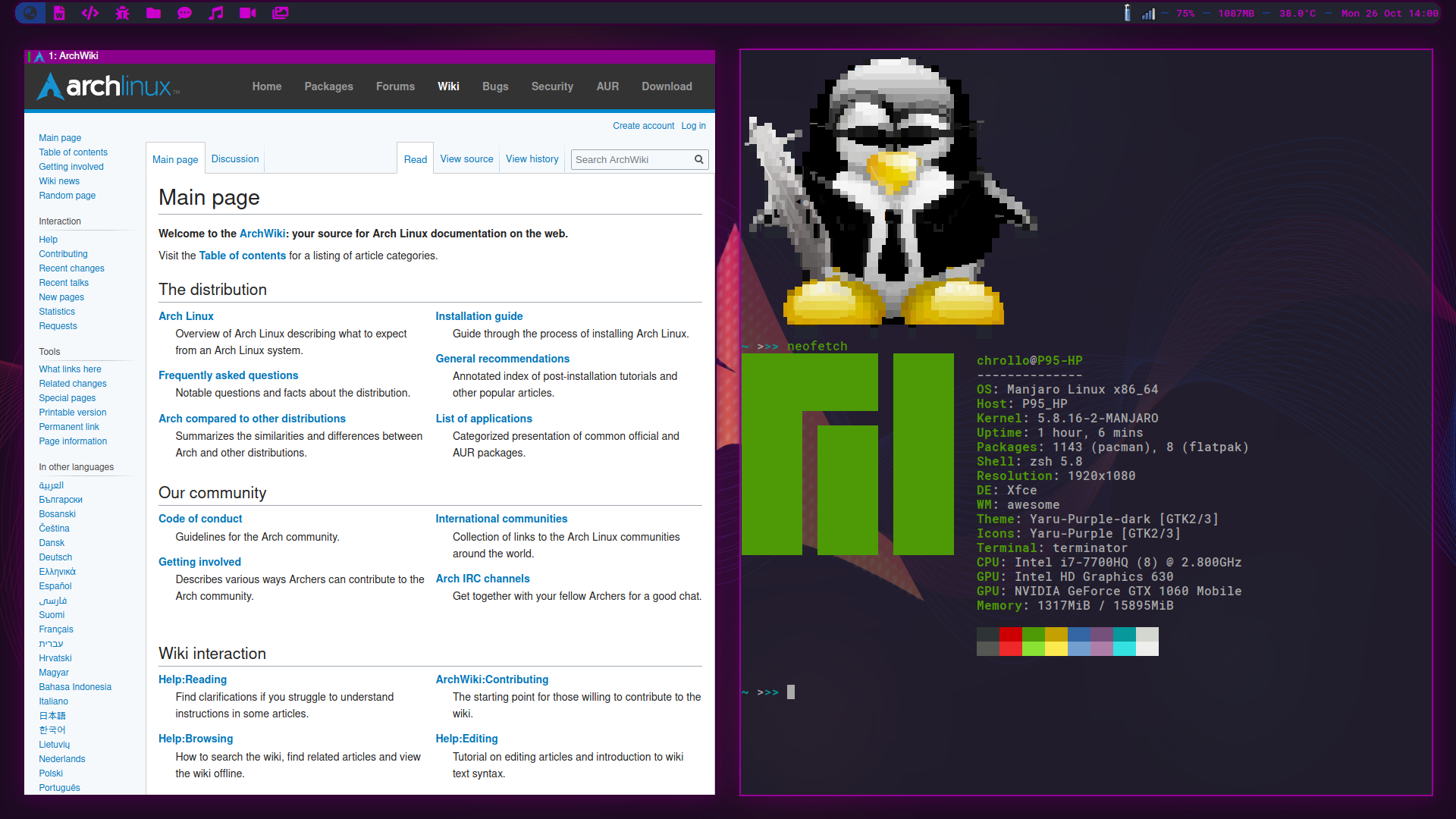
I've re-posted here just to show some of the new edits. I haven't uploaded my dotfiles yet, but will soon, I'll edit this post once they go up.
EDIT: Dotfiles Here
 DanCarzano
on 27 Oct 2020
DanCarzano
on 27 Oct 2020
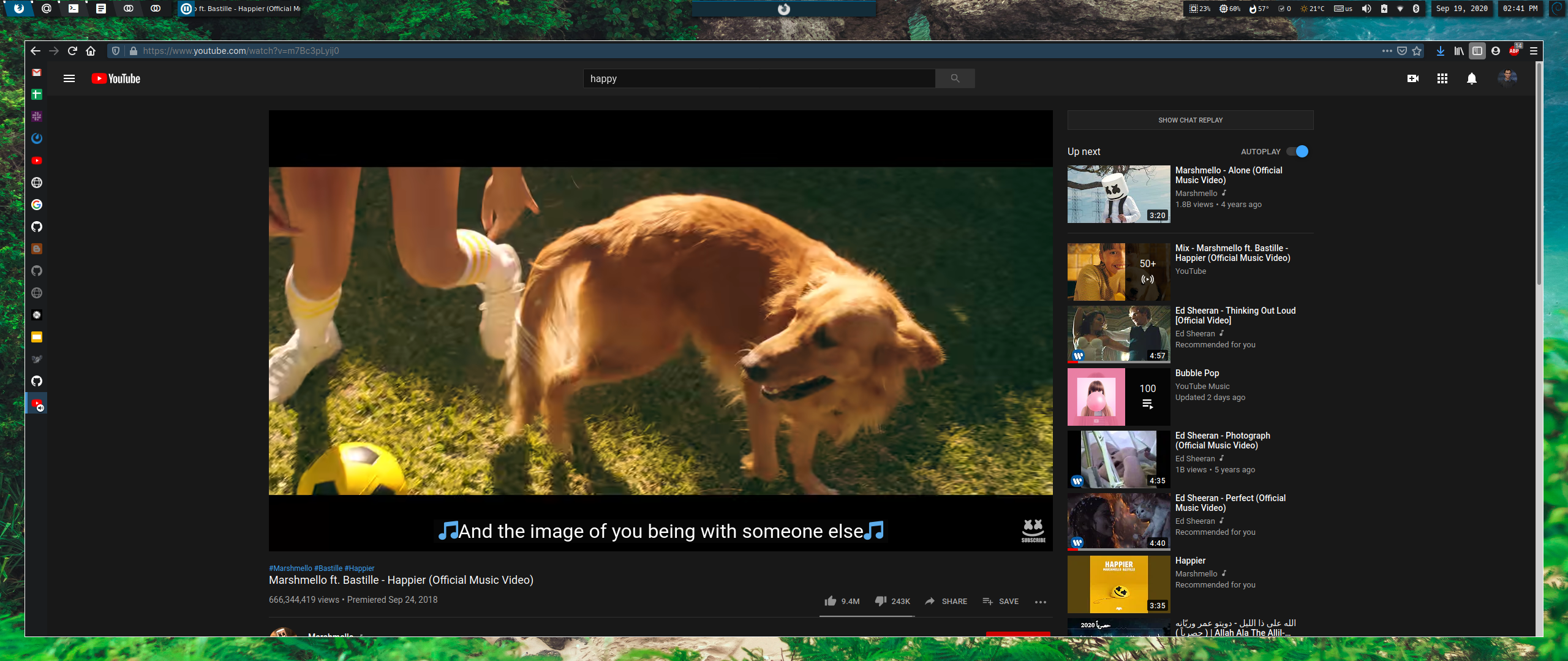
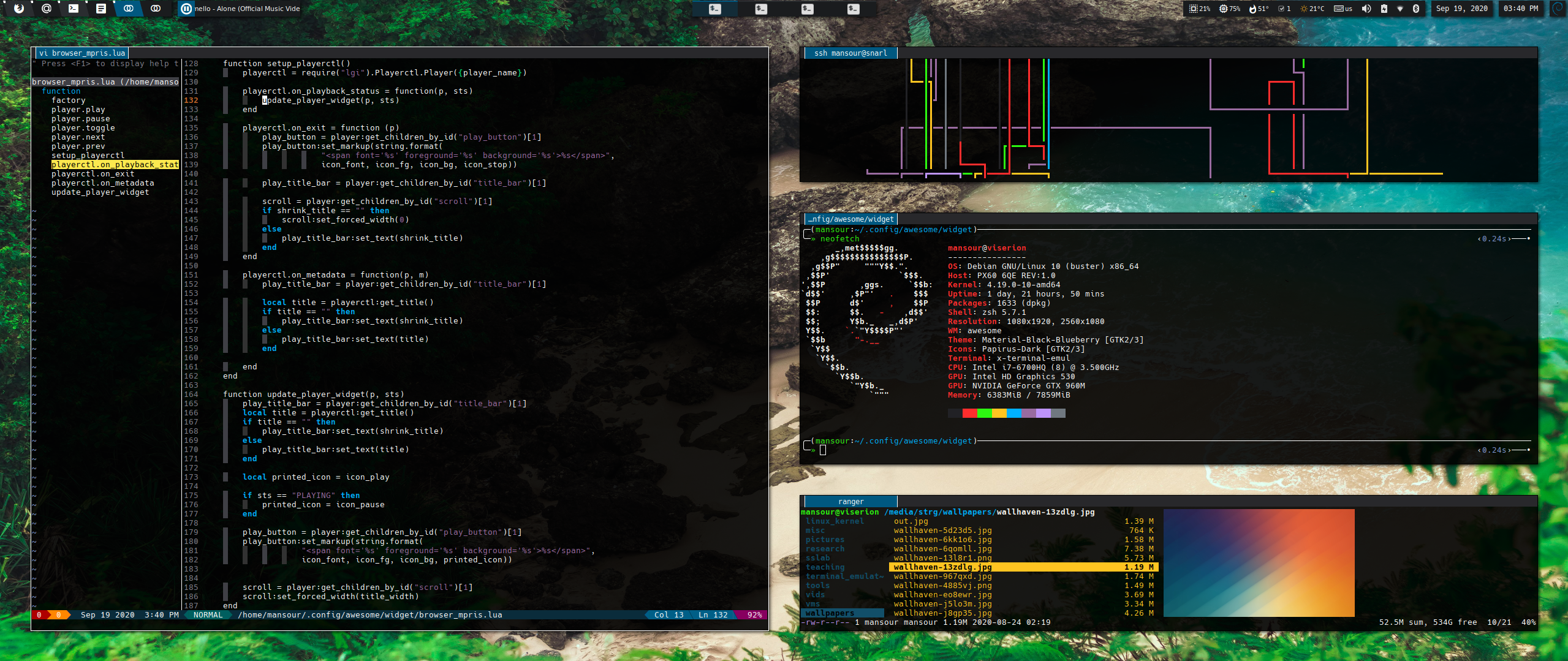
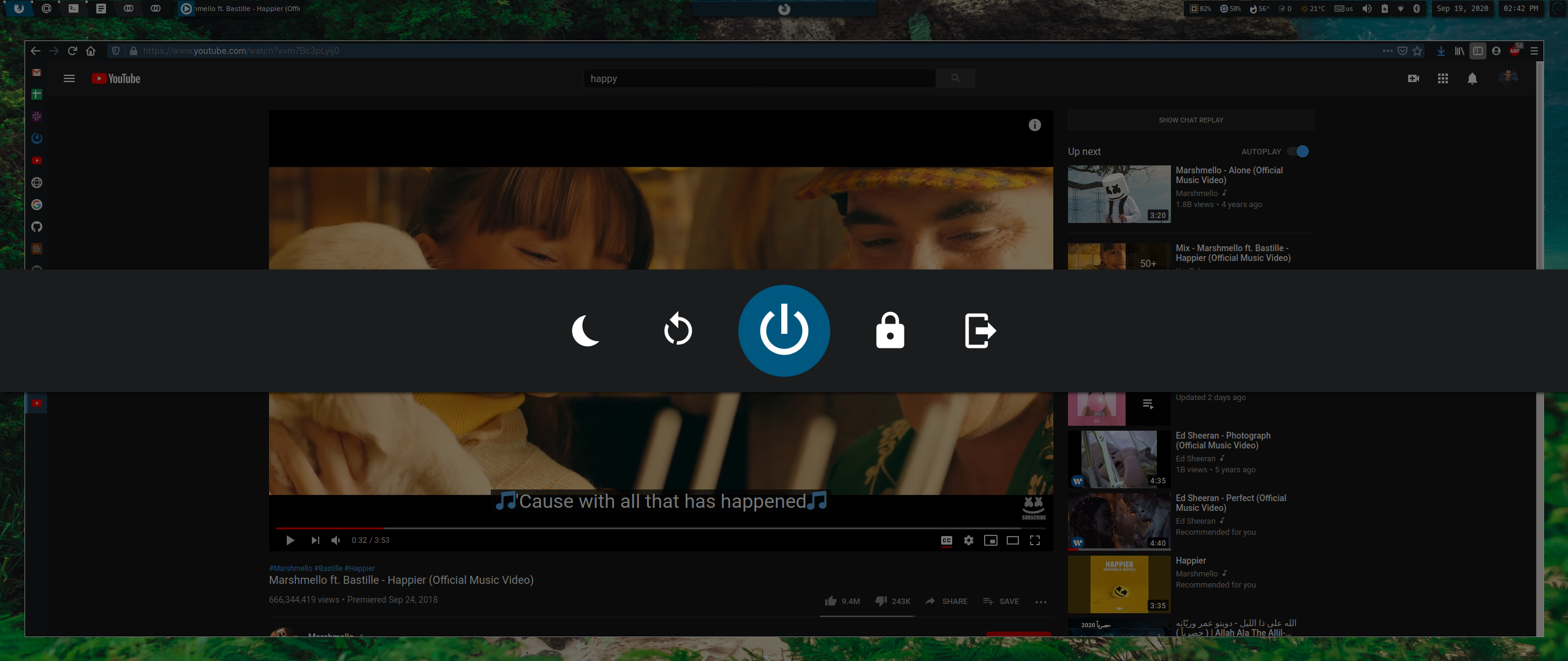
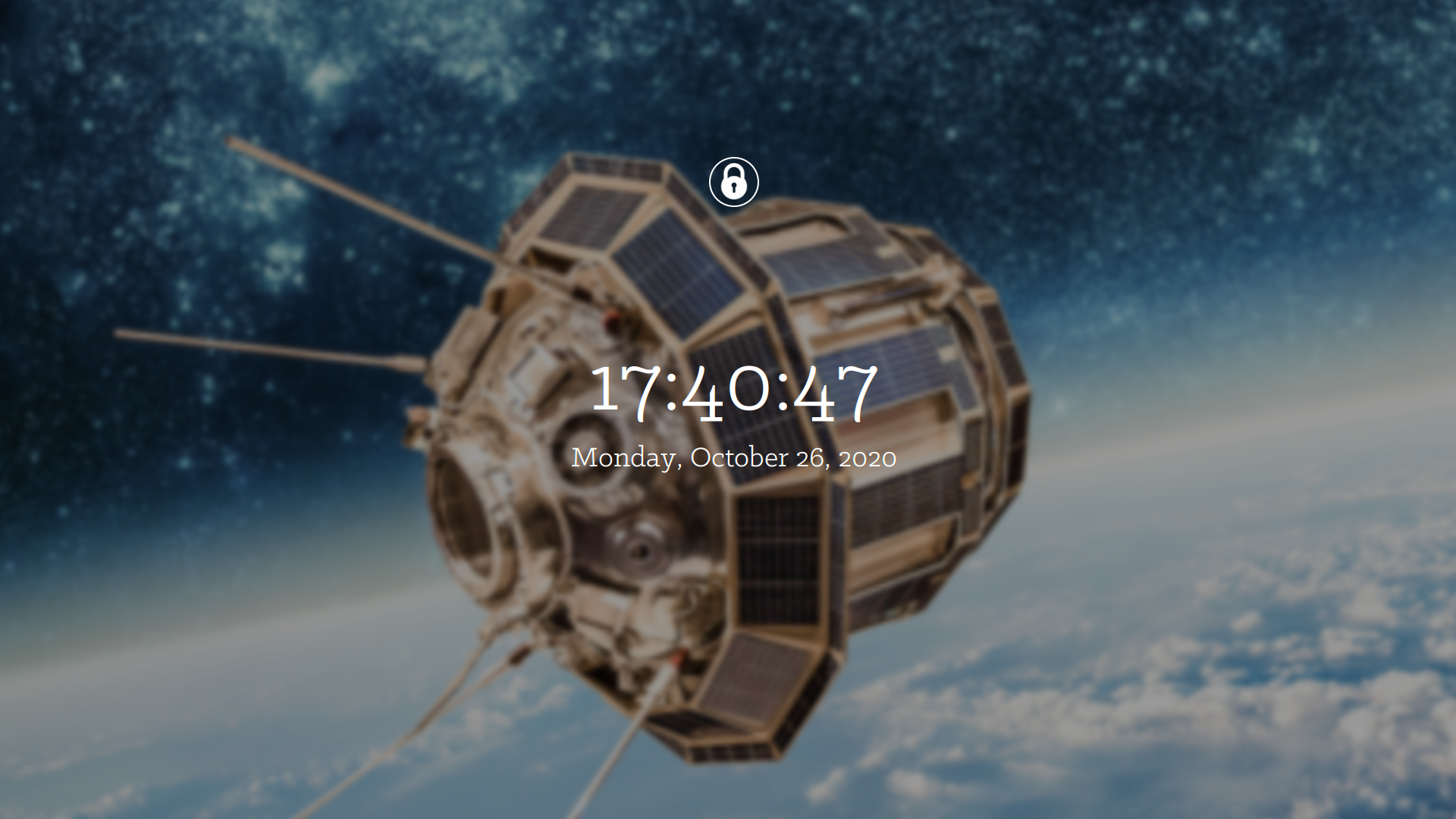
 man9ourah
on 30 Oct 2020
man9ourah
on 30 Oct 2020
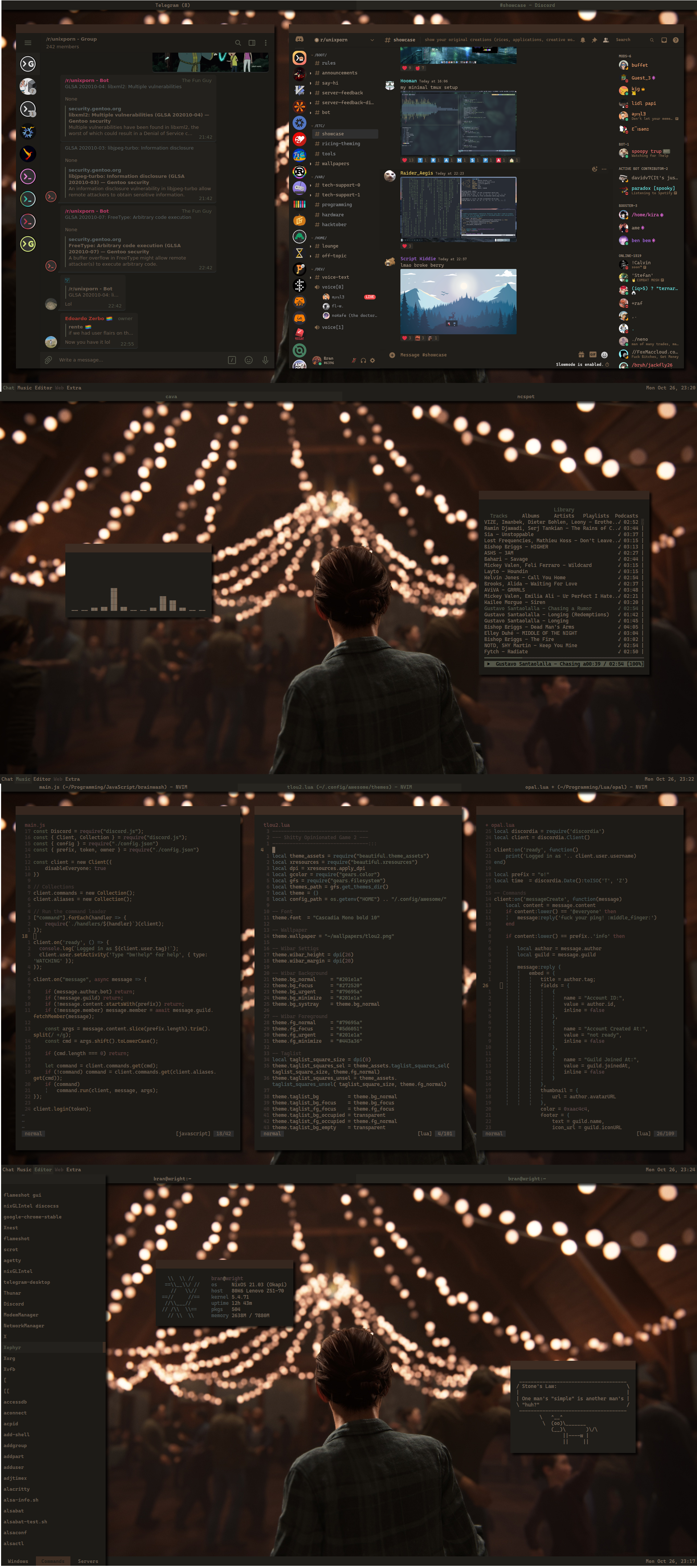
My progress after about month with Awesome and Lua!
branwright1
on 30 Oct 2020

nice?
 Ohio2
on 17 Nov 2020
Ohio2
on 17 Nov 2020
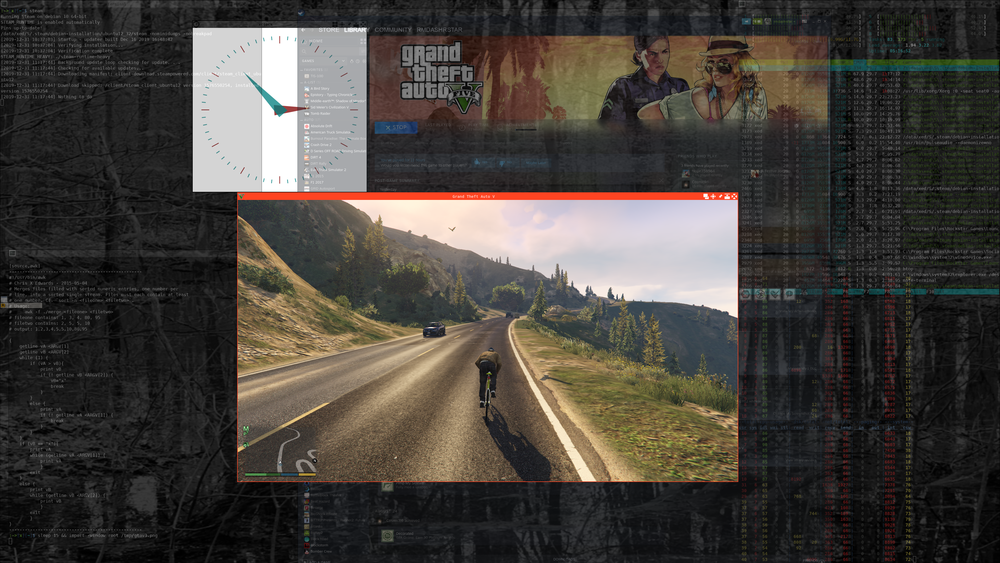
 cxed
on 30 Nov 2020
cxed
on 30 Nov 2020
Everything except alacritty and compositor is made using Awesome API and this module

branwright1
on 7 Dec 2020
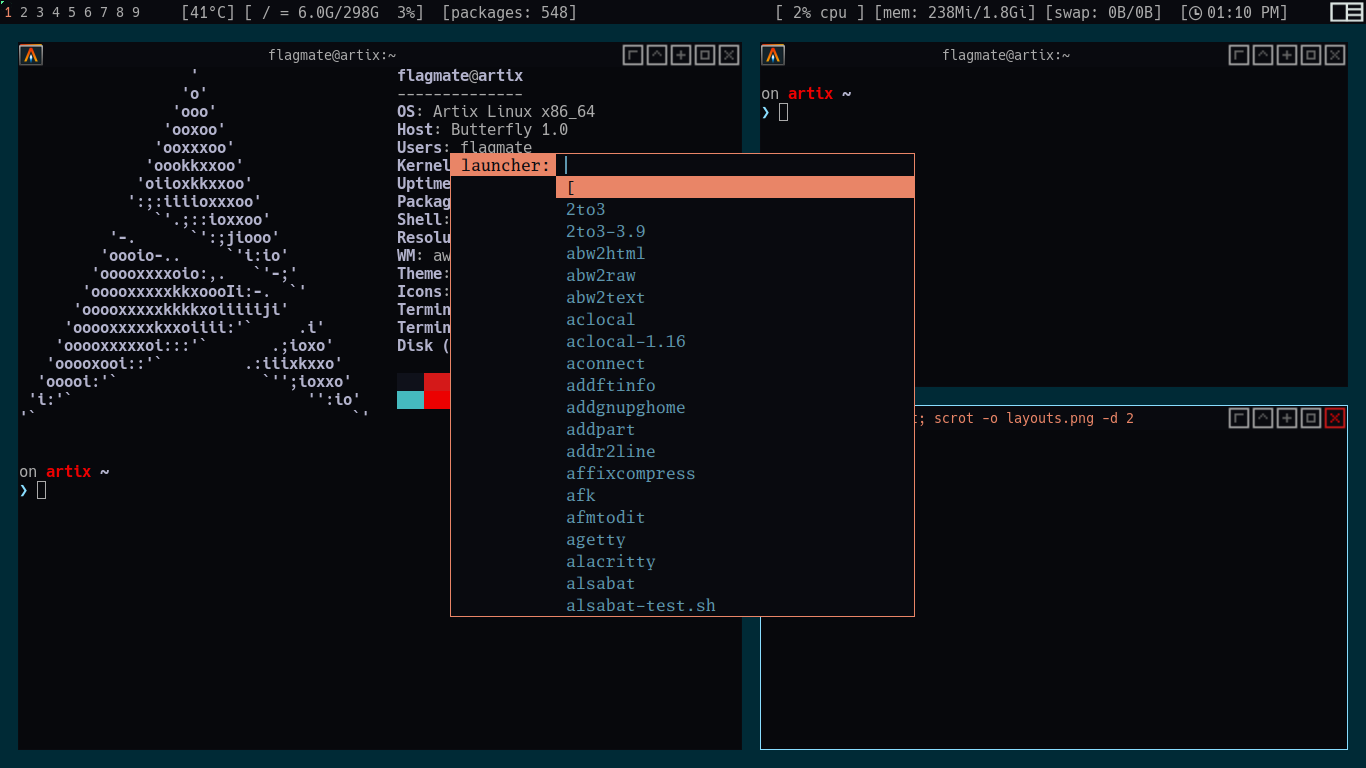
 abdellatif-dev
on 11 Feb 2021
abdellatif-dev
on 11 Feb 2021
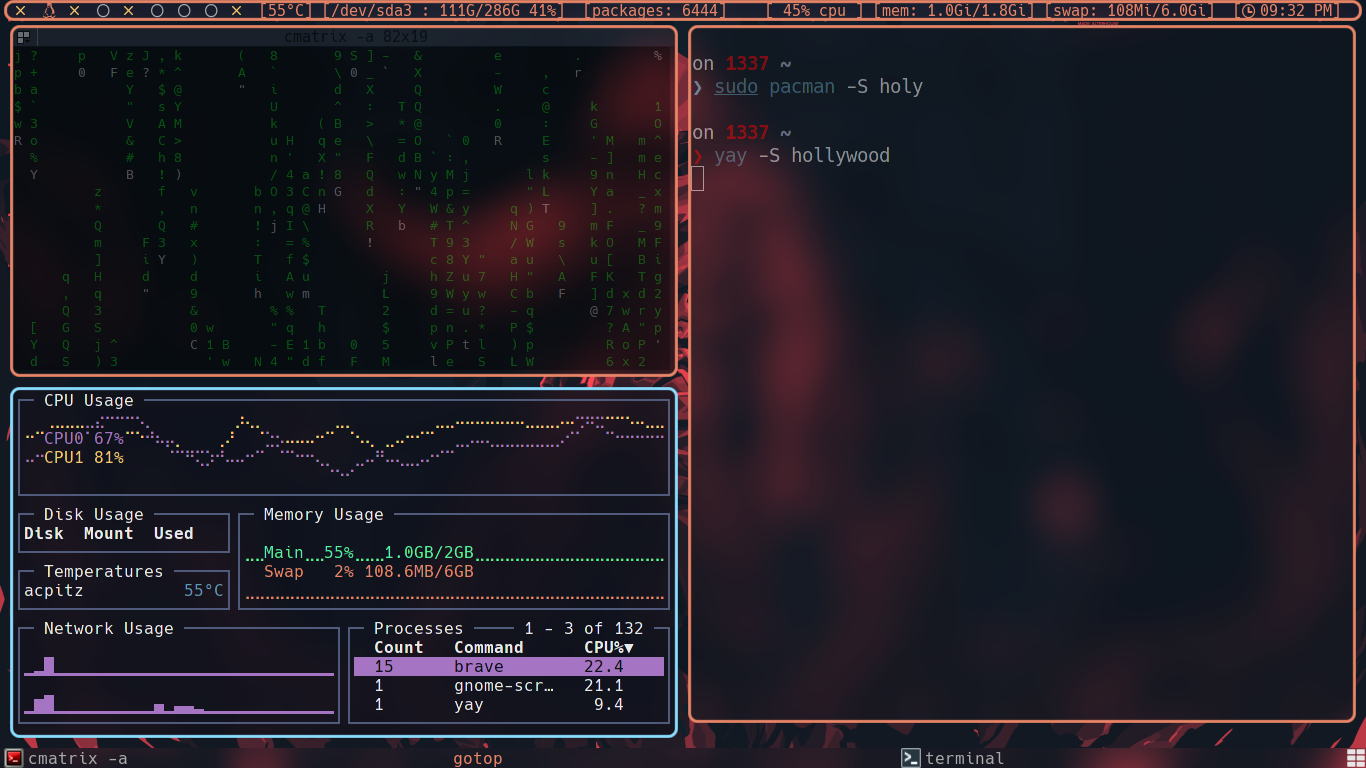
abdellatif-dev
on 11 Feb 2021
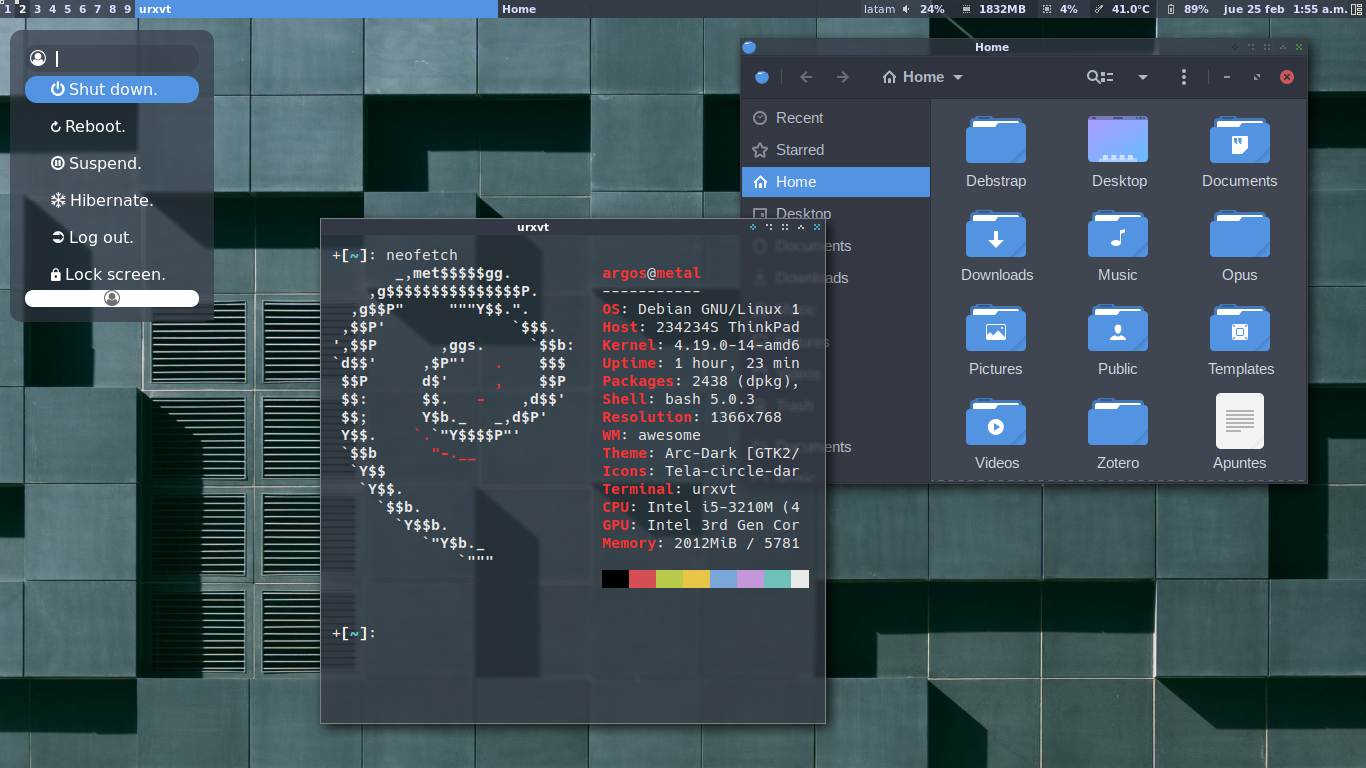
 argosatcore
on 26 Feb 2021
argosatcore
on 26 Feb 2021
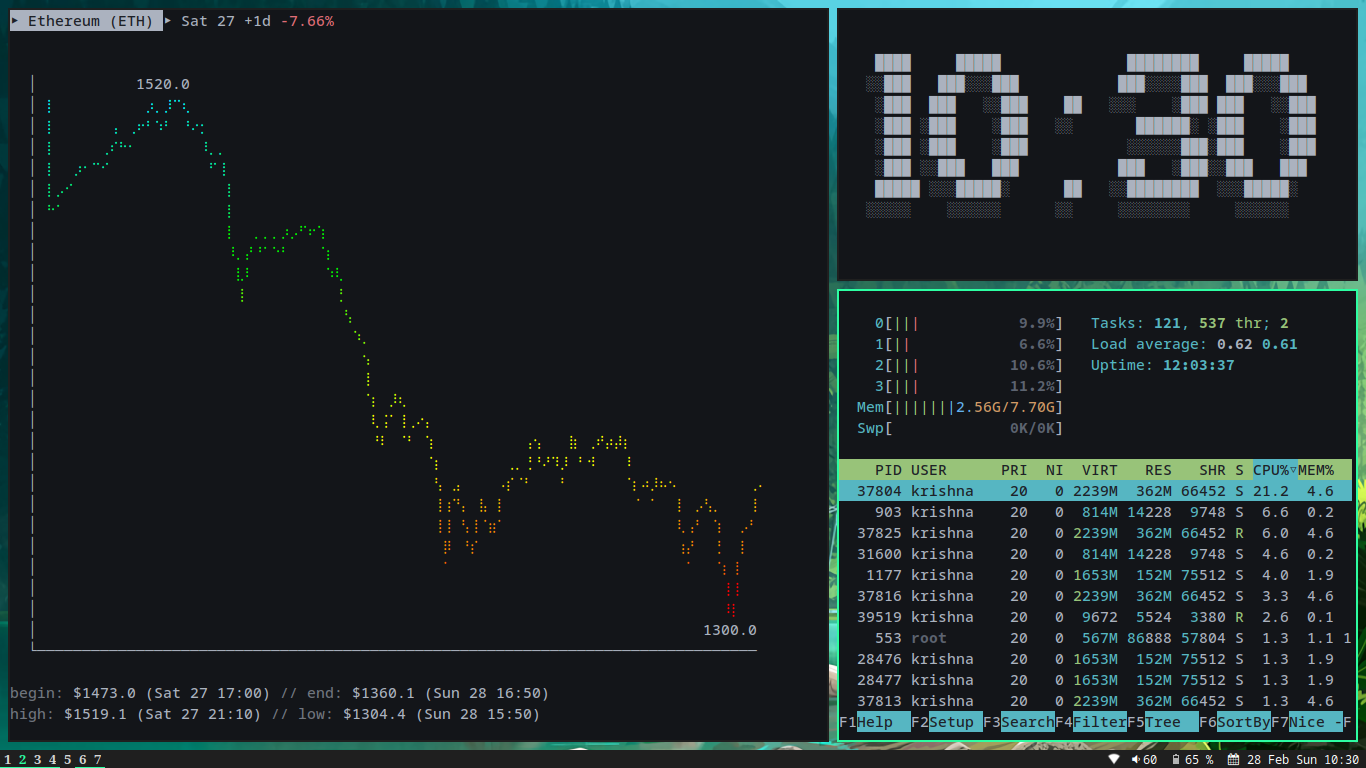
 anhsirk0
on 28 Feb 2021
anhsirk0
on 28 Feb 2021
 notchtc
on 5 Mar 2021
notchtc
on 5 Mar 2021
 sumwale
on 12 Mar 2021
sumwale
on 12 Mar 2021
 mav-
on 13 Mar 2021
mav-
on 13 Mar 2021
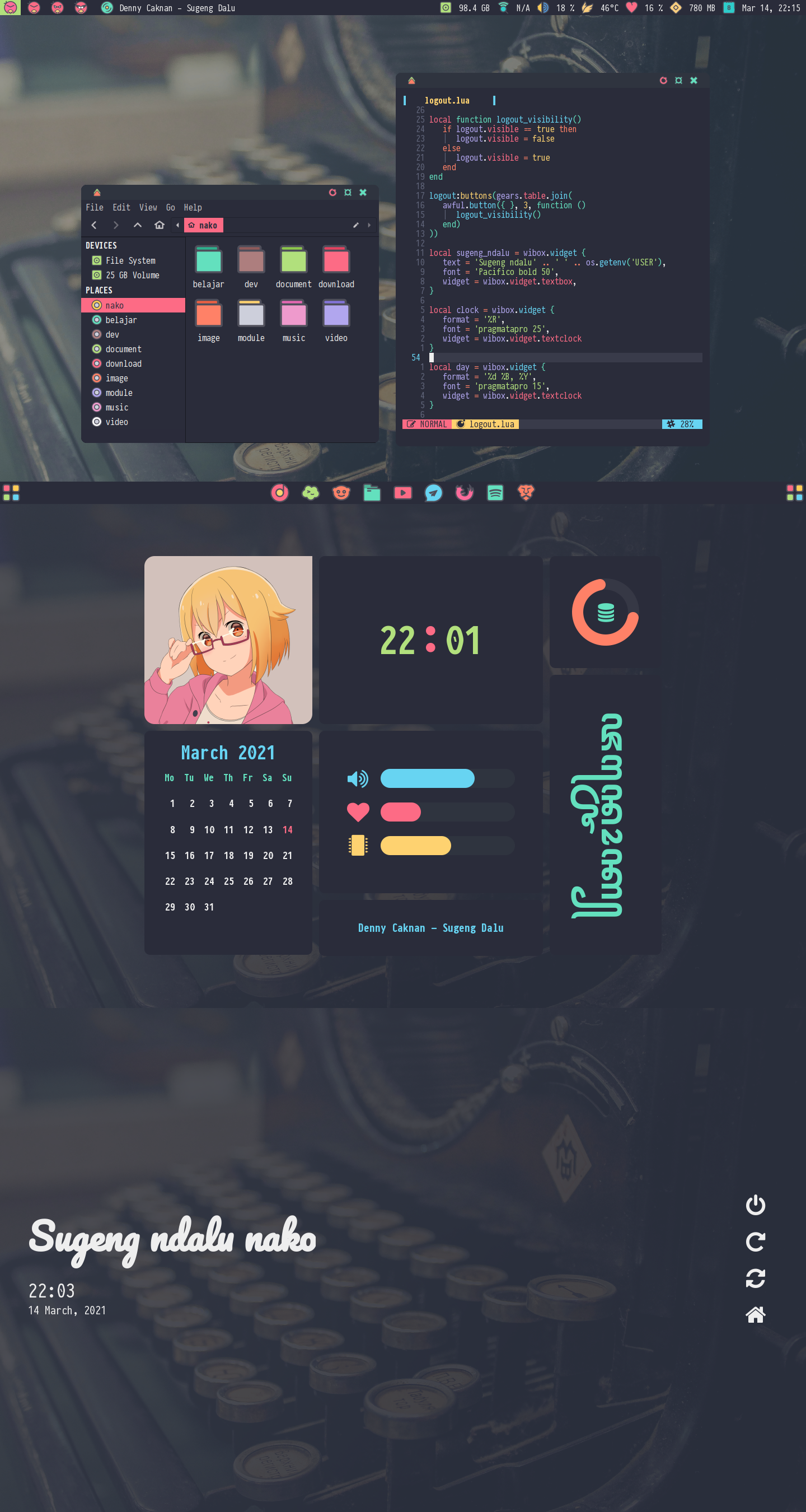
After 28373738x reading doc
 nekonako
on 17 Mar 2021
nekonako
on 17 Mar 2021
@mav- what's this font? is your rc.lua available?
aajjbb
on 17 Mar 2021
@nekonako Your result convinced me to use awesomewm. :heart_eyes: I simply love those rounded corners.
So, I need to start reading about it. What is that "28373738x reading doc" are you referring to, please? Thanks!
 dxps
on 24 Mar 2021
dxps
on 24 Mar 2021
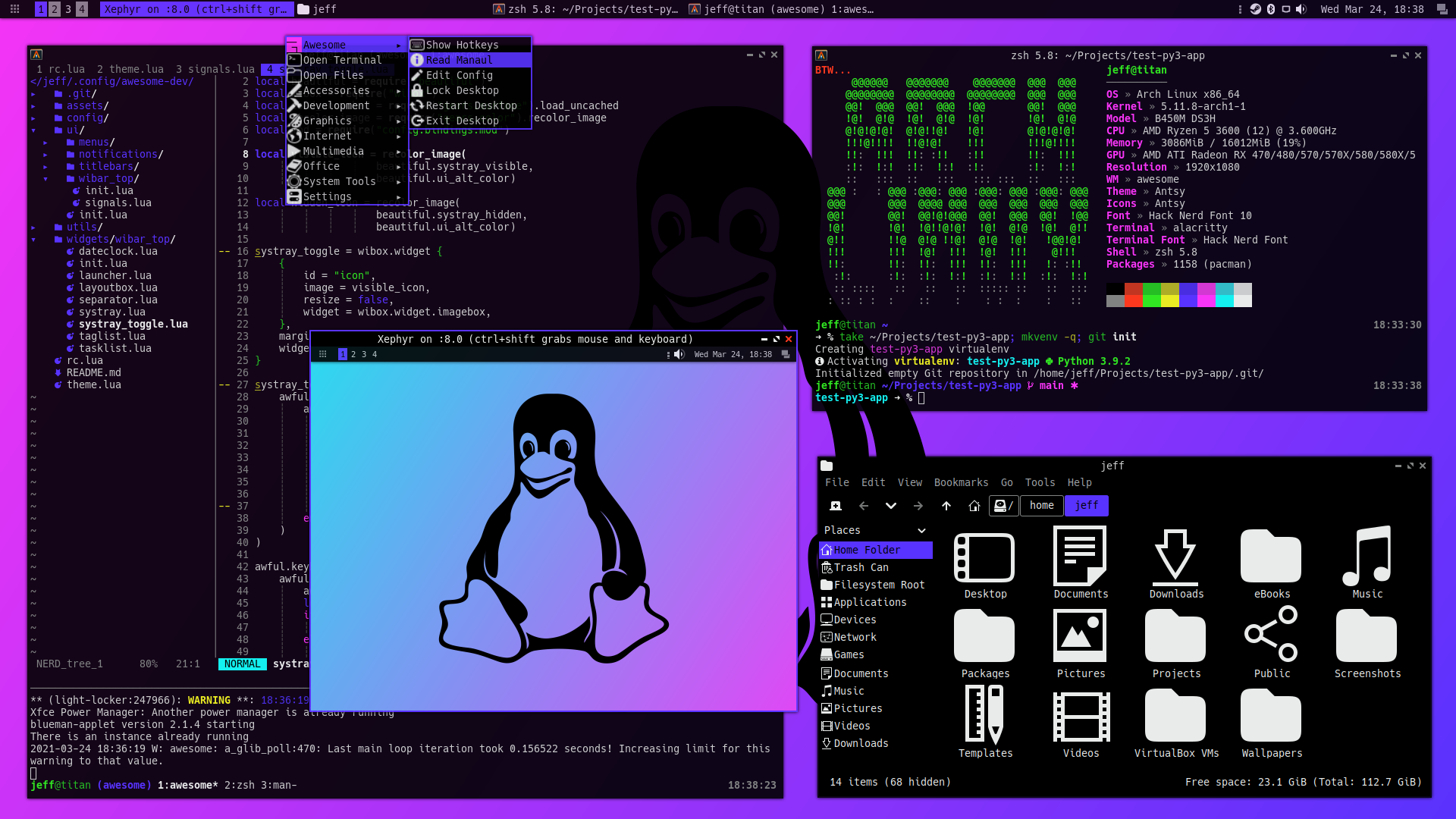
 jeffmhubbard
on 25 Mar 2021
jeffmhubbard
on 25 Mar 2021
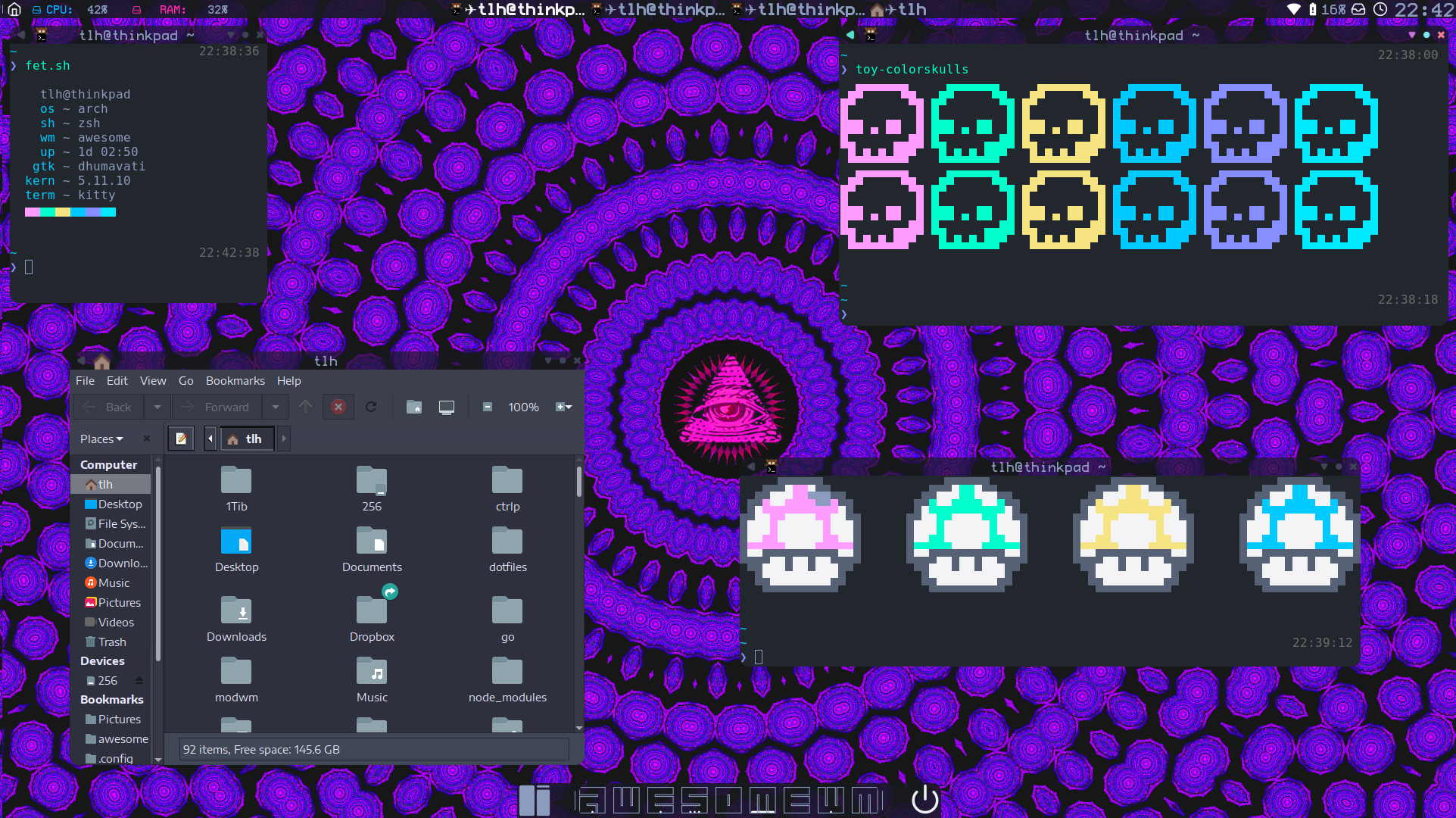
Getting there, still not prime time though ;]
 Thomashighbaugh
on 6 Apr 2021
Thomashighbaugh
on 6 Apr 2021
Related issues
 Fybe
·
5Comments
Fybe
·
5Comments
 liquiddandruff
·
6Comments
liquiddandruff
·
6Comments
 vonpupp
·
5Comments
vonpupp
·
5Comments
 batmanm0b1E
·
6Comments
batmanm0b1E
·
6Comments
 blkdr
·
5Comments
blkdr
·
5Comments
Most helpful comment
Also http://i.imgur.com/nyrNuT7.jpg for an alternative to the nice "real" desktop on the first page