Hi
Im so happy to used this opensource its really great to have it.
please im doing or testing the encoder i believed it was successfully installed but when i tried to access it
streamer is not allowed.
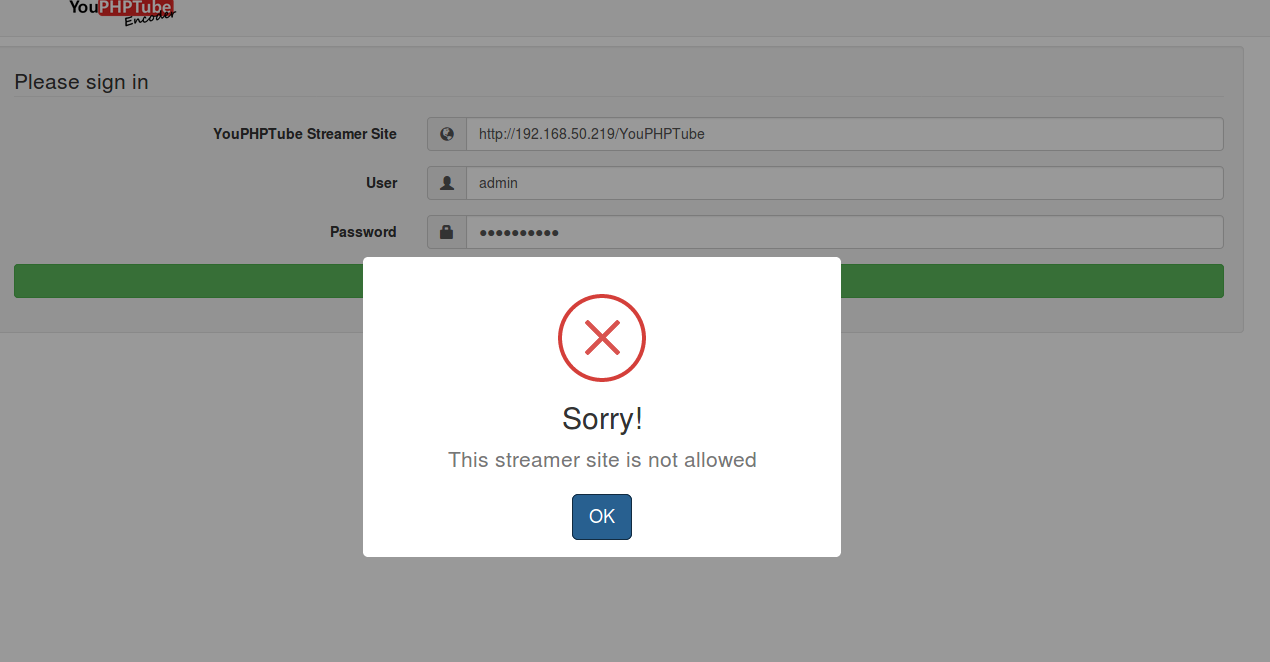
can you guide me
thanks
 cheesewizz
All 21 comments
I tested it first using virtualbox under ubuntu linux system
cheesewizz
on 10 Nov 2017
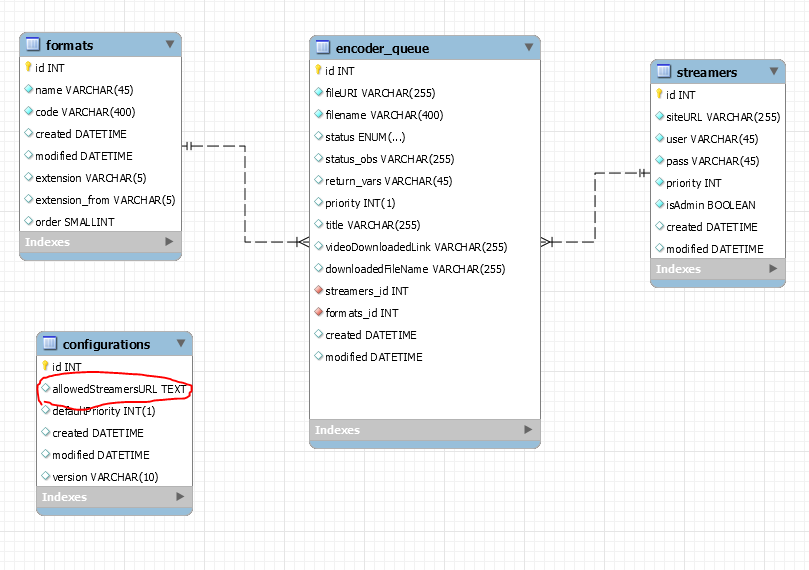
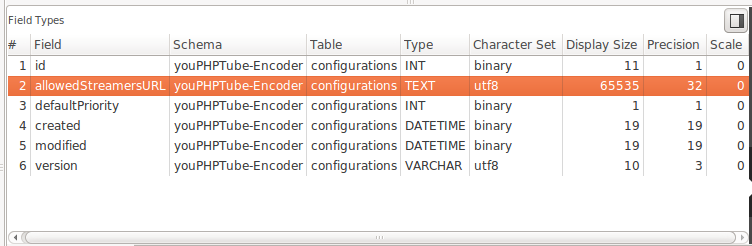
Hi, check your configuration table
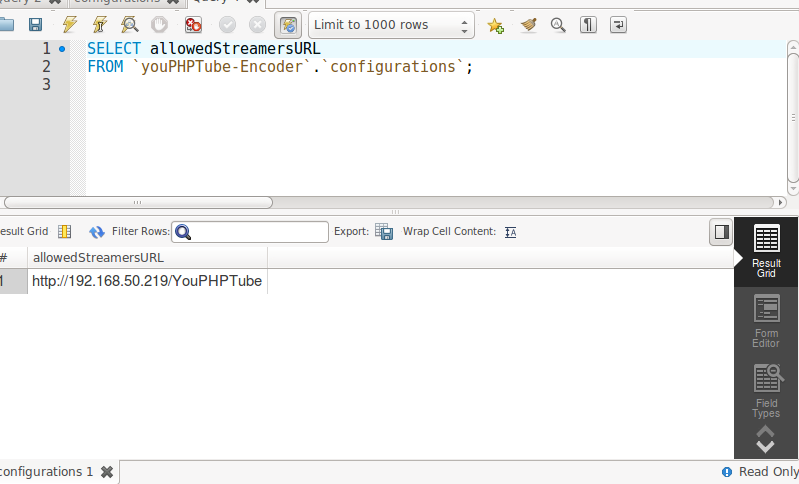
if this field is blank anyone can use, if not only this site can use
 DanielnetoDotCom
on 10 Nov 2017
DanielnetoDotCom
on 10 Nov 2017
Thanks for your reply
is that a database tables? where can i check the configuration table?
cheesewizz
on 10 Nov 2017
it is your encoder tables, use mysql commands or any other tool you prefer
DanielnetoDotCom
on 10 Nov 2017
cheesewizz
on 10 Nov 2017
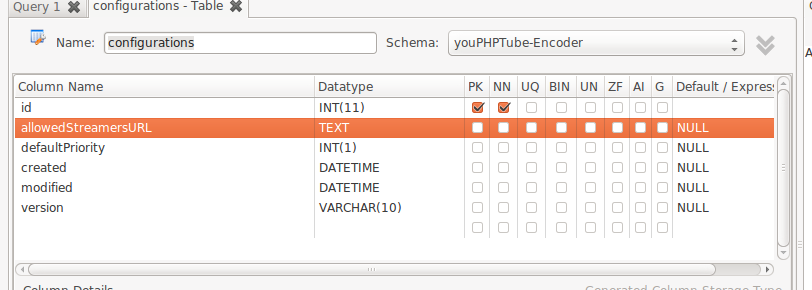
I can see you are using workbench.
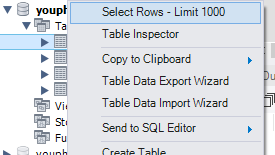
try to select row
DanielnetoDotCom
on 10 Nov 2017
cheesewizz
on 10 Nov 2017
cheesewizz
on 10 Nov 2017
cheesewizz
on 10 Nov 2017
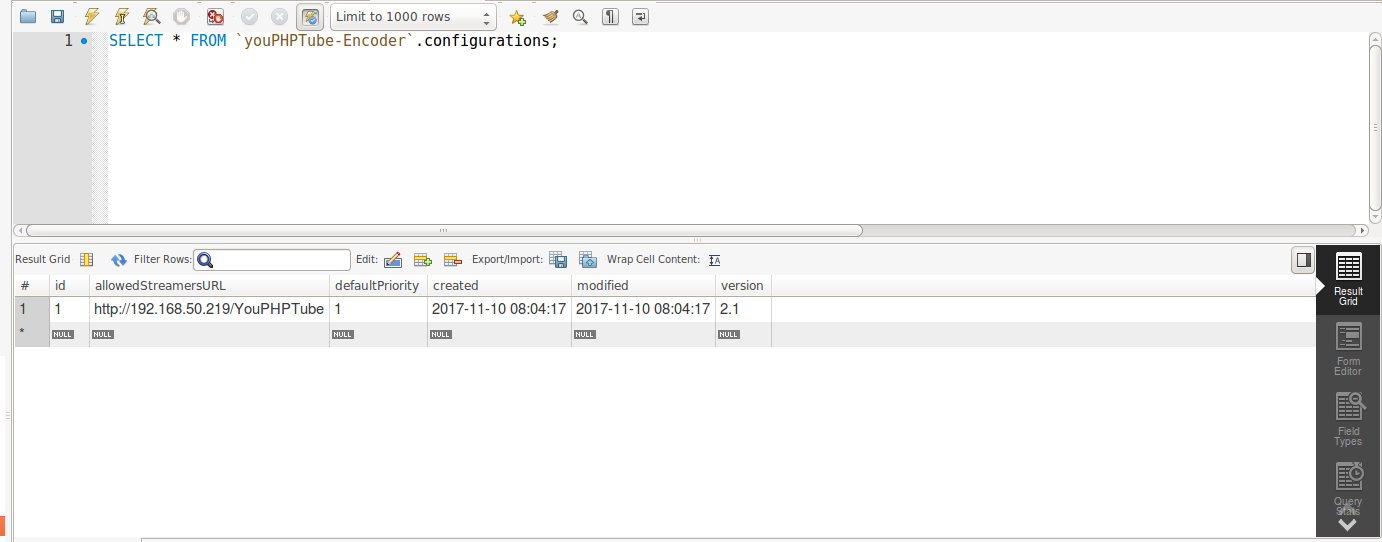
what do i update?
cheesewizz
on 10 Nov 2017
I am not sure what is wrong, but do this, put a slash at the end of the allowedStreamersURL it will be http://192.168.50.219/YouPHPTube/
If it does not work, I have to take a deeper look on your installation.
But to make it work now, just remove the value from allowedStreamersURL and it will work for sure, but be careful it will be public and anyone will be able to use your encoder
DanielnetoDotCom
on 10 Nov 2017
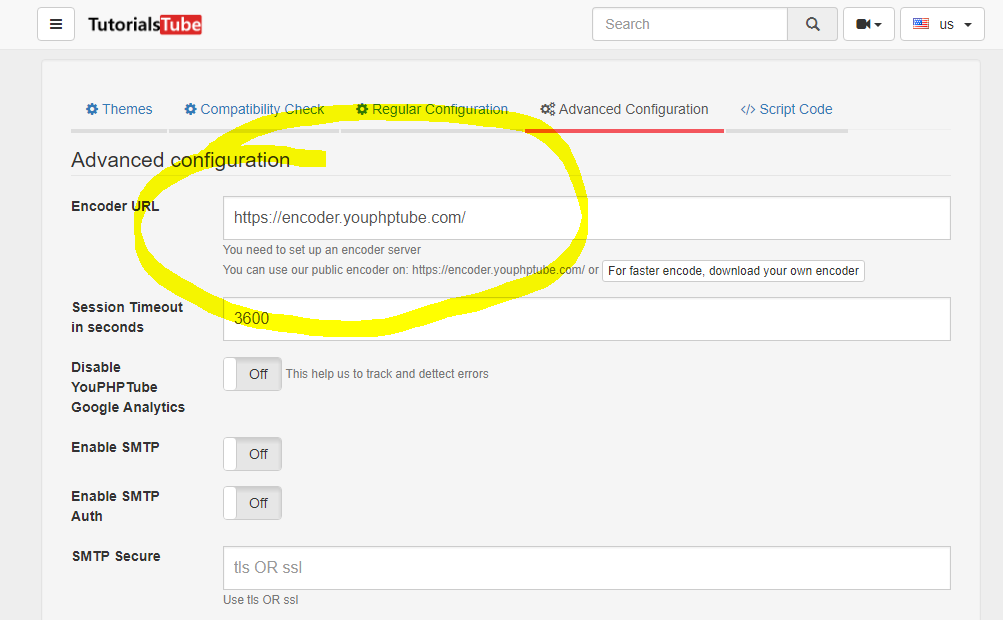
I just realized, you install a encoder, but are you sure you are using your encoder and not the public one?
you can not use the public encoder with a local IP address.
Make sure your streamer site is point to your encoder
DanielnetoDotCom
on 10 Nov 2017
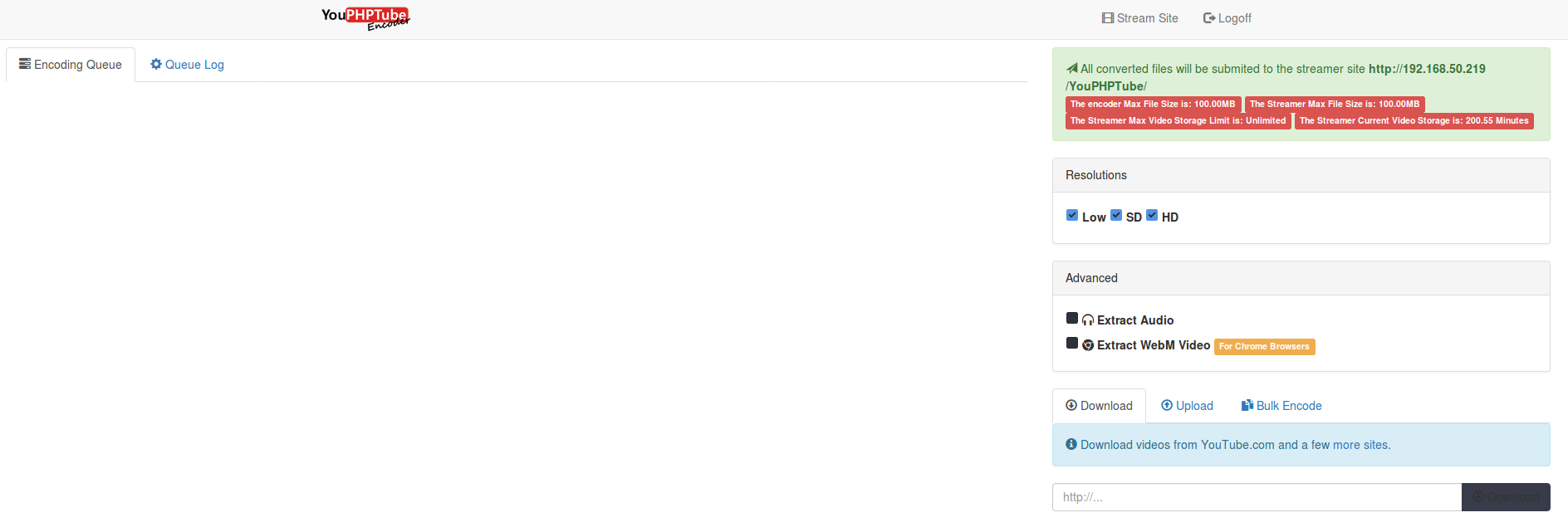
it works just putting / slash at the end of the path
cheesewizz
on 10 Nov 2017
thank you very very much :)
cheesewizz
on 10 Nov 2017
you welcome.
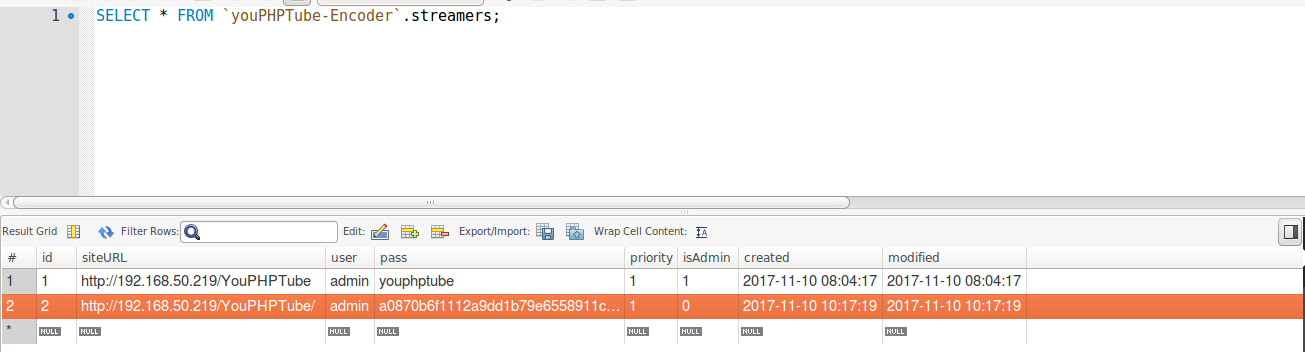
But I can see you are not admin, change your isAdmin column to 1 on your streamers table
DanielnetoDotCom
on 10 Nov 2017
cheesewizz
on 10 Nov 2017
change isAdmin to 1
DanielnetoDotCom
on 10 Nov 2017
cheesewizz
on 10 Nov 2017
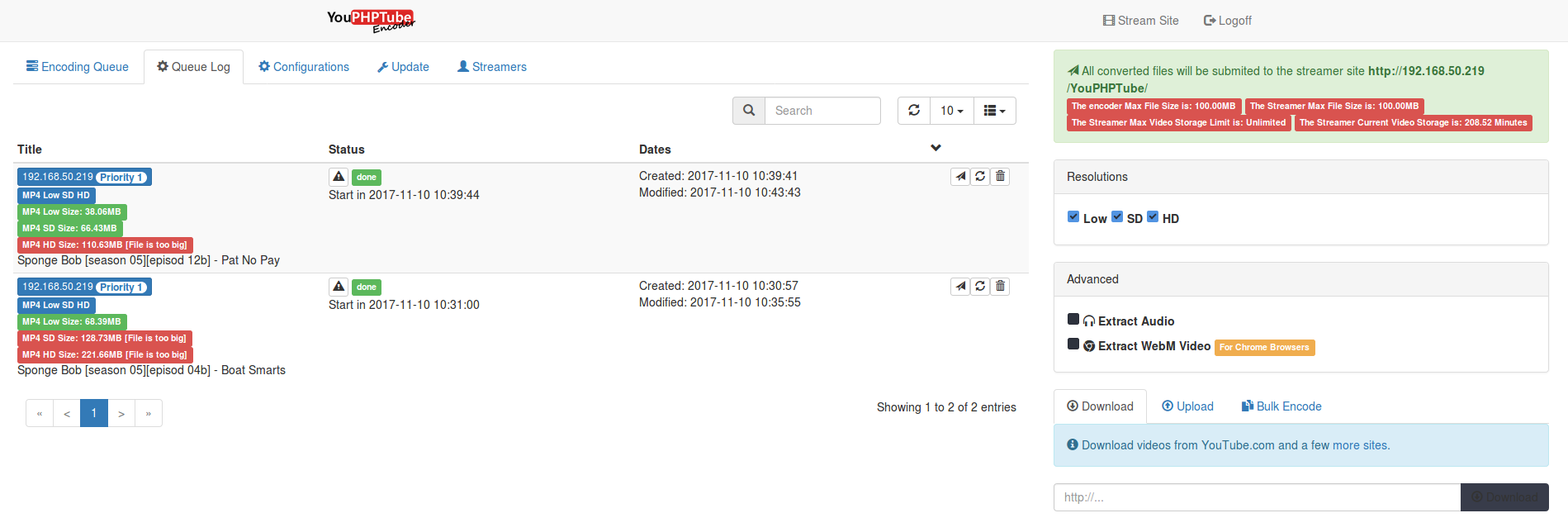
I do not have any tools. what would be the mysql commands used to change the streamer url?
 fst24sx
on 11 Oct 2019
fst24sx
on 11 Oct 2019
this can be done on command line, phpmyadmin or mysql workbench
DanielnetoDotCom
on 11 Oct 2019
this can be done on command line, phpmyadmin or mysql workbench
i understand this. But do not know which commands I need. I dont use any SQL tools
command line only
fst24sx
on 11 Oct 2019
Related issues
 snowdream1985
·
3Comments
snowdream1985
·
3Comments
 gamersalpha
·
3Comments
gamersalpha
·
3Comments
 moses268
·
3Comments
moses268
·
3Comments
 matthall1998
·
4Comments
matthall1998
·
4Comments
 akhilleusuggo
·
3Comments
akhilleusuggo
·
3Comments