Audio_service: Crashes on iOS but works perfectly on Android
Describe the bug
As mentioned in the title, the audio service works just the way I want it to on Android, and since I don't own a mac, I rely on Apple reviewers and beta testers to see if there are any issues with iOS. The apple reviewers got back to me and said this:
"we discovered that your app didn’t play any audio and after tapping “Play” button app either was unresponsive either crashed when reviewed on iPad running iOS 13.4 on Wi-Fi."
Screenshots
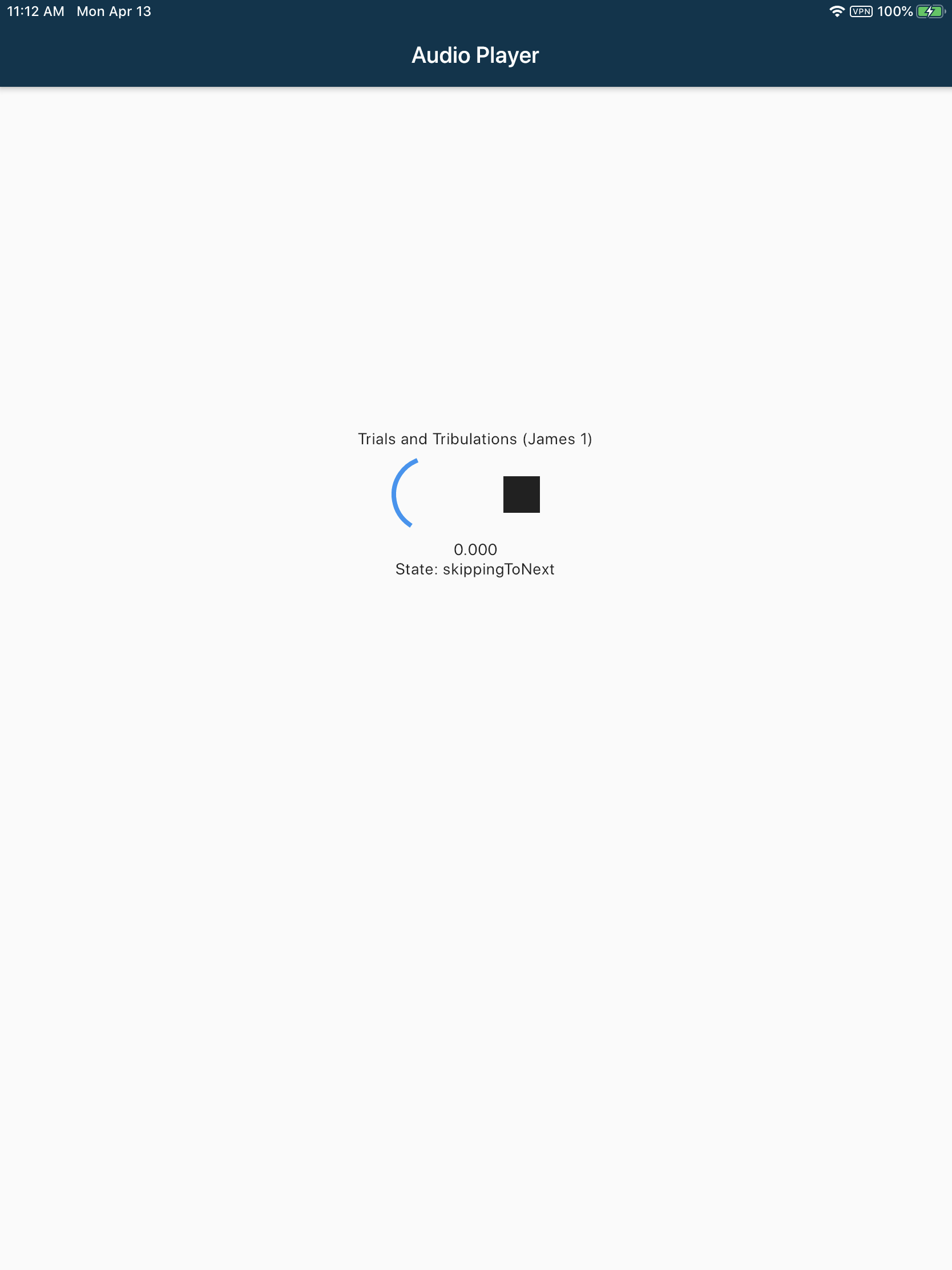
Error messages (based from the crash log they sent)
Termination Signal: Segmentation fault: 11
Termination Reason: Namespace SIGNAL, Code 0xb
Terminating Process: exc handler [581]
Triggered by Thread:  0

Thread 0 name:  Dispatch queue: com.apple.main-thread
Thread 0 Crashed:
0   audio_service                   0x00000001030e1edc 0x1030dc000 + 24284
1   audio_service                   0x00000001030e1ed8 0x1030dc000 + 24280
2   Flutter                         0x00000001032aed20 0x103220000 + 584992
3   Flutter                         0x000000010324c338 0x103220000 + 181048
4   Flutter                         0x000000010329fd5c 0x103220000 + 523612
5   Flutter                         0x000000010325af58 0x103220000 + 241496
6   Flutter                         0x000000010325d1dc 0x103220000 + 250332
7   CoreFoundation                  0x000000018e4e5efc 0x18e438000 + 712444
8   CoreFoundation                  0x000000018e4e5c14 0x18e438000 + 711700
9   CoreFoundation                  0x000000018e4e5288 0x18e438000 + 709256
10  CoreFoundation                  0x000000018e4dffe0 0x18e438000 + 688096
11  CoreFoundation                  0x000000018e4df660 0x18e438000 + 685664
12  GraphicsServices                0x00000001988f0604 0x1988ed000 + 13828
13  UIKitCore                       0x00000001926b415c 0x191c47000 + 10932572
14  Runner                          0x0000000102e7737c 0x102e70000 + 29564
15  libdyld.dylib                   0x000000018e35b1ec 0x18e35a000 + 4588```
Minimal reproduction project
NA
To Reproduce (as sent by the reviewers)
Steps to reproduce the behavior:
- Launch the app
- Tap “Talks” from the bottom menu bar
- Tap “Bible Study” from the Recorded Sessions list
- Tap any folder on the Series list
- Tap any Talk
- Tap Play button
Expected behavior
The talk (file) is played
Runtime Environment (please complete the following information if relevant):
- iPad running iOS 13.4 on Wi-Fi.
- Hardware Model: iPad11,3
Flutter SDK version
[√] Flutter (Channel stable, v1.12.13+hotfix.9, on Microsoft Windows [Version 10.0.18362.720], locale en-US)
    • Flutter version 1.12.13+hotfix.9 at E:\flutter
    • Framework revision f139b11009 (2 weeks ago), 2020-03-30 13:57:30 -0700
    • Engine revision af51afceb8
    • Dart version 2.7.2

[√] Android toolchain - develop for Android devices (Android SDK version 28.0.3)
    • Android SDK at C:\Program Files (x86)\Android\android-sdk
    • Android NDK location not configured (optional; useful for native profiling support)
    • Platform android-28, build-tools 28.0.3
    • ANDROID_SDK_ROOT = C:\Program Files (x86)\Android\android-sdk
    • Java binary at: E:\Android Studio\jre\bin\java
    • Java version OpenJDK Runtime Environment (build 1.8.0_212-release-1586-b04)
    • All Android licenses accepted.

[√] Android Studio (version 3.6)
    • Android Studio at E:\Android Studio
    • Flutter plugin version 40.2.2
    • Dart plugin version 191.8593
    • Java version OpenJDK Runtime Environment (build 1.8.0_212-release-1586-b04)

[√] VS Code (version 1.44.0)
    • VS Code at C:\Users\Simon\AppData\Local\Programs\Microsoft VS Code
    • Flutter extension version 3.9.1

[√] Connected device (1 available)
    • HD1901 • ******** • android-arm64 • Android 10 (API 29)

• No issues found!
Additional context
I've added the necessary key in the Info.plist file also, but that's the only thing that differs to the Android setup.
<key>UIBackgroundModes</key>
<array>
    <string>audio</string>
</array>
 simdev0
All 12 comments
I realise that it might be quite vague, but I dont know what other information to provide since I myself don't know where the issue lies. Perhaps there's something obvious that I've missed? I did have to change the MainActivity for it to work on Android (replaced the onCreate() method)
class MainActivity: FlutterActivity() {
    override fun configureFlutterEngine(@NonNull flutterEngine: FlutterEngine) {
        GeneratedPluginRegistrant.registerWith(flutterEngine);
    }
}
A minimal reproduction project would definitely be helpful.
 ryanheise
on 15 Apr 2020
ryanheise
on 15 Apr 2020
@ryanheise How do I create one if I don't know where the issue lies? (first time posting a bug so still new to this)
simdev0
on 15 Apr 2020
I would suggest the binary search method. Cut out half of your functionality and see if the bug still presents itself. Then cut out half of what remains and see again if the bug still presents itself. Keep cutting in half until you have a minimal project. You can of course slice the pie in different ways when you're cutting in half so that you cut out the code that doesn't contribute to the bug. If your project is open source, you can point me to your project, but otherwise you can try the above approach.
ryanheise
on 15 Apr 2020
It'd be difficult for me to find out if the bug still exists since I dont have the tools for iOS. Can I add you as a collaborator to my project perhaps? Can't put it public just yet
simdev0
on 15 Apr 2020
@ryanheise I've just added you to the project. The code where the audio plays is all in audio-player.dart and background-audio.dart
simdev0
on 16 Apr 2020
Hi @simdev0
I'm looking through your code and it actually seems fine at first glance. That is to say I cannot immediately see evidence of a bug in audio_service, and thus any further time spent would probably amount to my debugging your project.
What I would suggest as your next step is to do some debugging and narrow down the exact line where it's failing. (e.g. binary search method if you know no other). If you find evidence that it is a bug in audio_service, you can include that information in your bug report, and it will give me something more specific to investigate. But if you do the debugging, you may find that it is not actually a bug in audio_service - it may be a bug in the logic or in a different plugin. Find out what it is, and then if necessary file a bug report with the appropriate project with the information you have learned.
One thing I noticed (although this is not the cause of your bug) is that your entrypoint should be a single line of code as per the documentation and example. Your initialisation code can be moved into the onStart of your background task because run is intended to call WidgetsFlutterBinding.ensureInitialized(); automatically for you.
ryanheise
on 19 Apr 2020
@ryanheise thanks for looking into it, I'll see what I can do to debug it and get back to you.
simdev0
on 19 Apr 2020
I noticed something that might be of interest.
I changed the code going into the audio-player.dart page with this
onTap: () => {
          url = Strings.getTalkFileUrl + '/' + session + '/' + series + '/' + talkFile.fileName,

          player.setUrl(url).then((dur) {
            var durInMs = dur.inMilliseconds;

            Navigator.push(context, MaterialPageRoute(builder: (context) =>
              new AudioPlayerPage(
                talkFile: talkFile,
                duration: durInMs,
                url: url,
                )));

          }),
So I can pass the duration, I use an AudioPlayer and setUrl, however with some testing on iOS, it doesn't go to the next screen (when previously it did). I assume it crashes on setUrl. If that's the case, then perhaps the issue is with just_audio plugin?
Edit: just to add, everything still works on Android
simdev0
on 21 Apr 2020
Yes, that would indicate the issue is with just_audio.
ryanheise
on 21 Apr 2020
Should I create a new issue in that repo and copy all these details over?
simdev0
on 21 Apr 2020
Yes please post an issue on that project, although now that you've narrowed it down to one line of code, none of the other details will be relevant. Please provide a minimal reproduction project for just_audio using the particular setUrl call with the particular parameter value that caused the bug. I'll close this one over here.
ryanheise
on 21 Apr 2020
Related issues
 Okladnoj
·
5Comments
ryanheise
·
6Comments
Okladnoj
·
5Comments
ryanheise
·
6Comments
 lain-ke
·
6Comments
lain-ke
·
6Comments
 mohammadne
·
7Comments
mohammadne
·
7Comments
 Divyanshu133
·
5Comments
Divyanshu133
·
5Comments
Most helpful comment
Hi @simdev0
I'm looking through your code and it actually seems fine at first glance. That is to say I cannot immediately see evidence of a bug in
audio_service, and thus any further time spent would probably amount to my debugging your project.What I would suggest as your next step is to do some debugging and narrow down the exact line where it's failing. (e.g. binary search method if you know no other). If you find evidence that it is a bug in
audio_service, you can include that information in your bug report, and it will give me something more specific to investigate. But if you do the debugging, you may find that it is not actually a bug inaudio_service- it may be a bug in the logic or in a different plugin. Find out what it is, and then if necessary file a bug report with the appropriate project with the information you have learned.One thing I noticed (although this is not the cause of your bug) is that your entrypoint should be a single line of code as per the documentation and example. Your initialisation code can be moved into the
onStartof your background task becauserunis intended to callWidgetsFlutterBinding.ensureInitialized();automatically for you.