Armory: Very low frame rate in Mali GPU only
Doing some tests in different Android devices, one of them with a Mali GPU (samsung smartphone) have very low frame rate in a basic scene. A same specs smartphone, with the same Android version but with Adreno GPU, runs with high fps. Is there some feature in Armory that can cause a low frame rate in Mali GPU? Can a simple logic do this? Because i already tested irradiance, textures, physics, and nothing lagged in the device. It seems that the issue is caused by some other stuff in my specific blend file. I will keep doing tests around this, but if someone can give me some light to go i will be grateful.
• Already disabled all unused stuff, like skinning, displacement, etc. and nothing gives a improvement in the performance in this case.
• The device don't over heat nor consumes too much energy (just a little bit more).
Edit: Also the HDR world background turns black in this specific device, but the irradiance works fine. Already tryed different resolutions but not get results.
 knowledgenude
All 11 comments
Tested in more Mali GPU devices and the world keeps black. After some search i found that the problem is with Mali, but i tested Avakin (that have good graphics for a android game) and it runs good even in a weak device, probably i should downgrade more the graphics.
knowledgenude
on 13 May 2020
Hi @knowledgenude,
Did you try and compare Mali GPU devices VS others using the default cube scene?
How is the frame rate then?
 QuantumCoderQC
on 13 May 2020
QuantumCoderQC
on 13 May 2020
Hi @QuantumCoderQC, i have tested in three Mali devices until now. The low specs device have very low frame rate with a basic scene (that have 15 rigid bodies with spherical shape, 2 materials with textures, hdr world and irradiance enabled) but strangely, this device runs Avakin very well at 45/60 fps with a lot of alphas and skinning. I already tested with lamps and shadows and the problem is not this.
When i rotate the camera, the black world seems that is flicking. I see a problem like this in the GTA SA 0Android versions when it was released in Samsung's devices (related to GPU).
But the mainly focus is performance as we are talking about mobile. If you tell me a way to calculate the framerate directly in the device, i will make a lot of builds, each for a element (physics, graphics, logic, etc.) as i can't publish with debug console to see exactly what is lagging.
Also, the Sky Texture appearly works fine in Mali unlike the world hdr.
Everything runs very well in Adreno GPU, even with shadows and lamps (tested in 2 devices and i will test in more of these devices soon too). What do you think about it? Maybe the problem is not in GPU type but on changes in the OS? I particulary think that is the GPU.
Edit: To make sure that was not some configuration i do, i have appened all objects to another blend, but the behavior keeps the same.
knowledgenude
on 13 May 2020
@knowledgenude
I would first test with a default cube blender scene. Nothing extra at all.
as I can't publish with debug console to see exactly what is lagging.
I do not understand why you couldn't publish with debug console? Do you get any errors?
QuantumCoderQC
on 13 May 2020
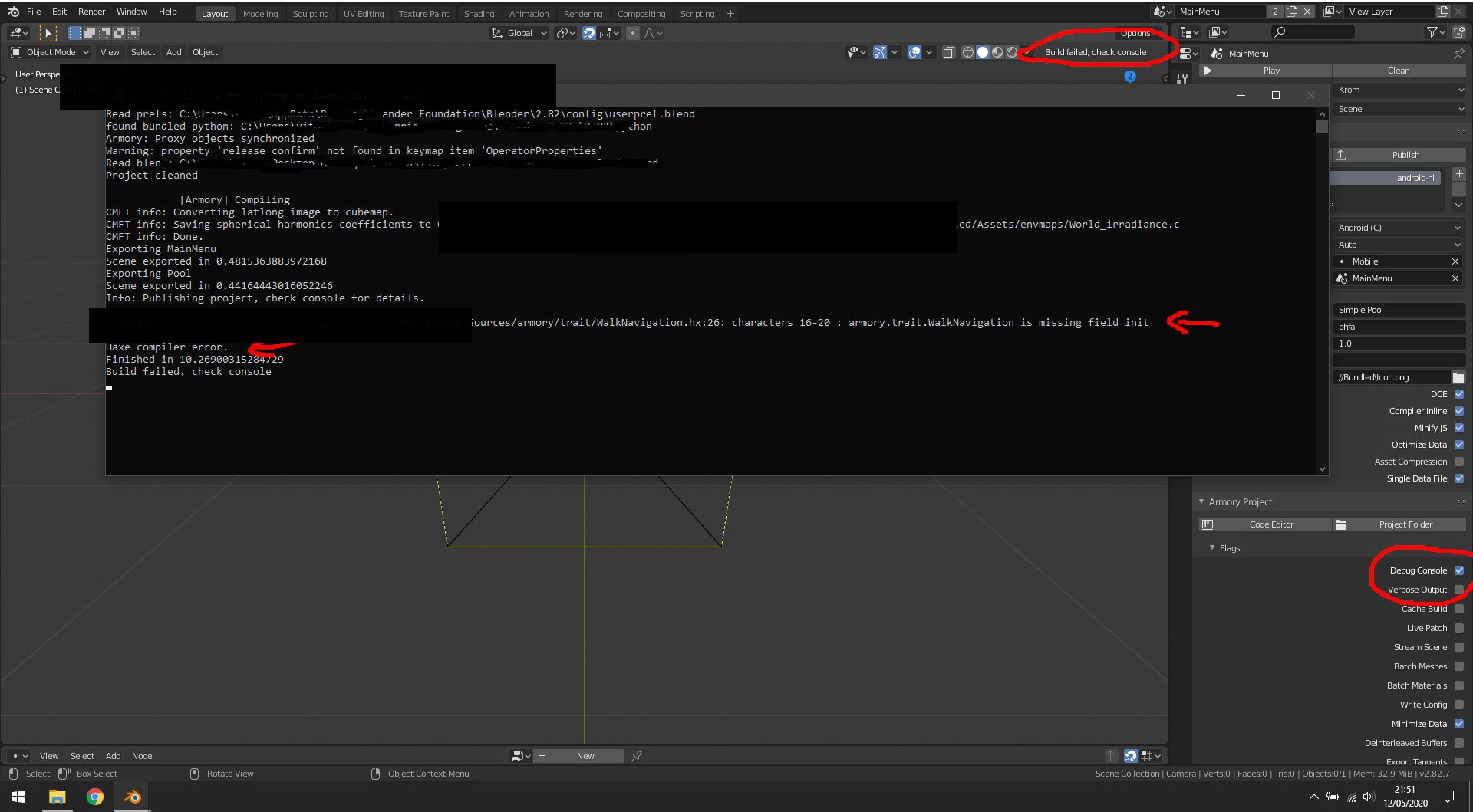
I have a lot of errors printing in the console when i try to publish a build with debug console enabled.
As i don't use Navigation mesh in the scene, i disable Navigation module. So i get this error when i try to build with debug console enabled:
Then, when i enable Navigation module:
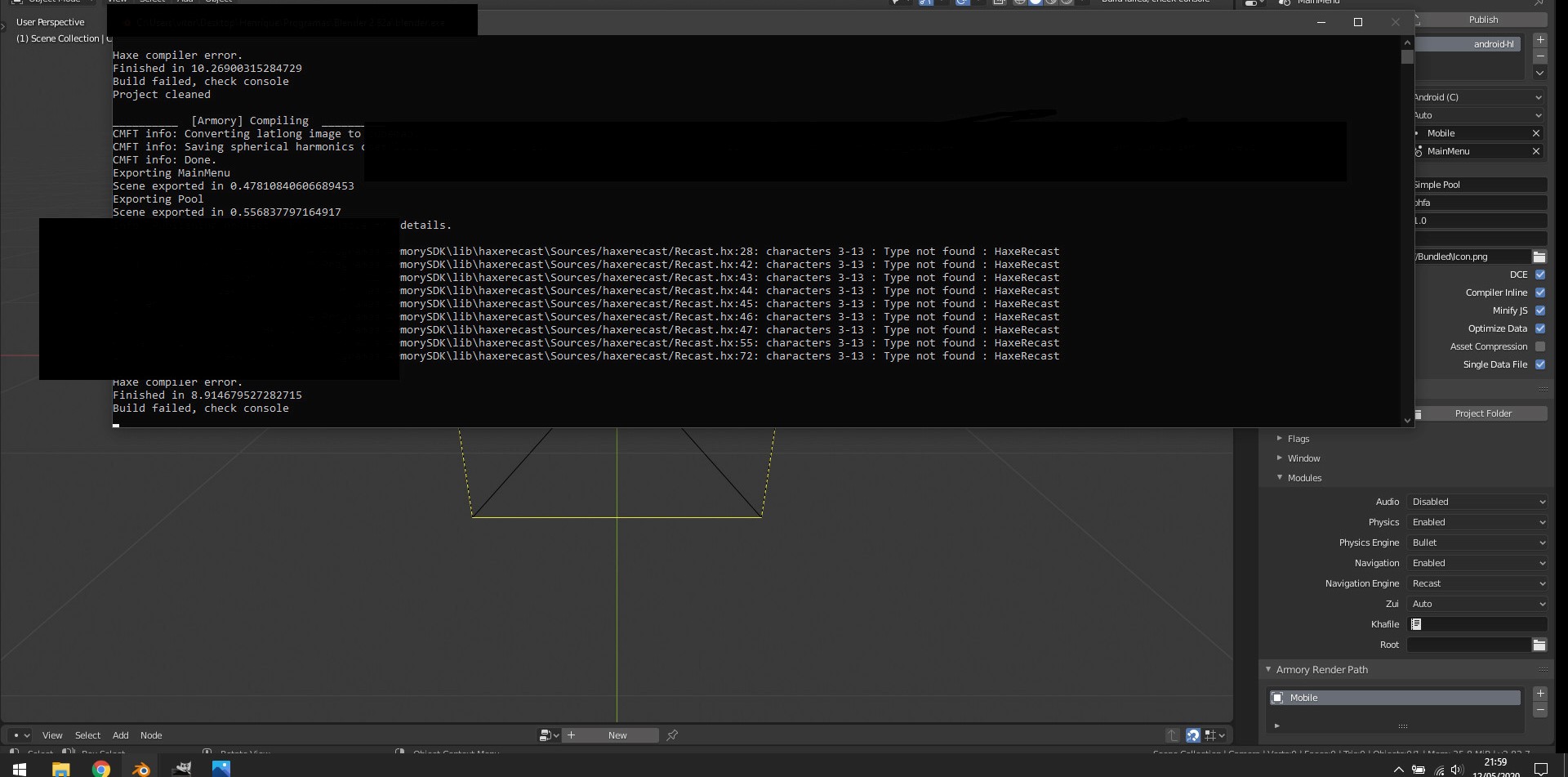
Edit: I am already using the Git version
knowledgenude
on 13 May 2020
I see, this issue was reported. You may overcome it by using the "Scene" camera instead of the "Viewport" camera.
QuantumCoderQC
on 13 May 2020
It works. I will build and test in both GPUs now and see what is lagging.
knowledgenude
on 13 May 2020
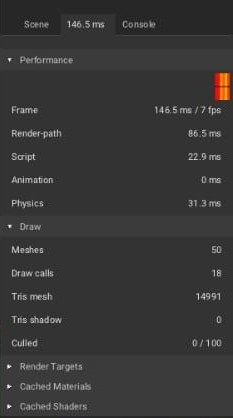
First issue: in the scene, i have 72 objects but in Armory debug console the Draw Culling is showing 0/100 objects. Every time i delete 1 of the objects, 2 are removed from the Culling (and setted to 0/98). These objects looks duplicated and have rigid body attached to it.
Maybe it was caused because i used the 'Copy From Active' option in Blender Object tab, maybe not, i don't have sure and will test it soon.
But, idependent of this, the performance in Mali device looks really bad:
Devices specs:
Adreno: 8 Core 2 GHZ
Chipset: Snapdragon 625
GPU: Adreno 506
64 Bit
1920x1080

Mali: 8 core 1.6GHZ
Chipset: Exynos 7870 Octa
GPU: Mali-T830MP2
64 Bit
1920x1080
knowledgenude
on 13 May 2020
I will test both devices in the default cube scene later and if i see something relevant i return here.
knowledgenude
on 13 May 2020
The extra draw calls are from the objects shadows but the shadows are not enabled in the file. After testing it more i found that instanced objects (including its shadows) don't get culled.
This test file have two files
Culling file is to debug the culling. The scene have 10 objects not instanced. When the shadows are enabled you can see that the Culling (sometimes) match the Draw call value (wich is correct). But if shadows are disabled, the Culling always will have 10/20 objects culled (10 extras), because it is not culling their shadows. I think that the shadows should not be included there if they are not enabled, but no problem if this don't cause any performance issue.
InstacedObjects file is to debug the instanced objects because it is not culled all the time. I don't know how much this can affect the performance, but the performance issue is not related to it because i don't use instance in the exported APK.
Now i take the day to test what is causing the performance issue in the devices.
knowledgenude
on 13 May 2020
I found the issue. It is related to Canvas.
To track the issue, i make a new file, then i have added a feature per build until i face the fps killer
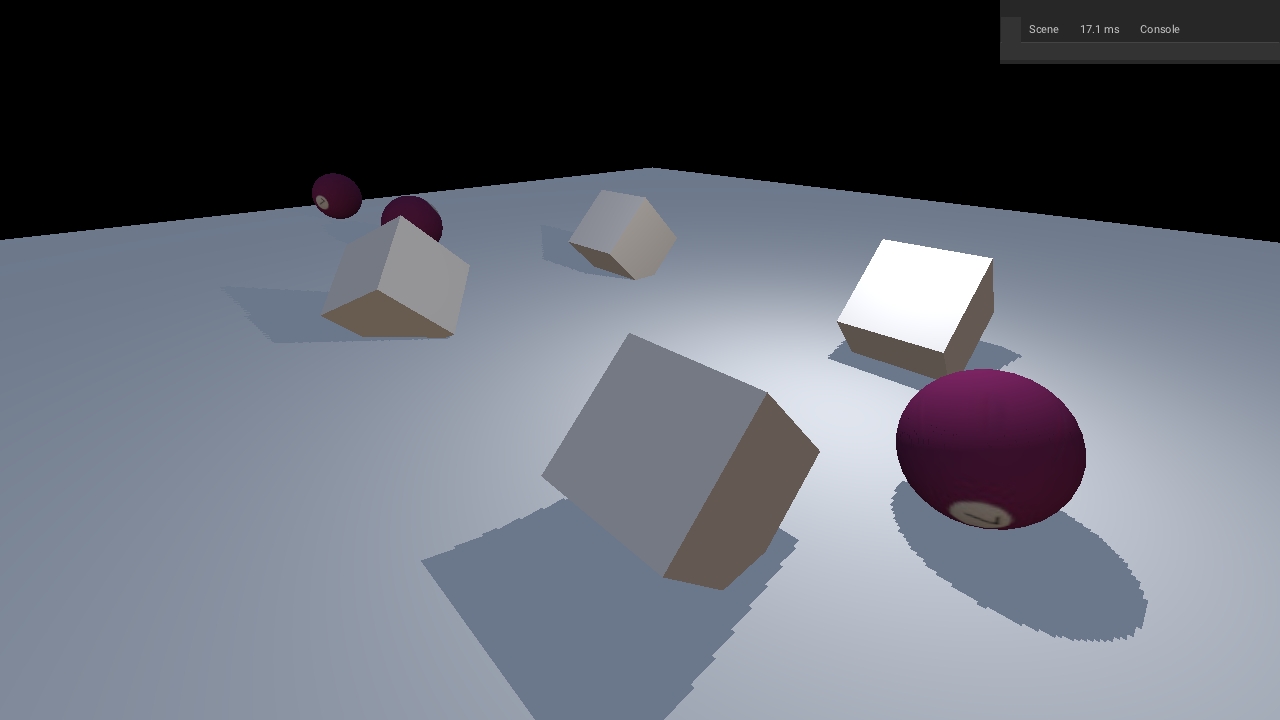
To compare both devices performance, i have a print of them in a scene containing physics, textures and world irradiance.
In Mali GPU, the environment texture turns black, but the FPS is almost the same as we see in Adreno GPU
MALI:
ADRENO:
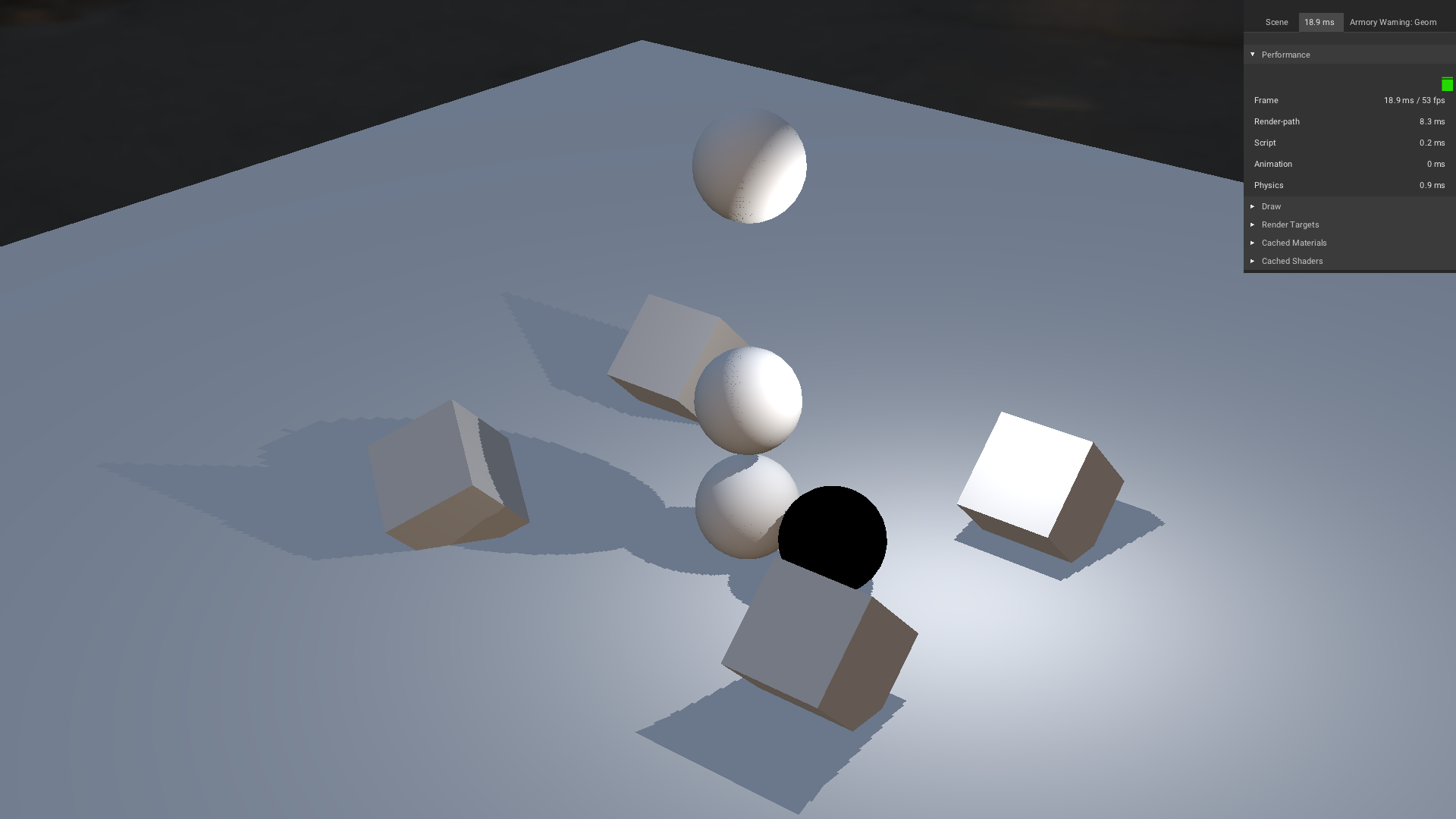
But when i put a Canvas to the file, only Adreno keeps the FPS the same:
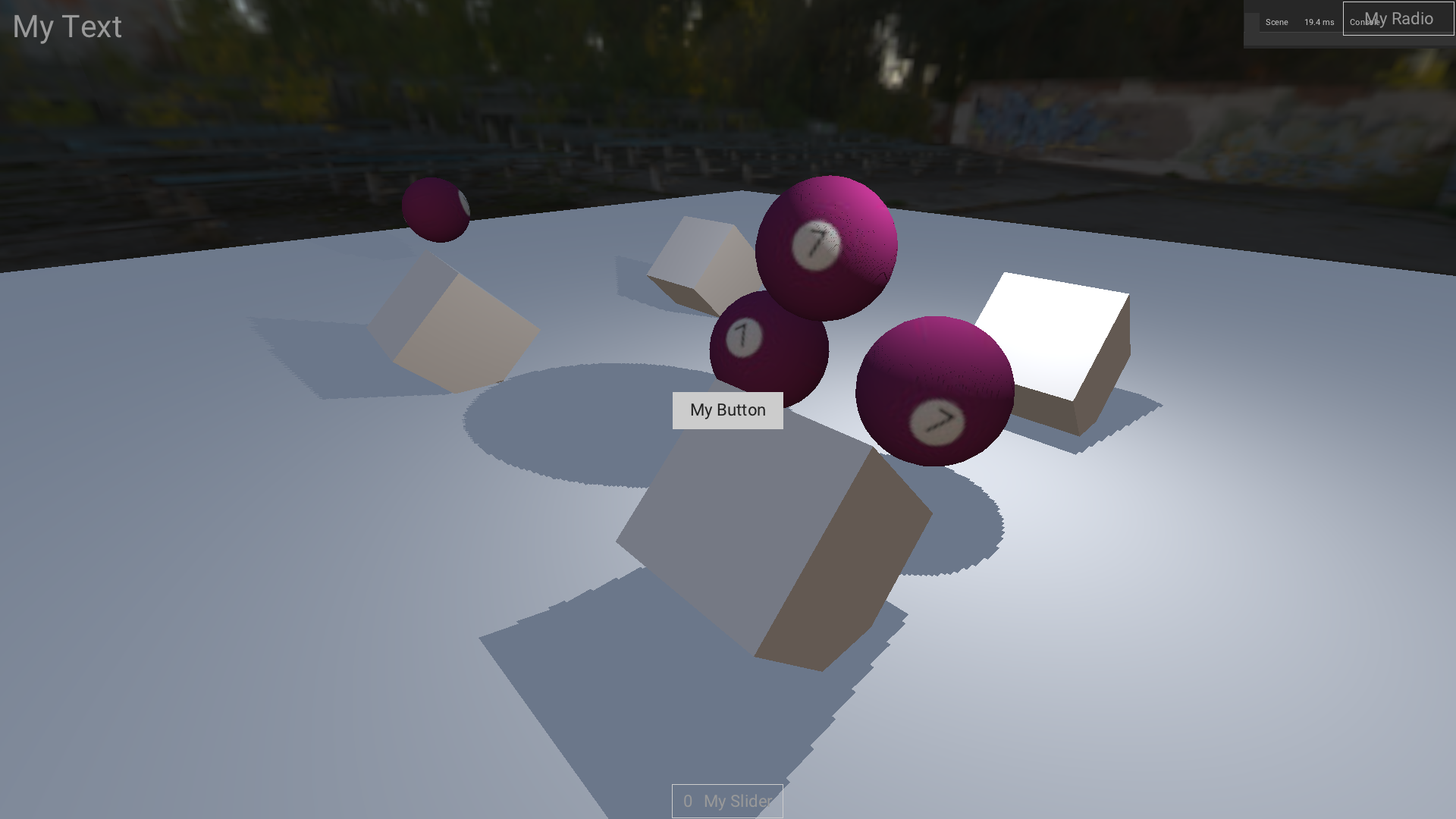
MALI:
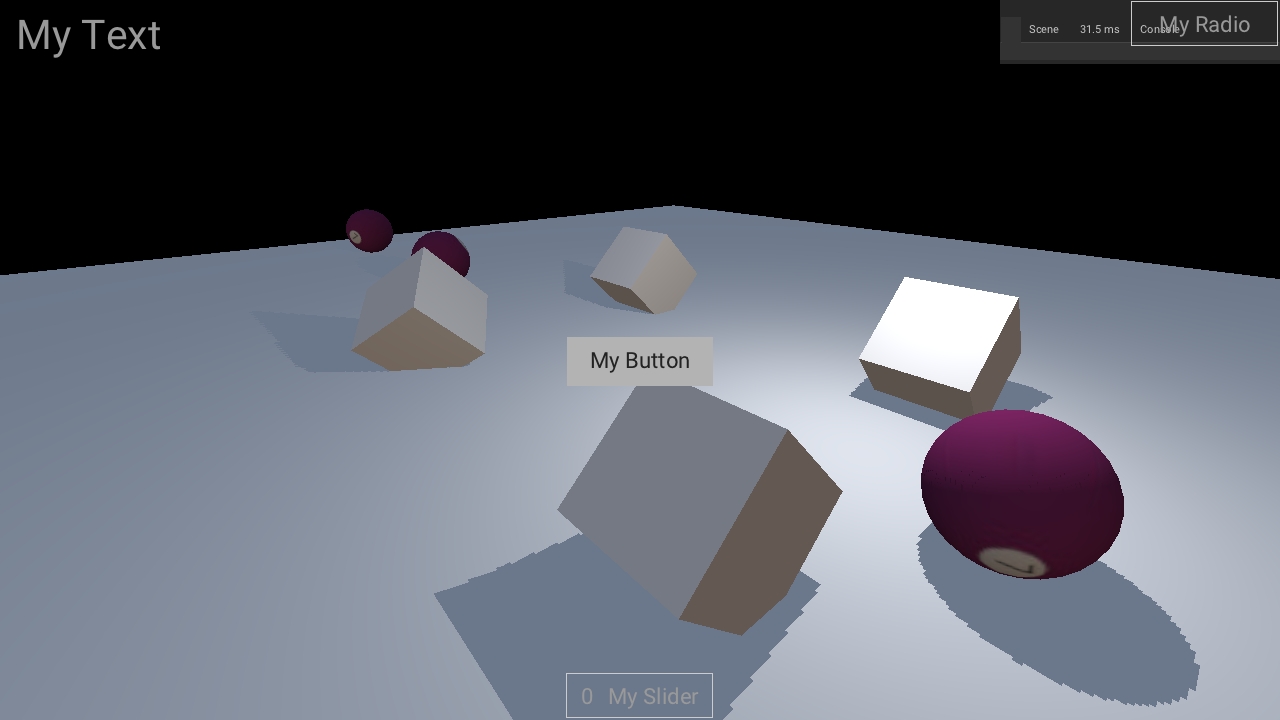
PS: I think that the Canvas element amount will dictate the FPS drop amount. Much Canvas elements = Much fps drops in Mali GPU.
I will open a report for this now
knowledgenude
on 13 May 2020
Related issues
 BrahRah
·
3Comments
BrahRah
·
3Comments
 Nos-
·
4Comments
Nos-
·
4Comments
 donalffons
·
4Comments
donalffons
·
4Comments
 luboslenco
·
3Comments
knowledgenude
·
3Comments
luboslenco
·
3Comments
knowledgenude
·
3Comments