Armory: logic nood didn't work on windows
Thank you for contributing to Armory!
Description
Issue description.
I am using armory3d last version with last version in blender but I am using it on linux pop os it is working no problem but when I am check on debug The test never worked , now I deside work on Microsoft windows but when I opened the file the logice node not worked
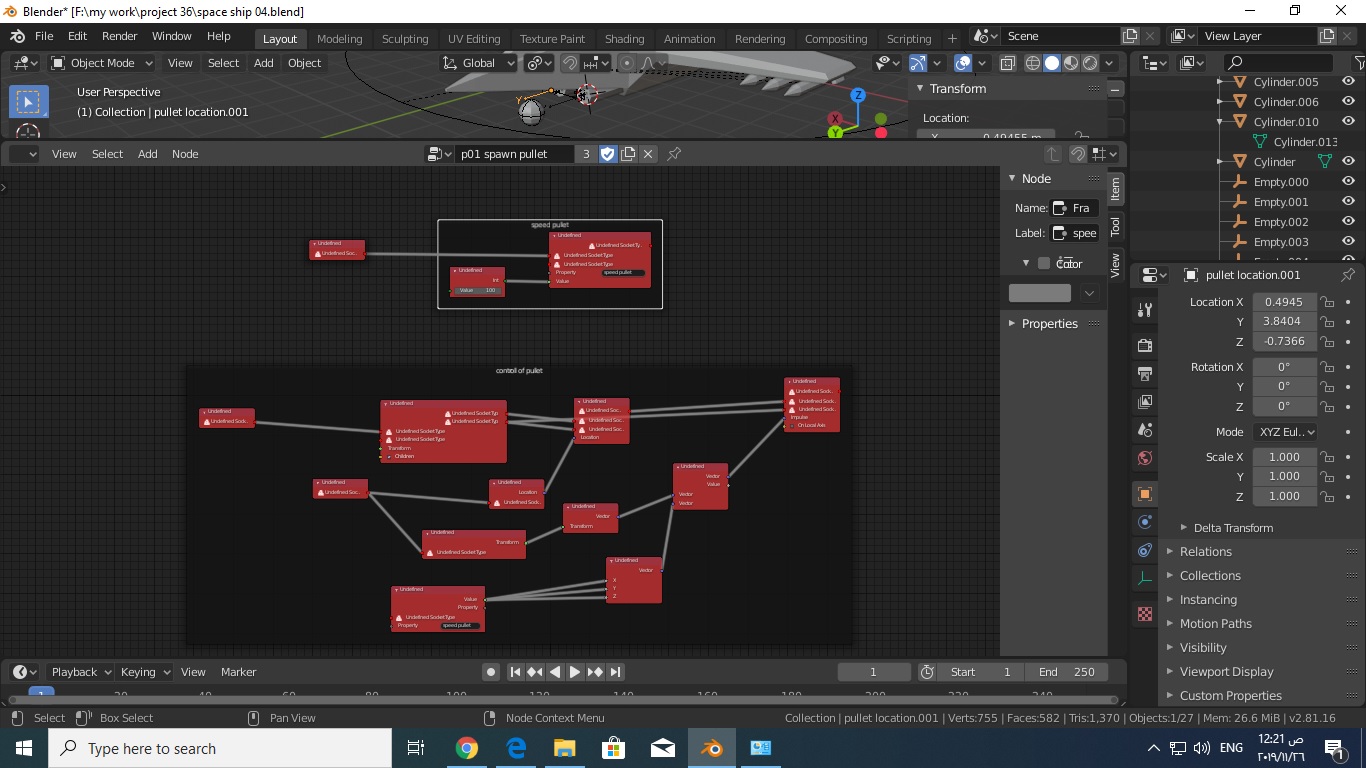
To Reproduce
Steps to reproduce the behavior.
Expected behavior
What you expected to happen.
I do not know
System
Blender:3.81
Armory:11/19
OS:
Graphics card:gtx1050
Test File
(drag & drop the zipped .blend file here)
 mhreez
All 4 comments
I think it will work fine by setting the SDK path.(https://github.com/armory3d/armory/issues/1343)
Armory2019.11 has been able to detect SDK path automatically in Blender 2.80, but it has been reported that it cannot be detected well in Blender 2.81.(https://github.com/armory3d/armory/issues/1490) Therefore, it is necessary to manually set the SDK path temporarily as before Armory2019.10.
 Sandy10000
on 28 Nov 2019
Sandy10000
on 28 Nov 2019
No, Sandy, I checked the path it is fine
But someone told me the problem was probably coused by the new version of the armory3d with the new Blander version
mhreez
on 30 Nov 2019
It seems that ArmorySDK add-on is not recognized by blender2.81 installed in Windows.
Armory2019.12 was released a while ago, so you might want to try it out.
As a cause other than when the SDK path is not set, problems may occur when the Update SDK button is pressed on a PC that does not have git installed, or when there are non-alphabetic characters in the SDK path.
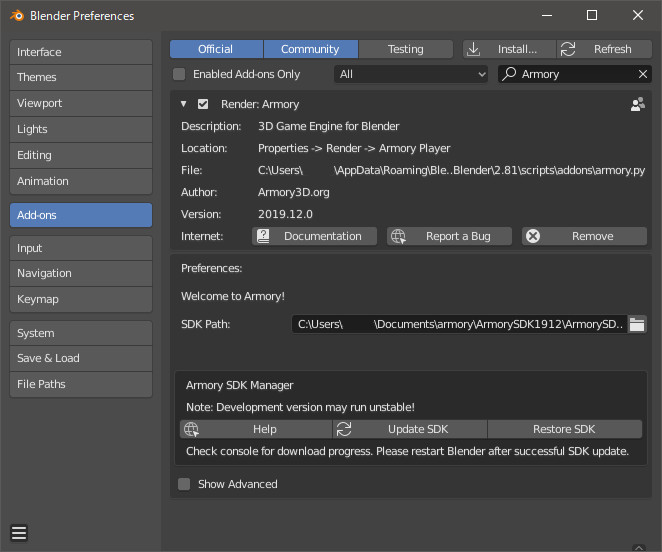
If you still have problems after trying Armory2019.12, the following information may help you solve the problem.
- Preferences screen image
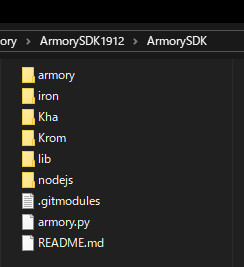
SDK folder image
Console log when starting blender
Read prefs: C:\Users\****\AppData\Roaming\Blender Foundation\Blender\2.81\config\userpref.blend
found bundled python: C:\blender-2.81-windows64\2.81\python
Armory: Proxy objects synchronized
Thank you so much. today i will try it
mhreez
on 1 Dec 2019
Related issues
 BrahRah
·
3Comments
BrahRah
·
3Comments
 knowledgenude
·
3Comments
knowledgenude
·
3Comments
 e1e5en-gd
·
3Comments
e1e5en-gd
·
3Comments
 donalffons
·
3Comments
donalffons
·
3Comments
 guzzard
·
4Comments
guzzard
·
4Comments
Most helpful comment
It seems that ArmorySDK add-on is not recognized by blender2.81 installed in Windows.
Armory2019.12 was released a while ago, so you might want to try it out.
As a cause other than when the SDK path is not set, problems may occur when the Update SDK button is pressed on a PC that does not have git installed, or when there are non-alphabetic characters in the SDK path.
If you still have problems after trying Armory2019.12, the following information may help you solve the problem.
SDK folder image

Console log when starting blender