Armory: Play Action node does not work with linked action
There is a locally defined action and a linked one in this scene.
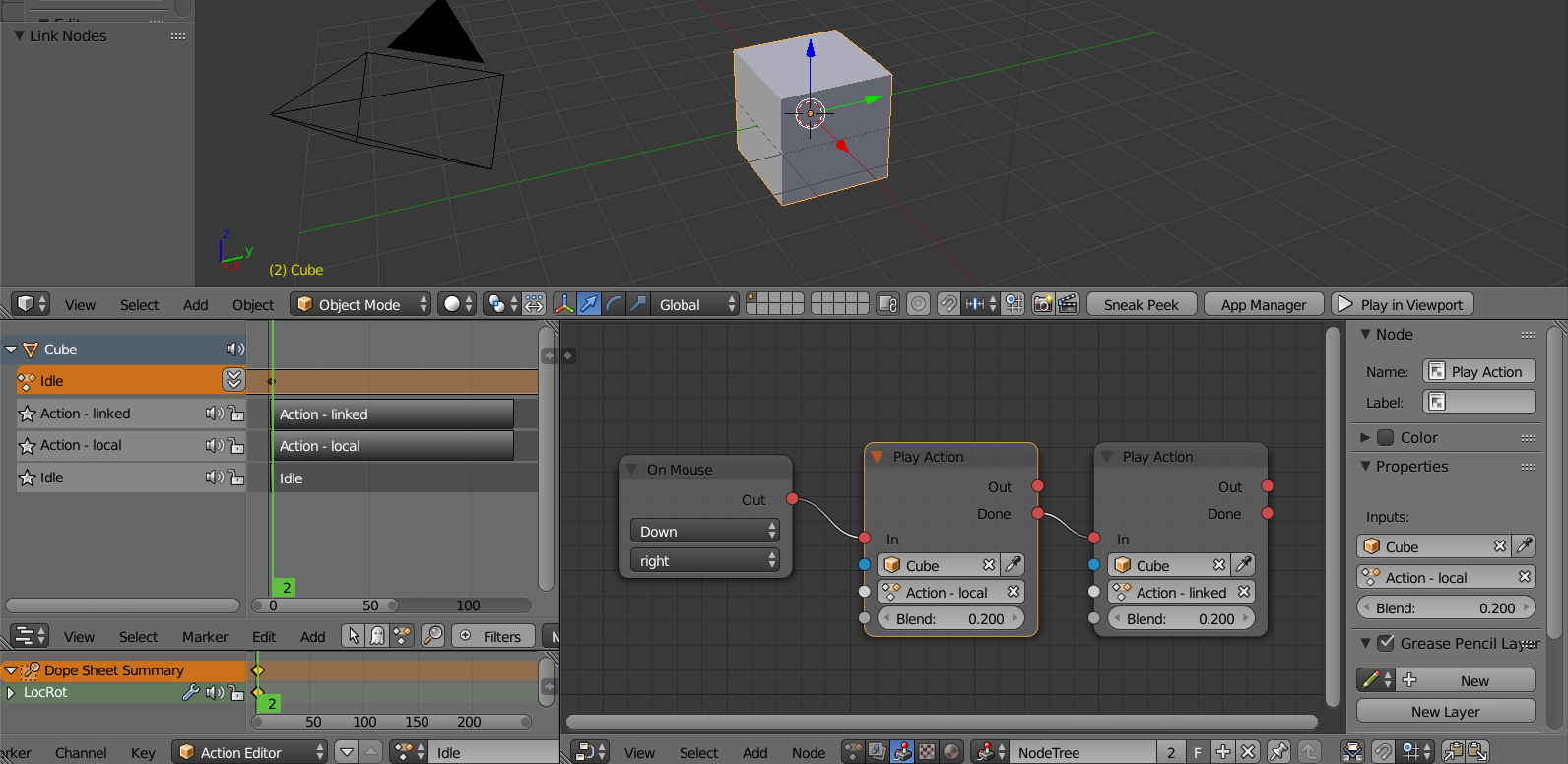
While the locally defined one plays as it should, the linked action gives the following error:

 donalffons
All 15 comments
Should be fixed now https://github.com/armory3d/armory/commit/21b3ebf0b3de9270a1f4d9c5814ad9202092bf97.
 luboslenco
on 4 Dec 2017
luboslenco
on 4 Dec 2017
Cool. That works now in the example. I ran into a similar problem with linked armature actions. The armature is defined locally. The armature action is linked from armature.blend into main.blend:
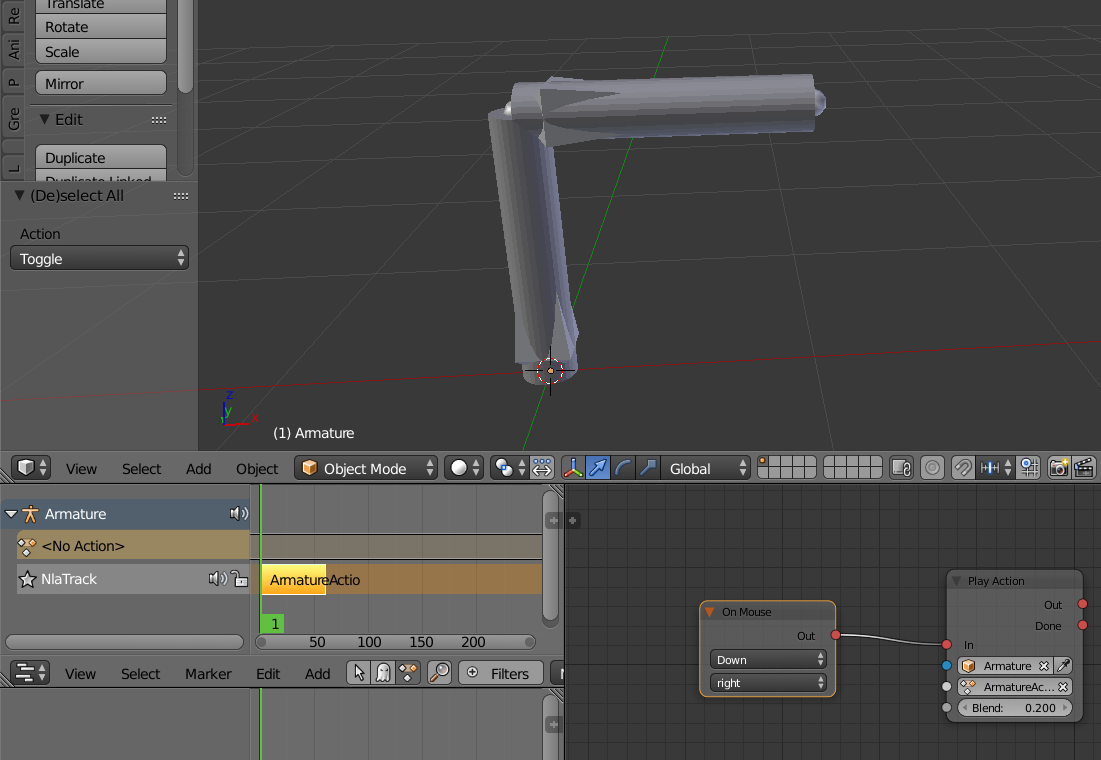
results in this error:

donalffons
on 4 Dec 2017
Oh noes, it seems to work here as-is. Wonder what is going on, looks like updater did the job since the original example works for you now, and armory should now also auto-clean after updating. I will recheck on another machine.
luboslenco
on 4 Dec 2017
Just tried: Updated Armory, started with an empty folder, downloaded the file from here, cleaned the project. Still the same bug. I'll try with a newly downloaded armory tonigt.
donalffons
on 5 Dec 2017
- Can you spot any errors in the console when you update?
- Check the armsdk/armory/blender/arm/make_logic.py file in your SDK, line 145
should be:
inp_name = 'new armory.logicnode.StringNode(this, "' + str(inp.get_default_value()) + '")'
If it's this, updater failed:
inp_name = 'new armory.logicnode.StringNode(this, "' + str(inp.default_value) + '")'
I am seeing the same error with the latter(older) line. If that is the case I hope updater spits some error so I can fix it.:)
luboslenco
on 5 Dec 2017
- I started Armory (the same 'old' 0.1 version, not a newly downloaded one)
- I went to user preferences / armory and hit Update SDK
- Here is the console output from blender. There seems to be no error
Blender Console Log.txt
The git client on my computer actually sows me up-to-date files with a green marker and out-of-date files with a red one. There is obviously an issue with the updater.
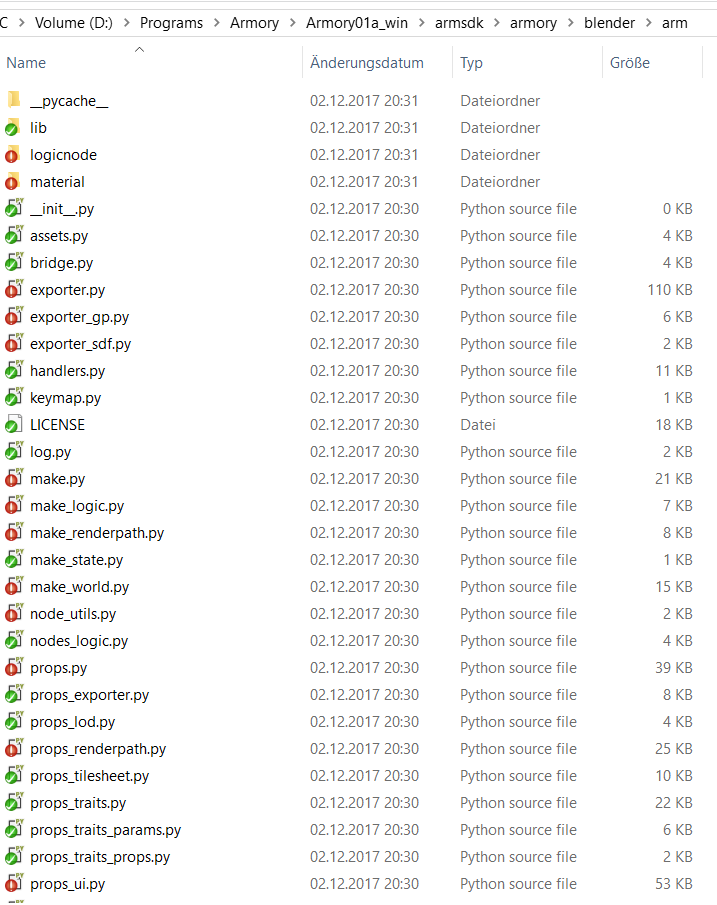
(The contents of make_logic.py is as in your second line, i.e. inp_name = 'new armory.logicnode.StringNode(this, "' + str(inp.default_value) + '")'. )
donalffons
on 6 Dec 2017
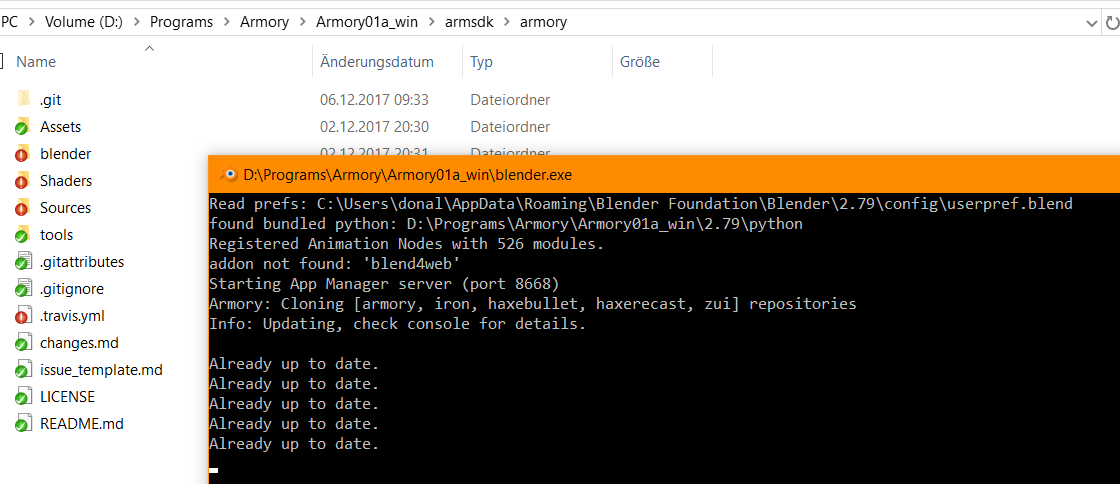
That's strange... Even after the updater said it did update a file, it is unchanged on my hard drive.
Now the updater says everything is up-to-date, when TortoiseGit is telling me the opposite:
donalffons
on 6 Dec 2017
If I hit 'Restore SDK' first and then 'Update SDK', it updates correctly.
donalffons
on 6 Dec 2017
Apparently I did not include the latest updater in windows build. 😶 🔫 Fixing..
luboslenco
on 6 Dec 2017
If that's the root of all evil, then it was totally worth it :).
donalffons
on 6 Dec 2017
Do I have to re-download Armory to fix the updater issue or just hit 'update SDK'? I would appreciate it if you would let me know, when that's done.
donalffons
on 6 Dec 2017
@donalffons sorry, wanted to do more testing to not cause further trouble to you.:)
To fix the updater (hopefully for good now!), copy the newest armory.py from here into Armory/2.79/scripts/addons/armory.py on your machine.
This basically updates the armory add-on itself which contains the updater. The new v01b builds on itch.io have this change pre-applied. Afterwards starting Blender and hitting Update SDK should work as expected. The add-on version displayed in preferences should be 11.5.0.
Once the updater is finally reliable, I will add possibility to auto-update this armory.py file as well.
luboslenco
on 6 Dec 2017
Don't worry about troubling me ;). I tried the new updater (11.5.0) three times. First it deleted the complete 'Armory' folder, then the 'Iron' folder and now again the 'Armory' folder. I guess I should grab the updated build from itch.io and try it from there :).
Thanks for all your great work on this project!
donalffons
on 6 Dec 2017
Hm, the updater should work like this:
- On the first update - rename the original
armory/andiron/folders intoarmory_backup/,iron_backup/, these are then used for theRestore SDK. - If backups are already created, remove existing
armory/andiron/folders. - Finally clone the latest armory and iron repositories from github.
Deleting the older repos should be fine but looks like it skipped the last step to re-clone the latest ones. Hopefully starting from clean v01b will fare better.
luboslenco
on 6 Dec 2017
Works perfectly now :)!
donalffons
on 6 Dec 2017
Related issues
donalffons
·
4Comments
 knowledgenude
·
3Comments
knowledgenude
·
3Comments
 guzzard
·
4Comments
knowledgenude
·
3Comments
guzzard
·
4Comments
knowledgenude
·
3Comments
 SeleDreams
·
3Comments
SeleDreams
·
3Comments