Dear guys,
I'm using defi wallet since a while. This morning it was syncing the blockchain, but at a certain point stopped to synch and it is now refusing to keep syncing. I upgraded the app to the last version, started from the snapshot, but the app is still synced at the same point of the snapshot, with no progress.
Actual behavior: app is not syncing, after upgrading and downloaded the snapshot nothing has changed
- DeFi Wallet Version: 2.4.3
- Operating System (OS): Win 10 pro
– Current free storage capacity: 262 GB
Anything else we need to know? It was syncing correctly, and suddenly stopped
 gabriello79
All 4 comments
@gabriello79: Thanks for opening an issue, it is currently awaiting triage.
The triage/accepted label can be added by foundation members by writing /triage accepted in a comment.
In the meantime, you can:
- Checkout DeFiChain’s Github issue page to see if your issue has already been reported
- Submit any logs if you have them, this will greatly expedite the process for us.
- You can also join our Telegram or Reddit community channels.
Details
I am a bot created to help the DeFiCh developers manage community feedback and contributions. You can check out my manifest file to understand my behavior and what I can do. If you want to use this for your project, you can check out the DeFiCh/oss-governance-bot repository.
 defichain-bot
on 3 Jun 2021
defichain-bot
on 3 Jun 2021
Hi @gabriello79 , if the app is syncing and seems stuck but no error was thrown, give it some more time to load. Can you try to Reindex and re-sync to 100%.
How to Reindex:
1. Go to the app's Menu Bar > Wallet > Reindex Wallet
- you may choose to Backup Wallet first if you have not made a backup before
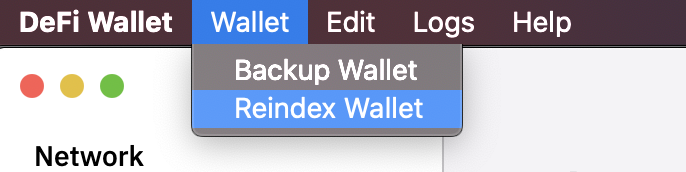
- Node will proceed to restart
- After which, at the bottom left hand corner, click on
ito trigger Snapshot
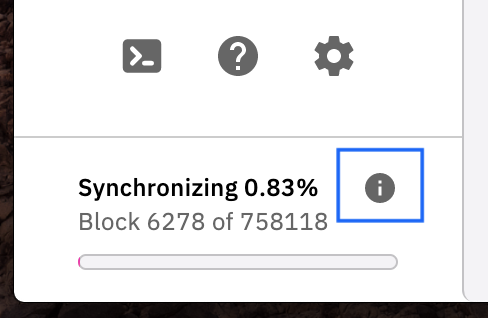
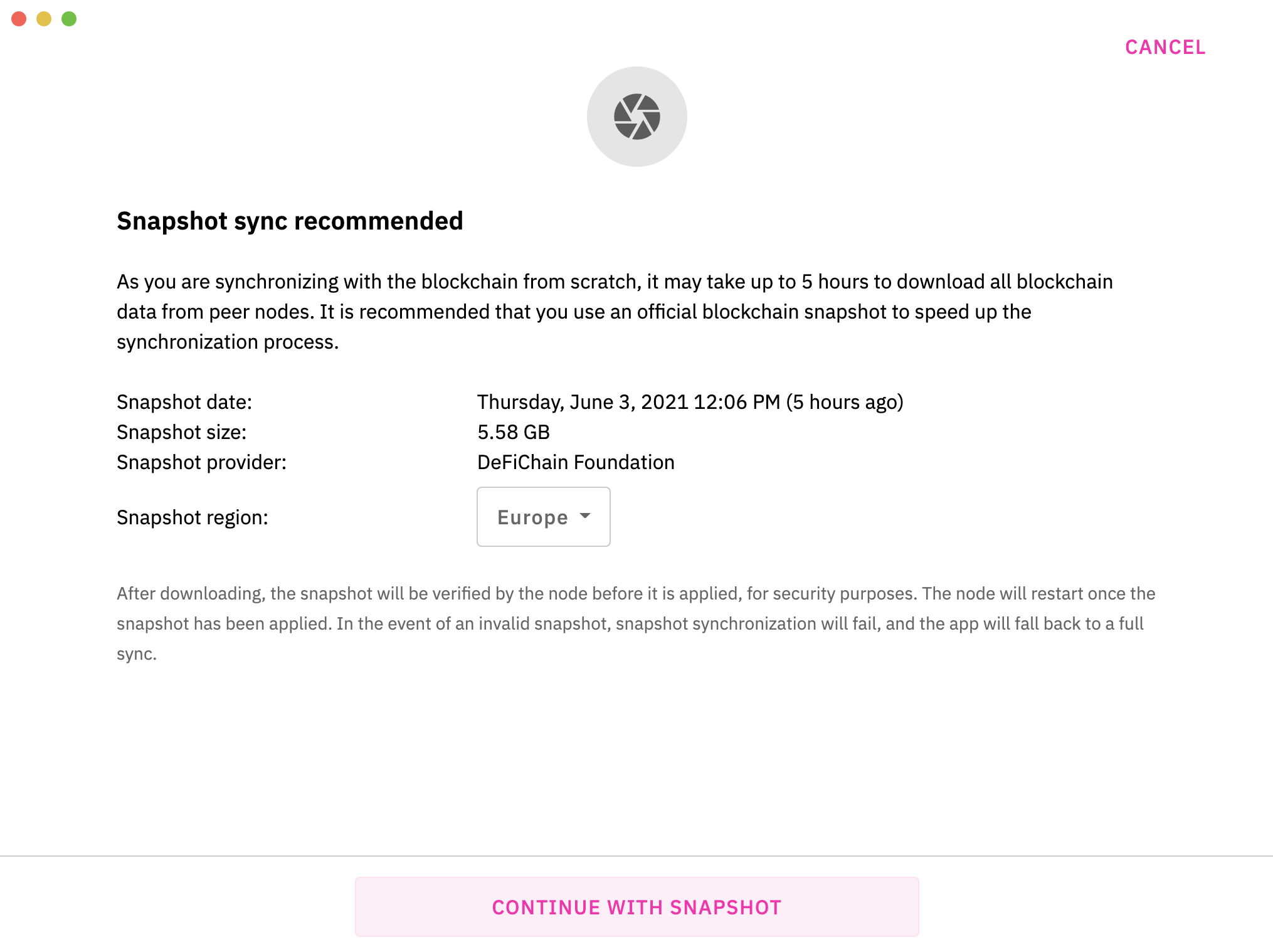
- During the snapshot download, the app will download and unpack the snapshot contents.
It is recommended:
- ensure sufficient storage (temporary) for snapshot
- to leave the app running with good internet connection
- turn off auto-lock / screen saver on your PC to prevent interruption
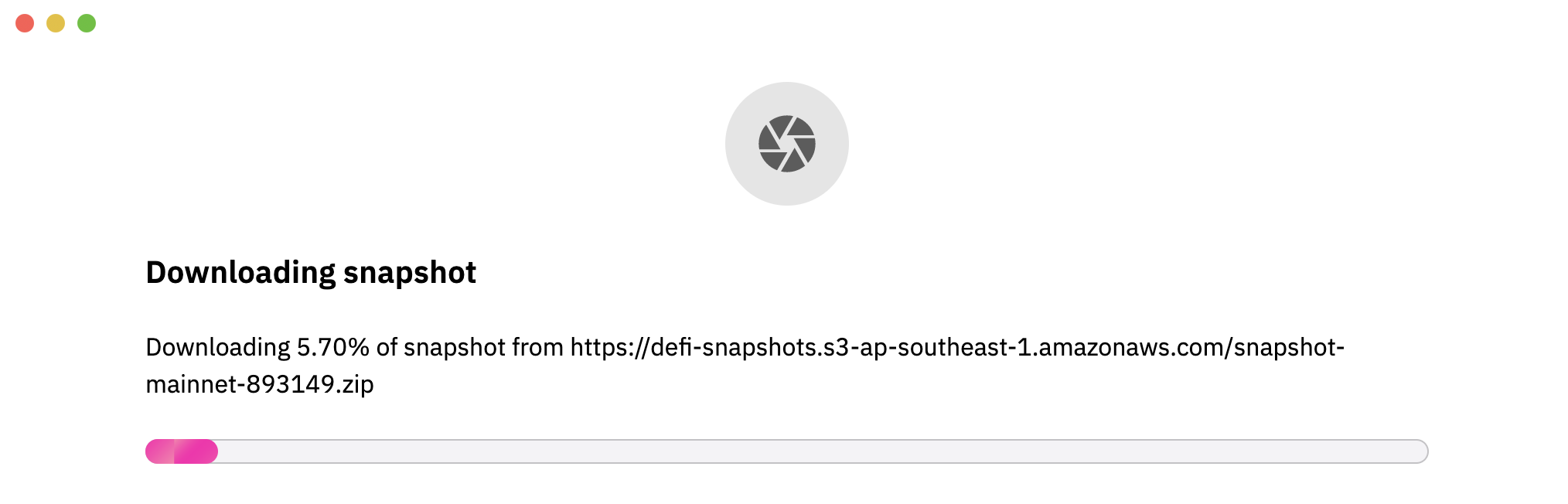
- When snapshot is unpacked & successful, user may select
DELETE SNAPSHOT & RESTART
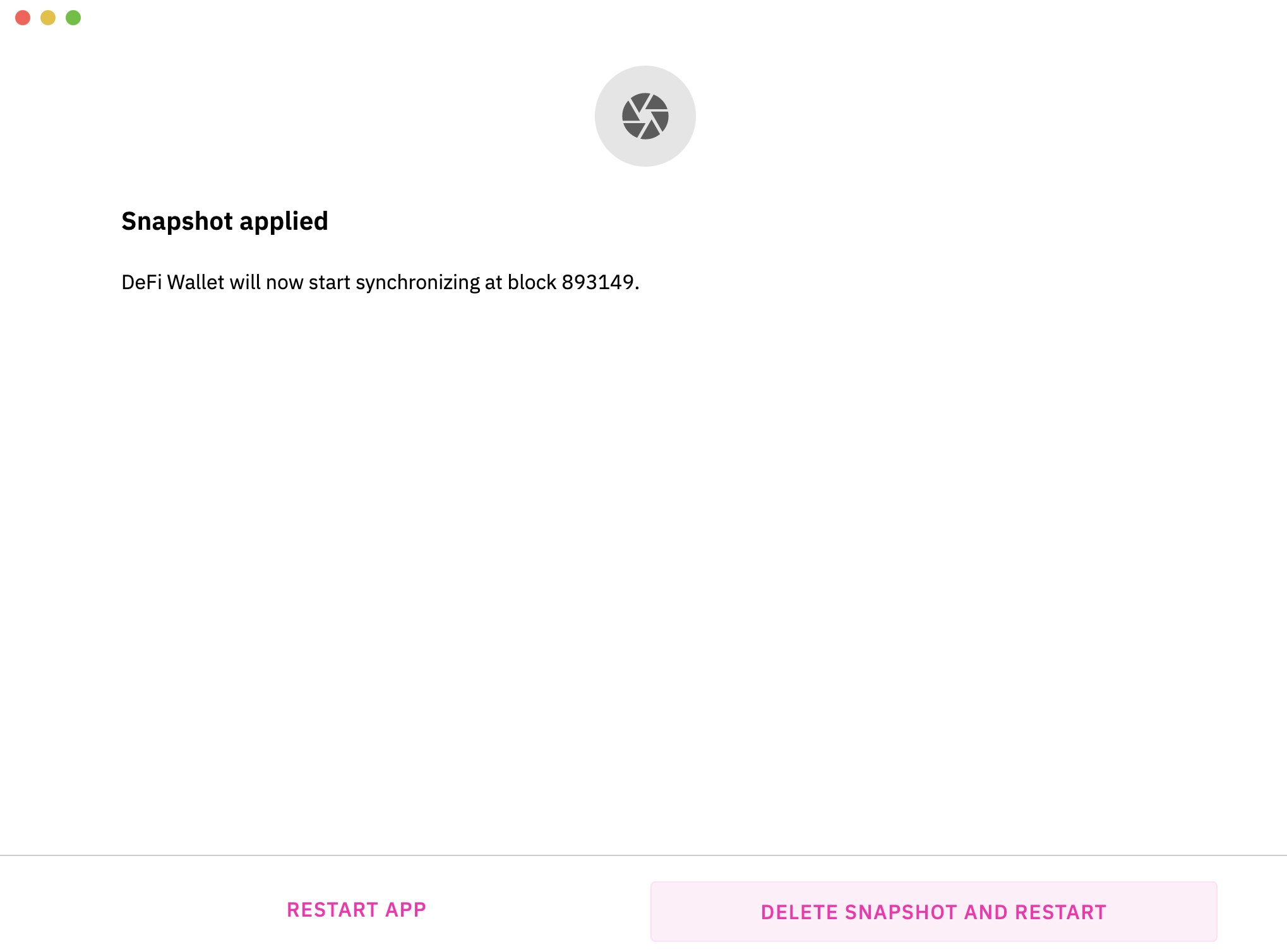
- After your app restarts, synchronisation should begin at ~90%, leave your app running till it reaches 100%.
 izzycsy
on 3 Jun 2021
izzycsy
on 3 Jun 2021
Thank you @izzycsy I restarted the app few times, reindexed and now it is working again...
:-)
gabriello79
on 4 Jun 2021
I got my servers live again. I change to SPV=1 line in the defi.conf; and delete all folders (except "wallet") and start the wallet with snapshot 893149.zip
 supervolot
on 4 Jun 2021
supervolot
on 4 Jun 2021
Related issues
 LuisAsano
·
9Comments
LuisAsano
·
9Comments
 John-Gee
·
5Comments
John-Gee
·
5Comments
 dell1503
·
7Comments
dell1503
·
7Comments
 adrian-schnell
·
3Comments
adrian-schnell
·
3Comments
 RobinTorque
·
6Comments
RobinTorque
·
6Comments