App: PC unlock / woken > Node is disconnected > app starts from 0%
Hi, I was previously facing this error when leaving DeFi App open in the background when my computer goes to sleep automatically when idle. After coming back it will present me with the corrupted block database error message.
Of course the solution is to Resync the app again but it takes so long(Up to a few hours sometimes) and is annoying because it happened again right after I had Synced the app but let my computer go to sleep again.
Currently my workaround is to either close DeFi App before leaving my computer idle or to change the settings on my computer so it never goes to sleep.
DeFi App Version: 2.1.17
OS: Windows 10 Home
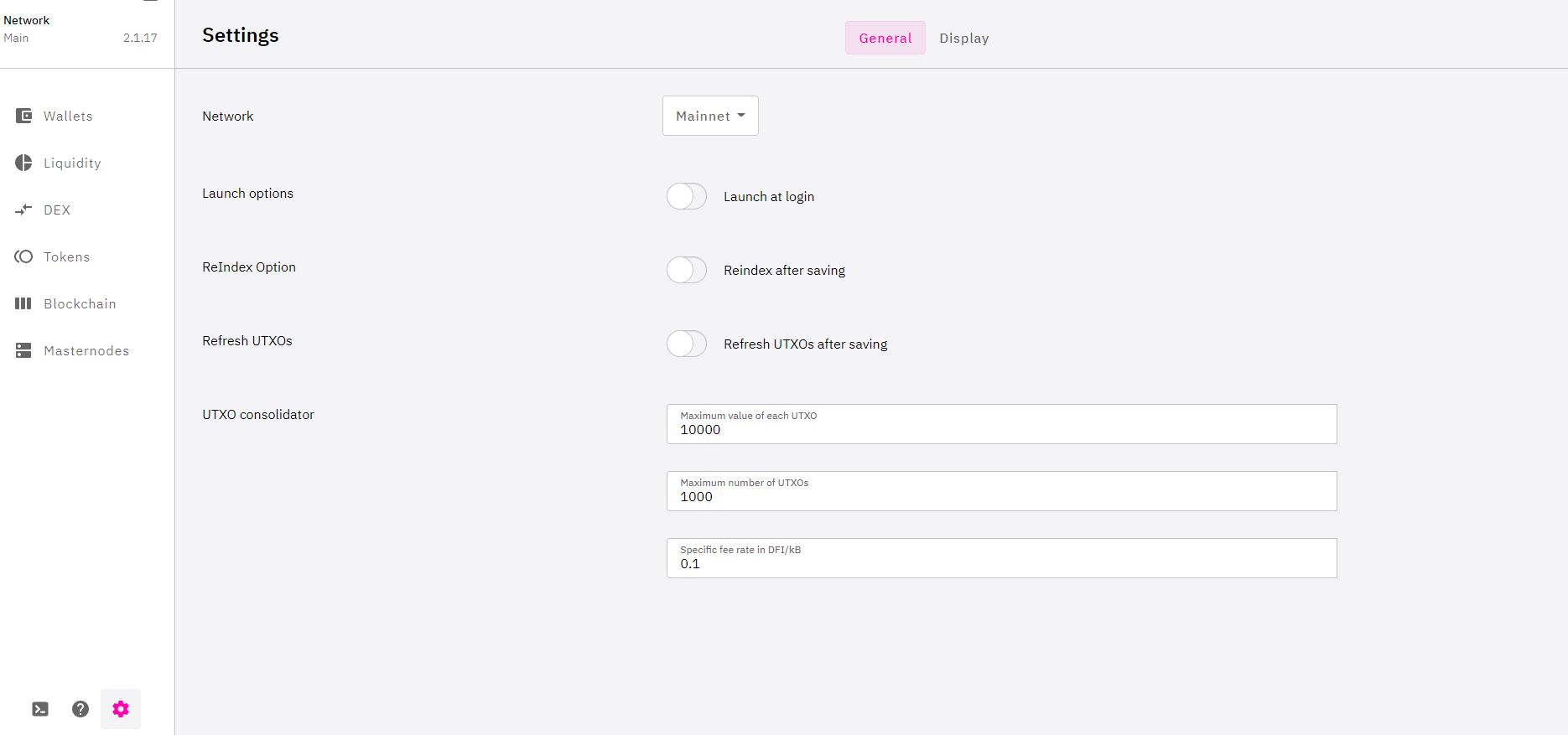
My settings on DeFi app are Default and have not touched them since initial installation.
 LuisAsano
All 9 comments
Hi @LuisAsano , thanks for your feedback. The app creates new block every 37 seconds, and it stacks up if your app is not running. If your PC goes to sleep, the app will try to sync and hence node is disconnected. You don't have to leave it running though, rewards will still appear when you sync to 100% the next time you launch the app.
When you launch the app, does it sync at where you left off or 0%? In the mean time, maybe increase your PC display settings to a longer timeout before it goes to sleep.
 izzycsy
on 18 Feb 2021
izzycsy
on 18 Feb 2021
Hi @izzycsy thanks for helping me understand. I guess its more of a QOL issue.
When I launch the app under a normal circumstance e.g. After turning on my computer. It will sync from where I left off previously(normally done within a few minutes.)
Only in this case when my computer goes to sleep when the app is still running. Then the corrupted block error msg occurs and the sync starts from 0%.
LuisAsano
on 18 Feb 2021
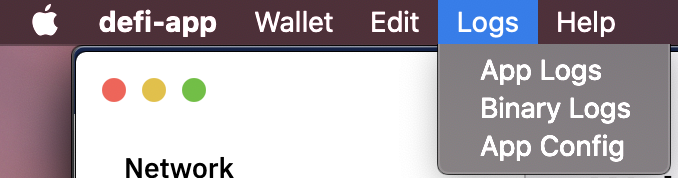
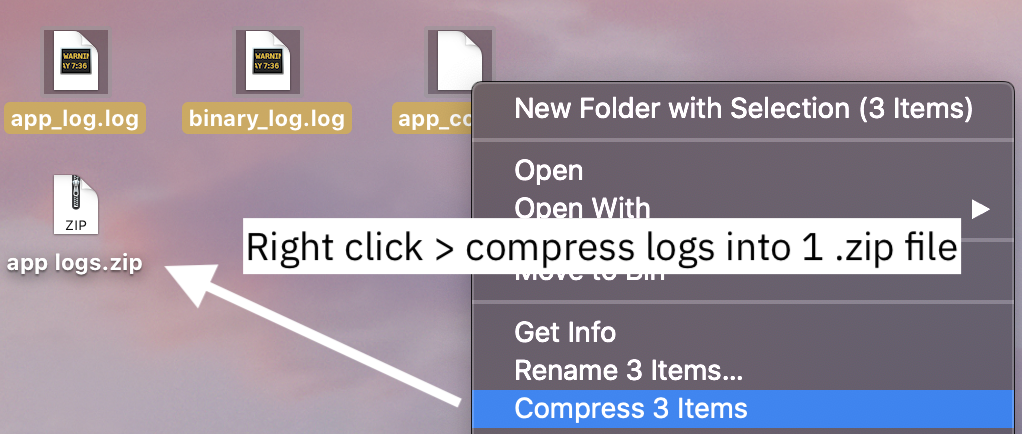
Hi @LuisAsano , the team will investigate this, for now, I advice that you do not let your PC sleep when the app is running, so you can avoid syncing from 0%. Can you send me your app logs please?
izzycsy
on 18 Feb 2021
Hi @izzycsy Attached is log from the day the issue last happened for me.
150221.zip
LuisAsano
on 18 Feb 2021
Hi @LuisAsano , just checking with you, did you combine all 3 files into 1 .txt file? Because the app logs are .log / .conf format respectively.
izzycsy
on 19 Feb 2021
@izzycsy ah I only provided 1 app log file not the other 2 let me attach them later on when I have access to my pc.
LuisAsano
on 19 Feb 2021
@izzycsy Ok this should be the 1s you requested for. As attached logs on the date error last occurred.
150221.zip
LuisAsano
on 19 Feb 2021
Hi @LuisAsano,
to reduce your sync time, you could perform a backup (close app beforehand) of the blockchain directory and in case of corruption you just can remove the faulty one and copy the backup one in...or you can use a snapshot of the blockchain itself: https://62.75.139.29/
 Darkwinde
on 21 Feb 2021
Darkwinde
on 21 Feb 2021
Hi @LuisAsano , update v2.3.1 is out https://defichain.com/downloads/.
Do give a thumbs up to this comment if your issue has been resolved, otherwise, please leave a comment with your new information (include screenshots) and app logs. Thank you.
I would suggest that if the app is in the midst of syncing, do not let your computer go to sleep. If you're not using the app you can close it and let your computer go to sleep.
izzycsy
on 11 Mar 2021
Related issues
 SKapi1985
·
5Comments
SKapi1985
·
5Comments
 jpressler
·
7Comments
jpressler
·
7Comments
 Sim-Cyber
·
7Comments
Sim-Cyber
·
7Comments
 lraphael
·
10Comments
lraphael
·
10Comments
 jleidinger
·
6Comments
jleidinger
·
6Comments