Apexcharts.js: How to remove hamburger menu?
I am looking at docs for a long time but I cannot find any option to remove this hamburger menu. Am i just missing something or is this not an option?
 Cookiewookie87
All 4 comments
Hi, you can hide the hamburger menu by setting the chart.toolbar.show option to false.
 mamasselin
on 19 Mar 2019
mamasselin
on 19 Mar 2019
Hi, you can hide the hamburger menu by setting the
chart.toolbar.showoption tofalse.
The hamburger menu is the icon on the very right in the toolbar. What you suggest will remove the whole toolbar.
 aurelien-boubennec
on 12 Jul 2020
aurelien-boubennec
on 12 Jul 2020
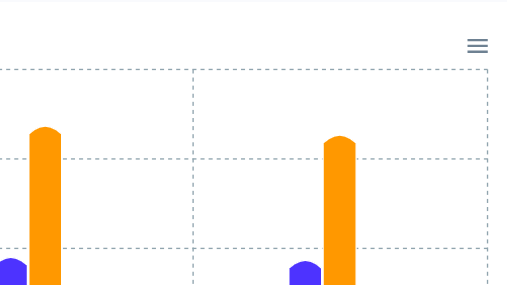
only this menu icon is there in toolbar i want all the option in toolbar
Please help how can i do this
code:
chart: {
height: 350,
type: "bar",
toolbar: {
show: true,
tools: {
download: true,
selection: true,
zoom: true,
zoomin: true,
zoomout: true,
pan: true,
reset: true
},
},
zoom: {
enabled: true
}
},
 manisha-seclogic
on 24 Aug 2020
manisha-seclogic
on 24 Aug 2020
Hi, you can hide the hamburger menu by setting the
chart.toolbar.showoption tofalse.
Ref: https://apexcharts.com/docs/options/chart/toolbar/The hamburger menu is the icon on the very right in the toolbar. What you suggest will remove the whole toolbar.
Yes you can do this in this way
chart: {
  toolbar: {
    show: true,
    tools: {
      download: false
    }
  }
}
Related issues
 thellimist
·
3Comments
thellimist
·
3Comments
 felixalguzman
·
3Comments
felixalguzman
·
3Comments
 maasha
·
3Comments
maasha
·
3Comments
 artfulrobot
·
3Comments
artfulrobot
·
3Comments
 tcarlsen
·
3Comments
tcarlsen
·
3Comments
Most helpful comment
Hi, you can hide the hamburger menu by setting the
chart.toolbar.showoption tofalse.Ref: https://apexcharts.com/docs/options/chart/toolbar/