Anki-android: Copy/paste text content from an Internet Browser to a field sometimes produce bad result
At the time being it's possible to use a nice _Plain Text_ app to properly clean up the html formatting.
https://play.google.com/store/apps/details?id=uk.andyjohnson0.PlainText&hl=en_US

Steps to reproduce:
- Be me, try to be a little bit smarter.
- Create a note for word devise, copy explanation to the Back field from here https://dictionary.cambridge.org/dictionary/learner-english/devise ("to design or invent something ...")
- Sync to cloud.
- Open this card on PC, check the Back field of the mentioned note in html mode. You'll see
to design or invent something such as a system, plan, or pieceof equipment
Expected: clean no-html, no-nbsp, no-nonsense line of text which also has a space between piece and of.
Of course it breaks proper formatting for the note's cards.
This line from the Cambridge site have a bunch of links in it, maybe that why we have the issue.
Reproduced on Android 4.4.4 AnkiDroid 2.8.5b1, 2.9alpha56.
I did try to find similar issues here on the tracker but it's not that simple with this amount and maybe I missed them, so I'm sorry in advance.
Edit:
interesting that if you export the notes from pc anki just after the sync nb-spaces exported as an unicode symbol (with code something-x0a or xa0, don't remember right now) which looks like a space, but after opening the field in html mode in anki, nb-spaces exported as (yes, six ascii characters).
 tico-tico
All 24 comments
Huh - very strange. I did a quick copy/paste of the definition from the word you linked into a terminal and it seemed like pure ASCII on macOS from Chrome to Terminal.
The chunk of code that makes up what you see on the screen when you look at that page is pretty yucky:
<div class="di-body normal-entry-body"><div class="pos-body"><div class="pos-block"><div class="pos-body"><div class="sense-block"> <div class="sense-body"> <div class="def-block pad-indent"><p class="def-head semi-flush"><span class="def-info"><span class="freq">›</span> </span><b class="def">to <a class="query" href="https://dictionary.cambridge.org/dictionary/learner-english/design_1" title="design">design</a> or <a class="query" href="https://dictionary.cambridge.org/dictionary/learner-english/invent" title="invent">invent</a> something such as a <a class="query" href="https://dictionary.cambridge.org/dictionary/learner-english/system" title="system">system</a>, <a class="query" href="https://dictionary.cambridge.org/dictionary/learner-english/plan_1" title="plan">plan</a>, or <a class="query" href="https://dictionary.cambridge.org/dictionary/learner-english/piece" title="piece">piece</a> of <a class="query" href="https://dictionary.cambridge.org/dictionary/learner-english/equipment" title="equipment">equipment</a>
I think that's just the way text from that source is going to be since it really is like that. On my Android version (just updated to 9) I actually get a "paste as plain text" option that works correctly. Do you have anything like that?
Are there alternative dictionaries that maybe generate a clean paste?
Not closing this as maybe there's something we can do, or at least something to be learned. I haven't seen a similar issue opened, myself.
 mikehardy
on 26 Jan 2019
mikehardy
on 26 Jan 2019
pure ASCII on macOS from Chrome to Terminal
On Windows I can paste without problems of course.
I actually get a "paste as plain text" option that works correctly. Do you have anything like that?
No such option on my Android. :(
Do I understand correctly, that while for instance in Windows the clipboard can hold several different objects types simultaneously, html and plain text in our case, and use one or another depending on the type of the receiver (the type of the thingie where you pasting to). On the other hand, Android's clipboard can hold only one type of data at a time. And since our Internet Browser put only the html data on the clipboard AnkiDroid has to strip html-stuff out of it and basically fails. OR we need to force our browser to copy in plain text, but that's another story.
I did some searching, people say that if in doubt use something called Jsoup https://stackoverflow.com/a/3149645 . I tried the online version https://try.jsoup.org/ feeding it with the whole devise page (Fetch URL button) in None (text only) Cleaner mode and it looks like the thing works, I can see clean to design or invent something such as a system, plan, or piece of equipment among other stuff. I don't know what this Jsoup thing is and how big it is to include in AnkiDroid, but it looks promising.
Edit:
Are there alternative dictionaries that maybe generate a clean paste?
Not really, most of them produce at least stray nbsps (because of bad stripped heavy tagging?).
Edit2:
For instance copying the transcription from Longman ( f.e. https://www.ldoceonline.com/dictionary/archaic ) produce nbsp around $ sign.
tico-tico
on 27 Jan 2019
ankidroid crash offtop
[unrelated] Wow! This alpha version is amazingly crashy. It crashes out of the blue on every phone restart, I wonder if it has an intention to finally break my database... Do I understand correctly that alpha has different database version and it's impossible to install stable 2.8.5 over it? [/unrelated]
tico-tico
on 27 Jan 2019
Interesting, it has been my experience that the alpha is more stable. There may be something going on with the notification startup. The alpha and 2.8.4/5-beta1 are forwards and backwards compatible but you are a good bug reporter, I'd hate to see you not using the current code and not see what you see. I wouldn't be worried for your database personally, esp with auto backups and I'm sure you sync to AnkiWeb, right? Are you sending those crash reports to the crash report system and have an ACRA UUID perhaps?
mikehardy
on 27 Jan 2019
ankidroid crash offtop
Are you sending those crash reports to the crash report system and have an ACRA UUID perhaps?
Well, at least AnkiDroid said "sending crash report ...". Sorry i have no idea what ACRA UUID is.
I have a theory that crash is related to the screen widget but can't try right now, a little bit busy.
tico-tico
on 27 Jan 2019
Follow the "getting help" information and it shows you how, or
(if I remember correctly) you long press on the version
information in the advanced preferences screen to copy it to
clipboard then you can paste it here. With that magical string of
Hex characters I can see what's causing the crash and likely have
it fixed next build,,,
mikehardy
on 27 Jan 2019
ankidroid crash offtop
With that magical string of Hex characters I can see what's causing the crash and likely have it fixed next build
Ah! Magic! I like magic.
AnkiDroid Version = 2.9alpha56
Android Version = 4.4.4
ACRA UUID = 986fc921-5b16-4d09-92a4-55325ec1cadf
Edit:
Another issue I just faced. AnkiDroid was trying to send bug report every time i run it. After a bit of investigation I found and removed stuck stack trace from the app_ACRA_unapproved folder via root. The file itself was unreadable, possible permission of file system error.
Edit2:
Stop the presses! After deleting stuck stack trace AnkiDroid doesn't crash directly after phone reboot anymore. So I guess it was only one initial crash which led to stuck crash-report which led to other crashes.
Phew!
tico-tico
on 27 Jan 2019
Yeah - I think it wasn't crashing each time, it was just trying to send that one stuck report each time. I see two stacks from you:
This one is odd:
java.lang.IllegalStateException: Synthetic stacktrace didn't have enough elements: are you using proguard?
at com.ichi2.anki.AnkiDroidApp$ProductionCrashReportingTree.getTag(AnkiDroidApp.java:475)
at timber.log.Timber$Tree.prepareLog(Timber.java:510)
at timber.log.Timber$Tree.w(Timber.java:435)
at timber.log.Timber$1.w(Timber.java:285)
at timber.log.Timber.w(Timber.java:68)
at com.ichi2.anki.BackupManager$1.run(BackupManager.java:183)
...and this one which is even stranger because it can open your database now, but maybe the device was slow and timed out or something. I need to look through both at some point to see what's going on:
java.lang.RuntimeException: Unable to create application com.ichi2.anki.AnkiDroidApp: android.database.sqlite.SQLiteCantOpenDatabaseException: unknown error (code 14): Could not open database
at android.app.ActivityThread.handleBindApplication(ActivityThread.java:4525)
at android.app.ActivityThread.access$1500(ActivityThread.java:151)
at android.app.ActivityThread$H.handleMessage(ActivityThread.java:1378)
at android.os.Handler.dispatchMessage(Handler.java:110)
at android.os.Looper.loop(Looper.java:193)
at android.app.ActivityThread.main(ActivityThread.java:5265)
at java.lang.reflect.Method.invokeNative(Native Method)
at java.lang.reflect.Method.invoke(Method.java:515)
at com.android.internal.os.ZygoteInit$MethodAndArgsCaller.run(ZygoteInit.java:825)
at com.android.internal.os.ZygoteInit.main(ZygoteInit.java:641)
at dalvik.system.NativeStart.main(Native Method)
Caused by: android.database.sqlite.SQLiteCantOpenDatabaseException: unknown error (code 14): Could not open database
at io.requery.android.database.sqlite.SQLiteConnection.nativeOpen(Native Method)
at io.requery.android.database.sqlite.SQLiteConnection.open(SQLiteConnection.java:225)
at io.requery.android.database.sqlite.SQLiteConnection.open(SQLiteConnection.java:209)
at io.requery.android.database.sqlite.SQLiteConnectionPool.openConnectionLocked(SQLiteConnectionPool.java:467)
at io.requery.android.database.sqlite.SQLiteConnectionPool.open(SQLiteConnectionPool.java:188)
at io.requery.android.database.sqlite.SQLiteConnectionPool.open(SQLiteConnectionPool.java:180)
at io.requery.android.database.sqlite.SQLiteDatabase.openInner(SQLiteDatabase.java:844)
at io.requery.android.database.sqlite.SQLiteDatabase.open(SQLiteDatabase.java:813)
at io.requery.android.database.sqlite.SQLiteDatabase.openDatabase(SQLiteDatabase.java:715)
at io.requery.android.database.sqlite.SQLiteOpenHelper.getDatabaseLocked(SQLiteOpenHelper.java:241)
at io.requery.android.database.sqlite.SQLiteOpenHelper.getWritableDatabase(SQLiteOpenHelper.java:174)
at io.requery.android.database.sqlite.SQLiteOpenHelper.getWritableDatabase(SQLiteOpenHelper.java:44)
at com.ichi2.libanki.DB.<init>(DB.java:72)
at com.ichi2.libanki.Media.connect(Media.java:145)
at com.ichi2.libanki.Media.<init>(Media.java:132)
at com.ichi2.libanki.Collection.<init>(Collection.java:159)
at com.ichi2.libanki.Storage.Collection(Storage.java:64)
at com.ichi2.anki.CollectionHelper.getCol(CollectionHelper.java:99)
at com.ichi2.anki.services.BootService.scheduleDeckReminder(BootService.java:45)
at com.ichi2.anki.services.BootService.onReceive(BootService.java:37)
at com.ichi2.anki.AnkiDroidApp.onCreate(AnkiDroidApp.java:244)
at android.app.Instrumentation.callApplicationOnCreate(Instrumentation.java:1007)
at android.app.ActivityThread.handleBindApplication(ActivityThread.java:4522)
And there's the part where the file was unreadable for some reason and ACRA couldn't handle it, that could be an upstream ACRA bug.
From your description in the edits above it appears that you're not seeing crash reports every time now so am I correct in thinking this isn't a super high priority at the moment?
I'll leave the needs-triage tag on here as it's now 4 possible separate issues, but (assuming you're running fine now) none super pressing
Thanks for working through it - having alpha testers willing to engage and send reports is really useful for us - we've found some that are really pressing that way and it'll make 2.9 better
mikehardy
on 27 Jan 2019
ankidroid crash offtop
but maybe the device was slow and timed out or something
I wonder how and when sdcard are mounted during Android boot sequence. After reboot AnkiDroid tries to get info from the database to show numbers on widget, but sdcard isn't mounted properly yet? Is it possible or I suddenly went crazy? I shall confess that all this Android stuff are pretty new to me.
One day I'll try to move database into the internal memory.
am I correct in thinking this isn't a super high priority at the moment?
Now I only care about the original html-stripping issue. But I'm used to clean up the formatting issues with Anki on my PC.
tico-tico
on 27 Jan 2019
Following the JSoup link, it appears that it would add around 300K of weight to the APK downloads, but maybe some of that would be optimized out - http://central.maven.org/maven2/org/jsoup/jsoup/1.9.2/
I'm curious when Android got the "paste as plain text" option (I don't recall seeing it in 8.1, so it might be brand new with Android 9). If it got the option way back in time we might opt to do the "easy" thing and just let this roll off as our final Android 4.x users (apologies, but there are only around 49,000 users at or below 4.4.x out of 1.014 million - not saying we have a hard cut off for development effort but if we didn't prioritize it would be silly
mikehardy
on 27 Jan 2019
ankidroid crash offtop
Grrr, just crashed again on start on syncronisation. I had moved the database to /data/AnkiDroid/ so it's not a sdcard issue.
tico-tico
on 28 Jan 2019
@tico-tico this is odd - I do see a new stack trace from you, and it is a repeat of the first one above - where the BackupManager is just trying to log the message "Backup created successfully", but the logger code of all things causes a crash.
Do you build AnkiDroid from source? Or install it from the Google Play Store? If that's not it than maybe it's just the older Android API or something specific to your ROM.
Either way, I've proposed a fix for that one in #5209 - you can safely ignore the crash here though, it should not happen of course but poses no danger to your database and will likely only happen every time an automatic backup is performed (and finishes successfully).
Additionally, I'd be careful with the statement that you moved the database to a non-standard location so it's not an sdcard issue - that may be true for the question "sdcard is a problem or not" but it may create other problems, as we don't officially support non-standard storage locations. They should work (and to run parallel installs for multiple profiles #2545 I use them myself on one device...) but do be careful.
mikehardy
on 28 Jan 2019
ankidroid crash offtop
Do you build AnkiDroid from source? Or install it from the Google Play Store? If that's not it than maybe it's just the older Android API or something specific to your ROM.
I have no idea how to build an Android app, so i just downloaded AnkiDroid from the Releases section here on GitHub.
The ROM was build by some unknown dude, and it's the only way to get KitKat for my ancient device. Never had any problem with it thou.
tico-tico
on 28 Jan 2019
Okay - downloading from the releases section should be fine, and in general custom ROMs should be fine. #5209 should fix it regardless.
You should do what you can to upgrade to 5+ at least soon as I'm afraid (for your sake) that Android 4.x is about to roll off everyone's support windows soon. We'll release AnkiDroid 2.9 for it but I can't make promises for AnkiDroid 2.10 as our external dependencies may force our hand and trim older dependencies by that time.
There are still possible issues related to file permissions on ACRA reports causing them to be stuck, and of course the actual logged issue related to cleaning HTML on copy/paste.
mikehardy
on 28 Jan 2019
ankidroid crash offtop
Another interesting this just happened. I starter AnkiDriod, It said "syncing stuff and things..." or something like that, after a second of syncing AnkiDroid closed itself without sending any bug reports.
ACRA's directories in /data/data/com.ichi2.anki are empty and theirs timestamp is old, i guess there was nothing in them. /data/anr doesn't have anything noticeable inside it too.
Next several runs are OK, AnkiDroid syncs without any error.
tico-tico
on 28 Jan 2019
Regarding the original topic: the "paste as plain text" is available on my phone since android 8.0 and I need to use it all the time on Ankidroid or I will have the described html nonsense in every field I edit. Unfortunately I forgot to use "paste as plain text" sometimes and dozens of my cards have these nbsp's which is quite a bother since I need to delete them every time I find one of them.
Why doesn't Ankidroid just pastes everything as plain text?? I mean, since the field editor doesn't support WYSIWYG it doesn't make sense to allow some html tags like br (without showing the tag itself) and others not.
I'd prefer to have just 100% plain text in the general card/field editor and then WYSIWYG in the "advanced" editor.
 Anthropos888
on 30 Jan 2019
Anthropos888
on 30 Jan 2019
@Anthropos888 and @tico-tico I certainly don't disagree with you, I just don't know - that's why this still has the needs-triage label. I just researched and "paste as plain text" arrived with Android 8 / Oreo, which is recent enough I'd personally like to see a real default plain-text paste fix
mikehardy
on 30 Jan 2019
Strange, some of my cards have nbsp; markup which is not visible in Ankidroid.
I was wondering why my cards look so strange (line breaks at the wrong places):
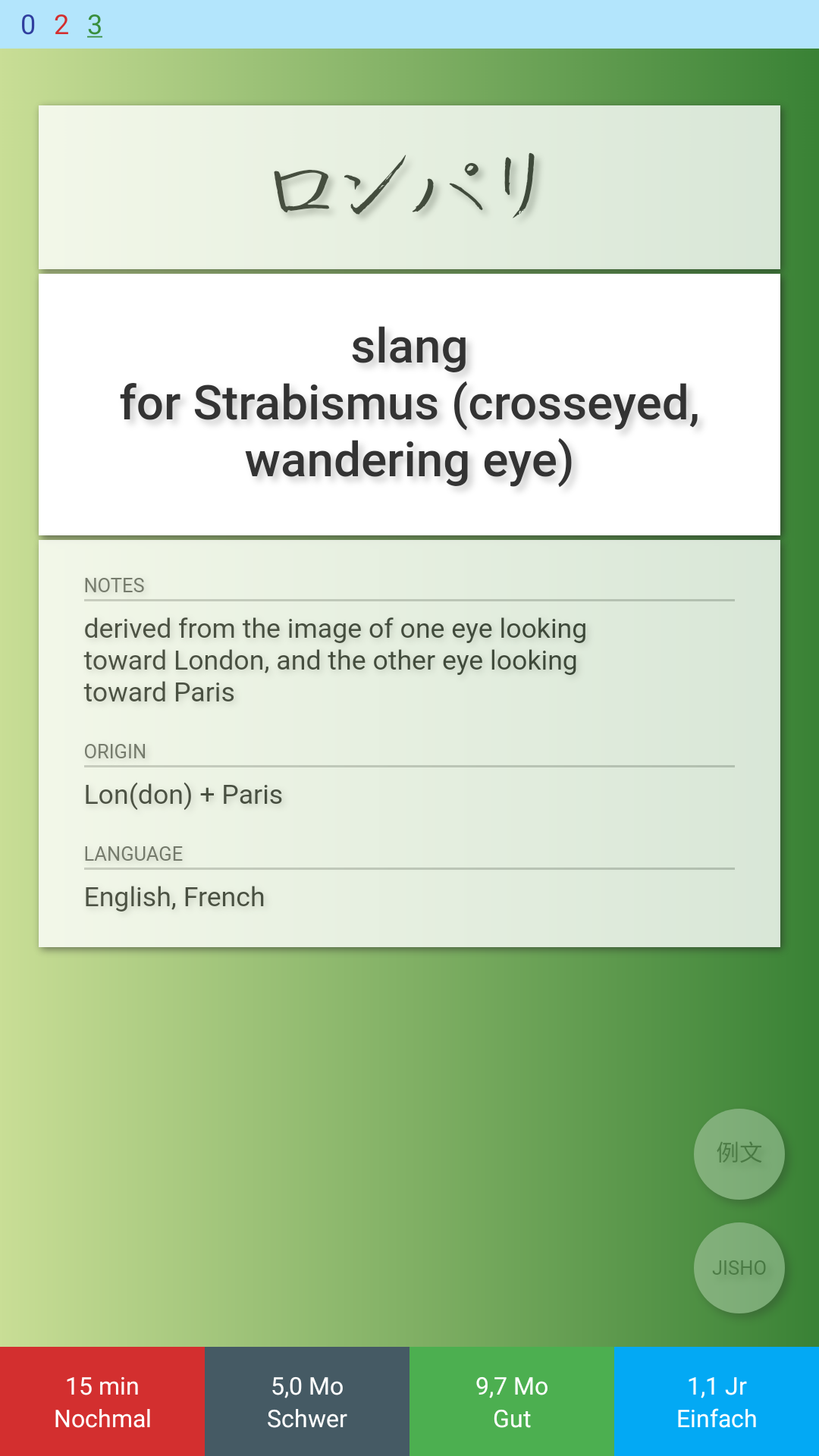
Because the note editor just shows plain text. I typed in the exact sentences again by hand and now it looks how it is supposed to:
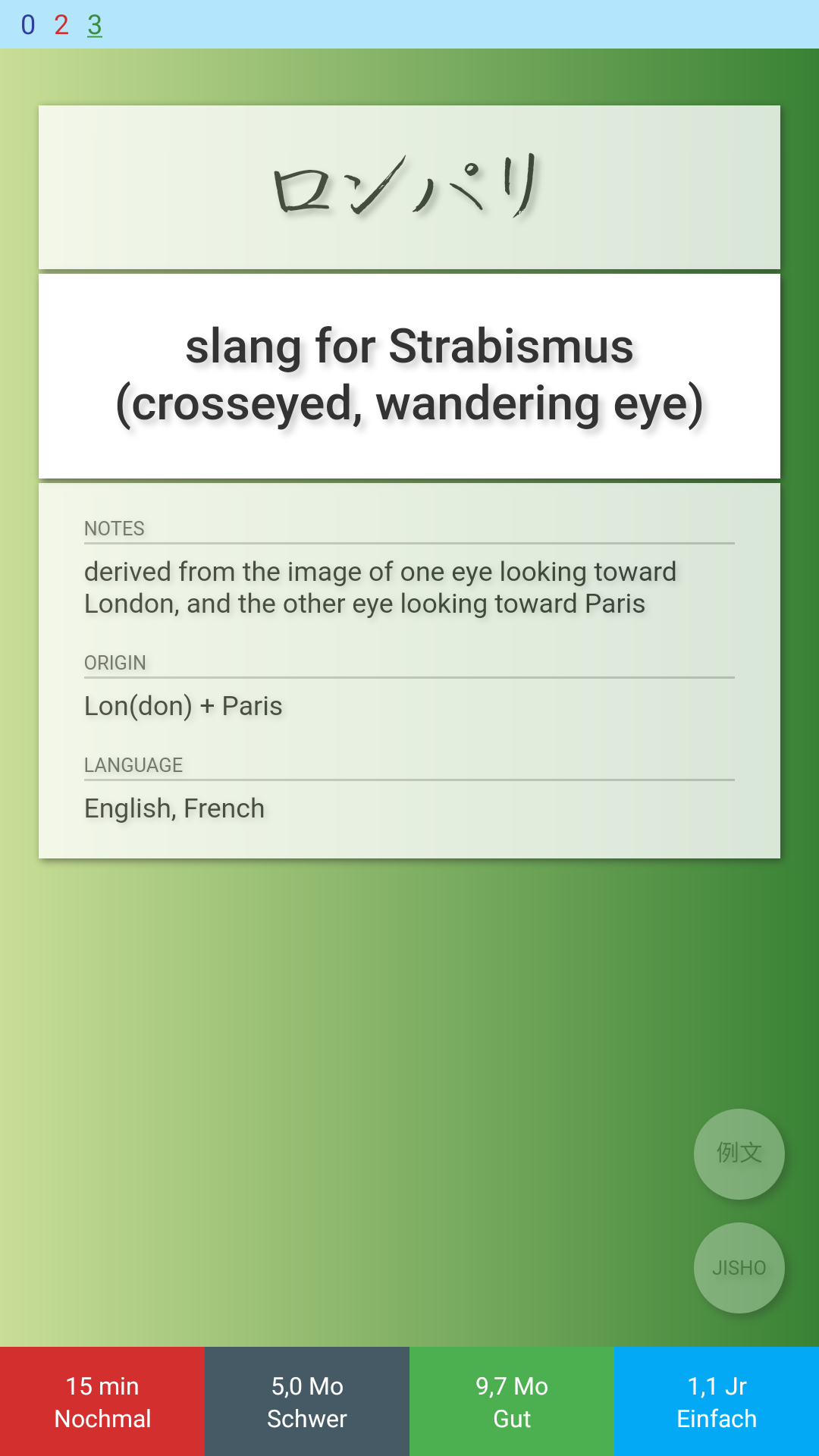
In the note editor, both texts look exactly the same (I put them in different fields so that both can be seen):
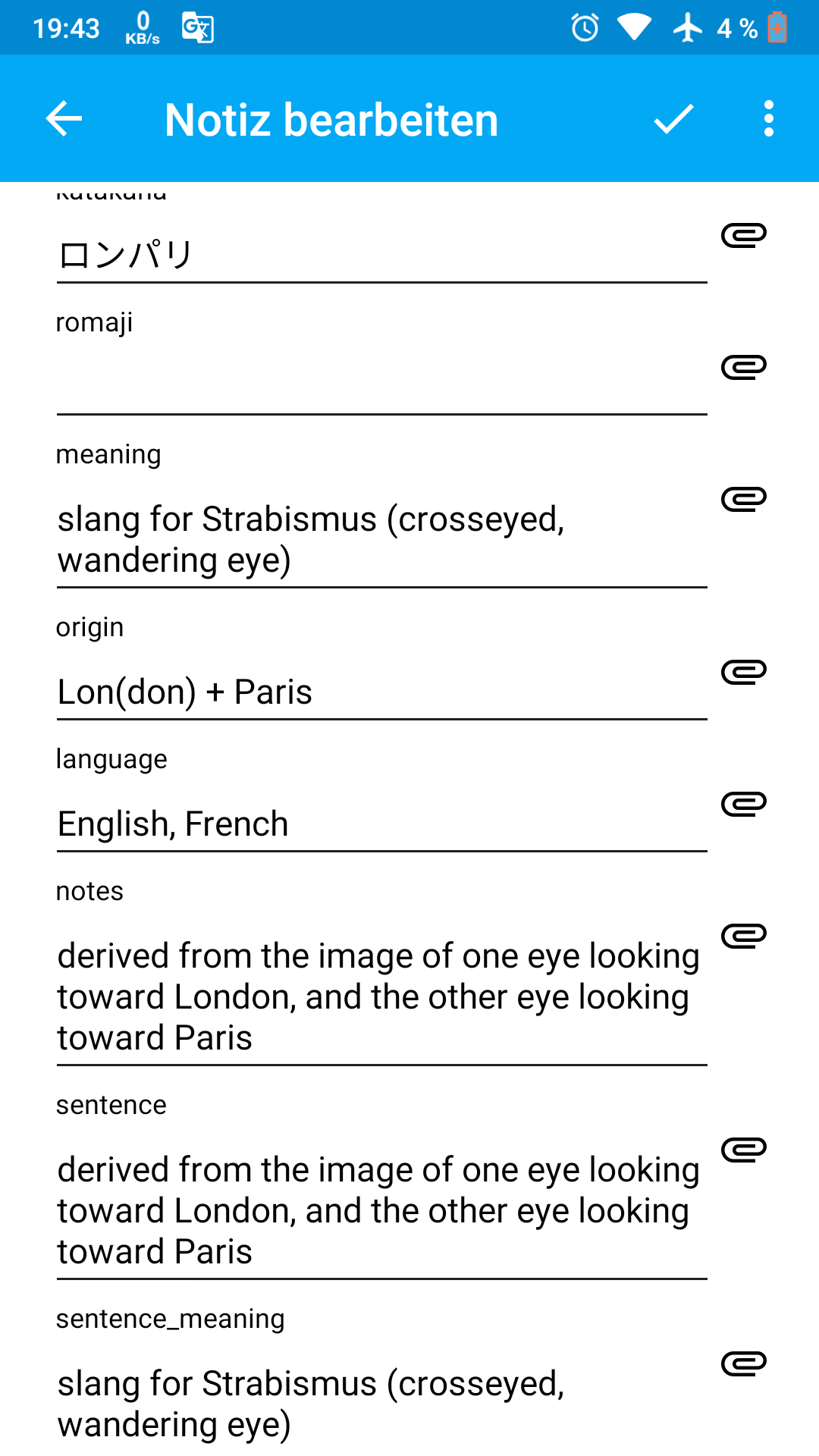
Only in Anki desktop the nbsp; can be seen. SonI had to use Anki desktop to fix it.
Why Ankidroid does sometimes show the nbsp; and sometimes not?
Anthropos888
on 1 Mar 2019
One more thing: even though I implemented the fields with {{text:fieldname}} the nbsp is still there.
Isn't {{text:fieldname}} supposed to process just plain text without any html or other markup?
Anthropos888
on 2 Mar 2019
Hello 👋, this issue has been opened for more than 2 months with no activity on it. If the issue is still here, please keep in mind that we need community support and help to fix it! Just comment something like _still searching for solutions_ and if you found one, please open a pull request! You have 7 days until this gets closed automatically
![github-actions[bot] picture](https://avatars2.githubusercontent.com/in/15368?v=4&s=40) github-actions[bot]
on 3 Jun 2020
github-actions[bot]
on 3 Jun 2020
<br> tag still hidden in fields as of 2.10alpha12. After writing <br> in a field in the "edit note" screen, it magically disappears when saving the note and returning to edit note screen.
In my personal opinion I'd consider this a bug, so I'd vote to keep this issue open.
Anthropos888
on 3 Jun 2020
@Anthropos888, I've had a look at this and <br> is converted into a newline.
I don't see why this conversion is problematic, could you give a use case where you'd like to keep it?
 david-allison-1
on 3 Jun 2020
david-allison-1
on 3 Jun 2020
@david-allison-1 True, it's not a big deal, it's more about consistency. HTML tags like <b> are shown, same for , but <br> is hidden, which makes no sense to me.
In Anki desktop all tags are visible when showing the field in the HTML view (ctrl-shift-x). So probably AnkiDroid should go with them.
Anthropos888
on 3 Jun 2020
Hello 👋, this issue has been opened for more than 2 months with no activity on it. If the issue is still here, please keep in mind that we need community support and help to fix it! Just comment something like _still searching for solutions_ and if you found one, please open a pull request! You have 7 days until this gets closed automatically
github-actions[bot]
on 2 Aug 2020
Related issues
david-allison-1
·
5Comments
Anthropos888
·
5Comments
 infinyte7
·
4Comments
mikehardy
·
4Comments
infinyte7
·
4Comments
mikehardy
·
4Comments
 homocomputeris
·
5Comments
homocomputeris
·
5Comments