Anki-android: Wrong fallback font for Japanese?
Issue
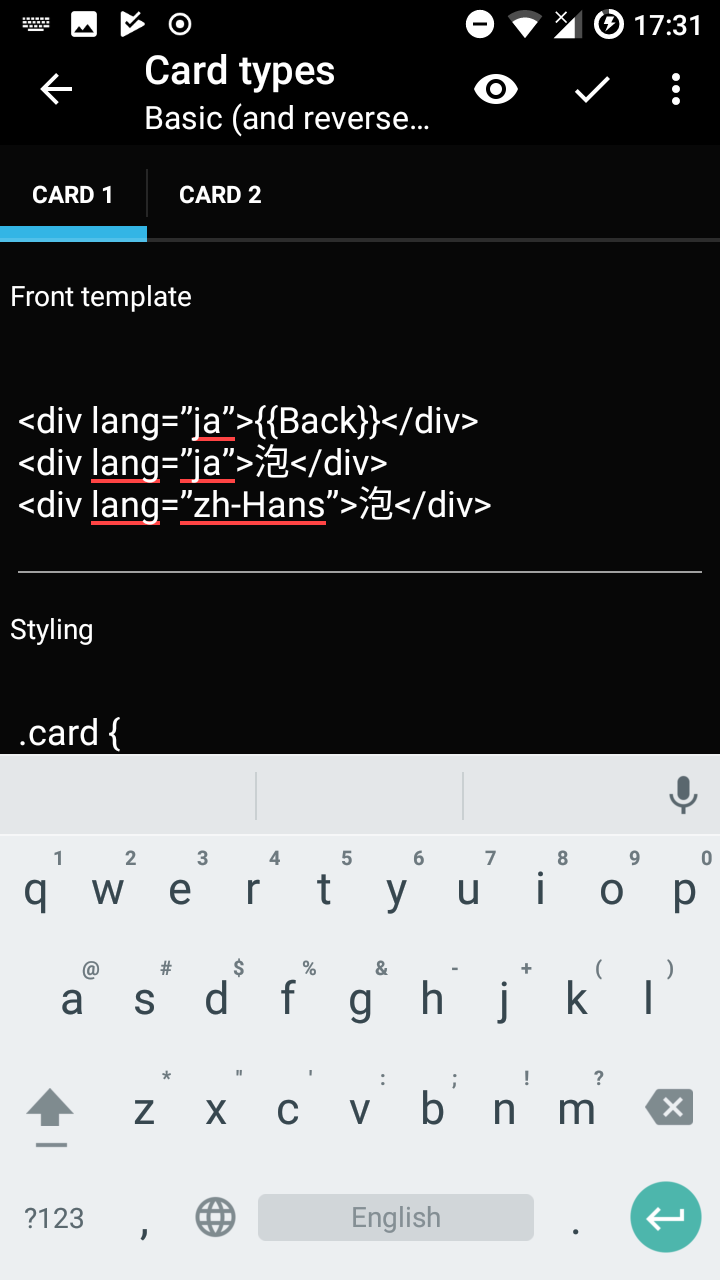
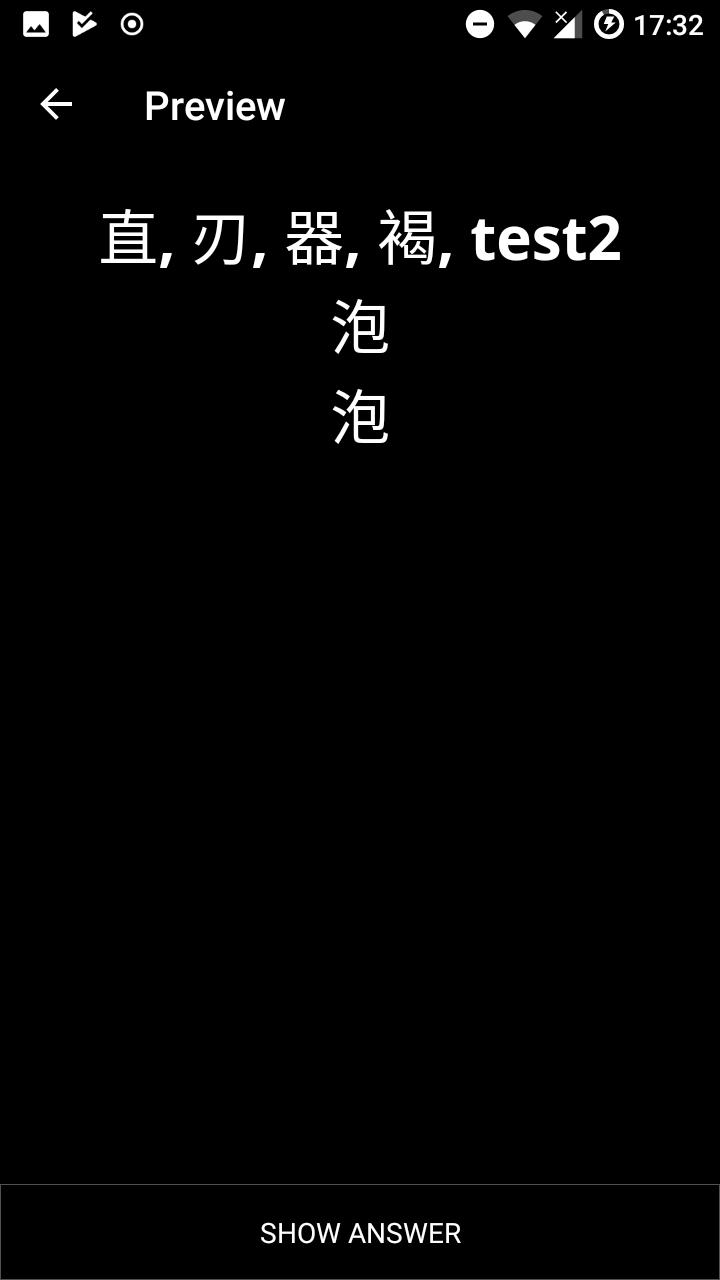
When having Japanese characters on a card and no Japanese font explicitly associated to it in the CSS, Anki uses a font that displays the characters incorrectly. It falls back to a font, which is not the system font.
Example
Create a card with a kanji that is written differently in Chinese
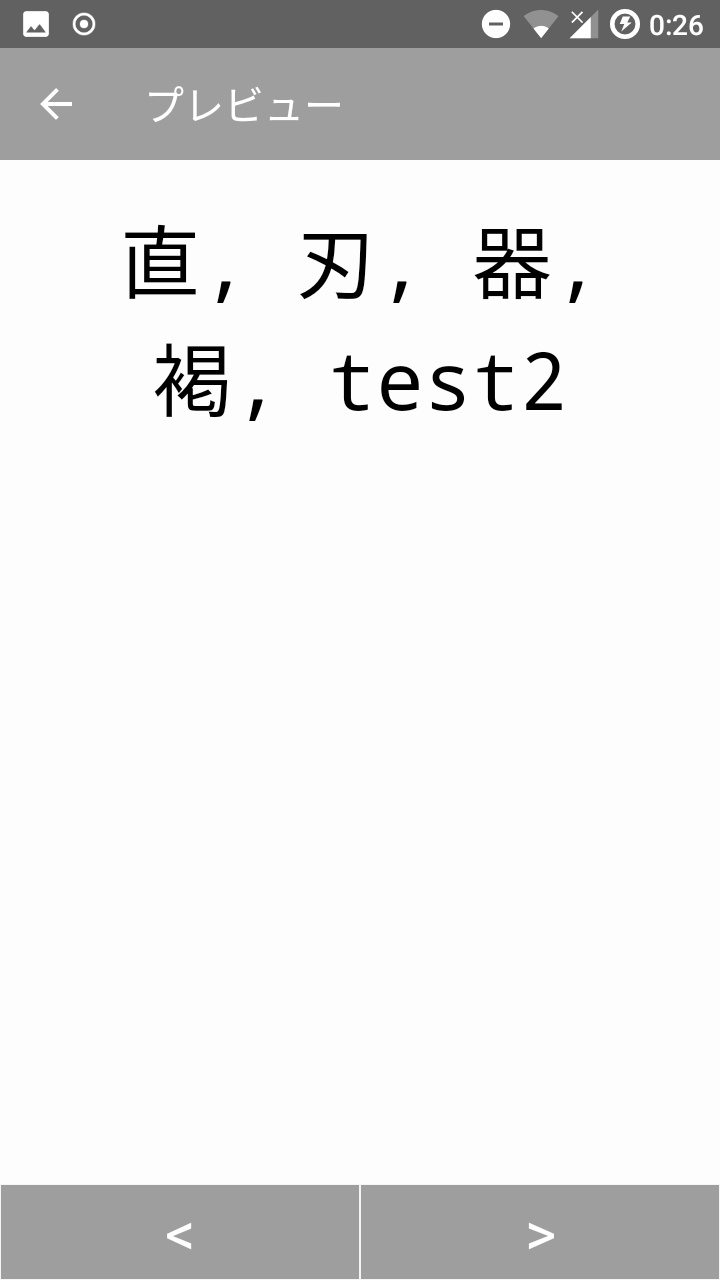
Here: 泡, other examples are 直, 刃, 器, 褐, ...
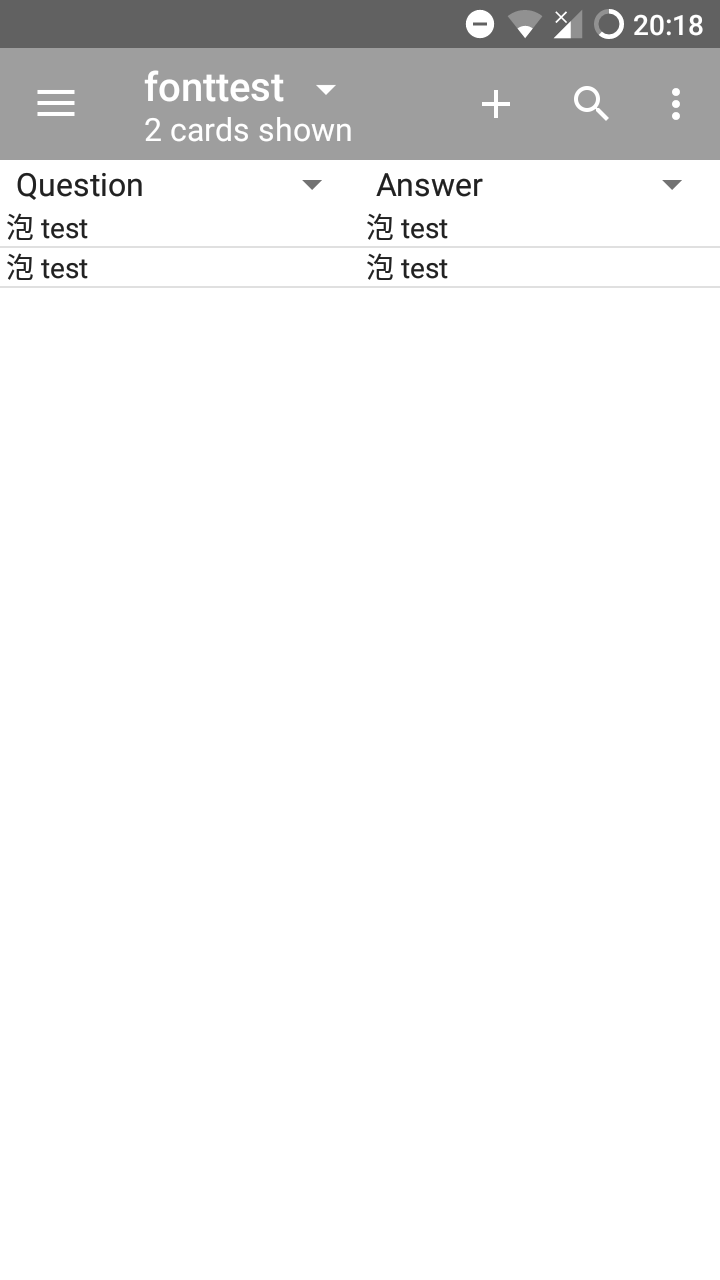
Here the correct font is used.
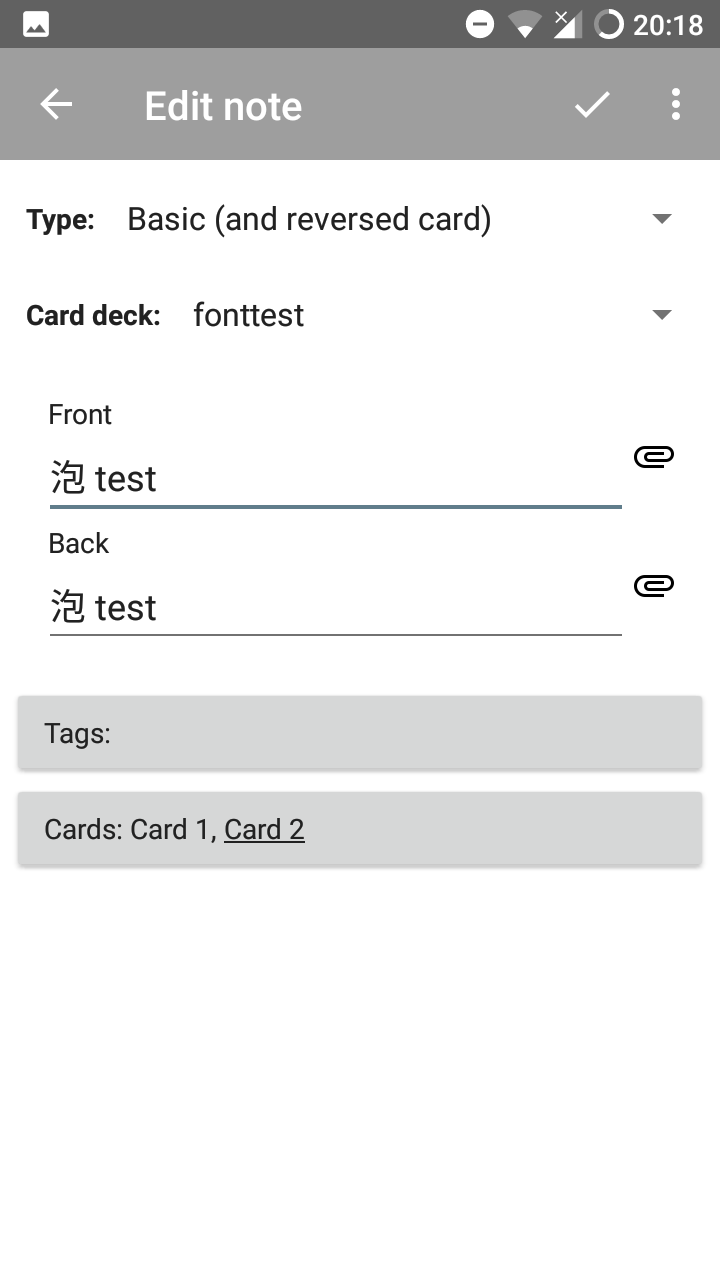
Also here.
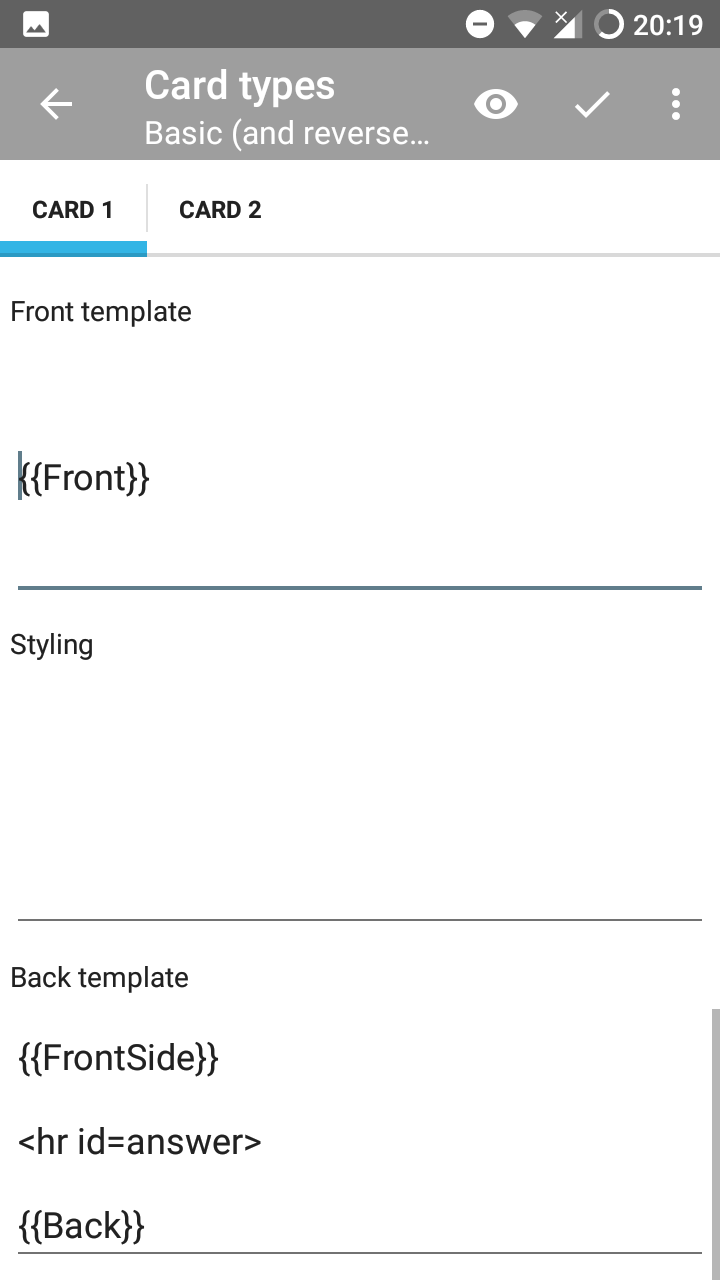
No CSS associated, so the default system font should be used.
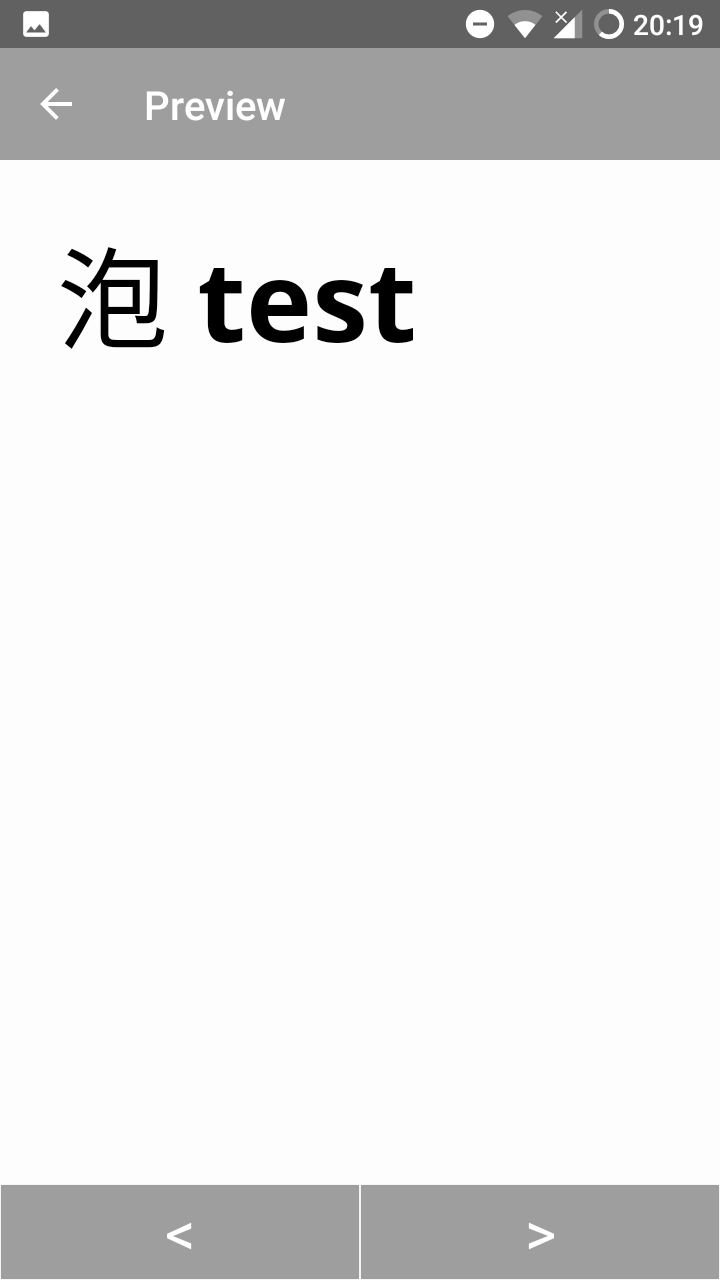
Displayed wrong due to different font.
Expected
The default system font should be used everywhere.
 ju-w
ju-w
All 13 comments
Interesting - this is the second font issue in a couple days (see also #4774) - could you specify exactly what font is your system font (the expected result) and what font you are seeing instead (if you know it)? I can see the difference visually I think but I want to be sure. Alternatively attaching a test deck with a card that has the problem and one with a font css specified that shows it correctly could help.
 mikehardy
on 24 Jan 2018
mikehardy
on 24 Jan 2018
The font that displays the Kanji correctly is the default android system font. It is used everywhere, but I don't know the name. Also I have no idea how the font fallback works internally.
The font that displays the Kanji incorrectly, I don't know, but apparently it's also some other default font.
I'm sorry I don't know the names, so I can't create CSS for it.
However I attached the deck I used to create the screenshots.
ju-w
on 24 Jan 2018
Thanks - I also dug around a little bit and it looks like "Roboto" is the default android font but it doesn't cover Japanese or Chinese symbols correctly, the "Noto" font is needed then but other people also see the behavior you describe - for example this comment and then the following one with a possible solution https://github.com/podlove/podlove-subscribe-button/issues/110#issuecomment-291902836
Not sure how we solve this here exactly but the problem description seems well done and we have a fair bit of accompanying information in the link above (and the links in that thread)
mikehardy
on 24 Jan 2018
A bit more information with some possible workarounds for you - this is apparently called the "Han Unification Problem" and it's been logged for AnkiDroid before, but long ago.
If you are Android 7+, it appears you can add Japanese to your language list and it will work correctly, if you are Android 6 or lower, you can root and install "KanjiFix (https://play.google.com/store/apps/details?id=com.ascendtv.kanjifix&hl=en)", or failing either of those you can change your system default to Japanese and it will work also I think. And of course you can install the font in your Anki media and reference it in the cards as a 4th fallback.
I'm not sure there is much else AnkiDroid the application can do but others handled this before when bug reporting was on a different platform https://groups.google.com/forum/#!topic/anki-android/bgV7eVhPZUA
mikehardy
on 24 Jan 2018
The issue is that it appears to be working everywhere, _except_ Anki WebView. Same effect here: #4774 Correct in the EditView - wrong in the WebView.
The links you mention are heavily outdated and don't represent the state of Android anymore.
Actually there are 2 possibilities:
Android.WebView is bugged and doesn't use the correct fallback font.
This could be tested by creating a minimal WebView app that does nothing but display the Characters in in question. If it fails here, it is an Android bug and we can't fix it, only find a workaround.AnkiDroid is somewhere adding a custom CSS or forcing a different fallback font.
If 1. proofs to be working correctly, this has be to the logical consequence.
I was looking through the code and found this line:
content = SmpToHtmlEntity(content);
Maybe this might be an issue? I will try some testing when I find the time for it.
ju-w
on 24 Jan 2018
Ok, so I verified it and it is indeed an issue with WebView and not with Anki itself.
Here is what I did.
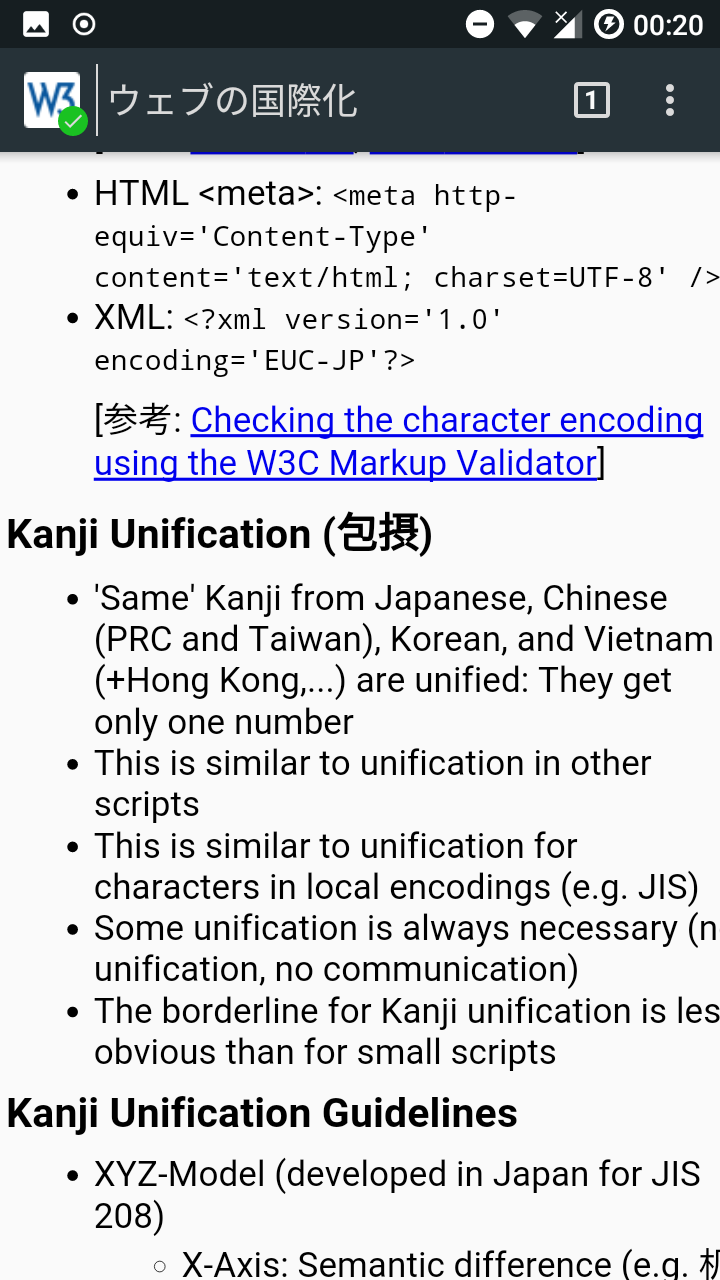
I created an app that fetches this html https://www.w3.org/People/D%C3%BCrst/SFC/2004/0418Hagino.html and displays it in a WebView.
The browser uses the correct font
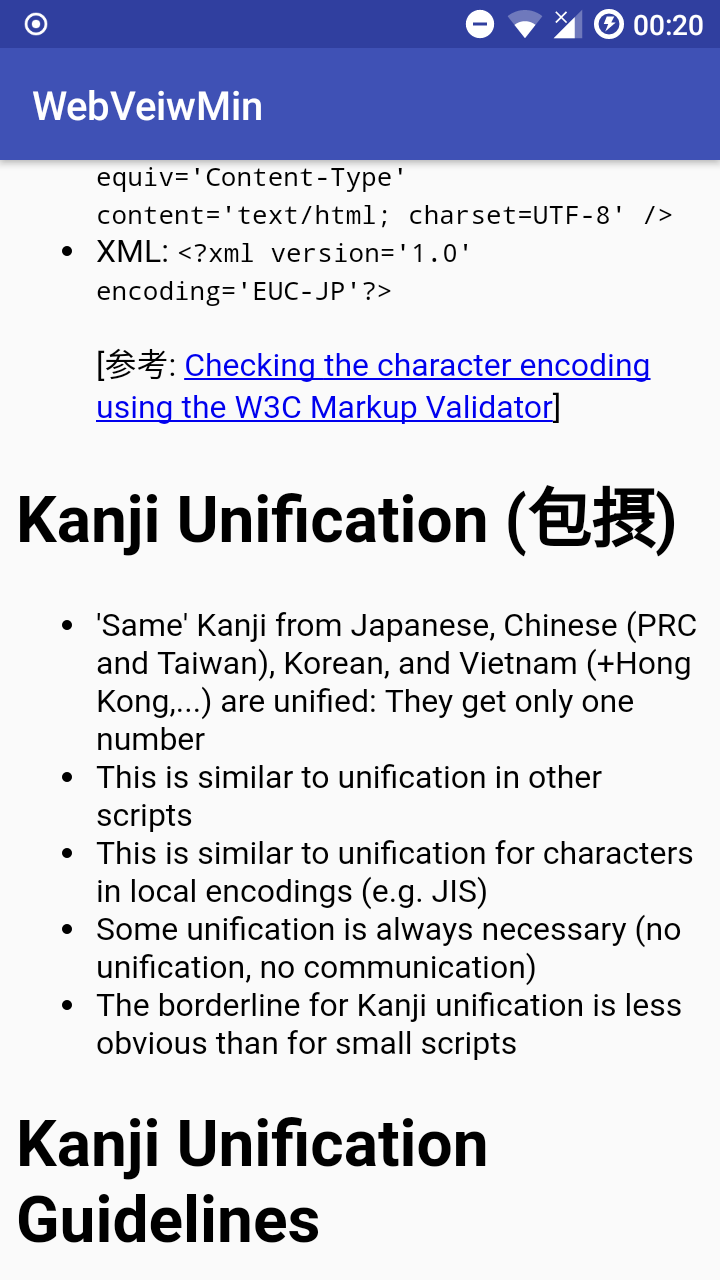
But the WebView does not
Setting Phone to Japanese
However, when I set the phone to Japanese, the WebView will also use the desired font:

This is an annoying issue, but apparently nothing we can do against it.
WebVeiw also ignores lang="jp" in the html
Tested from Android 7.1.2
ju-w
on 26 Jan 2018
Shame there is no easy fix, but fantastic troubleshooting
mikehardy
on 26 Jan 2018
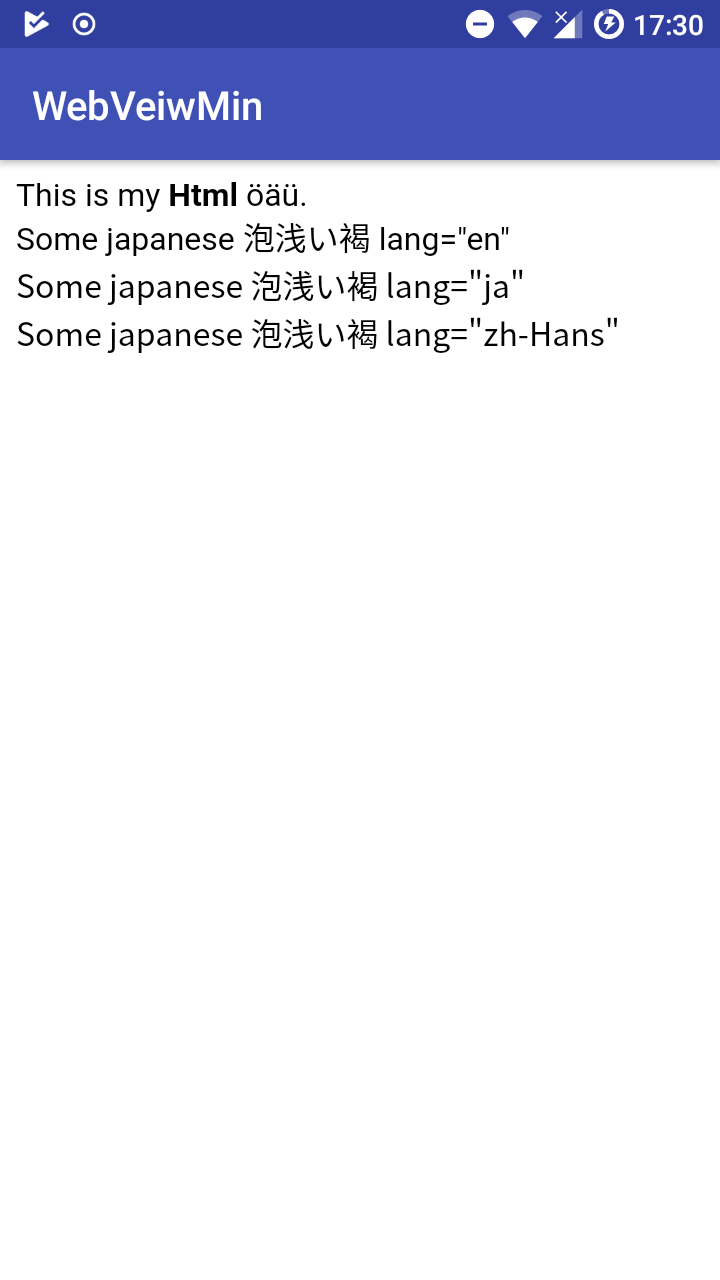
Actually, WebView does respect the lang="ja" Tag (not "jp").
When I load this html into WebView:
<html>
<style>
</style>
<body>This is my <b>Html</b> öäü.
<div lang="en"> Some japanese 泡浅い褐 lang="en"<div />
<div lang="ja"> Some japanese 泡浅い褐 lang="ja"<div />
<div lang="zh-Hans"> Some japanese 泡浅い褐 lang="zh-Hans"<div />
</body>
</html>
It dispays it correctly:
However, Anki does not respect it.
This is a bug in Anki itself that should be fixed.
ju-w
on 26 Jan 2018
Ok, I don't know what I did wrong 2 days ago, but wrapping everything with a <span lang="ja">...</span> actually does work flawlessly.
All good here now.
ju-w
on 29 Jan 2018
I just would like to suggest that the described workaround with the lang="ja" tag should be added to the manual. Since Ankidroid uses Googles default font (which still shows Chinese instead of Japanese characters) all users who learn Kanji on Ankidroid will see wrong characters! (As for me, I'm glad that I just found this entry here, which solved this problem)
 Anthropos888
on 10 Dec 2018
Anthropos888
on 10 Dec 2018
@Anthropos888 you are correct, also this may help people that are using web fonts for Japanese (possibly because of this?) and experiencing slow performance #4856
It appears you can quickly generate an edit to 'manual.asc' (the file that renders to the manual) and request a review+merge of your changes using the pencil / edit button here: https://github.com/ankidroid/ankidroiddocs/blob/master/manual.asc
mikehardy
on 10 Dec 2018
In case users have a complex note template, this JavaScript would effect the whole card, not just a single div or span:
document.getElementsByTagName('html')[0].setAttribute('lang', 'ja');
The appearance of English text will not be influenced by this, so I think it's safe to use it for the whole card.
When I have time I can send a suggestion for the manual via your link
Anthropos888
on 10 Dec 2018
Please also check if you've installed the system language Japanese.
This works. System languages:
- English
- Japanese
This will causes error:
- English
- Chinese
- Japanese
The order of system languages matter.
 nakari123
on 15 Aug 2019
nakari123
on 15 Aug 2019
Related issues
 snowtimeglass
·
5Comments
snowtimeglass
·
5Comments
 Acelya-9028
·
4Comments
Acelya-9028
·
4Comments
 OoDeLally
·
4Comments
OoDeLally
·
4Comments
 david-allison-1
·
4Comments
david-allison-1
·
4Comments
 littlefoodt
·
4Comments
littlefoodt
·
4Comments